Simplify your asset depreciation with Xero software
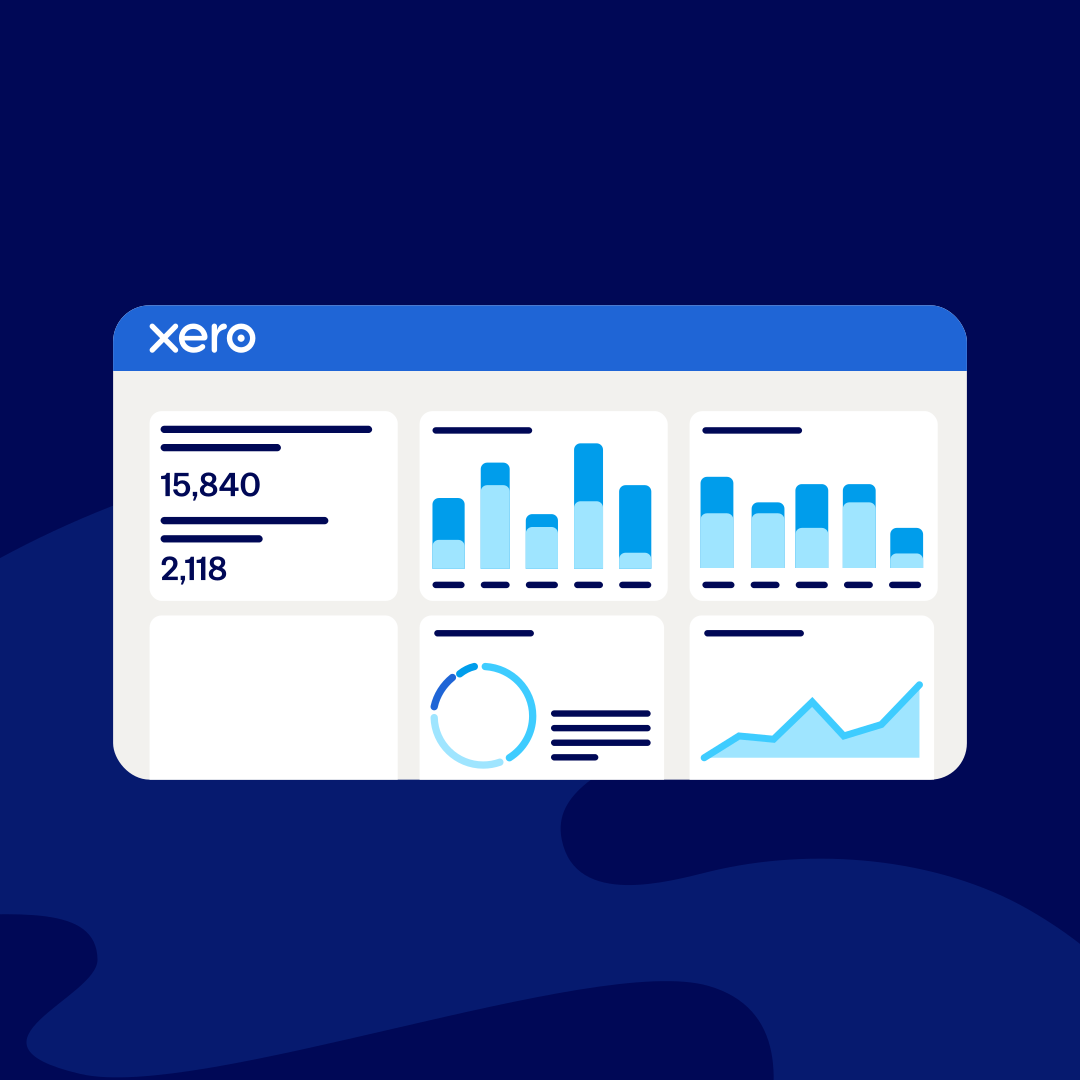
Xero helps you manage and depreciate your business assets, including software. Choose to depreciate fixed assets using the straight line, declining balance, or full depreciation on purchase methods, and let Xero calculate depreciation automatically. You get reliable numbers and easier compliance.

Track every asset in Xero
With Xero, you can monitor your assets and liabilities using the Balance Sheet. Track each asset’s depreciation and see the details of assets that were sold or disposed of. And after retiring an asset or selling it, watch as Xero makes the adjustments for you.
- Automatic calculations keep your records accurate
Automate fixed asset depreciation in Xero
You and your advisors can collaborate online by looking at the same set of up-to-date numbers
Minimize your depreciation admin
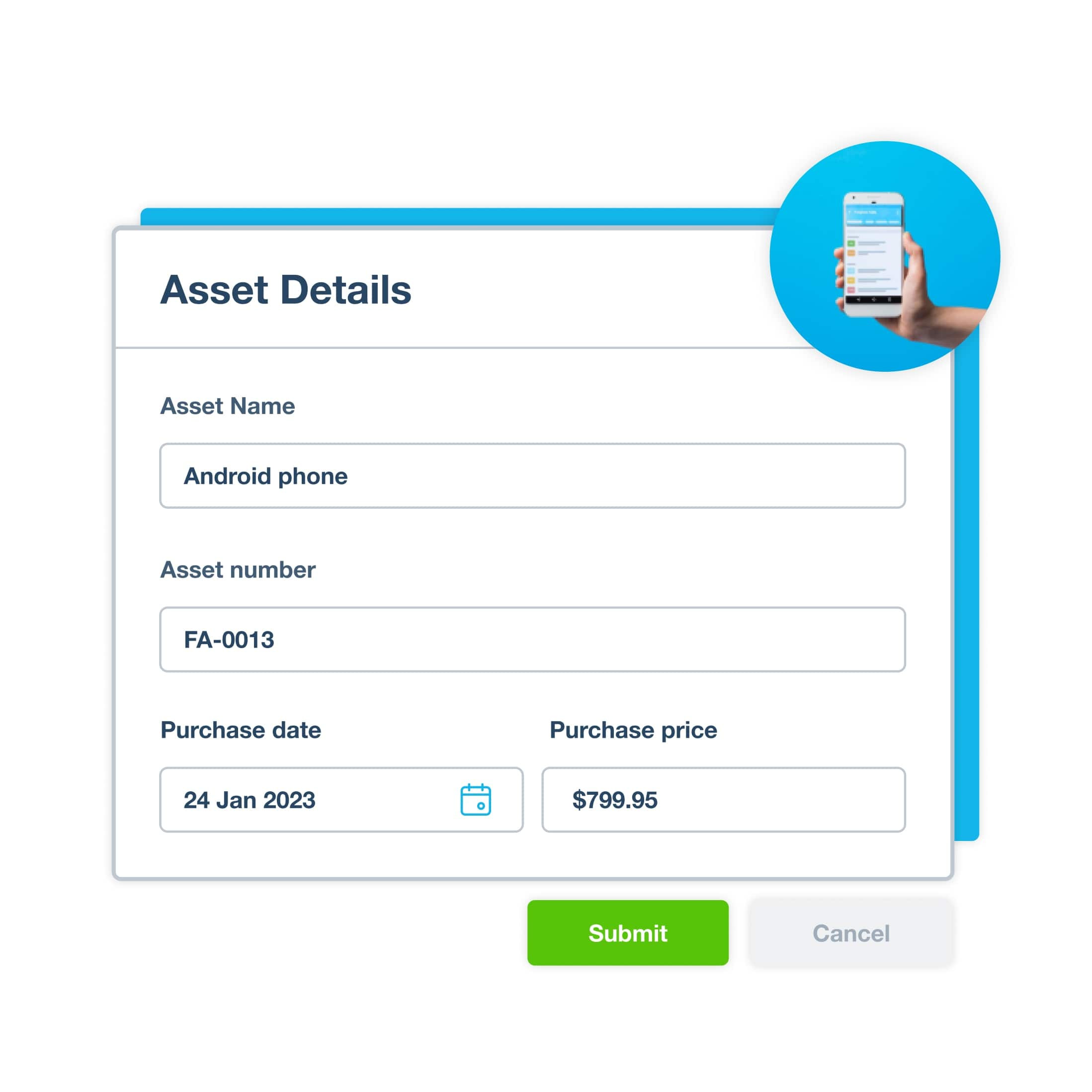
Want to save hours? Xero automates the admin to give you fast, efficient workflows. Add new assets with key details. Choose the depreciation method that matches your accounting needs. Then let Xero calculate depreciation and use the Depreciation Schedule to view the depreciation posted in Xero.
- Add fixed assets directly to the register, or create one from a purchase transaction
Use the straight-line or diminishing value depreciation method
Get up-to-date numbers for your financial reports so you're always ready for stakeholder meetings
Use the depreciation method that suits you
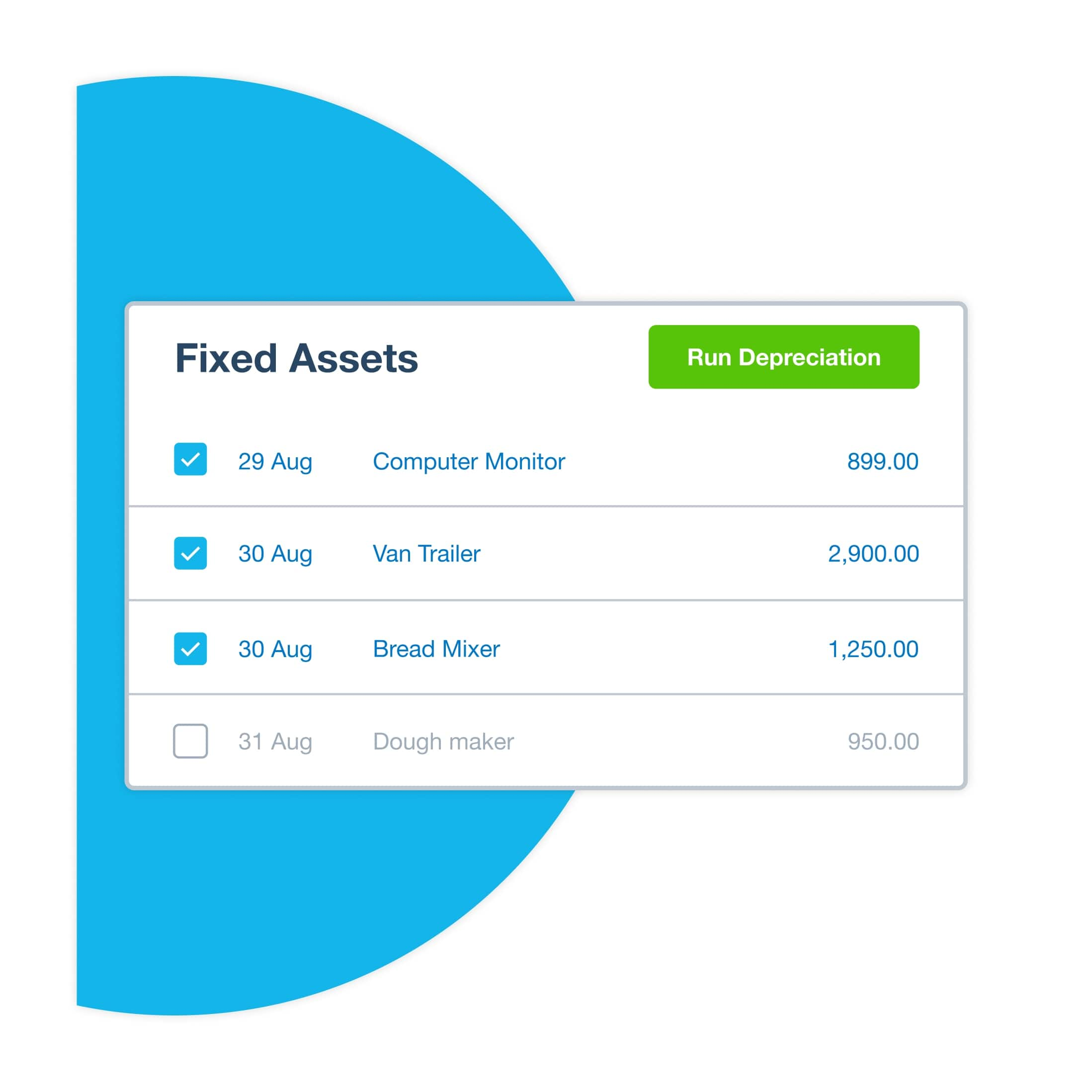
Xero lets you choose how to calculate the depreciation of your fixed assets. This means you can set up your Xero organization to support your specific tax and accounting requirements.
- Choose the straight-line or diminishing value method
Write off the asset cost with a full depreciation on purchase
Customize asset life, residual value, and depreciation rates for each asset

Xero guides on assets and depreciation for your small business
Just started your business? Here’s straight-talking advice on how to set up your assets.
Master your business finances: Assets vs. liabilities explained
Understanding assets vs liabilities helps you make better financial decisions and grow your business.
What is accumulated depreciation? How to calculate and record it
Learn what accumulated depreciation is, how to calculate and record it, and how it affects your financial statements.
Straight-line depreciation explained
Learn the straight-line depreciation formula, follow a worked example, and build a schedule for your assets.


Smooth your IRS compliance
Automate fixed asset and software depreciation with Xero. How? Run the Tax Depreciation Schedule to show tax depreciation and fixed asset values for your registered fixed assets. And its built-in compliance features help you sail through your financial year-end admin.
- Have peace of mind with IRS-compliant depreciation and real-time reporting
Export reports to print or save, or share live reports with your accountant
Register fixed assets individually or in bulk so you can run depreciation on them

Get insights from your reports and analytics
Better understand how your asset depreciation affects your business with Xero's digital reporting and analytics tools. Run the depreciation schedule to see your fixed assets, movements and depreciation values, and run the Balance Sheet to see your organization’s financial position.

FAQs on Xero’s asset depreciation software
Xero calculates depreciation using straight line, declining balance, or full depreciation on purchase methods, and you can use the Depreciation Schedule to review the depreciation that's been posted in Xero. It bases the calculations on each asset's purchase price, depreciation method, effective life, and residual value. This helps keep your financial data accurate and up to date.
Xero calculates depreciation using straight line, declining balance, or full depreciation on purchase methods, and you can use the Depreciation Schedule to review the depreciation that's been posted in Xero. It bases the calculations on each asset's purchase price, depreciation method, effective life, and residual value. This helps keep your financial data accurate and up to date.
You can choose between the straight-line and diminishing value methods, and then customize each asset's useful life and residual value to fit your business needs. You can also write off the total asset cost with a full depreciation on purchase.
Here’s more info on how Xero calculates depreciationYou can choose between the straight-line and diminishing value methods, and then customize each asset's useful life and residual value to fit your business needs. You can also write off the total asset cost with a full depreciation on purchase.
Here’s more info on how Xero calculates depreciationYes – Xero supports fixed asset and software depreciation. Just record the asset, choose the depreciation method, and let Xero handle the rest. If you're not sure, ask accountant to identify all the intangible assets you can depreciate.
Yes – Xero supports fixed asset and software depreciation. Just record the asset, choose the depreciation method, and let Xero handle the rest. If you're not sure, ask accountant to identify all the intangible assets you can depreciate.
Certainly! Xero generates depreciation schedules and tax depreciation reports, with customizable reporting and IRS-compliant depreciation for US small businesses.
Certainly! Xero generates depreciation schedules and tax depreciation reports, with customizable reporting and IRS-compliant depreciation for US small businesses.
Xero's fixed assets register lets you register fixed assets and record the disposal of an asset you've sold or donated.
Here’s more about tracking transactions with XeroXero's fixed assets register lets you register fixed assets and record the disposal of an asset you've sold or donated.
Here’s more about tracking transactions with Xero
Pay your bills at no extra cost
Free standard ACH bill payments are now included in Xero business plans.*
Early
for the first 6 months
Then $27 per month
An easy financial foundation - track cash flow with the essentials.
- Send quotes and 20 invoices†
- Accept online invoice payments^
- 5 bills
- Reconcile bank transactions
- Smart Document Capture
- View real-time reports
- W-9 + 1099 management
- Sales tax
- Visualize performance with basic graphs
- 30 day cash flow forecast
- Make online bill payments (Domestic - Free ACH)
- Make online bill payments (Cross Border)

Growing
for the first 6 months
Then $59 per month
Go beyond the basics - automate tasks and access performance dashboards.
- Send invoices and quotes
- Accept online invoice payments^
- Automate bill entry and track bills
- Reconcile bank transactions
- Smart Document Capture
- View real-time reports
- W-9 + 1099 management
- Sales tax
- Visualize performance with graphs
- 60 day cash flow forecast
- Make online bill payments (Domestic - Free ACH)
- Make online bill payments (Cross Border)
- Customize performance dashboards
- Tailored financial health scorecards
- Budget with smart suggestions
- Auto-reconcile transactions
Forecast with clarity
Forecast with clarity
Established
for the first 6 months
Then $97 per month
Future proof your scaling business - with advanced tools and analytics.
- Send invoices and quotes
- Accept online invoice payments^
- Automate bill entry and track bills
- Reconcile bank transactions
- Smart Document Capture
- View real-time reports
- W-9 + 1099 management
- Sales tax
- Visualize performance with graphs
- 180 day cash flow forecast
- Make online bill payments (Domestic - Free ACH)
- Make online bill payments (Cross Border)
- Customize performance dashboards
- Tailored financial health scorecards
- Analyze KPIs and ratios
- Use multiple currencies
- Track time and costs for projects
- Employee expense and mileage claims
- Benchmark against the industry
- Make online bill payments (International)
- Budget with smart suggestions
- Auto-reconcile transactions