Accept online payments to help get paid fast
Want to make it super easy for customers to pay you? Add a Pay now button to your invoices. Give customers a choice of popular payment options like credit card and direct debit, and use Stripe, GoCardless, or other trusted online payment services.
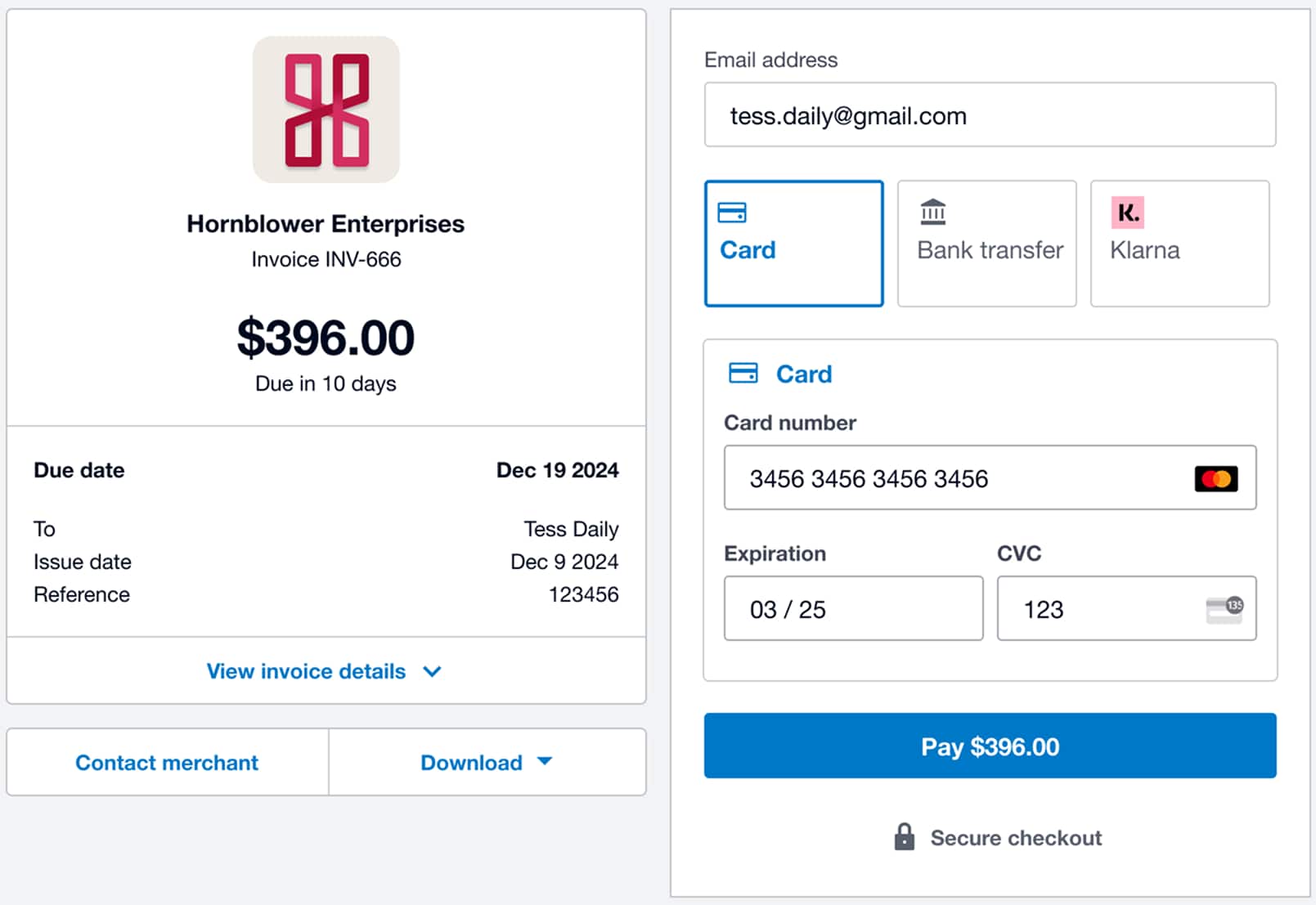
Collect payments online without the admin
Running your small business is easier when you accept payments online from invoices or your website via a trusted online payment service.
Speed up invoice payments
Add a Pay now button to invoices to collect payments online and get paid faster with automatic reconciliation in Xero.
Flexible ways to pay
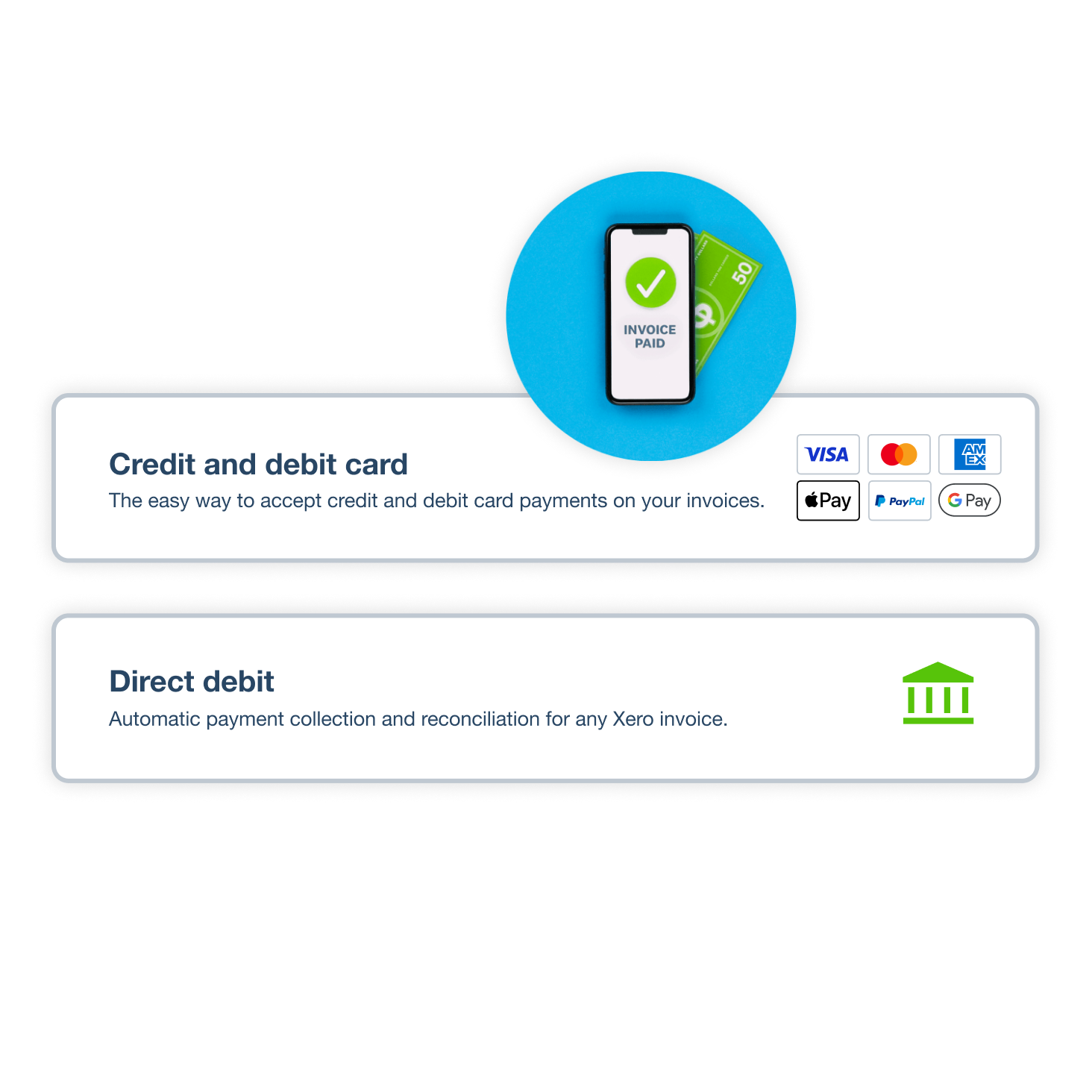
Offer customers their preferred methods, accept credit card and ACH payments online through Stripe or GoCardless.
Say reconciled automatically
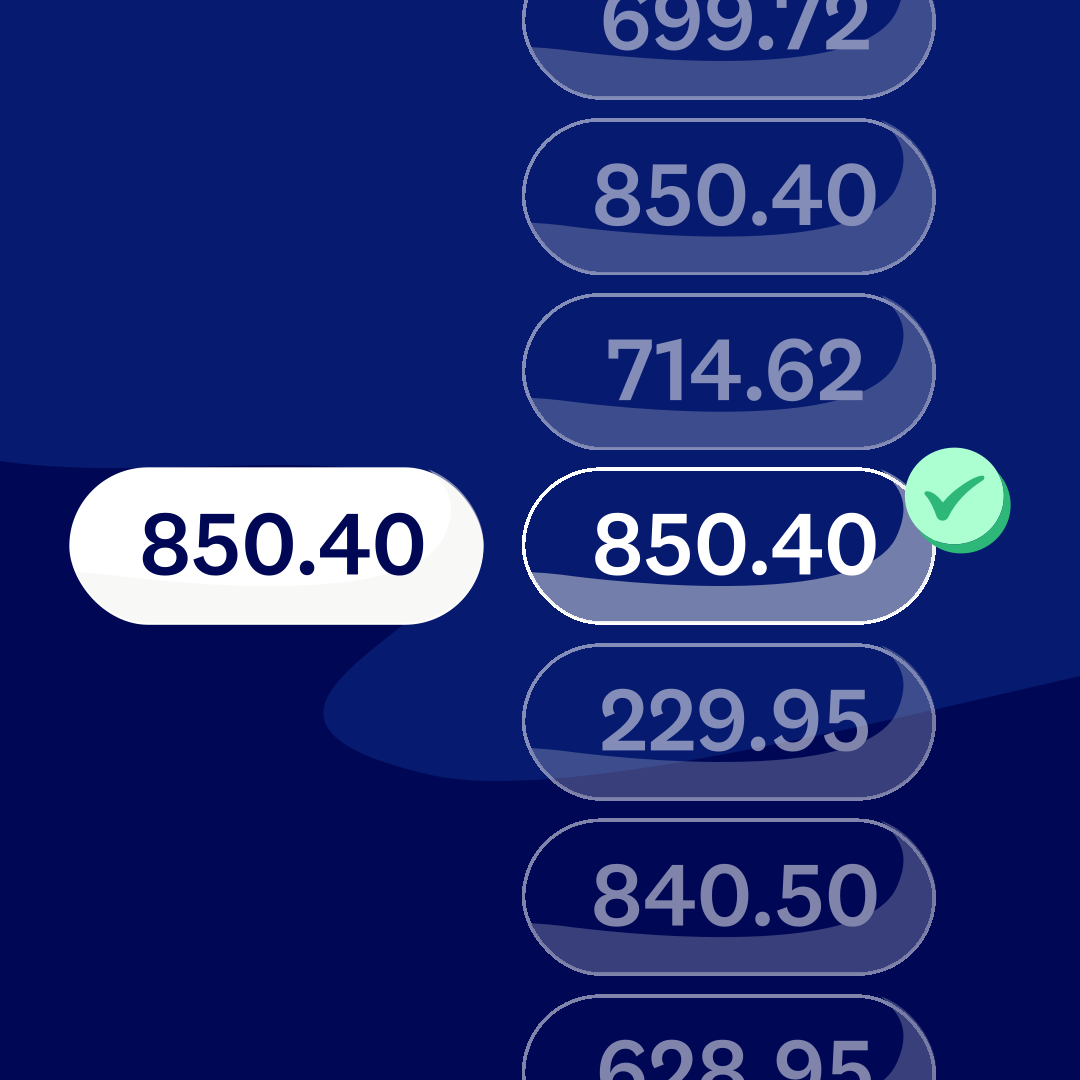
Payments flow through online invoice payment processing and auto-reconcile in Xero.
Let customers pay the way they want
It's true: 86% of customers say they prefer to pay via credit and debit card – so let your customers pay how they want. By offering online invoice payment options with Stripe or GoCardless, you're more likely to get paid faster.
- Use Stripe to accept online payments by credit and debit cards, digital wallets, Klarna, ACH Debit, and more
- Accept in-person payments on the spot, via Stripe, using your mobile and the Xero Accounting app
- Use GoCardless to automate recurring payments by ACH Direct Debit.
Did you know:
81% of Xero customers agree Xero's online payments help them get paid on time. Add online payments to your invoices.
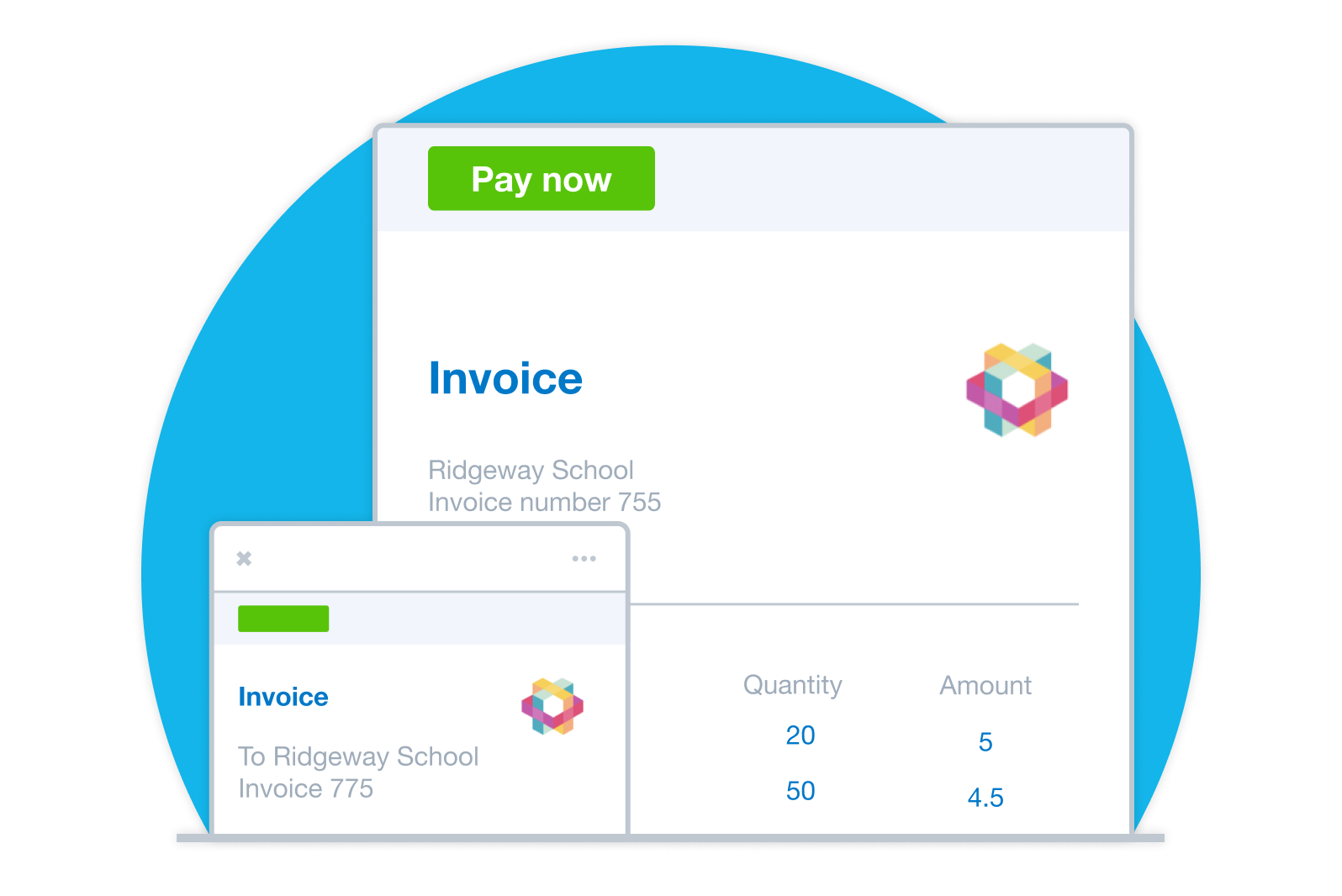
Add a Pay now button to your invoices
Set up online payments and your customers can pay you straight from their invoices. They can pay in fewer steps using secure options for paying online. And you probably won't need to chase them for a late payment!
- Schedule friendly reminders and let online invoice payment processing reconcile payments automatically in your books.
- It's easy to add the Pay now button to your online invoices
- Customers just click or tap the button to make the payment directly from the invoice
- By saving your customers time, you'll increase their satisfaction and loyalty
Use invoice templates:
Personalize invoices and add a Pay now button with your logo and message.
Fewer steps to pay:
Send invoices or share a link to view the invoice online so customers can pay with a click.
Automate the follow-up:
Spend less time following up and more time planning your cash flow.
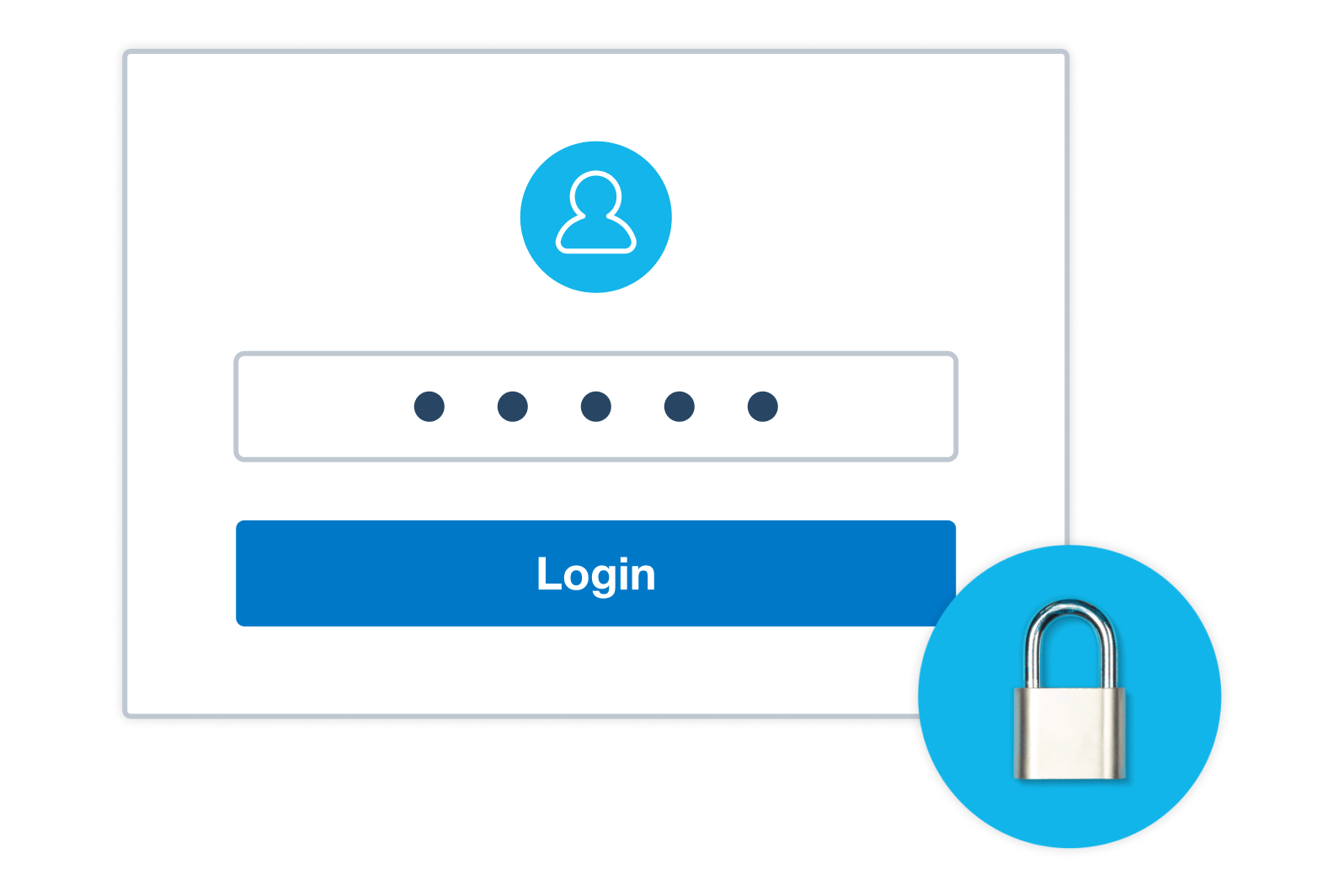
Keep your online payments secure
Xero works with trusted providers to give you and your customers full confidence in the payments process.
Built-in fraud protection
Trusted payment providers use fraud detection tools, and authentication may be required in some regions to help make payments more secure.
Tamper-resistant invoices
Online invoices are harder to alter than PDFs and include an audit trail.
ISO 27001 security standard compliance
Xero meets the international standard for security management systems.
Multiple layers of protection for your data
This includes multi-factor authentication and encryption when your data is stored and transferred.
Let customers Tap to Pay
See your customers in person? Accept card payments on the spot with Tap to Pay, powered by Stripe. There's no messing around with invoices – just take the payment right there and then. Simple!
- No physical terminal needed – accept business payments with the Xero Accounting app on your mobile
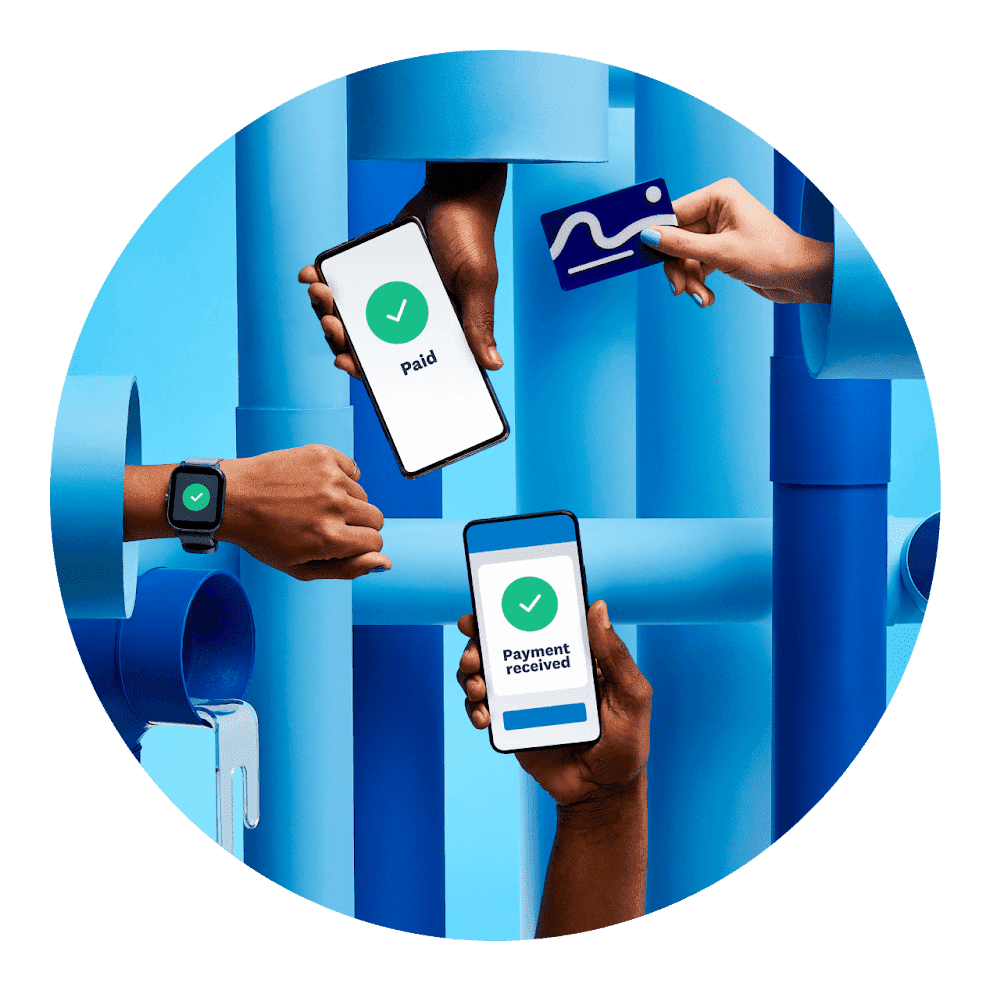
- Your customers can pay using a physical card, digital wallet, a smartwatch, or another wearable device
- Getting paid sooner boosts your cash flow and saves you from chasing unpaid invoices

Take payments from your ecommerce store
If you sell on Amazon or Shopify, upgrade your Xero subscription to include Xero Inventory Plus so you can sync products, orders and inventory with Xero.
- Keep all your data in one place with Xero
- Track your profit or loss on your Xero dashboard, and keep your financial records up to date for tax time.
Pay your bills at no extra cost
Free standard ACH bill payments are now included in Xero business plans.*
Early
for the first 6 months
Then $27 per month
An easy financial foundation - track cash flow with the essentials.
- Send quotes and 20 invoices†
- Accept online invoice payments^
- 5 bills
- Reconcile bank transactions
- Smart Document Capture
- View real-time reports
- W-9 + 1099 management
- Sales tax
- Visualize performance with basic graphs
- 30 day cash flow forecast
- Make online bill payments (Domestic - Free ACH)
- Make online bill payments (Cross Border)

Growing
for the first 6 months
Then $59 per month
Go beyond the basics - automate tasks and access performance dashboards.
- Send invoices and quotes
- Accept online invoice payments^
- Automate bill entry and track bills
- Reconcile bank transactions
- Smart Document Capture
- View real-time reports
- W-9 + 1099 management
- Sales tax
- Visualize performance with graphs
- 60 day cash flow forecast
- Make online bill payments (Domestic - Free ACH)
- Make online bill payments (Cross Border)
- Customize performance dashboards
- Tailored financial health scorecards
- Budget with smart suggestions
- Auto-reconcile transactions
Forecast with clarity
Forecast with clarity
Established
for the first 6 months
Then $97 per month
Future proof your scaling business - with advanced tools and analytics.
- Send invoices and quotes
- Accept online invoice payments^
- Automate bill entry and track bills
- Reconcile bank transactions
- Smart Document Capture
- View real-time reports
- W-9 + 1099 management
- Sales tax
- Visualize performance with graphs
- 180 day cash flow forecast
- Make online bill payments (Domestic - Free ACH)
- Make online bill payments (Cross Border)
- Customize performance dashboards
- Tailored financial health scorecards
- Analyze KPIs and ratios
- Use multiple currencies
- Track time and costs for projects
- Employee expense and mileage claims
- Benchmark against the industry
- Make online bill payments (International)
- Budget with smart suggestions
- Auto-reconcile transactions
Why businesses love Xero online payments
Fast for customers, less admin for you and built to scale as you grow.
Less time chasing payments
"Pay now" and automated reminders help you get payments online faster.
Happier customers
Secure online payment options let customers pay straight from invoices by card or ACH/direct debit.
Ready to scale
Going global? Our online payment services make cross-border payments easy, so you reach new markets.
G2
Connery J
G2
Katherine
G2
Verified user
Accounting software for your US small business
Smoothly manage your financial admin online with Xero. Its powerful features are simple to use, from creating invoices and accepting mobile payments to reconciling your books. With Xero, it's simple.
- Keep all your data in one place
- Connect to your bank
- Collaborate in real time
- Grow your Xero organization with your business

FAQs on Xero's accounting system for small businesses
Choose a payment service to accept credit and debit card payments. For example, Stripe is a leading provider that works with Xero. When you sign up to Stripe (from within your Xero organization), a Pay now button appears on your invoices and customers can choose a payment method.
Choose a payment service to accept credit and debit card payments. For example, Stripe is a leading provider that works with Xero. When you sign up to Stripe (from within your Xero organization), a Pay now button appears on your invoices and customers can choose a payment method.
When your customer receives a Xero invoice, they can pay using one of the payment methods you've enabled. Xero then sends the payment information via an online payment gateway to the customer's bank, which checks their identity and available funds before the payment. Xero then reconciles this amount in your books automatically, so your financial records are up to date without you doing anything.
When your customer receives a Xero invoice, they can pay using one of the payment methods you've enabled. Xero then sends the payment information via an online payment gateway to the customer's bank, which checks their identity and available funds before the payment. Xero then reconciles this amount in your books automatically, so your financial records are up to date without you doing anything.
Very! Xero works with trusted payment providers like Stripe and GoCardless to look after your customer data. Xero software itself uses multiple layers of security, including multi-factor authentication, to help prevent fraud and data breaches.
Very! Xero works with trusted payment providers like Stripe and GoCardless to look after your customer data. Xero software itself uses multiple layers of security, including multi-factor authentication, to help prevent fraud and data breaches.
Yes – you can issue refunds in Xero by creating a credit note, overpayment or a prepayment transaction. You just apply a cash transaction to this before Xero reconciles the amount with your bank statement. Here's more on processing refunds with Xero.
Yes – you can issue refunds in Xero by creating a credit note, overpayment or a prepayment transaction. You just apply a cash transaction to this before Xero reconciles the amount with your bank statement. Here's more on processing refunds with Xero.
Check out the ‘I want to pay that way’ report
Learn how consumers and small businesses around the world make and collect payments.
Read the report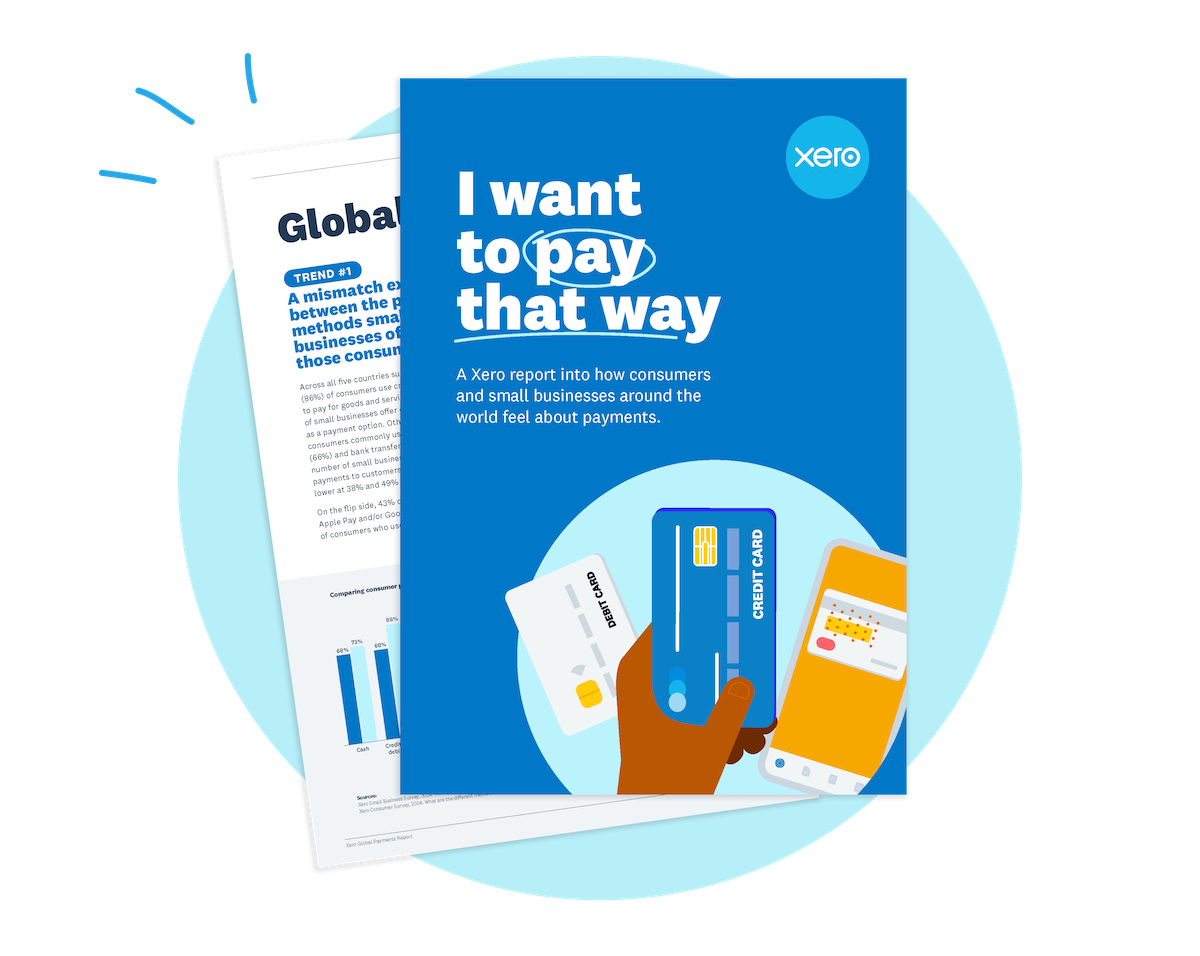
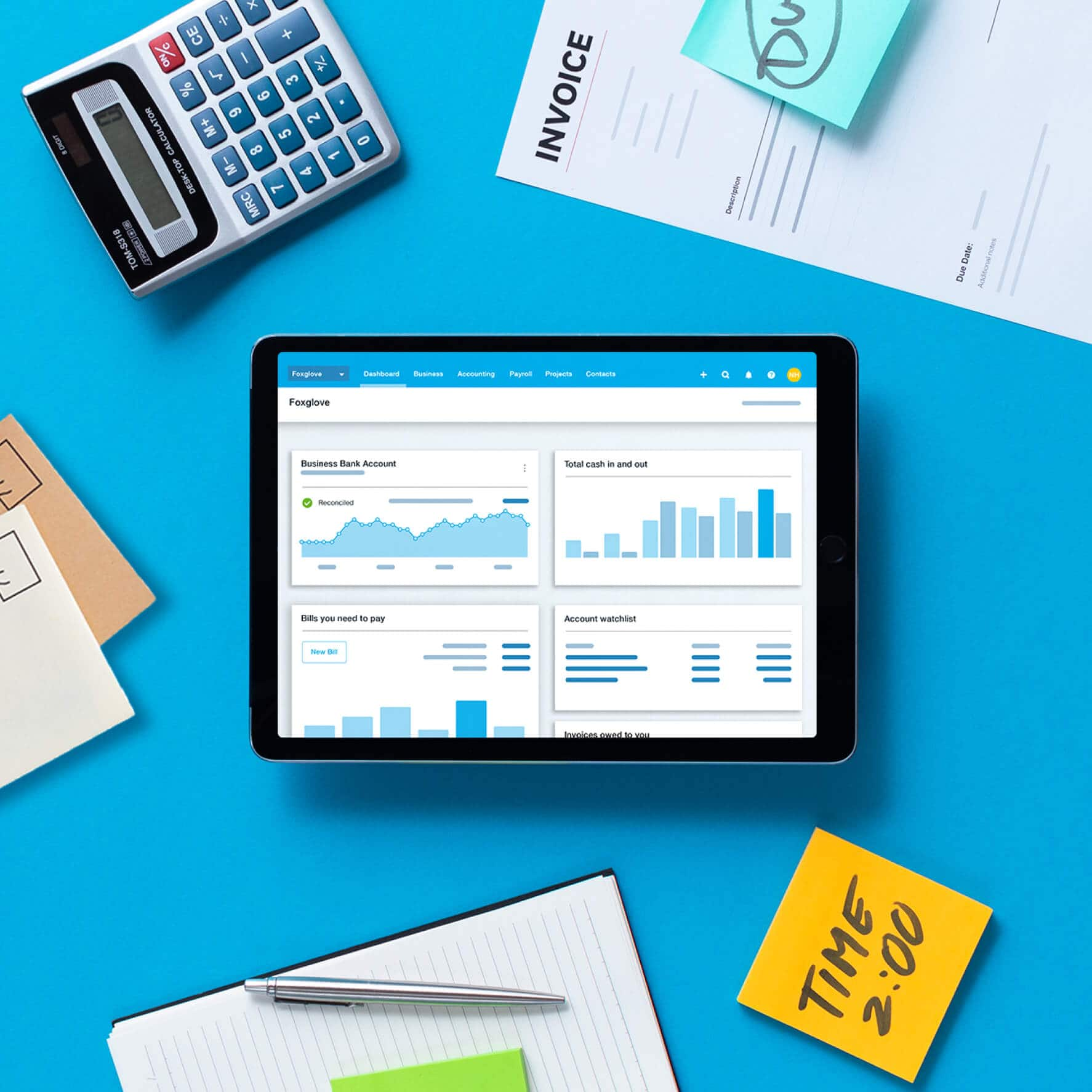
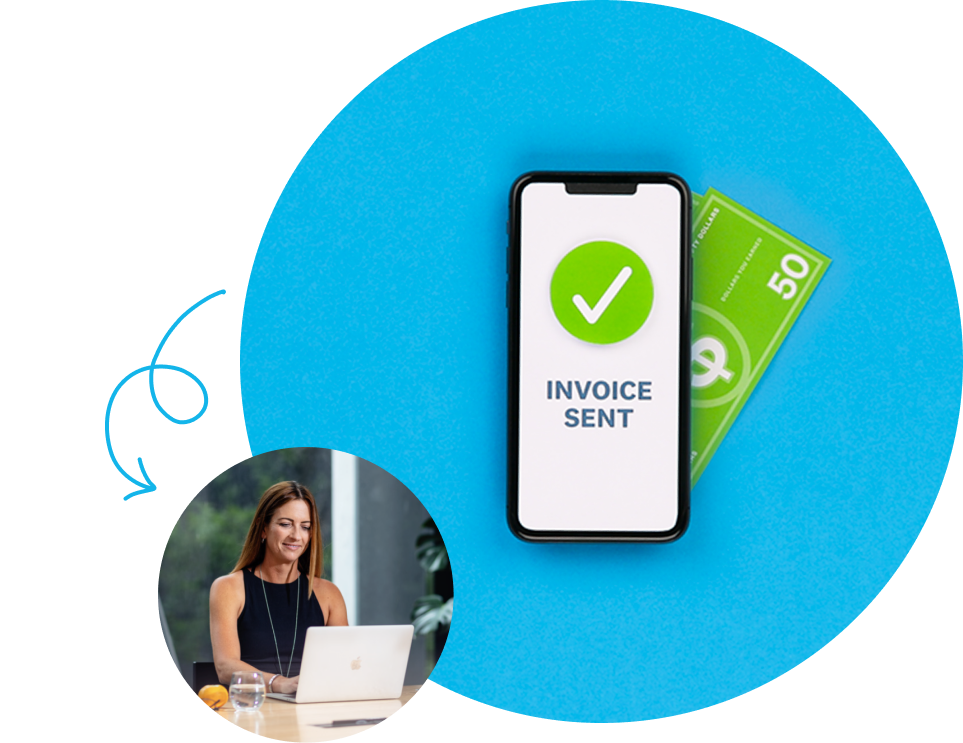
See how online payments give customers more ways to pay and help you get paid faster
Get paid now? Yes please.
Start accepting online payments
Here’s everything you need to know to start accepting payments from your customers and making them to your suppliers and employees.See all payments guides.
- Guide
What is an invoice? Definition, types, and how to create one
Learn what an invoice is, the different types, and how to create one that gets you paid on time.
- Guide
Small business payroll: a complete guide for 2026
Learn how to set up and run payroll for your small business, from choosing the right method to staying compliant with tax requirements.
- Guide
Accounts receivable process: 7 steps to get paid faster
Learn how the accounts receivable process helps you get paid faster and improve cash flow.

Xero reserves the right to change pricing at any time. All prices are listed in USD and do not include applicable taxes. Taxes will be calculated based on your billing address before you enter your payment information. Your monthly recurring total will be updated accordingly in the following steps. Xero subscriptions auto-renew monthly until they are cancelled. If you later decide to change to a less expensive plan you can do so 1 month after upgrading.
*New customers get 90% off for the first 6 months, then Xero’s regular price will apply and auto-renew monthly until cancelled as described in our Terms of Use. Only available to customers in the United States purchasing their first organization on xero.com. Offer available until 11:59pm UTC on November 2, 2026 using code DC90626310US. Discount applies to base Early, Growing, Established plan subscriptions and does not apply to any additional charges for add‑ons, usage and payment fees, unless otherwise specified. This offer cannot be used with, or exchanged for, any other offer. Xero can change or cancel this offer at any time.
†Invoice limits for the Early plan apply to both approving and sending invoices. Transactions initiated by app partners may automatically contribute to your invoice limit.
^Payment fees apply to the use of online invoice payments. See here for more information.
**Median payment times of invoices with a payment service included and sent via SMS by customers using Xero in US from 9/1/2024 to 3/31/2025 (compared to invoices sent by email and without payment service included).
a. ††Payment fees may apply to the use of online bill payments. Standard ACH payments are included in Xero Early, Growing and Established plans (fees apply for other payment methods). Included payments apply to standard ACH payments in USD and excludes same day ACH, international or cross border payments. Any payment fees are in addition to your Xero monthly subscription amount and are not eligible for subscription discounts and offers. Fees exclude applicable taxes. See here for more information.
Xero reserves the right to change pricing at any time. All prices are listed in USD and do not include applicable taxes. Taxes will be calculated based on your billing address before you enter your payment information. Your monthly recurring total will be updated accordingly in the following steps. Xero subscriptions auto-renew monthly until they are cancelled. If you later decide to change to a less expensive plan you can do so 1 month after upgrading.
*New customers get 90% off for the first 6 months, then Xero’s regular price will apply and auto-renew monthly until cancelled as described in our Terms of Use. Only available to customers in the United States purchasing their first organization on xero.com. Offer available until 11:59pm UTC on November 2, 2026 using code DC90626310US. Discount applies to base Early, Growing, Established plan subscriptions and does not apply to any additional charges for add‑ons, usage and payment fees, unless otherwise specified. This offer cannot be used with, or exchanged for, any other offer. Xero can change or cancel this offer at any time.
†Invoice limits for the Early plan apply to both approving and sending invoices. Transactions initiated by app partners may automatically contribute to your invoice limit.
^Payment fees apply to the use of online invoice payments. See here for more information.
**Median payment times of invoices with a payment service included and sent via SMS by customers using Xero in US from 9/1/2024 to 3/31/2025 (compared to invoices sent by email and without payment service included).
a. ††Payment fees may apply to the use of online bill payments. Standard ACH payments are included in Xero Early, Growing and Established plans (fees apply for other payment methods). Included payments apply to standard ACH payments in USD and excludes same day ACH, international or cross border payments. Any payment fees are in addition to your Xero monthly subscription amount and are not eligible for subscription discounts and offers. Fees exclude applicable taxes. See here for more information.
*Fees apply for other payment methods.