Business budgeting software that works with your books
Manual budgeting in spreadsheets is slow, error-prone and hard to keep current. Xero business budgeting software fixes that. It builds budgeting into your accounting, so your budgets sit beside actual figures, update as money moves, and show variance at a glance. No need for separate tools.
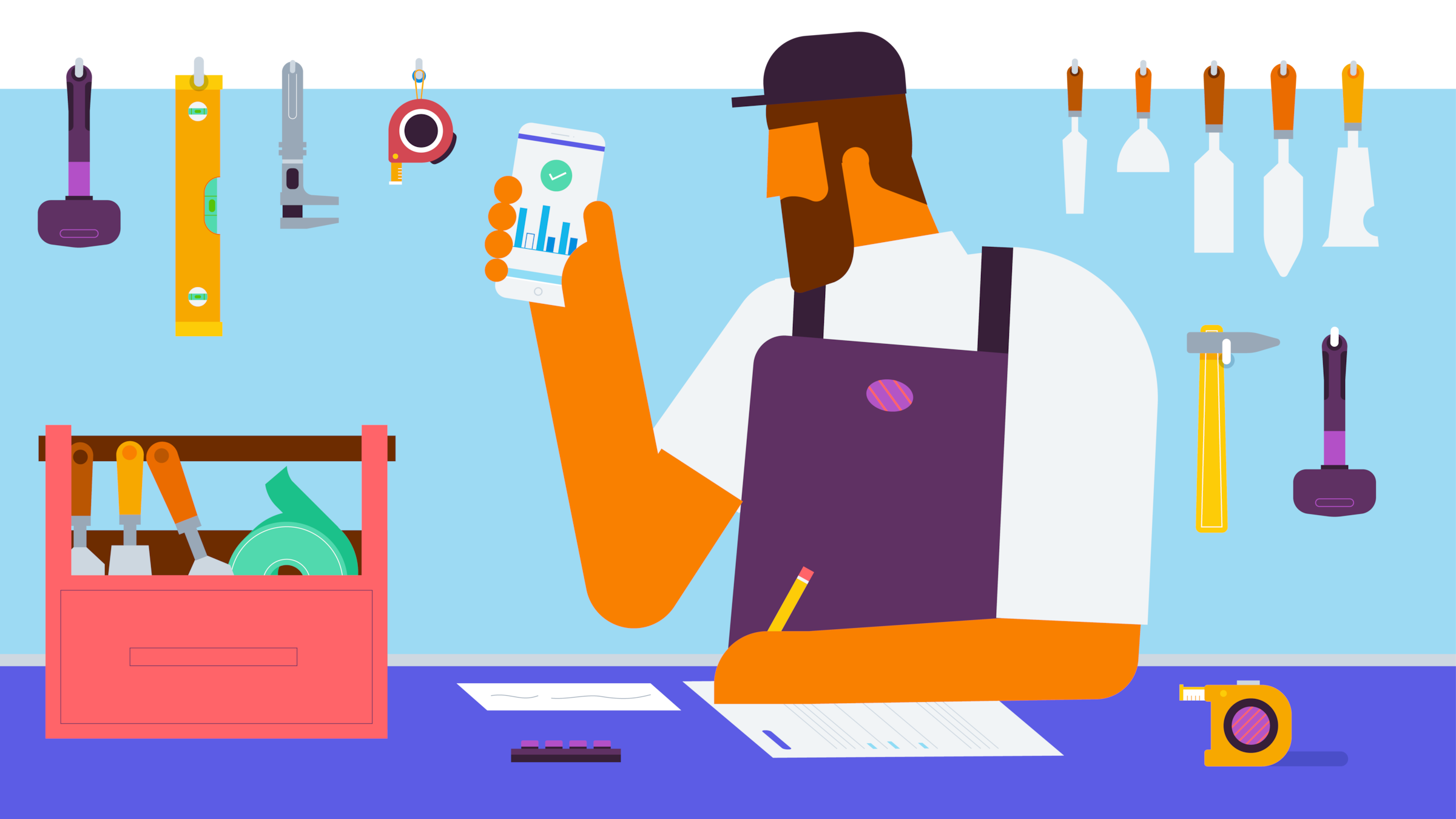
Create your budget, track your progress, and forecast your future in Xero
Get budget planning and tracking integrated with your Xero accounting. Your whole workflow runs together, from first budget to forecast.
Build budgets within your accounts
Create budgets in Xero for any area of your business, on the same chart of accounts as your actuals so they line up.
Track actuals vs your budget as your go
The budget variance report updates with each transaction. Colored arrows show exactly where you stand against budget.
Forecast what comes next
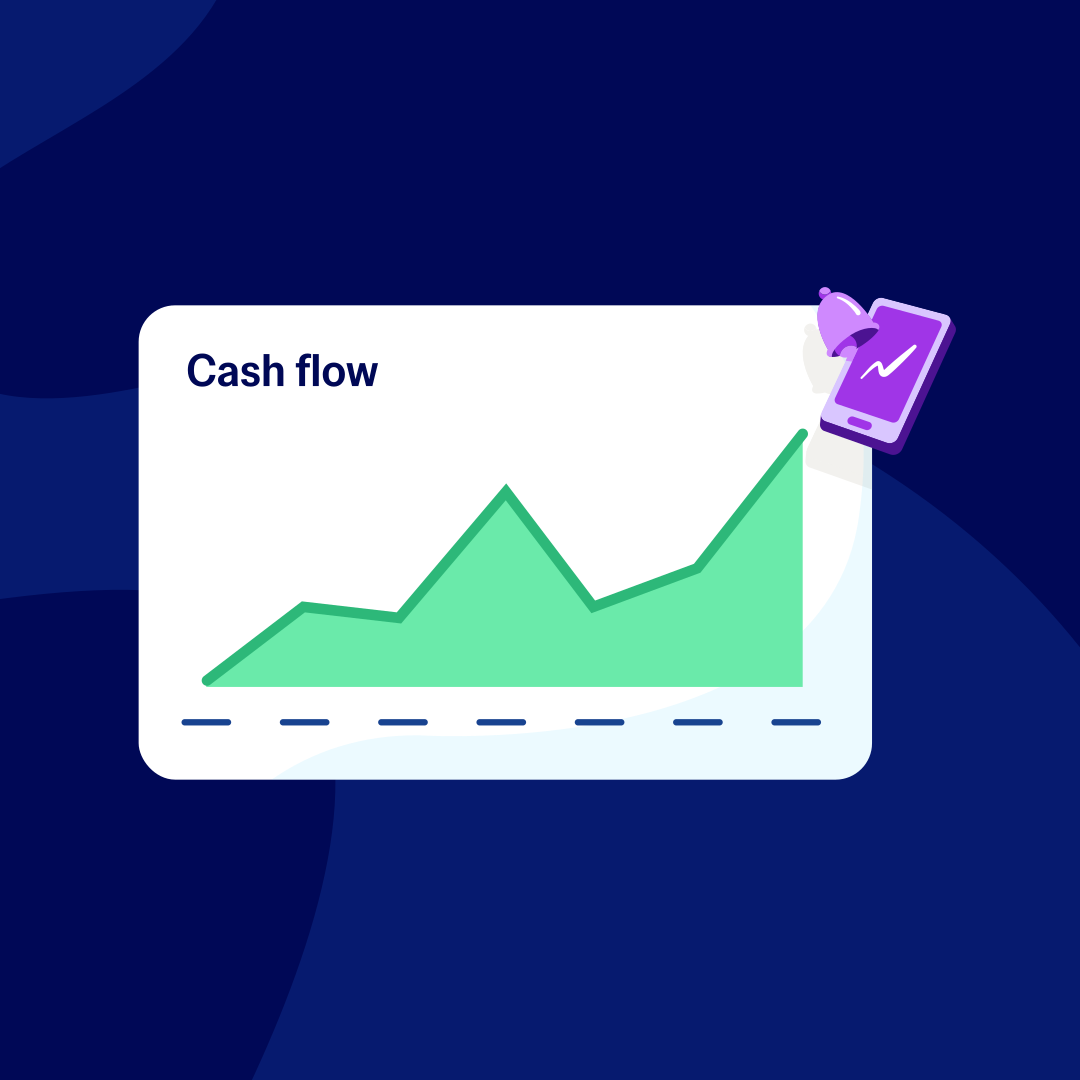
Project cash flow over 7 or 30 days, or 90 with Analytics Plus. Customers report 30% more confidence in their forecasts.
Everything in one place. Up to 30% less than QuickBooks.*
What is business budgeting software?
Business budgeting software helps companies plan and allocate money, then track it against target. Use it to create budgets, track budget vs actuals, and do variance analysis. Unlike spreadsheets, it keeps your plan in view against your numbers, so you easily compare them.
- Customers get a clearer view of their finances – 88% agree Xero improves financial visibility.
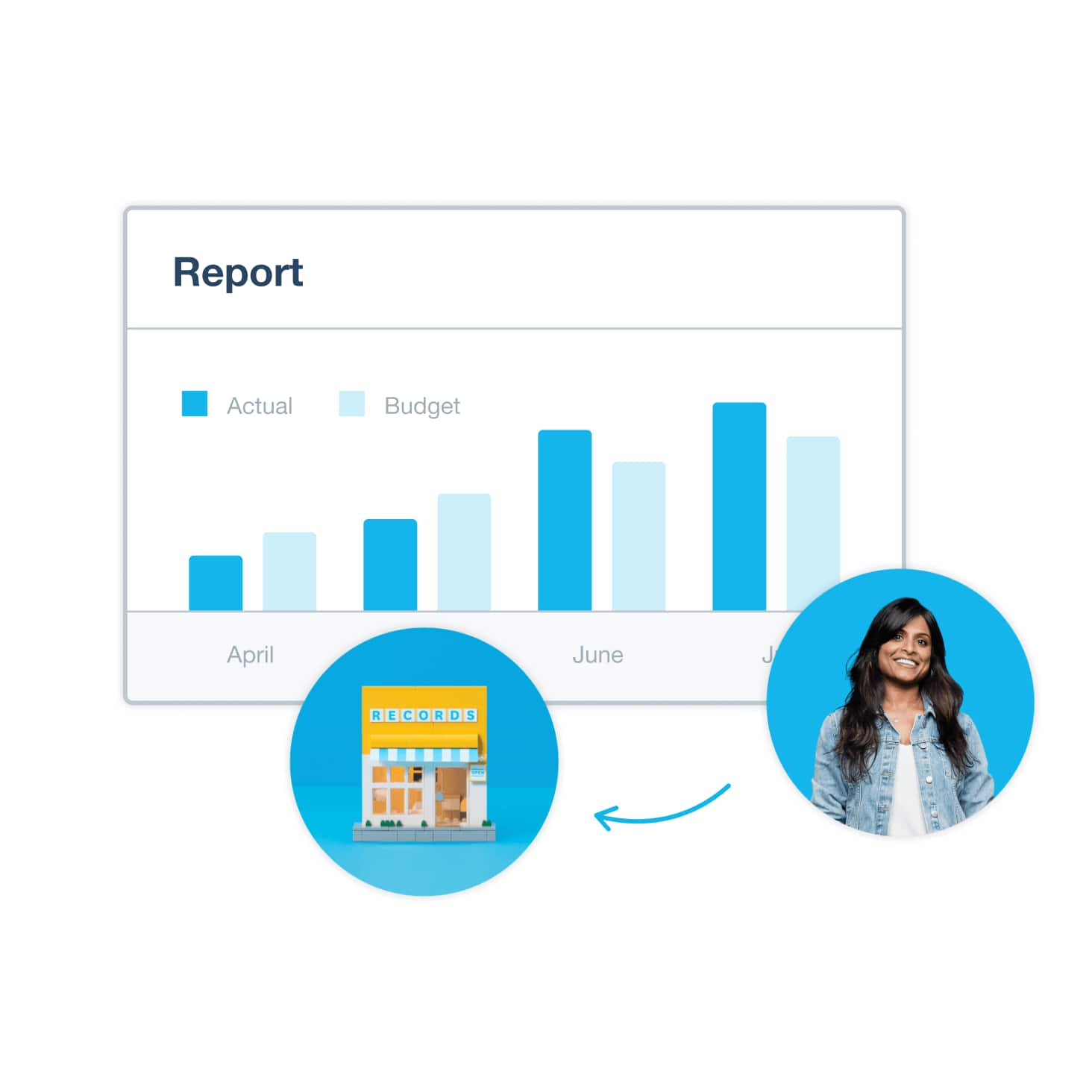
Budgeting built into your accounting
Because budgeting lives in Xero, your budgets use the same chart of accounts as your transactions. Your figures update on their own as you pay invoices and record expenses, and the budget variance report shows the gap with coloured arrows. No exporting or manual syncing needed!
- Connecting your apps cuts manual data entry, and four in five Xero customers save 6 hours a month.
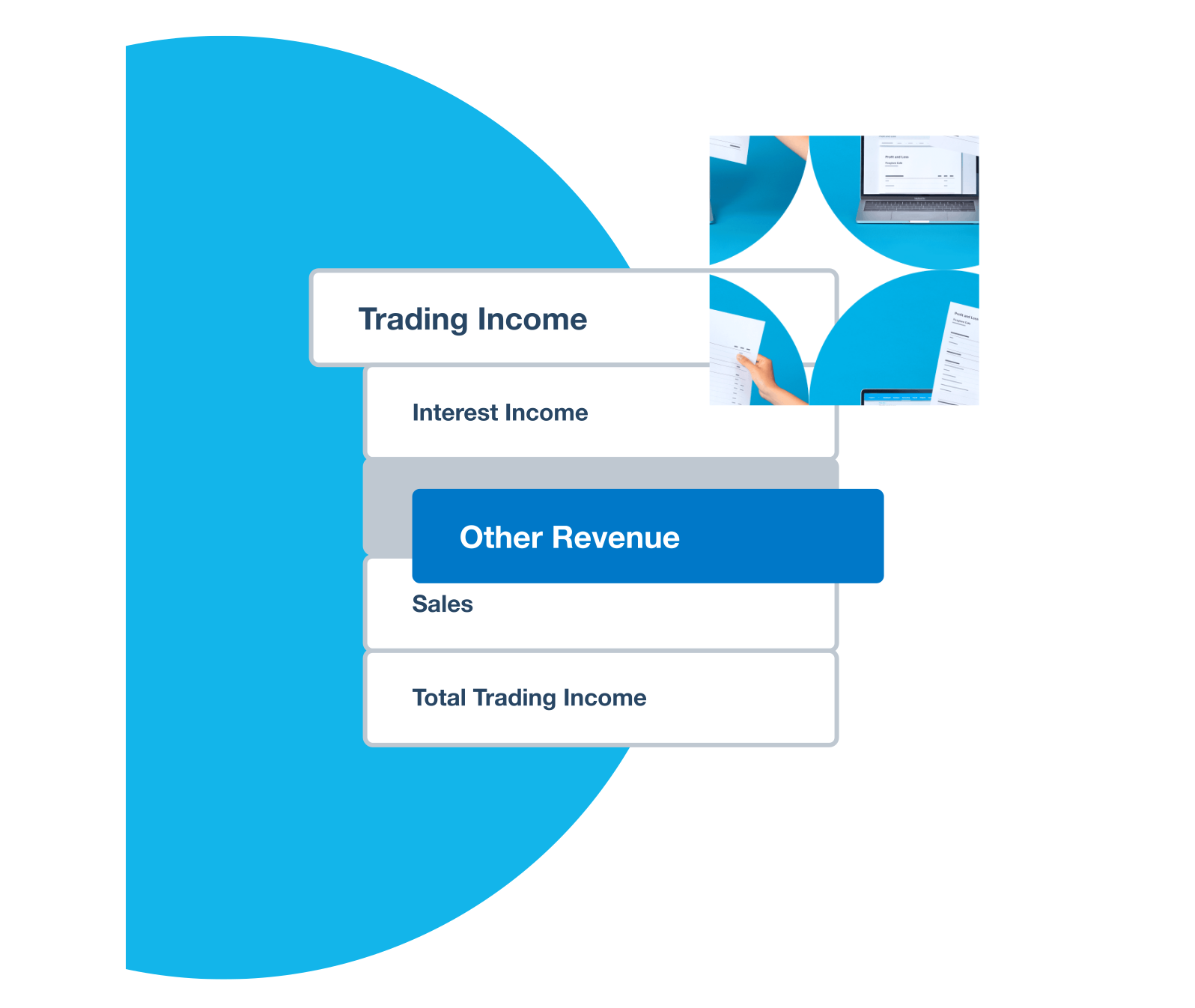
The must-haves in small business budgeting software
When comparing software, weigh the essentials: budget creation, tracking that compares budget to actuals automatically as transactions post, apps that integrate with accounting, payroll, and banking, and cash flow forecasting. Clear reporting, ease of use, and a quick setup matter too.
- Customers who sync apps with Xero report a 26% average boost in productivity.

Budgeting software vs spreadsheets
Spreadsheets are free but invite formula errors, version mix-ups, and no shared view. Standalone tools add features, but you must sync data to your accounts by hand. Integrated platforms like Xero keep budgets and actuals in one system, so nothing needs reconciling and all see the same numbers.
- With Xero, small businesses feel more confident in their books: 7 in 10 say so.
Pay your bills at no extra cost
Free standard ACH bill payments are now included in Xero business plans.*
Early
for the first 3 months
Then $27 per month
An easy financial foundation - track cash flow with the essentials.
- Send quotes and 20 invoices†
- Accept online invoice payments^
- 5 bills
- Reconcile bank transactions
- Smart Document Capture
- View real-time reports
- W-9 + 1099 management
- Sales tax
- Visualize performance with basic graphs
- 30 day cash flow forecast
- Make online bill payments (Domestic - Free ACH)
- Make online bill payments (Cross Border)

Growing
for the first 3 months
Then $59 per month
Go beyond the basics - automate tasks and access performance dashboards.
- Send invoices and quotes
- Accept online invoice payments^
- Automate bill entry and track bills
- Reconcile bank transactions
- Smart Document Capture
- View real-time reports
- W-9 + 1099 management
- Sales tax
- Visualize performance with graphs
- 60 day cash flow forecast
- Make online bill payments (Domestic - Free ACH)
- Make online bill payments (Cross Border)
- Customize performance dashboards
- Tailored financial health scorecards
- Budget with smart suggestions
- Auto-reconcile transactions
Forecast with clarity
Forecast with clarity
Established
for the first 3 months
Then $97 per month
Future proof your scaling business - with advanced tools and analytics.
- Send invoices and quotes
- Accept online invoice payments^
- Automate bill entry and track bills
- Reconcile bank transactions
- Smart Document Capture
- View real-time reports
- W-9 + 1099 management
- Sales tax
- Visualize performance with graphs
- 180 day cash flow forecast
- Make online bill payments (Domestic - Free ACH)
- Make online bill payments (Cross Border)
- Customize performance dashboards
- Tailored financial health scorecards
- Analyze KPIs and ratios
- Use multiple currencies
- Track time and costs for projects
- Employee expense and mileage claims
- Benchmark against the industry
- Make online bill payments (International)
- Budget with smart suggestions
- Auto-reconcile transactions
How quickly can you get started?
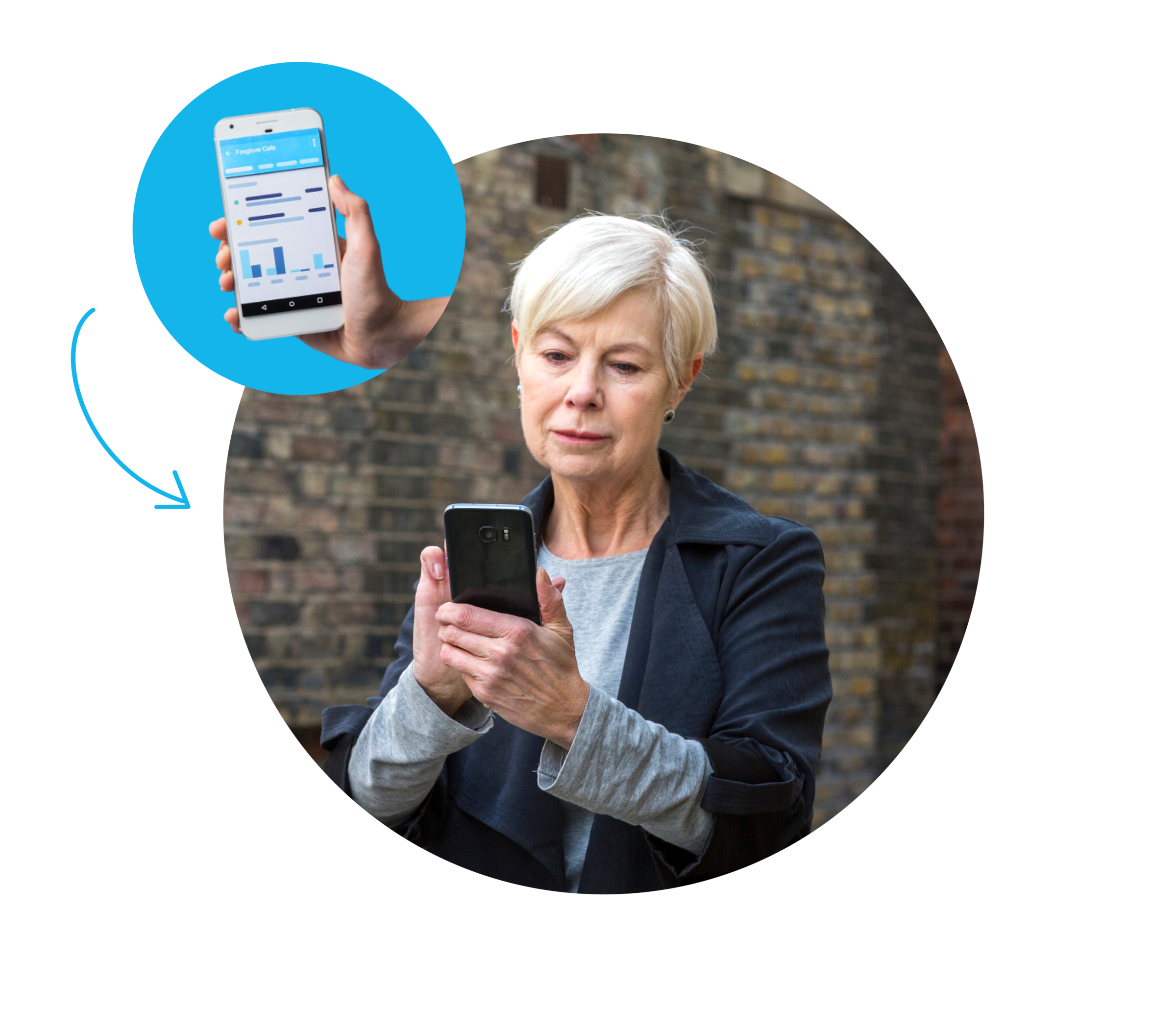
Setting up doesn't take weeks. Around half of small businesses get up and running with Xero in under 4 hours. To set up budgeting, bring your chart of accounts, recent financials, and the figures you want to track. From there, create budgets with built-in tools and invite who needs access.
- Customer confidence rises 45% after an onboarding call, and onboarding scores 94% for customer satisfaction.
Secure your budget data
Software must protect your sensitive budget numbers. Look for 256-bit SSL encryption, two-factor sign-in, certifications like SOC 2, and complete audit trails. Xero secures your data and handles US sales tax through Avalara, so records stay accurate and ready for tax time.
- Your budget data stays private with Xero’s SOC 2 Type II certification and bank-level security.
FAQs on business budgeting software
Business budgeting software helps you plan, allocate, and track spending against financial targets. You set a budget, then follow your actual income and costs against it as the month goes on.
It works alongside accounting software, but does a different job. Accounting software records what has already happened: it captures your transactions, reconciles the bank, and produces your reports and tax figures. Budgeting software looks ahead: you set what you plan to spend and earn, then track actual figures against that plan.
Most businesses need both. You can run two separate tools, or use software like Xero that builds budgeting into the accounts. Your budget draws on your actual numbers, so budget-vs-actual reporting sits in one place and updates as transactions come in.
Business budgeting software helps you plan, allocate, and track spending against financial targets. You set a budget, then follow your actual income and costs against it as the month goes on.
It works alongside accounting software, but does a different job. Accounting software records what has already happened: it captures your transactions, reconciles the bank, and produces your reports and tax figures. Budgeting software looks ahead: you set what you plan to spend and earn, then track actual figures against that plan.
Most businesses need both. You can run two separate tools, or use software like Xero that builds budgeting into the accounts. Your budget draws on your actual numbers, so budget-vs-actual reporting sits in one place and updates as transactions come in.
It depends on your business size and the features you need. Xero’s budgeting tools are included in all three of its pricing plans (Early, Growing, and Established), and unlimited general users come at no extra cost.
It depends on your business size and the features you need. Xero’s budgeting tools are included in all three of its pricing plans (Early, Growing, and Established), and unlimited general users come at no extra cost.
It's time to switch when growth means updating the spreadsheet costs more time than it's worth.
Common triggers are:
- frequent formula errors
- version control problems across the team
- no clear view of actuals against budget
- growing complexity across departments and projects
- too much time spent on manual data entry
When that sounds familiar, moving to budgeting software is the natural next step. Xero builds it into your accounts, so your budget sits alongside your actuals, and around half of small businesses are set up in under four hours.
It's time to switch when growth means updating the spreadsheet costs more time than it's worth.
Common triggers are:
- frequent formula errors
- version control problems across the team
- no clear view of actuals against budget
- growing complexity across departments and projects
- too much time spent on manual data entry
When that sounds familiar, moving to budgeting software is the natural next step. Xero builds it into your accounts, so your budget sits alongside your actuals, and around half of small businesses are set up in under four hours.
Look for features a spreadsheet can't offer: tracking that compares actuals to your budget automatically, and a tight link to your accounting. After that, weigh setup speed, forecasting tools, and team access.
A good test: can you see the variance between your budget and actual numbers without exporting anything? In Xero you can, because the budgeting tools are built into the accounts.
Xero's specific capabilities include Budget Variance reports, tracking categories to split budgets by department or project, over 1,000 app integrations with payroll, banking, and CRM tools, and unlimited users.
Look for features a spreadsheet can't offer: tracking that compares actuals to your budget automatically, and a tight link to your accounting. After that, weigh setup speed, forecasting tools, and team access.
A good test: can you see the variance between your budget and actual numbers without exporting anything? In Xero you can, because the budgeting tools are built into the accounts.
Xero's specific capabilities include Budget Variance reports, tracking categories to split budgets by department or project, over 1,000 app integrations with payroll, banking, and CRM tools, and unlimited users.
It comes down to the budgeting depth you need against how much work you’re prepared to do to sync data between the systems.
Standalone tools suit teams that want heavy modeling and have someone owning the data flow. But for most small businesses, that sync work isn't worth it – an integrated platform wins on time and accuracy.
A quick rule: if no one wants to own a nightly export, go for an integrated.
It comes down to the budgeting depth you need against how much work you’re prepared to do to sync data between the systems.
Standalone tools suit teams that want heavy modeling and have someone owning the data flow. But for most small businesses, that sync work isn't worth it – an integrated platform wins on time and accuracy.
A quick rule: if no one wants to own a nightly export, go for an integrated.
Most of the time goes into your accounting setup, not the budgeting. Once your chart of accounts and recent figures are in, building a budget is quick, because there's no separate system to configure. Most small businesses get set up the same day. It takes longer only if your data needs cleaning first or if you track lots of departments.
Most of the time goes into your accounting setup, not the budgeting. Once your chart of accounts and recent figures are in, building a budget is quick, because there's no separate system to configure. Most small businesses get set up the same day. It takes longer only if your data needs cleaning first or if you track lots of departments.
It’s a simple path:
- export your current budget from Excel
- set up or confirm your chart of accounts in Xero
- import your historical financials
- create new budgets with Xero's built-in tools.
Invite your team and accountant, and you're tracking actuals against your budget from there.
It’s a simple path:
- export your current budget from Excel
- set up or confirm your chart of accounts in Xero
- import your historical financials
- create new budgets with Xero's built-in tools.
Invite your team and accountant, and you're tracking actuals against your budget from there.
Yes, with a reputable provider. Before you invest in budget planner software, it’s worth checking:
- how it encrypts your data,
- whether it offers two-factor sign-in for security
- what independent certifications it has. It's also smart to confirm you can export your records and control who has access. Xero covers the security basics and it also lets you set role-based access, so you decide who sees the numbers.
Yes, with a reputable provider. Before you invest in budget planner software, it's worth checking:
- how it encrypts your data: look for 256-bit SSL encryption as standard
- whether it offers two-factor authentication for sign-in
- what independent certifications it has: SOC 2 Type II is the benchmark for financial software
- whether it keeps comprehensive audit logs of who changed what and when
- whether you can export your records and control who has access through role-based permissions
Xero meets all of these. It uses 256-bit SSL encryption, two-factor authentication, SOC 2 Type II certification, role-based access controls, and comprehensive audit logs. One further point worth knowing: Xero's AI (JAX) never uses your data to train the underlying models, so your financial information stays yours.
Yes, with a reputable provider. Before you invest in budget planner software, it’s worth checking:
- how it encrypts your data,
- whether it offers two-factor sign-in for security
- what independent certifications it has. It's also smart to confirm you can export your records and control who has access. Xero covers the security basics and it also lets you set role-based access, so you decide who sees the numbers.
Yes, with a reputable provider. Before you invest in budget planner software, it's worth checking:
- how it encrypts your data: look for 256-bit SSL encryption as standard
- whether it offers two-factor authentication for sign-in
- what independent certifications it has: SOC 2 Type II is the benchmark for financial software
- whether it keeps comprehensive audit logs of who changed what and when
- whether you can export your records and control who has access through role-based permissions
Xero meets all of these. It uses 256-bit SSL encryption, two-factor authentication, SOC 2 Type II certification, role-based access controls, and comprehensive audit logs. One further point worth knowing: Xero's AI (JAX) never uses your data to train the underlying models, so your financial information stays yours.
Often not. Many accounting packages record what you've spent but don't include budgeting software to set targets and track your actual figures against them. If yours doesn't, you'd need a separate tool alongside it: two subscriptions, manual data transfers, and no single view of where you stand.
With Xero, you don't need a separate tool. Budgeting is built into the accounting, so your budget draws directly on your actual numbers. Xero includes Budget Variance reports, tracking categories to compare areas of the business, and short-term cash flow projections. This removes the need for separate budget software for business and keeps everything in one place.
Often not. Many accounting packages record what you've spent but don't include budgeting software to set targets and track your actual figures against them. If yours doesn't, you'd need a separate tool alongside it: two subscriptions, manual data transfers, and no single view of where you stand.
With Xero, you don't need a separate tool. Budgeting is built into the accounting, so your budget draws directly on your actual numbers. Xero includes Budget Variance reports, tracking categories to compare areas of the business, and short-term cash flow projections. This removes the need for separate budget software for business and keeps everything in one place.
Good business budgeting software should let you At minimum it should connect to your accounting, which is built in with Xero. In the US, useful connections include payroll through Gusto, sales tax via Avalara across 13,000+ jurisdictions, your bank accounts, and CRM tools. Xero's large app ecosystem – over 1000 apps – covers these and more, so your budget reflects the whole business.
Good business budgeting software should let you At minimum it should connect to your accounting, which is built in with Xero. In the US, useful connections include payroll through Gusto, sales tax via Avalara across 13,000+ jurisdictions, your bank accounts, and CRM tools. Xero's large app ecosystem – over 1000 apps – covers these and more, so your budget reflects the whole business.
Keep exploring with Xero
Here are more ways Xero’s advanced tools help you plan, track progress, understand your numbers, and manage your finances.
Business analytics
Turn budget data into visual insights and performance tracking that show precisely how your business is doing.
Track performance
Connect budget versus actual reporting with your other financial reports for a full performance overview.
Switching from QuickBooks?
See how Xero compares for businesses outgrowing their current accounting and budgeting setup.
Manage your finances easily with Xero
Xero offers powerful tools to manage your business finances and stay on top of your numbers. Explore Xero’s features to learn more.
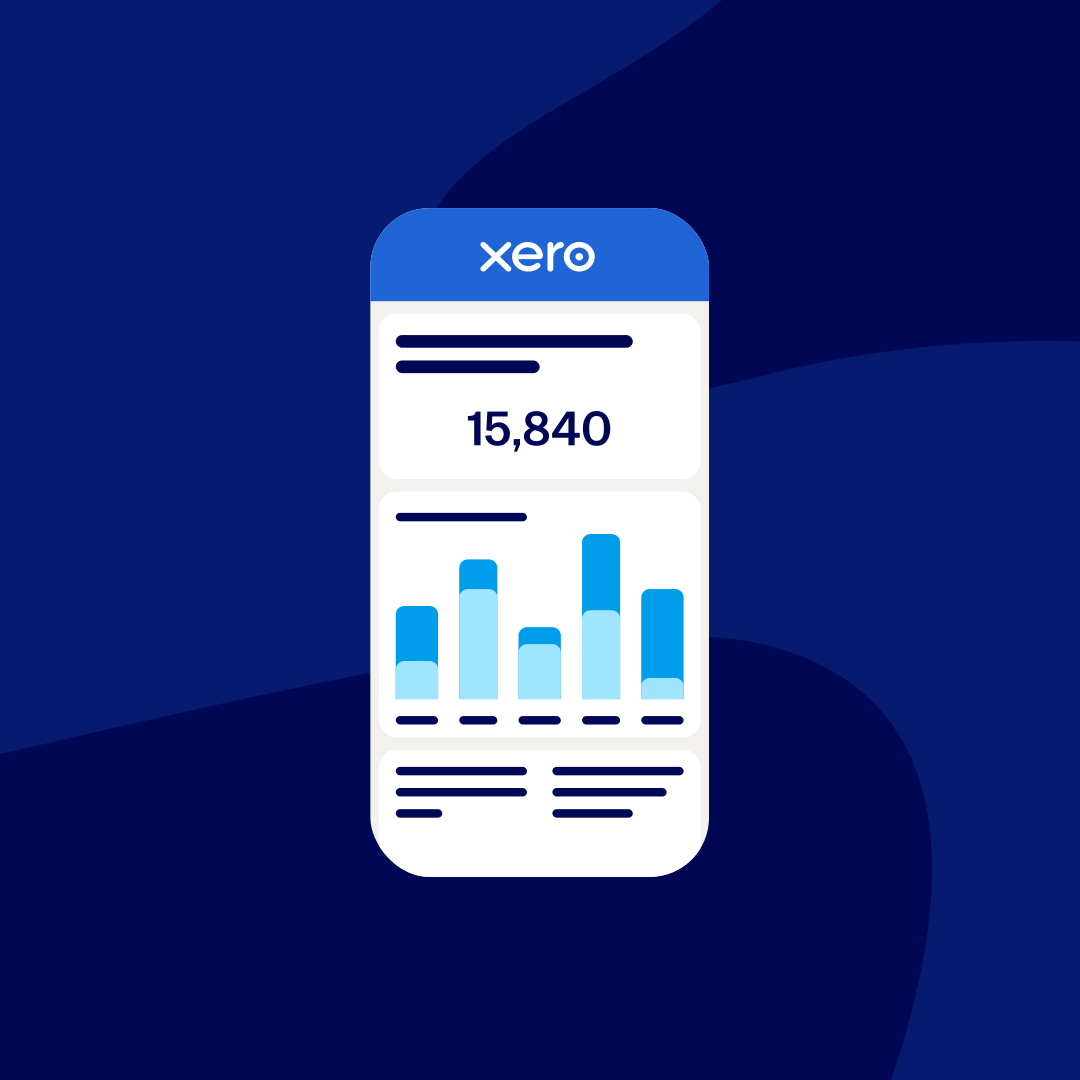

*Fees apply for other payment methods.
*Based on published list prices for software subscription only. Excludes payroll and add-ons.