Easy accounting software for the self-employed
Running a one-person business means wearing every hat. Keep your books up to date and send invoices in minutes, then walk into tax time with everything organized.

Why small businesses choose Xero
Xero brings together the tools you need to manage your finances. Designed to make bookkeeping intuitive, giving you control and clarity.
Automate your bookkeeping
Connect your bank so transactions flow in automatically and your books stay current with less manual entry.
Send invoices and get paid
Send professional invoices with online payment options built in, and get paid up to twice as fast.
Stay ready for tax time
Track 1099 contractors and sales tax while your records stay organized year-round, so tax time stays calm.
Up to 30% less than QuickBooks. Equally powerful.‡
Automatically reconcile your transactions
Bank feeds pull your transactions into Xero every day, and Hubdoc captures your bills and receipts automatically. JAX reconciles the transactions it's confident about, while you keep the final say. 4 in 5 Xero customers say they save 6 hours a month by eliminating manual data entry.* *Source: Xero survey of 373 small businesses globally using Xero, October 2025.
See how bank reconciliation works in Xero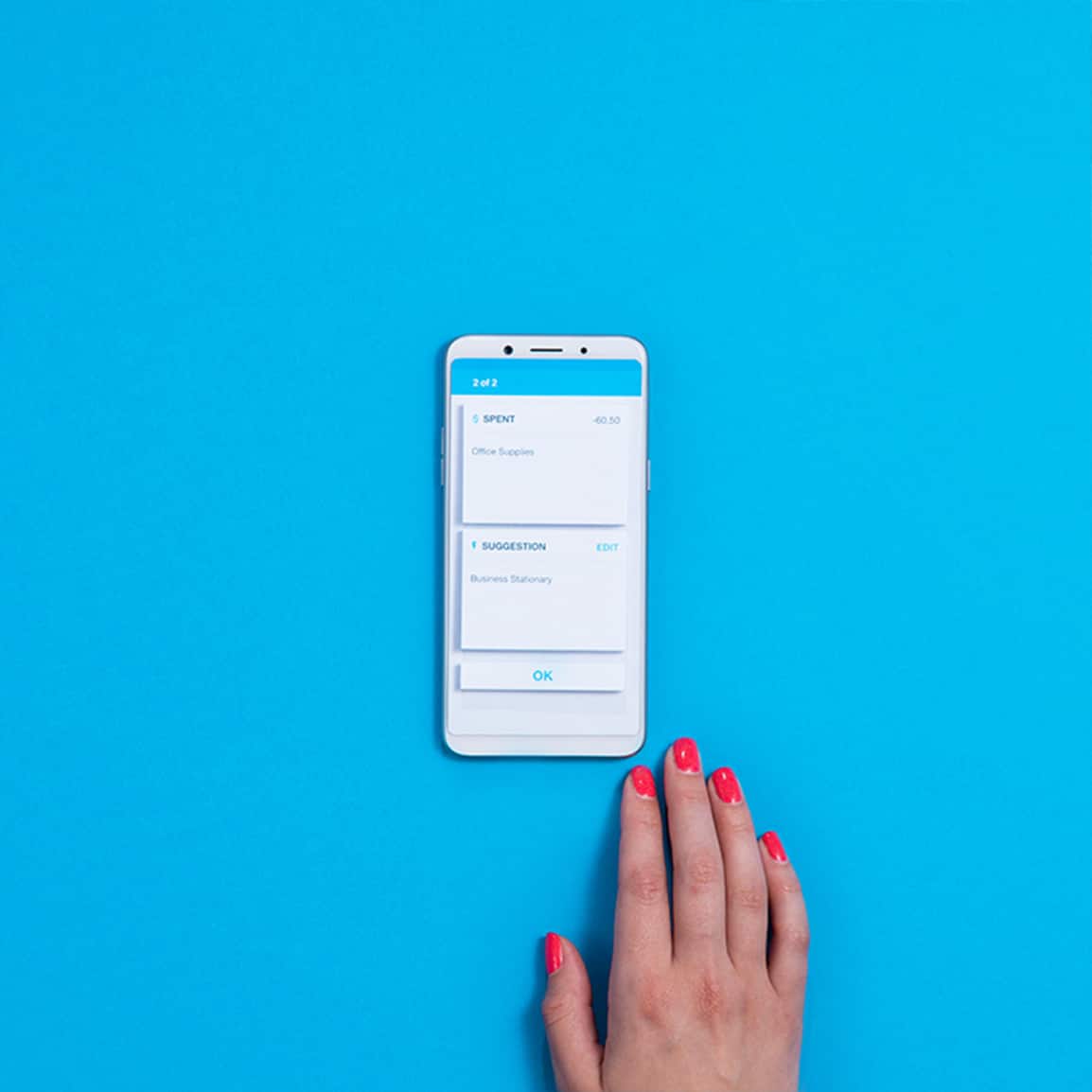
Invoice your way and get paid faster
Create polished invoices that match your brand and add online payment options like Stripe, ACH debit, Klarna, and Tap to Pay. Automated reminders chase late payers for you, so you can get paid up to twice as fast without the awkward follow-ups!
Explore online invoicing
Capture receipts on the spot
Because paperwork is easily lost between jobs, you can capture every receipt in the Xero Accounting app the moment you get it. Hubdoc extracts the details and creates a transaction for you, while automated bill entry flags duplicates and tracks due dates.
Discover expenses and receipt capture
Stay ready for self-employed taxes
Xero supports 1099 contractor information reporting, automatically calculates sales tax across 13,000 US jurisdictions via Avalara on invoicing, and helps keep your records organized year-round.
View Xero's financial reporting tools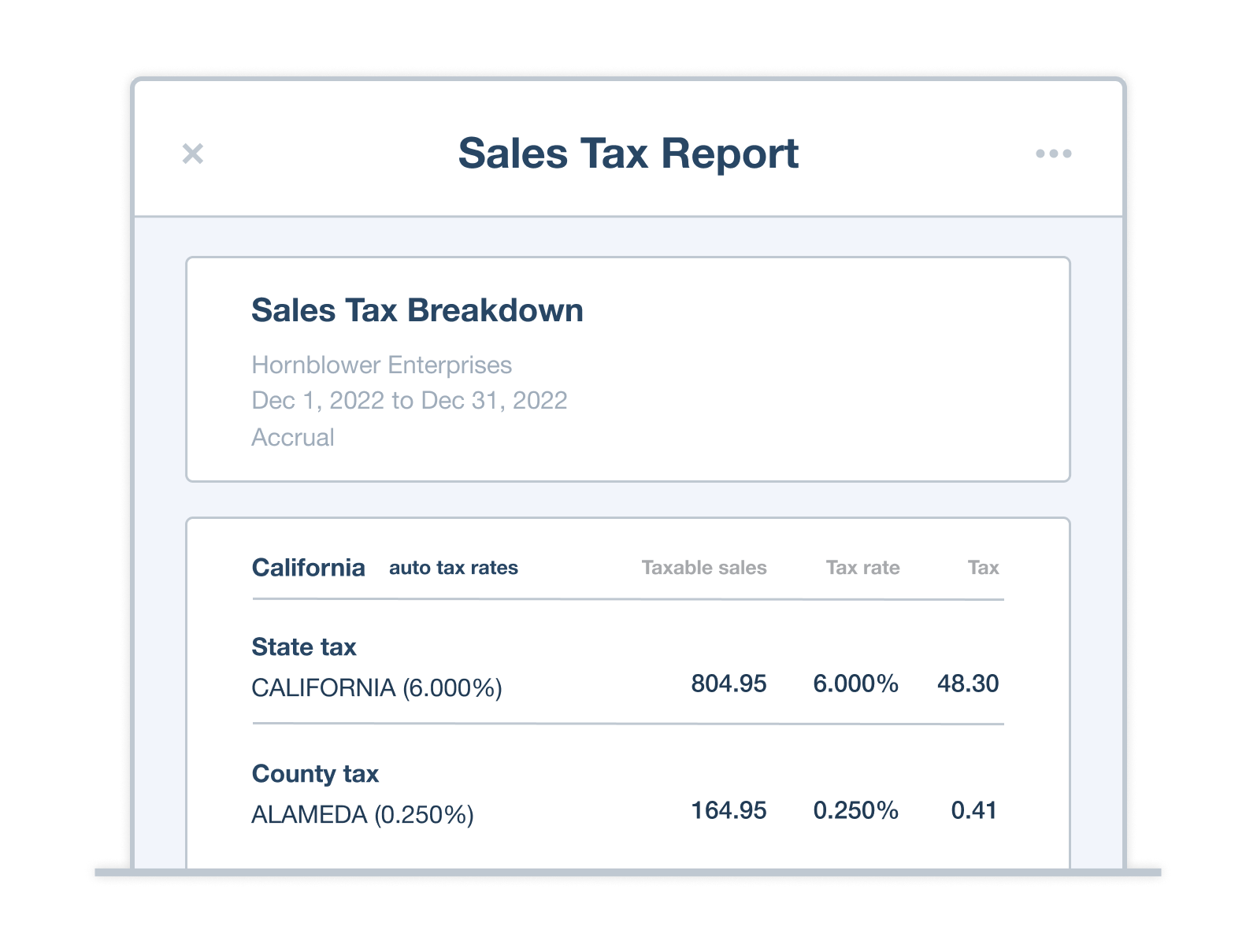
Manage your finances from anywhere
Waiting on a client or between jobs? The Xero Accounting app lets you invoice, snap receipts, and check reports from your phone, and everything's stored safely in the cloud and backed up. 91% of customers agree Xero is easy to use.* *Source: Xero survey of 2,634 small businesses using Xero in the UK, Australia and US, May–June 2024.
Explore the Xero Accounting app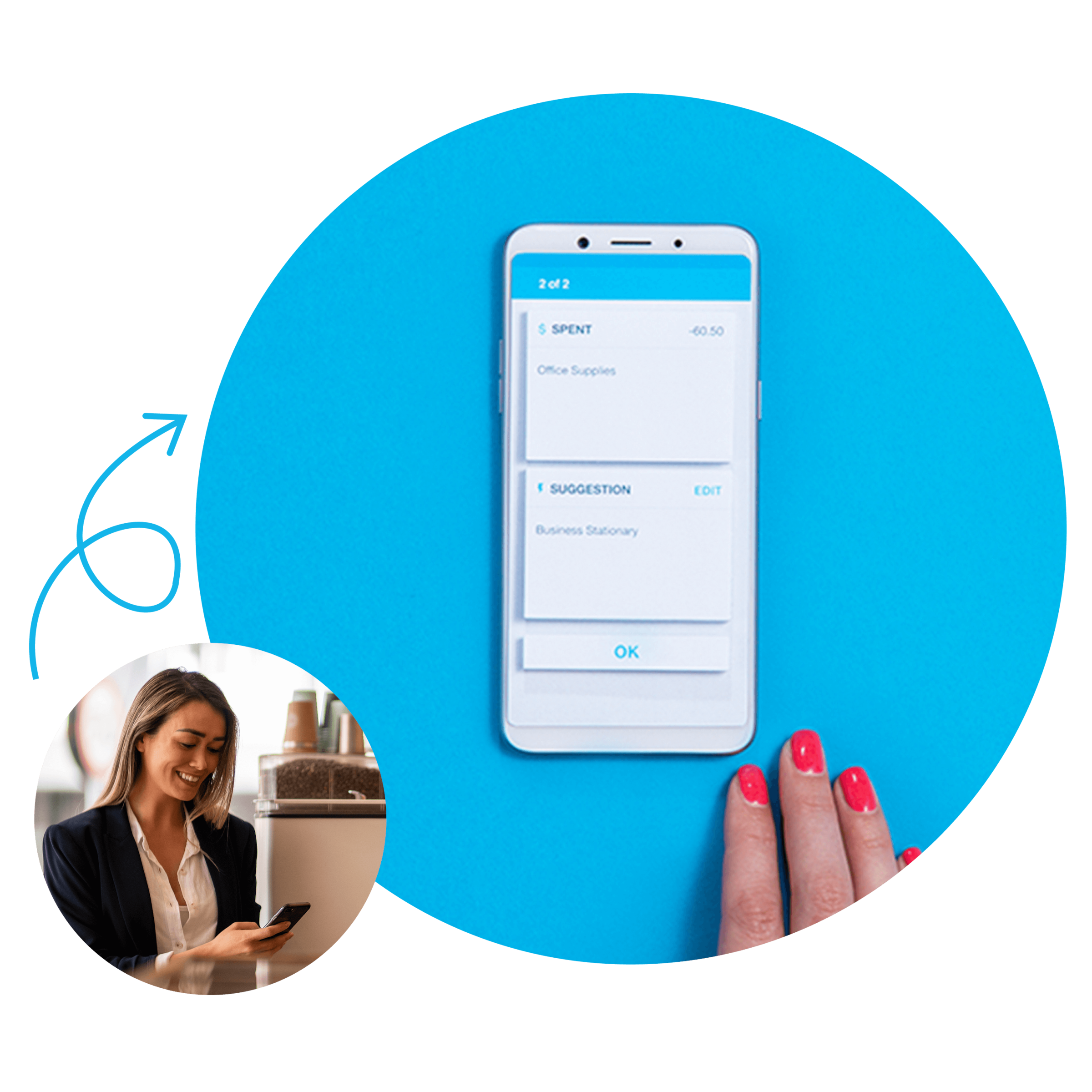
Connect the apps you already use
The Xero App Store gives you hundreds of third-party integrations to choose from. Pick the apps that suit the way you work, and they'll connect smoothly with Xero.
Browse the Xero App Store
Join over 5 million customers using Xero
G2
Connery J
G2
Katherine
G2
Verified user
FAQs on Xero's bookkeeping software for sole proprietors
The best bookkeeping software for a sole proprietors is one that's easy to use, keeps your records accurate, and handles invoicing and tax without a steep learning curve. Xero fits one-person businesses well, with automated bank feeds and a mobile app you can run from your phone.
The best bookkeeping software for a sole proprietors is one that's easy to use, keeps your records accurate, and handles invoicing and tax without a steep learning curve. Xero fits one-person businesses well, with automated bank feeds and a mobile app you can run from your phone.
Yes, accounting software saves self-employed people hours of manual work and helps you stay on top of income, expenses, and tax deadlines. Xero gives you a clear, up-to-date view of how your business is doing, so you can make confident decisions.
Yes, accounting software saves self-employed people hours of manual work and helps you stay on top of income, expenses, and tax deadlines. Xero gives you a clear, up-to-date view of how your business is doing, so you can make confident decisions.
Start by connecting your bank account to Xero so your transactions flow in automatically. Then reconcile those transactions regularly, categorize your income and expenses, and keep digital copies of your receipts for tax time.
Start by connecting your bank account to Xero so your transactions flow in automatically. Then reconcile those transactions regularly, categorize your income and expenses, and keep digital copies of your receipts for tax time.
The core tools are the same, but self-employed accounting software focuses on simplicity for a one-person operation rather than payroll and multiple users. Xero gives you room to start simple and add features like payroll as your business grows.
The core tools are the same, but self-employed accounting software focuses on simplicity for a one-person operation rather than payroll and multiple users. Xero gives you room to start simple and add features like payroll as your business grows.
Xero helps you track payments to 1099 contractors and manage their W-9 forms, so year-end reporting is straightforward. It also calculates sales tax automatically as you invoice, keeping your records organized and ready to file. You can find tax information for businesses from the IRS.
Xero helps you track payments to 1099 contractors and manage their W-9 forms, so year-end reporting is straightforward. It also calculates sales tax automatically as you invoice, keeping your records organized and ready to file. You can find tax information for businesses from the IRS.
Xero offers three US plans: Early, Growing, and Established. This lets you choose the level of features that fits your business. You can get one month free to try Xero before you commit to a plan.
Xero offers three US plans: Early, Growing, and Established. This lets you choose the level of features that fits your business. You can get one month free to try Xero before you commit to a plan.
Pay your bills at no extra cost
Free standard ACH bill payments are now included in Xero business plans.*
Early
for the first 3 months
Then $27 per month
An easy financial foundation - track cash flow with the essentials.
- Send quotes and 20 invoices†
- Accept online invoice payments^
- 5 bills
- Reconcile bank transactions
- Smart Document Capture
- View real-time reports
- W-9 + 1099 management
- Sales tax
- Visualize performance with basic graphs
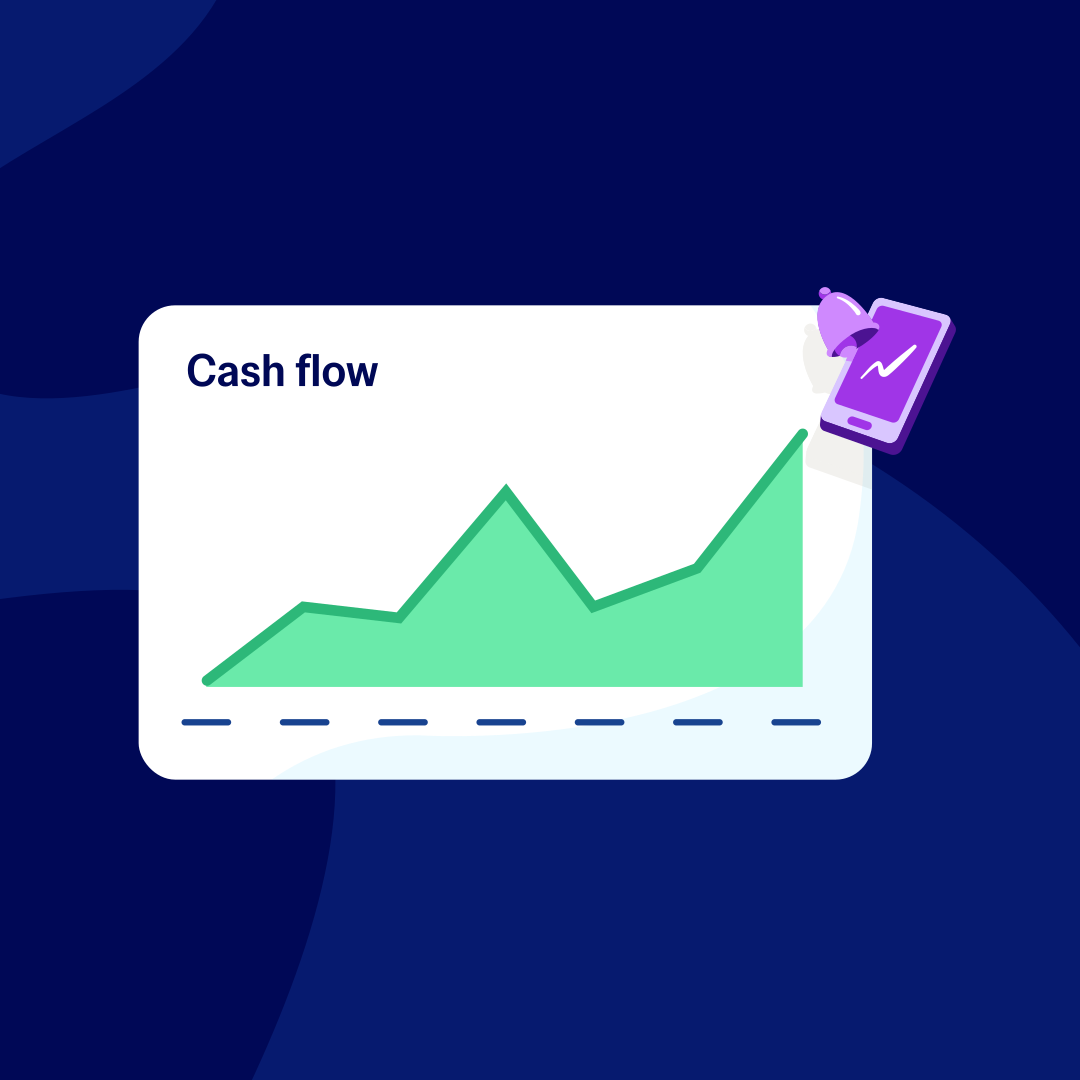
- 30 day cash flow forecast
- Make online bill payments (Domestic - Free ACH)
- Make online bill payments (Cross Border)
- Track income and expenses
- Free expert setup help

Growing
for the first 3 months
Then $59 per month
Go beyond the basics - automate tasks and access performance dashboards.
- Send invoices and quotes
- Accept online invoice payments^
- Automate bill entry and track bills
- Reconcile bank transactions
- Smart Document Capture
- View real-time reports
- W-9 + 1099 management
- Sales tax
- Visualize performance with graphs
- 60 day cash flow forecast
- Make online bill payments (Domestic - Free ACH)
- Make online bill payments (Cross Border)
- Customize performance dashboards
- Tailored financial health scorecards
- Budget with smart suggestions
- Auto-reconcile transactions
- Track income and expenses
- Free expert setup help
Forecast with clarity
Forecast with clarity
Established
for the first 3 months
Then $97 per month
Future proof your scaling business - with advanced tools and analytics.
- Send invoices and quotes
- Accept online invoice payments^
- Automate bill entry and track bills
- Reconcile bank transactions
- Smart Document Capture
- View real-time reports
- W-9 + 1099 management
- Sales tax
- Visualize performance with graphs
- 180 day cash flow forecast
- Make online bill payments (Domestic - Free ACH)
- Make online bill payments (Cross Border)
- Customize performance dashboards
- Tailored financial health scorecards
- Analyze KPIs and ratios
- Use multiple currencies
- Track time and costs for projects
- Employee expense and mileage claims
- Benchmark against the industry
- Make online bill payments (International)
- Budget with smart suggestions
- Auto-reconcile transactions
- Track income and expenses
- Free expert setup help
Explore useful features to run your business
Xero’s online accounting software is designed to make life easier for small businesses – anywhere, any time.


*Fees apply for other payment methods.
‡Based on published list prices for software subscription only. Features vary by plan.