Do better cross-border business in Xero multi-currency
Streamline your global transactions: Xero's multi-currency accounting software lets you do business in multiple currencies with ease. Get real-time foreign exchange rates, simplified payments and collections, and accurate financial reporting in one accounting software package.

Xero manages your international business
Do worldwide business more easily with automated currency conversions, exchange rate tracking, and multi-currency accounting and reporting.
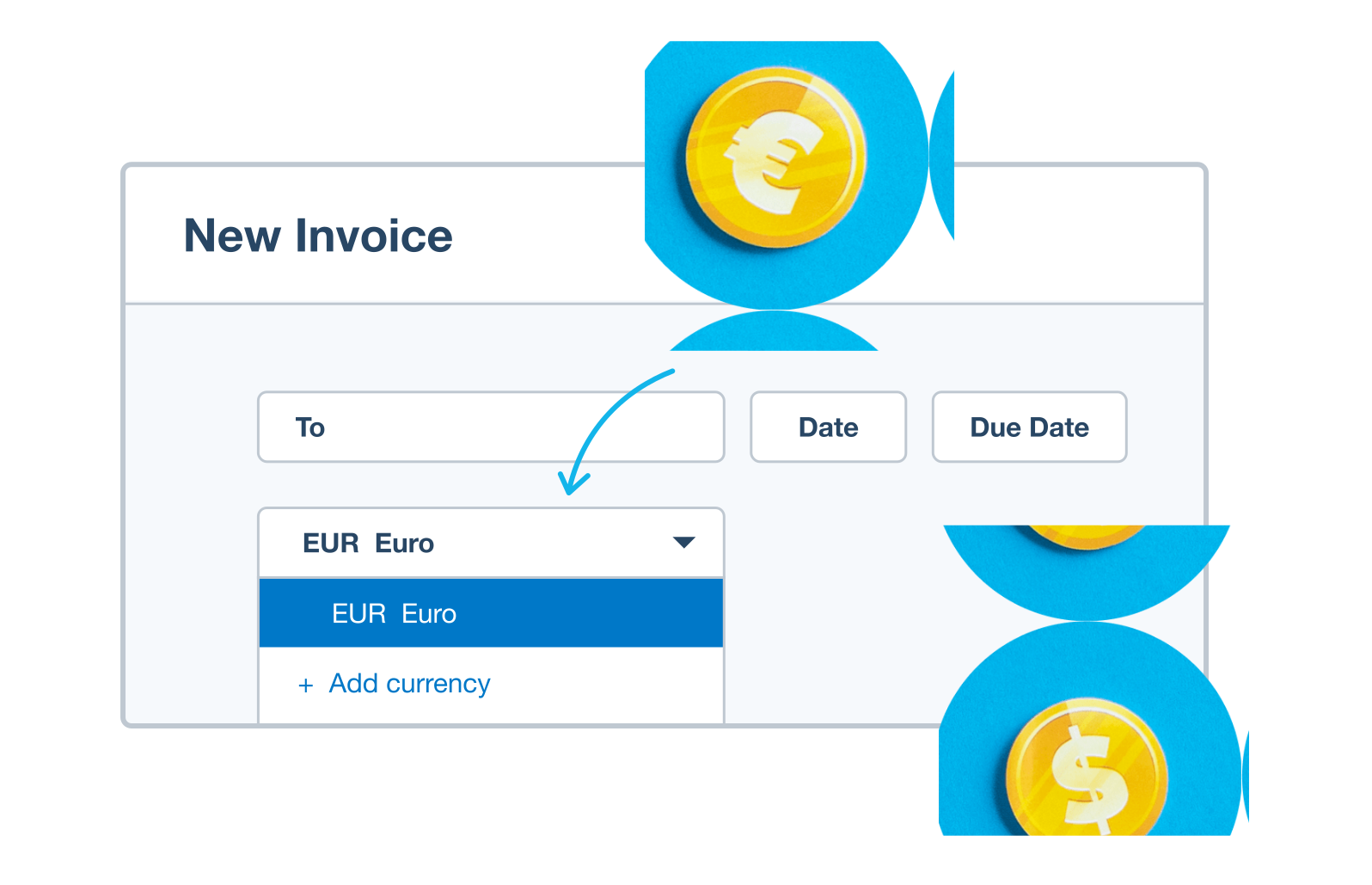
Instant currency conversions
Xero converts foreign currencies and records them in your international business accounting software.
Up-to-date exchange rates
Updated exchange rates show you how changes in foreign currency markets affect your cash flow and profits in real time.
Report in multiple currencies
View reports in local or foreign currencies to see how your international business is performing.
All your numbers. All in one. All for less than QuickBooks.*

G2
Connery J
G2
Katherine
G2
Verified user
Instant conversions in multiple currencies
Xero’s multi-currency accounting software automates and delivers currency conversions in real time, reducing admin and keeping your financial reports up to date. It also helps you comply with international accounting standards.
- Automatic exchange rate updates and conversions for fast, accurate invoices, quotes, and purchase orders
- Real-time currency conversions keep your transaction records and financial reports up to date
- Accurate multi-currency bookkeeping so you comply with international business accounting standards
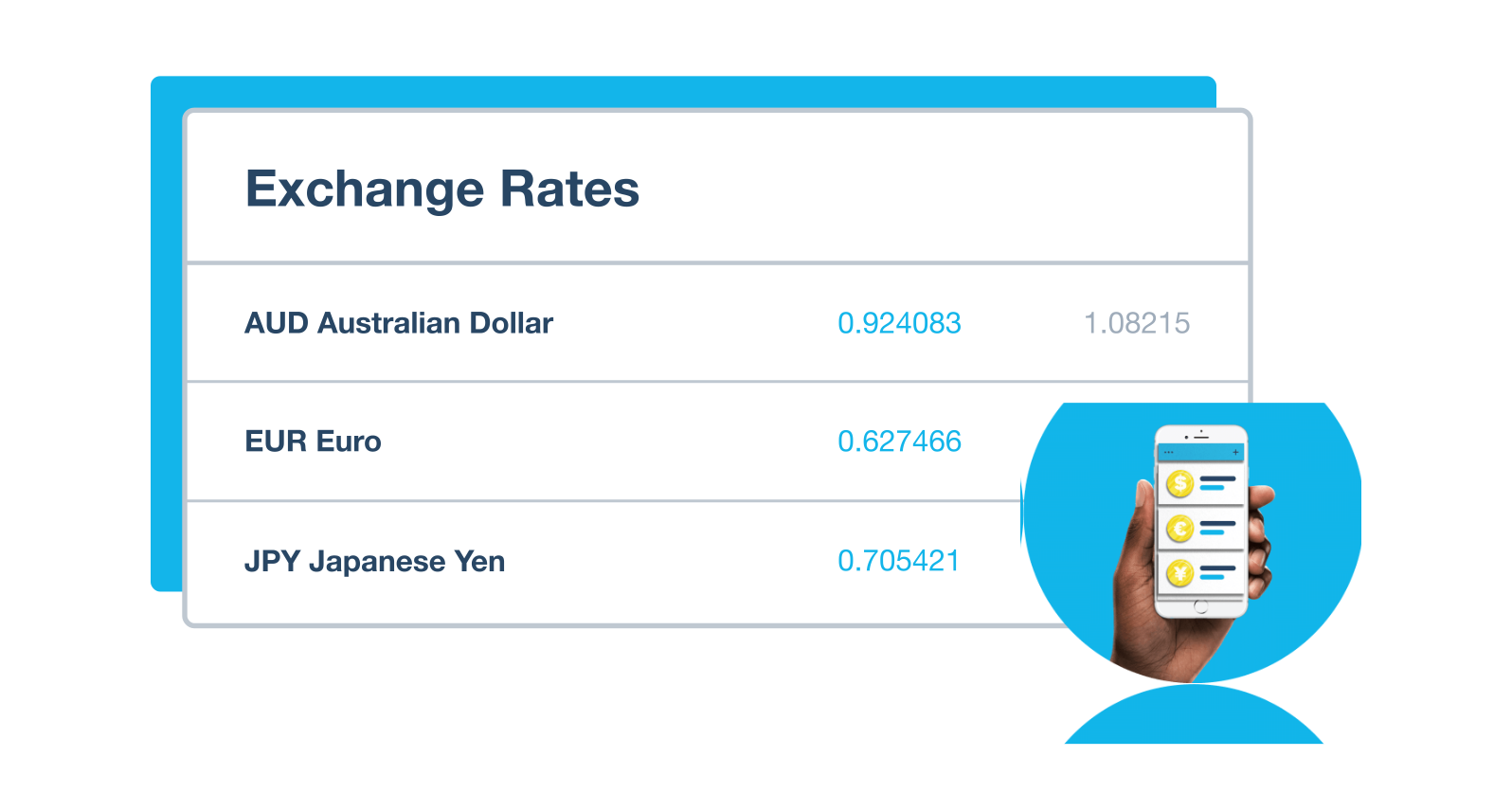
Monitor exchange rate movements
Xero’s international business accounting tools track currency exchange rates, and their effects on your cash flow and profits, in real time. You don’t need to be a finance whizz – Xero’s friendly multi-currency software makes it easy to monitor exchange rates and convert currencies as needed.
- Use Xero’s real-time exchange rate updates to understand how they affect your international business costs
- Get hourly exchange rates and balance updates to manage your expenses and transact at the best-possible times
- Use multi-currency in Xero to convert currencies and invoice international customers.
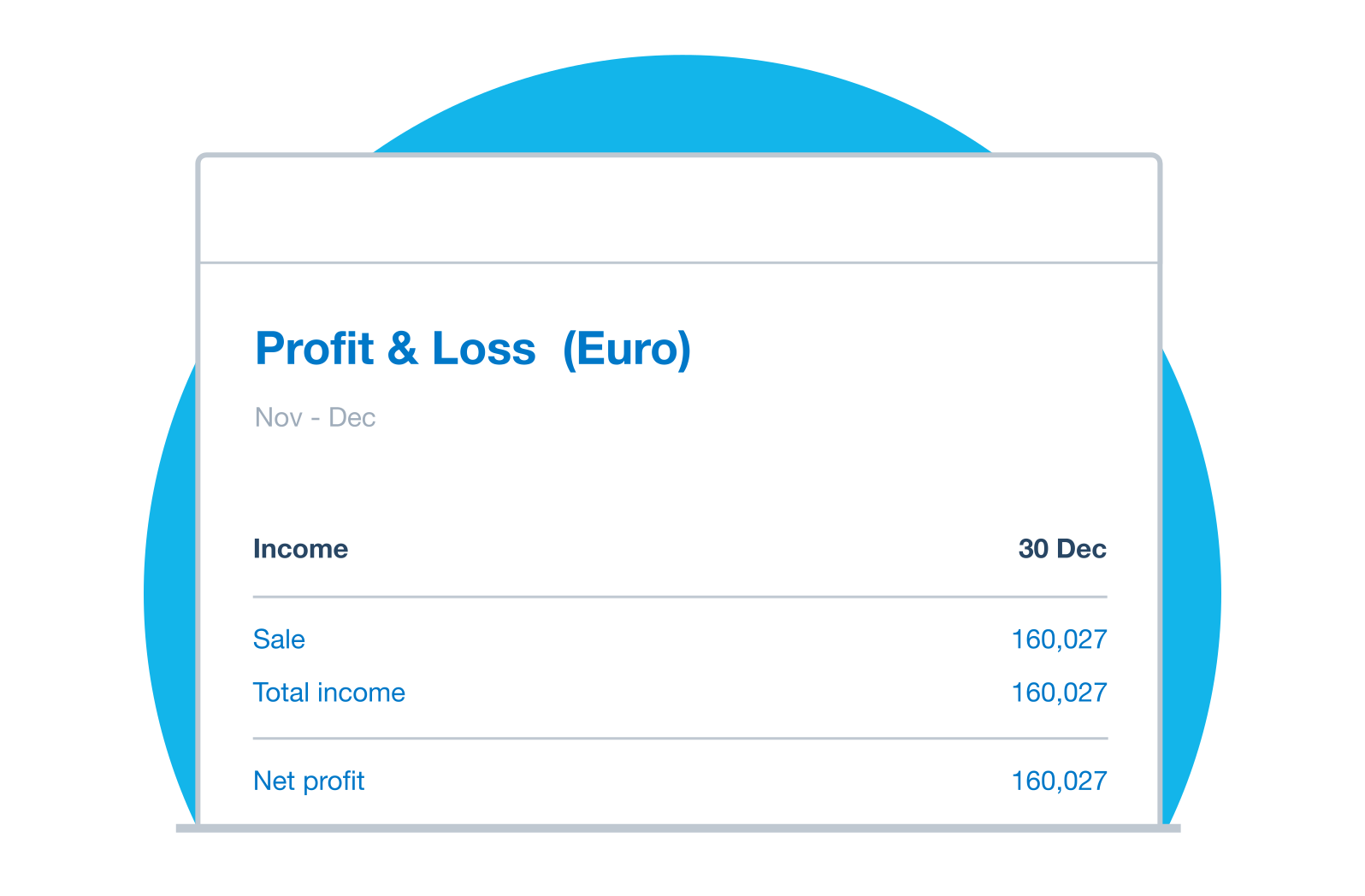
Real-time insights multiple currencies
Xero’s multi-currency accounting software gives you local and foreign currency reports for insights on foreign currency fluctuations and their effects on your business. Customize the reports to your needs and make informed business decisions.
- See all your foreign currency account balances and transactions, and your invoices and bills
- Generate consolidated financial statements in multiple currencies for a clear view of your financial position
- Customize reports to show balances of your local and foreign currencies, and your foreign currency exposure
- Get accurate financial reporting to stay compliant with international accounting regulations
Go global with Xero accounting software
Xero automates your currency conversions and tracks exchange rates while you do international business. Xero accounting software and multi-currency accounting work as one seamless package, so you can easily transact across borders and keep accurate accounting and financial records.
Accounting software for your small business
Frequently asked questions
Multi-currency accounting is the practice of recording financial transactions in more than one currency. It involves converting foreign currency amounts into your base (home) currency for reporting purposes, tracking exchange rate gains and losses, and ensuring your books stay accurate even as currency values fluctuate. It's essential for any business that buys from or sells to customers or suppliers outside the US.
Multi-currency accounting is the practice of recording financial transactions in more than one currency. It involves converting foreign currency amounts into your base (home) currency for reporting purposes, tracking exchange rate gains and losses, and ensuring your books stay accurate even as currency values fluctuate. It's essential for any business that buys from or sells to customers or suppliers outside the US.
Xero supports over 160 currencies, including all major global currencies such as USD, EUR, GBP, AUD, CAD, JPY, and more. You can set your base currency when you set up your Xero account, and then transact in any of the supported currencies for invoices, bills, bank accounts, and expense claims.
Xero supports over 160 currencies, including all major global currencies such as USD, EUR, GBP, AUD, CAD, JPY, and more. You can set your base currency when you set up your Xero account, and then transact in any of the supported currencies for invoices, bills, bank accounts, and expense claims.
Multi-currency accounting software removes the manual work of tracking exchange rates, converting amounts, and reconciling foreign currency accounts. Using multi-currency accounting software, like Xero, automates the entire foreign currency transaction process. Xero updates exchange rates while you make transactions so your records are always correct. You can also manually set exchange rates to reduce price fluctuations, and use Xero’s international business accounting tools to track your cash flow.
Multi-currency accounting software removes the manual work of tracking exchange rates, converting amounts, and reconciling foreign currency accounts. Using multi-currency accounting software, like Xero, automates the entire foreign currency transaction process. Xero updates exchange rates while you make transactions so your records are always correct. You can also manually set exchange rates to reduce price fluctuations, and use Xero’s international business accounting tools to track your cash flow.
In Xero, you set a base currency for your business. When you raise an invoice or bill in a foreign currency, Xero automatically converts the amount to your base currency using the current exchange rate.
In Xero, you set a base currency for your business. When you raise an invoice or bill in a foreign currency, Xero automatically converts the amount to your base currency using the current exchange rate.
Yes. Xero shows the exchange rate for the day a foreign currency transaction was created and applies exchange rates to foreign currency transactions automatically. You can also override the exchange rate on any individual transaction if you need to lock in a specific rate – for example, if you've agreed a fixed rate with a customer.
Yes. Xero shows the exchange rate for the day a foreign currency transaction was created and applies exchange rates to foreign currency transactions automatically. You can also override the exchange rate on any individual transaction if you need to lock in a specific rate – for example, if you've agreed a fixed rate with a customer.
Yes. While Xero updates exchange rates automatically, you do have the ability to manually adjust rates. For example, if you’ve agreed to a fixed price with a customer or need to match an exchange rate from a specific bank transaction. You can override the rate on any individual invoice, bill, or payment in Xero.
Yes. While Xero updates exchange rates automatically, you do have the ability to manually adjust rates. For example, if you’ve agreed to a fixed price with a customer or need to match an exchange rate from a specific bank transaction. You can override the rate on any individual invoice, bill, or payment in Xero.
Yes. Xero multi-currency accounting lets you assign a default foreign currency to a contact. When you create invoices or quotes, receive payments, bills or send purchase orders, they’ll show in the currency you’ve assigned to that contact. You can also change the currency on individual transactions if you need to.
Yes. Xero multi-currency accounting lets you assign a default foreign currency to a contact. When you create invoices or quotes, receive payments, bills or send purchase orders, they’ll show in the currency you’ve assigned to that contact. You can also change the currency on individual transactions if you need to.
Yes! Xero multi-currency accounting software converts international business transactions for you and updates your records. You can send invoices in over 160 currencies and accept payments online by connecting a payment processor to your Xero account. When a customer pays in foreign currency, Xero converts the amount to your base currency and records it automatically. You can also receive bills and make payments to international suppliers in their local currency. Xero’s currency conversion and invoicing tools make doing international business simpler, so you can manage your cash flow across foreign currency accounts with confidence.
Yes! Xero multi-currency accounting software converts international business transactions for you and updates your records. You can send invoices in over 160 currencies and accept payments online by connecting a payment processor to your Xero account. When a customer pays in foreign currency, Xero converts the amount to your base currency and records it automatically. You can also receive bills and make payments to international suppliers in their local currency. Xero’s currency conversion and invoicing tools make doing international business simpler, so you can manage your cash flow across foreign currency accounts with confidence.
Multi-currency is available on Xero's Established plan (US). If you're on the Early or Growing plan and need to transact in foreign currencies, you'll need to change to the Established plan. Once enabled, all existing transactions in your account remain unaffected, and foreign currency bank accounts can be added immediately.
Multi-currency is available on Xero's Established plan (US). If you're on the Early or Growing plan and need to transact in foreign currencies, you'll need to change to the Established plan. Once enabled, all existing transactions in your account remain unaffected, and foreign currency bank accounts can be added immediately.
Good best practices include: reconciling foreign currency bank accounts regularly to capture exchange rate movements; reviewing unrealized currency gains and losses before period-end close; using Xero's currency revaluation feature at month-end to update the home-currency value of open foreign currency balances; and connecting a payment processor that supports multiple currencies (such as Stripe or PayPal) to accept payments directly from foreign invoices.
Good best practices include: reconciling foreign currency bank accounts regularly to capture exchange rate movements; reviewing unrealized currency gains and losses before period-end close; using Xero's currency revaluation feature at month-end to update the home-currency value of open foreign currency balances; and connecting a payment processor that supports multiple currencies (such as Stripe or PayPal) to accept payments directly from foreign invoices.
Small business accounting tips and guides
Starting and growing a business? Get vital commercial and bookkeeping tips with our guides for small businesses.
- Guide
Starting a business checklist: plan, register, launch
Learn how the right starting a business checklist can help you plan, launch, and stay on track.
- Guide
How to increase revenue: 10 strategies for small businesses
Practical strategies to grow your revenue, from quick wins with existing customers to long-term growth plays.
- Guide
Small business bookkeeping: a beginner's guide and tips
Learn how to set up and manage your small business bookkeeping, step by step.



See how Xero works for your business
Manage your finances, control cash flow, and integrate with apps – whatever business you’re in. See how Xero helps your type of business.

Customize Xero to grow with your business
Find apps that integrate perfectly with Xero accounting software to boost your business growth.

Get the most out of Xero multi-currency
Xero Central is full of resources to help you get the most out of Xero's multi-currency accounting features.
Multi-currency in Xero
Use our multi-currency software to invoice your customers and receive payments in more than 160 currencies.
Add a foreign currency in Xero
If you have a trial organization or pricing plan with multi-currency, you can add a foreign currency in Xero.
Create a foreign currency transaction
Transact in foreign currencies with a pricing plan that includes multi-currency.
Pay your bills at no extra cost
Free standard ACH bill payments are now included in Xero business plans.*
Early
for the first 6 months
Then $27 per month
An easy financial foundation - track cash flow with the essentials.
- Send quotes and 20 invoices†
- Accept online invoice payments^
- 5 bills
- Reconcile bank transactions
- Smart Document Capture
- View real-time reports
- W-9 + 1099 management
- Sales tax
- Visualize performance with basic graphs
- 30 day cash flow forecast
- Make online bill payments (Domestic - Free ACH)
- Make online bill payments (Cross Border)

Growing
for the first 6 months
Then $59 per month
Go beyond the basics - automate tasks and access performance dashboards.
- Send invoices and quotes
- Accept online invoice payments^
- Automate bill entry and track bills
- Reconcile bank transactions
- Smart Document Capture
- View real-time reports
- W-9 + 1099 management
- Sales tax
- Visualize performance with graphs
- 60 day cash flow forecast
- Make online bill payments (Domestic - Free ACH)
- Make online bill payments (Cross Border)
- Customize performance dashboards
- Tailored financial health scorecards
- Budget with smart suggestions
- Auto-reconcile transactions
Forecast with clarity
Forecast with clarity
Established
for the first 6 months
Then $97 per month
Future proof your scaling business - with advanced tools and analytics.
- Send invoices and quotes
- Accept online invoice payments^
- Automate bill entry and track bills
- Reconcile bank transactions
- Smart Document Capture
- View real-time reports
- W-9 + 1099 management
- Sales tax
- Visualize performance with graphs
- 180 day cash flow forecast
- Make online bill payments (Domestic - Free ACH)
- Make online bill payments (Cross Border)
- Customize performance dashboards
- Tailored financial health scorecards
- Analyze KPIs and ratios
- Use multiple currencies
- Track time and costs for projects
- Employee expense and mileage claims
- Benchmark against the industry
- Make online bill payments (International)
- Budget with smart suggestions
- Auto-reconcile transactions
*Fees apply for other payment methods.
*Based on published list prices for software subscription only. Pricing and features vary by plan.