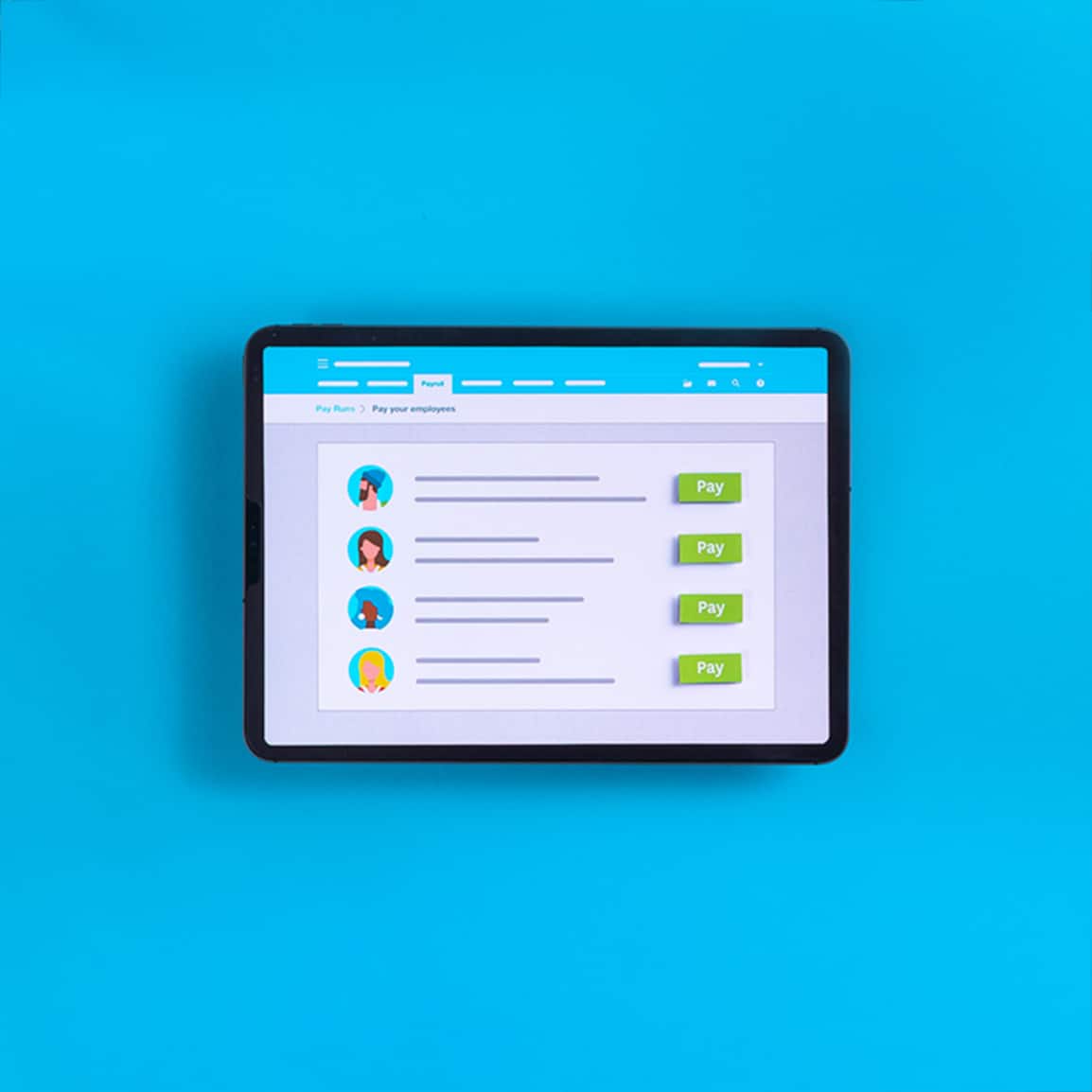
Pay back your employees faster with Xero Expenses
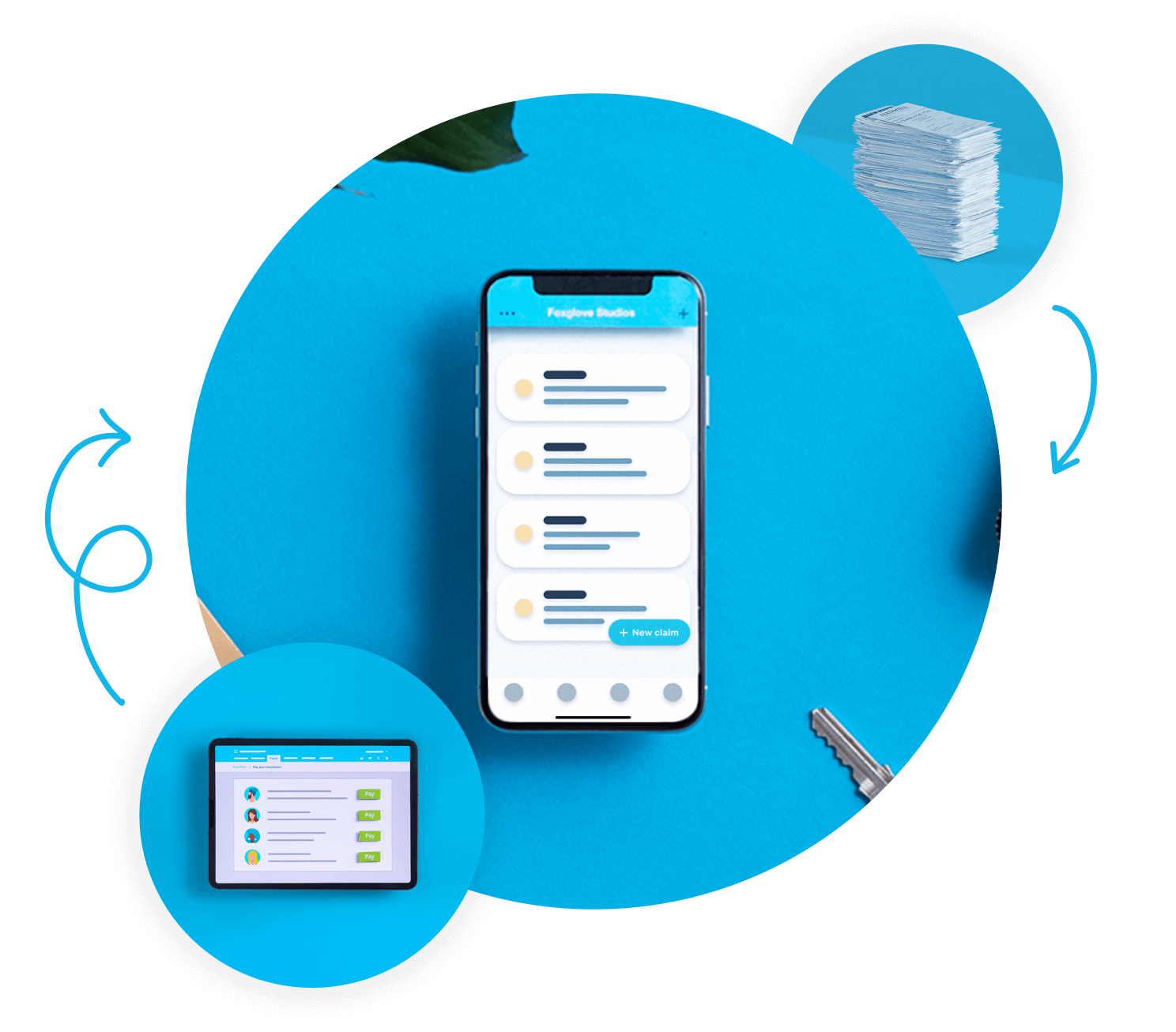
Reimburse employee expense claims with Xero Expenses. Employees can upload photos of receipts using the Xero Me mobile app, and approvers can approve claims from the Expenses tab or in Xero Me. Approved claims are automatically turned into bills so you can pay them from your bank account. Simple.
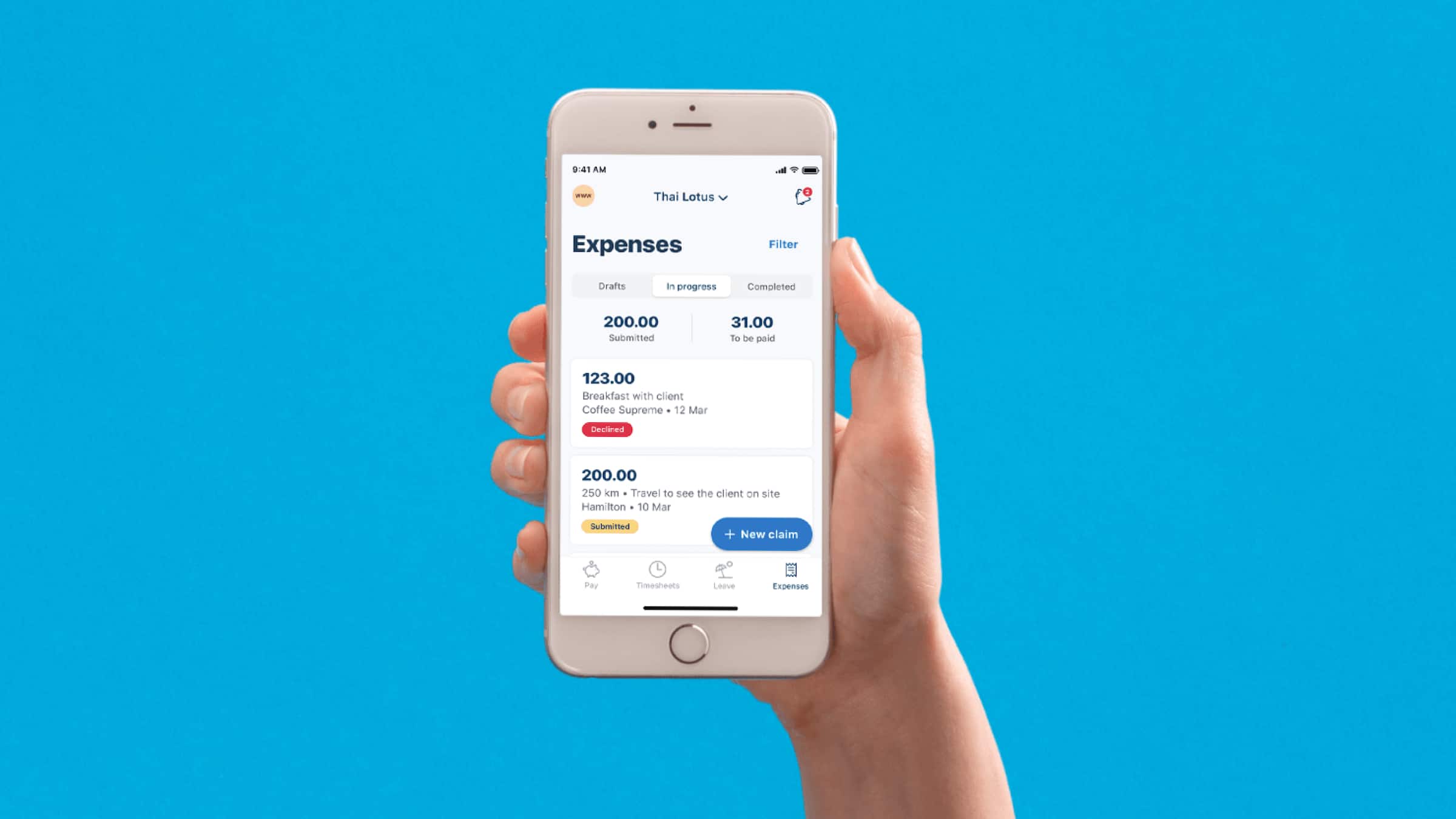
Expense reimbursement in minutes
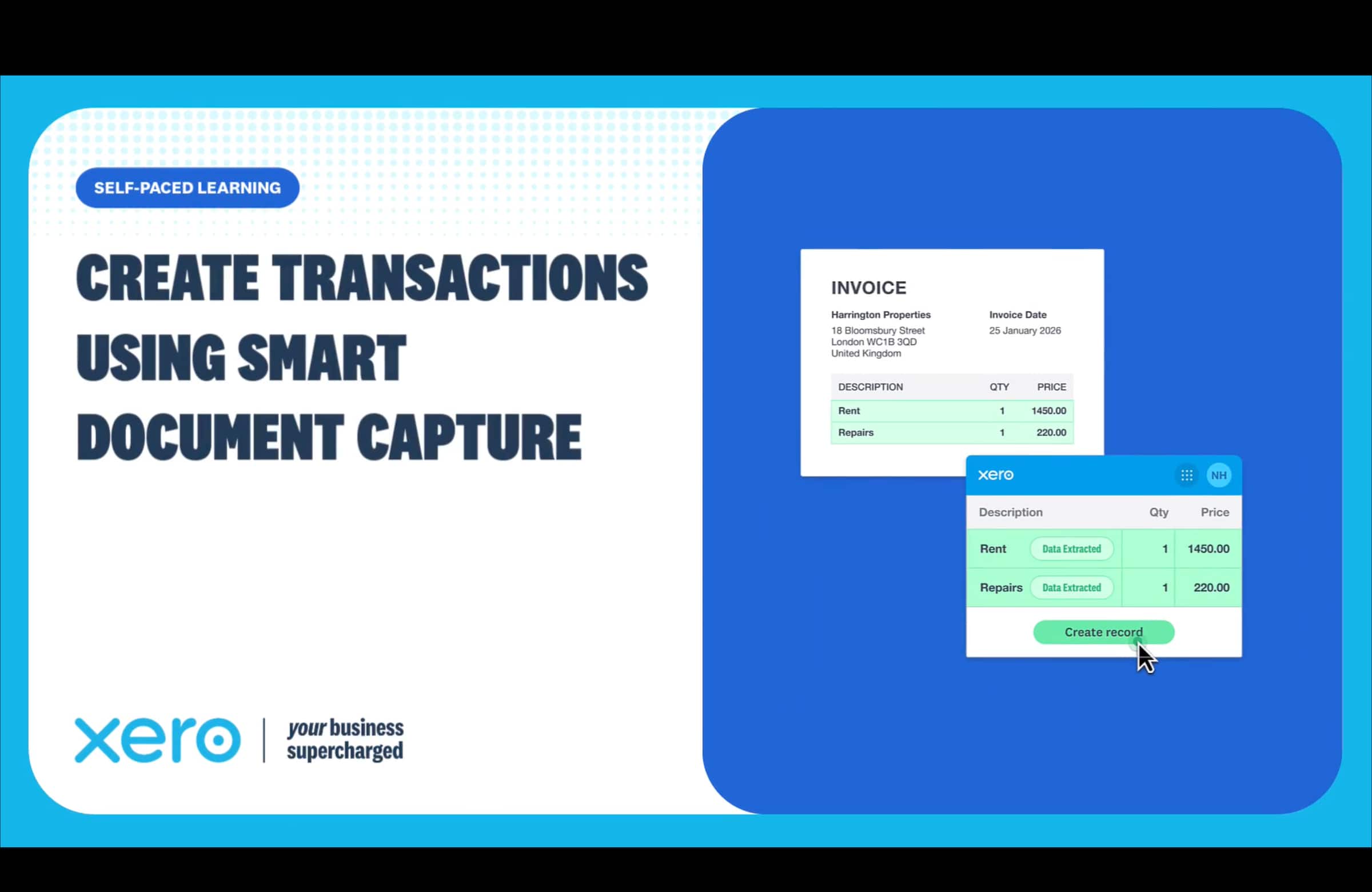
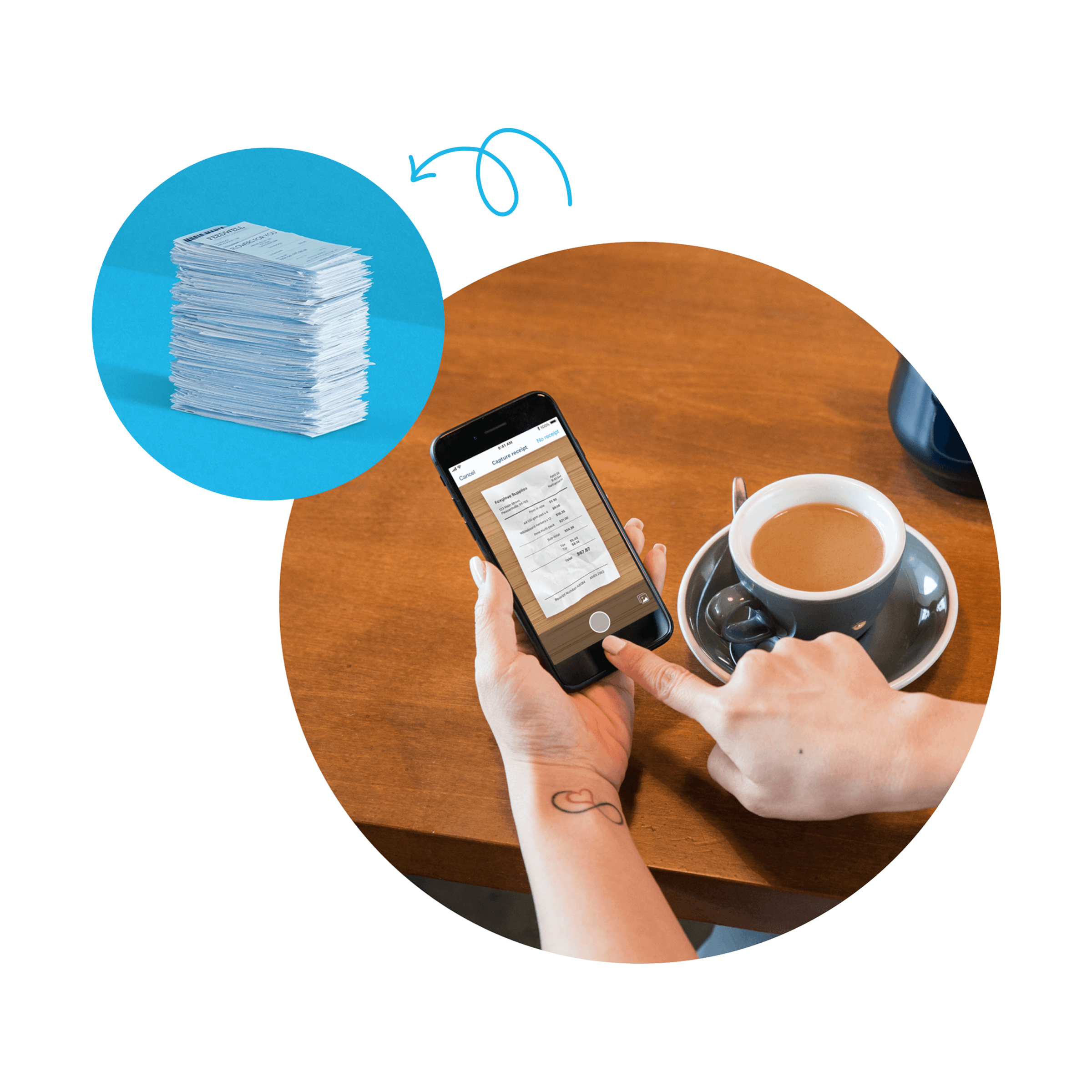
Take a photo of a receipt in the Xero Me app, and Xero extracts key data to fill in the claim so it can be submitted for approval. Digital expense receipts store securely for audit and compliance. Upload images of paper receipts to Xero for reimbursement and reduce manual data entry.
- Automate expense reimbursement and attach receipt images or files in Xero Expenses.
Submit and approve expenses anywhere
With the Xero Me app, your expense approval workflow works from your office, home, or the road.
Complete expense control from anywhere
Employees use mobile expense submission to capture receipts instantly. Approve or decline expense claims on the go.

Receipt to reimbursement in seconds
Use Xero Me to claim back business spending on your mobile device. Your employees photograph receipts, and Xero's mobile expense submission tools extract the details automatically. Attach receipt files to expense claims and keep receipt details and notes with the claim.
- Take a photo of receipts and submit expense claims from your phone.
Submit from anywhere, anytime
Employees can submit expense claims in the Xero Me mobile app. No more collecting receipts until month end.

One-click expense approvals
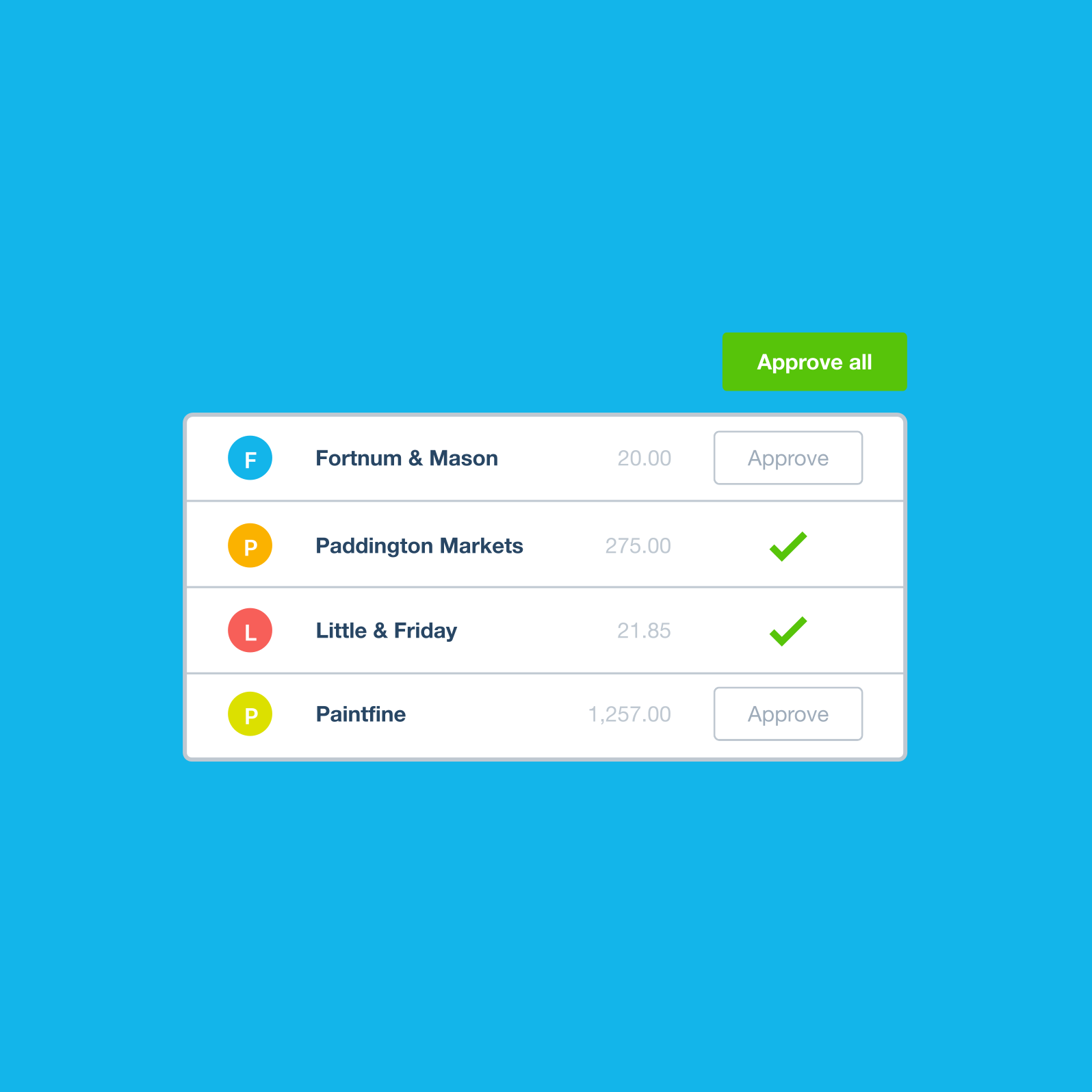
Approve or decline claims in Xero Expenses. Add receipt files to expense claims and approve them in the Xero Me mobile app.
- Approve or decline expense claims and track them by status, employee or account
- Get a real-time view of your cash flow for better planning
- No more approval bottlenecks
- Create and submit expense claims. View document audit trail details and approve expense claims.
Instant notifications for pending approvals
Get notified when claims arrive. Review receipts and approve them from your phone or desktop. Approve or decline expense claims in Xero.
Full visibility for finance teams
Approve or decline expense claims and review them by status in Xero Expenses.
Reimbursement software that integrates
Unlike most reimbursement software. Reimburse employee expense claims using Xero Expenses. Approve expenses paid with company money and automatically create spend money transactions for reconciliation. Reimburse claims quickly and accurately, and keep your records up to date in Xero.
- Reimburse an employee’s expense claim using Xero payroll. Reimburse an employee’s expense claim in the next pay run.
Two payment methods, one seamless system
Reimburse an employee’s expense claim in the next pay run. Maintain up-to-date books with ease.
Native integration with your accounting
Reduce manual work with Xero Expenses. Reimburse employee expense claims in the next pay run with Xero Expenses.
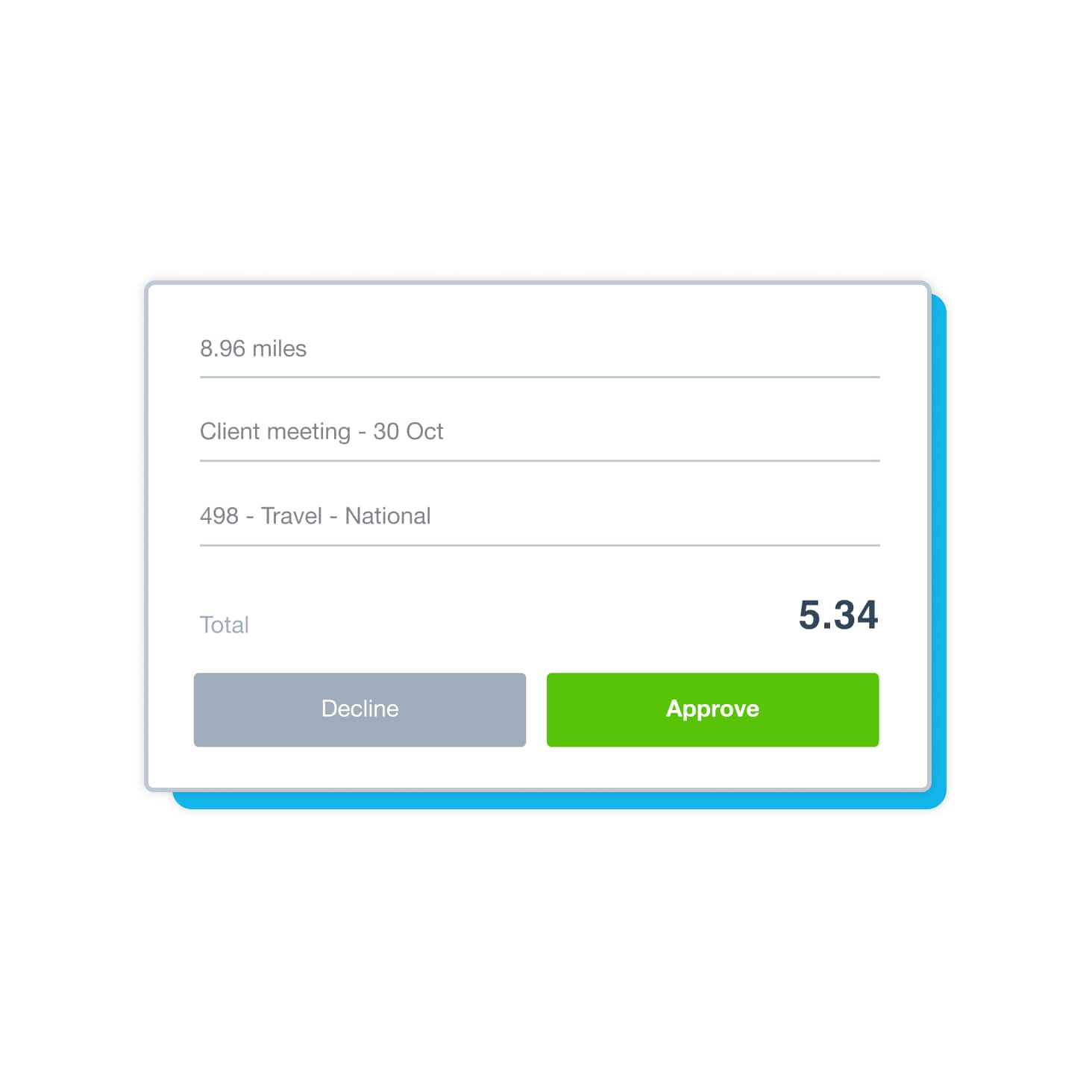
Create and submit mileage claims to be reimbursed
Create and submit mileage claims to be reimbursed if you use your own vehicle for work. Process mileage claims in payroll for tax and reporting purposes. Xero automates data ingestion for fast, up-to-date accounting. Track and manage expenses in Xero.
- Track expenses on the go and access global reports with regional compliance reports. All your mileage and expenses in one place.
All expenses and mileage in one view
Bring expenses and mileage together in one system. Analyze your spending, validate claims, and stay compliant all in one place.
Consolidate your expenses and mileage in a single view
The mileage reimbursement app works with your expense approval workflow and payroll. Stay compliant with confidence.
See every expense as it happens
No more month-end surprises – see every expense claim as it's submitted. Track payroll expenditure by department with tracking categories. Xero expense reimbursement software lets users submit claims to an approver, and approvers can approve or decline expenses.
- See your spending instantly. Xero helps automate expense claims and reimbursements.
Compliance controls that work in the background
Automated tracking helps you stay compliant, identify duplicate bills, and maintain a great audit trail.
Complete audit trails built automatically
Approve or decline expense claims and attach documents for your records. Digital expense receipts connect to claims, approvals, and payments
Frequently asked questions
Employee reimbursement software manages the end-to-end process of paying back employees for business costs they covered with personal funds. It replaces paper receipts, spreadsheet tracking, and ad-hoc bank transfers with a structured workflow: employees submit claims with digital receipts, managers approve or decline them, and payments go out through payroll or batch bank transfer. Platforms like Xero Expenses connect directly to your accounting software, so every reimbursement is automatically recorded against the right expense account – no manual bookkeeping required.
Employee reimbursement software manages the end-to-end process of paying back employees for business costs they covered with personal funds. It replaces paper receipts, spreadsheet tracking, and ad-hoc bank transfers with a structured workflow: employees submit claims with digital receipts, managers approve or decline them, and payments go out through payroll or batch bank transfer. Platforms like Xero Expenses connect directly to your accounting software, so every reimbursement is automatically recorded against the right expense account – no manual bookkeeping required.
Employee reimbursement is the process of paying back an employee for a business cost they paid using personal funds. An expense claim is the formal request the employee submits to trigger that reimbursement. In practice, the terms are often used interchangeably – but reimbursement refers to the payment itself, while the expense claim is the documentation and approval step that precedes it.
Employee reimbursement is the process of paying back an employee for a business cost they paid using personal funds. An expense claim is the formal request the employee submits to trigger that reimbursement. In practice, the terms are often used interchangeably – but reimbursement refers to the payment itself, while the expense claim is the documentation and approval step that precedes it.
Most employee reimbursement policies cover out-of-pocket business costs: travel (flights, trains, accommodation), meals and entertainment, mileage for business use of a personal vehicle, equipment, software, and professional development. What's reimbursable depends on your company's expense policy. In Xero Expenses, each expense type maps to the relevant account in your chart of accounts, so you can track spending by category and enforce consistent coding across your team.
Most employee reimbursement policies cover out-of-pocket business costs: travel (flights, trains, accommodation), meals and entertainment, mileage for business use of a personal vehicle, equipment, software, and professional development. What's reimbursable depends on your company's expense policy. In Xero Expenses, each expense type maps to the relevant account in your chart of accounts, so you can track spending by category and enforce consistent coding across your team.
Yes. Good reimbursement software creates an auditable record of every claim – receipts attached, approval chain documented, payment confirmed – which is what you need for tax reconciliation or an audit. In Xero, each claim carries a full audit trail: who submitted it, when, what receipt was attached, who approved it, and when it was paid. Duplicate claim detection catches accidental or fraudulent double-submissions, and mileage claims processed through payroll are handled with the correct tax treatment automatically. Expense reports can be exported for reconciliation at tax time.
Yes. Good reimbursement software creates an auditable record of every claim – receipts attached, approval chain documented, payment confirmed – which is what you need for tax reconciliation or an audit. In Xero, each claim carries a full audit trail: who submitted it, when, what receipt was attached, who approved it, and when it was paid. Duplicate claim detection catches accidental or fraudulent double-submissions, and mileage claims processed through payroll are handled with the correct tax treatment automatically. Expense reports can be exported for reconciliation at tax time.
As quickly as you like. Employees can submit claims with attached receipts categorized by expense type, and approvers can review, edit, approve, or decline each one. Once an expense claim is approved in Xero, it moves to the awaiting payment tab and is ready to pay. You can reimburse employees in the next pay run, or send a batch bank payment at any time. There’s no need to wait for month-end – claims can be approved and paid as they come in, or batched for a weekly or bi-weekly reimbursement run.
As quickly as you like. Employees can submit claims with attached receipts categorized by expense type, and approvers can review, edit, approve, or decline each one. Once an expense claim is approved in Xero, it moves to the awaiting payment tab and is ready to pay. You can reimburse employees in the next pay run, or send a batch bank payment at any time. There’s no need to wait for month-end – claims can be approved and paid as they come in, or batched for a weekly or bi-weekly reimbursement run.
Yes. Employees can create and submit mileage claims for business travel in their personal vehicle directly in Xero or the Xero Me app. Mileage claims sit alongside other expense claims in one view, so approvers can review and approve them through the same workflow.
Yes. Employees can create and submit mileage claims for business travel in their personal vehicle directly in Xero or the Xero Me app. Mileage claims sit alongside other expense claims in one view, so approvers can review and approve them through the same workflow.
Once an expense claim is approved in Xero, it appears as a payable in the employee's record. You can pay reimbursements directly from Xero using batch payments to your employees' bank accounts, or process them alongside payroll depending on your setup. Every reimbursement is recorded against the relevant expense account for accurate reporting.
Once an expense claim is approved in Xero, it appears as a payable in the employee's record. You can pay reimbursements directly from Xero using batch payments to your employees' bank accounts, or process them alongside payroll depending on your setup. Every reimbursement is recorded against the relevant expense account for accurate reporting.
When a claim is approved in Xero, it's automatically turned into a bill in accounts payable – no manual journal entries needed. Each claim is coded to the relevant expense account at the point of submission, so your expense reporting is accurate as soon as claims are approved. When the reimbursement is paid, Xero marks it as settled and your books update in real time.
When a claim is approved in Xero, it's automatically turned into a bill in accounts payable – no manual journal entries needed. Each claim is coded to the relevant expense account at the point of submission, so your expense reporting is accurate as soon as claims are approved. When the reimbursement is paid, Xero marks it as settled and your books update in real time.
Yes. In Xero Expenses you can assign user roles to control who can submit claims and who can approve them. Admins configure which accounts are available for expense claims, assign company bank accounts to specific employees, and set approver permissions at an individual level. Claims can be approved from the Expenses tab in Xero or on the go in the Xero Me mobile app – no approval bottlenecks.
Yes. In Xero Expenses you can assign user roles to control who can submit claims and who can approve them. Admins configure which accounts are available for expense claims, assign company bank accounts to specific employees, and set approver permissions at an individual level. Claims can be approved from the Expenses tab in Xero or on the go in the Xero Me mobile app – no approval bottlenecks.
It doesn't take long – around half of small businesses say they got set up with Xero and felt ready to go in less than four hours.* Set up Xero expenses in your organization by choosing accounts for claims, configuring receipt analysis and assigning user roles. Then, just invite employees to download the Xero Me mobile app. Xero Expenses is available in the web version of Xero and the Xero Me mobile app, so you can manage expense claims within Xero. Your team can submit expense claims once an Expenses admin assigns them a company bank account.
It doesn't take long – around half of small businesses say they got set up with Xero and felt ready to go in less than four hours.* Set up Xero expenses in your organization by choosing accounts for claims, configuring receipt analysis and assigning user roles. Then, just invite employees to download the Xero Me mobile app. Xero Expenses is available in the web version of Xero and the Xero Me mobile app, so you can manage expense claims within Xero. Your team can submit expense claims once an Expenses admin assigns them a company bank account.
Plans to suit your business
All pricing plans cover the accounting essentials, with room to grow.
Xero reserves the right to change pricing at any time. All prices are listed in USD and do not include applicable taxes. Taxes will be calculated based on your billing address before you enter your payment information. Your monthly recurring total will be updated accordingly in the following steps. Xero subscriptions auto-renew monthly until they are cancelled. If you later decide to change to a less expensive plan you can do so 1 month after upgrading.
*New customers get 80% off for the first 3 months, then Xero’s regular price will apply and auto-renew monthly until cancelled as described in our Terms of Use. Only available to customers in the United States purchasing their first organization on xero.com using code DC80325309US. Discount applies to base Early, Growing, Established plan subscriptions and does not apply to any additional charges for add‑ons, usage and payment fees, unless otherwise specified. This offer cannot be used with, or exchanged for, any other offer. Xero can change or cancel this offer at any time.
†Invoice limits for the Early plan apply to both approving and sending invoices. Transactions initiated by app partners may automatically contribute to your invoice limit.
^Payment fees apply to the use of online invoice payments. See here for more information.
**Median payment times of invoices with a payment service included and sent via SMS by customers using Xero in US from 9/1/2024 to 3/31/2025 (compared to invoices sent by email and without payment service included).
a. ††Payment fees may apply to the use of online bill payments. Standard ACH payments are included in Xero Early, Growing and Established plans (fees apply for other payment methods). Included payments apply to standard ACH payments in USD and excludes same day ACH, international or cross border payments. Any payment fees are in addition to your Xero monthly subscription amount and are not eligible for subscription discounts and offers. Fees exclude applicable taxes. See here for more information.
Xero reserves the right to change pricing at any time. All prices are listed in USD and do not include applicable taxes. Taxes will be calculated based on your billing address before you enter your payment information. Your monthly recurring total will be updated accordingly in the following steps. Xero subscriptions auto-renew monthly until they are cancelled. If you later decide to change to a less expensive plan you can do so 1 month after upgrading.
*New customers get 80% off for the first 3 months, then Xero’s regular price will apply and auto-renew monthly until cancelled as described in our Terms of Use. Only available to customers in the United States purchasing their first organization on xero.com using code DC80325309US. Discount applies to base Early, Growing, Established plan subscriptions and does not apply to any additional charges for add‑ons, usage and payment fees, unless otherwise specified. This offer cannot be used with, or exchanged for, any other offer. Xero can change or cancel this offer at any time.
†Invoice limits for the Early plan apply to both approving and sending invoices. Transactions initiated by app partners may automatically contribute to your invoice limit.
^Payment fees apply to the use of online invoice payments. See here for more information.
**Median payment times of invoices with a payment service included and sent via SMS by customers using Xero in US from 9/1/2024 to 3/31/2025 (compared to invoices sent by email and without payment service included).
a. ††Payment fees may apply to the use of online bill payments. Standard ACH payments are included in Xero Early, Growing and Established plans (fees apply for other payment methods). Included payments apply to standard ACH payments in USD and excludes same day ACH, international or cross border payments. Any payment fees are in addition to your Xero monthly subscription amount and are not eligible for subscription discounts and offers. Fees exclude applicable taxes. See here for more information.