Accept card payments in-person for B2B with Xero US
Say goodbye to chasing payments with Xero, the first major accounting platform to offer Tap to Pay, powered by Stripe. Accept payments by card, digital wallet, and other contactless methods – all right there on the spot. Enjoy a slick cashless system!
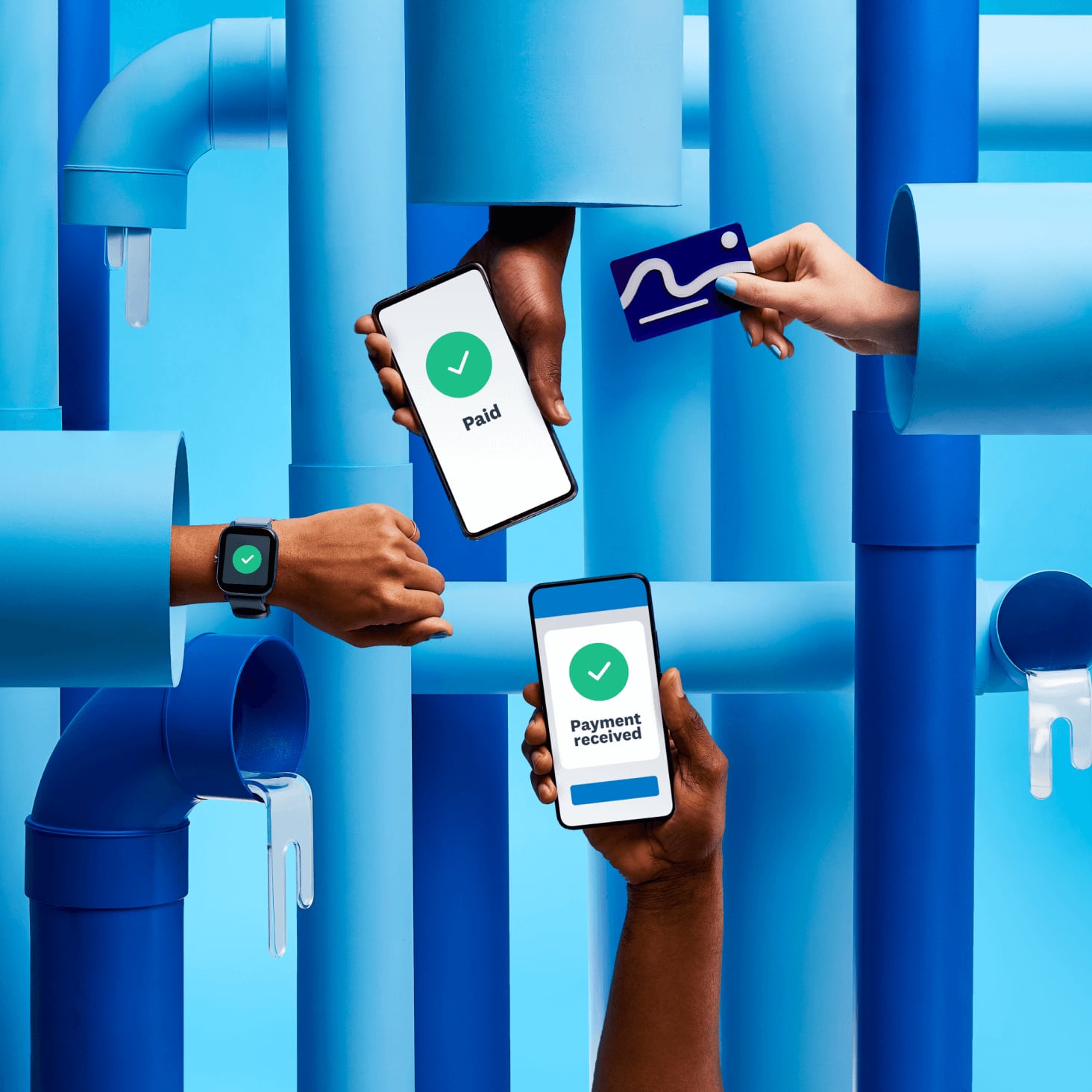
How to take contactless payments with Xero
Accept card and digital wallet payments on your phone in three quick steps.
Create a new invoice or find the existing one
This is easy in the Xero Accounting app, designed for business on the go.
Take payment from your customer
Your customer taps their card, digital wallet, or smart watch on your phone.
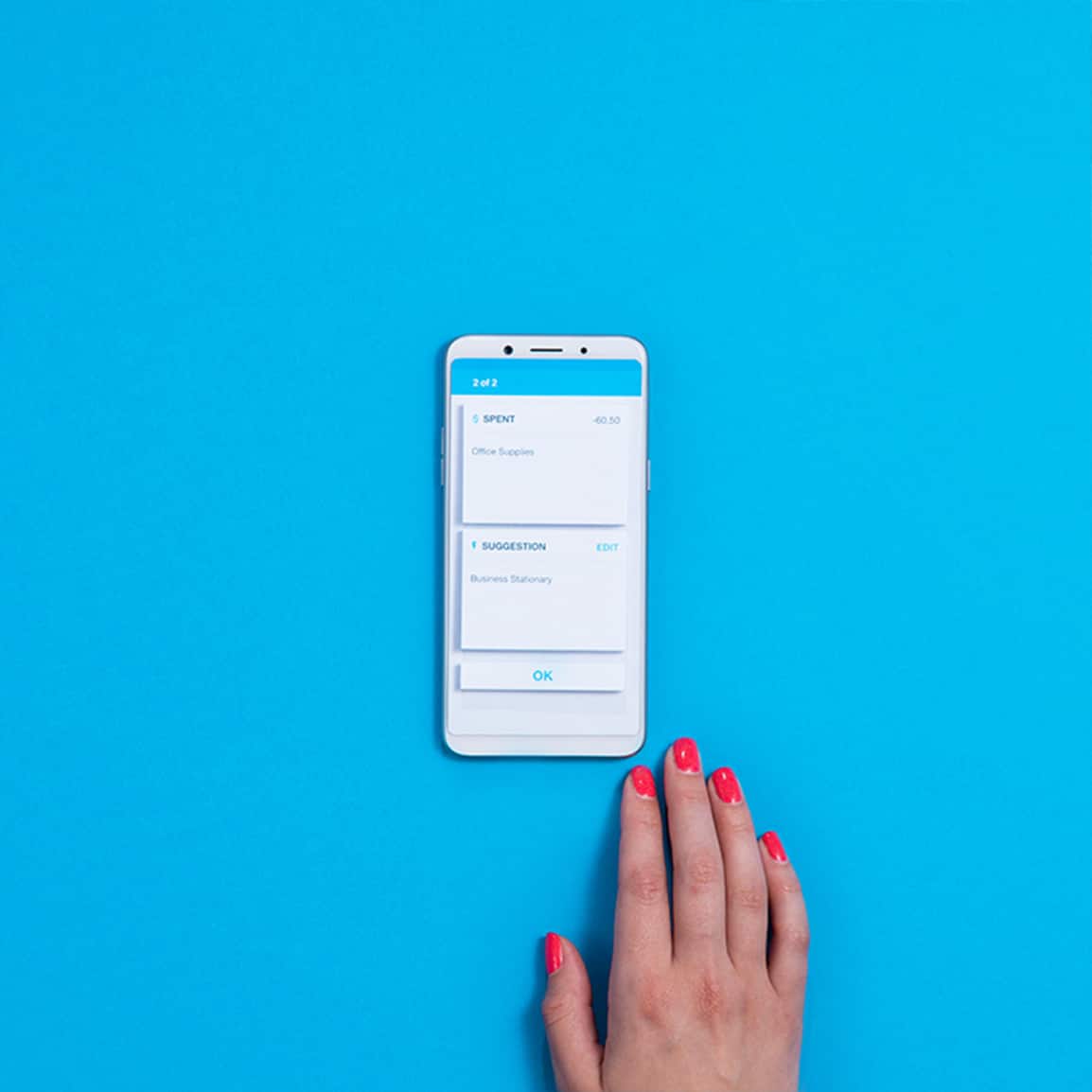
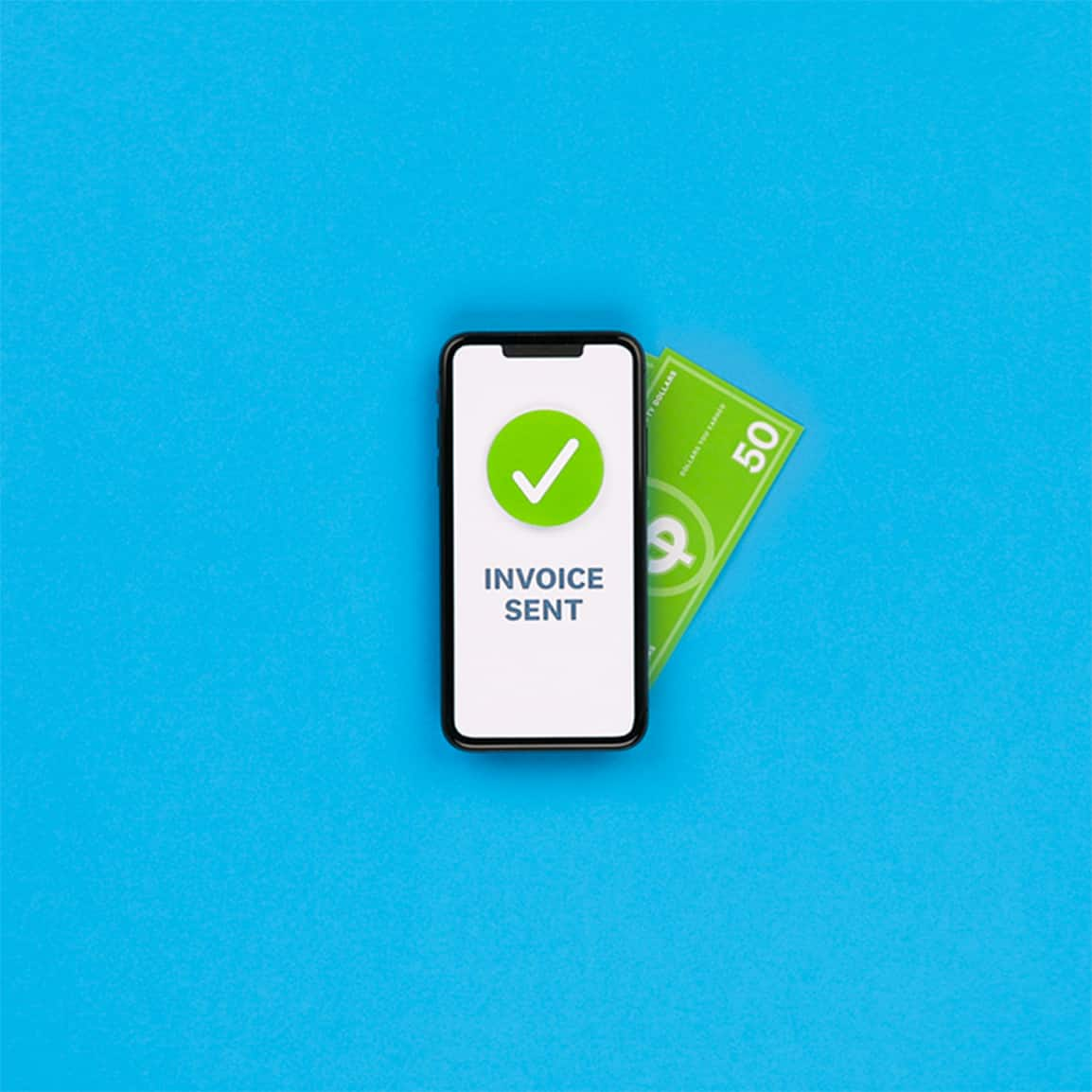
Send the receipt and reconcile the transaction
Xero marks the invoice as paid, and the transaction is ready for you to reconcile on your phone.
Pay your bills at no extra cost
Free standard ACH bill payments are now included in Xero business plans.*
Early
for the first 6 months
Then $25 per month
An easy financial foundation - track cash flow with the essentials.
- Send quotes and 20 invoices†
- Accept online invoice payments^
- 5 bills
- Reconcile bank transactions
- Smart Document Capture
- View real-time reports
- W-9 + 1099 management
- Sales tax
- Visualize performance with basic graphs
- 30 day cash flow forecast
- Make online bill payments (Domestic - Free ACH)
- Make online bill payments (Cross Border)

Growing
for the first 6 months
Then $55 per month
Go beyond the basics - automate tasks and access performance dashboards.
- Send invoices and quotes
- Accept online invoice payments^
- Automate bill entry and track bills
- Auto-reconcile bank transactions (Beta)
- Smart Document Capture
- View real-time reports
- W-9 + 1099 management
- Sales tax
- Visualize performance with graphs
- 60 day cash flow forecast
- Make online bill payments (Domestic - Free ACH)
- Make online bill payments (Cross Border)
- Customize performance dashboards
- Tailored financial health scorecards
Forecast with clarity
Forecast with clarity
Established
for the first 6 months
Then $90 per month
Future proof your scaling business - with advanced tools and analytics.
- Send invoices and quotes
- Accept online invoice payments^
- Automate bill entry and track bills
- Auto-reconcile bank transactions (Beta)
- Smart Document Capture
- View real-time reports
- W-9 + 1099 management
- Sales tax
- Visualize performance with graphs
- 180 day cash flow forecast
- Make online bill payments (Domestic - Free ACH)
- Make online bill payments (Cross Border)
- Customize performance dashboards
- Tailored financial health scorecards
- Analyze KPIs and ratios
- Use multiple currencies
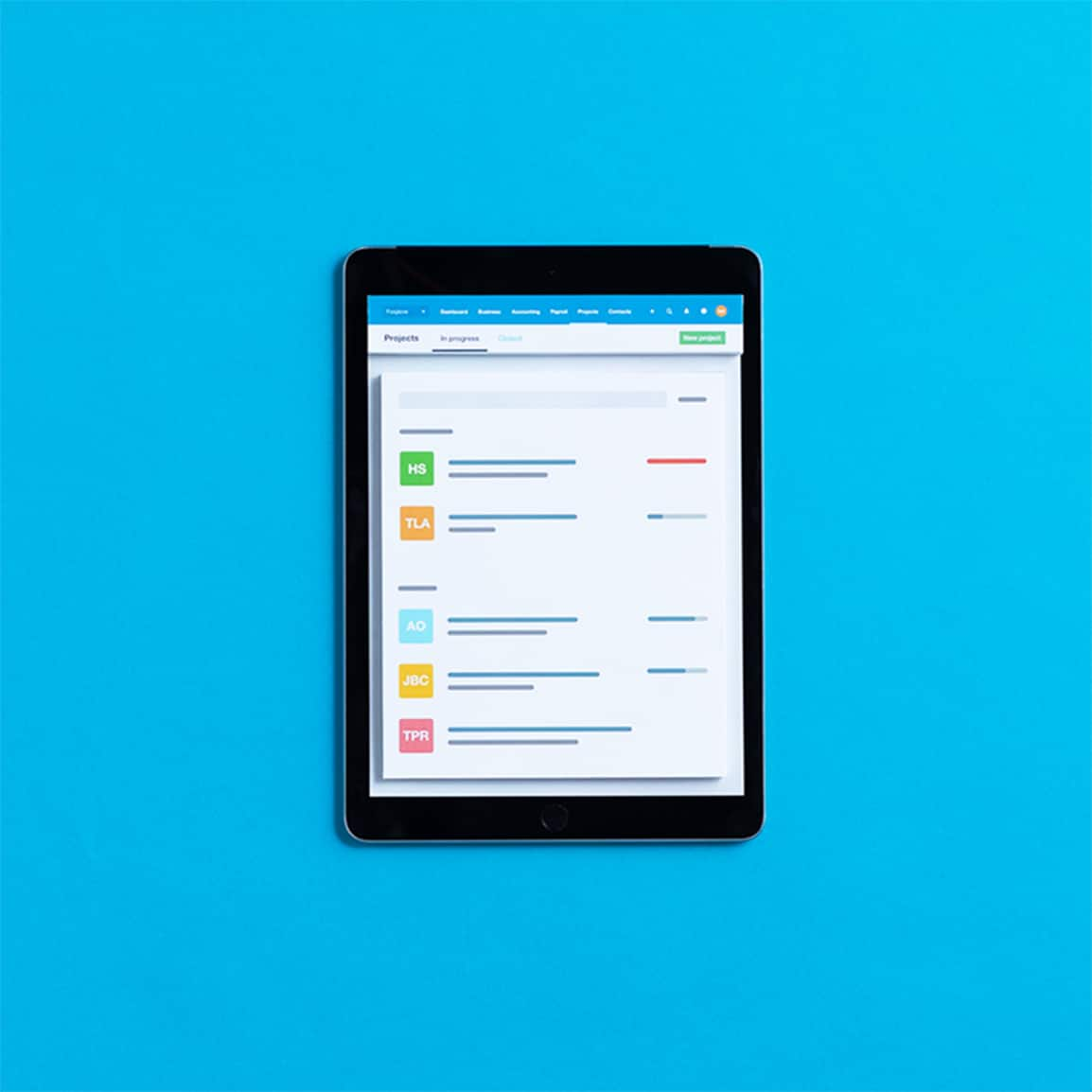
- Track time and costs for projects
- Employee expense and mileage claims
- Benchmark against the industry
- Make online bill payments (International)
Accept Tap to Pay for better cash flow
Accept credit card and other payments instantly for a huge boost to your cash flow. You don’t need to worry about when you’ll get paid and spend valuable time chasing customers. You know the bill is settled, which helps get the money in your bank account sooner.
Cash flow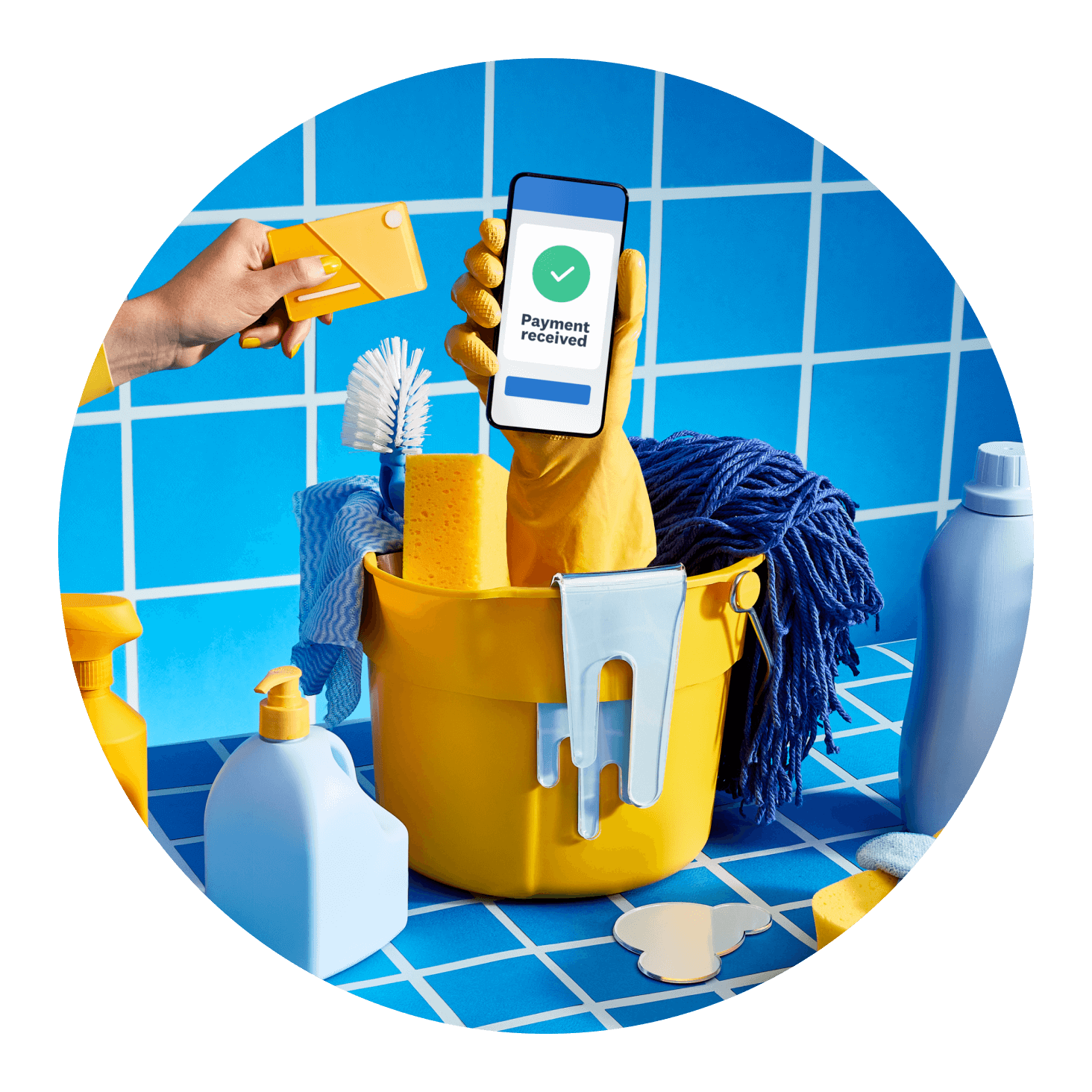
Go cashless for a convenient system
Stop fumbling with cash and coins. Tap to Pay lets you accept secure payments directly from a customer’s card or phone – creating a convenient, hygienic checkout experience for everyone. Welcome to the future of payment processing! Accept payments from:
- Major credit and debit cards, including Visa, Mastercard, and Amex
- Digital wallets like Apple Pay and Google Pay, and smart watches
- iPhone and Android devices

No extra hardware needed – just your phone
With the Xero-Stripe integration, you can ditch the card reader. Instead, use the Xero Accounting app on your phone or tablet. Stripe records every sale before Xero automatically reconciles the transactions in your books, so you can skip the manual data entry and focus on your small business.
Embrace speedy, auto-reconciled invoices
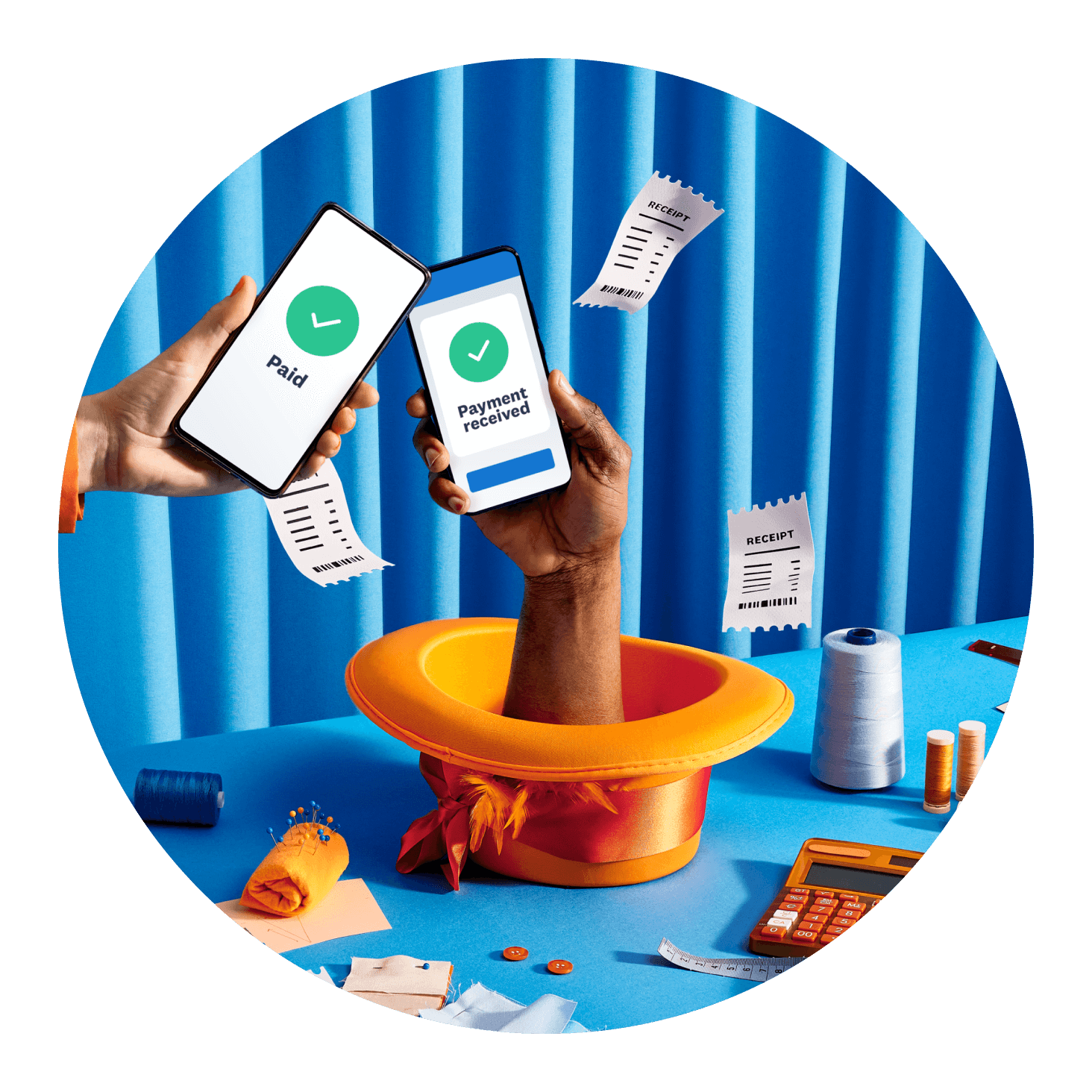
Want to fast-track your invoicing? When you take a contactless payment against a new or existing invoice on your phone, Xero automatically records this transaction and its fee. As for your books, you can stay in the Xero Accounting app to quickly reconcile the amount there and then. Simple!
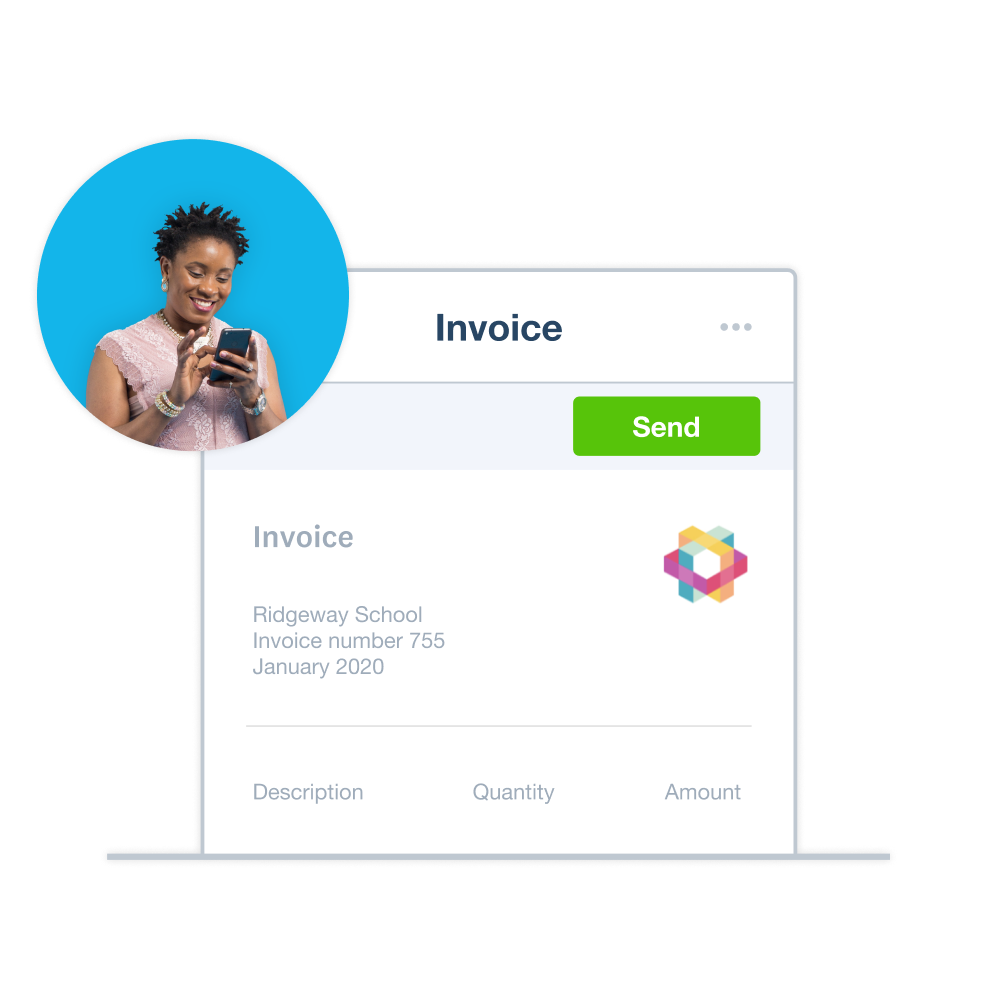
- Send invoices in advance or create them on the spot
- Store all your sales transaction info in your Xero records
- Take care of reconciliation on the same day for an efficient process
Get peace of mind with secure payments
Xero’s contactless payments help keep your money secure. How? Transactions are encrypted and tokenized thanks to Stripe. No card data is stored on your device. And every sale syncs to Xero for easy reconciliation, so you can spot anything that looks suspicious.

FAQs on accepting card payments with Xero
You can accept payments made using physical cards (credit and debit), a digital wallet including Apple Pay and Google Pay, or a wearable device like a smart watch.
You can accept payments made using physical cards (credit and debit), a digital wallet including Apple Pay and Google Pay, or a wearable device like a smart watch.
You can accept credit card and other payments instantly when using Tap to Pay. Create an online invoice in the Xero Accounting app (or find an existing one) and then let your customer pay on the spot by tapping their physical card or device. This is an efficient way to get the money in your bank account sooner.
You can accept credit card and other payments instantly when using Tap to Pay. Create an online invoice in the Xero Accounting app (or find an existing one) and then let your customer pay on the spot by tapping their physical card or device. This is an efficient way to get the money in your bank account sooner.
Yes – you’ll need a Stripe account and the Xero Accounting app on your mobile phone. Both are free to download and easy to set up. Tap to Pay isn’t currently available for users with multiple Stripe accounts connected to their organization.
Yes – you’ll need a Stripe account and the Xero Accounting app on your mobile phone. Both are free to download and easy to set up. Tap to Pay isn’t currently available for users with multiple Stripe accounts connected to their organization.
Definitely. Use your Android to accept payments from customers using Google Wallet and Google Pixel Watches or physical cards.
See how Tap to Pay on Android worksDefinitely. Use your Android to accept payments from customers using Google Wallet and Google Pixel Watches or physical cards.
See how Tap to Pay on Android worksYou don’t pay any sign-up or monthly costs to accept Tap to Pay contactless payments. But you do pay a Stripe fee – charged by Xero – when your customer makes a payment. The fees are 2.7% + $0.15 per transaction for domestic cards, and 4.2% + $0.15 per transaction for international cards.
You don’t pay any sign-up or monthly costs to accept Tap to Pay contactless payments. But you do pay a Stripe fee – charged by Xero – when your customer makes a payment. The fees are 2.7% + $0.15 per transaction for domestic cards, and 4.2% + $0.15 per transaction for international cards.
It depends on where you do business – some states don’t let you pass on payment processing fees, and it’s your responsibility to comply with local laws. If you’re allowed to pass on the fees, you can enable this setting in Xero Web under the payment service configuration. You can then pass the payment processing fee onto your customers when using Tap to Pay in the Xero Accounting app.
It depends on where you do business – some states don’t let you pass on payment processing fees, and it’s your responsibility to comply with local laws. If you’re allowed to pass on the fees, you can enable this setting in Xero Web under the payment service configuration. You can then pass the payment processing fee onto your customers when using Tap to Pay in the Xero Accounting app.
Tap to Pay works with your accounting
Your financial admin is simple with Xero’s Tap to Pay. Every payment you accept on your phone automatically syncs with your Xero organization, sparing you the manual work. That way, you get an up-to-the-minute view of your cash flow and a streamlined way to manage your small business accounts.
More about managing your small business accountsGet one month free
Sign up to any Xero plan, and we will give you the first month free.
*Fees apply for other payment methods.