Easy online invoicing software
Use customizable invoice templates to create professional invoices fast – add your logo, payment terms, and branding. Send invoices online via email, SMS, or PDF from your desktop or the Xero Accounting app. Add a Pay now button and get paid up to twice as fast with Xero's online invoicing software.
Simple billing with digital tools
Xero’s online invoice software gives you fast, accurate workflows for your billing.
Get paid up to 2 x faster
Stop manual transfers, let customers pay instantly - because when it's easy, there's less reason not to.
Take payments your way
Businesses have different needs—skip one-size-fits-all and get a solution built for the way your business runs.
Stop chasing and win back your mornings
Xero cuts the admin of getting paid—automated reminders chase payments for you without lifting a finger.
Send invoices online from your phone
Send invoices online from wherever you are with the Xero Accounting app on iOS and Android. Send via email, SMS, or PDF in a few taps, then track whether your customer has opened the invoice. The sooner you send, the sooner you get paid. Download free from the App Store or Google Play.
Know when customers have seen their invoices
Invoice tracking lets you know the moment a customer opens your invoice, so you can follow up at exactly the right time.
Get notified the moment you're paid
No more guessing. Record your customers’ invoices as paid and use Xero’s cash flow reporting tools to keep track of your cash flow.
Spot unpaid invoices and manage your accounts receivable
See all outstanding invoices at a glance and follow up fast, keeping your accounts receivable organized.
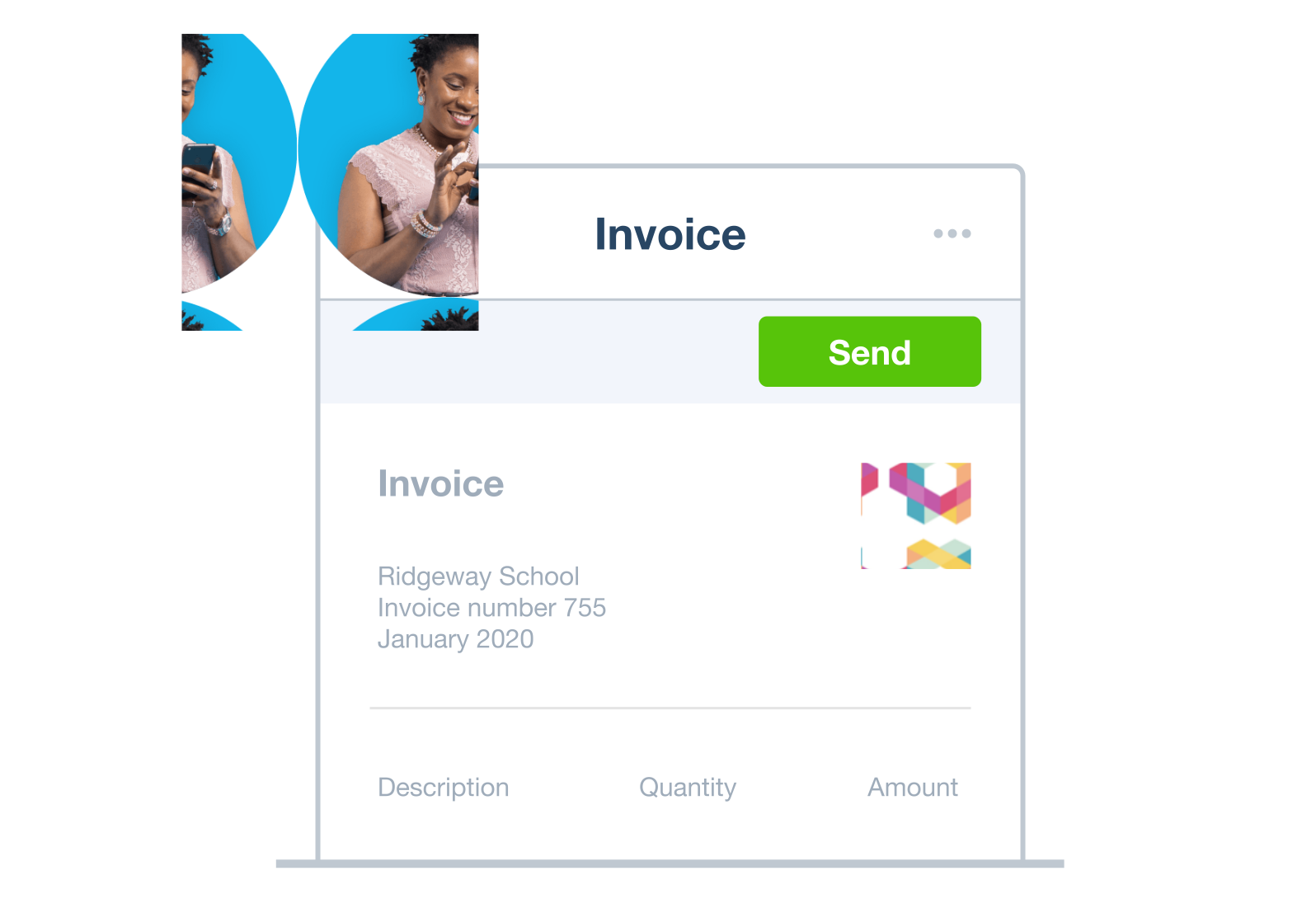
Create and send invoices with AI-powered JAX
JAX is Xero's AI invoicing tool that lets you create, edit, and send invoices using plain-language commands. Tell JAX the customer name and item details, and it retrieves prices and sends personalized emails. Access it via Xero, WhatsApp, or SMS.
Create invoices online with natural language commands
Just tell JAX what you need and it handles the rest.
Invoice from anywhere with Xero, WhatsApp, or SMS
Use JAX in Xero, WhatsApp, or SMS to create and send invoices online. It’s automated invoicing wherever you are.
Automatic price retrieval and invoice calculations
JAX pulls product prices from your Xero account and calculates invoice totals automatically.
G2
Connery J
G2
Katherine
G2
Verified user
Automated invoicing, your way
Xero's invoice software fits your workflow with customizable templates and automation. It autofills customer details and streamlines time-consuming tasks, helping you send invoices faster and save time each month.
Recurring invoices
Set Xero to chase unpaid invoices with automated reminders. Choose when and how often to send them.
Group invoicing
Charge multiple clients at once with Xero. Create and send invoices in quick steps, then automate regular invoicing.
Auto-fill customer details
Enter customer details once, and Xero auto-fills them on every invoice after that. That means less typing, fewer mistakes, more time saved.
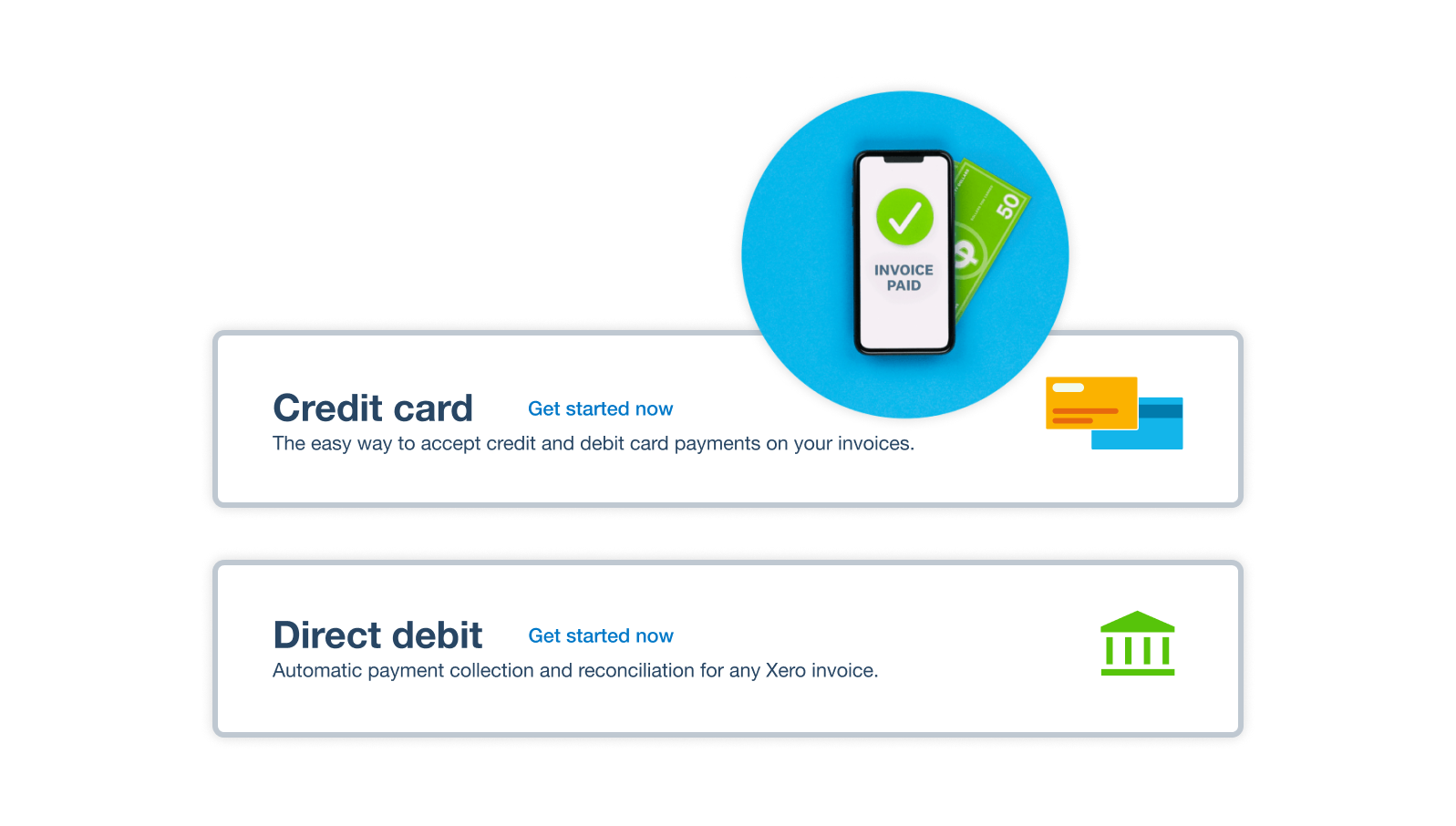
Get your invoices paid up to twice as fast
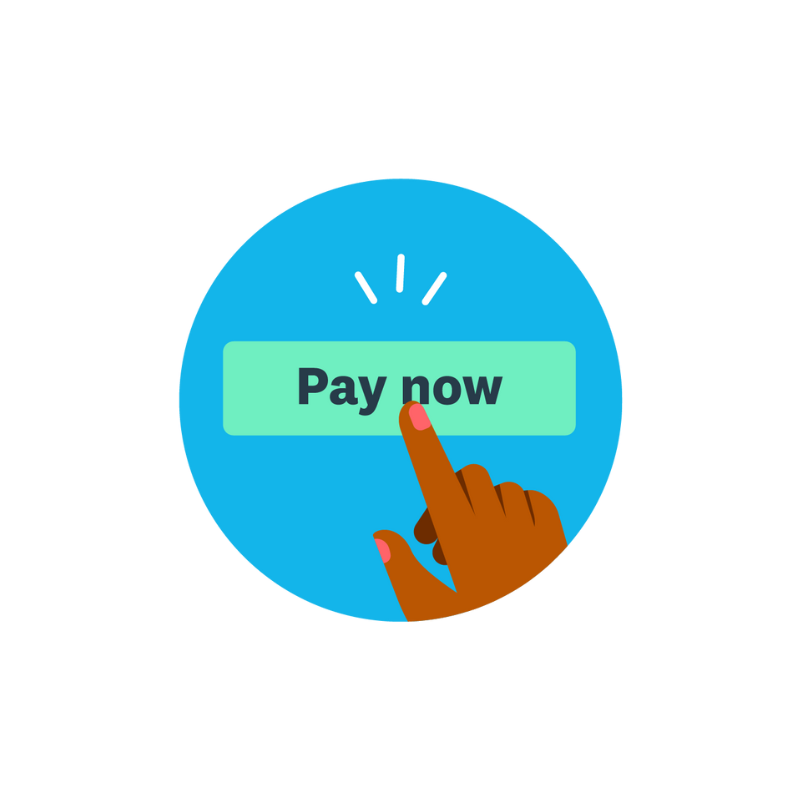
Make it effortless for customers to pay you. Add a Pay now button to your online invoices, and customers go straight to a secure payment page in one click – no login needed. Choose from payment options like direct debit, debit card, credit card, Google Pay or Apple Pay.
- Accept online payments by credit card, debit card, ACH debit, Apple Pay, and Google Pay
- Gain trust by using global payment providers like Stripe and GoCardless
- Your customers can pay with a click, using their preferred method, directly from your invoices
Remind your customers automatically
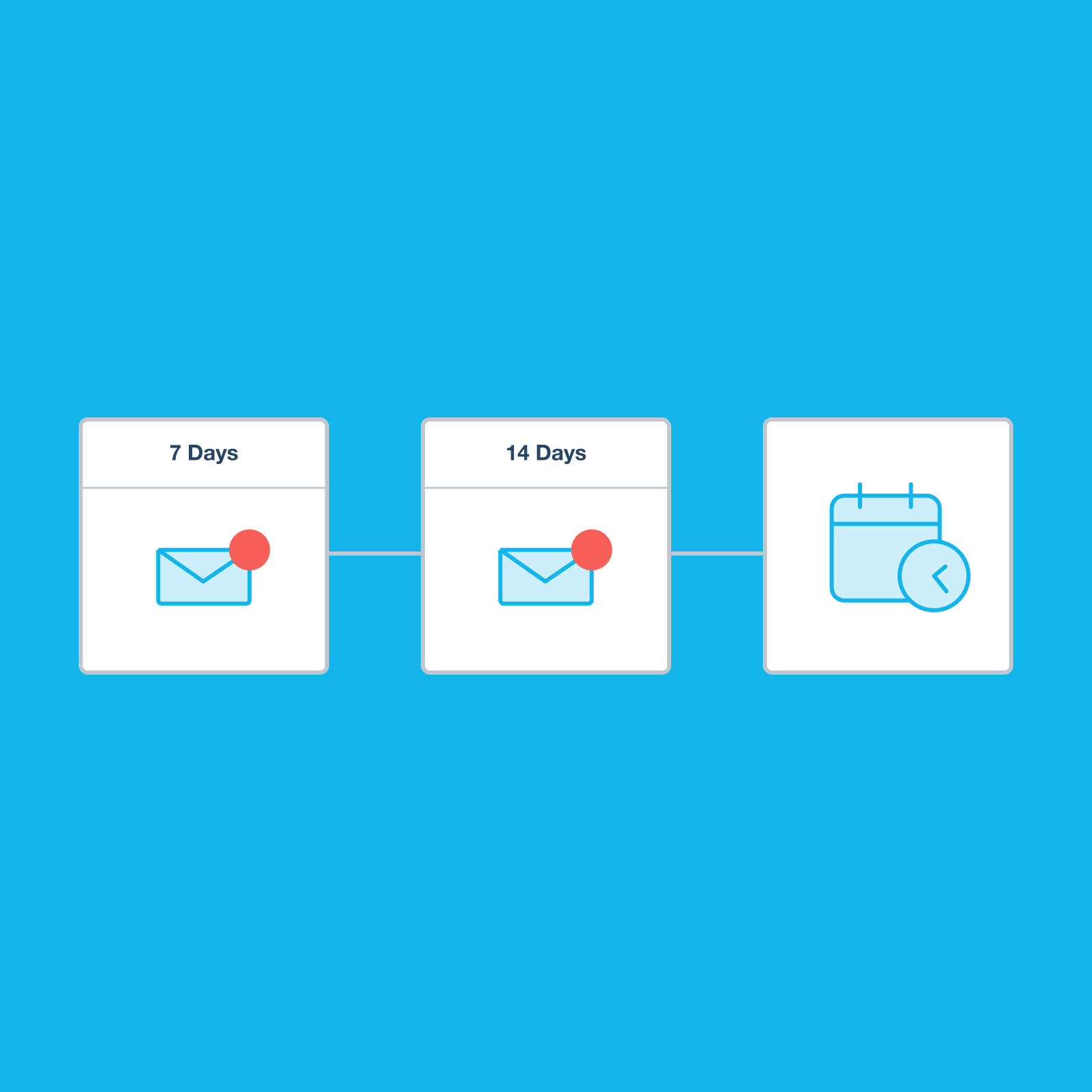
Late payments cost more than money – they cost time and awkward conversations. Xero's automated invoicing reminders nudge customers before and after their due date with your own message. As soon as payment arrives, Xero stops sending. You set the timing and stay in control.
- Choose how often to send reminders – daily, weekly, or on a custom schedule
- Remind customers before and after the invoice due date
- Keep track of reminders you’ve sent so you know when to follow up next
Pay your bills at no extra cost
Free standard ACH bill payments are now included in Xero business plans.*
Early
for the first 3 months
Then $27 per month
An easy financial foundation - track cash flow with the essentials.
- Send quotes and 20 invoices†
- Accept online invoice payments^
- 5 bills
- Reconcile bank transactions
- Smart Document Capture
- View real-time reports
- W-9 + 1099 management
- Sales tax
- Visualize performance with basic graphs
- 30 day cash flow forecast
- Make online bill payments (Domestic - Free ACH)
- Make online bill payments (Cross Border)

Growing
for the first 3 months
Then $59 per month
Go beyond the basics - automate tasks and access performance dashboards.
- Send invoices and quotes
- Accept online invoice payments^
- Automate bill entry and track bills
- Reconcile bank transactions
- Smart Document Capture
- View real-time reports
- W-9 + 1099 management
- Sales tax
- Visualize performance with graphs
- 60 day cash flow forecast
- Make online bill payments (Domestic - Free ACH)
- Make online bill payments (Cross Border)
- Customize performance dashboards
- Tailored financial health scorecards
- Budget with smart suggestions
- Auto-reconcile transactions
Forecast with clarity
Forecast with clarity
Established
for the first 3 months
Then $97 per month
Future proof your scaling business - with advanced tools and analytics.
- Send invoices and quotes
- Accept online invoice payments^
- Automate bill entry and track bills
- Reconcile bank transactions
- Smart Document Capture
- View real-time reports
- W-9 + 1099 management
- Sales tax
- Visualize performance with graphs
- 180 day cash flow forecast
- Make online bill payments (Domestic - Free ACH)
- Make online bill payments (Cross Border)
- Customize performance dashboards
- Tailored financial health scorecards
- Analyze KPIs and ratios
- Use multiple currencies
- Track time and costs for projects
- Employee expense and mileage claims
- Benchmark against the industry
- Make online bill payments (International)
- Budget with smart suggestions
- Auto-reconcile transactions
Master small business invoicing with Xero
Xero’s small business invoicing guide gives you a solid process for sending professional invoices and getting paid on time. Starting out? Or smoothing your workflow? Xero's guide helps you create and send your first invoice, then make regular invoicing simpler and smarter.
Learn how to send great invoices
FAQs on Xero's online invoicing software
Xero isn't just invoice software – it's a full accounting platform. Xero’s bank feeds connect your business bank and checking accounts so transactions flow into Xero automatically.
From there, Xero's tools support you to manage your accounts receivable, bill payments, expense tracking, cash flow, and financial reporting. It's everything you need to run your finances in one place.
Xero isn't just invoice software – it's a full accounting platform. Xero’s bank feeds connect your business bank and checking accounts so transactions flow into Xero automatically.
From there, Xero's tools support you to manage your accounts receivable, bill payments, expense tracking, cash flow, and financial reporting. It's everything you need to run your finances in one place.
You have complete control. In Xero's invoice software, you can give your team members specific permission levels, so everyone only sees what they need to. Xero also keeps a full audit trail of every change made, so you always know who did what and when. And with multiple layers of data security built in, your financial information is protected at every step.
You have complete control. In Xero's invoice software, you can give your team members specific permission levels, so everyone only sees what they need to. Xero also keeps a full audit trail of every change made, so you always know who did what and when. And with multiple layers of data security built in, your financial information is protected at every step.
Yes! If your suppliers or customers also use Xero, you can exchange bills and invoices automatically instead of emailing them and manually uploading documents. This gives your business a quick and secure way to handle billing, helping reduce manual data entry.
Yes! If your suppliers or customers also use Xero, you can exchange bills and invoices automatically instead of emailing them and manually uploading documents. This gives your business a quick and secure way to handle billing, helping reduce manual data entry.
With Xero, it's easy. Start by choosing a customizable invoice template. Then add your logo, branding, and payment terms. Enter your line items (customer details auto-fill after the first invoice). Finally, send via email, SMS, or PDF with one click.
You don’t have to wait until you’re at your desk – create and send invoices online from the Xero Accounting app on iOS or Android.
With Xero, it's easy. Start by choosing a customizable invoice template. Then add your logo, branding, and payment terms. Enter your line items (customer details auto-fill after the first invoice). Finally, send via email, SMS, or PDF with one click.
You don’t have to wait until you’re at your desk – create and send invoices online from the Xero Accounting app on iOS or Android.
Absolutely. Xero's customizable invoice templates – called branding themes – let you add your business logo, contact details, and payment terms. You can create multiple templates for different types of jobs or customers, so every invoice looks tailored, professional, and on brand.
Absolutely. Xero's customizable invoice templates – called branding themes – let you add your business logo, contact details, and payment terms. You can create multiple templates for different types of jobs or customers, so every invoice looks tailored, professional, and on brand.
Xero automates the tedious and repetitive parts of the invoicing workflow so you can focus on running your business.
It does this with several smart features like customer details that auto-fill after the first invoice and automated payment reminders that chase late payments for you. Xero customers report spending 50% less time chasing payments as a result. JAX, Xero's AI-powered invoicing assistant, can even create and send invoices using plain-language commands via Xero, WhatsApp, or SMS.
Xero automates the tedious and repetitive parts of the invoicing workflow so you can focus on running your business.
It does this with several smart features like customer details that auto-fill after the first invoice and automated payment reminders that chase late payments for you. Xero customers report spending 50% less time chasing payments as a result. JAX, Xero's AI-powered invoicing assistant, can even create and send invoices using plain-language commands via Xero, WhatsApp, or SMS.
Xero supports a range of online payment methods, including direct debit, debit card, credit card, Google Pay, Apple Pay, and Klarna.
Connect payment services like Stripe and GoCardless to your Xero account so customers can pay online from your invoices.
You can also add a Pay now button to your invoices so customers can pay with one click, directly from the invoice, and accept in-person payments with Tap to Pay on both Android and iOS
It’s easy to get started: offer your customers options to pay online by direct debit, debit card, credit card, Google Pay or Apple Pay, straight from your Xero online invoice.
Xero supports a range of online payment methods, including direct debit, debit card, credit card, Google Pay, Apple Pay, and Klarna.
Connect payment services like Stripe and GoCardless to your Xero account so customers can pay online from your invoices.
You can also add a Pay now button to your invoices so customers can pay with one click, directly from the invoice, and accept in-person payments with Tap to Pay on both Android and iOS
It’s easy to get started: offer your customers options to pay online by direct debit, debit card, credit card, Google Pay or Apple Pay, straight from your Xero online invoice.
Yes. Xero can help you get invoices out on time and follow up on unpaid invoices with automated reminders. Just set it up once and Xero handles it from there.
You can set up repeated invoicing to make regular, repeated invoicing simpler and smarter.
Yes. Xero can help you get invoices out on time and follow up on unpaid invoices with automated reminders. Just set it up once and Xero handles it from there.
You can set up repeated invoicing to make regular, repeated invoicing simpler and smarter.
JAX – Just Ask Xero – is Xero's AI-powered invoicing tool.
Use JAX to create and send invoices rapidly. Just give it a plain-language instruction like "Invoice Raj for last week's landscaping work", and JAX can create, edit, and send Xero quotes and invoices with personalized emails, calculate the totals, draft a personalized email and send the invoice. Job done.
JAX works through the Xero platform, WhatsApp, or SMS, so you can create and send invoices online from anywhere.
JAX – Just Ask Xero – is Xero's AI-powered invoicing tool.
Use JAX to create and send invoices rapidly. Just give it a plain-language instruction like "Invoice Raj for last week's landscaping work", and JAX can create, edit, and send Xero quotes and invoices with personalized emails, calculate the totals, draft a personalized email and send the invoice. Job done.
JAX works through the Xero platform, WhatsApp, or SMS, so you can create and send invoices online from anywhere.
Yes – Xero helps you stay on top of unpaid invoices with automated reminders, online payments, and the Accounts Receivable Aging Summary report. You can track every outstanding invoice on your dashboard, set up automated reminders for overdue payments, accept online payments directly through your invoices, and see what you’re owed.
When you connect your bank account, bank transactions flow automatically into Xero, and Xero can suggest matches to help you reconcile payments and keep your cash flow view up to date.
Yes – Xero helps you stay on top of unpaid invoices with automated reminders, online payments, and the Accounts Receivable Aging Summary report. You can track every outstanding invoice on your dashboard, set up automated reminders for overdue payments, accept online payments directly through your invoices, and see what you’re owed.
When you connect your bank account, bank transactions flow automatically into Xero, and Xero can suggest matches to help you reconcile payments and keep your cash flow view up to date.
Accounting software for your small business
US customers agree Xero is easy to use, with smart automations that help simplify invoicing. Xero is more than invoicing: it connects bank feeds, manages bills, tracks expenses, and gives up-to-date reporting – all in one place. It’s your small business invoicing and accounting, sorted.
- Work from anywhere with an internet connection and handle your admin where and when you want
- Collaborate with your accountant and team members in the cloud-based software
- Get up-to-date financial information in a few clicks, including business reports and data visualizations

See how invoicing online can simplify tasks
Probably the best invoicing video you’ll ever see.
*Fees apply for other payment methods.