Connect your bank feed to Xero for easy financial admin
No more fuzzy numbers and manual work! Integrate your business bank account so your transactions flow into your Xero accounting software without you lifting a finger. Then reconcile transactions with Xero’s automations for a clear financial picture and all your data in one place.
Seamless bank data transfers
Want to save time? Xero pulls in all your transaction data so you don’t need to upload bank statements. More on bank reconciliation with Xero.
Get bank transactions into Xero
Forget manually uploading online bank statements – let Xero’s bank integration pull in the data automatically.
Stay up to date with your finances
Let Xero suggest transaction matches to quickly reconcile your books. Get a clear view of your finances.
Keep your data safe
Your data is protected every step of the way – transactions feed into Xero via a secure, encrypted bank connection.
88% of customers agree Xero helps manage business finances all in one place
*Source: survey conducted by Xero of 271 small businesses in the US using Xero, May-June 2024
See your bank transactions flow into Xero
Gone are the days of logging into your bank to download a statement. Now, easily link your bank and checking accounts to Xero just once. And from then on, see your bank transaction data flow straight into your Xero accounting software.
- Set up automatic transaction imports from a wide range of US banks and financial institutions
- Connect multiple banks and checking accounts – and see all your financial data in one place
- Import historical data when you first connect to Xero
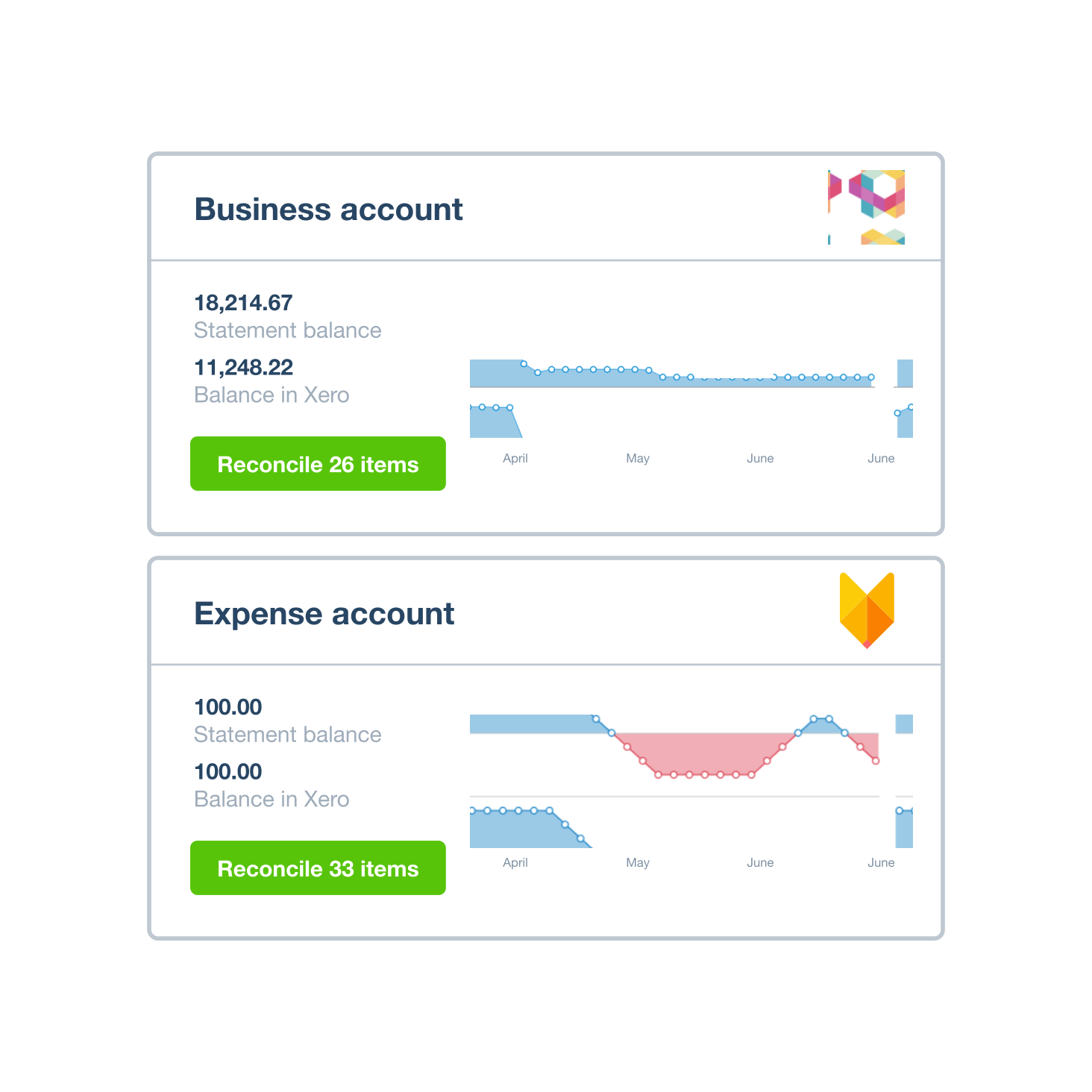
Directly import PDF statements into Xero
If your bank doesn’t connect to Xero, it’s no problem! Transferring your data is still quick and easy. Upload your PDF statement directly into Xero – no third-party software needed. Xero then helps you manage and reconcile your transactions as usual.
- Upload a PDF bank statement from a supported bank
- Import transactions from your online banking in OFX, QIF, QBO, QFX or CSV formats, then upload it to Xero
- If you’re importing transactions from a CSV file, you can review and amend the file from within Xero beforehand
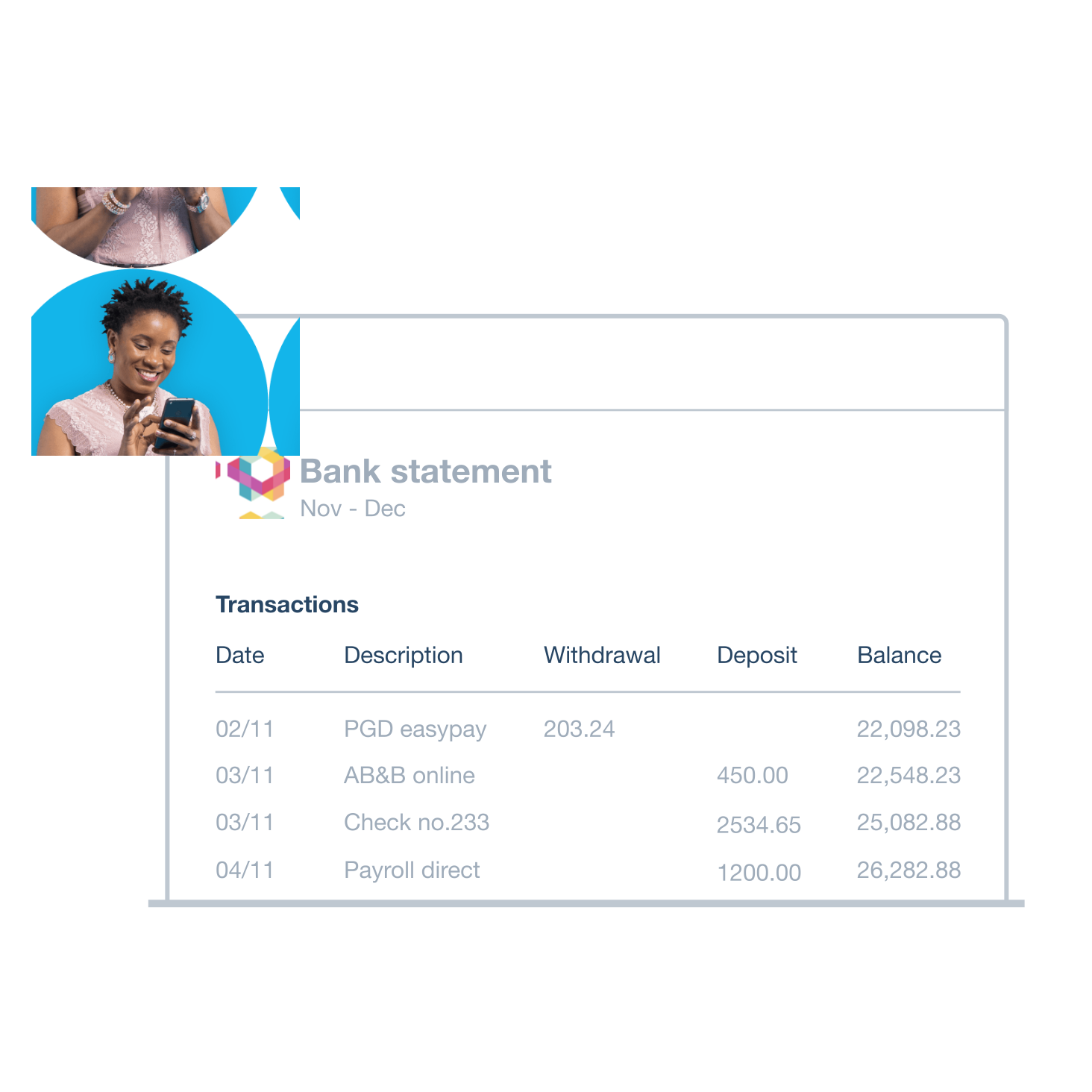
Get an accurate view of your finances
With automatic bank feeds, you always have the latest info on your cash flow. Xero suggests matching transactions so you can speed through your bank reconciliations – including on your phone or tablet. This way you keep a reliable view of the money in and out of your business.
- Approve Xero’s suggested transactions matches – including amounts from online payments – on a single screen
- Set up bank rules for recurring transactions so Xero categorizes them for you – just click ‘Okay’ to approve
- Reconcile often to know exactly what’s in the bank and improve the accuracy of Xero cash flow forecasting
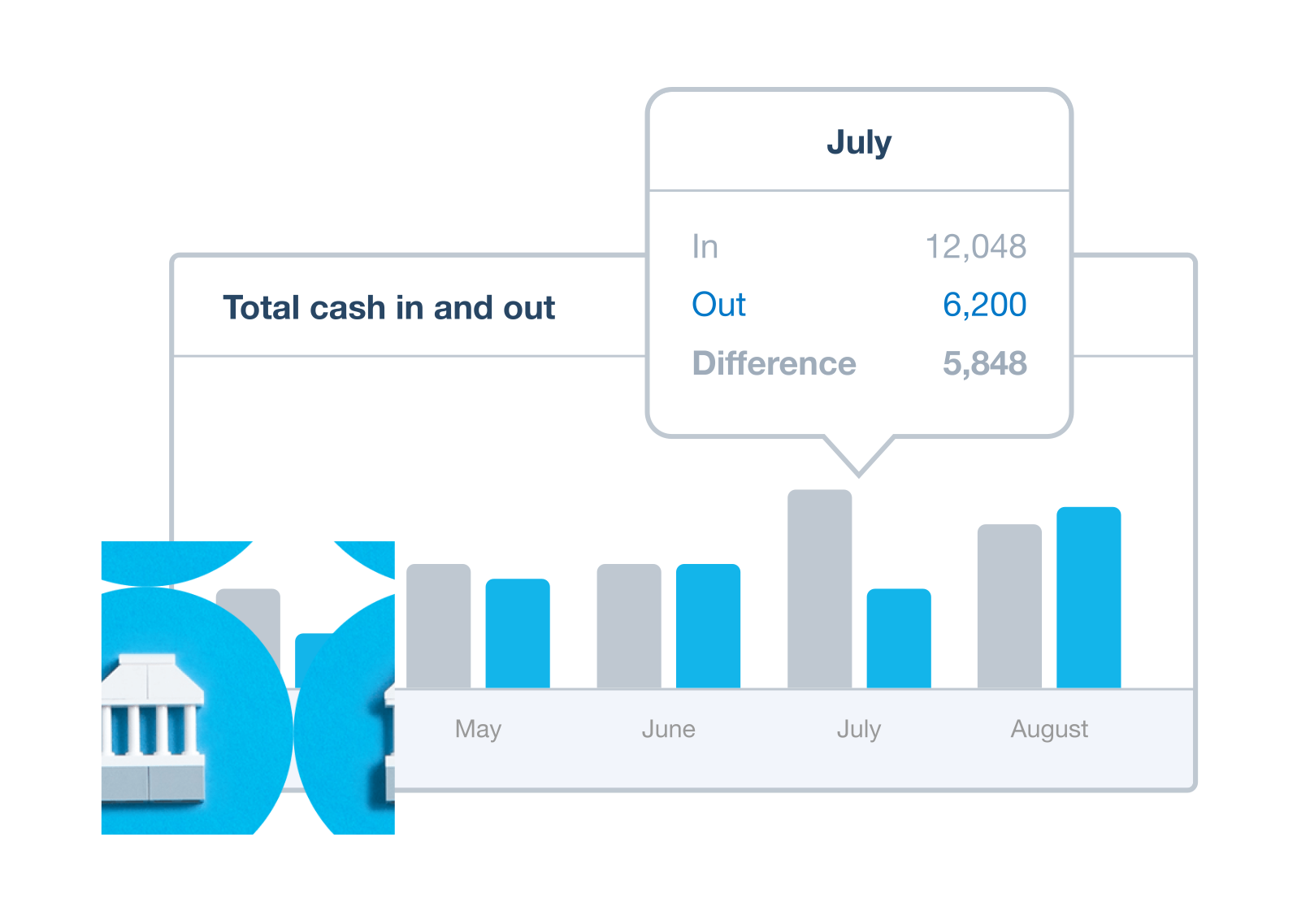
Xero connects to thousands of US banks for automatic bank feeds and easy bookkeeping
These include American Express, Bank of America, Capital One, Citibank, and many more.
See the full list of US banks that integrate bank feeds with Xero
Keep your data safe
Xero bank integration gives you all confidence and none of the fuss. Encrypted connections protect your data while it’s on its way to Xero. And once your data is in your Xero organization, it’s protected by multiple layers of security.
- Transactions are shared only between your bank, Xero, and any other party you choose
- Only people you give access to can see your bank feed data in Xero
- Xero can’t make payments through your bank feed connection – the data is read-only
The thing I love most about Xero is the great integration with all the major platforms I use. So Shopify, Stripe – everything works seamlessly.
Monique Malcolm, Tiny Action

Plans to suit your business
All pricing plans cover the accounting essentials, with room to grow.
Need help with bank feeds as a Xero user?
Xero Central is our comprehensive knowledge base, filled with articles to help you get the best out of Xero.
Connect your bank
Connect bank accounts and get data into Xero automatically. Refresh the feed to load your latest transactions.
Set up bank feeds
Bank feeds automatically pull in transactions from a bank, or a payment provider like Stripe or PayPal.
Get help if your bank feeds are disrupted
If bank feeds aren’t working as they should, find a solution or workaround.
FAQs on Xero’s accounting software with bank feeds
Xero accounting software easily connects to your bank to bring your bank transactions into Xero automatically. You can then reconcile your transactions each day, either at your desk or on the move with the Xero Accounting app. Categorize each transaction in Xero yourself, or just confirm what Xero suggests. And that’s it – your books are up to date. Do your reconciliation often for a clear, reliable view of your cash flow and financial performance.
More about bank reconciliation in XeroXero accounting software easily connects to your bank to bring your bank transactions into Xero automatically. You can then reconcile your transactions each day, either at your desk or on the move with the Xero Accounting app. Categorize each transaction in Xero yourself, or just confirm what Xero suggests. And that’s it – your books are up to date. Do your reconciliation often for a clear, reliable view of your cash flow and financial performance.
More about bank reconciliation in XeroIt depends on your bank. When setting up an automated bank feed in Xero, you may be given the option to pull historical data from your bank account. If not, you can upload the data from a PDF instead.
It depends on your bank. When setting up an automated bank feed in Xero, you may be given the option to pull historical data from your bank account. If not, you can upload the data from a PDF instead.
Accounting software for your US small business
Run your business accounting online with Xero. Easy-to-use accounting software, designed for your small business.
- Everything in one place
- Connect to your bank
- Collaborate in real time
- Customize to suit your needs

Here’s how Xero bank feeds work
Press play. All will be revealed.
Get one month free
Purchase any Xero plan, and we will give you the first month free.