Capture receipts in a snap with Xero's receipt scanner
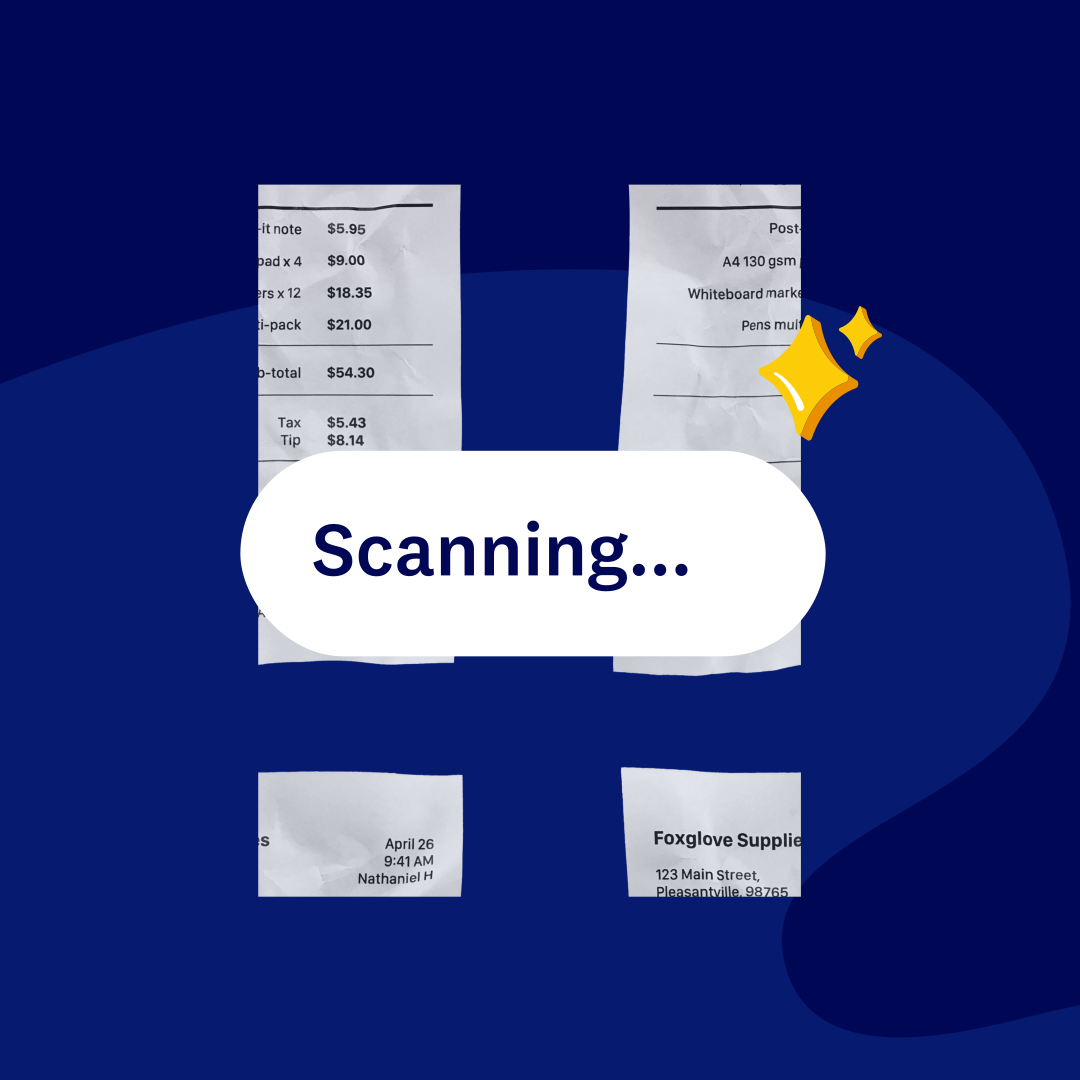
Grab a photo of any receipt and Xero's receipt scanner reads the key details and fills in the claim for you, so your expenses stay organized for tax time.
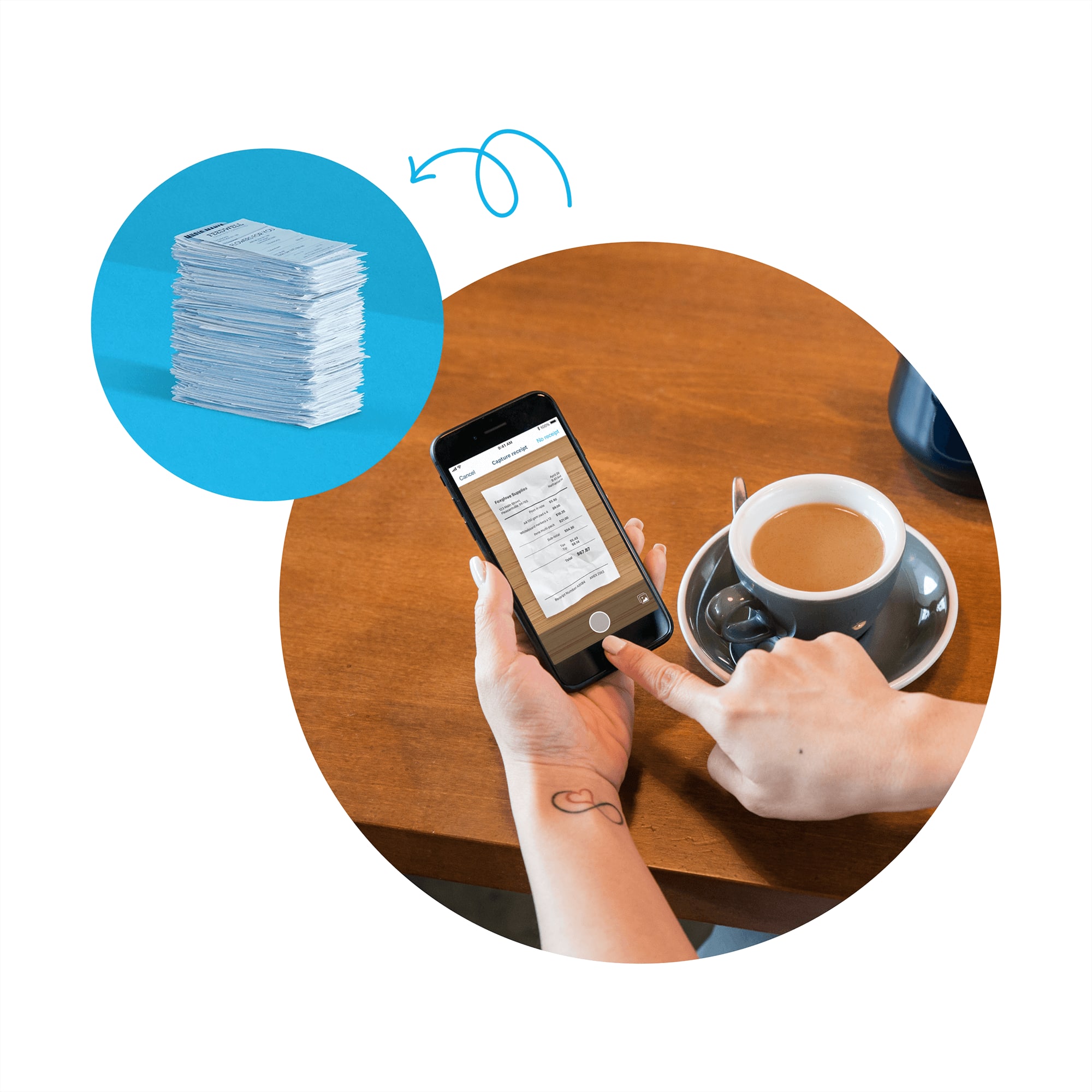
From a quick photo to a filed claim
A quick photo becomes an organized expense record, with none of the manual typing.
Snap a photo or upload a file
Xero reads the details straight off your receipt, with no typing needed.
The details filled in for you
Your claim comes back ready for approval, with far less manual work.
Hours back in your week
Customers report saving around 6 hours a week with automated bank feeds and reconciliation.*
All your numbers. All in one. All for less than QuickBooks.‡
*Source: Xero survey of 180 customers, August 2023.
We chose Xero because it was set up for small businesses like ours
Olive and Poppy think Xero is perfect for non-accounting experts

Scan receipts and skip the data entry
Point your phone at a receipt and Xero's receipt analysis reads it to help start your expense claim, then check the details and submit. The original image stays attached, so there's less typing and fewer mistakes at claim time.
See how expense claims work in Xero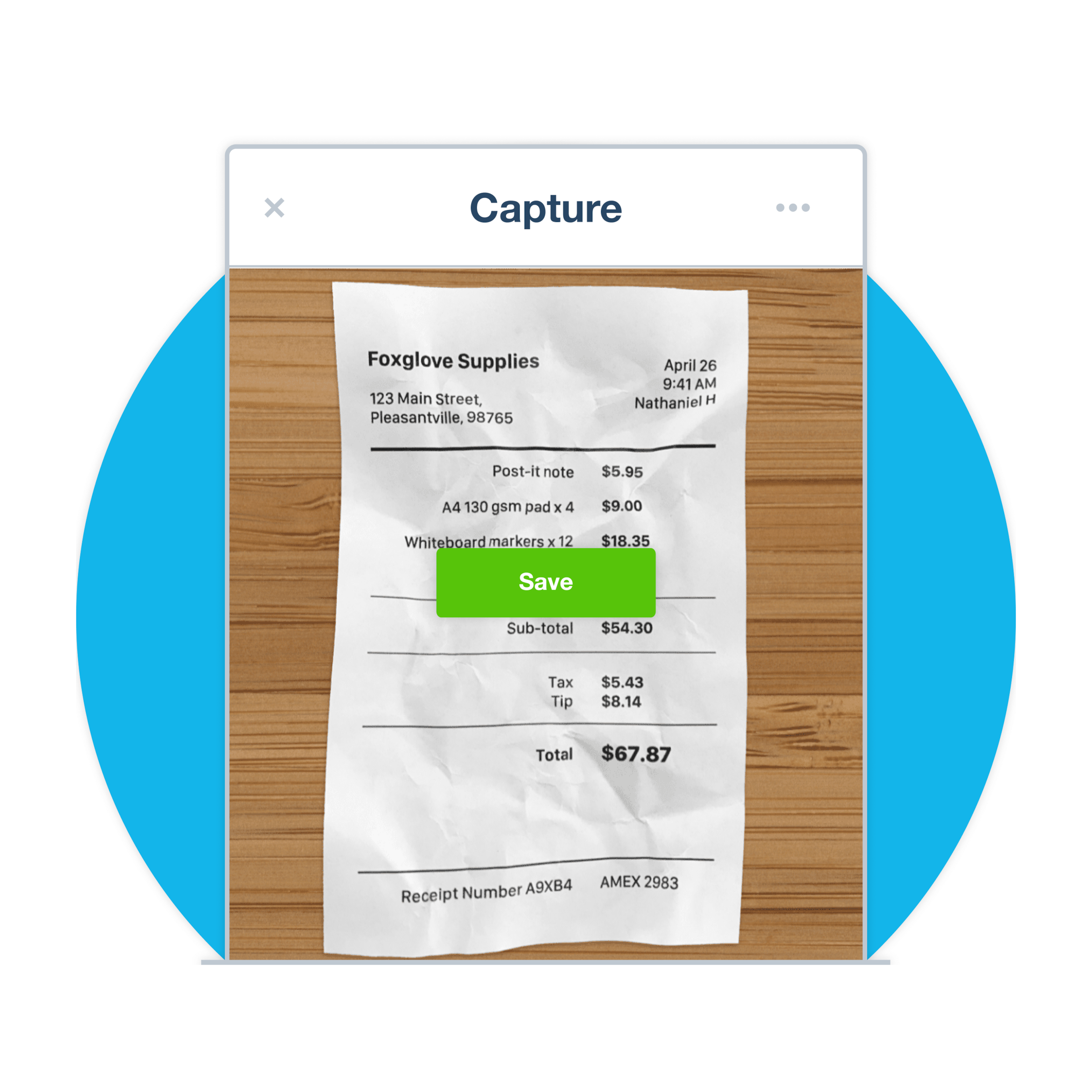
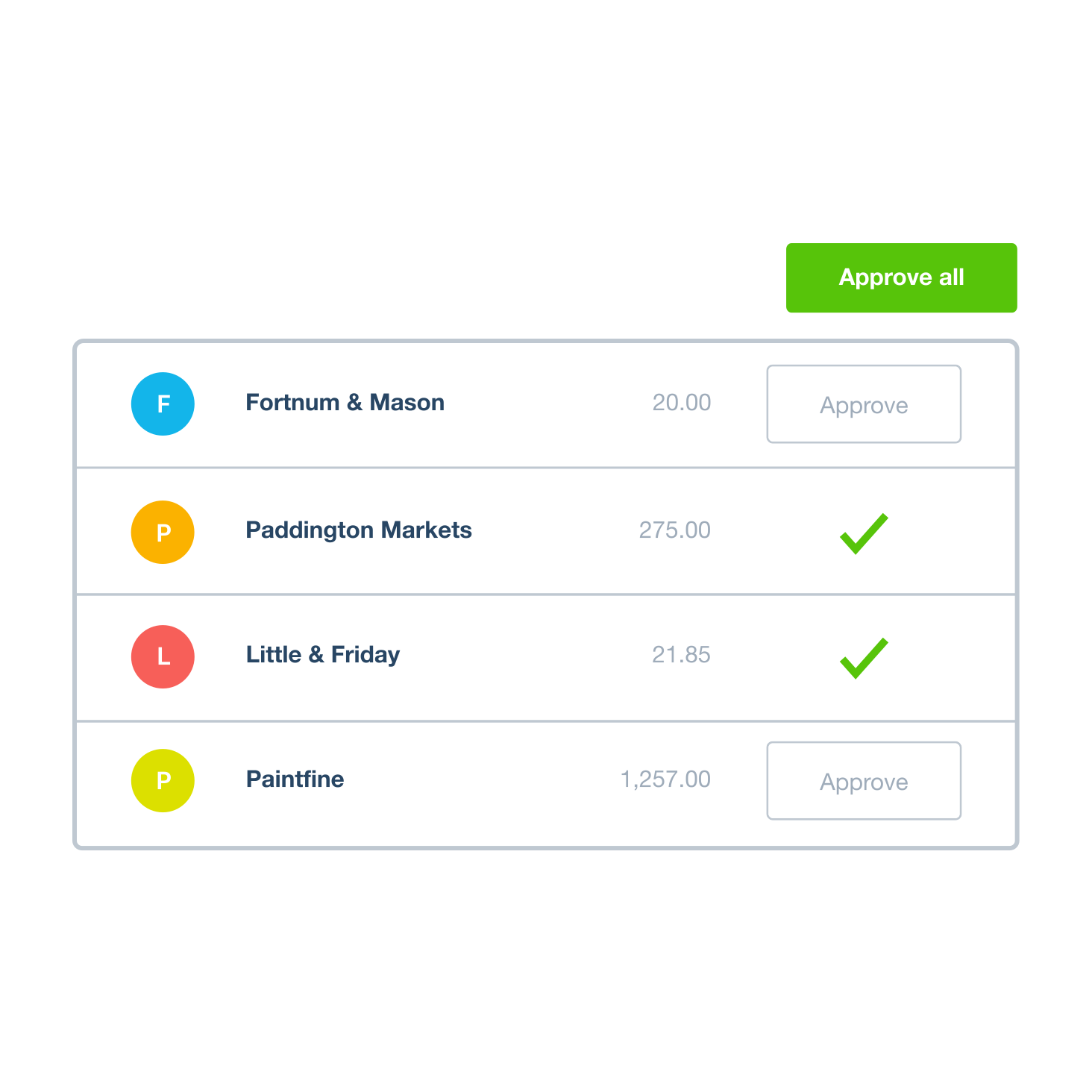
Approve and reimburse expenses in one place
Your team submits claims from the Xero Me app wherever they are, and every one lands in the same place, so nothing slips through. Check each claim, then reimburse when it suits you. Approved claims turn into bills, ready to pay.
Wondering where the money goes?
Assign each scanned receipt to a category as you go, so you can see what you're spending on travel, client meals and more. Check the totals in your Xero reports anytime, from your phone or your desk, and rein in spending before it creeps.
How Xero handles business expenses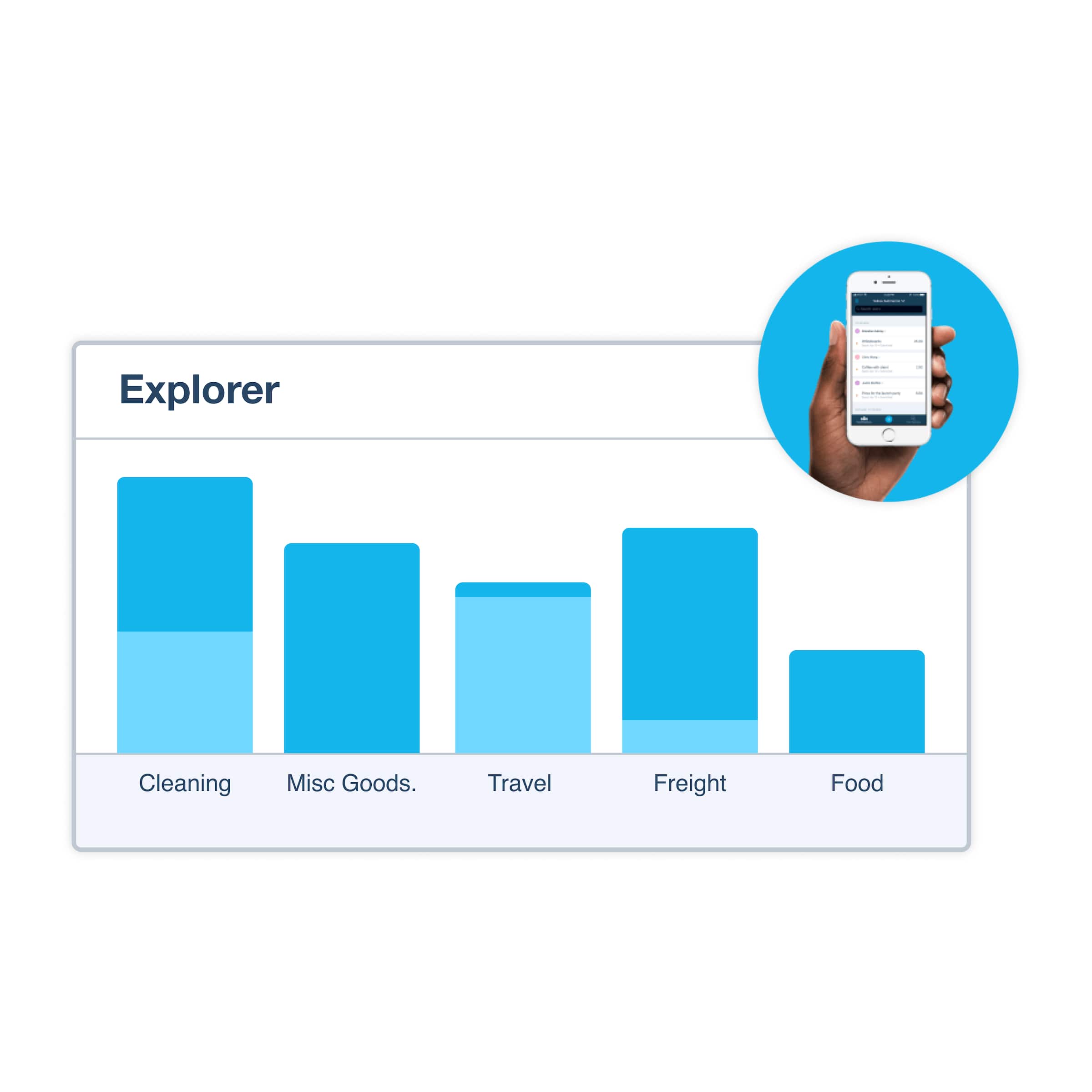
Keep tax-time records audit-ready
Xero stores each receipt securely in the cloud and links it to the transaction it belongs to. When your bank feed brings in the matching payment, Xero suggests the match so you reconcile in one click. Come tax time, your records are organized and ready for the IRS, no shoebox required.
How Xero stores your documents
FAQs on Xero's receipt scanner?
Yes you can. Open the Xero Me app, take a photo of your receipt, and Xero reads the key details to start your expense claim. There's no need to keep the paper copy.
Yes you can. Open the Xero Me app, take a photo of your receipt, and Xero reads the key details to start your expense claim. There's no need to keep the paper copy.
Xero's receipt analysis reads each receipt image to help fill in the claim. Check the details, adjust anything that needs it, and submit.
Xero's receipt analysis reads each receipt image to help fill in the claim. Check the details, adjust anything that needs it, and submit.
Yes. Scanning receipts cuts out manual data entry and keeps records ready for tax time, with everything feeding straight into your accounting. The Xero Me app captures more than receipts too, including mileage claims.
Yes. Scanning receipts cuts out manual data entry and keeps records ready for tax time, with everything feeding straight into your accounting. The Xero Me app captures more than receipts too, including mileage claims.
A quick routine keeps things tidy: snap each receipt with the Xero Me app as you get it, assign it to a category, and Xero stores it securely in the cloud. To pull in bills and statements automatically, connect Hubdoc.
A quick routine keeps things tidy: snap each receipt with the Xero Me app as you get it, assign it to a category, and Xero stores it securely in the cloud. To pull in bills and statements automatically, connect Hubdoc.
The Xero Me app puts expense claims in your pocket. Your team can log a claim and attach a receipt wherever they are, and you get a notification to review and approve it. Xero records reimbursements against the claim, so your records stay accurate.
The Xero Me app puts expense claims in your pocket. Your team can log a claim and attach a receipt wherever they are, and you get a notification to review and approve it. Xero records reimbursements against the claim, so your records stay accurate.
Yes they do. Once a claim is approved it becomes a bill in your accounts, and when the payment shows up in your bank feed, Xero suggests the match. From there you reconcile the transaction in a click.
Yes they do. Once a claim is approved it becomes a bill in your accounts, and when the payment shows up in your bank feed, Xero suggests the match. From there you reconcile the transaction in a click.
Yes they are. Xero keeps every scanned receipt securely in the cloud, linked to its transaction, so your records stay organized and ready if the IRS asks to see your documentation.
Yes they are. Xero keeps every scanned receipt securely in the cloud, linked to its transaction, so your records stay organized and ready if the IRS asks to see your documentation.
Setting up takes a few minutes as an admin:
1. Open your expense settings in Xero.
2. Turn on receipt analysis so scans are read automatically.
3. Invite your team to the Xero Me app.
Once it's on, receipts snapped in the app start filling in claims right away. To choose a plan, compare Xero's pricing.
Setting up takes a few minutes as an admin:
1. Open your expense settings in Xero.
2. Turn on receipt analysis so scans are read automatically.
3. Invite your team to the Xero Me app.
Once it's on, receipts snapped in the app start filling in claims right away. To choose a plan, compare Xero's pricing.
Pay your bills at no extra cost
Free standard ACH bill payments are now included in Xero business plans.*
Early
for the first 6 months
Then $27 per month
An easy financial foundation - track cash flow with the essentials.
- Send quotes and 20 invoices†
- Accept online invoice payments^
- 5 bills
- Reconcile bank transactions
- Smart Document Capture
- View real-time reports
- W-9 + 1099 management
- Sales tax
- Visualize performance with basic graphs
- 30 day cash flow forecast
- Make online bill payments (Domestic - Free ACH)
- Make online bill payments (Cross Border)

Growing
for the first 6 months
Then $59 per month
Go beyond the basics - automate tasks and access performance dashboards.
- Send invoices and quotes
- Accept online invoice payments^
- Automate bill entry and track bills
- Reconcile bank transactions
- Smart Document Capture
- View real-time reports
- W-9 + 1099 management
- Sales tax
- Visualize performance with graphs
- 60 day cash flow forecast
- Make online bill payments (Domestic - Free ACH)
- Make online bill payments (Cross Border)
- Customize performance dashboards
- Tailored financial health scorecards
- Budget with smart suggestions
- Auto-reconcile transactions
Forecast with clarity
Forecast with clarity
Established
for the first 6 months
Then $97 per month
Future proof your scaling business - with advanced tools and analytics.
- Send invoices and quotes
- Accept online invoice payments^
- Automate bill entry and track bills
- Reconcile bank transactions
- Smart Document Capture
- View real-time reports
- W-9 + 1099 management
- Sales tax
- Visualize performance with graphs
- 180 day cash flow forecast
- Make online bill payments (Domestic - Free ACH)
- Make online bill payments (Cross Border)
- Customize performance dashboards
- Tailored financial health scorecards
- Analyze KPIs and ratios
- Use multiple currencies
- Track time and costs for projects
- Employee expense and mileage claims
- Benchmark against the industry
- Make online bill payments (International)
- Budget with smart suggestions
- Auto-reconcile transactions


*Fees apply for other payment methods.
‡Based on published list prices for software subscription only. Pricing and features vary by plan.