Accept payments your way and keep the cash flowing
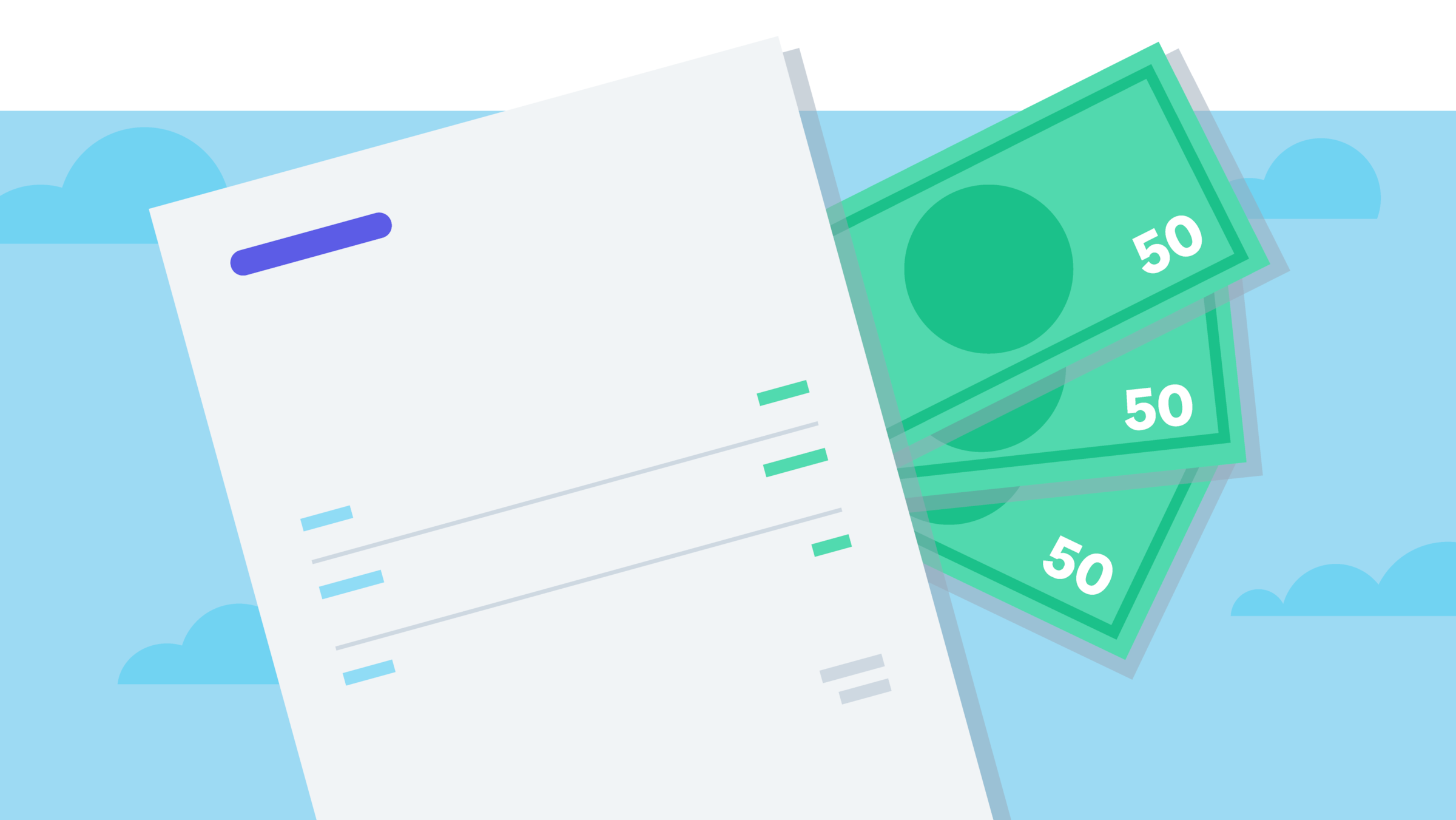
Want customers to pay you the moment they open an invoice? Give them a Pay now button and more ways to pay. Your books update as the money lands, so you can focus on the work you love.
3 ways to keep cash moving when you accept payments online
Make paying you the easy part, so more of your invoices turn into cash.
Put invoices in the fast lane
Xero customers who accept Stripe payments on Xero online invoices get paid up to twice as fast as those who don't.
Grow cash flow with more ways to pay
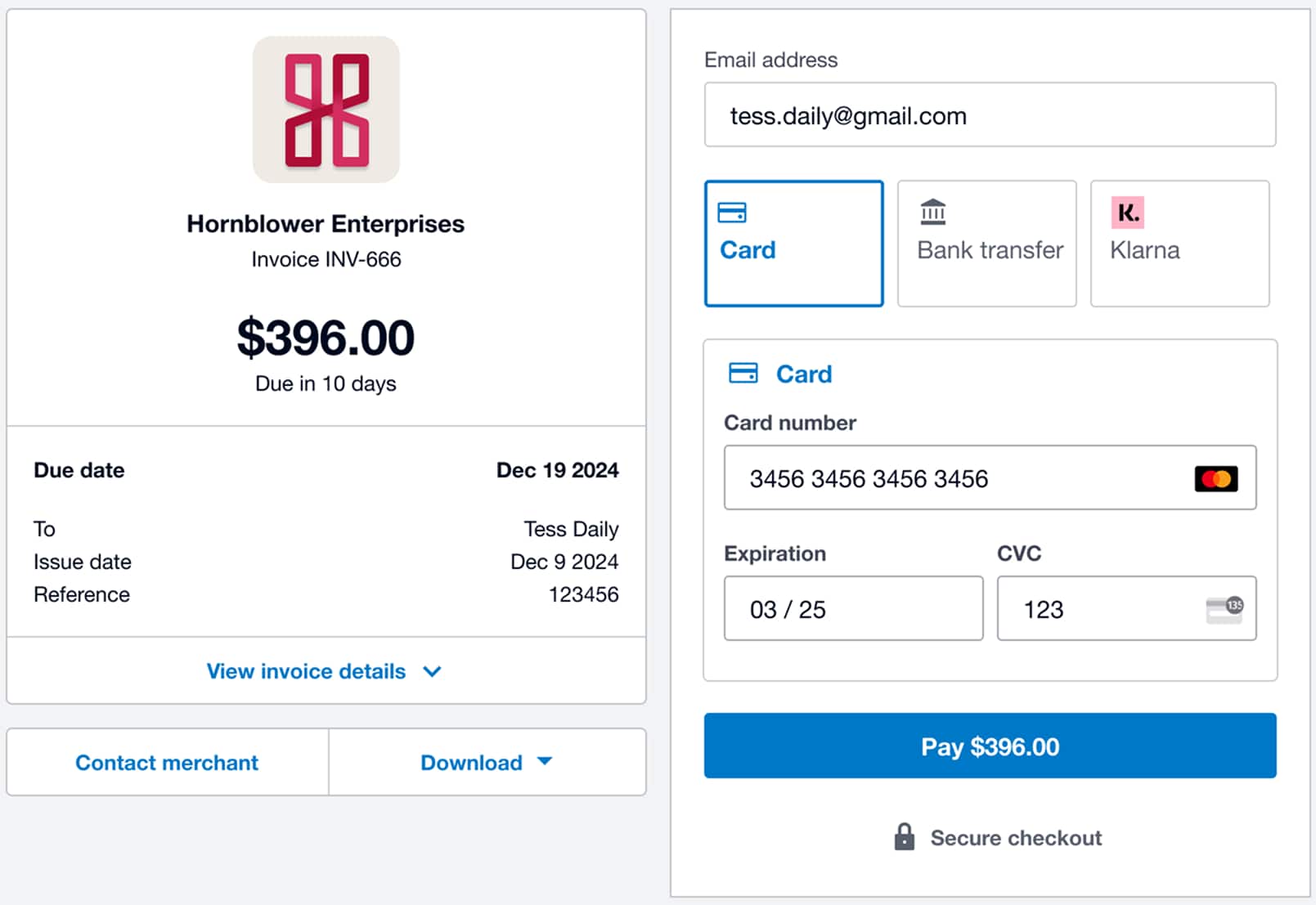
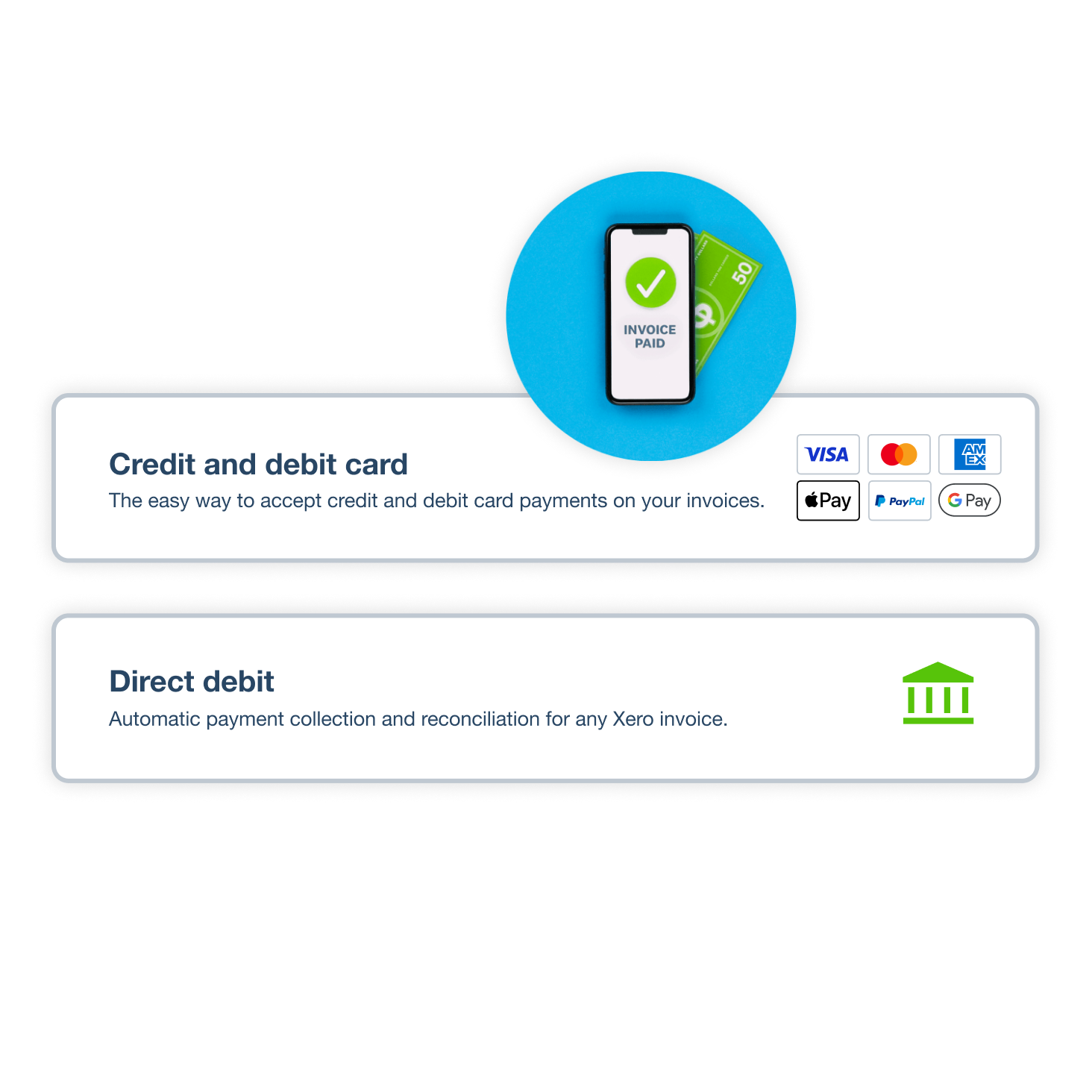
Your customers can pay with a click, using credit cards, Apple Pay, ACH Debit, or Buy Now, Pay Later via Klarna.
Let reminders do the chasing (
81% say online invoice payments help them get paid on time (Xero survey of 104 US small businesses, May 2024).
Accept credit card payments and ACH Debit
Which way do your customers like to pay? Connect Stripe and they can choose credit and debit cards, Apple Pay, ACH Debit, or Buy Now, Pay Later with Klarna. Add GoCardless for recurring ACH direct debit. When customers pay the way that suits them, cash keeps flowing into your business.
Did you know:
81% of Xero customers agree Xero's online payments help them get paid on time. Add online payments to your invoices.
Turn every invoice into an online payment
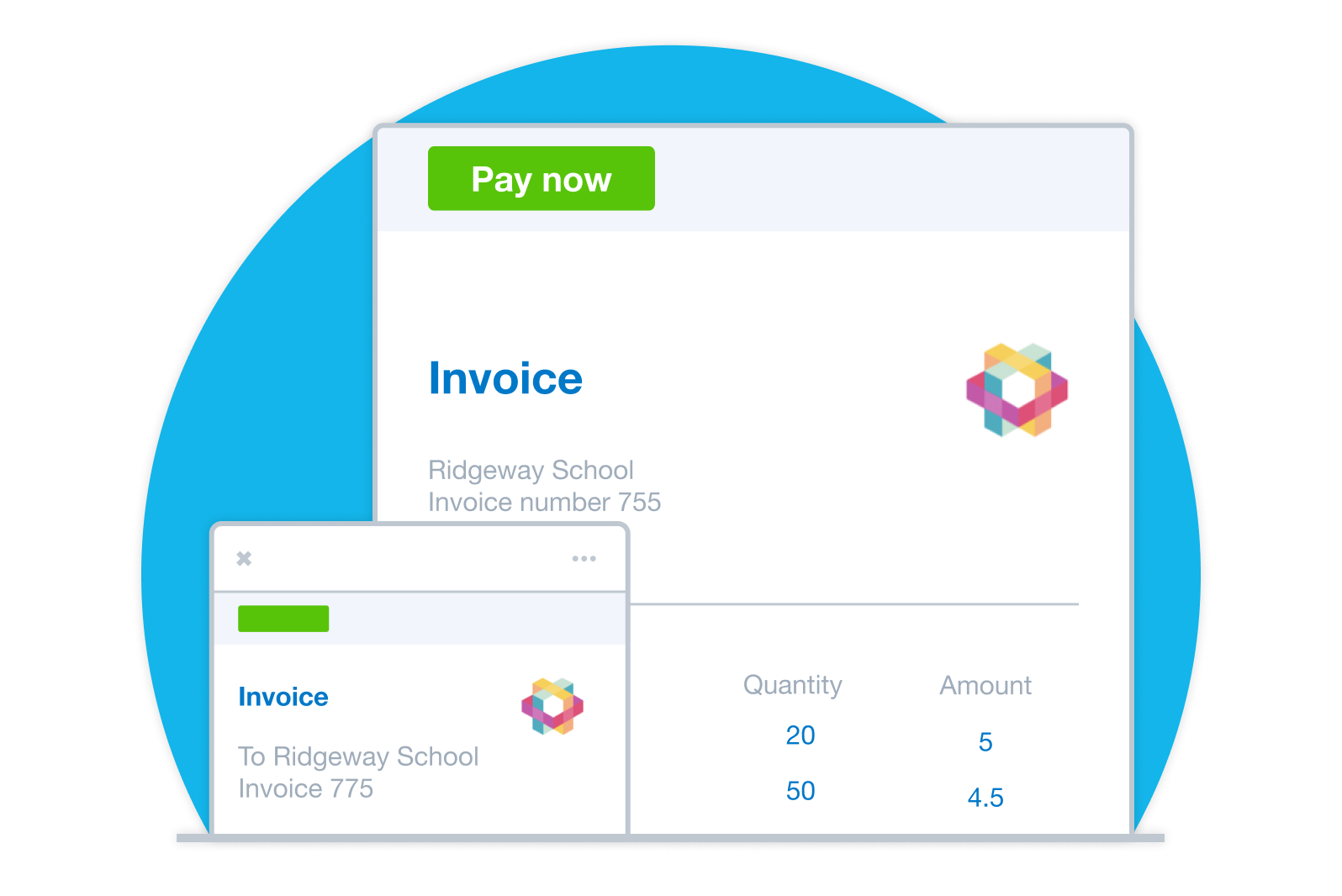
Add a pay now button to every invoice you send, and customers can pay without a Xero account. They can clear several invoices at once from an online statement, or set up auto pay with Stripe for repeating invoices. That’s more time for your work and less for follow-ups!
Use invoice templates:
Personalize invoices and add a Pay now button with your logo and message.
Fewer steps to pay:
Send invoices or share a link to view the invoice online so customers can pay with a click.
Automate the follow-up:
Spend less time following up and more time planning your cash flow.
Automatically match payments to invoices
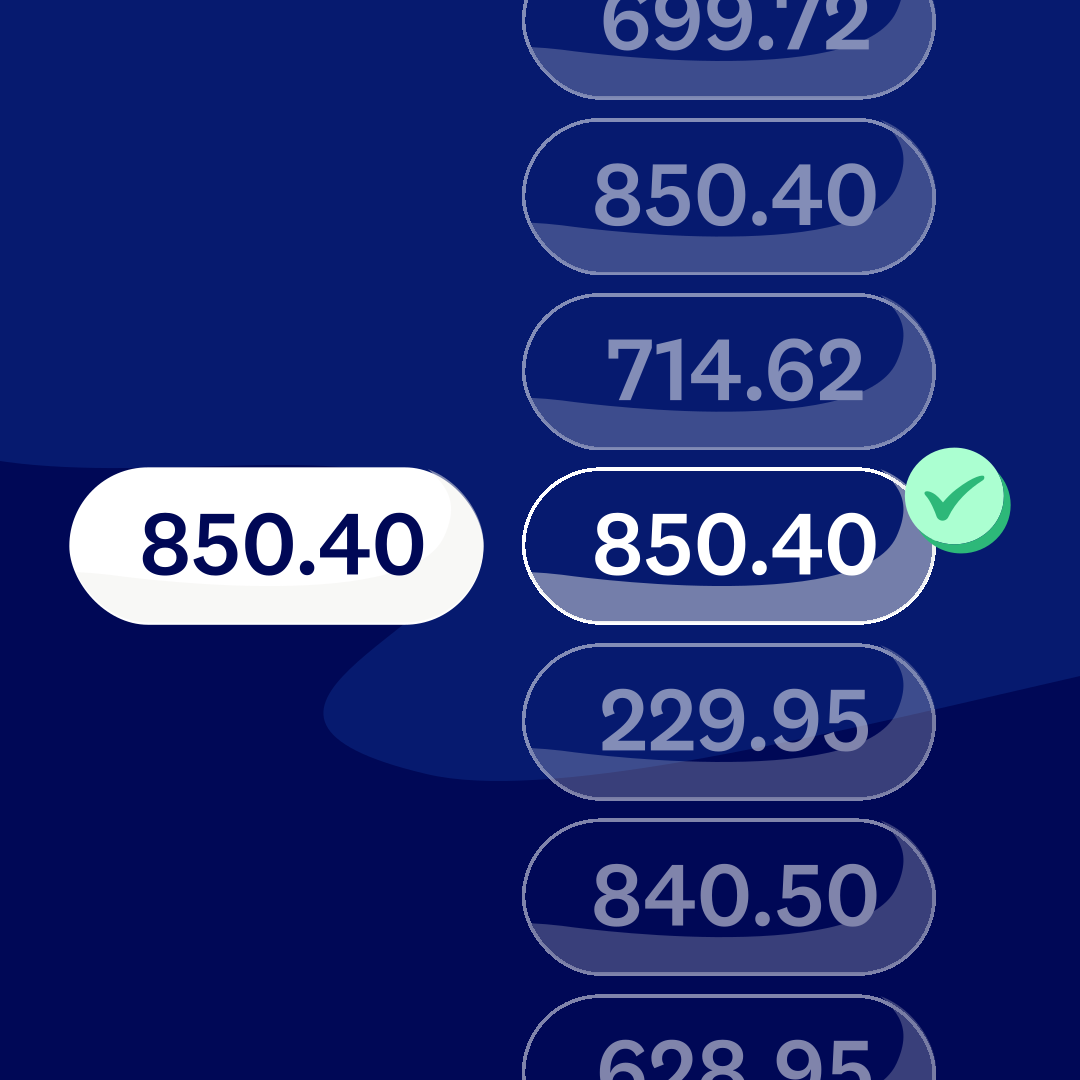
When a customer pays online, Xero marks the invoice as paid and reconciles the payment for you. It also records provider fees as expenses, so your books stay up to date.
Built-in fraud protection
Trusted payment providers use fraud detection tools, and authentication may be required in some regions to help make payments more secure.
Tamper-resistant invoices
Online invoices are harder to alter than PDFs and include an audit trail.
ISO 27001 security standard compliance
Xero meets the international standard for security management systems.
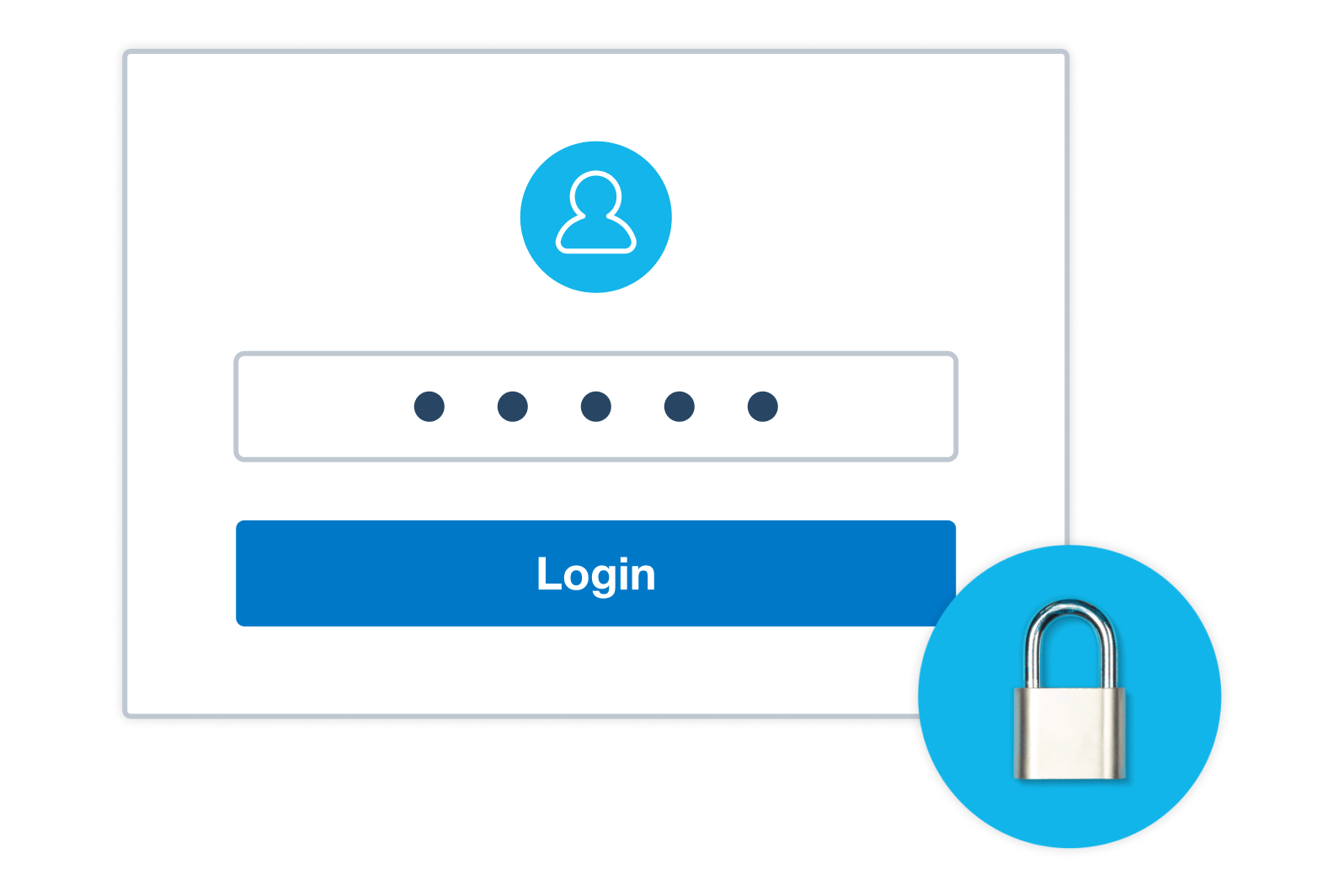
Multiple layers of protection for your data
This includes multi-factor authentication and encryption when your data is stored and transferred.
Accept payments on your phone with Tap to Pay
Out on a job or at a market stall, you can take payment on the spot. Tap to Pay in the Xero Accounting app, powered by Stripe, works on iPhone and Android, so your phone is all the hardware you need. Customers tap a card, or use a digital wallet on their phone or smartwatch.
Take payments with peace of mind
Payment providers watch for fraud, and Xero protects your account with multi-factor authentication and encryption. Xero meets the ISO 27001 standard for information security, and online invoices are harder to alter than PDFs, so customers can pay with confidence.
FAQs on accepting payments with Xero
You can take card payments straight from your Xero invoices in four steps:
1. Create a Stripe account.
2. Follow the steps to connect Stripe to Xero.
3. Send an invoice, which now shows a pay now button.
4. Your customer clicks the button and pays by credit or debit card.
You can take card payments straight from your Xero invoices in four steps:
1. Create a Stripe account.
2. Follow the steps to connect Stripe to Xero.
3. Send an invoice, which now shows a pay now button.
4. Your customer clicks the button and pays by credit or debit card.
Generally, no. To take card payments on your invoices, you'll need a Stripe account instead. Once it's connected to Xero, customers can pay by card.
Generally, no. To take card payments on your invoices, you'll need a Stripe account instead. Once it's connected to Xero, customers can pay by card.
Online invoice payments come included in the Early, Growing, and Established plans. Payment provider fees apply, and you can check the latest Stripe pricing and fees for Xero.
Online invoice payments come included in the Early, Growing, and Established plans. Payment provider fees apply, and you can check the latest Stripe pricing and fees for Xero.
Absolutely. Through Stripe, customers can pay invoices by Automated Clearing House (ACH) Debit from their bank account. For recurring payments, GoCardless lets you collect ACH direct debit. Learn more about the ACH network from Nacha.
Absolutely. Through Stripe, customers can pay invoices by Automated Clearing House (ACH) Debit from their bank account. For recurring payments, GoCardless lets you collect ACH direct debit. Learn more about the ACH network from Nacha.
Definitely. Tap to Pay in the Xero Accounting app turns your iPhone or Android phone into a contactless payment terminal, with no card reader needed. Get set up and start taking payments in person.
Definitely. Tap to Pay in the Xero Accounting app turns your iPhone or Android phone into a contactless payment terminal, with no card reader needed. Get set up and start taking payments in person.
Yes. Your customers can set up auto pay with Stripe for repeating invoices, and GoCardless lets you collect recurring ACH direct debit. Set up repeating invoices with online invoicing in Xero.
Yes. Your customers can set up auto pay with Stripe for repeating invoices, and GoCardless lets you collect recurring ACH direct debit. Set up repeating invoices with online invoicing in Xero.
Online invoice payments link your Xero invoices to a payment service such as Stripe or GoCardless. Here's how a payment moves through Xero:
- Send an invoice with a Pay now button
- Let your customer pay their preferred way, with no Xero account needed
- See the invoice marked as paid and the payment reconciled
- Find the provider fee already recorded as an expense
Compare the payment services Xero supports.
Online invoice payments link your Xero invoices to a payment service such as Stripe or GoCardless. Here's how a payment moves through Xero:
- Send an invoice with a Pay now button
- Let your customer pay their preferred way, with no Xero account needed
- See the invoice marked as paid and the payment reconciled
- Find the provider fee already recorded as an expense
Compare the payment services Xero supports.
Yes. Payment providers watch for fraud, and Xero protects your account with multi-factor authentication and encryption. Xero also meets the ISO 27001 standard for information security. Learn about card data security standards from the PCI Security Standards Council.
Yes. Payment providers watch for fraud, and Xero protects your account with multi-factor authentication and encryption. Xero also meets the ISO 27001 standard for information security. Learn about card data security standards from the PCI Security Standards Council.
Certainly. You can return money to a customer in Xero using a credit note, an overpayment, or a prepayment, then reconcile the refund against your bank statement line. Follow Xero Central's step-by-step refund guide.
Certainly. You can return money to a customer in Xero using a credit note, an overpayment, or a prepayment, then reconcile the refund against your bank statement line. Follow Xero Central's step-by-step refund guide.
Of course. Xero Inventory Plus syncs your Amazon and Shopify orders with Xero, so online sales flow into your books alongside your invoice payments. See what's possible with Xero Inventory Plus.
Of course. Xero Inventory Plus syncs your Amazon and Shopify orders with Xero, so online sales flow into your books alongside your invoice payments. See what's possible with Xero Inventory Plus.
See how online payments give customers more ways to pay and help you get paid faster
Get paid now? Yes please.
Start accepting online payments
Here’s everything you need to know to start accepting payments from your customers and making them to your suppliers and employees.See all payments guides.
- Guide
What is an invoice? Definition, types, and how to create one
Learn what an invoice is, the different types, and how to create one that gets you paid on time.
- Guide
Small business payroll: a complete guide for 2026
Learn how to set up and run payroll for your small business, from choosing the right method to staying compliant with tax requirements.
- Guide
Accounts receivable process: 7 steps to get paid faster
Learn how the accounts receivable process helps you get paid faster and improve cash flow.
Xero reserves the right to change pricing at any time. All prices are listed in USD and do not include applicable taxes. Taxes will be calculated based on your billing address before you enter your payment information. Your monthly recurring total will be updated accordingly in the following steps. Xero subscriptions auto-renew monthly until they are cancelled. If you later decide to change to a less expensive plan you can do so 1 month after upgrading.
*New customers get 90% off for the first 6 months, then Xero’s regular price will apply and auto-renew monthly until cancelled as described in our Terms of Use. Only available to customers in the United States purchasing their first organization on xero.com. Offer available until 11:59pm UTC on November 2, 2026 using code DC90626310US. Discount applies to base Early, Growing, Established plan subscriptions and does not apply to any additional charges for add‑ons, usage and payment fees, unless otherwise specified. This offer cannot be used with, or exchanged for, any other offer. Xero can change or cancel this offer at any time.
†Invoice limits for the Early plan apply to both approving and sending invoices. Transactions initiated by app partners may automatically contribute to your invoice limit.
^Payment fees apply to the use of online invoice payments. See here for more information.
**Median payment times of invoices with a payment service included and sent via SMS by customers using Xero in US from 9/1/2024 to 3/31/2025 (compared to invoices sent by email and without payment service included).
a. ††Payment fees may apply to the use of online bill payments. Standard ACH payments are included in Xero Early, Growing and Established plans (fees apply for other payment methods). Included payments apply to standard ACH payments in USD and excludes same day ACH, international or cross border payments. Any payment fees are in addition to your Xero monthly subscription amount and are not eligible for subscription discounts and offers. Fees exclude applicable taxes. See here for more information.
Xero reserves the right to change pricing at any time. All prices are listed in USD and do not include applicable taxes. Taxes will be calculated based on your billing address before you enter your payment information. Your monthly recurring total will be updated accordingly in the following steps. Xero subscriptions auto-renew monthly until they are cancelled. If you later decide to change to a less expensive plan you can do so 1 month after upgrading.
*New customers get 90% off for the first 6 months, then Xero’s regular price will apply and auto-renew monthly until cancelled as described in our Terms of Use. Only available to customers in the United States purchasing their first organization on xero.com. Offer available until 11:59pm UTC on November 2, 2026 using code DC90626310US. Discount applies to base Early, Growing, Established plan subscriptions and does not apply to any additional charges for add‑ons, usage and payment fees, unless otherwise specified. This offer cannot be used with, or exchanged for, any other offer. Xero can change or cancel this offer at any time.
†Invoice limits for the Early plan apply to both approving and sending invoices. Transactions initiated by app partners may automatically contribute to your invoice limit.
^Payment fees apply to the use of online invoice payments. See here for more information.
**Median payment times of invoices with a payment service included and sent via SMS by customers using Xero in US from 9/1/2024 to 3/31/2025 (compared to invoices sent by email and without payment service included).
a. ††Payment fees may apply to the use of online bill payments. Standard ACH payments are included in Xero Early, Growing and Established plans (fees apply for other payment methods). Included payments apply to standard ACH payments in USD and excludes same day ACH, international or cross border payments. Any payment fees are in addition to your Xero monthly subscription amount and are not eligible for subscription discounts and offers. Fees exclude applicable taxes. See here for more information.
‡Based on published list prices for software subscription only. Excludes payroll and add-ons.
Pay your bills at no extra cost
Free standard ACH bill payments are now included in Xero business plans.*
Early
for the first 6 months
Then $27 per month
An easy financial foundation - track cash flow with the essentials.
- Send quotes and 20 invoices†
- Accept online invoice payments^
- 5 bills
- Reconcile bank transactions
- Smart Document Capture
- View real-time reports
- W-9 + 1099 management
- Sales tax
- Visualize performance with basic graphs
- 30 day cash flow forecast
- Make online bill payments (Domestic - Free ACH)
- Make online bill payments (Cross Border)

Growing
for the first 6 months
Then $59 per month
Go beyond the basics - automate tasks and access performance dashboards.
- Send invoices and quotes
- Accept online invoice payments^
- Automate bill entry and track bills
- Reconcile bank transactions
- Smart Document Capture
- View real-time reports
- W-9 + 1099 management
- Sales tax
- Visualize performance with graphs
- 60 day cash flow forecast
- Make online bill payments (Domestic - Free ACH)
- Make online bill payments (Cross Border)
- Customize performance dashboards
- Tailored financial health scorecards
- Budget with smart suggestions
- Auto-reconcile transactions
Forecast with clarity
Forecast with clarity
Established
for the first 6 months
Then $97 per month
Future proof your scaling business - with advanced tools and analytics.
- Send invoices and quotes
- Accept online invoice payments^
- Automate bill entry and track bills
- Reconcile bank transactions
- Smart Document Capture
- View real-time reports
- W-9 + 1099 management
- Sales tax
- Visualize performance with graphs
- 180 day cash flow forecast
- Make online bill payments (Domestic - Free ACH)
- Make online bill payments (Cross Border)
- Customize performance dashboards
- Tailored financial health scorecards
- Analyze KPIs and ratios
- Use multiple currencies
- Track time and costs for projects
- Employee expense and mileage claims
- Benchmark against the industry
- Make online bill payments (International)
- Budget with smart suggestions
- Auto-reconcile transactions
G2
Connery J
G2
Katherine
G2
Verified user
*Fees apply for other payment methods.