Ace your compliance with tax and accounting software
Automate sales tax, 1099s, and payroll taxes with Xero. Designed for US small businesses, with automatic sales tax calculations and powerful, real-time financial reports. And to create a full workflow, connect Xero with apps to manage all your finances in one place.
- Save time with automations
- Collaborate easily
- Connect to third-party apps
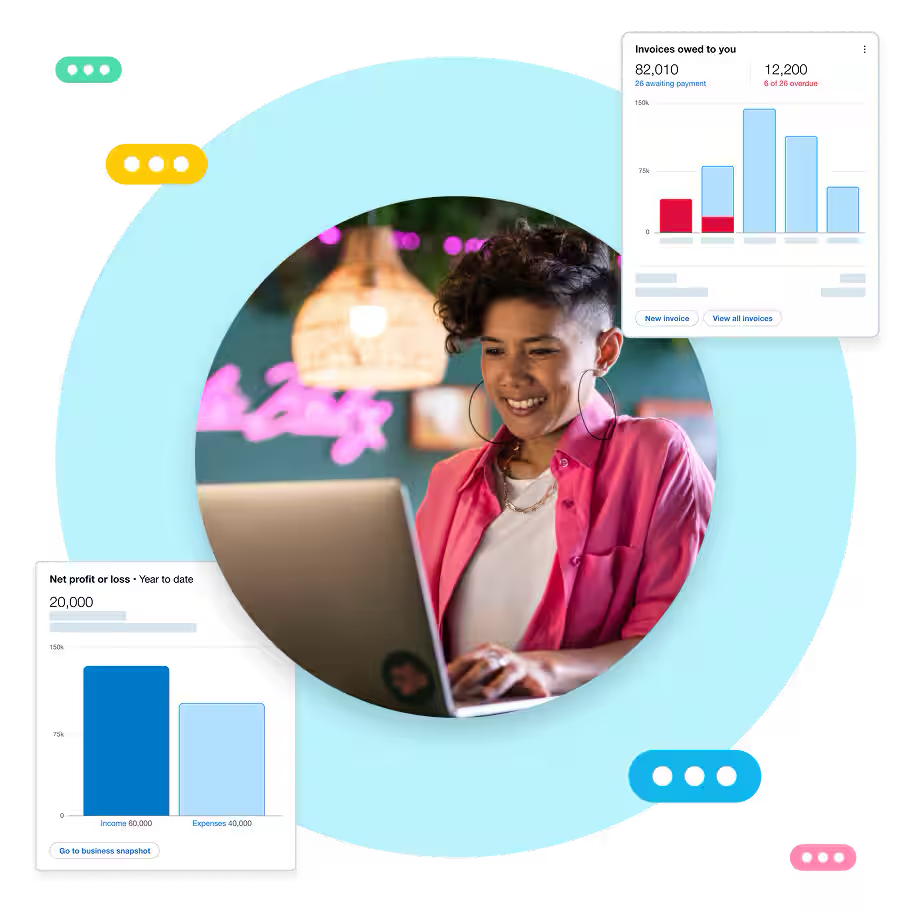
Pay up to 30% less than QuickBooks with 0% fewer users.*
Your multi-state sales taxes made simple
Want to zip through your sales admin? Xero partners with Avalara to handle your tax calculations. Automatically calculate accurate sales tax across many jurisdictions, making tax time a little easier.
Accurate numbers every time
Xero calculates up-to-date sales tax rates based on location and item details.
Works across state lines
Simplify your sales tax calculations with accurate sales tax across many jurisdictions.
Less manual work
Automate sales tax, 1099s, and payroll taxes with Xero.
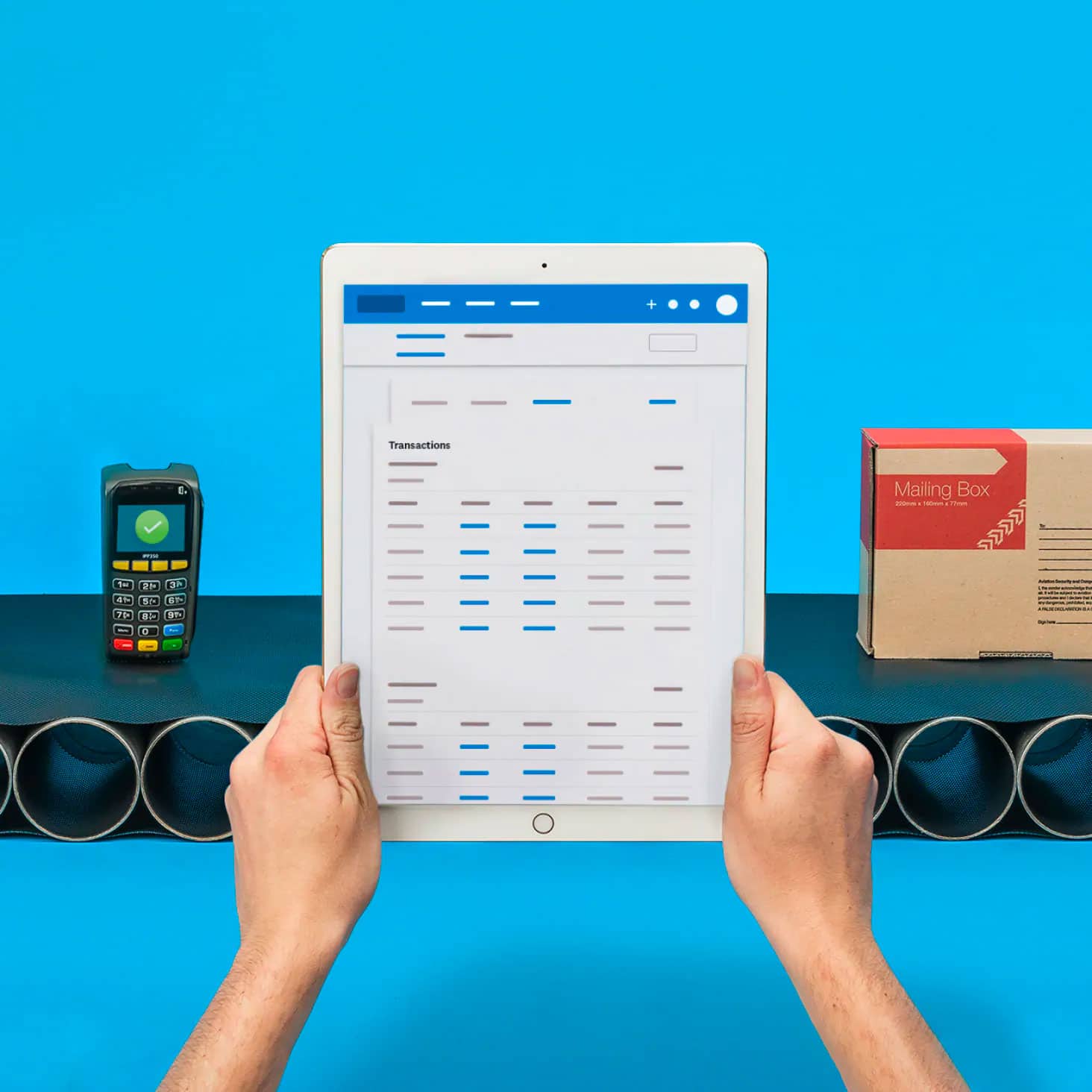
Easy year-end taxes
Breeze through your financial year-end with Xero's accounting software for tax preparation.
Automated expense and deduction tracking
Relax as Xero helps you capture bills, receipts, and expense claims on your phone.
Financial reports on tap
Run reports, including income statements and balance sheets, in a few clicks. Get a clear view of your business health.
Effortless collaboration
Forget the back and forth of file sharing! Give your tax advisor access to your most recent numbers.

Xero supports your 1099s
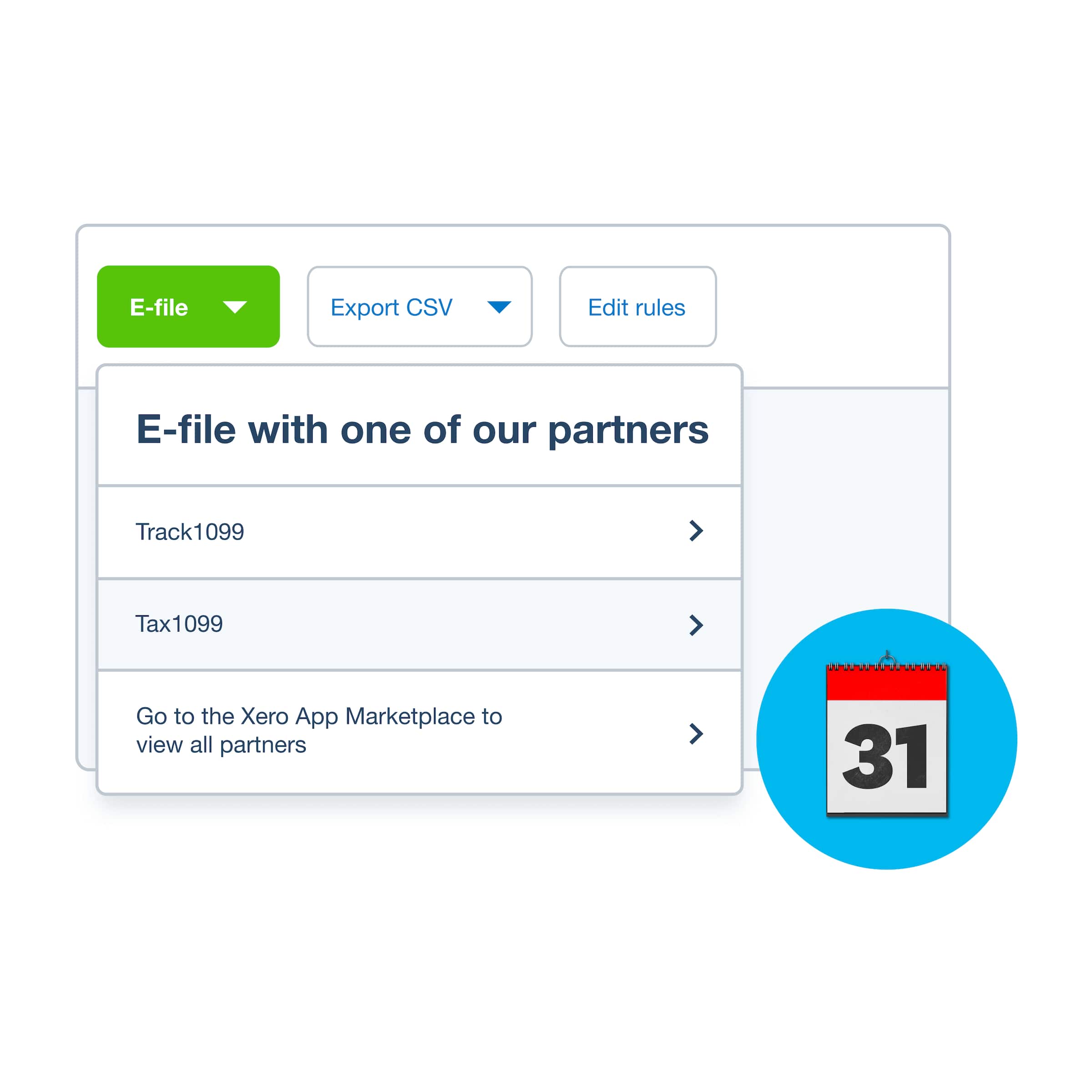
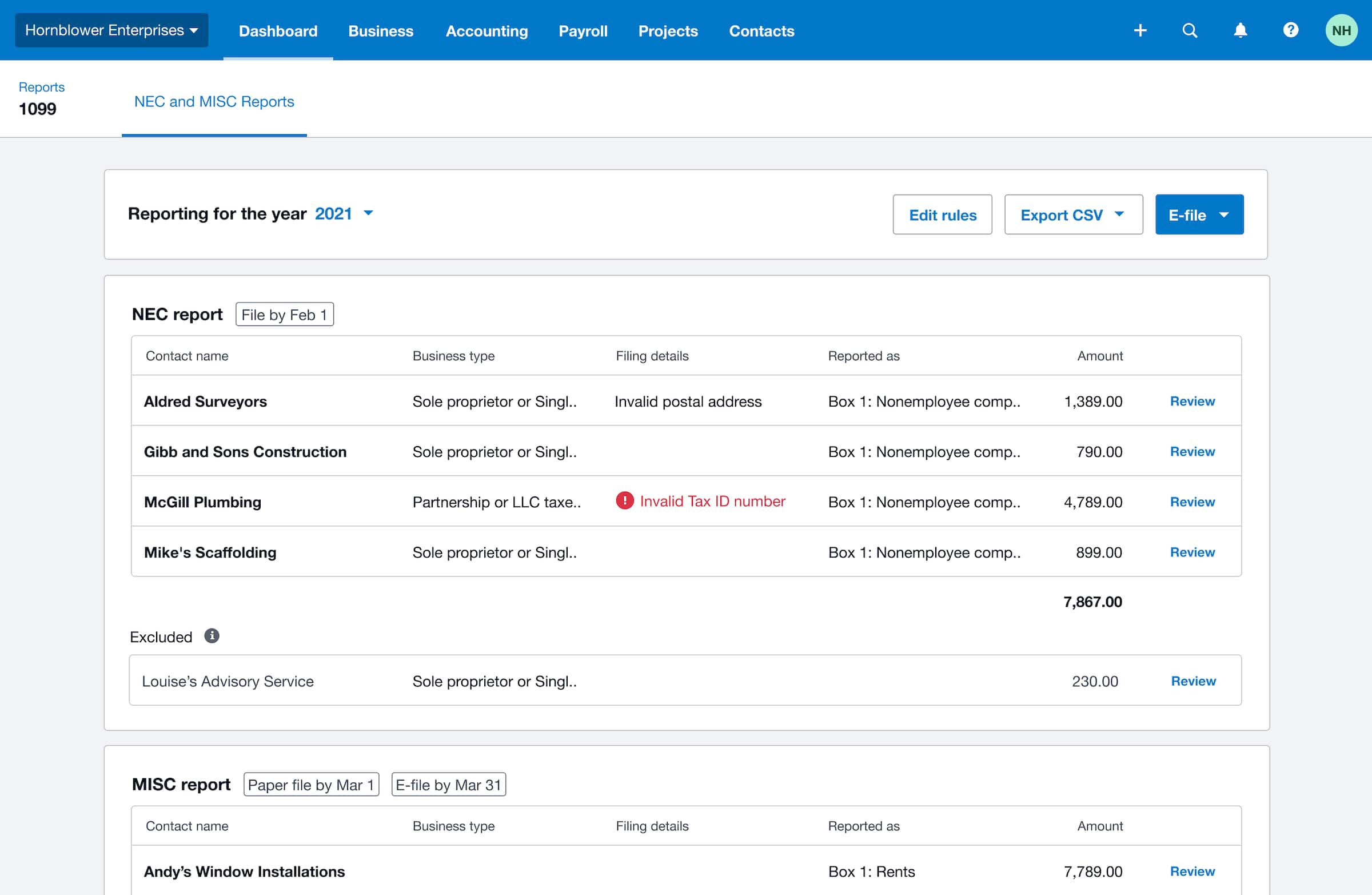
Automate sales tax, 1099s, and payroll taxes with confidence. Automate 1099s and contractor information reporting with Xero. Then, when tax season arrives, Xero generates 1099-NEC and 1099-MISC reports for you.
- Use Xero to identify 1099 contacts with the Cash payments by vendor report
- Print a complete tax return or only certain parts
- Connect apps to Xero and file 1099 forms with an e-filing partner
Smooth tax filings for your payroll
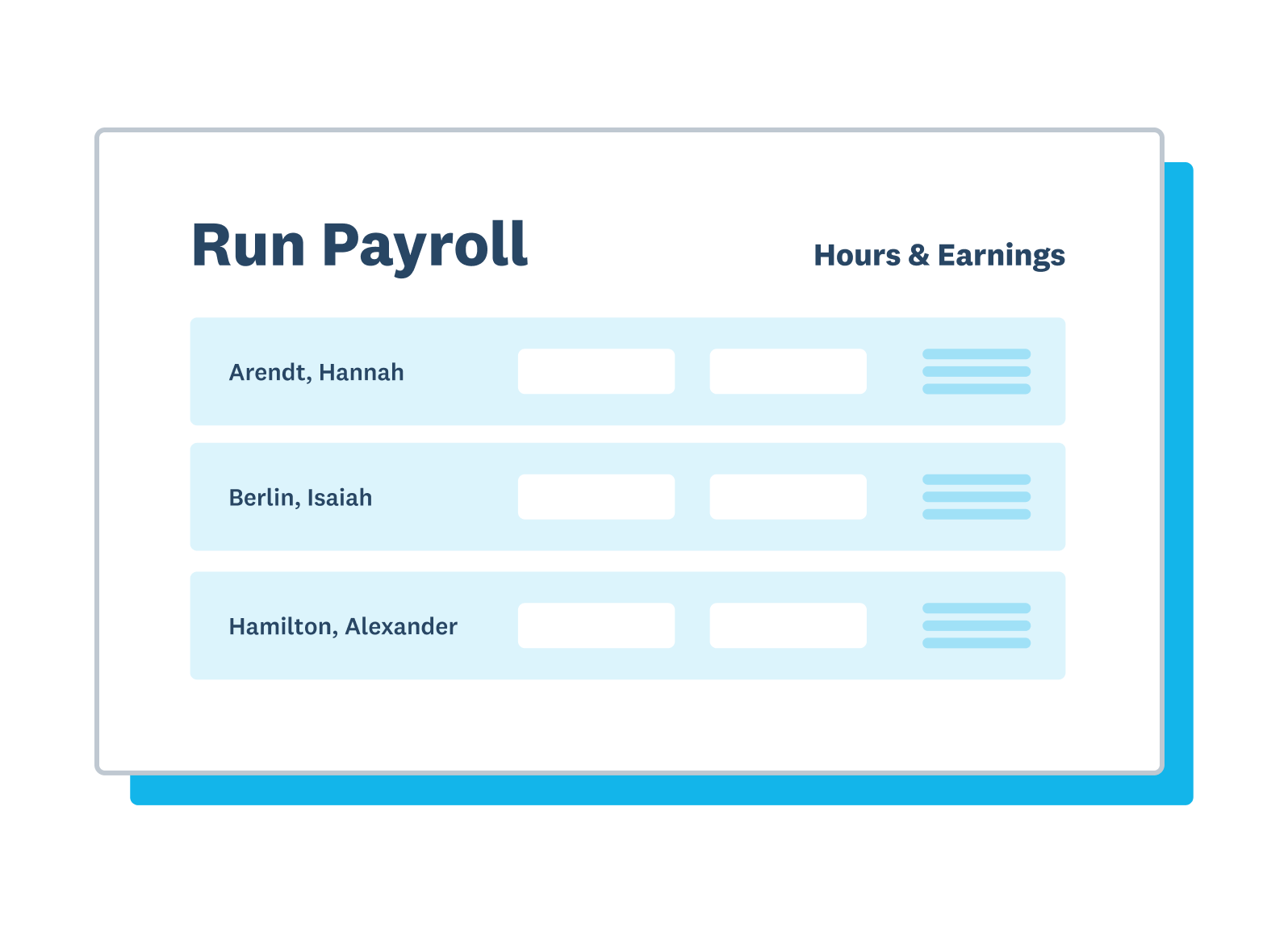
Xero integrates with Gusto to help you manage payroll taxes with confidence and stay IRS compliant. Everything in one place, seamlessly connected. Trust your numbers.
- Let Xero's tax accounting software help automate 1099s and payroll taxes
- Download a printable PDF version of your return
- Pay employees and manage payroll taxes with confidence
Automatic bank feeds and categorized records
Once you connect your bank, Xero automatically imports transactions to help keep your accounts accurate and up to date. Keep your records up to date and your accounting data organized in easy-to-read reports. How's that for ditching the boring jobs?
- Xero small business accounting and tax software can connect to multiple bank accounts
- Xero's AI-powered tools learn from your historical patterns to accurately categorize transactions
- You can quickly search for, say, expenses for a client or a set of bills
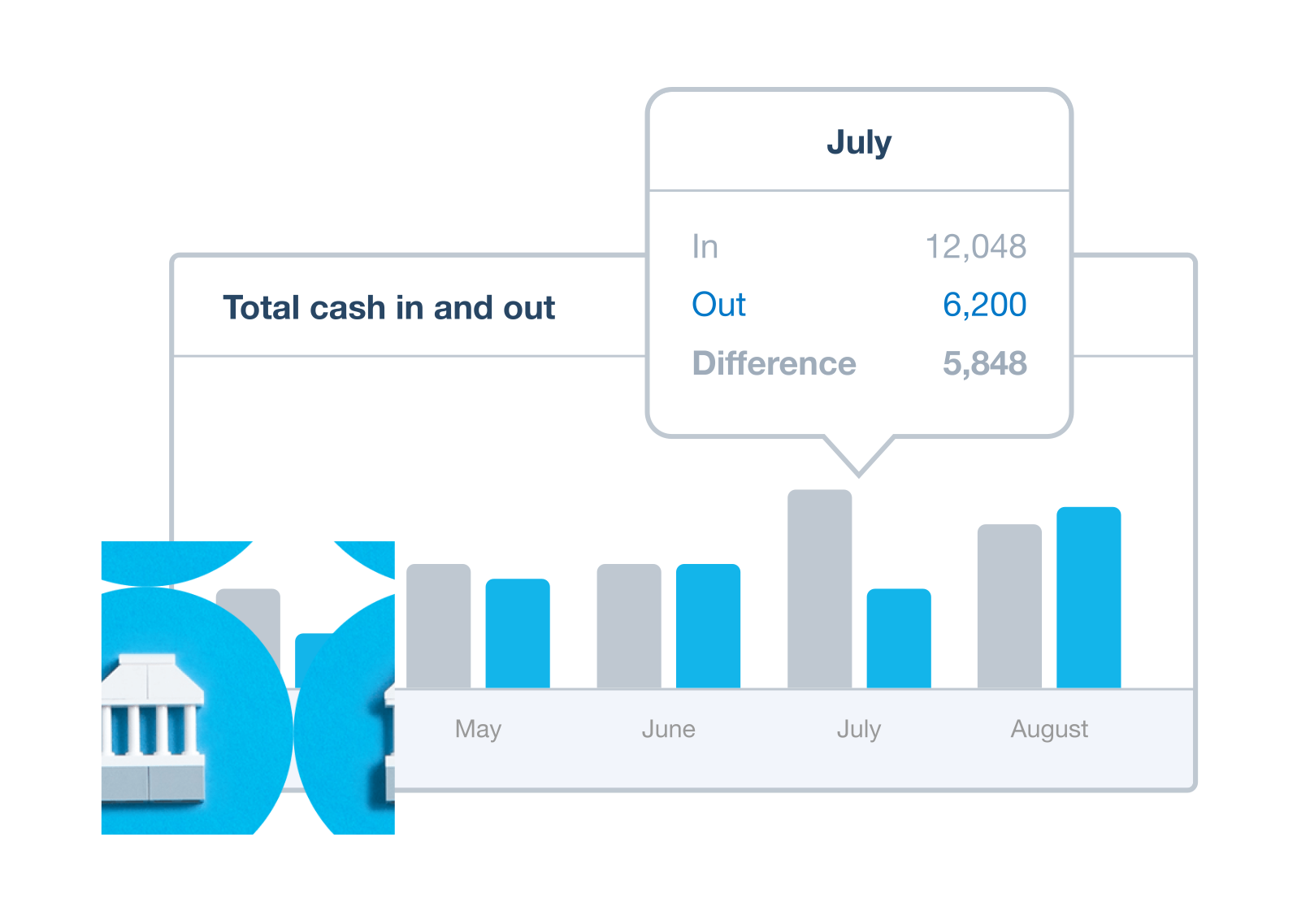
Connect apps to Xero for a whole system
As a flexible platform, Xero connects with more than 1,000 apps, or you can build your own connection. Run the Trial Balance report to see your general ledger account balances at your chosen date. Simple!
- Create a transfer transaction to record the movement of funds between your bank accounts in Xero
- Reduce manual work and save time with easy document uploads
- Read ratings and reviews from verified Xero customers, so you can choose with confidence

Frequently asked questions
Most US small businesses are responsible for several types of taxes: federal and state income tax on business profits, self-employment tax (for sole proprietors and partners), payroll taxes (if you have employees), sales tax (for businesses selling taxable goods or services), and potentially local business taxes. The specific obligations depend on your business structure (LLC, S-Corp, C-Corp, sole proprietor) and where you operate.
Most US small businesses are responsible for several types of taxes: federal and state income tax on business profits, self-employment tax (for sole proprietors and partners), payroll taxes (if you have employees), sales tax (for businesses selling taxable goods or services), and potentially local business taxes. The specific obligations depend on your business structure (LLC, S-Corp, C-Corp, sole proprietor) and where you operate.
Federal taxes – including corporate income tax and self-employment tax – are paid to the IRS and apply uniformly across the country. State taxes vary significantly: some states have no income tax, some have flat rates, and others have graduated structures. Many states also have their own sales tax rules, payroll tax requirements, and business registration fees. Xero helps you track all business income and expenses in one place, making it easier to work with your accountant on both federal and state obligations.
Federal taxes – including corporate income tax and self-employment tax – are paid to the IRS and apply uniformly across the country. State taxes vary significantly: some states have no income tax, some have flat rates, and others have graduated structures. Many states also have their own sales tax rules, payroll tax requirements, and business registration fees. Xero helps you track all business income and expenses in one place, making it easier to work with your accountant on both federal and state obligations.
A tax year is the 12-month accounting period your business uses for tax reporting. Most US small businesses use the calendar year (January–December). Some businesses use a fiscal year that starts on a different date. When you set up Xero, you specify your financial year start date, and all reports, comparisons, and period-end closings align to that date automatically.
A tax year is the 12-month accounting period your business uses for tax reporting. Most US small businesses use the calendar year (January–December). Some businesses use a fiscal year that starts on a different date. When you set up Xero, you specify your financial year start date, and all reports, comparisons, and period-end closings align to that date automatically.
Yes - while Xero doesn't file income tax returns directly, it handles the accounting work that makes filing straightforward. It tracks income and expenses throughout the year, categorizes transactions against the right accounts, manages payroll tax data, and tracks 1099 contractor payments. At tax time, your accountant or CPA can access your Xero file directly to prepare your return, or you can export reports in standard formats for use with tax preparation software.
Yes - while Xero doesn't file income tax returns directly, it handles the accounting work that makes filing straightforward. It tracks income and expenses throughout the year, categorizes transactions against the right accounts, manages payroll tax data, and tracks 1099 contractor payments. At tax time, your accountant or CPA can access your Xero file directly to prepare your return, or you can export reports in standard formats for use with tax preparation software.
Xero doesn't file tax forms directly, but it helps you get ready for tax time with accurate bookkeeping, financial reports, and tax related data. It generates the financial reports and data exports your accountant needs to prepare common US forms. Your accountant can access your Xero data directly or you can export reports so everyone is looking at the same data together.
Xero doesn't file tax forms directly, but it helps you get ready for tax time with accurate bookkeeping, financial reports, and tax related data. It generates the financial reports and data exports your accountant needs to prepare common US forms. Your accountant can access your Xero data directly or you can export reports so everyone is looking at the same data together.
At year end, Xero lets you set lock dates to prevent users from adding or changing transactions, and you can run a full set of financial reports like a Profit & Loss, Balance Sheet, and Trial Balance report. You can also invite your accountant or bookkeeper to your organization with read-only access to support you with filing year-end taxes.
At year end, Xero lets you set lock dates to prevent users from adding or changing transactions, and you can run a full set of financial reports like a Profit & Loss, Balance Sheet, and Trial Balance report. You can also invite your accountant or bookkeeper to your organization with read-only access to support you with filing year-end taxes.
Yes! Xero helps you manage the full 1099 workflow. Set up contractors, process pay runs, and account for withholding tax. Use the Cash payments by vendor report to identify your 1099 contacts and quickly tell if a vendor is over the threshold. Send contractors a unique link to complete a digital Form W-9 – details auto-populate in their contact record in Xero. The 1099 report covers both 1099-NEC and 1099-MISC, and Xero integrates with third-party partners to submit these forms to the IRS for you.
Yes! Xero helps you manage the full 1099 workflow. Set up contractors, process pay runs, and account for withholding tax. Use the Cash payments by vendor report to identify your 1099 contacts and quickly tell if a vendor is over the threshold. Send contractors a unique link to complete a digital Form W-9 – details auto-populate in their contact record in Xero. The 1099 report covers both 1099-NEC and 1099-MISC, and Xero integrates with third-party partners to submit these forms to the IRS for you.
Xero integrates with Gusto, Xero’s preferred payroll provider in the US. When you run payroll in Gusto, it automatically calculates and files payroll taxes, and Xero creates a bill or journal entry in your books for reconciliation. This keeps your payroll records accurate without manually tracking payroll tax liabilities in a separate system.
Xero integrates with Gusto, Xero’s preferred payroll provider in the US. When you run payroll in Gusto, it automatically calculates and files payroll taxes, and Xero creates a bill or journal entry in your books for reconciliation. This keeps your payroll records accurate without manually tracking payroll tax liabilities in a separate system.
Code every business expense to the appropriate account in Xero throughout the year. Xero has a default chart of accounts that you can customize, and you can add your own accounts to suit your business needs. At tax time, use Xero’s financial reports to view records of money in and money out and help identify and claim eligible tax deductions.
Code every business expense to the appropriate account in Xero throughout the year. Xero has a default chart of accounts that you can customize, and you can add your own accounts to suit your business needs. At tax time, use Xero’s financial reports to view records of money in and money out and help identify and claim eligible tax deductions.
In Xero, click your organization name and select Settings, then click Users and Invite a user. Enter your accountant’s name and email address, select the appropriate user role and access, and click Send invite. You can grant them Advisor-level access, which lets them run reports, make adjustments, and lock periods.
In Xero, click your organization name and select Settings, then click Users and Invite a user. Enter your accountant’s name and email address, select the appropriate user role and access, and click Send invite. You can grant them Advisor-level access, which lets them run reports, make adjustments, and lock periods.
*Based on published list prices for software subscription only. Plans differ in other respects.