Small business inventory management is easy with Xero
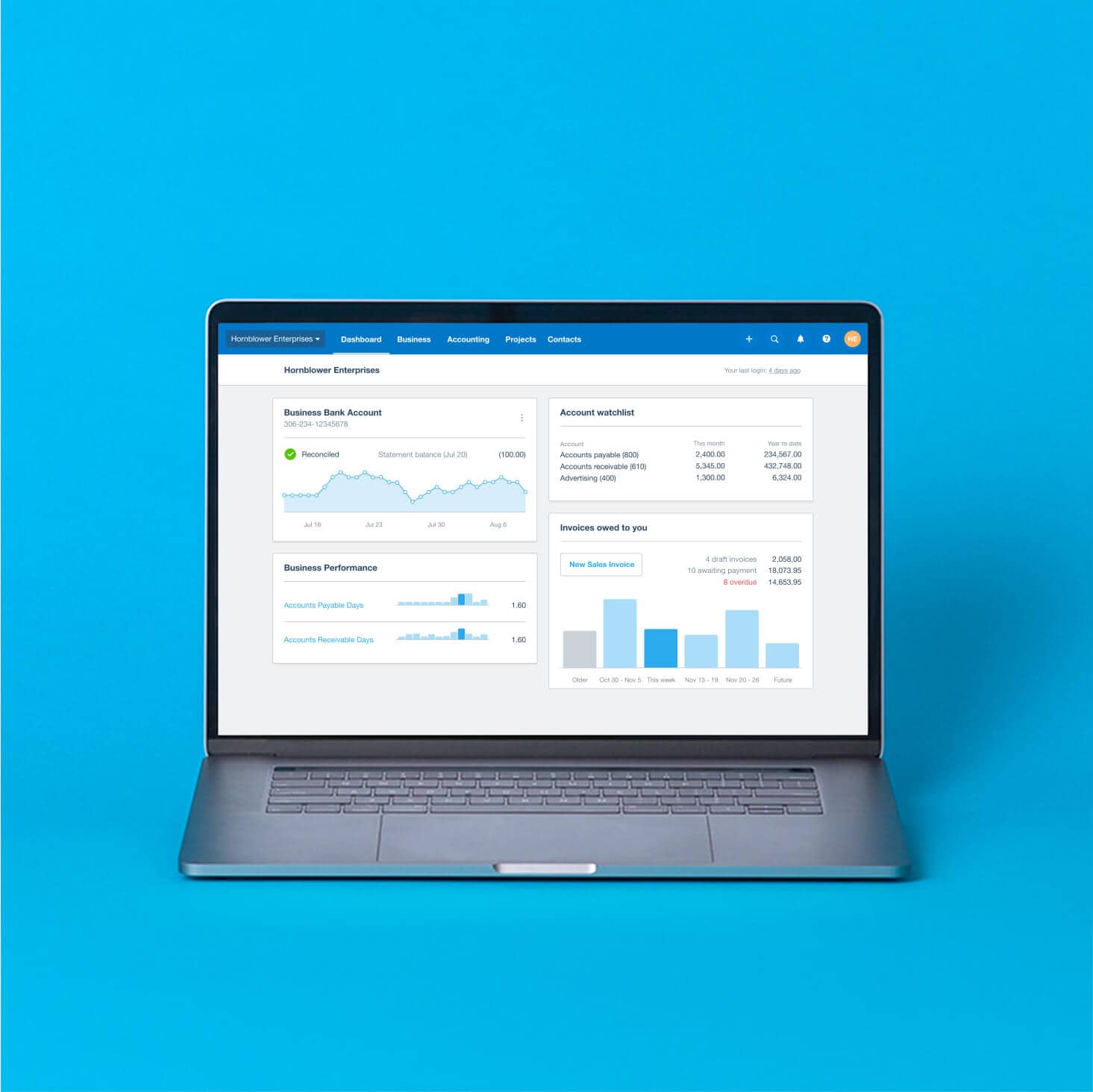
Xero’s tools and automations help organize your inventory. Track your stock levels so you know exactly what to reorder and when. See data and insights into your sales patterns to plan ahead. And for extra tools? Integrate third-party apps to smooth every aspect of sales admin for your US business.
.1765163731252.png)
Your biggest inventory challenges
Managing your inventory can be a real hurdle for your growing business. Here are some challenges to consider.
Over and understocking
Guesswork with orders hurts your profits. Xero tracks your stock and helps you order the right amounts.
Mistakes with manual data entry
It’s easy to mistype a number – and also costly! Xero’s automations update your stock levels for you.
Not understanding the numbers
Looked through your data recently? Xero’s business reports give you clear numbers and insights.
How Xero helps manage your inventory
Get intuitive tools and features
Xero’s cloud-based inventory management software is built for small businesses who are short on time. The intuitive features support every step of your financial admin, from helping optimize your stock orders to accepting fast online payments.
- Work from anywhere, anytime, in the cloud
- Easily navigate the software without an accounting background
- See all your financial data in one place for clear insights into your business performance
Specific features for your inventory
Here are some Xero features that strengthen the way you manage your inventory.
Automatic tracking
Add an item to a purchase order or customer invoice and Xero instantly updates your stock levels. No more losing track of what you’ve got!
Learn more about how Xero helps manage inventoryFaster sales admin
Save time as Xero autopopulates your quotes and sales admin with the right details. Spare yourself the typing and errors.
More on Xero invoicing and billingInventory across multiple sales channels
Upgrade to Xero Inventory Plus and manage your sales on Amazon, Shopify, and other channels. Sync all your data in Xero.
All features of Xero Inventory Plus
Supercharge Xero with inventory apps
Want to do more? Connect your Xero organization with third-party apps to extend your inventory system—whether it’s taking point-of-sale payments, streamlining customer communication, or anything in between. There’s likely an app for the job.
Apps for particular inventory needs
Each business has its own way of handling stock. Find specific tools for your sales, payments, and orders.
No tech experience necessary
Don’t worry – it’s straightforward to integrate apps with Xero’s small business inventory software.
User reviews and ratings
All third-party apps are reviewed, so you can read up on which ones will suit you.
.1762728557836.png)
A full financial picture with Xero
Everything works together in Xero, whatever apps you integrate. How? Data automatically flows between Xero’s core accounting features and apps to give you thorough, up-to-date information whenever you check your dashboard or run reports.
- This gives you fully integrated accounting and inventory management software for your small business
- Data updates are frequent and automatic
- All your numbers in one place for clearer insights and easier decision-making

Simple tax reporting
Accurate financial records are crucial for your tax reporting to the IRS. Xero’s inventory control software for small businesses has advanced tools and automations to help make sure your data is exactly right. That way, come the end of the financial year, you’ll be ready to go.
- Automatic calculations work out your Cost of Goods Sold (COGS), your inventory value, sales tax, and more
- Your jurisdiction-based sales tax reports make filings simpler
- All your data is securely stored, organized, and accessible for any requests from the IRS
A guide to inventory management software
Not sure where to begin with your inventory? Xero’s guide sets out the basics for small business owners, covering the benefits of software like Xero.
Here’s the inventory management software guide
FAQs on Xero’s inventory system for small businesses
Cloud inventory management software helps your small business track and manage your stock wherever you have an internet connection. This means your inventory data is always up to date and available, letting you check stock levels on your laptop.
Cloud inventory management software helps your small business track and manage your stock wherever you have an internet connection. This means your inventory data is always up to date and available, letting you check stock levels on your laptop.
Absolutely. You can track your products using Xero’s built-in features, including automatic updates of stock levels. Or you can upgrade to Xero Inventory Plus for advanced features like multi-location tracking and syncing sales channels, including Shopify and Amazon. You can also connect third-party inventory and CRM apps with your Xero organization.
See how Xero works for your retail storeAbsolutely. You can track your products using Xero’s built-in features, including automatic updates of stock levels. Or you can upgrade to Xero Inventory Plus for advanced features like multi-location tracking and syncing sales channels, including Shopify and Amazon. You can also connect third-party inventory and CRM apps with your Xero organization.
See how Xero works for your retail storeXero helps manage your taxes in various ways. Xero automatically calculates your sales tax, COGS, inventory value, and other figures for your income tax returns and financial reports. Xero also keeps precise records of your stock purchases and sales to support your IRS compliance. These are available in the cloud whenever you need them for audits or reviews.
Xero helps manage your taxes in various ways. Xero automatically calculates your sales tax, COGS, inventory value, and other figures for your income tax returns and financial reports. Xero also keeps precise records of your stock purchases and sales to support your IRS compliance. These are available in the cloud whenever you need them for audits or reviews.
You can’t track inventory across multiple locations with Xero’s built-in features. You need to pay for Xero Inventory Plus or a third-party app for this. By connecting an app, you can effectively track your items across different warehouses, stores, and locations.
You can’t track inventory across multiple locations with Xero’s built-in features. You need to pay for Xero Inventory Plus or a third-party app for this. By connecting an app, you can effectively track your items across different warehouses, stores, and locations.
You can start by setting up your products and services as tracked inventory items in Xero. Add prices and descriptions to allow Xero to autopopulate your invoices and other sales admin with these details each time.
Here’s a guide on how to organize your inventory as a small businYou can start by setting up your products and services as tracked inventory items in Xero. Add prices and descriptions to allow Xero to autopopulate your invoices and other sales admin with these details each time.
Here’s a guide on how to organize your inventory as a small busin
I use Xero to keep track of my company's financial health
Xero helps Moovas make important business decisions

Plans to suit your business
All pricing plans cover the accounting essentials, with room to grow.