Software to manage all your expenses in one place
Handle your expenses with Xero expense management software. Whether that's tracking mileage or recording payment for an approved expense claim, you can manage it in Xero. An easy way for you and your team to get on with business.
- Snap receipts on the go
- Track everything together
- Keep detailed audit trails

All your numbers. All in one. All for less than QuickBooks.*
Ditch the manual data entry for receipts
Stop typing purchase details into spreadsheets! Use the Xero Me mobile app to take a photo of a physical receipt, add some information to the claim and save for later or submit for approval. Capture receipts, manage claims, track mileage and reconcile in real-time with Xero.
- Add a receipt to an expense claim and enter the required details.
- Hubdoc users can also capture info from emailed receipts and bills
- Attach files to transactions in Xero, and view a document's audit trail in Hubdoc.

Stay on top of your cash flow
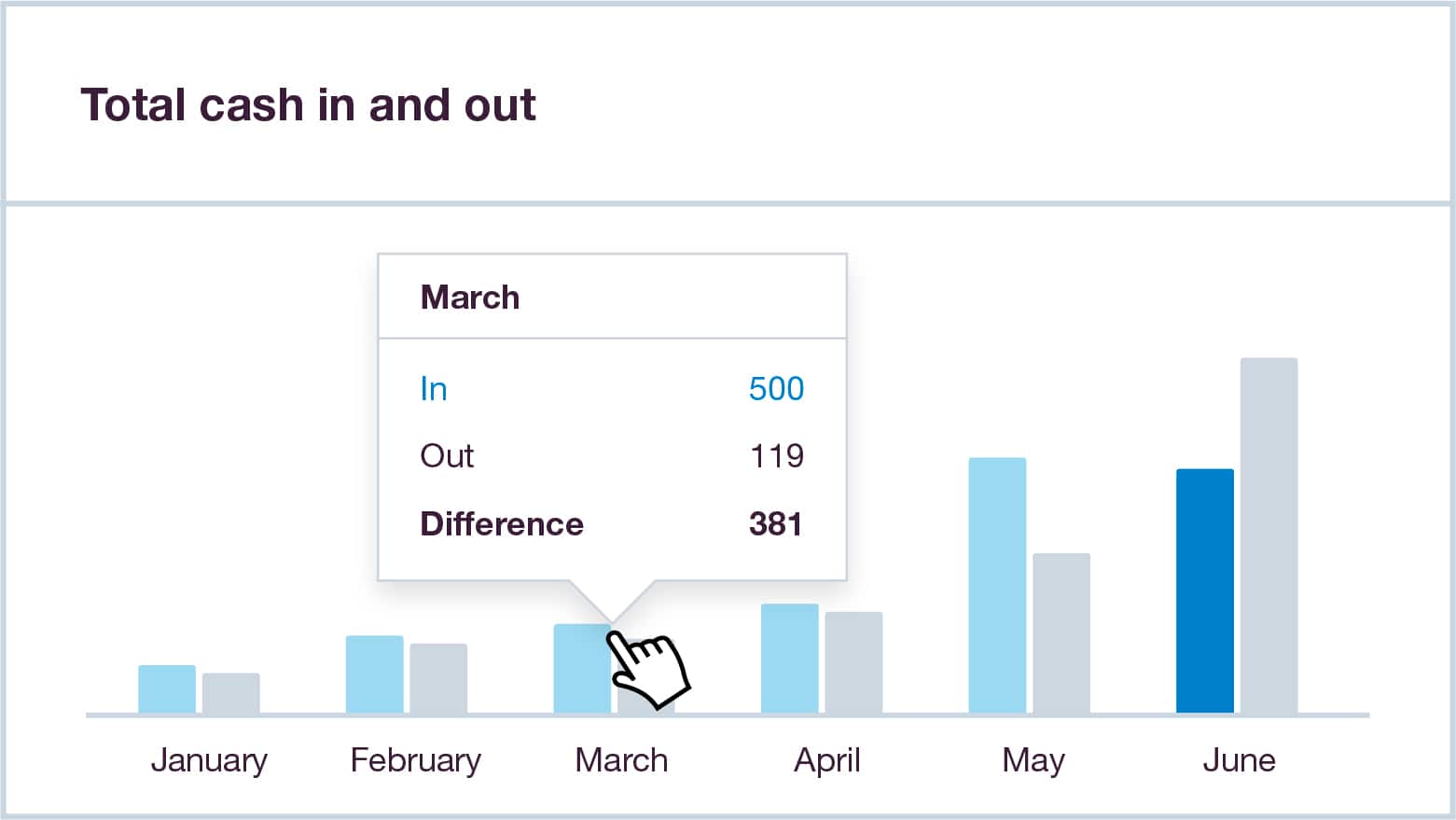
Xero's online business expense management goes hand in hand with the rest of your accounting features. That way, you get instant updates on your cash flow and financial health.
- See your bank balance and cash flow position with Xero’s up-to-date cash flow tools
- Run expense reports to get insights into your business spending and review budgets
- Check your business finances on your mobile device with the Xero Accounting app
We chose Xero because it was set up for small businesses like ours
Olive and Poppy think Xero is perfect for non-accounting experts

Nail your financial reporting every time
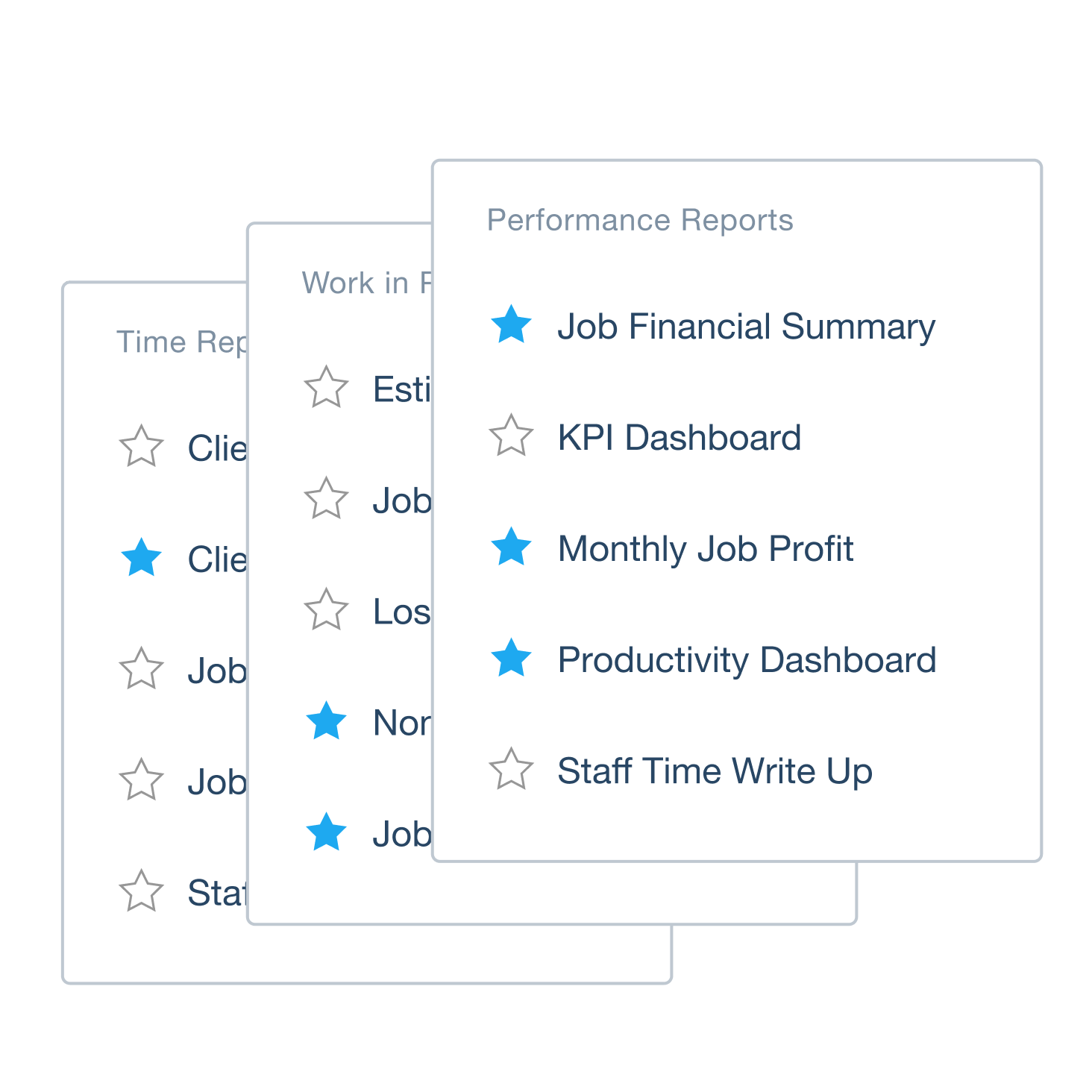
Track every business expense with Xero's integrated software, and bring all your accounting data into an easy-to-read set of reports, saving you time and providing you with a single source of truth. Assign expenses to specific projects or customers to track spending and recover costs.
- Organize your expenses by client and category to support your financial reporting and cost analysis
Track every business expense with Xero's integrated software
Pay employees and manage payroll taxes with confidence, knowing your numbers are accurate and IRS compliant every time.
Go digital with your reimbursements
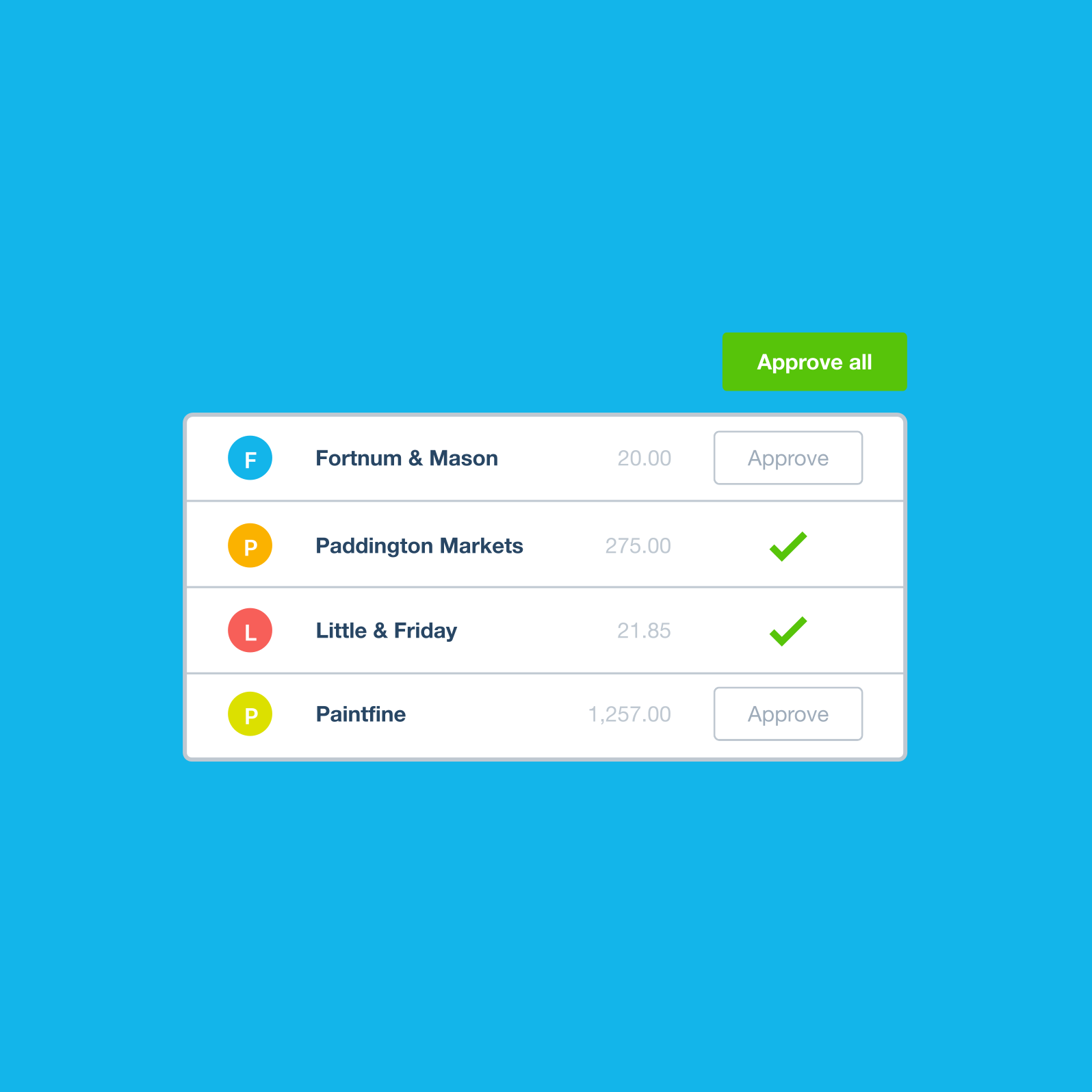
Paying back expenses is fast with Xero. Employees snap receipts with their phones, add any notes, and submit expense claims with a few taps. Approvers or admins can review and approve claims before they’re processed in Xero. No more paper forms or email chains!
- Employees' expense claims show the original receipts
- Approved bills can be viewed in the Awaiting payment tab, and you can export a payment file from Xero and upload it to your online banking to pay bills in bulk.
- The frictionless process keeps employees happy and saves you the admin
Track your mileage without the run around
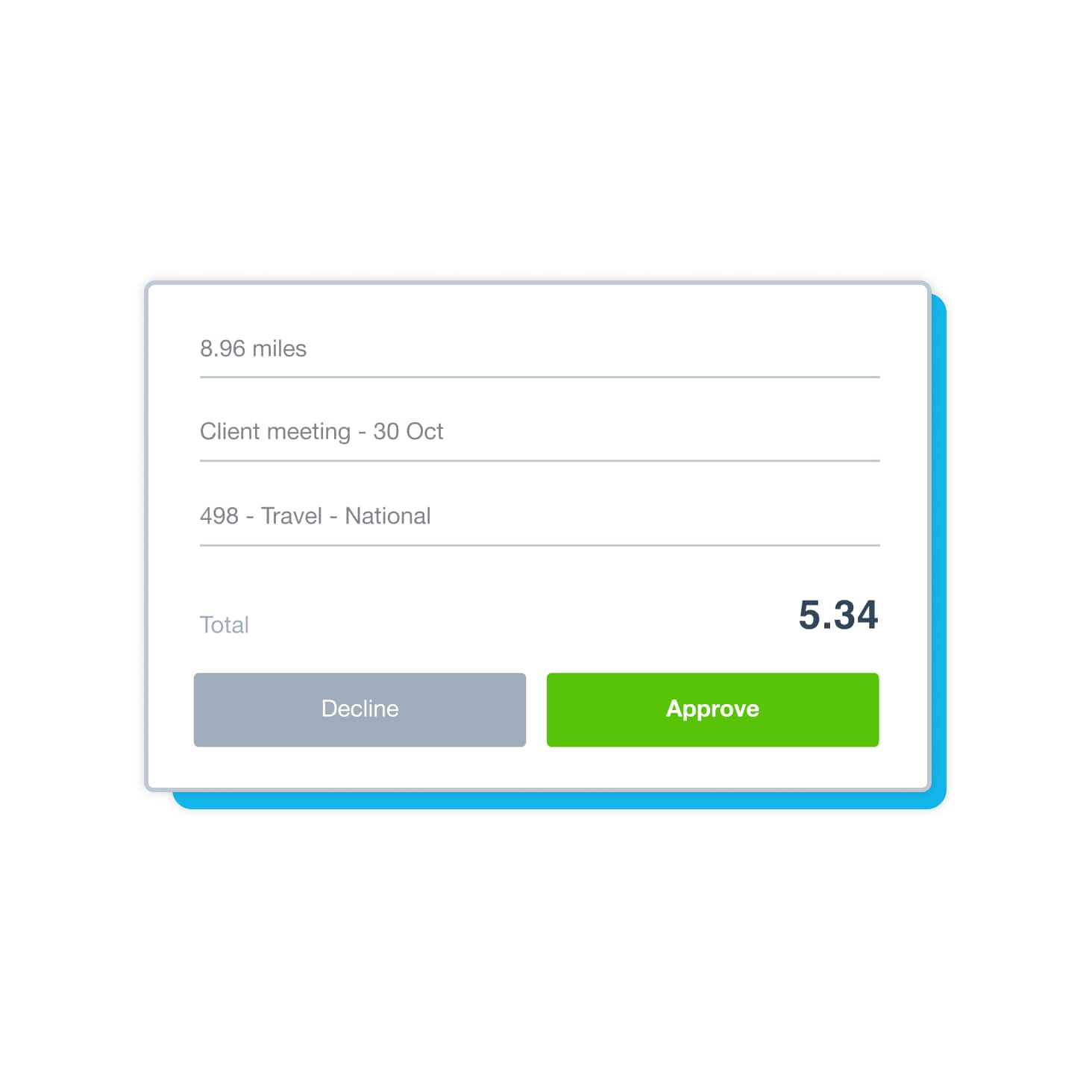
Off on a work trip? Use the Xero Me app to create and submit a mileage claim if you use your own vehicle for work. Link these expenses to the right project or client, and approve them the same way as other expenses. Then away you go!
Automatically reconcile your bank transactions
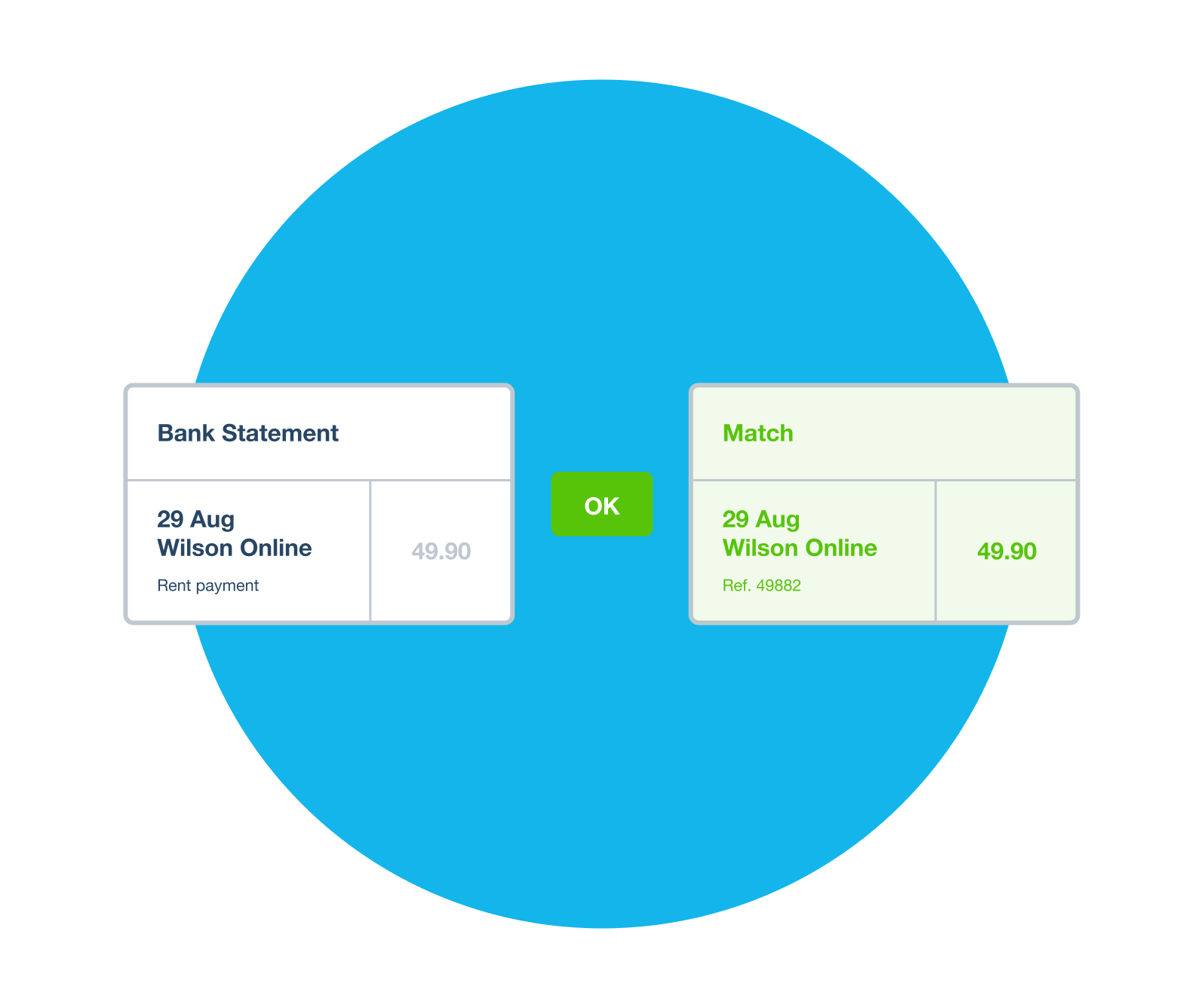
Save hours of work with Xero's reconciliation tool. First, connect your bank account directly to Xero, so transactions flow in automatically through bank feeds. Next, let Xero match expenses to bank transactions, so you can spot anything suspicious and make sure your numbers are spot on.
- Connect multiple bank and checking accounts to your Xero organization
- Click OK to accept a suggested match, and when an expense paid with company money is approved, Xero automatically creates a spend money transaction for you to reconcile.
See transactions updated regularly through your bank feed
Zip through your reconciliation admin on your phone or tablet while on the go
Stay in control of all your bills
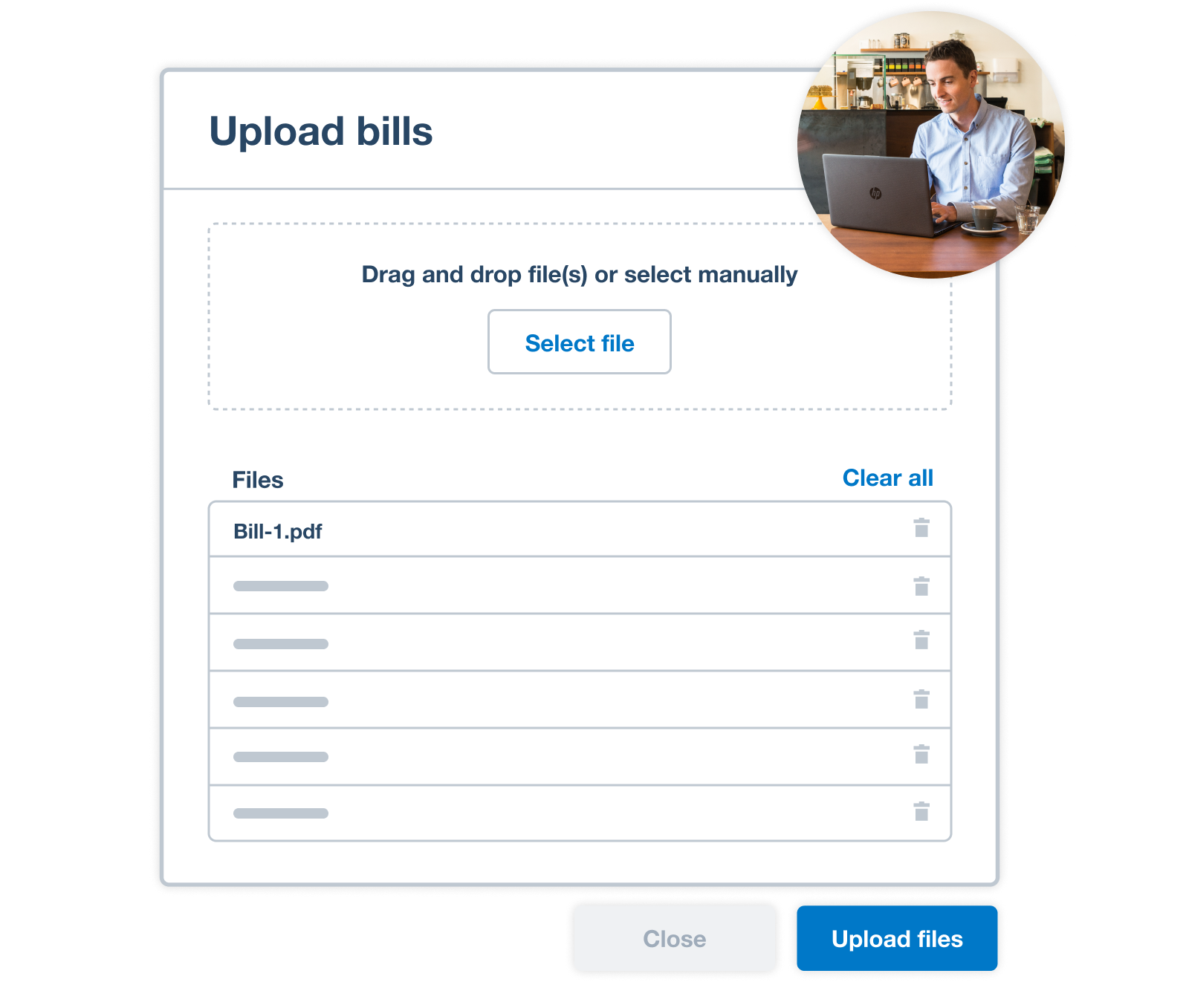
Beyond employee expenses, Xero helps you automate bill entry, track due dates, and manage bills in one place. Create, track, and pay supplier bills in Xero to stay on top of bill payments and control what’s leaving your business.
- See exactly what you owe and when it's due
- Schedule payments according to your cash flow schedule
- Set up and manage staff permissions
Frequently asked questions
Expense reporting is the process of recording, categorizing, and analyzing a business's spending over a given period. Unlike individual expense claims (which are about reimbursing employees), expense reporting takes a broader view – showing where money is going across the whole business, which categories are over budget, and how spending compares to previous periods.
Expense reporting is the process of recording, categorizing, and analyzing a business's spending over a given period. Unlike individual expense claims (which are about reimbursing employees), expense reporting takes a broader view – showing where money is going across the whole business, which categories are over budget, and how spending compares to previous periods.
An expense claim is an individual employee's request for reimbursement for a specific out-of-pocket cost. An expense report is a summary document that analyzes spending across multiple transactions, employees, or time periods. Think of expense claims as the raw input and expense reports as the analysis output.
An expense claim is an individual employee's request for reimbursement for a specific out-of-pocket cost. An expense report is a summary document that analyzes spending across multiple transactions, employees, or time periods. Think of expense claims as the raw input and expense reports as the analysis output.
Expense reports help businesses understand and control their spending. They reveal trends (such as which categories are growing), flag anomalies (such as unusual spending patterns), support budget reviews, and provide the documentation needed for accurate tax reporting. Without regular expense reporting, it's easy for costs to creep up unnoticed.
Expense reports help businesses understand and control their spending. They reveal trends (such as which categories are growing), flag anomalies (such as unusual spending patterns), support budget reviews, and provide the documentation needed for accurate tax reporting. Without regular expense reporting, it's easy for costs to creep up unnoticed.
In Xero, expenses aren't tracked in a separate system, they're part of your accounts. When an expense claim or vendor bill is approved, Xero automatically creates the corresponding accounting transaction, so your reports always reflect the full cost picture without manual entry. This means your Profit and Loss, Budget Variance, and cash flow reports capture all business spending as it's approved, giving you an accurate, real-time view of where money is going.
In Xero, expenses aren't tracked in a separate system, they're part of your accounts. When an expense claim or vendor bill is approved, Xero automatically creates the corresponding accounting transaction, so your reports always reflect the full cost picture without manual entry. This means your Profit and Loss, Budget Variance, and cash flow reports capture all business spending as it's approved, giving you an accurate, real-time view of where money is going.
Certainly! Track and reimburse your employees' expenses through Xero Expenses, including receipts, mileage, and travel costs, and pay your vendor bills in the same system. You can run expense reports that include all spend types together, or filter by category to see employee claims separately from supplier costs. Get a snapshot of your unpaid bills and use Xero’s cash flow reporting tools to monitor how cash moves out of your business.
Certainly! Track and reimburse your employees' expenses through Xero Expenses, including receipts, mileage, and travel costs, and pay your vendor bills in the same system. You can run expense reports that include all spend types together, or filter by category to see employee claims separately from supplier costs. Get a snapshot of your unpaid bills and use Xero’s cash flow reporting tools to monitor how cash moves out of your business.
Xero includes reports such as Profit and Loss and Budget Variance, and you can use date ranges and tracking categories to analyze performance and compare different areas of your business.
Xero includes reports such as Profit and Loss and Budget Variance, and you can use date ranges and tracking categories to analyze performance and compare different areas of your business.
Yes. Xero's tracking categories let you assign categories to sales and purchase transactions with dimensions like department, project, or location. Once set up, you can filter reports, like the Profit and Loss report, by these categories to see spending broken down in the way your business needs.
Yes. Xero's tracking categories let you assign categories to sales and purchase transactions with dimensions like department, project, or location. Once set up, you can filter reports, like the Profit and Loss report, by these categories to see spending broken down in the way your business needs.
Run the Profit and Loss report in Xero for consecutive periods (e.g., month over month or quarter over quarter) to see how each expense category is trending. Create a budget in Xero, then compare it with your actual figures by running the Budget Variance report to see where your costs are over or under budget.
Run the Profit and Loss report in Xero for consecutive periods (e.g., month over month or quarter over quarter) to see how each expense category is trending. Create a budget in Xero, then compare it with your actual figures by running the Budget Variance report to see where your costs are over or under budget.
You can export expense reports from Xero and save them to your desktop. Choose either PDF, Microsoft Excel or Google Sheets as your export format. This makes it easy to do further analysis, share with stakeholders who don't have Xero access, or incorporate data into board reports or budget presentations.
You can export expense reports from Xero and save them to your desktop. Choose either PDF, Microsoft Excel or Google Sheets as your export format. This makes it easy to do further analysis, share with stakeholders who don't have Xero access, or incorporate data into board reports or budget presentations.
Accurate expense reporting in Xero ensures that all deductible business costs are captured and correctly categorized throughout the year. When tax time comes, you or your accountant can use Xero’s reports and records to identify eligible tax deductions, review receipts that are attached to claims, and reconcile totals against bank statements – helping reduce the time and stress typically associated with preparing your return.
Accurate expense reporting in Xero ensures that all deductible business costs are captured and correctly categorized throughout the year. When tax time comes, you or your accountant can use Xero’s reports and records to identify eligible tax deductions, review receipts that are attached to claims, and reconcile totals against bank statements – helping reduce the time and stress typically associated with preparing your return.
FAQs on Xero's expense management software for small businesses
Track every business expense with Xero's integrated software. When an expense paid with company money is approved, Xero automatically creates a spend money transaction for you to reconcile. And Xero provides matching suggestions between your bank account and accounting transactions to help you reconcile in just a few clicks. Track every business expense with Xero's integrated software.
Track every business expense with Xero's integrated software. When an expense paid with company money is approved, Xero automatically creates a spend money transaction for you to reconcile. And Xero provides matching suggestions between your bank account and accounting transactions to help you reconcile in just a few clicks. Track every business expense with Xero's integrated software.
Certainly! Track and reimburse your employees' expenses through Xero Expenses, including receipts, mileage, and travel costs, and pay your vendor bills in the same system. Get a snapshot of your unpaid bills and use Xero’s cash flow reporting tools to monitor how cash moves out of your business.
Certainly! Track and reimburse your employees' expenses through Xero Expenses, including receipts, mileage, and travel costs, and pay your vendor bills in the same system. Get a snapshot of your unpaid bills and use Xero’s cash flow reporting tools to monitor how cash moves out of your business.
Use the Xero Me mobile app to take a photo of a receipt and attach it to an expense claim, or snap a pic or upload a file and Xero captures the data. You can attach a receipt image to an expense claim and view submitted receipts in the Expense Claim Summary report. And if you use Hubdoc, it automatically captures and stores emailed receipts and bills – no more lost or damaged paper receipts.
Use the Xero Me mobile app to take a photo of a receipt and attach it to an expense claim, or snap a pic or upload a file and Xero captures the data. You can attach a receipt image to an expense claim and view submitted receipts in the Expense Claim Summary report. And if you use Hubdoc, it automatically captures and stores emailed receipts and bills – no more lost or damaged paper receipts.
Xero lets you customize staff permissions and access for your team members. For example, allow an employee to approve leave and timesheets in Xero Me. Then, when an employee submits an expense claim, it’s sent to an approver, who can review and approve it in the Xero Me mobile app. Reimburse an employee’s expense claim in the next pay run. Xero’s History and notes report shows the history of changes made to transactions and attached notes, including when changes took place and which user made them.
Xero lets you customize staff permissions and access for your team members. For example, allow an employee to approve leave and timesheets in Xero Me. Then, when an employee submits an expense claim, it’s sent to an approver, who can review and approve it in the Xero Me mobile app. Reimburse an employee’s expense claim in the next pay run. Xero’s History and notes report shows the history of changes made to transactions and attached notes, including when changes took place and which user made them.
For sure. Use Xero Me to submit expense and mileage claims. Track mileage with Xero and create and submit mileage claims in the app. You can link these expenses to specific customers or projects to accurately track your total job costs. And when team members submit their mileage, approvers can view and edit claims that are in draft, submitted for approval, or declined status.
For sure. Use Xero Me to submit expense and mileage claims. Track mileage with Xero and create and submit mileage claims in the app. You can link these expenses to specific customers or projects to accurately track your total job costs. And when team members submit their mileage, approvers can view and edit claims that are in draft, submitted for approval, or declined status.



*Based on published list prices for software subscription only. Pricing and features vary by plan.