Card payments online: a fast, secure way to get paid
Make it super easy for customers to pay you – and see the cash hit your bank sooner. Xero connects with trusted payment providers for features like a Pay now button for your invoices and contactless payments. And once the transaction’s done, Xero imports the data so your books are up to date.
.1762449795450.png)
Smooth integration with payment providers
Xero works seamlessly with leading payment providers like Stripe and PayPal so you can offer more ways to pay.
Easy, secure digital payments
Customers can pay with full confidence and minimum effort.
A clear view of your cash flow
Xero instantly updates your numbers so you always have the latest cash flow numbers to work with.
Manage all your payments in one place?
Forget hopping between platforms. Xero is a streamlined way to process payments in one place. Integrate Xero with leading payment providers like Stripe and PayPal, then take card payments online so you can get paid up to twice as fast.
- Track up to 4000 items by quantity and value
- See instant updates to your Xero stock levels as soon as you create an invoice or purchase order
- Quickly create invoices with Xero’s auto-populated item descriptions and prices, and send directly from the software
Accept payments directly from invoices
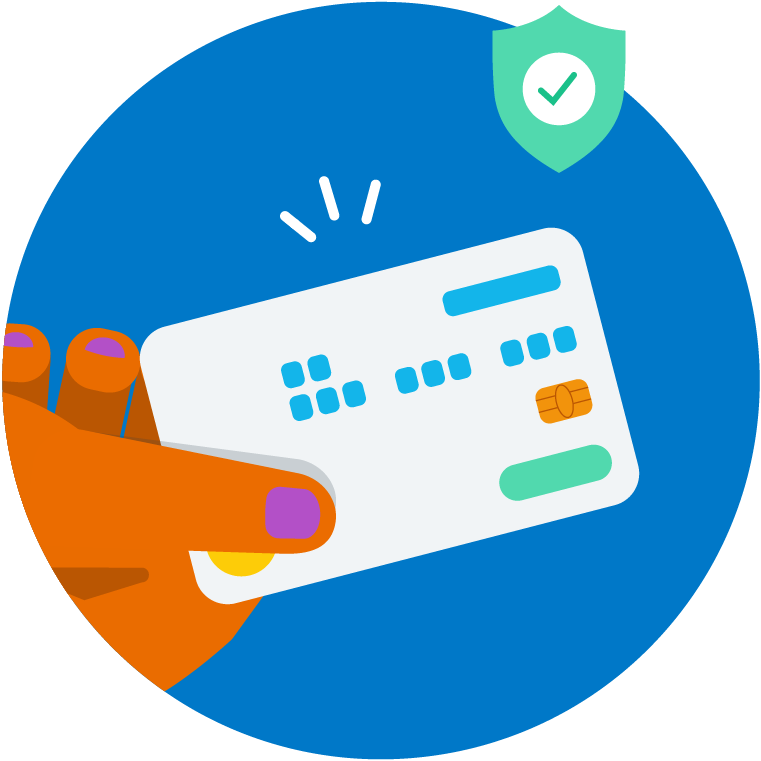
One of the easiest ways to accept credit card payments online is with a 'Pay now ' on your invoices. Customers just click through to a secure page and complete the payment on the spot – no need for a Xero account. That’s a smooth experience for them and better cash flow for you.

Automatically match payments to invoices
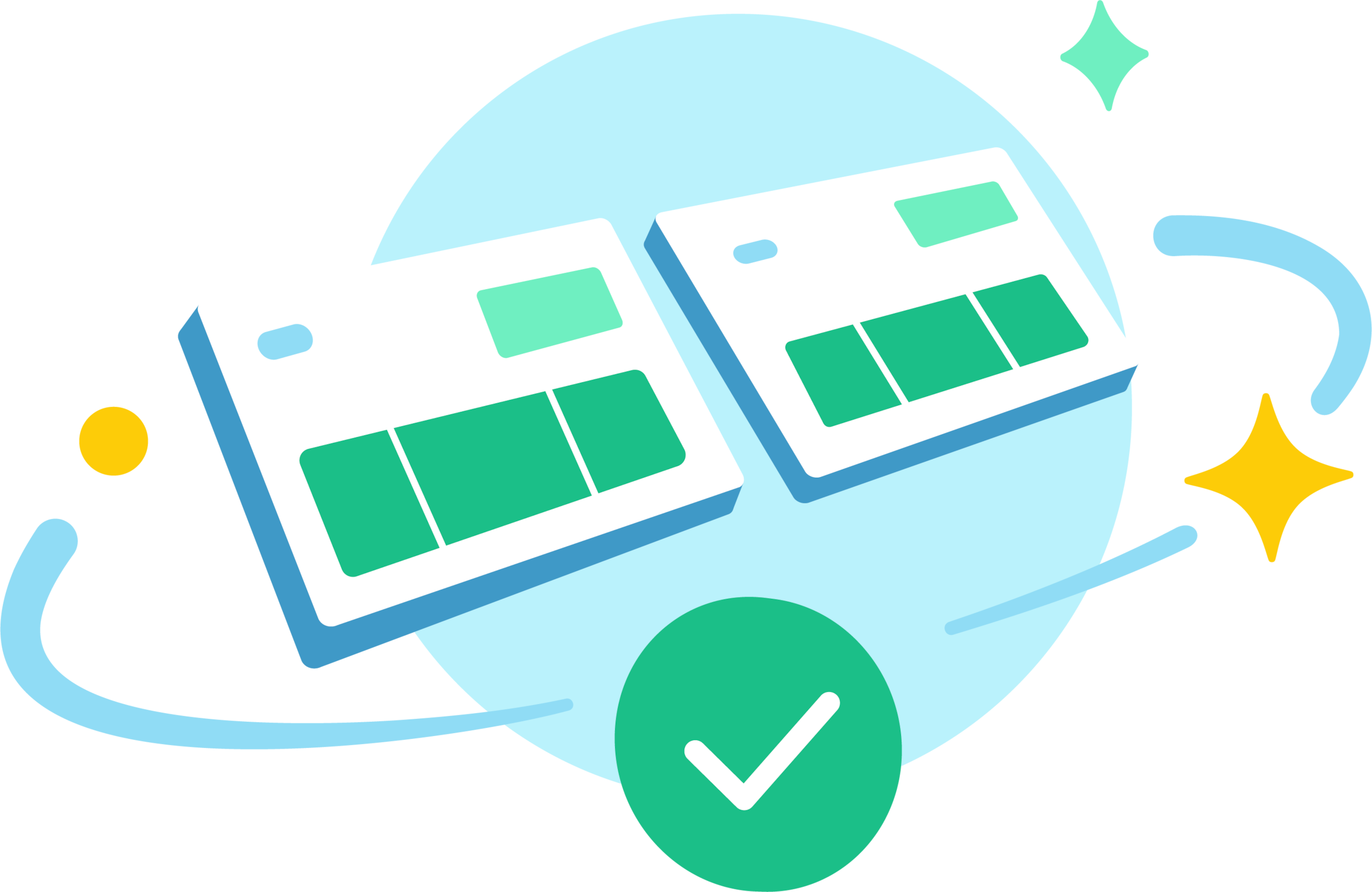
Want a huge time-saver? When a customer uses the Pay now button, Xero automatically matches their payment to the right invoice and marks it as paid. Xero also imports the transaction data, including any processing fees, so your books stay accurate.
- Less admin and data entry each month
- Faster, more automated bank reconciliations
- Always-accurate books and fewer reconciliation headaches
Get paid on the spot with Tap to Pay
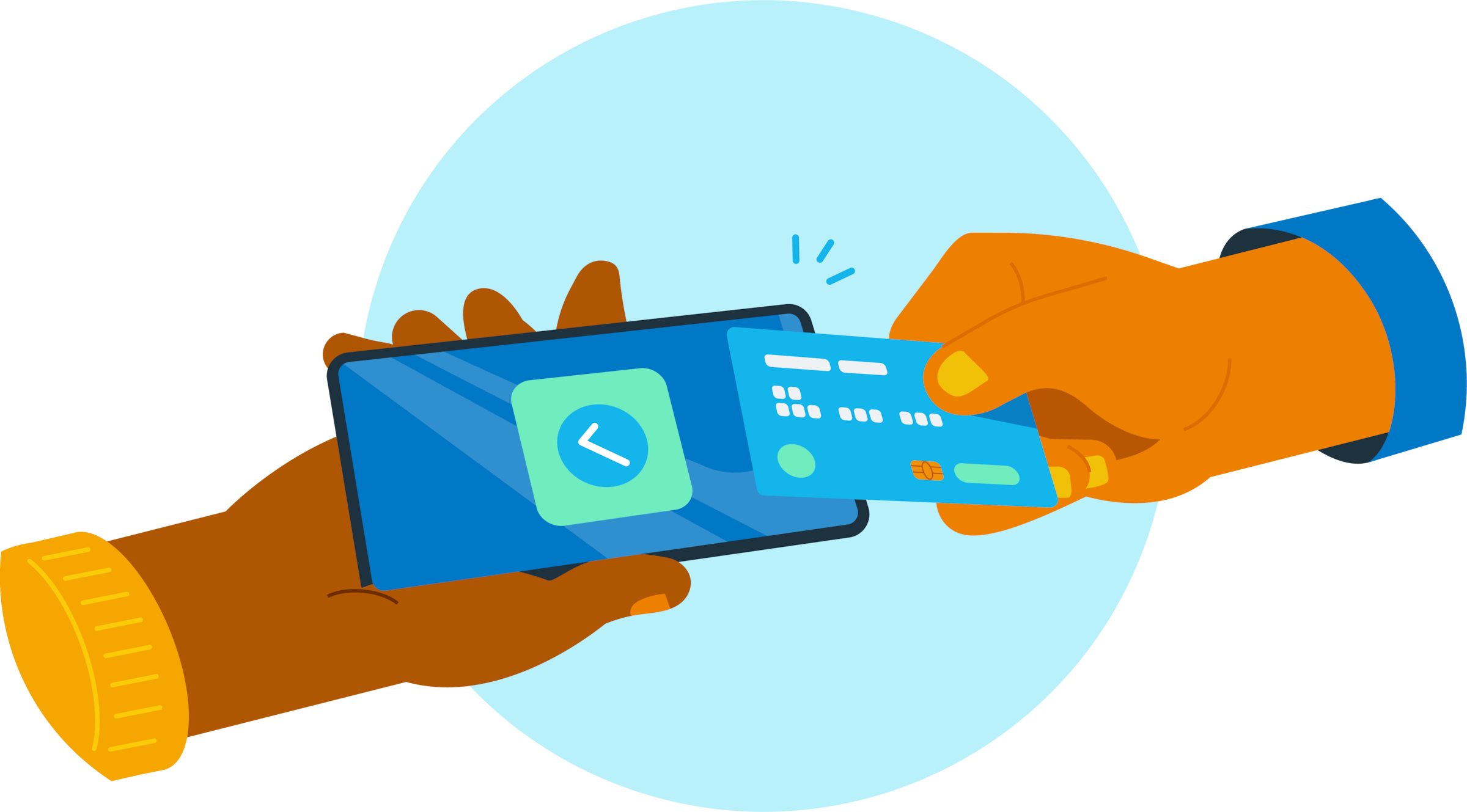
Forget separate card readers – just use the Xero Accounting app on your mobile to get paid whenever you’re at an event, client site, or your store. Customers simply tap their credit card, digital wallet, or smartwatch on your mobile – making it effortless to accept credit card online payments.
- Less admin and data entry each month
- Faster, more automated bank reconciliations
- Always-accurate books and fewer reconciliation headaches
Xero allows me to do what I love doing, which is creating
Xero makes Orenda Tribe run seamlessly

Give customers a faster and easier way to pay
Nobody likes paying bills – so Xero makes the admin as simple as possible for your customers. With Xero online card payments, they need fewer steps, trust global payment providers, and use their mobile phones. They’ll more likely pay you sooner and come back next time!
How Xero keeps your payments secure
Xero partners with established payment providers like Stripe to:
- Use industry-leading security protocols to process transactions
- Handle credit card data carefully to protect sensitive information
- Build customer trust with the highest security standards

Better cash flow for your business
By making it easy for your customers to pay, Xero brings tons of benefits to your business. It’s a win-win!
Faster ways to pay
A ‘Pay now’ button on your invoices and online payment options means the money hits your bank sooner.
Less time chasing payments
Xero's automatic payment reminders help you dodge those awkward phone calls and messages.
Customer trust in your business
Everybody wins with fast and secure online card payments, giving your customers a great payment experience and keeping them happy.

FAQs on using Xero to take card payments online
Your customers can pay with credit and debit cards, Apple Pay, Google Pay, and other digital wallets, depending on the payment providers you connect to your Xero organization.
Here’s more info on setting up payment services in XeroYour customers can pay with credit and debit cards, Apple Pay, Google Pay, and other digital wallets, depending on the payment providers you connect to your Xero organization.
Here’s more info on setting up payment services in XeroGenerally, no. Most Xero-integrated payment services – like Stripe – handle the payment processing for you. This means you don’t need to set up a separate merchant account with a traditional bank, but you will need to create an account with Stripe to connect with Xero. Once you’re set up, Stripe will securely process payments from your customers and transfer the funds to your business bank account.
Generally, no. Most Xero-integrated payment services – like Stripe – handle the payment processing for you. This means you don’t need to set up a separate merchant account with a traditional bank, but you will need to create an account with Stripe to connect with Xero. Once you’re set up, Stripe will securely process payments from your customers and transfer the funds to your business bank account.
The fees vary depending on the payment service you use. Most services charge a small processing fee for each transaction. You might be able to pass on some or all of these fees to your customers – check the rules in your region.
Pricing & fees for Stripe accountsThe fees vary depending on the payment service you use. Most services charge a small processing fee for each transaction. You might be able to pass on some or all of these fees to your customers – check the rules in your region.
Pricing & fees for Stripe accounts
Get one month free
Sign up to any Xero plan, and we will give you the first month free.