See every job's true cost with job costing software
Know what to quote, watch profit as the work happens, and price your next job from what past jobs really cost. That's job costing working quietly in the background of Xero.

Take care of costs, wherever you are
Xero Projects is the dependable, flexible job management software for your small business, whether you’re at your desk or seeing clients.
Record your job costs in one place
Assign bills and expenses to specific projects, and create a centralized tracking system for all your costs.
Choose what’s on your invoice
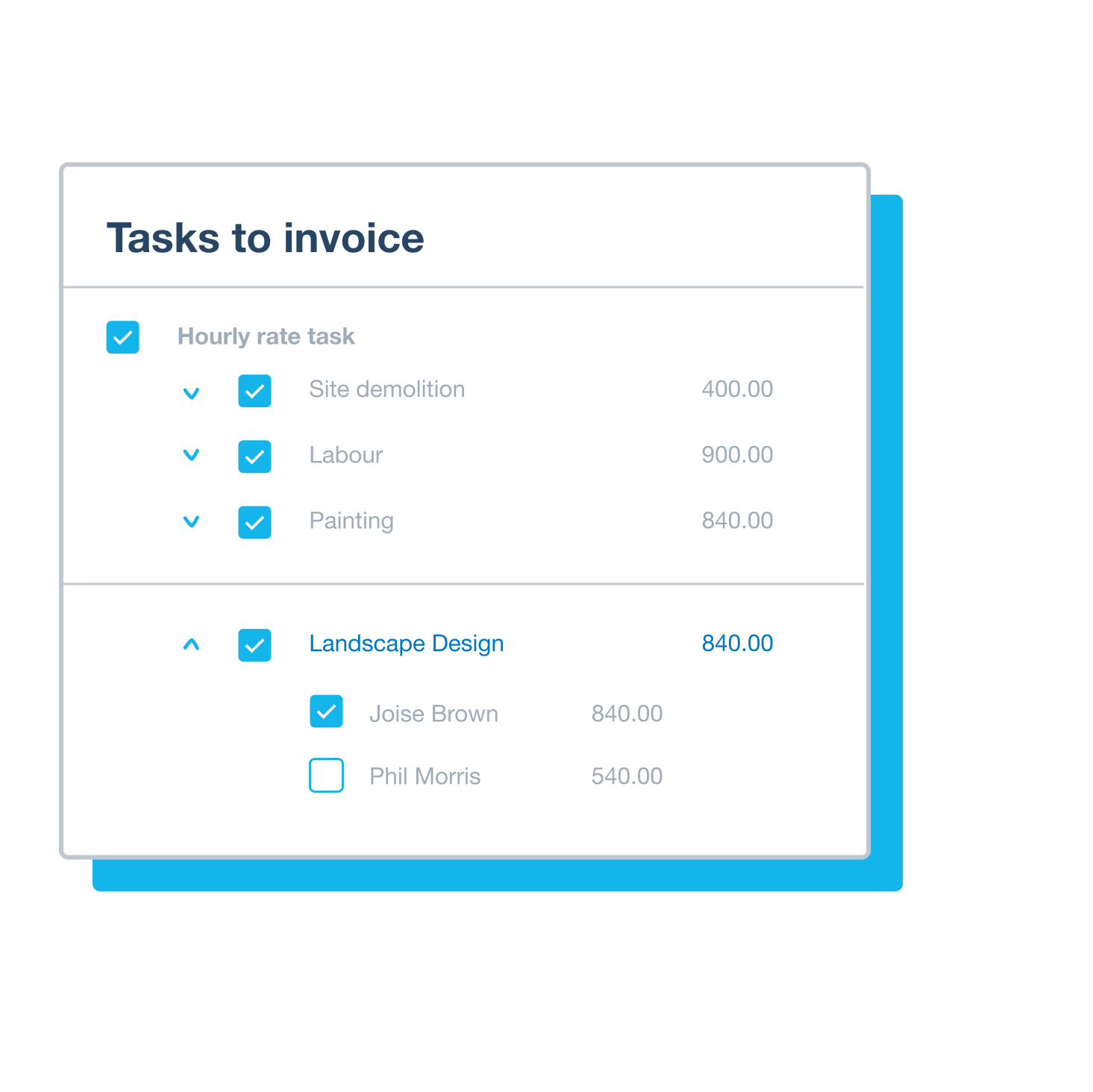
Customize your invoices with ease: break down costs or keep it simple.
Check your profitability on the spot
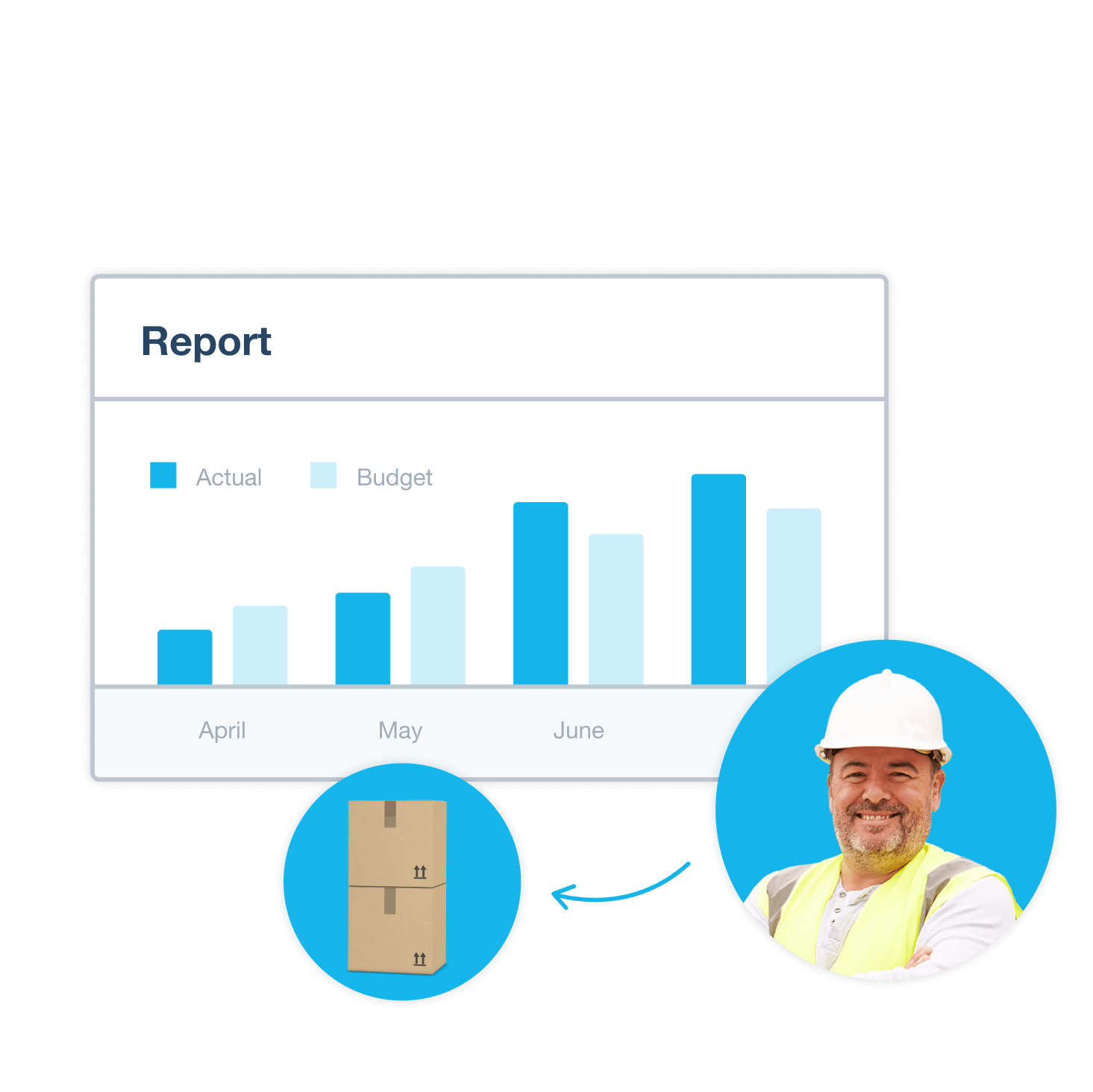
See essential info immediately – compare budget estimates with actual costs to spot overruns and make sure each project
Xero is on average 30%+ cheaper than QuickBooks‡, with value designed to grow with your business.
Xero’s online accounting is like a hand to a glove. Having a system where it’s all automatically tracked so it takes less time is extremely important.
Yvonne Randolph, Yvonne Randolph Interior Design

Bring every job cost into one place
Assign every bill and expense to the right project as you go, so all your job costs sit in one place. Set a cost rate per hour to capture true labor cost, then decide what to charge with the full picture in front of you.

Choose how much detail your invoices show
Xero turns an accepted quote into an invoice in a couple of clicks. Show a full cost breakdown when a client wants the detail, or send a clean single line when they don't. Either way, you hit send knowing the numbers add up.
How's this job tracking against budget?
Open the profitability dashboard and watch estimated costs line up against actual costs as the work happens. Spot an overrun early, while there's still time to act. And when the next quote lands, you're pricing from real history rather than guesswork.
Manage jobs from your desk or your phone
Job costing lives right inside Xero, so your numbers stay current across the whole business. Assign a bill in Xero and it shows up against the right project automatically. Out on site? Track time and costs from the Xero Projects mobile app and pick up where you left off.
Track project costs and time with Xero Projects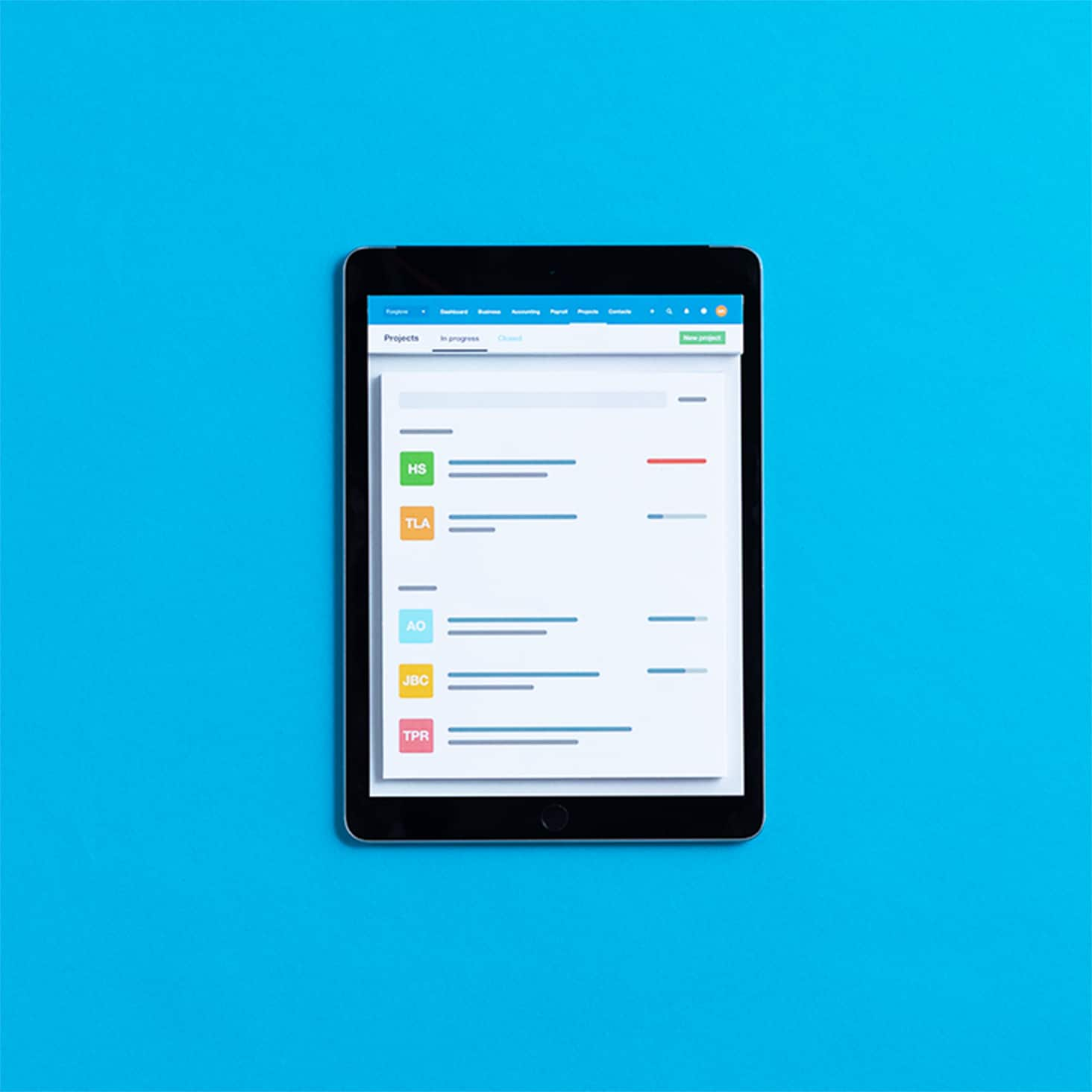
FAQs on Xero's job costing software?
Job costing means adding up every cost tied to one job, from labor and materials to subcontractors and overhead, so you know what it really costs to deliver. With software like Xero Projects, you track those costs against your estimate as the work happens.
Job costing means adding up every cost tied to one job, from labor and materials to subcontractors and overhead, so you know what it really costs to deliver. With software like Xero Projects, you track those costs against your estimate as the work happens.
General project tracking keeps an eye on time, billing, and high-level status. Job costing goes deeper, capturing every direct cost and comparing it to your original estimate, so you see true profit per job. That detail matters most for trades, construction, engineering, and professional services, where each job carries a different margin.
General project tracking keeps an eye on time, billing, and high-level status. Job costing goes deeper, capturing every direct cost and comparing it to your original estimate, so you see true profit per job. That detail matters most for trades, construction, engineering, and professional services, where each job carries a different margin.
Job costing suits any business where each job has its own scope, costs, and margin. That includes construction crews, trade contractors, landscaping businesses, engineers, consultants, and creative agencies that quote work project by project.
Job costing suits any business where each job has its own scope, costs, and margin. That includes construction crews, trade contractors, landscaping businesses, engineers, consultants, and creative agencies that quote work project by project.
Yes, you can. With Xero Projects you can record time and costs against every project, then see them add up in real time. Log hours from your desk or on site, and set a cost rate per hour to capture true labor cost. Explore Xero time tracking software to see how it fits your workflow.
Yes, you can. With Xero Projects you can record time and costs against every project, then see them add up in real time. Log hours from your desk or on site, and set a cost rate per hour to capture true labor cost. Explore Xero time tracking software to see how it fits your workflow.
Once you subscribe to Xero Projects in your Xero organization, download the Xero Projects mobile app to any iOS or Android device and sign in. From there you can create projects, record time, add expenses, and check profitability while you're out on site.
Once you subscribe to Xero Projects in your Xero organization, download the Xero Projects mobile app to any iOS or Android device and sign in. From there you can create projects, record time, add expenses, and check profitability while you're out on site.
Absolutely. Open the Project Financials report to see how your tasks and expenses are tracking against the budget you set, line by line. It's an easy way to catch a task creeping over budget before it eats into your profit.
Absolutely. Open the Project Financials report to see how your tasks and expenses are tracking against the budget you set, line by line. It's an easy way to catch a task creeping over budget before it eats into your profit.
Yes. Add an estimate for each cost type when you set up a project, and as you log actual costs, Xero shows a running estimated-versus-actual comparison at the project level. That way overruns show up early, while you can still do something about them.
Yes. Add an estimate for each cost type when you set up a project, and as you log actual costs, Xero shows a running estimated-versus-actual comparison at the project level. That way overruns show up early, while you can still do something about them.
Xero's job costing software includes a profitability dashboard that sets your planned job costs against what you've invoiced. You get your gross profit margin per project at a glance, so you always know which jobs are making money and which need a closer look.
Xero's job costing software includes a profitability dashboard that sets your planned job costs against what you've invoiced. You get your gross profit margin per project at a glance, so you always know which jobs are making money and which need a closer look.
Every project in Xero Projects keeps its own estimated-versus-actual history. Whether you run a construction crew or a manufacturing shop, you build the next quote from what similar jobs really cost rather than a rough guess, so your pricing gets sharper over time.
Every project in Xero Projects keeps its own estimated-versus-actual history. Whether you run a construction crew or a manufacturing shop, you build the next quote from what similar jobs really cost rather than a rough guess, so your pricing gets sharper over time.
Construction jobs vary a lot, so working out what to charge can be tricky. You decide whether to price a job as a whole or break it down by phase, then track labor, materials, subcontractor, and equipment costs against each estimate. For a full walkthrough, read the guide to job costing in construction.
Construction jobs vary a lot, so working out what to charge can be tricky. You decide whether to price a job as a whole or break it down by phase, then track labor, materials, subcontractor, and equipment costs against each estimate. For a full walkthrough, read the guide to job costing in construction.
Pay your bills at no extra cost
Free standard ACH bill payments are now included in Xero business plans.*
Early
for the first 6 months
Then $27 per month
An easy financial foundation - track cash flow with the essentials.
- Send quotes and 20 invoices†
- Accept online invoice payments^
- 5 bills
- Reconcile bank transactions
- Smart Document Capture
- View real-time reports
- W-9 + 1099 management
- Sales tax
- Visualize performance with basic graphs
- 30 day cash flow forecast
- Make online bill payments (Domestic - Free ACH)
- Make online bill payments (Cross Border)

Growing
for the first 6 months
Then $59 per month
Go beyond the basics - automate tasks and access performance dashboards.
- Send invoices and quotes
- Accept online invoice payments^
- Automate bill entry and track bills
- Reconcile bank transactions
- Smart Document Capture
- View real-time reports
- W-9 + 1099 management
- Sales tax
- Visualize performance with graphs
- 60 day cash flow forecast
- Make online bill payments (Domestic - Free ACH)
- Make online bill payments (Cross Border)
- Customize performance dashboards
- Tailored financial health scorecards
- Budget with smart suggestions
- Auto-reconcile transactions
Forecast with clarity
Forecast with clarity
Established
for the first 6 months
Then $97 per month
Future proof your scaling business - with advanced tools and analytics.
- Send invoices and quotes
- Accept online invoice payments^
- Automate bill entry and track bills
- Reconcile bank transactions
- Smart Document Capture
- View real-time reports
- W-9 + 1099 management
- Sales tax
- Visualize performance with graphs
- 180 day cash flow forecast
- Make online bill payments (Domestic - Free ACH)
- Make online bill payments (Cross Border)
- Customize performance dashboards
- Tailored financial health scorecards
- Analyze KPIs and ratios
- Use multiple currencies
- Track time and costs for projects
- Employee expense and mileage claims
- Benchmark against the industry
- Make online bill payments (International)
- Budget with smart suggestions
- Auto-reconcile transactions



*Fees apply for other payment methods.
‡Based on published list prices for software subscription only. Excludes payroll and add-ons.