Track project costs and time with Xero
Xero’s project accounting tools make your project accounting, planning, budgeting, quoting, and invoicing so much easier.

Costing and setup made simple
Get the benefits of Xero's project tracking tools, like automated tracking, easy setup, and at-a-glance headline info.
Automate time and expense tracking
Use the timer or location-based job tracker to monitor work and manage project budgets with precision.
Easily set up project tracking
Project accounting integrates with Xero automatically – so it's easy to create projects and set up job tracking.
Check financials on the dashboard
Project accounting metrics give you a clear view of your project’s progress against budget, so you deliver on time.
G2
Connery J
G2
Katherine
G2
Verified user
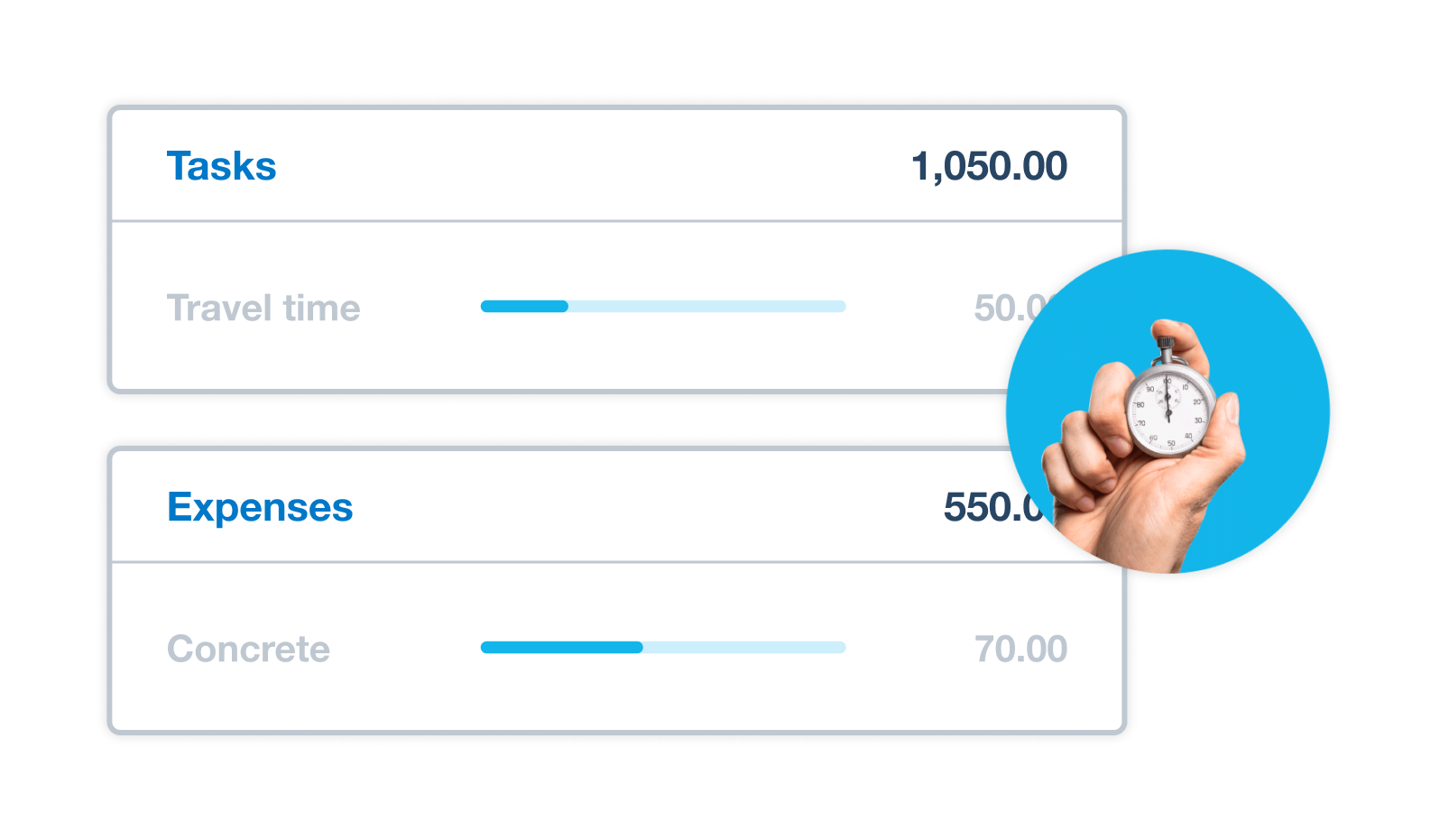
Record time and track costs
Xero’s project tracker software precisely monitors your project time and location with its start–stop timer and location-based tracking on your device. Xero helps you track your work while you focus on the job and see where your money is going in real time.
- Record time spent on a project on the spot, for real-time job insights
- Link costs to specific projects or jobs, to easily compare them against your budget
- See where each dollar was spent to help you manage your project budgets
Easily set up project tracking and invoicing
Say goodbye to difficult integrations with project accounting software. With project tracking in Xero you can set up multiple projects quickly, and confidently track project time and costs.
- Just create a project to start tracking and managing your work
- Add job information and allocate resources, tasks and expenses
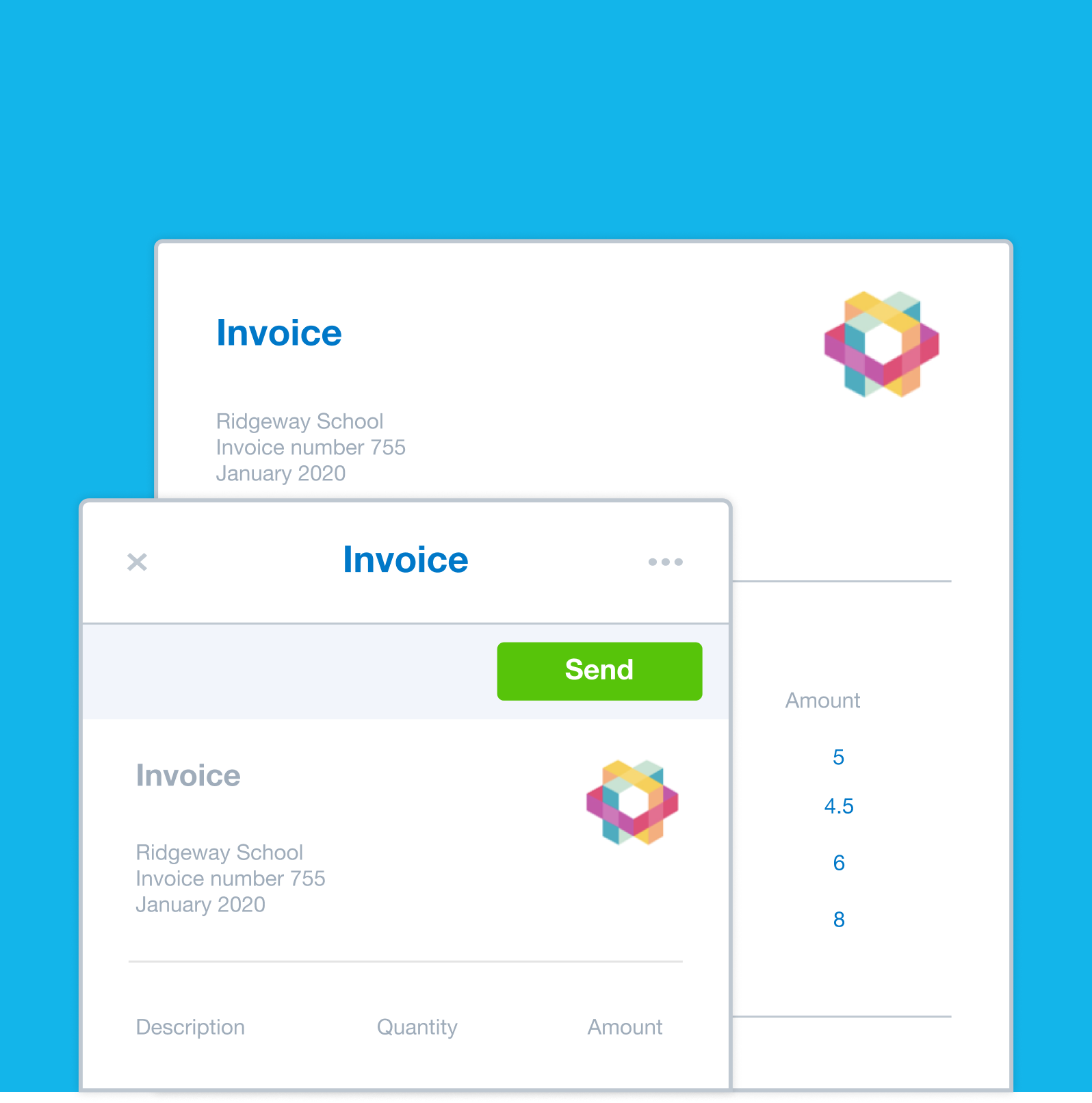
- Add tracking details to Xero invoices automatically for simpler, faster invoicing
Invoice project costs in Xero
Create fixed price or time-and-materials invoices that include the latest project information, and choose how much job detail to include. Xero’s project-based accounting integrates tracking tools with payment services so you spend less time in the books.
- Create a quote directly from your project, so you know your profit before doing the work
- Send invoices for deposits and lump sums, including project progress payments
- Add a pay now button to online invoices so customers can pay you immediately
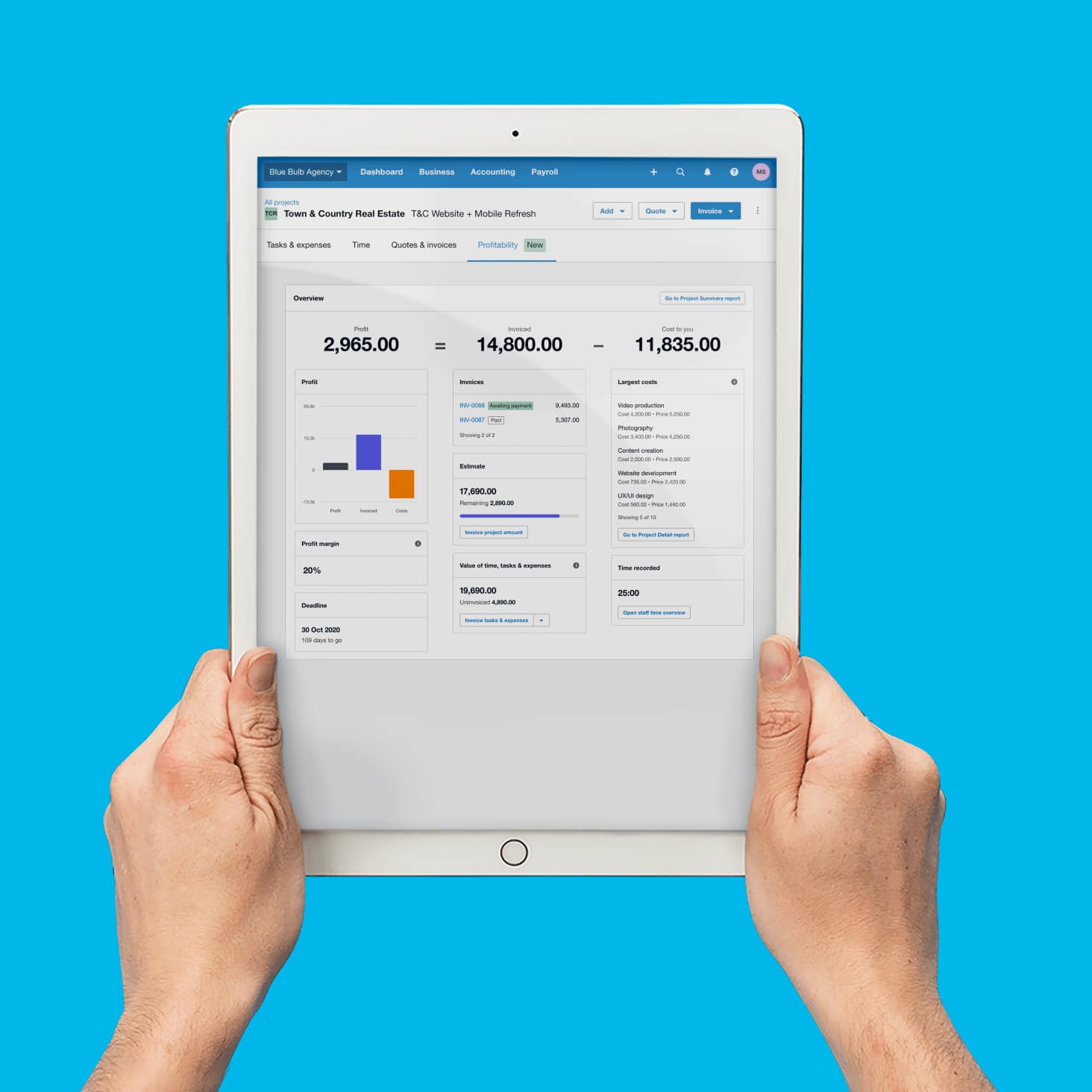
Your project’s headline numbers at a glance
Monitor and manage your project’s key finances so you can maximize your profits. Xero’s project management tools and reports compare revenue and costs for all your projects, showing you your most profitable jobs.
- View project financials on the profitability dashboard
- See a summary of multiple projects in the Project Summary report
- See a breakdown of costs including what needs to be invoiced in the project accounting software
Project tracker software benefits your small business
Xero’s project tracking tools let you track your profitability, and better manage time and costs for each basis.
Better time management
Project tracking tools save time and relieve admin stress by tracking costs and time spent on the job.
Simpler budgeting
Improve the accuracy and clarity of budgeting at the planning stages of a job with project tracker software.
Clear financial insights
Use project accounting and reporting to monitor project finances and profitability in real time.
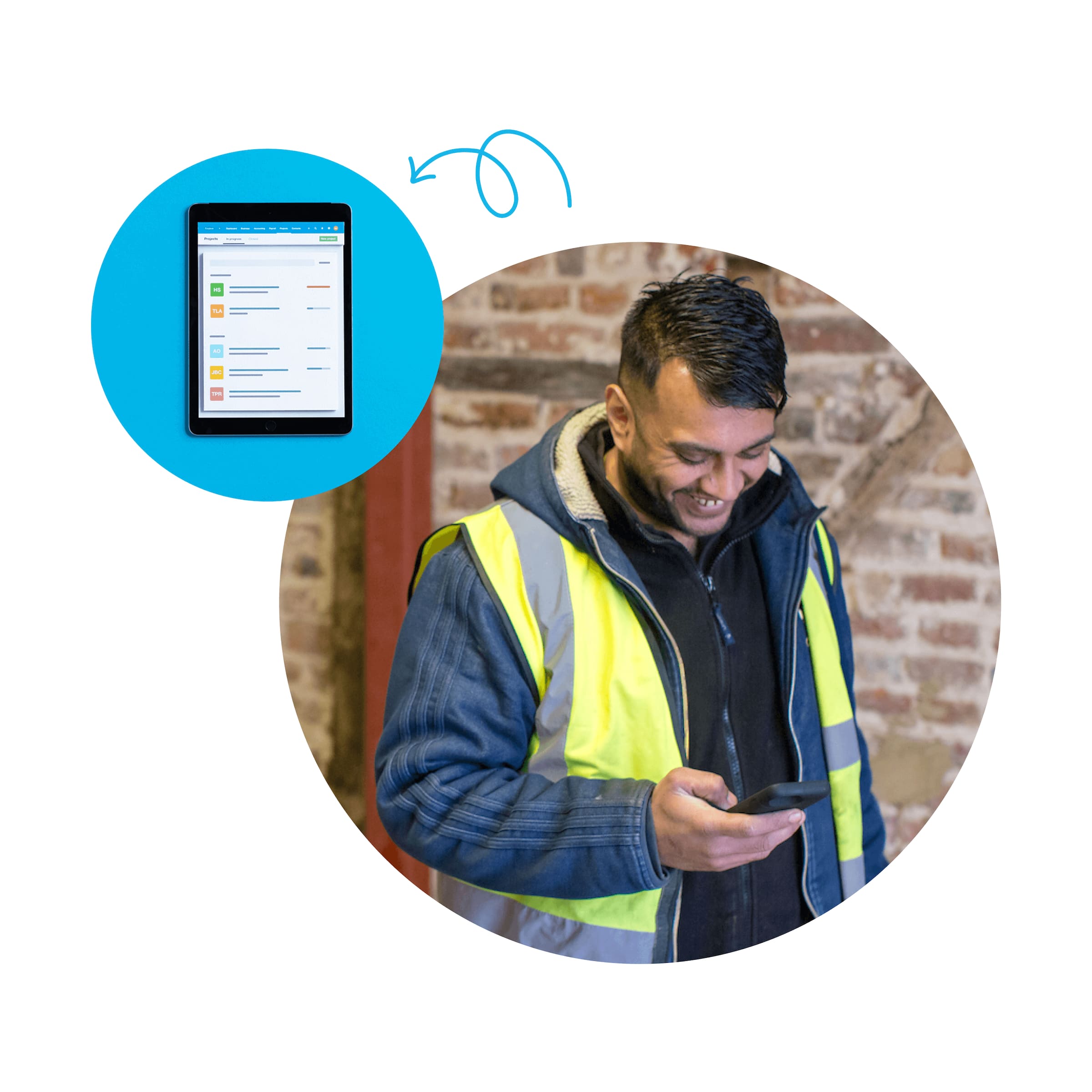
Time tracking
Track your project hours on your device anywhere, anytime, and precisely invoice the time spent on tasks.
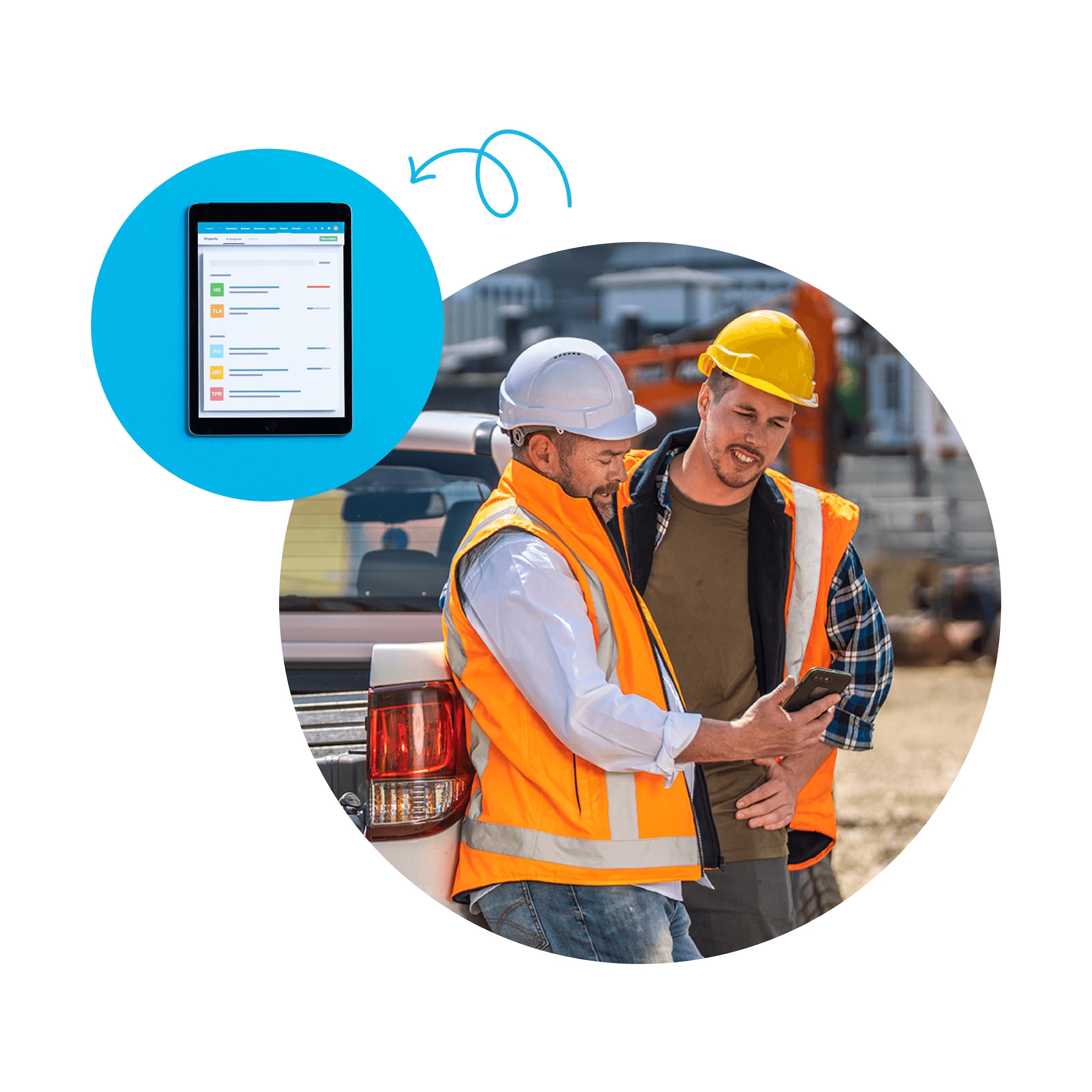
Job costing
Use job costing software to plan and quote jobs, monitor costs, and check profitability.
Frequently asked questions
Project tracking in accounting software lets you record time, costs, and income against a specific project or client engagement. Rather than just seeing totals across your whole business, you can see exactly how much each project has earned, what it has cost, and whether it is profitable.
Project tracking in accounting software lets you record time, costs, and income against a specific project or client engagement. Rather than just seeing totals across your whole business, you can see exactly how much each project has earned, what it has cost, and whether it is profitable.
Project tracking gives you a high-level view of time, costs, and invoicing tied to a project. Job costing goes deeper – it compares the estimated cost of a job against the actual cost, helping you understand where you over- or under-spent and improving the accuracy of future quotes. Xero offers both via Projects and its job costing features.
Project tracking gives you a high-level view of time, costs, and invoicing tied to a project. Job costing goes deeper – it compares the estimated cost of a job against the actual cost, helping you understand where you over- or under-spent and improving the accuracy of future quotes. Xero offers both via Projects and its job costing features.
In Xero, go to Projects and click New Project. Give the project a name, assign it to a customer, set a due date, and optionally add a project estimate. From there you can log time, add expenses, assign staff, and raise invoices – all within the project record. Xero Projects is automatically included in the Established plan.
In Xero, go to Projects and click New Project. Give the project a name, assign it to a customer, set a due date, and optionally add a project estimate. From there you can log time, add expenses, assign staff, and raise invoices – all within the project record. Xero Projects is automatically included in the Established plan.
Yes. Team members can capture time against a project in Xero Projects. Expenses and bills can also be assigned to a specific project, so all costs are captured in one place. Xero then calculates the project's total cost and margin based on what's been logged.
Yes. Team members can capture time against a project in Xero Projects. Expenses and bills can also be assigned to a specific project, so all costs are captured in one place. Xero then calculates the project's total cost and margin based on what's been logged.
It’s pretty simple. In Xero Projects, you can assign bills and spend money directly to a project, and link expense claims to it as well. Once costs are attached, the project’s reporting tools give you a view of spending against your budget to check your profitability.
It’s pretty simple. In Xero Projects, you can assign bills and spend money directly to a project, and link expense claims to it as well. Once costs are attached, the project’s reporting tools give you a view of spending against your budget to check your profitability.
Xero’s project tracker software monitors the time spent on jobs. You can see staff resource allocations, time entries, hours worked, and progress on billable hours targets. There are resource management reports that show chargeable and non-chargeable hours, too.
Xero’s project tracker software monitors the time spent on jobs. You can see staff resource allocations, time entries, hours worked, and progress on billable hours targets. There are resource management reports that show chargeable and non-chargeable hours, too.
When you're ready to bill, open the project in Xero and click Create Invoice. You can create accurate and detailed invoices from Xero Projects using the time and expenses captured against the project. Xero can autofill customer, product, description, and price information on invoices, and Xero projects can use your project data to generate accurate and detailed invoices.
When you're ready to bill, open the project in Xero and click Create Invoice. You can create accurate and detailed invoices from Xero Projects using the time and expenses captured against the project. Xero can autofill customer, product, description, and price information on invoices, and Xero projects can use your project data to generate accurate and detailed invoices.
Yes. Each project in Xero Projects includes a summary showing key metrics like gross profit margin and the value of time, tasks and expenses – so you can see at a glance whether a project is on track financially. You can also compare what you've invoiced against what you've spent. Running these reports regularly helps you identify which types of work are most profitable and sharpen your estimates on future jobs.
Yes. Each project in Xero Projects includes a summary showing key metrics like gross profit margin and the value of time, tasks and expenses – so you can see at a glance whether a project is on track financially. You can also compare what you've invoiced against what you've spent. Running these reports regularly helps you identify which types of work are most profitable and sharpen your estimates on future jobs.
Project reports are available under All Projects in the Projects menu within Xero. The Project Summary report shows revenue, costs, time tracked, and profit margin per project, so you can see which jobs are on track and which need attention. You can also run reports on time entries and expenses across your full project portfolio to spot patterns and inform future planning.
Project reports are available under All Projects in the Projects menu within Xero. The Project Summary report shows revenue, costs, time tracked, and profit margin per project, so you can see which jobs are on track and which need attention. You can also run reports on time entries and expenses across your full project portfolio to spot patterns and inform future planning.
Yes. If you use Trello for managing projects, workflows, and resources, you can log time you’ve entered against tasks in Trello directly in projects. The time entry details show that it came from Trello, and you can click through to the Trello card from within projects.
Yes. If you use Trello for managing projects, workflows, and resources, you can log time you’ve entered against tasks in Trello directly in projects. The time entry details show that it came from Trello, and you can click through to the Trello card from within projects.
Accounting software for your small business
Run your business accounting online with Xero. It's easy-to-use accounting software, designed for your small business.
- Everything in one place
- Connect to your bank
- Collaborate in real time
- Customize to suit your needs

Pay your bills at no extra cost
Free standard ACH bill payments are now included in Xero business plans.*
Early
for the first 6 months
Then $25 per month
An easy financial foundation - track cash flow with the essentials.
- Send quotes and 20 invoices†
- Accept online invoice payments^
- 5 bills
- Reconcile bank transactions
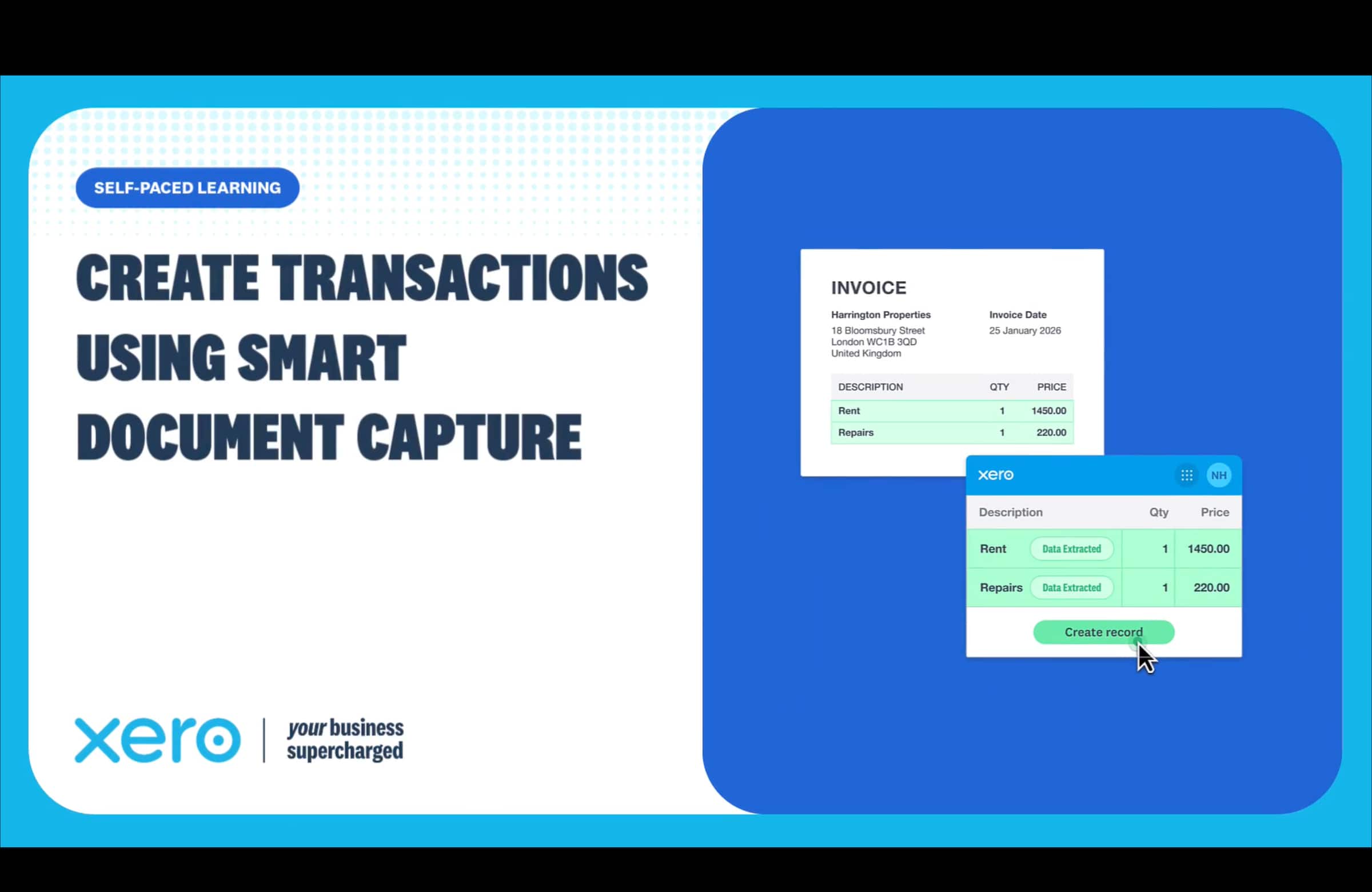
- Smart Document Capture
- View real-time reports
- W-9 + 1099 management
- Sales tax
- Visualize performance with basic graphs
- 30 day cash flow forecast
- Make online bill payments (Domestic - Free ACH)
- Make online bill payments (Cross Border)

Growing
for the first 6 months
Then $55 per month
Go beyond the basics - automate tasks and access performance dashboards.
- Send invoices and quotes
- Accept online invoice payments^
- Automate bill entry and track bills
- Reconcile bank transactions
- Smart Document Capture
- View real-time reports
- W-9 + 1099 management
- Sales tax
- Visualize performance with graphs
- 60 day cash flow forecast
- Make online bill payments (Domestic - Free ACH)
- Make online bill payments (Cross Border)
- Customize performance dashboards
- Tailored financial health scorecards
- Budget with smart suggestions
- Auto-reconcile transactions
Forecast with clarity
Forecast with clarity
Established
for the first 6 months
Then $90 per month
Future proof your scaling business - with advanced tools and analytics.
- Send invoices and quotes
- Accept online invoice payments^
- Automate bill entry and track bills
- Reconcile bank transactions
- Smart Document Capture
- View real-time reports
- W-9 + 1099 management
- Sales tax
- Visualize performance with graphs
- 180 day cash flow forecast
- Make online bill payments (Domestic - Free ACH)
- Make online bill payments (Cross Border)
- Customize performance dashboards
- Tailored financial health scorecards
- Analyze KPIs and ratios
- Use multiple currencies
- Track time and costs for projects
- Employee expense and mileage claims
- Benchmark against the industry
- Make online bill payments (International)
- Budget with smart suggestions
- Auto-reconcile transactions
Get 90% off for 6 months
Purchase any Xero plan and get started today.
See how to track project costs in one place
So much better than spreadsheets.

*Fees apply for other payment methods.