Free mechanic invoice template
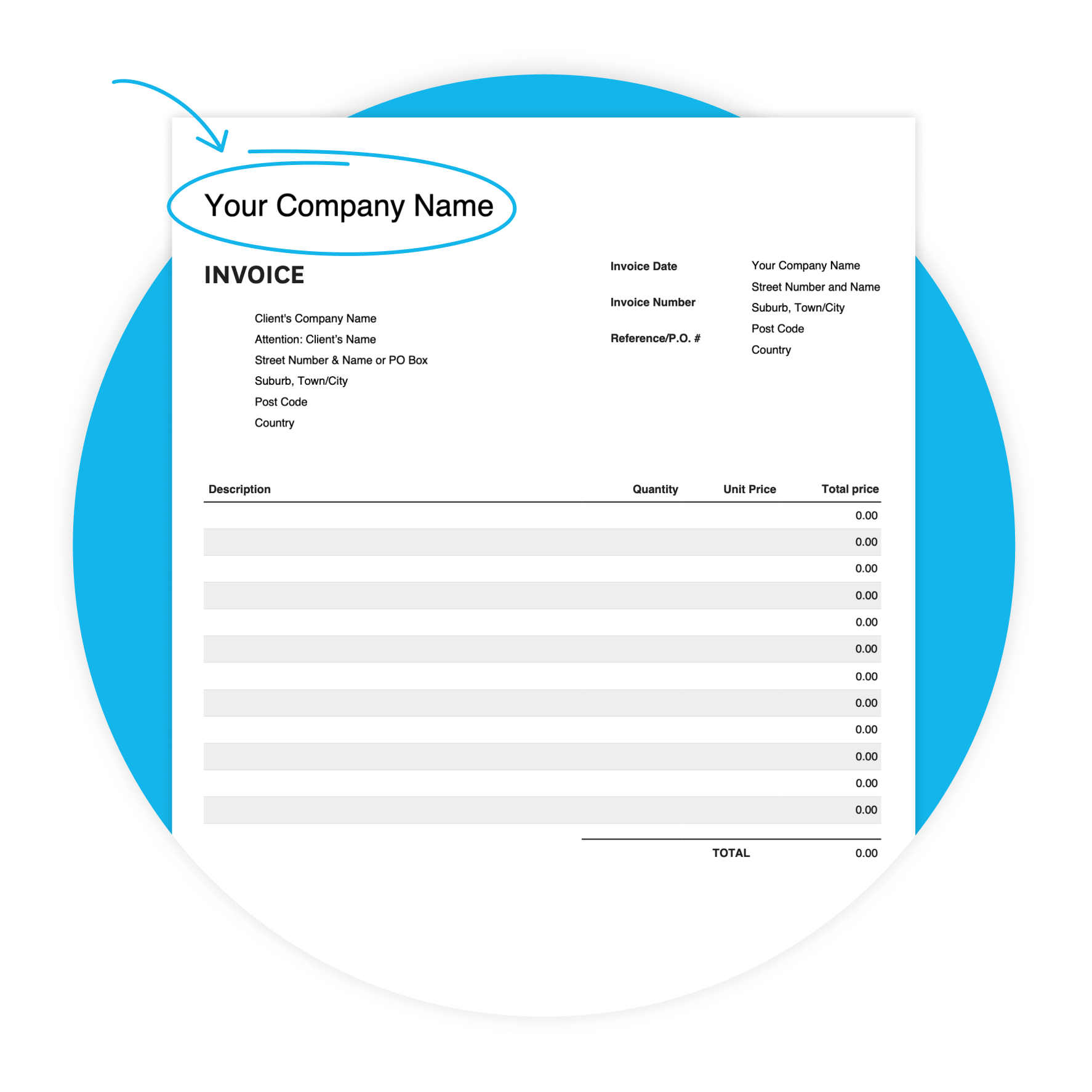
Don't build your auto repair invoice from scratch. Download Xero's mechanic invoice template and create a professional invoice with details such as item description, quantity, price, due date, and payment information. Fill it in, send it, get paid.
Download the free invoice template
Fill in the form to get a blank invoice template as an editable PDF, with a how-to guide. You'll get a tax and non-tax version.
Get one month free
Sign up to any Xero plan and get started today. Send invoices from your phone, set payment reminders, and get paid faster.
Why use a mechanic invoice template
Looks professional
A clean, structured invoice builds trust with customers and reflects the quality of your work.
Clear for your customers
Every field is labeled — customers see exactly what they're paying for, reducing disputes.
Easier to track payments
Invoice numbers and due dates make it simple to follow up on what's been paid and what hasn't.
Tax-ready records
Sales tax fields and line item totals keep your records organized and ready for tax time.

Unique features of this mechanic template
Customizable design
Adapt the template to your preferences, to create a professional look.
Accessibility
Whether you prefer digital or printed invoices, our template offers flexibility in delivery methods.
User-friendly interface
Enjoy a hassle-free invoicing experience with our intuitive template, designed for mechanics of all skill.
What's in the auto repair invoice template
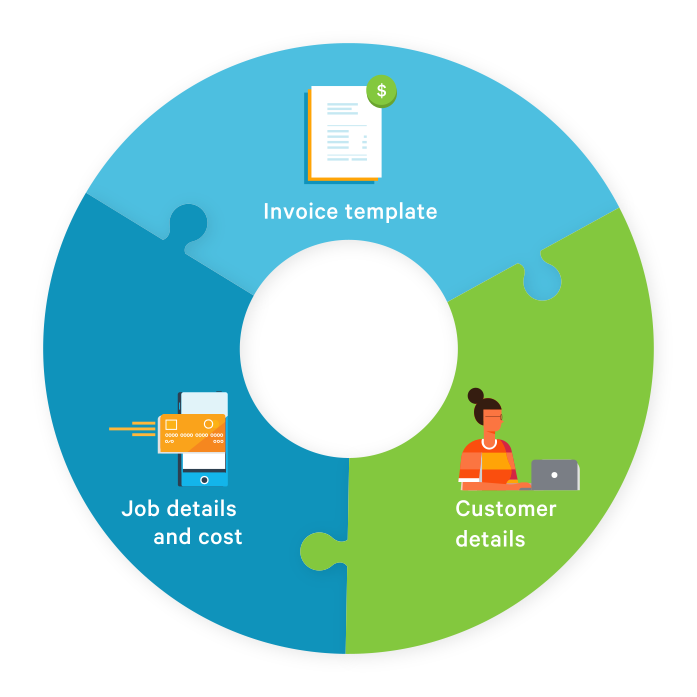
Add your business name, contact details, and client information at the top. The line item table lets you describe each job or part, enter the quantity and unit price, and add a sales tax rate for each line. Set a due date so your customer knows when to pay. Fill it in, save it, send it.
Fields included in this invoice template for mechanics
Line items with sales tax, subtotal, total sales tax, amount due, and a due date.
Tips to get paid faster
Send your invoice the same day the job is done. Set a due date so customers know when to pay. Use the Additional Notes field to include your payment details. If an invoice goes overdue, follow up promptly.
- Set a due date and follow up promptly on unpaid invoices. Shorter terms and faster sending can help.
Ready to go beyond the template?
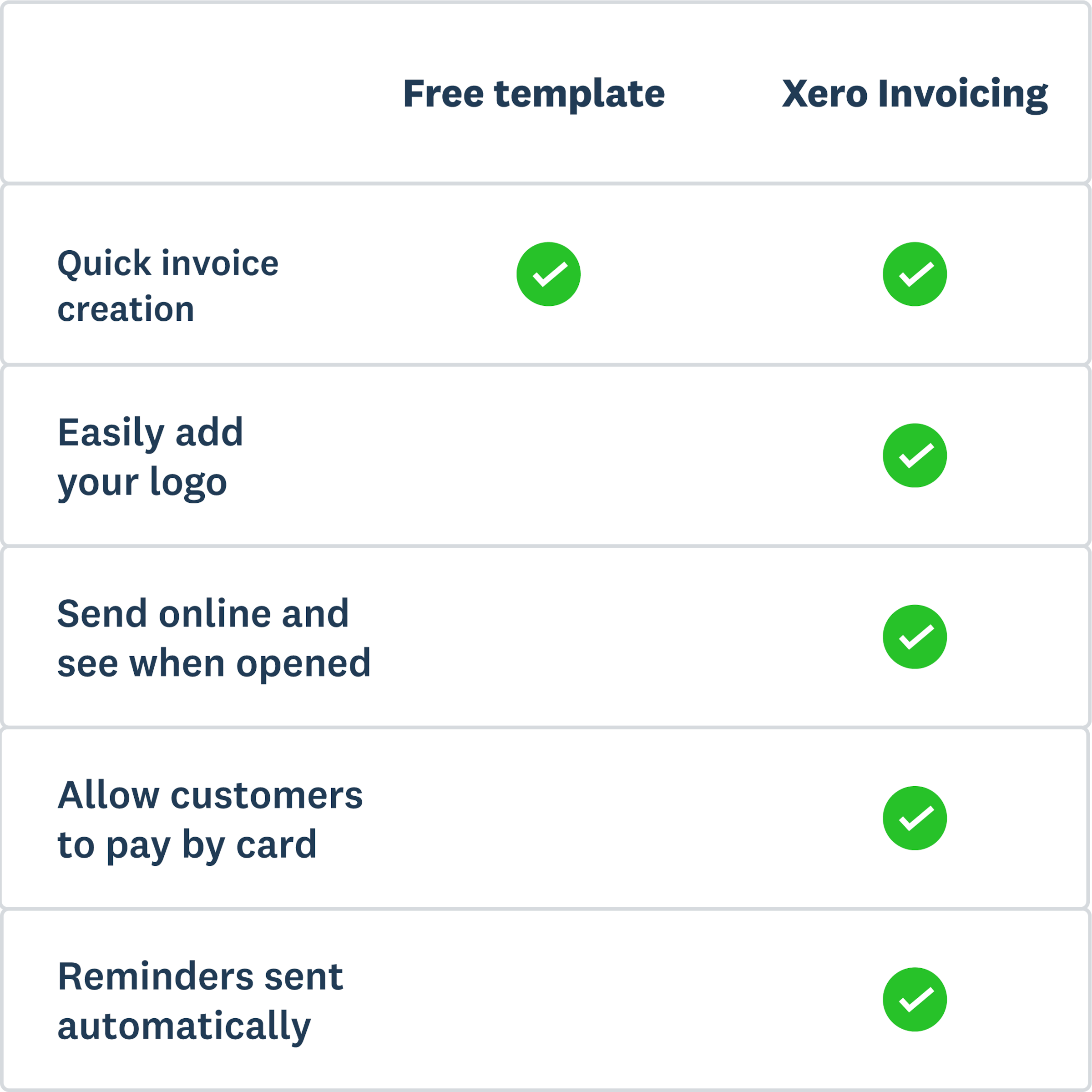
A PDF template is a great place to start. With Xero, you can send invoices from your phone the moment a job is done, set automatic payment reminders, and give customers more ways to pay — including credit card, ACH debit, and Apple Pay. You can even see when they've opened their invoice.
- Invoices sent via SMS are paid the same day on average — another reason to upgrade from a static PDF.
More templates for mechanics
Free estimate template
Download an estimate template and pitch for that next job. And learn how quoting software can make everything easier.
Free quote template
Download this free quote template and go land that next job. And learn how Xero speeds up quoting and invoicing.
Free receipt template
Acknowledge payment for absolutely anything on this receipt template. Download it once, use it a thousand times.
This template is provided for informational purposes only and does not constitute legal, tax, or accounting advice. Xero recommends seeking independent advice where applicable.