What is point of sale software and how does it work?
Learn how point of sale software works and helps you take payments, track sales, and save time.
Written by Jotika Teli—Certified Public Accountant with 24 years of experience. Read Jotika's full bio
Published Thursday 16 April 2026
Table of contents
Key takeaways
- Choose a cloud-based or mobile POS system if you run a small retail business, as these options offer the most flexibility, lower startup costs, and easy setup compared to traditional on-premise systems.
- Connect your POS software to your accounting tools so sales data flows directly into your books, removing the need for manual data entry and giving you a real-time view of your cash flow and finances.
- Use your POS system's inventory tracking features to get automatic stock alerts, spot your best-selling products, and avoid the costly mistakes of overstocking or running out of popular items.
- Utilize the customer data tools in your POS system to track purchase history and buying patterns, so you can send personalized offers and build loyalty programs that keep shoppers coming back.
What is point of sale software?
Point of sale (POS) software is a digital system that processes sales transactions and manages retail operations from one central hub. It replaces traditional cash registers with tools that track inventory, capture customer data, and generate sales insights in real time, acting as a compliant electronic records system that meets standard business record requirements.
POS software works with hardware like barcode scanners and card readers to complete transactions. Its real value is how it connects sales data to the rest of your business, so you spend less time on admin and more time growing your store.
Modern POS software also integrates with accounting software, e-commerce platforms, and other business tools to give you a complete view of your operations. For small retailers, it solves common problems like manual checkout errors, inventory guesswork, and disconnected sales data.
Types of point of sale systems
POS systems come in several formats, each suited to different business needs and budgets.
Cloud-based POS stores data online and lets you access your business from any device with internet. Benefits include automatic updates, remote access, and lower upfront costs. Most small retailers choose cloud systems for their flexibility and ease of setup.
Traditional on-premise POS stores data locally on your own servers. These systems work without internet but require more technical setup and maintenance. They suit businesses with strict data control requirements or unreliable internet.
Mobile POS runs on tablets or smartphones, letting staff process sales anywhere in your store. Mobile systems reduce checkout lines and work well for pop-up shops, markets, and businesses with limited counter space.
Terminal-based POS uses dedicated hardware stations for fixed checkout locations. These systems suit high-volume retailers who need durable equipment and fast transaction processing.
Most small retail businesses benefit from cloud-based or mobile POS systems that combine flexibility with low startup costs.
How does point of sale software work?
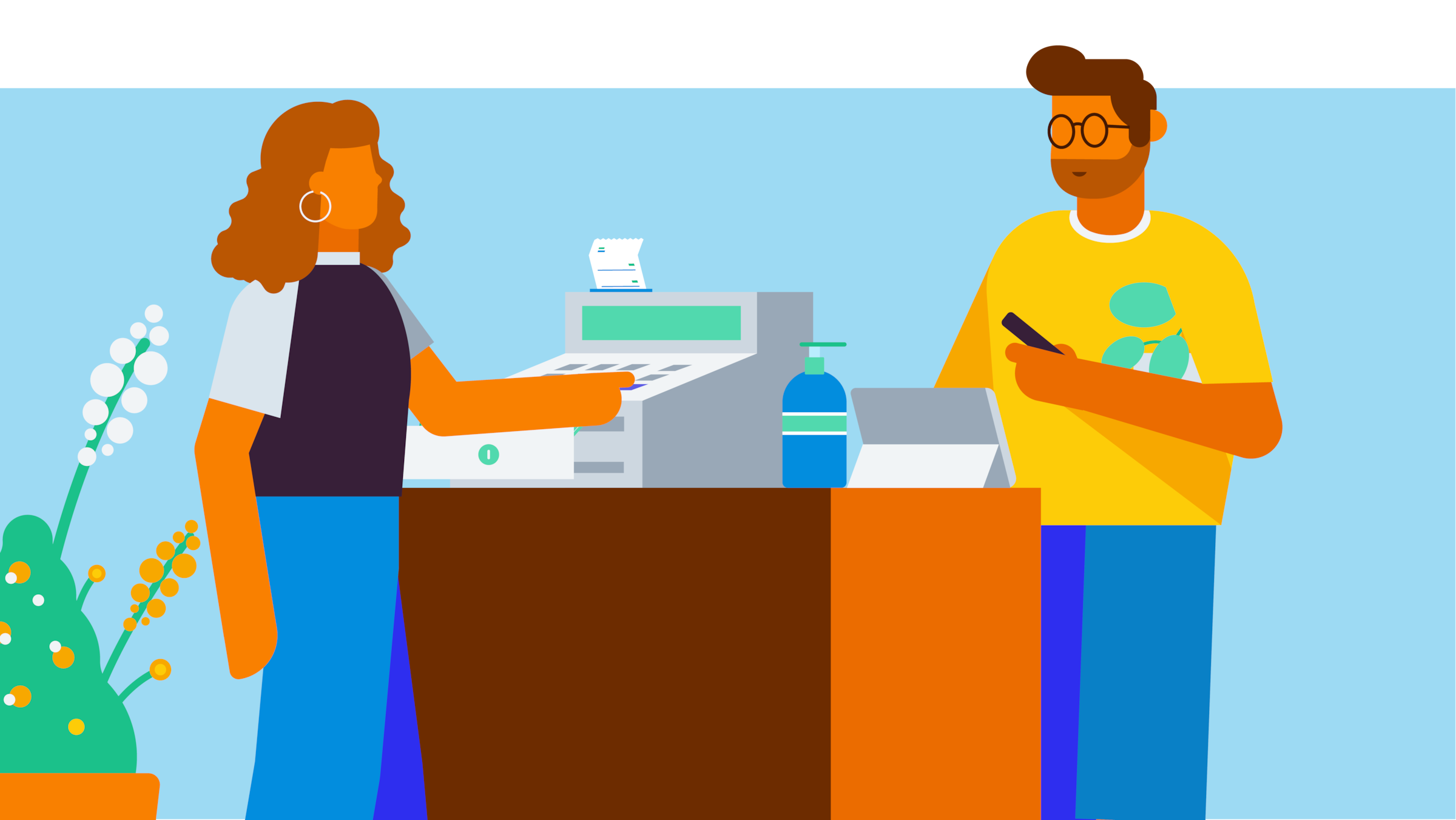
A POS system connects your software and hardware to process sales smoothly. When a customer is ready to buy, the software calculates the total price, including any taxes or discounts.
The system then communicates with your hardware to complete the transaction. Here's how the process flows:
- You scan an item or select it from your software catalog.
- The software calculates the final amount due.
- Your customer pays using a card reader or cash drawer.
- The system processes the payment and generates a receipt.
Once the sale is complete, the software automatically updates your inventory levels and sales reports. This real-time syncing keeps your business records accurate without manual data entry.
A modern POS system does more than process payments. It connects to your broader operations to help you:
- Track what sells and optimize stock levels
- Identify your highest-revenue product lines
- Spot buying patterns to improve marketing
- Give staff mobile access to product information
What hardware do you need for POS software?
POS hardware includes the physical devices that work with your software to process transactions. The equipment you need depends on your business type and sales volume.
Essential hardware for most retail stores includes:
- Terminal or tablet: Runs your POS software and displays the interface
- Card reader: Processes credit, debit, and contactless payments
- Receipt printer: Provides customers with transaction records
- Cash drawer: Secures cash payments between transactions
Optional hardware to consider:
- Barcode scanner: Speeds up checkout and reduces pricing errors
- Customer display: Shows transaction details to shoppers
- Label printer: Creates price tags and product labels
Mobile POS setups need less hardware. A tablet with a portable card reader handles most transactions. Add a mobile receipt printer for customers who want paper records.
Take the checkout to your customers with mobile POS
Mobile POS lets your staff process sales anywhere in your store using tablets or smartphones. This eliminates fixed checkout counters and reduces customer wait times.
Mobile POS helps you serve customers faster and more flexibly:
- Process payments anywhere: Complete transactions on the sales floor, at pop-up events, or curbside
- Approach customers directly: Engage shoppers instead of waiting for them at the counter
- Send instant receipts: Handle card payments and email receipts when you connect your POS to accounting software
- Access product details instantly: Look up specifications, pricing, and stock levels while helping customers
Simplify inventory management
POS inventory management tracks stock levels in real time so you avoid running out of popular items or overstocking slow movers.
Core inventory benefits include:
- Sales tracking: Identify best-selling and slow-moving products automatically
- Seasonal insights: Understand which products sell better on specific days or seasons
- Price optimization: Analyze the relationship between pricing and sales volume
- Reorder automation: Get alerts when stock levels require replenishment
When you connect your POS to accounting software, you get deeper financial insights. You also keep accurate records in case the IRS requests backup files during an examination, and you can refer to IRS guidance on recording business transactions for additional information.
Integrating your systems helps you:
- Identify which items generate the highest margins
- Optimize your ordering schedule to keep cash flow healthy
Understand your customers and increase sales
POS customer data tools track purchase history and preferences so you can personalize service and build loyalty. When connected to CRM software, your POS becomes a hub for customer insights.
Customer intelligence features include:
- Look up buying patterns: Access complete purchase history with a simple name search
- Track preferences: Record favorite products, sizes, and seasonal purchases
- Automate rewards: Trigger loyalty benefits based on spending and visit frequency
- Send targeted offers: Deliver personalized promotions based on customer behavior
These features help you retain existing customers and reduce the cost of acquiring new ones.
Keep your customer and business data secure
POS security protects customer payment data and helps you meet compliance requirements. Modern systems use encryption and industry standards to keep transactions safe on any device.
Key security features include:
- Encrypt payment data: Protect customer information with bank-level security
- Meet PCI compliance: Follow industry standards for safe payment processing
- Maintain audit-ready records: Keep transaction logs organized for tax requirements
- Secure mobile devices: Configure tablets and smartphones to function as dedicated payment terminals
How POS software integrates with accounting and other business tools
Integrating your POS connects your sales system to accounting software, e-commerce platforms, and other business tools. This eliminates the need to manually enter data and gives you a real-time view of your finances.
When your POS integrates with accounting software like Xero, sales data flows directly into your books. You see revenue, expenses, and cash flow without re-entering transactions.
Key benefits include:
- Eliminate double entry: Sync sales automatically to your accounting software
- See real-time finances: Track revenue and cash flow as transactions happen
- Simplify tax preparation: Keep organized records that match your bank statements
- Connect e-commerce sales: Sync online and in-store inventory in one system
Integrating your systems also helps you process payments. Your POS can connect to multiple payment providers, so you accept cards, contactless payments, and digital wallets from one system.
Look for POS software that integrates with the tools you already use. Xero connects with leading POS systems to give you a complete view of your retail finances.
Run your retail business with confidence
The right POS software helps you save time on transactions, simplify inventory tracking, and understand your customers better. These insights help you decide smarter and focus on growing your business.
Get a real-time view of your finances when you connect your POS system to Xero accounting software. See how your sales data flows directly into your books and get one month free when you sign up.
FAQs on POS software
Here are answers to common questions about point of sale software for small businesses.
Can I use Excel as a POS system instead?
Excel can track sales data, but it lacks the core functions of a POS system. Key limitations include:
- No real-time inventory tracking
- No integrated payment processing
- Manual data entry increases errors
- Limited customer management features
- No automatic tax calculations
A dedicated POS system automates these tasks and connects your sales, inventory, and financial data in one place.
Disclaimer
Xero does not provide accounting, tax, business or legal advice. This guide has been provided for information purposes only. You should consult your own professional advisors for advice directly relating to your business or before taking action in relation to any of the content provided.
Get one month free
Sign up to any Xero plan, and we will give you the first month free.