Easy compliance with Xero tax accountability software
Want to simplify your financial admin? Xero integrates with Avalara and Gusto for complete US tax compliance. Everything works together so your small business can calculate amounts, organize records, and follow tax rules – all in one place.
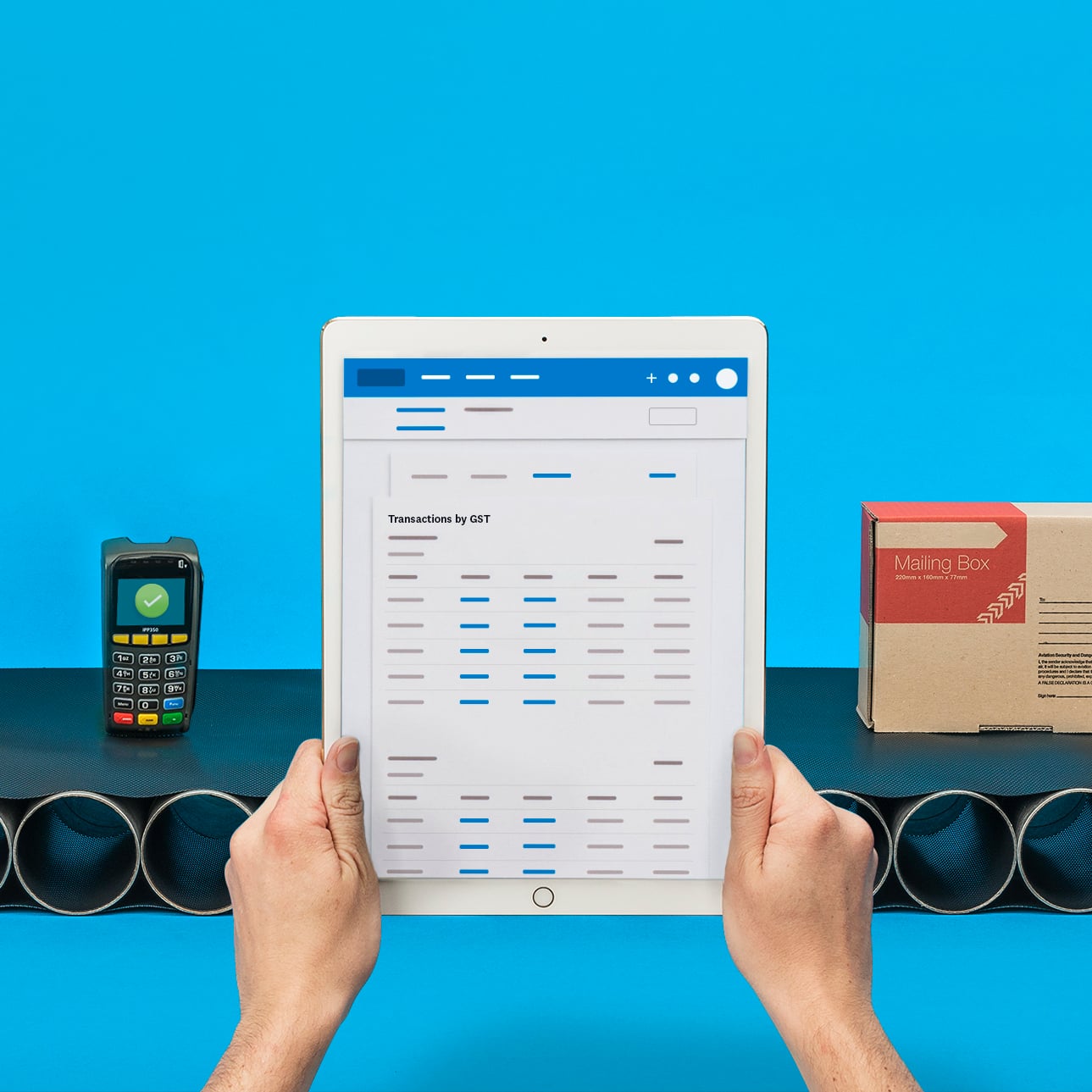
Be confident in your compliance
Easily manage key US tax tasks, including sales tax, payroll taxes, and 1099 reporting.
Save time and costs
Let Xero automatically calculate sales tax and help reduce manual work so you can get through tasks faster.
See clear numbers
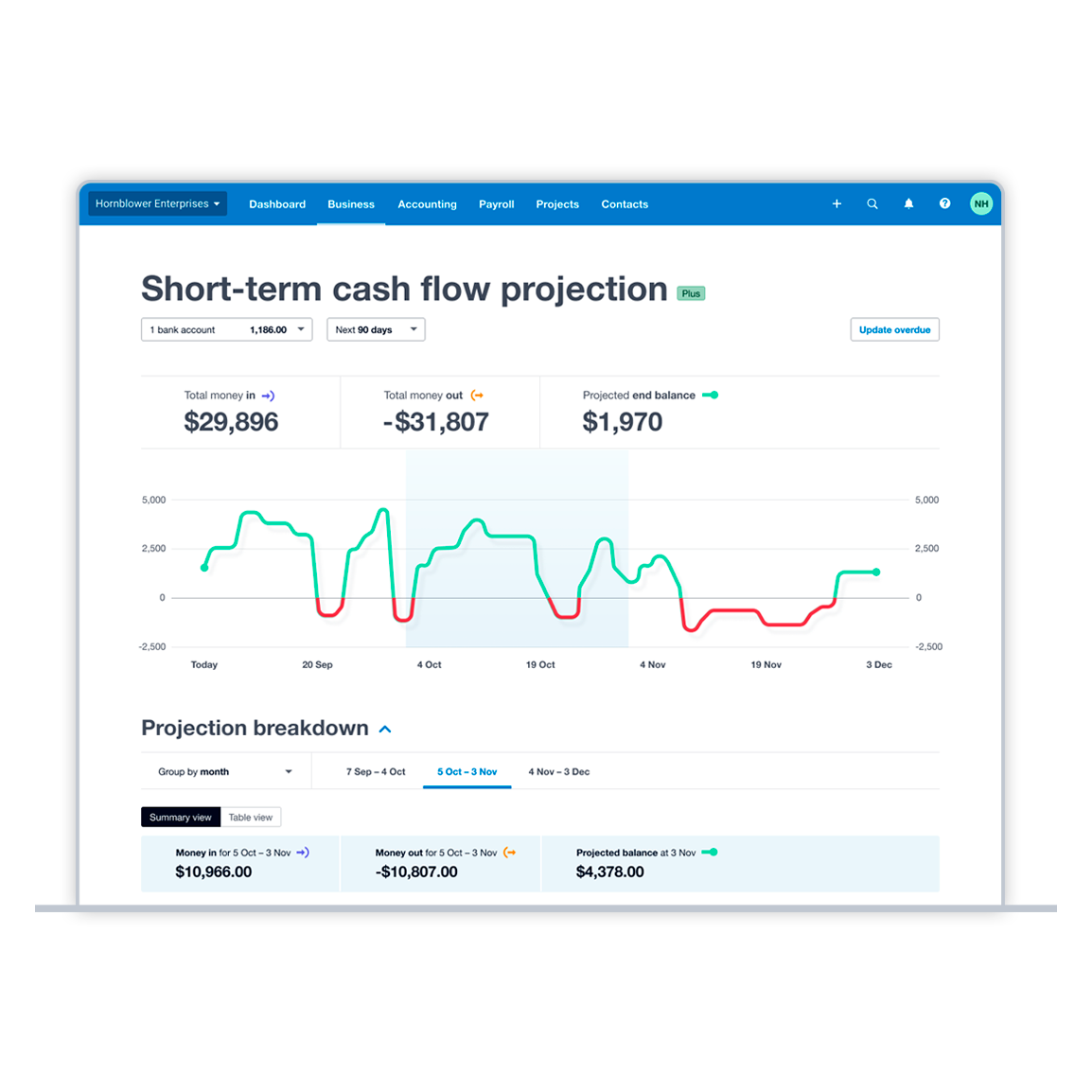
Use real-time cash flow data to plan your spending.
Get sales tax calculations instantly
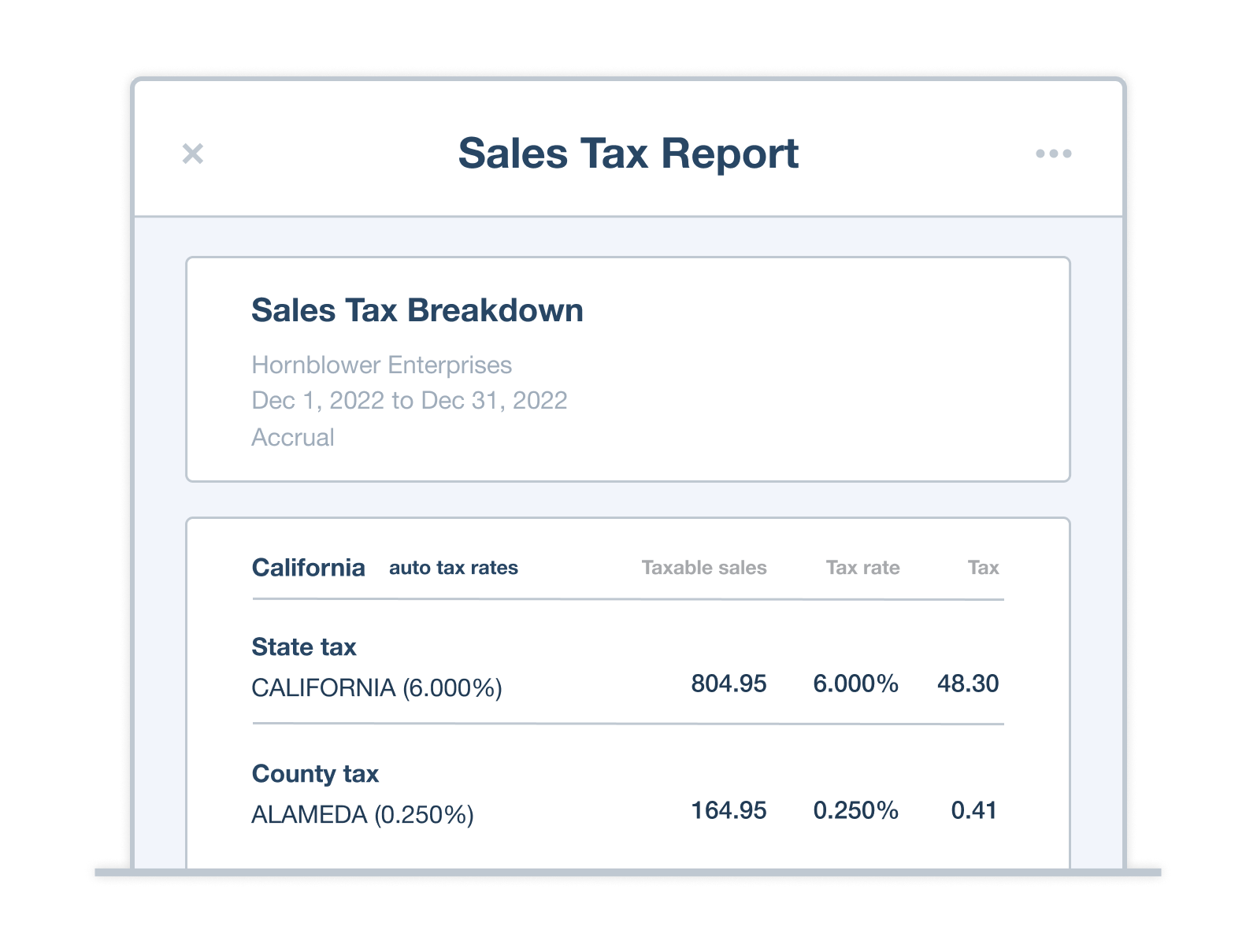
Xero integrates with Avalara to automatically calculate sales tax rates on invoices. Just create an invoice and see the tax worked out for you, wherever your customer is. No more adding totting up numbers or waiting until later to do the admin – just correct figures instantly.
- Together, Xero and Avalara: covers over 13,000 tax jurisdictions automatically calculates up-to-date sales tax rates based on location and item details integrates with Avalara for US sales tax
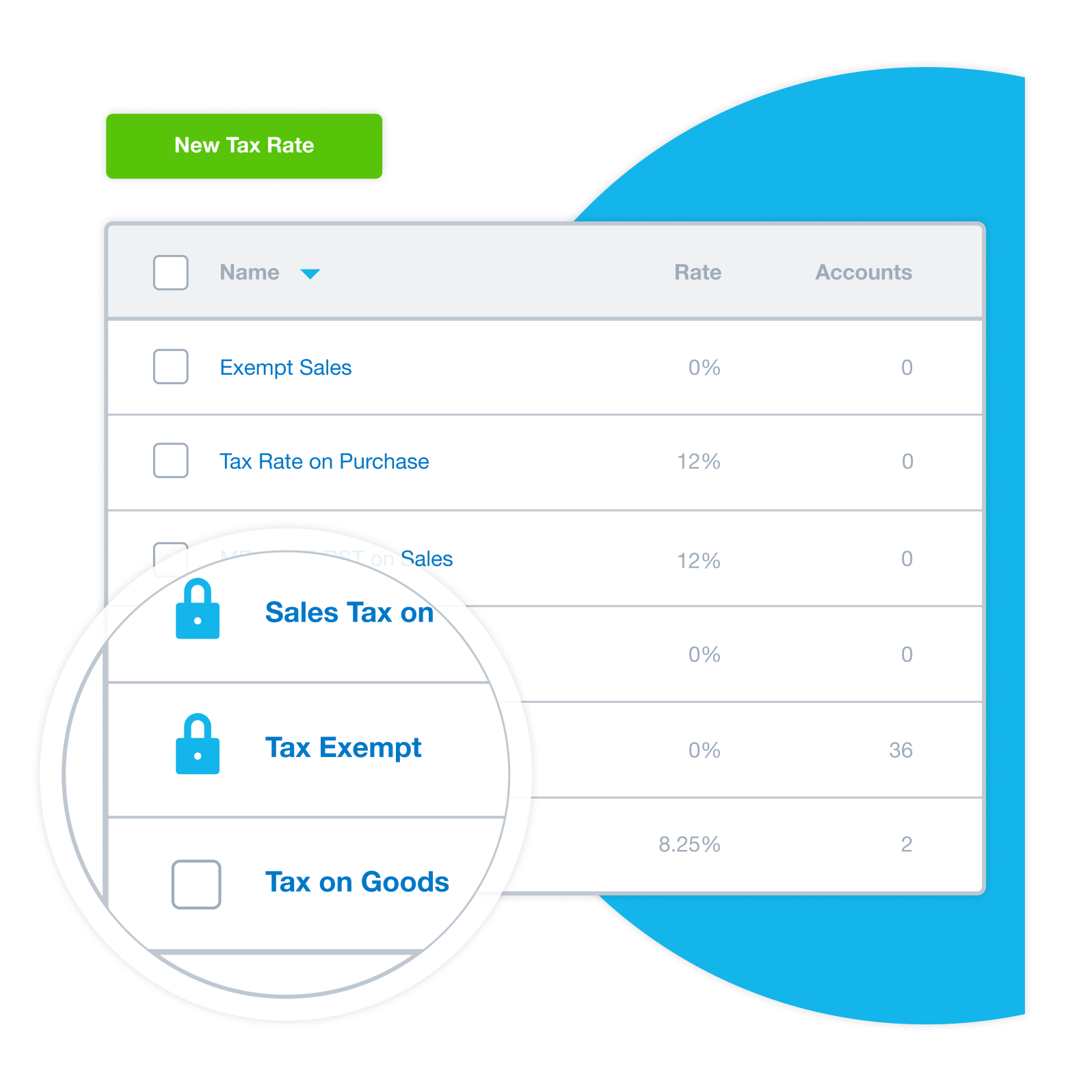
Run sales tax reports for all jurisdictions
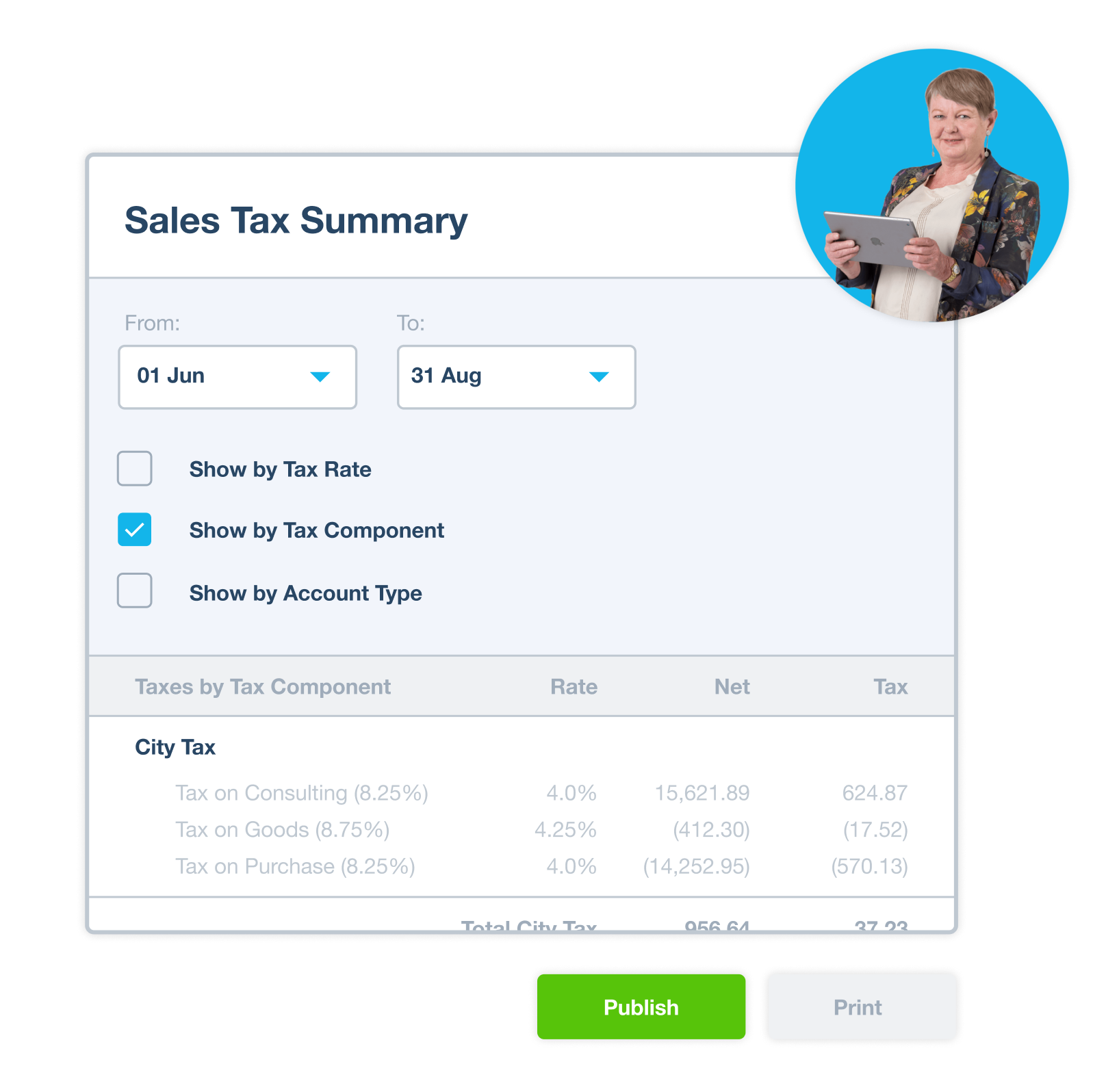
Xero helps you run the Sales Tax report to review your sales tax details for the selected tax period. Xero calculates each return using the mapped tax rates you’ve applied to transactions for the period, so you can use tax return reports to review your tax obligations before filing.
- Xero sales tax reports: Sales tax rates are automatically determined for over 13,000 US tax areas. The tax basis you select determines which transactions the sales tax return includes, based on cash or accrual reporting requirements. show a summary of taxes that can be organized by tax rate, tax component or account type
Master your ecommerce and software sales
Is your online business growing? Powered by Avalara, Xero automatically calculates accurate sales tax across many jurisdictions and uses up-to-date sales tax rates based on location and item details. That way, Xero can automatically calculate accurate sales tax across many jurisdictions.
- The Xero and Avalara integration: calculates up-to-date sales tax rates based on location and item details helps calculate sales tax based on the US state entered for the shipping address
- Accurate calculations, less worry. Sales tax rates are automatically determined for over 13,000 US tax areas, reducing the stress of staying compliant with complex rules.
Xero integrates with Gusto for your payroll
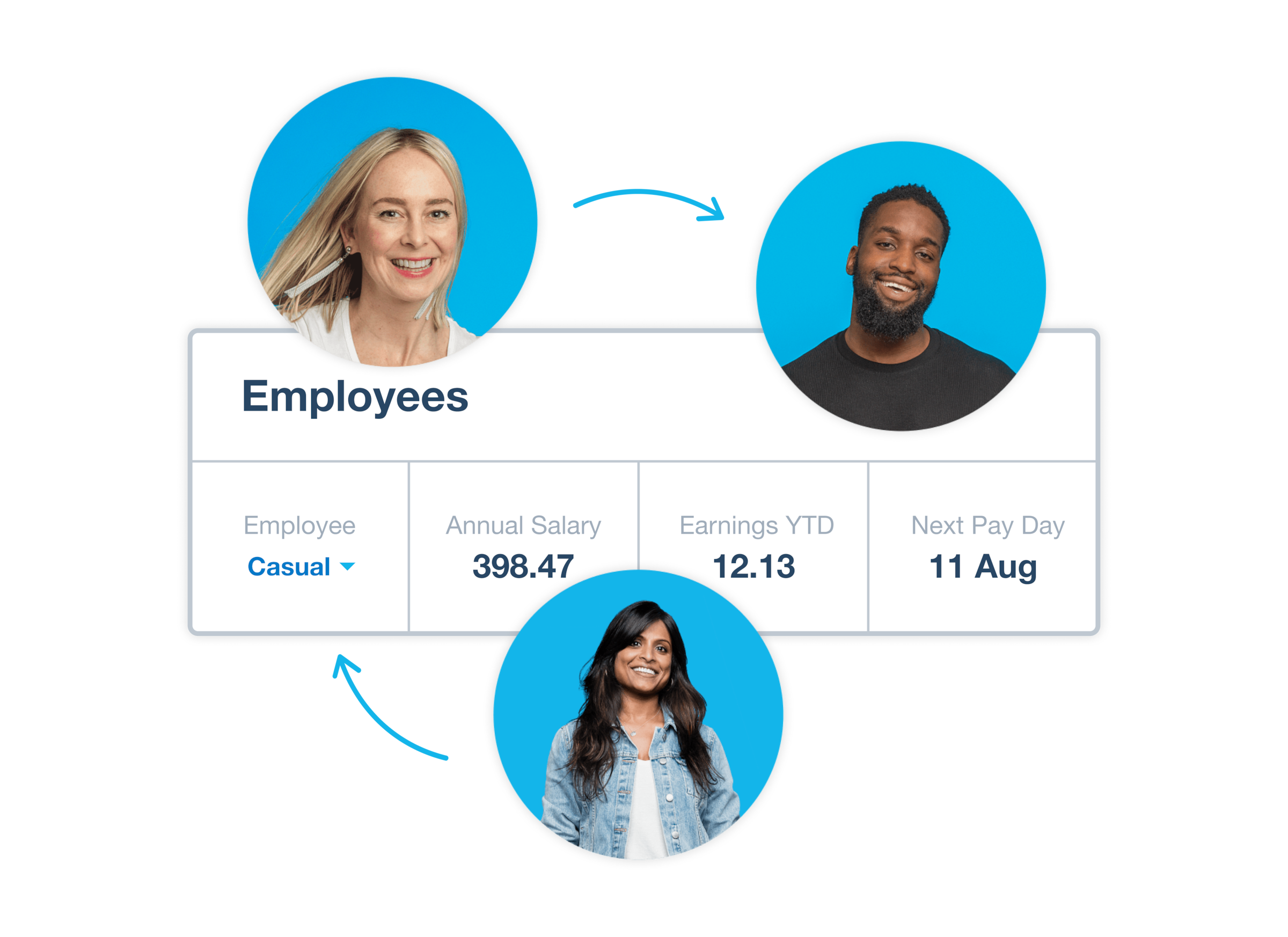
Xero integrates with Gusto for payroll, and you can authorize Gusto with your state’s tax agency so Xero Payroll can report taxes on your behalf. H3: Automatic calculations Pay employees and manage payroll taxes with confidence, knowing your numbers are accurate and IRS compliant every time.
All your payroll tax numbers together
The Xero homepage gives you a snapshot of your business information such as your bank account, invoices owed and bills you need to pay.
Automatic filing and remittance
Xero integrates with Gusto for complete US tax compliance. Pay employees and manage payroll taxes with confidence.
Streamline your income tax preparation
Want to save hours of tax admin? Xero brings all your accounting data into an easy-to-read set of reports, saving you time and providing you with a single source of truth. Then when tax season arrives, your records are ready to help you prepare for tax time with less manual work. Simple!
- Keep all your bills in Xero for a great audit trail
- Give your accountant or bookkeeper access to Xero for fast online collaboration on your latest numbers
- Easily fix any issues as you go along to avoid stress at financial year- end
Your contract payments admin, sorted
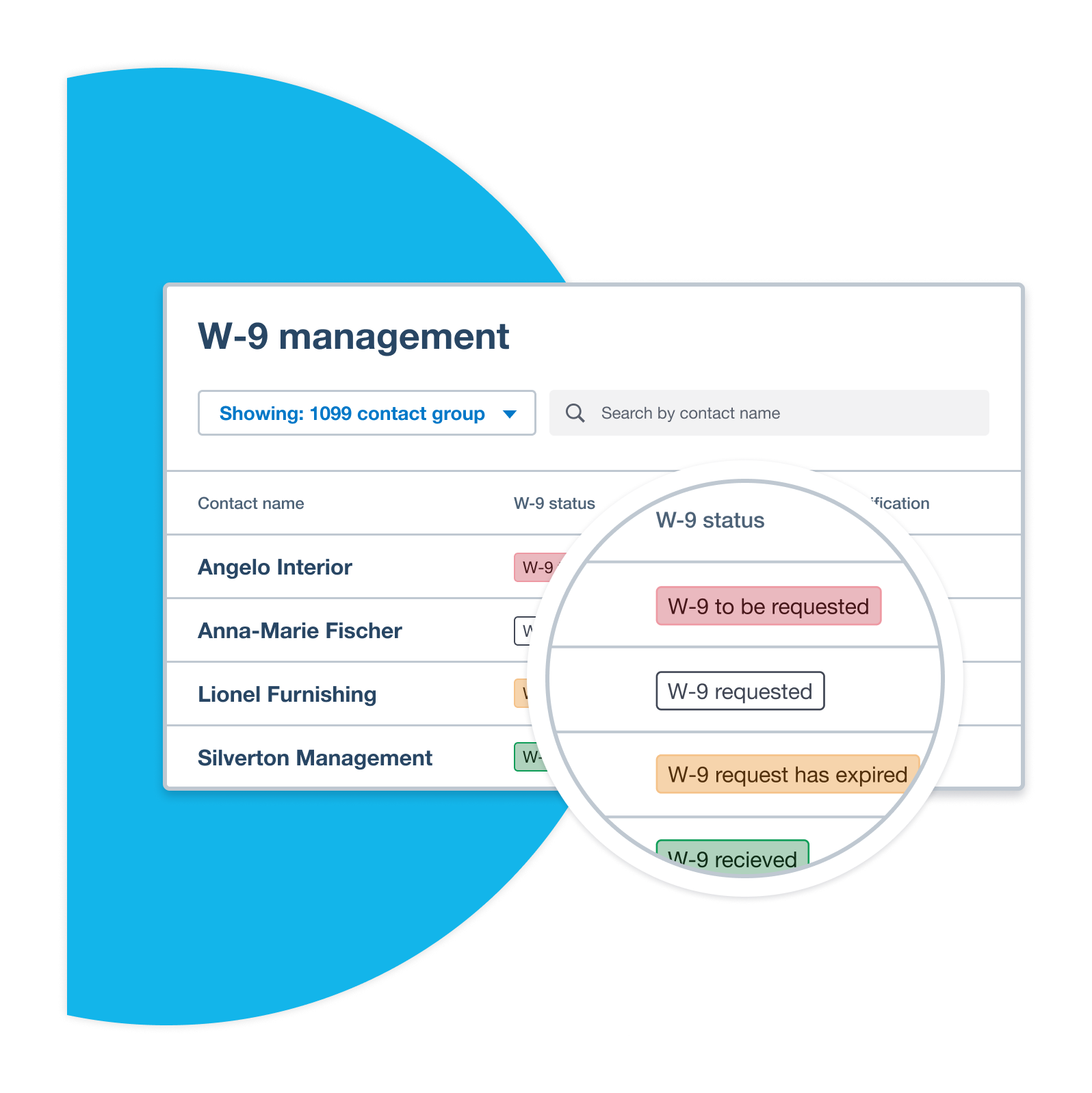
Use Xero’s 1099 report and Cash payments by vendor report to help manage contractor payment reporting. Use Xero’s 1099 report to identify and mark 1099 contacts, manage W-9 details, and report payments recorded during the selected reporting year on 1099-NEC and 1099-MISC forms.
- Xero software: helps you account for withholding tax payments for contractors excludes credit card payments from your 1099 report sends requests to your 1099 contacts for W-9 details and helps you mark contacts as 1099 contacts
The info you need to manage your cash flow
Xero's dashboard Customize your Xero dashboard to access tax reports, a profit and loss statement, and a balance sheet. With this info at your fingertips, you can put aside cash for a tax bill, decide when to make a big purchase, and stay in control of your cash flow.
- Review your sales tax details for the selected tax period with the Sales Tax report
- Review your sales tax details for the selected tax period, or change the dates to view sales tax for other periods
- Check your Xero short-term cash flow projection to see whether you have funds available to pay your bills
Why choose Xero tax accountability software
88% of small businesses in the US using Xero agree Xero is easy to use.*
Save hours per month
Xero helps simplify tax time by automating sales tax, payroll tax and income tax prep in one platform.
Spend less on compliance
Automate sales tax, payroll tax & income tax prep in one platform.
Collaborate with your accountant
Share live reports with your accountant or bookkeeper in Xero, ensuring everyone is looking at the same live data.
Frequently asked questions
Sales tax is collected from customers when you sell taxable goods or services – you're essentially acting as a tax collector on behalf of the state. Income tax, by contrast, is paid by your business on its profits. Both need to be tracked and reported, but they're managed separately. Xero helps with sales tax tracking on transactions; income tax planning typically involves your accountant or a dedicated tax filing tool.
Sales tax is collected from customers when you sell taxable goods or services – you're essentially acting as a tax collector on behalf of the state. Income tax, by contrast, is paid by your business on its profits. Both need to be tracked and reported, but they're managed separately. Xero helps with sales tax tracking on transactions; income tax planning typically involves your accountant or a dedicated tax filing tool.
You're required to collect sales tax in a state if you have "nexus" there – which can arise from having a physical location, employees, or (in most states after the 2018 South Dakota v. Wayfair ruling) reaching an economic threshold of sales into that state. Requirements vary by state, so it's worth consulting a tax advisor if you sell across state lines.
You're required to collect sales tax in a state if you have "nexus" there – which can arise from having a physical location, employees, or (in most states after the 2018 South Dakota v. Wayfair ruling) reaching an economic threshold of sales into that state. Requirements vary by state, so it's worth consulting a tax advisor if you sell across state lines.
Xero doesn't file income tax returns directly, but it does the accounting work that makes tax preparation straightforward. Use Xero to track all business income and expenses, categorize transactions against the right accounts, and generate the financial reports your accountant or CPA needs – including Profit and Loss, Balance Sheet, and Trial Balance. At tax time, you can give your accountant direct access to your Xero file, or export reports in standard formats for use with tax preparation software.
Xero doesn't file income tax returns directly, but it does the accounting work that makes tax preparation straightforward. Use Xero to track all business income and expenses, categorize transactions against the right accounts, and generate the financial reports your accountant or CPA needs – including Profit and Loss, Balance Sheet, and Trial Balance. At tax time, you can give your accountant direct access to your Xero file, or export reports in standard formats for use with tax preparation software.
Xero lets you set up sales tax rates for each state or jurisdiction where you do business and apply them automatically to invoices and bills. You can configure default tax rates by customer, product, or account code, so the right rate is applied consistently without manual selection on every transaction.
Xero lets you set up sales tax rates for each state or jurisdiction where you do business and apply them automatically to invoices and bills. You can configure default tax rates by customer, product, or account code, so the right rate is applied consistently without manual selection on every transaction.
Xero integrates with Avalara for sales tax rates across 13,000+ US tax jurisdictions. The rate applied to each transaction is based on where you’re registered to collect tax and item details. Rates are automatically updated by Avalara’s database, so you don’t need to monitor state and local rate changes manually.
Xero integrates with Avalara for sales tax rates across 13,000+ US tax jurisdictions. The rate applied to each transaction is based on where you’re registered to collect tax and item details. Rates are automatically updated by Avalara’s database, so you don’t need to monitor state and local rate changes manually.
No, you don't! Xero integrates with Avalara to automatically calculate up-to-date sales tax rates for US invoices. When state or local tax rates change, Avalara updates its database and Xero applies a new rate to relevant transactions. You can still override the default rate on individual transactions when your situation requires it.
No, you don't! Xero integrates with Avalara to automatically calculate up-to-date sales tax rates for US invoices. When state or local tax rates change, Avalara updates its database and Xero applies a new rate to relevant transactions. You can still override the default rate on individual transactions when your situation requires it.
Yes, Xero lets you mark a contact as tax-exempt by default, so all invoices for that customer can be issued as tax-exempt. Exemption status is stored in the contact record, so it applies consistently without manual override each time.
Yes, Xero lets you mark a contact as tax-exempt by default, so all invoices for that customer can be issued as tax-exempt. Exemption status is stored in the contact record, so it applies consistently without manual override each time.
Xero doesn't file sales tax returns directly, but it helps you track sales tax and maintain the records you need to prepare your tax return accurately. Many businesses use this data to file manually via their state's website, or connect Xero to a service like Avalara for automated filing.
Xero doesn't file sales tax returns directly, but it helps you track sales tax and maintain the records you need to prepare your tax return accurately. Many businesses use this data to file manually via their state's website, or connect Xero to a service like Avalara for automated filing.
Absolutely! Xero is cloud-based software, which means you can give your accountant or tax advisor secure access to your books. Share live reports with your accountant or bookkeeper in Xero, ensuring everyone is looking at the same live data together. Customize and extend Xero with more than 1000 connected apps, and collaborate with your accountant or bookkeeper in real time.
Absolutely! Xero is cloud-based software, which means you can give your accountant or tax advisor secure access to your books. Share live reports with your accountant or bookkeeper in Xero, ensuring everyone is looking at the same live data together. Customize and extend Xero with more than 1000 connected apps, and collaborate with your accountant or bookkeeper in real time.
Yes. Xero keeps track of the time and date of user activity, like when a user logs in or makes a change to a transaction. This gives you a clear view of who is doing what in the Xero account. You can view these records in the History and Notes report, or in the bHistory and Notes section at the bottom of transactions like bills and invoices.
Yes. Xero keeps track of the time and date of user activity, like when a user logs in or makes a change to a transaction. This gives you a clear view of who is doing what in the Xero account. You can view these records in the History and Notes report, or in the bHistory and Notes section at the bottom of transactions like bills and invoices.