Smart billing and invoicing software for your small business
Want to speed up your whole pay cycle? Xero simplifies every step – from templates for professional quotes and invoices to fast online payments – so you get a powerful billing system for your small business. Xero records every number in one place, ready for you to check your cash flow or do your tax
What is billing and invoicing software?
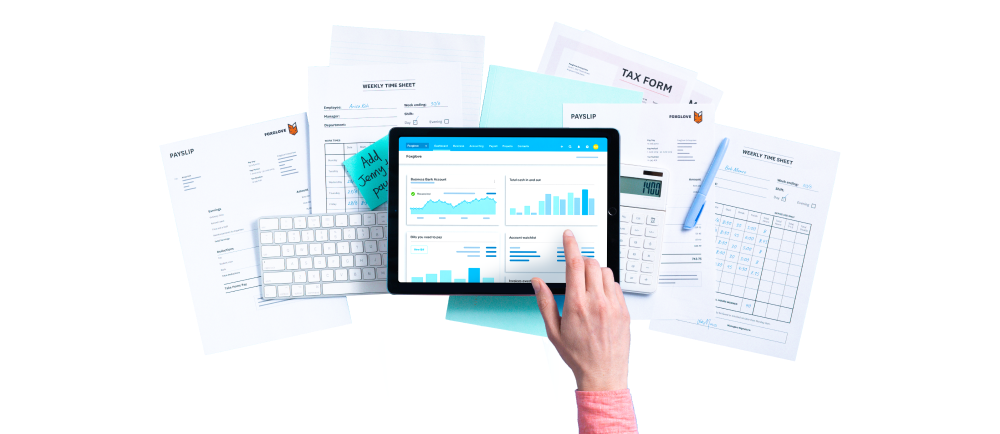
Modern billing software helps your small business handle its financial admin with speed and accuracy. Xero’s cloud-based system replaces manual processes with automated workflows that let you do more in less time, including making it super easy for your customers to pay you.
Create and send professional invoices easily
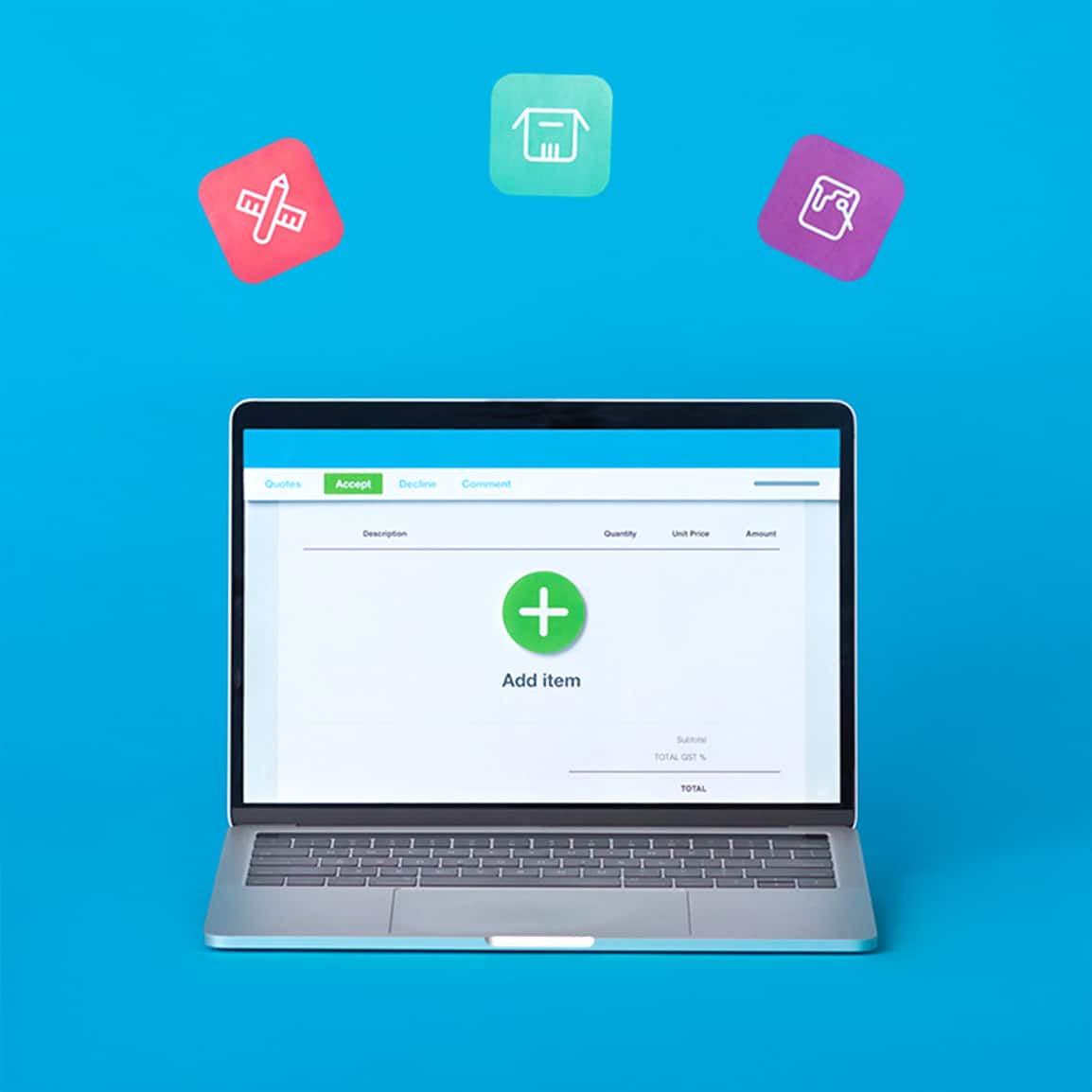
Job done? Now let Xero's client billing software do the hard work for you. Use custom invoice templates to create polished invoices and send them directly to your clients. Plus, it's easy to automate group invoices or recurring bills with the right details, every time.
Save time with branded templates
No more creating invoices from scratch! Add your brand and payment terms to Xero’s templates for fast, professional invoices every time.
Track the status of each invoice
Whether you’re drafting an invoice or you just got paid, check your Xero dashboard to see the status of jobs.
Automate payment reminders
Chasing invoices? Not anymore. Set up automatic invoice reminders in Xero to gently nudge your customers to pay on time.
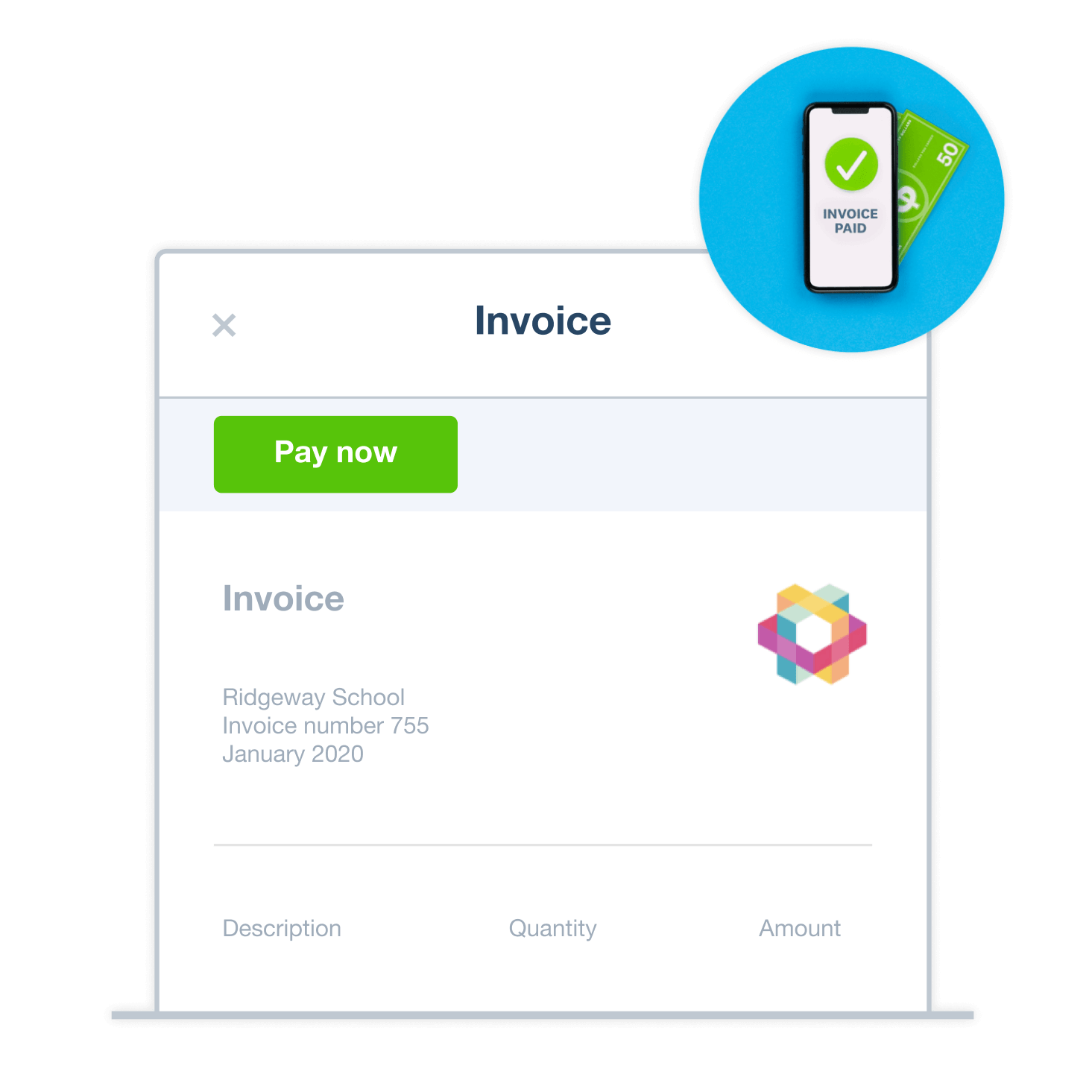
Quotes vs invoices: what’s the difference?
Before doing a job, you send your customer a quote to share crucial information, including the goods or services you’re providing, and your fee and payment terms. Once they’ve accepted the quote, you can do the work with confidence that everyone knows what’s expected.
Before doing a job, you send your customer a quote to share crucial information, including the goods or services you’re providing, and your fee and payment terms. Once they’ve accepted the quote, you can do the work with confidence that everyone knows what’s expected.
Once you’ve completed the job, you formally ask for payment by sending an invoice. This legal document helps both you and your customer track the sale and the amount paid. Xero then stores this data for your financial reporting and IRS compliance.
Once you’ve completed the job, you formally ask for payment by sending an invoice. This legal document helps both you and your customer track the sale and the amount paid. Xero then stores this data for your financial reporting and IRS compliance.
Xero’s accounting and billing software gives you an easy, reliable workflow. Use a template to quickly create a quote and email this directly to your customer. Once they’ve accepted it, convert the quote into an invoice with a single click. Simple!
Xero’s accounting and billing software gives you an easy, reliable workflow. Use a template to quickly create a quote and email this directly to your customer. Once they’ve accepted it, convert the quote into an invoice with a single click. Simple!
Get paid faster with online payment
Xero’s accounting and invoicing software boosts your small business’s cash flow. How? By accepting online payments. Just ask your customers to go through a few easy steps to send you money. They skip the paperwork, and you get the cash sooner. A win-win!
Add a ‘Pay now’ button to your invoices
Your customers can pay you directly from an online invoice instead of logging into another site. One click and you’re paid!
Give your customers more ways to pay
Digital wallets, credit card, direct debit: customers can choose how they pay you online.
Use trusted payment providers
Xero works with Stripe, GoCardless, and other secure global payment providers your customers can trust.
Accept in-person payments with Tap to Pay
When you see your customers face to face, payments are simpler with Tap to Pay technology. Just connect an app from the Xero App Store to your Xero organization, and start accepting contactless payments with your phone or tablet – on the spot.
Find out about Tap to Pay on Xero.1762723391610.png)
Move faster with e-invoicing
With Xero’s professional billing software, you can send and receive digital invoices directly between systems. That means no more opening emails and typing up the details. Xero’s e-invoicing is a quick, error-free way to do business.
Stay on top of your finances
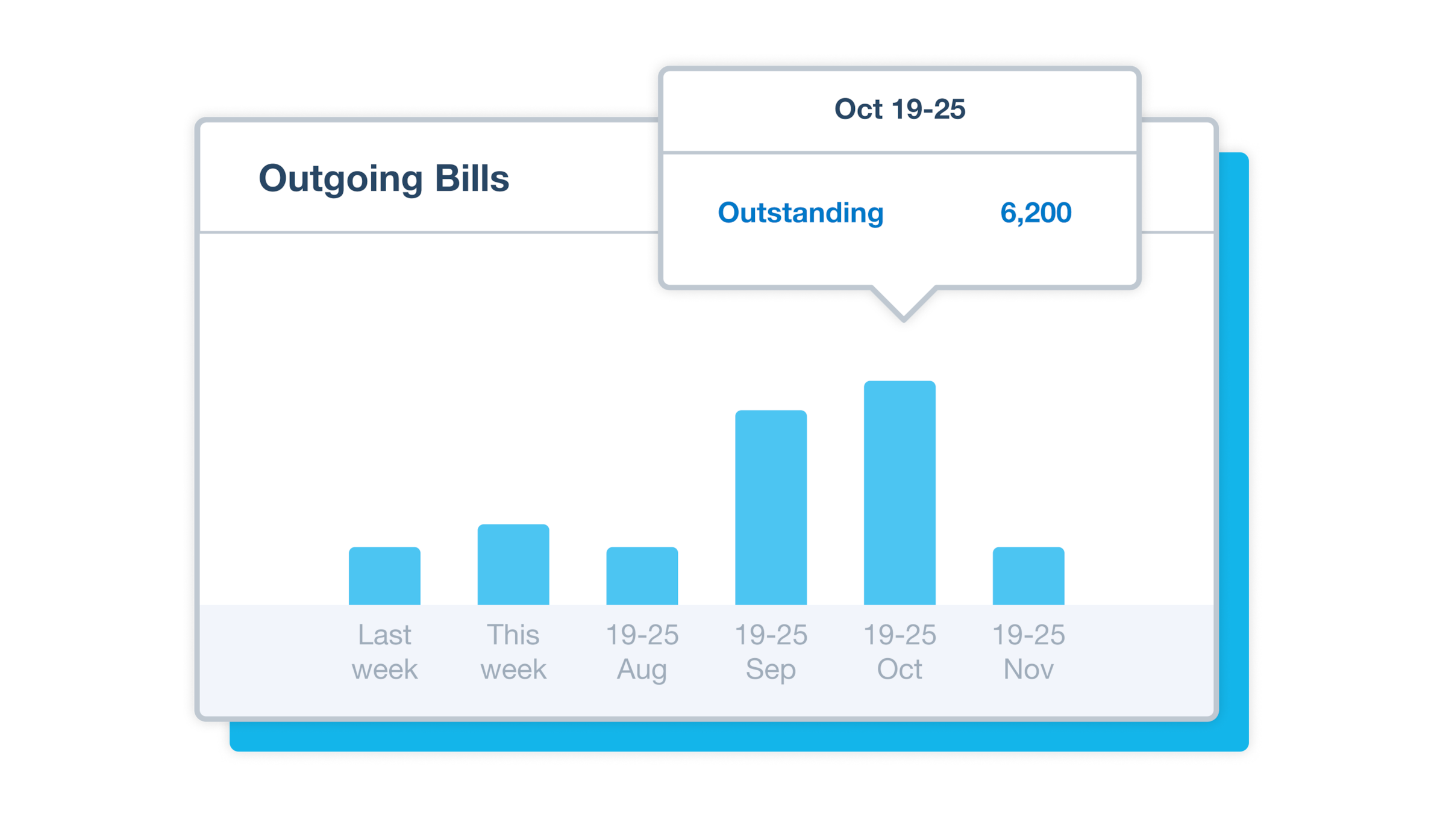
Xero keeps you in the loop with all your invoices and other financial info. All the numbers whenever you need them!
Track your invoices with accuracy
Get up-to-date info on what you’re owed and the payment dates. Be confident in your communications with customers.
Get a clear view of your cash flow
Check your Xero dashboard to see the money coming in and out of your business so you can plan ahead.
See helpful reports and predictions
Know your financial health with Xero’s forecasts, including with predictions of your future cash position.
FAQs on Xero’s small business billing system
A modern billing system helps you create, and send professional digital invoices with less admin. Xero’s cloud-based billing software for small businesses helps you manage this process from anywhere, at any time. The Xero Accounting app lets you send invoices, track each invoice’s status, and see any overdue payments – all while on the go. This helps you minimize errors, get paid sooner, improve your cash flow, and save tons of manual work.
A modern billing system helps you create, and send professional digital invoices with less admin. Xero’s cloud-based billing software for small businesses helps you manage this process from anywhere, at any time. The Xero Accounting app lets you send invoices, track each invoice’s status, and see any overdue payments – all while on the go. This helps you minimize errors, get paid sooner, improve your cash flow, and save tons of manual work.
Certainly! Xero’s business billing system makes it easy to accept online payments, including with Apple Pay, Google Pay, credit card, and direct debit. Add a Pay now button to your invoices so your customers can pay online directly from their invoices. And for in-person payments, Xero integrates with third-party apps to use Tap to Pay technology.
Learn how to add online payment optionCertainly! Xero’s business billing system makes it easy to accept online payments, including with Apple Pay, Google Pay, credit card, and direct debit. Add a Pay now button to your invoices so your customers can pay online directly from their invoices. And for in-person payments, Xero integrates with third-party apps to use Tap to Pay technology.
Learn how to add online payment optionYou can set up recurring invoices for your regular customers – just tell Xero when to send them. Xero can also automatically send payment reminders for overdue invoices, saving you the effort and awkwardness of chasing customers. This helps you keep your cash flow healthy without spending hours on the phone.
You can set up recurring invoices for your regular customers – just tell Xero when to send them. Xero can also automatically send payment reminders for overdue invoices, saving you the effort and awkwardness of chasing customers. This helps you keep your cash flow healthy without spending hours on the phone.
For sure. Xero is popular with small business owners and freelancers across the US. It lets you create professional, customizable invoices, manage your customer billing, and track your finances from anywhere. And it keeps all your records together, so your tax season is much easier, too.
For sure. Xero is popular with small business owners and freelancers across the US. It lets you create professional, customizable invoices, manage your customer billing, and track your finances from anywhere. And it keeps all your records together, so your tax season is much easier, too.
Get one month free
Sign up to any Xero plan, and we will give you the first month free.