Take payments with a click or a tap, wherever you work
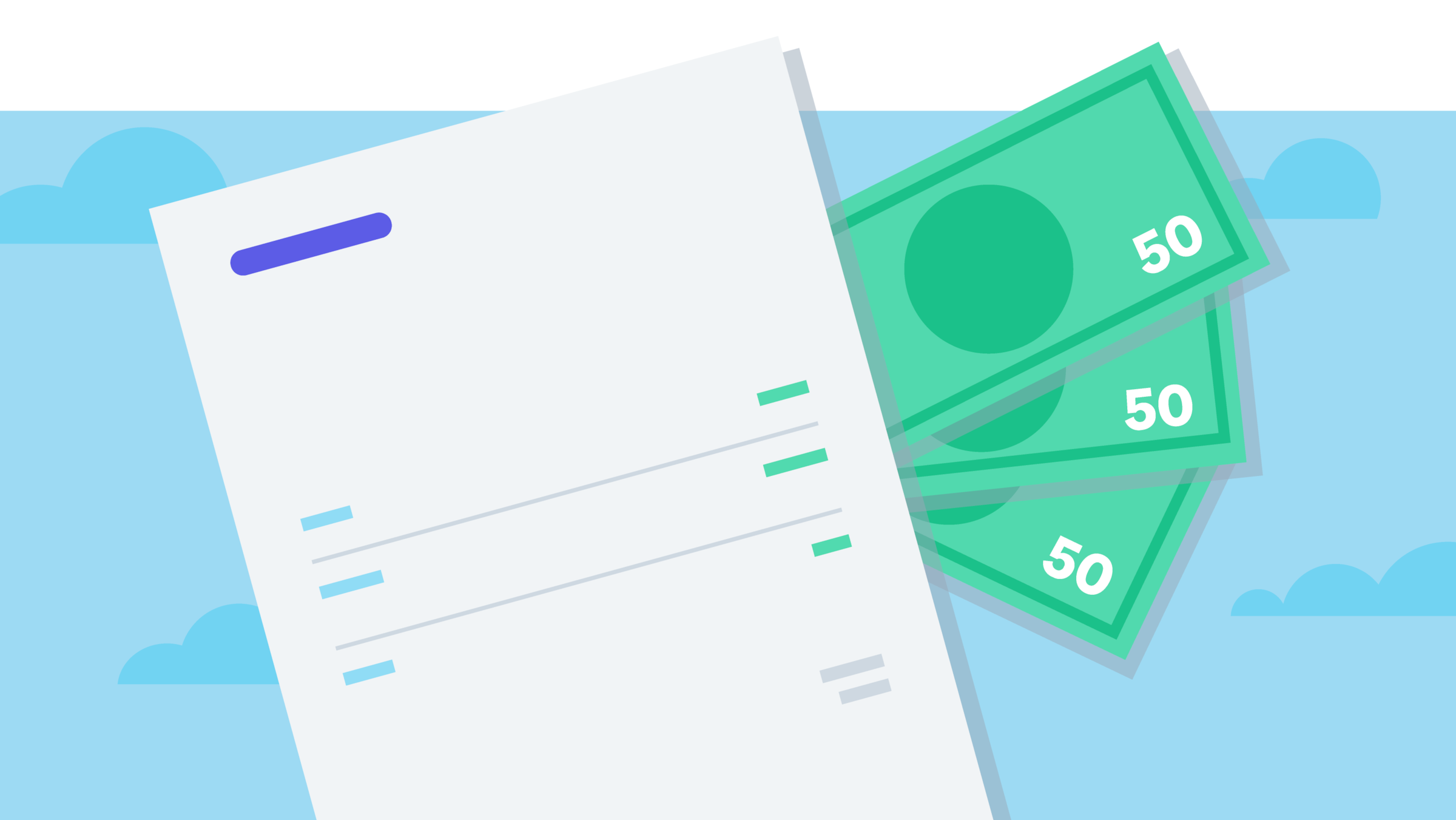
You've done the work. Now get paid for it. Customers pay straight from your invoice or in person on your phone, and Xero matches Stripe payments to your bank statement lines, ready to reconcile.

Three ways Xero makes getting paid easier
Give customers simple ways to pay, so you spend less time chasing invoices.
Get paid on time with more ways to pay
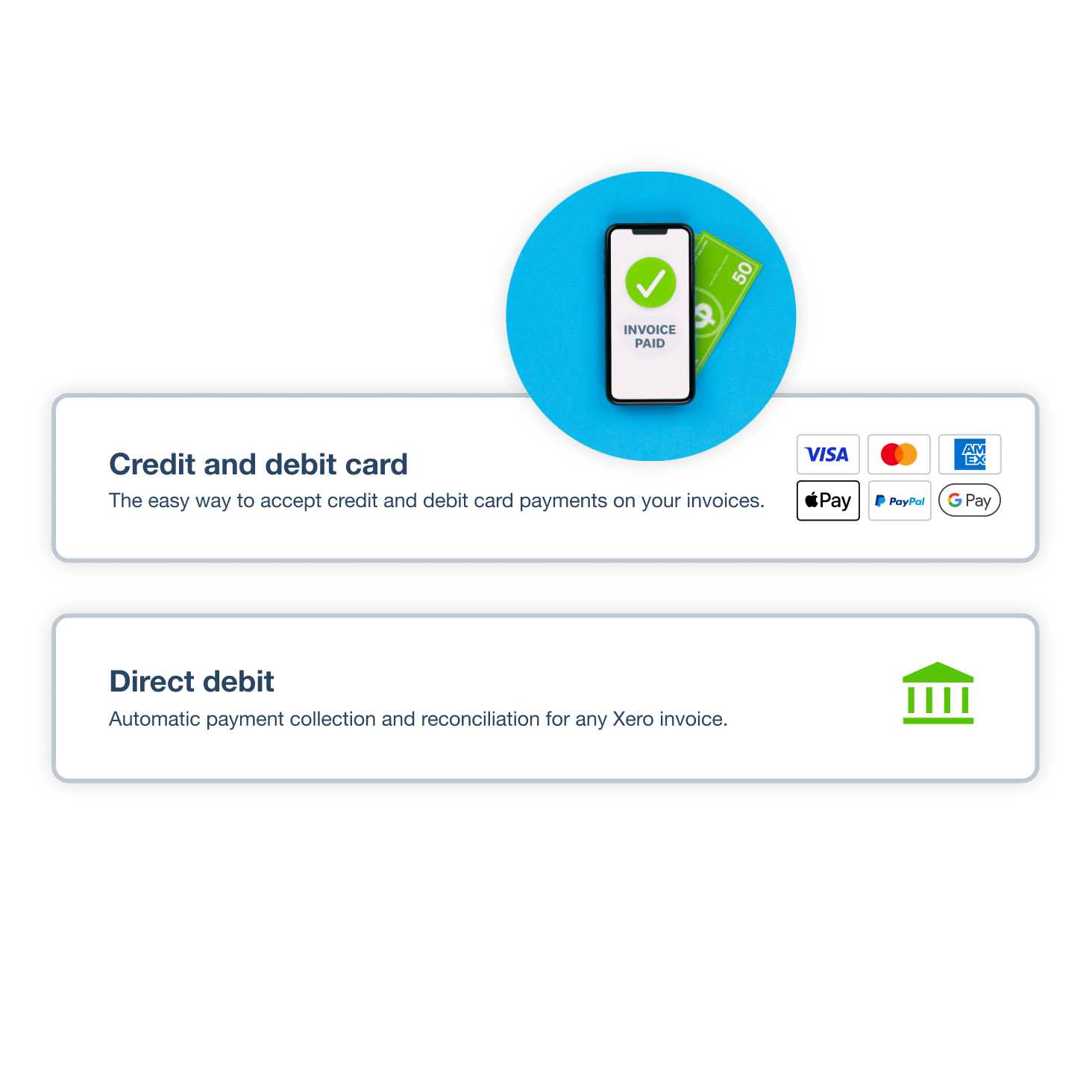
Customers can pay in a click by card, Apple Pay, Google Pay, direct debit, Klarna or Pay by Bank.
Invoice and get paid anywhere
Create and send online invoices from your phone with the Xero Accounting app, so you're always up to date.
Get paid up to twice as fast with Stripe
Xero customers who accept Stripe payments on Xero online invoices get paid up to twice as fast as those who don’t.*
Take card payments online from your invoices
Give customers an easy way to settle up the moment your invoice arrives. A Stripe Pay now button lets them use credit or debit cards, Apple Pay, Google Pay, Pay by Bank or Buy Now, Pay Later via Klarna. More ways to pay can help you get paid on time.
Did you know:
81% of customers agree Xero’s online payments help them get paid on time
Accept contactless payments on your phone
Need to get paid on the spot? Tap to Pay in the Xero Accounting app, powered by Stripe, turns your Android phone or iPhone into a card machine. Customers tap a card, digital wallet or wearable device, and the invoice is marked as paid once payment completes.
Find out how Tap to Pay works on your phone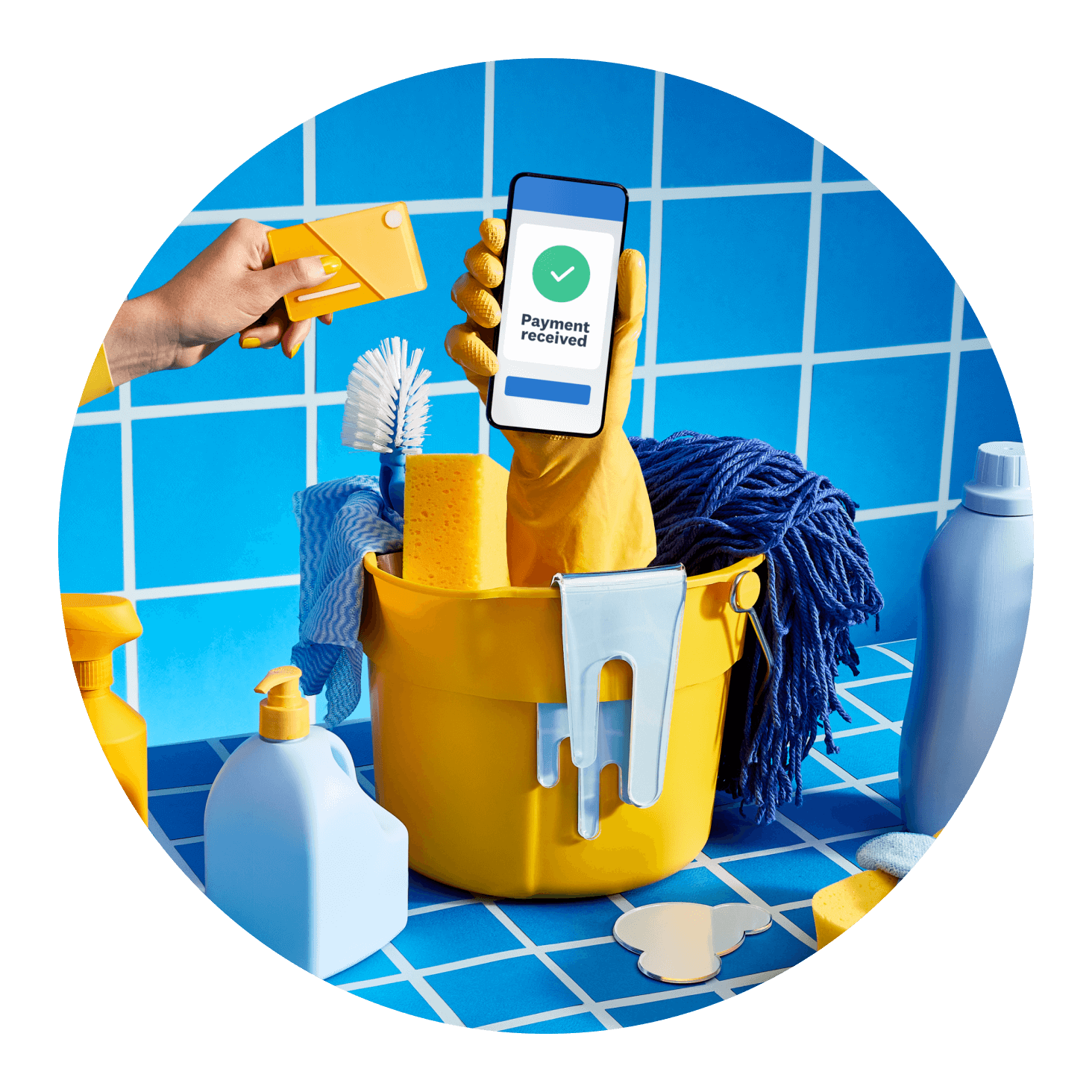
Automatically take direct debit payments
When customers pay you regularly, direct debit with GoCardless keeps things simple. It collects payment from their bank account on the invoice due date, which makes scheduling and reconciling easier. For repeating invoices paid by card, switch on auto pay with Stripe instead.
Explore direct debit with GoCardless and Xero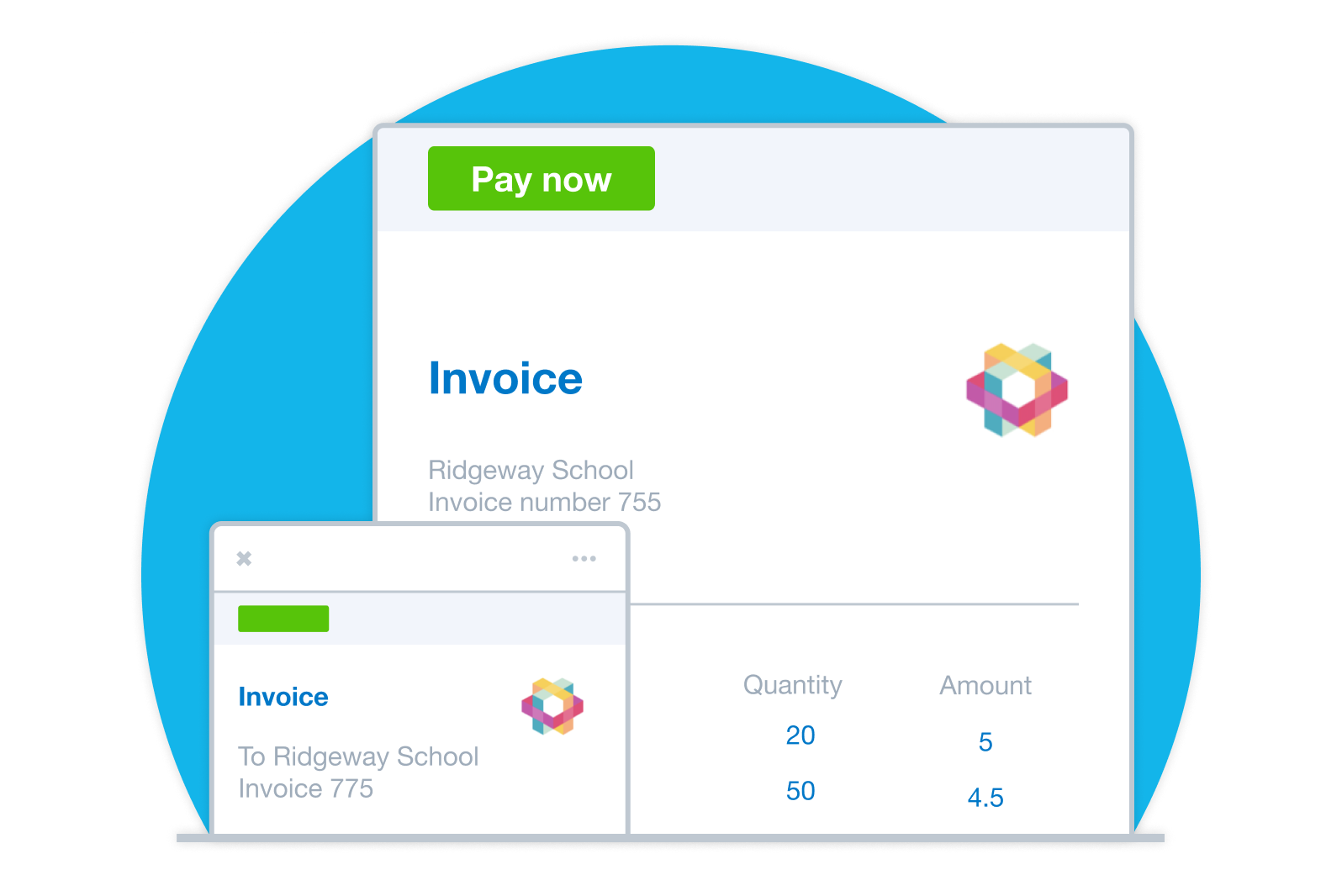
Start taking payments in a few steps
Connecting Stripe or GoCardless to Xero is free! You only pay a transaction fee when customers pay online, and you can pass some or all of it on. Payment details then flow into Xero, ready to reconcile.
Check Stripe pricing and fees for Xero invoices
FAQs on taking payments with Xero
Connect Stripe to Xero and a Pay now button appears on your online invoices, so customers can pay by card in a few clicks. To take card payments in person, use Tap to Pay in the Xero Accounting app. The Xero Central payment services guide walks you through each option.
Connect Stripe to Xero and a Pay now button appears on your online invoices, so customers can pay by card in a few clicks. To take card payments in person, use Tap to Pay in the Xero Accounting app. The Xero Central payment services guide walks you through each option.
It only takes a few steps in Xero:
1. Connect a payment service, such as Stripe or GoCardless.
2. Apply it to your invoice template.
3. Send the online invoice by email or SMS.
Here's how to connect Stripe to Xero.
It only takes a few steps in Xero:
1. Connect a payment service, such as Stripe or GoCardless.
2. Apply it to your invoice template.
3. Send the online invoice by email or SMS.
Here's how to connect Stripe to Xero.
Yes, with Tap to Pay in the Xero Accounting app. It works on Android phones running Android OS 11 or higher, and on iPhone 8 or later with iOS 17 or later. For physical card payments over £100, customers enter their PIN on your phone. Download the Xero Accounting app for iPhone and Android to start.
Yes, with Tap to Pay in the Xero Accounting app. It works on Android phones running Android OS 11 or higher, and on iPhone 8 or later with iOS 17 or later. For physical card payments over £100, customers enter their PIN on your phone. Download the Xero Accounting app for iPhone and Android to start.
Absolutely. Your phone becomes the terminal, so everything you need is already in your pocket with no extra hardware. Tap to Pay is free to set up, and you pay a transaction fee on each payment. Read more about invoice payment options in Xero.
Absolutely. Your phone becomes the terminal, so everything you need is already in your pocket with no extra hardware. Tap to Pay is free to set up, and you pay a transaction fee on each payment. Read more about invoice payment options in Xero.
Connect GoCardless to Xero and apply it to your invoices. Once your customer authorises the direct debit, GoCardless automatically collects payment on the invoice due date, and Xero marks the invoice as paid. Follow the GoCardless setup steps on Xero Central.
Connect GoCardless to Xero and apply it to your invoices. Once your customer authorises the direct debit, GoCardless automatically collects payment on the invoice due date, and Xero marks the invoice as paid. Follow the GoCardless setup steps on Xero Central.
Here's how costs work when you take payments with Xero:
- Connecting a payment service is free, with no subscription costs
- Transaction fees are paid directly to the payment provider when customers pay
- You can choose to pass some or all of the transaction fee on to customers
Here's how costs work when you take payments with Xero:
- Connecting a payment service is free, with no subscription costs
- Transaction fees are paid directly to the payment provider when customers pay
- You can choose to pass some or all of the transaction fee on to customers
Definitely. For card payments, your customer's bank might ask them to confirm their identity. This extra check helps reduce fraud. Customers pay securely online through the Pay now button without needing a Xero account, and multi-factor authentication keeps your own login protected. See how Xero online invoicing works.
Definitely. For card payments, your customer's bank might ask them to confirm their identity. This extra check helps reduce fraud. Customers pay securely online through the Pay now button without needing a Xero account, and multi-factor authentication keeps your own login protected. See how Xero online invoicing works.
Yes they can. Turn on auto pay with Stripe for repeating invoices to collect card payments automatically. If customers prefer paying from their bank, GoCardless direct debit collects on each due date.
Yes they can. Turn on auto pay with Stripe for repeating invoices to collect card payments automatically. If customers prefer paying from their bank, GoCardless direct debit collects on each due date.
Plans for growing businesses
Ignite
for the first 6 months
Then £18 per month
An easy financial foundation - track cash flow with the essentials.
- Send quotes and 20 invoices†
- Accept online invoice payments^
- MTD for Income Tax ready
- Reconcile transactions
- Smart document capture
- View real-time reports
- Enter 10 bills
- Submit VAT returns to HMRC
- Automate subcontractor CIS calculations and reports
- Make online bill and payroll payments (domestic) for £0.20 per payment††
- Payroll for £1.50 per person
- 30 day cash flow forecast
- Visualise performance with basic graphs
- Company accounts and tax (optional £120 excl. Vat billed annually)

Grow
for the first 6 months
Then £39 per month
Go beyond the basics - automate tasks and access performance dashboards.
- Send invoices and quotes
- Accept online invoice payments^
- MTD for Income Tax ready
- Reconcile transactions
- Smart document capture
- View real-time reports
- Automate bill entry and track bills
- Submit VAT returns to HMRC
- Automate subcontractor CIS calculations and reports
- Make online bill and payroll payments (domestic) for up to 5 payments
- Payroll for 1 person
- 60 day cash flow forecast
- Visualise performance with graphs
- Customise performance dashboards
- Claim expenses and mileage for 1 user
- Company accounts and tax (optional £120 excl. Vat billed annually)
Comprehensive
for the first 6 months
Then £55 per month
Optimise profitability - tailor your insights for greater control.
- Send invoices and quotes
- Accept online invoice payments^
- MTD for Income Tax ready
- Reconcile transactions
- Smart document capture
- View real-time reports
- Automate bill entry and track bills
- Submit VAT returns to HMRC
- Automate subcontractor CIS calculations and reports
- Make online bill and payroll payments (domestic) for up to 10 payments
- Payroll for 5 people
- 90 day cash flow forecast
- Visualise performance with graphs
- Customise performance dashboards
- Claim expenses and mileage for 5 users
- Use multiple currencies
- Tailored financial health scorecards
- Make online bill payments (International) - Optional add-on
- Company accounts and tax (optional £120 excl. Vat billed annually)
- Budget with smart suggestions
Ultimate
for the first 6 months
Then £70 per month
Future proof your scaling business - with advanced tools and analytics.
- Send invoices and quotes
- Accept online invoice payments^
- MTD for Income Tax ready
- Reconcile transactions
- Smart document capture
- View real-time reports
- Automate bill entry and track bills
- Submit VAT returns to HMRC
- Automate subcontractor CIS calculations and reports
- Make online bill and payroll payments (domestic) for up to 15 payments
- Payroll for 10 people
- 180 day cash flow forecast
- Visualise performance with graphs
- Customise performance dashboards
- Claim expenses and mileage for 10 users
- Use multiple currencies
- Tailored financial health scorecards
- Make online bill payments (International) - Optional add-on
- Track time and costs for projects for 10 users
- Analyse KPIs and ratios
- Benchmark against the industry
- Company accounts and tax (optional £120 excl. Vat billed annually)
- Budget with smart suggestions
Not VAT registered? See plans for simpler business needs.View plans
Accounting software for your UK small business
Run your business accounting online with Xero. Easy-to-use accounting software, designed for your small business.
- Everything in one place
- Connect to your bank
- Collaborate in real time
- Customise to suit your needs


Trustpilot
Monya
Trustpilot
Tom W
Trustpilot
Tina T
See how online payments give customers more ways to pay and help you get paid faster
Get paid now? Yes please.
Start accepting online payments
Here’s everything you need to know to start accepting payments from your customers. See all payments guides.
- Guide
Invoice explained: what it is and how to create one
Learn what an invoice is, how to create one, and how to get paid faster.
- Guide
How to make an invoice that's taken seriously
You’ve done the work; now it’s time to get paid. Let’s walk through the process of making an invoice.
- Guide
Accounts receivable process: your step-by-step guide
Learn how the accounts receivable process helps you get paid faster and keep cash flow moving.


Get one month free
Purchase any Xero plan, and we will give you the first month free.
All prices are in GBP per month and exclude VAT. Xero reserves the right to change pricing at any time. Xero subscriptions auto-renew monthly until they are cancelled.
If you later decide to change to a less expensive plan you can do so 1 month after upgrading. If you select a plan which includes Payroll, Expenses, Bill Payments or Projects, additional charges may apply if you go over the stated included number of users (Expenses and Projects), people paid (Payroll) or bills paid (Bill Payments). Your invited users who have access to those features may trigger additional charges on your subscription if the included usage/number of users/people/bills paid are exceeded.
*New customers get 90% off for the first 6 months, then Xero's regular price will apply and auto-renew monthly until cancelled. Only available to customers in the United Kingdom purchasing their first organisation on xero.com using code DC9062619UK. Discount applies to base Simple, Ignite, Grow, Comprehensive or Ultimate plan subscriptions and does not apply to any additional charges for add-ons, usage and payment fees, unless otherwise specified. This offer cannot be used with, or exchanged for, any other offer. Xero can change or cancel this offer at any time.
^Payment fees apply to the use of online invoice payments. See here for more information
**Median payment times of invoices with a payment service included and sent via SMS by customers using Xero in UK from 9/1/2024 to 3/31/2025 (compared to invoices sent by email and without payment service included).
†† Payment fees may apply to the use of online bill and payroll payments. Any payment fees are in addition to your Xero monthly base subscription amount, are not eligible for subscription discounts and offers, and are subject to change. See here for more information.
†† A limited number of GBP bill and payroll payments are included in Xero Grow, Comprehensive and Ultimate plans per month (+£0.20 per additional payment by bank transfer. International payments and payments by card are priced separately). Pricing is in GBP and excludes VAT.
Hubdoc is included in Xero Simple, Ignite, Grow, Comprehensive and Ultimate plans as long as it’s connected to your Xero subscription.
Your use of the Xero services is subject to the Xero Terms of Use and Privacy Notice and your use of the Hubdoc services is subject to the Hubdoc Terms of Use.
Limits for Xero Projects and Xero Expenses are per active user, per month.
All prices are in GBP per month and exclude VAT. Xero reserves the right to change pricing at any time. Xero subscriptions auto-renew monthly until they are cancelled.
If you later decide to change to a less expensive plan you can do so 1 month after upgrading. If you select a plan which includes Payroll, Expenses, Bill Payments or Projects, additional charges may apply if you go over the stated included number of users (Expenses and Projects), people paid (Payroll) or bills paid (Bill Payments). Your invited users who have access to those features may trigger additional charges on your subscription if the included usage/number of users/people/bills paid are exceeded.
*New customers get 90% off for the first 6 months, then Xero's regular price will apply and auto-renew monthly until cancelled. Only available to customers in the United Kingdom purchasing their first organisation on xero.com using code DC9062619UK. Discount applies to base Simple, Ignite, Grow, Comprehensive or Ultimate plan subscriptions and does not apply to any additional charges for add-ons, usage and payment fees, unless otherwise specified. This offer cannot be used with, or exchanged for, any other offer. Xero can change or cancel this offer at any time.
^Payment fees apply to the use of online invoice payments. See here for more information
**Median payment times of invoices with a payment service included and sent via SMS by customers using Xero in UK from 9/1/2024 to 3/31/2025 (compared to invoices sent by email and without payment service included).
†† Payment fees may apply to the use of online bill and payroll payments. Any payment fees are in addition to your Xero monthly base subscription amount, are not eligible for subscription discounts and offers, and are subject to change. See here for more information.
†† A limited number of GBP bill and payroll payments are included in Xero Grow, Comprehensive and Ultimate plans per month (+£0.20 per additional payment by bank transfer. International payments and payments by card are priced separately). Pricing is in GBP and excludes VAT.
Hubdoc is included in Xero Simple, Ignite, Grow, Comprehensive and Ultimate plans as long as it’s connected to your Xero subscription.
Your use of the Xero services is subject to the Xero Terms of Use and Privacy Notice and your use of the Hubdoc services is subject to the Hubdoc Terms of Use.
Limits for Xero Projects and Xero Expenses are per active user, per month.