File your VAT return online with less admin
VAT time doesn't have to mean late nights and spreadsheets. Track VAT as you go, review a return that's already calculated, and send it straight to HMRC under Making Tax Digital.
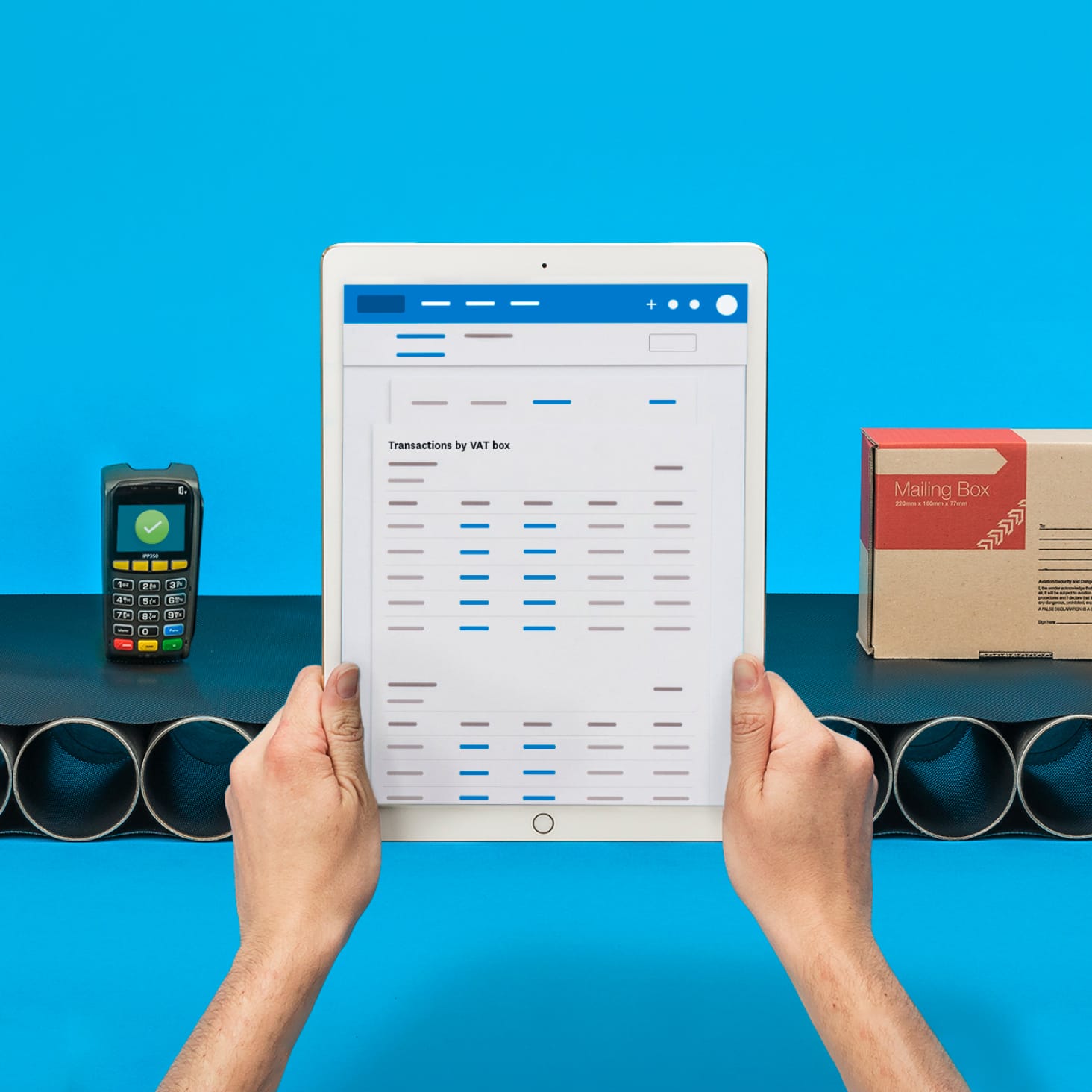
Handle VAT the easy way, start to finish
See how Xero tracks your VAT as you go, then populates and files each return to HMRC for you.
Track VAT as you go
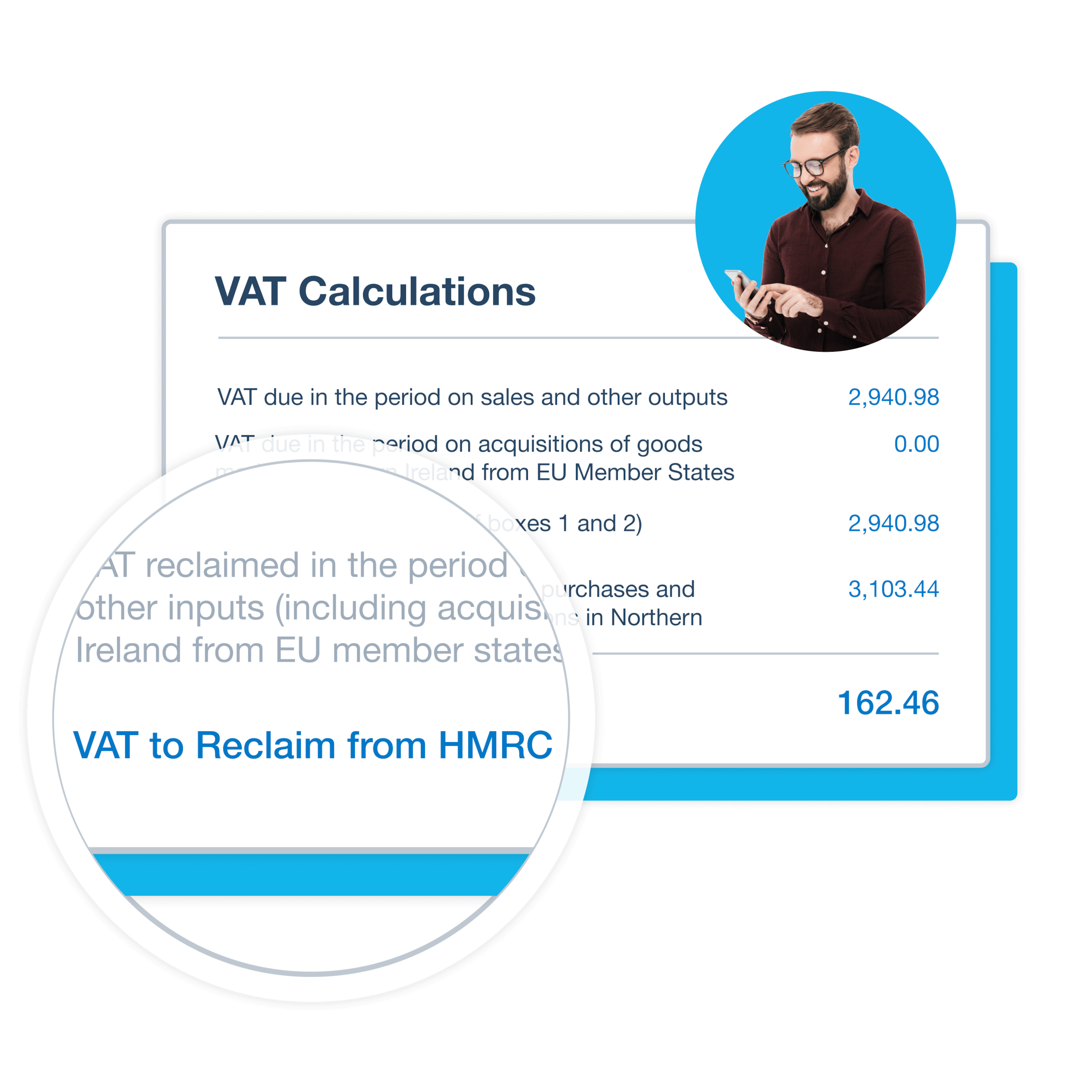
Every invoice and bill feeds your VAT return automatically, so there's less manual work and fewer errors.
Review before you file
Xero calculates the return and lays it out clearly, so you can check the figures in minutes.
Submit straight to HMRC
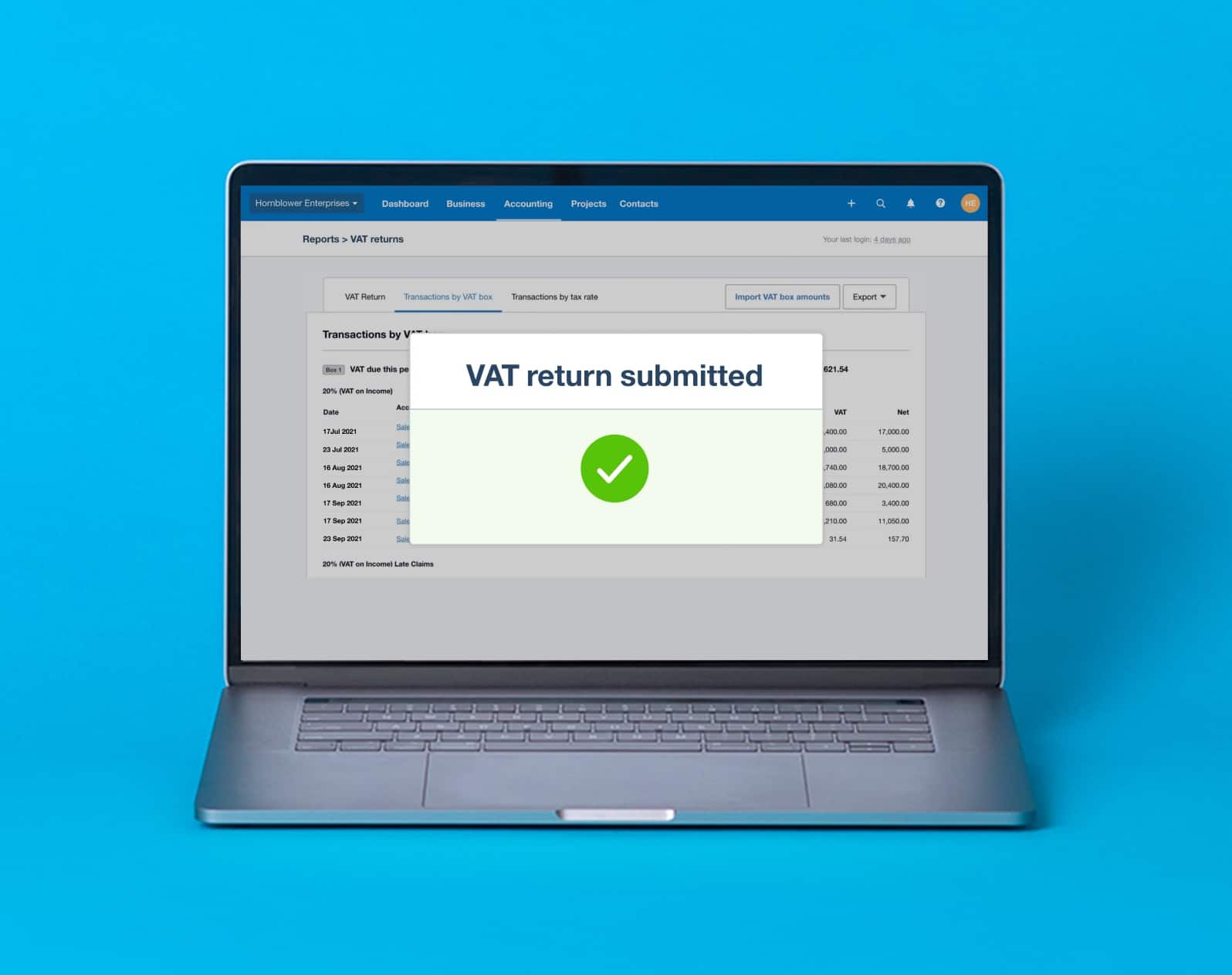
File your MTD VAT return straight to HMRC from Xero, with no portal and no rekeying.
Calculate VAT automatically as you go
Every invoice and bill you enter feeds into your VAT return, so the figures add up without a calculator in sight. Xero works with the standard, flat rate, and cash schemes, and lays out each return clearly for a quick check before you file.
See the transactions behind every return
Not sure where a figure came from? Open the return and drill into every transaction that makes it up. Adjust the VAT on an invoice or bill in a couple of clicks, and the return updates to match, so what you file reflects your real numbers.
How Xero works as MTD software for VAT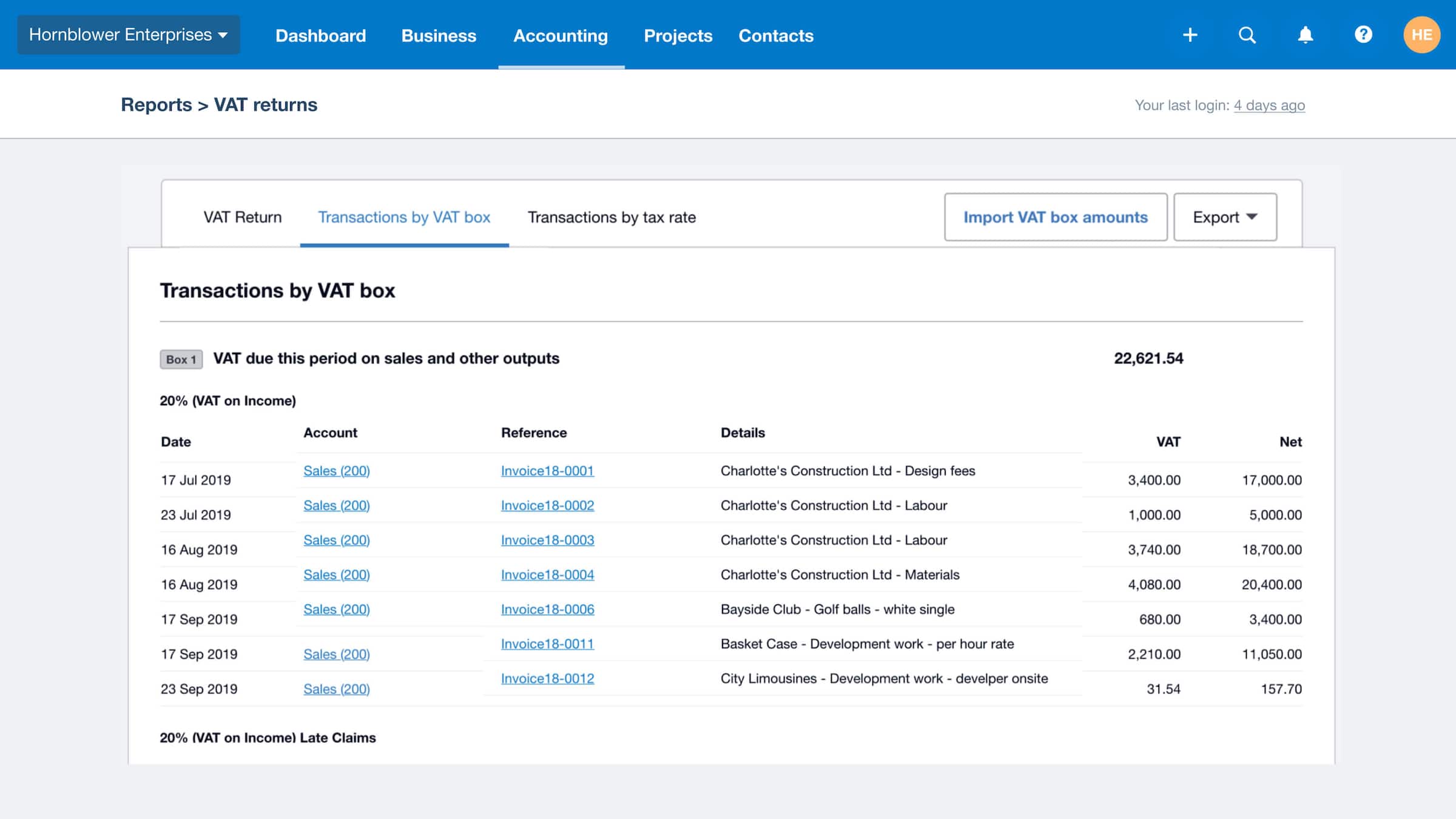
Review and file in a few clicks
Every MTD VAT return is checked and filed to HMRC from one screen, with no printing or rekeying. Xero shows what's due and when it's owed, so you can submit on time and get back to business.
Take care of CIS alongside VAT
If you work in construction, Xero calculates your Construction Industry Scheme (CIS) deductions as you invoice, files your monthly CIS return to HMRC, and verifies subcontractors without the paperwork. Send subcontractor statements from the same place you manage VAT.
Filing CIS returns with Xero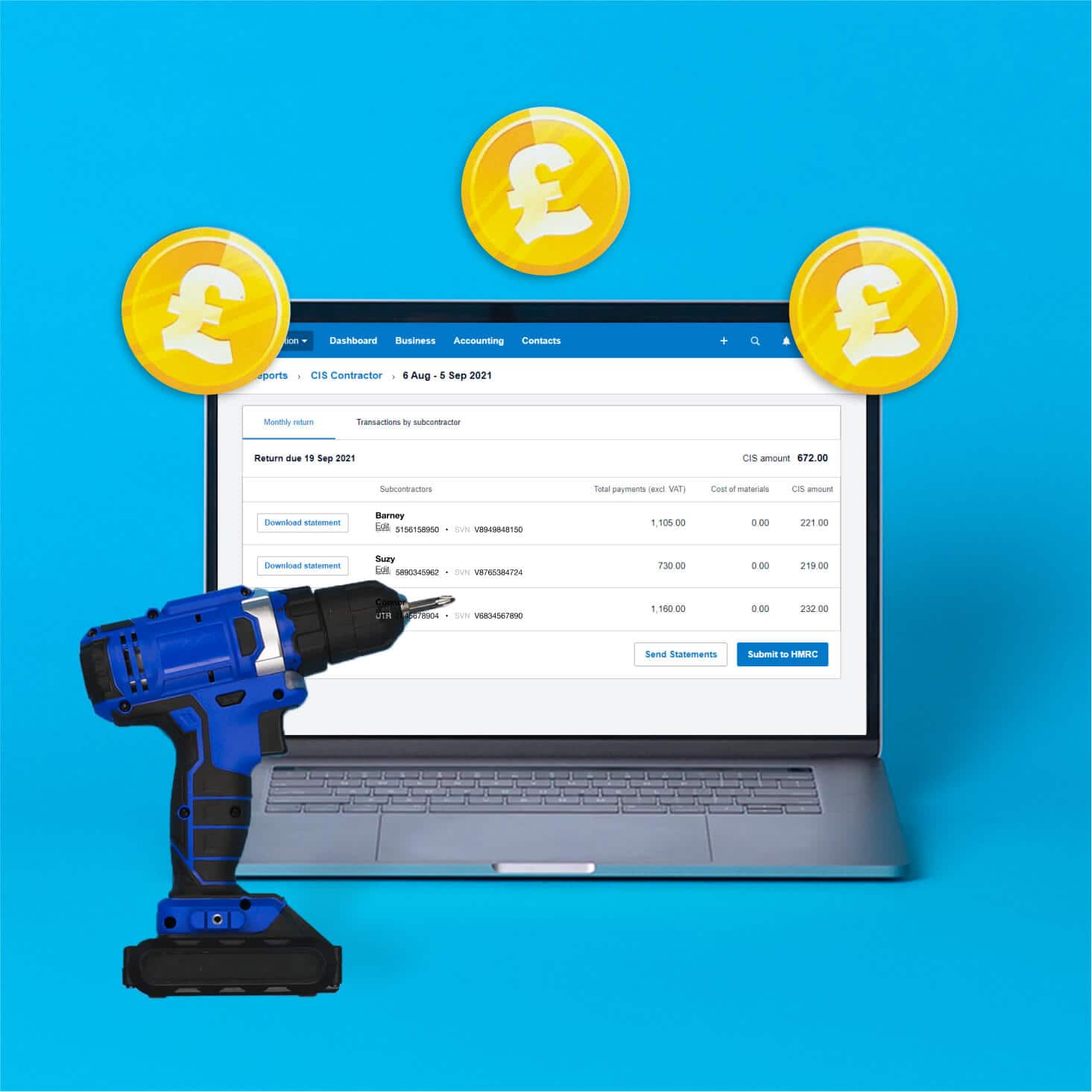
FAQs on Xero's VAT returns
A VAT return is a form you send HMRC, usually every quarter, showing the VAT you've charged customers and the VAT you've paid on purchases. The difference is what you pay HMRC, or reclaim if you've paid more than you've charged. In Xero, the figures are pulled from your invoices and bills automatically, so the return reflects your real transactions.
A VAT return is a form you send HMRC, usually every quarter, showing the VAT you've charged customers and the VAT you've paid on purchases. The difference is what you pay HMRC, or reclaim if you've paid more than you've charged. In Xero, the figures are pulled from your invoices and bills automatically, so the return reflects your real transactions.
Most businesses file quarterly, with each return due one month and seven days after the period ends. Xero shows your VAT due dates and payment dates, and readies each return so you can file on time, even in a quiet period.
Most businesses file quarterly, with each return due one month and seven days after the period ends. Xero shows your VAT due dates and payment dates, and readies each return so you can file on time, even in a quiet period.
Yes. Monthly returns are an option. Once you're set up, Xero prepares each monthly return the same way it handles other periods.
Yes. Monthly returns are an option. Once you're set up, Xero prepares each monthly return the same way it handles other periods.
Yes, if you're eligible. Xero tracks your VAT throughout the year, so your annual return is ready when it's due.
Yes, if you're eligible. Xero tracks your VAT throughout the year, so your annual return is ready when it's due.
Yes. Making Tax Digital for VAT is mandatory for all VAT-registered businesses, so you keep digital records and file through recognised software rather than typing figures into the HMRC portal. Xero connects securely to HMRC, so your returns go directly from your accounts to HMRC. See how Xero works as MTD-compatible software.
Yes. Making Tax Digital for VAT is mandatory for all VAT-registered businesses, so you keep digital records and file through recognised software rather than typing figures into the HMRC portal. Xero connects securely to HMRC, so your returns go directly from your accounts to HMRC. See how Xero works as MTD-compatible software.
Yes, bridging software is still allowed, though it works best as a short-term bridge rather than a permanent setup. It links spreadsheets to HMRC for MTD, but keeping everything in one place is simpler. Xero connects your records and filing directly, so there's no spreadsheet in the middle. Learn more about Making Tax Digital for VAT.
Yes, bridging software is still allowed, though it works best as a short-term bridge rather than a permanent setup. It links spreadsheets to HMRC for MTD, but keeping everything in one place is simpler. Xero connects your records and filing directly, so there's no spreadsheet in the middle. Learn more about Making Tax Digital for VAT.
Filing late can lead to penalty points from HMRC, so meeting each deadline matters. Keeping your bookkeeping current makes that easier, and Xero flags what's due and when, so returns are ready before the deadline.
Filing late can lead to penalty points from HMRC, so meeting each deadline matters. Keeping your bookkeeping current makes that easier, and Xero flags what's due and when, so returns are ready before the deadline.
If you buy from or sell to businesses abroad, Xero assigns those transactions to the correct boxes on your VAT return, so the figures stay accurate without manual sorting. For construction services in the UK, it also applies the domestic reverse charge where it's due.
If you buy from or sell to businesses abroad, Xero assigns those transactions to the correct boxes on your VAT return, so the figures stay accurate without manual sorting. For construction services in the UK, it also applies the domestic reverse charge where it's due.
Xero keeps every submitted VAT return and the records behind it, with a seven-year audit trail. You can review past periods or download a VAT receipt whenever you need it.
Xero keeps every submitted VAT return and the records behind it, with a seven-year audit trail. You can review past periods or download a VAT receipt whenever you need it.
For the rules on when you can reclaim VAT on a purchase, check HMRC's guidance on reclaiming VAT on business expenses before you claim.
For the rules on when you can reclaim VAT on a purchase, check HMRC's guidance on reclaiming VAT on business expenses before you claim.
Plans for growing businesses
Ignite
for the first 6 months
Then £18 per month
An easy financial foundation - track cash flow with the essentials.
- Send quotes and 20 invoices†
- Accept online invoice payments^
- MTD for Income Tax ready
- Reconcile transactions
- Smart document capture
- View real-time reports
- Enter 10 bills
- Submit VAT returns to HMRC
- Automate subcontractor CIS calculations and reports
- Make online bill and payroll payments (domestic) for £0.20 per payment††
- Payroll for £1.50 per person
- 30 day cash flow forecast
- Visualise performance with basic graphs
- Company accounts and tax (optional £120 excl. Vat billed annually)

Grow
for the first 6 months
Then £39 per month
Go beyond the basics - automate tasks and access performance dashboards.
- Send invoices and quotes
- Accept online invoice payments^
- MTD for Income Tax ready
- Reconcile transactions
- Smart document capture
- View real-time reports
- Automate bill entry and track bills
- Submit VAT returns to HMRC
- Automate subcontractor CIS calculations and reports
- Make online bill and payroll payments (domestic) for up to 5 payments
- Payroll for 1 person
- 60 day cash flow forecast
- Visualise performance with graphs
- Customise performance dashboards
- Claim expenses and mileage for 1 user
- Company accounts and tax (optional £120 excl. Vat billed annually)
Comprehensive
for the first 6 months
Then £55 per month
Optimise profitability - tailor your insights for greater control.
- Send invoices and quotes
- Accept online invoice payments^
- MTD for Income Tax ready
- Reconcile transactions
- Smart document capture
- View real-time reports
- Automate bill entry and track bills
- Submit VAT returns to HMRC
- Automate subcontractor CIS calculations and reports
- Make online bill and payroll payments (domestic) for up to 10 payments
- Payroll for 5 people
- 90 day cash flow forecast
- Visualise performance with graphs
- Customise performance dashboards
- Claim expenses and mileage for 5 users
- Use multiple currencies
- Tailored financial health scorecards
- Make online bill payments (International) - Optional add-on
- Company accounts and tax (optional £120 excl. Vat billed annually)
- Budget with smart suggestions
Ultimate
for the first 6 months
Then £70 per month
Future proof your scaling business - with advanced tools and analytics.
- Send invoices and quotes
- Accept online invoice payments^
- MTD for Income Tax ready
- Reconcile transactions
- Smart document capture
- View real-time reports
- Automate bill entry and track bills
- Submit VAT returns to HMRC
- Automate subcontractor CIS calculations and reports
- Make online bill and payroll payments (domestic) for up to 15 payments
- Payroll for 10 people
- 180 day cash flow forecast
- Visualise performance with graphs
- Customise performance dashboards
- Claim expenses and mileage for 10 users
- Use multiple currencies
- Tailored financial health scorecards
- Make online bill payments (International) - Optional add-on
- Track time and costs for projects for 10 users
- Analyse KPIs and ratios
- Benchmark against the industry
- Company accounts and tax (optional £120 excl. Vat billed annually)
- Budget with smart suggestions
Not VAT registered? See plans for simpler business needs.View plans
Get one month free
Purchase any Xero plan, and we will give you the first month free.
I find Xero’s interface really user friendly
Studio Banaa use Xero to look after their business finances