Free sales invoice template
Download this easy-to-use sales invoice template, designed by billing experts.
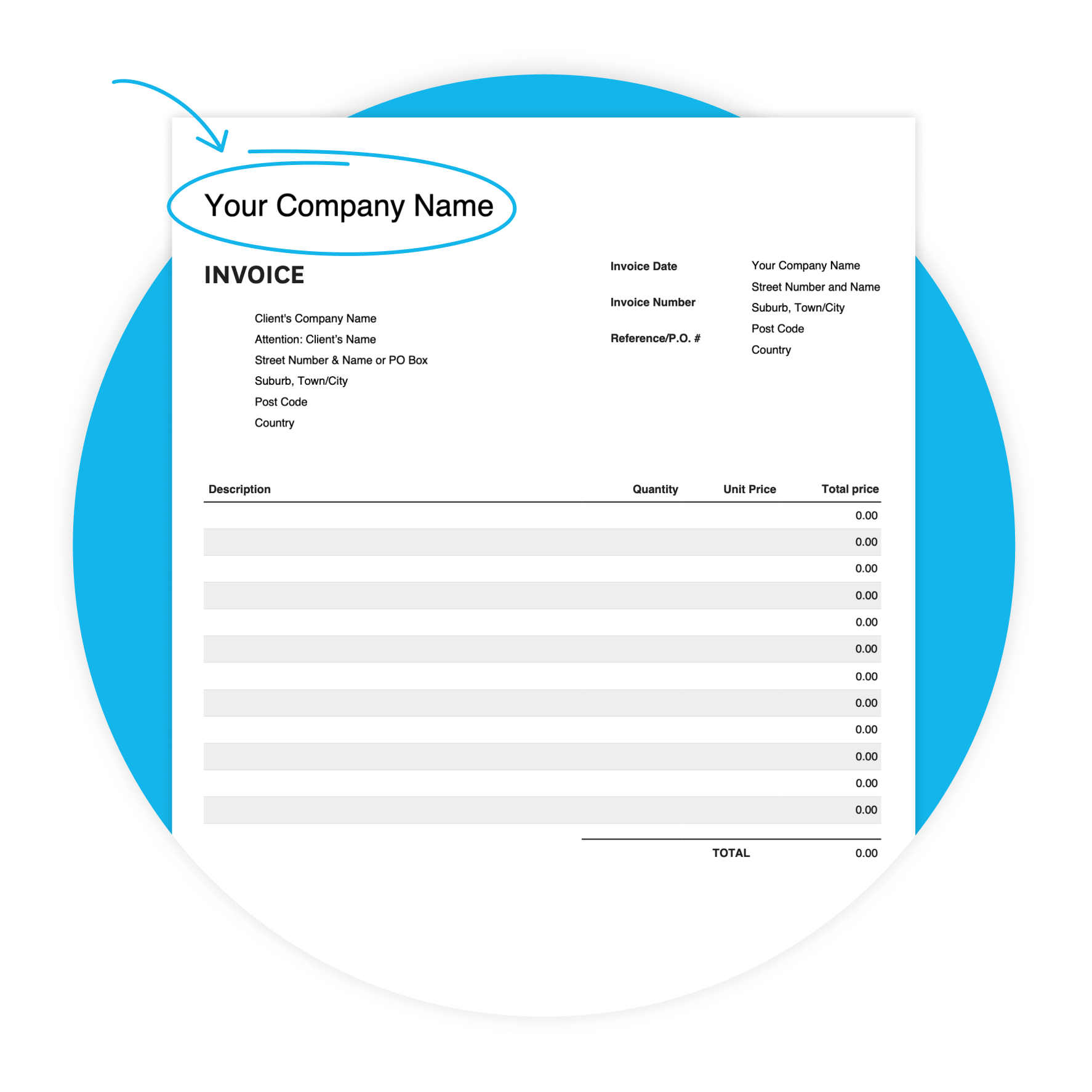
Crafted by billing experts
Simplify your billing process and send invoices designed by billing experts.
Boost your professionalism
Impress your clients with polished, well-structured invoices.
Customizable for your needs
Easily add or remove fields to create the perfect invoice for your unique requirements.
Download the free sales invoice template
Fill in the form to get a blank sales invoice template as an editable PDF, with a 'how-to' guide. You’ll get a tax and non-tax version.
Get paid faster with Xero invoicing
Xero’s invoicing software is designed to help you get paid sooner and boost your cash flow.
Make it easier to get paid
Include a “Pay Now” button on your online invoices and let customers pay immediately with credit or debit cards.
Stop chasing payments
Encourage prompt payment with automated invoice reminders.
Send invoices you’re proud of
Create and send polished, branded invoices in minutes.
Got your template? Try Xero for one month free
Ready to take control of your business? Xero provides everything you need to succeed, from accounting and invoicing to reporting and payroll
Why use our sales invoice template?
Trying to keep on track of invoices and payments can be a challenge, especially if you are managing all the billing on your own. That’s where our handy sales invoice template comes in.
Check out Xero for small businessTrying to keep on track of invoices and payments can be a challenge, especially if you are managing all the billing on your own. That’s where our handy sales invoice template comes in.
Check out Xero for small businessUsing our sales bill template, you can easily craft invoices that are perfectly constructed to fit the specific sale you are working on. Use the fields that are most important to your business and customize the template to eliminate or edit any that aren’t relevant to your clients.
Check out our guide to invoicingUsing our sales bill template, you can easily craft invoices that are perfectly constructed to fit the specific sale you are working on. Use the fields that are most important to your business and customize the template to eliminate or edit any that aren’t relevant to your clients.
Check out our guide to invoicingOur polished, carefully formatted sales invoice template is designed to fit your needs and give your invoices a refined, professional look that impresses your customers.
Our polished, carefully formatted sales invoice template is designed to fit your needs and give your invoices a refined, professional look that impresses your customers.
Features of this sales invoice template
Get the most out of your sales invoice template with these handy features
- Add new fields for any specialized expenses like mileage reimbursement or travel costs that affect the invoice total.
- Use the calculation fields to get subtotal, taxes, and the total amount due on each invoice.
- Customize the fields to adapt to your specific business needs.
- You can also use the sales invoice template to lay out the specific terms of payment, whether you track billable hours or have a flat rate per project or sale that you are paid for.
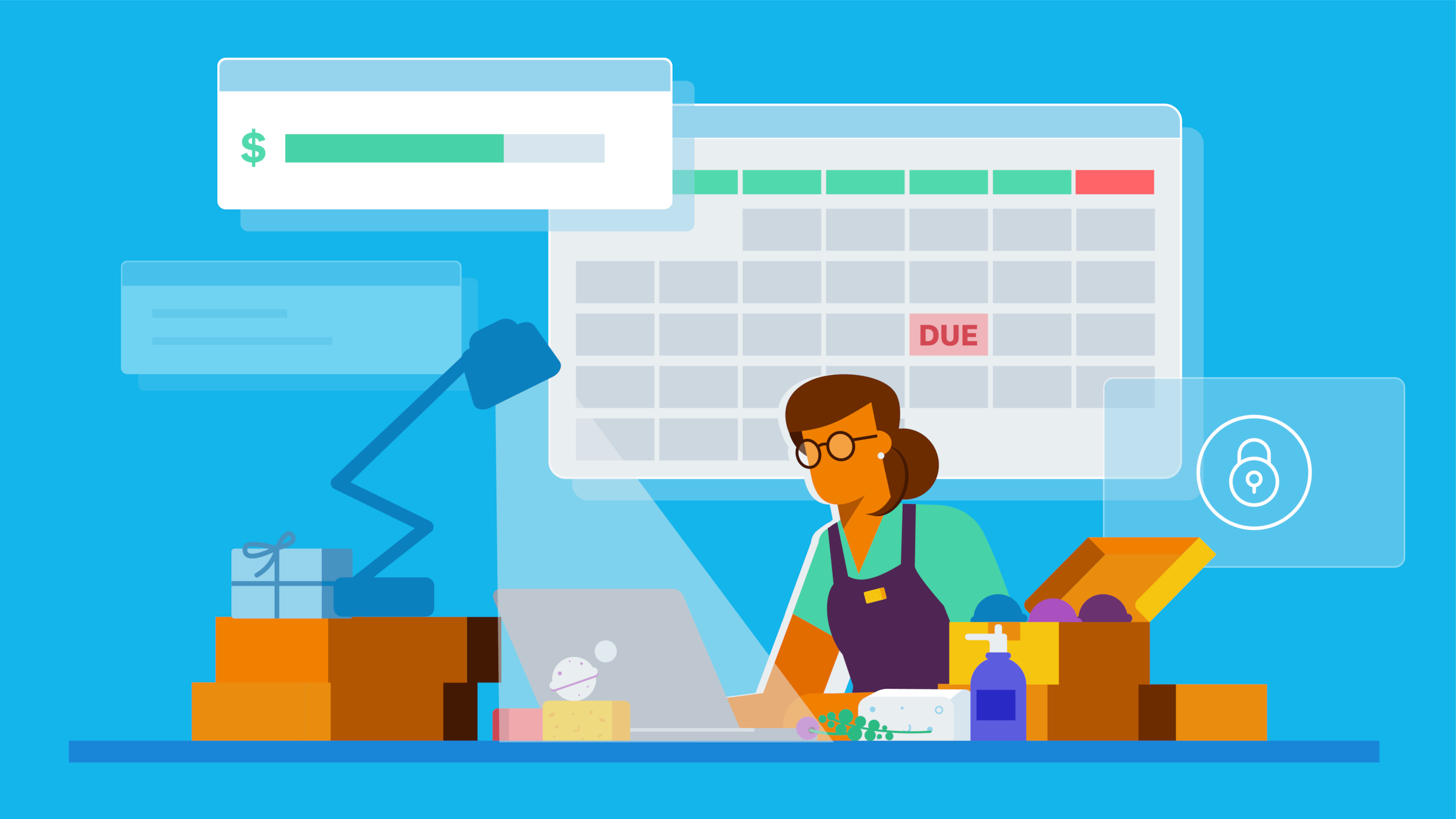
How to use this sales invoice template
To use this sales bill template, follow our helpful guide and handy how-to tips included in your PDF download. These will help you accurately fill out all sections of the template for maximum value. You can also use these tips to personalize the template for your business, including adding a logo, your business information, and other details.
More on making an invoiceTo use this sales bill template, follow our helpful guide and handy how-to tips included in your PDF download. These will help you accurately fill out all sections of the template for maximum value. You can also use these tips to personalize the template for your business, including adding a logo, your business information, and other details.
More on making an invoiceMake sure to include line items in the invoice that are important to helping simplify and streamline your accounting processes, like your business information, a unique invoice number, the sales period amount, and payment terms. Also, be sure to have the client information and job details laid out in the template.
Nailing the invoicing processMake sure to include line items in the invoice that are important to helping simplify and streamline your accounting processes, like your business information, a unique invoice number, the sales period amount, and payment terms. Also, be sure to have the client information and job details laid out in the template.
Nailing the invoicing processHaving specific payment requirements, terms and conditions, and the scope of your sales in detail helps you avoid any confusion or complication down the line. The customizable PDF will allow you to include the most important information about each sales project you invoice.
Having specific payment requirements, terms and conditions, and the scope of your sales in detail helps you avoid any confusion or complication down the line. The customizable PDF will allow you to include the most important information about each sales project you invoice.
Benefits of using our template
Everything you need in one template
Feel confident that all the important details are covered.
Time-saving
No more starting from scratch – just fill in the details, and you're done, saving you valuable time.
Enhanced client experience
Impress your clients with polished invoices, every time.
Make sales invoicing simpler and faster
Simplify your sales invoicing and focus more on closing deals. Invoice effortlessly using invoicing software for faster payments.
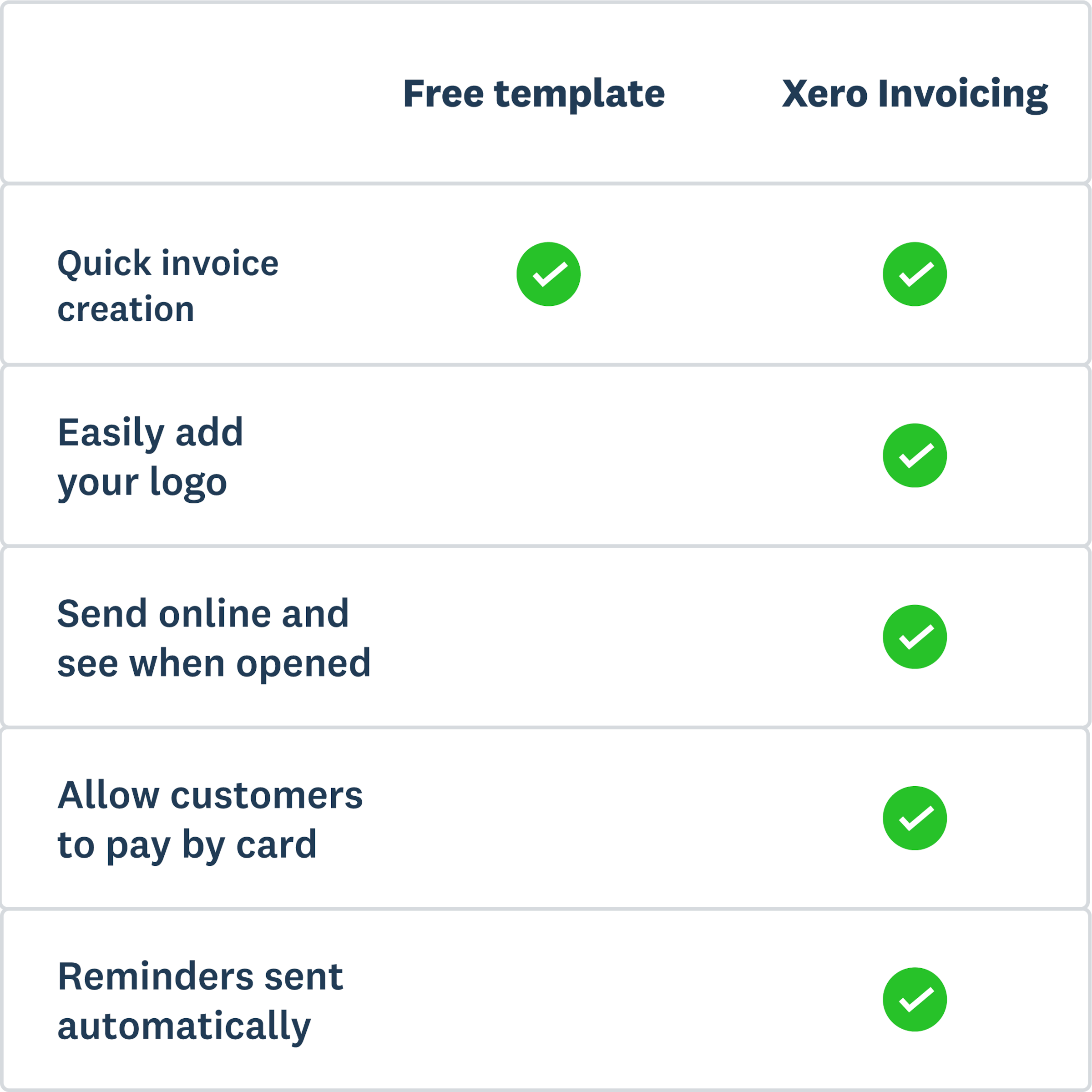
- Create invoices for transactions with just a few clicks, even from your phone.
- Offer clients a 'Pay Now' option for convenient card payments.
- Xero sends automated reminders to close to the due date.
FAQs on invoices and receipts
An invoice requests payment, and a receipt confirms payment has been received. You send an invoice before or at the point of sale, and it lists what you supplied and when the money is due. Once your customer pays, you issue a receipt as proof the balance is settled. Keep both: invoices track money owed to you, and receipts support your bookkeeping and tax records.
An invoice requests payment, and a receipt confirms payment has been received. You send an invoice before or at the point of sale, and it lists what you supplied and when the money is due. Once your customer pays, you issue a receipt as proof the balance is settled. Keep both: invoices track money owed to you, and receipts support your bookkeeping and tax records.
A typical receipt shows the seller's name, the date of the sale, an itemized list of what the customer bought, and the total paid. It also records the payment method, such as card or cash, and any sales tax applied. Receipt numbers help you match a payment back to the original invoice when you reconcile your accounts.
A typical receipt shows the seller's name, the date of the sale, an itemized list of what the customer bought, and the total paid. It also records the payment method, such as card or cash, and any sales tax applied. Receipt numbers help you match a payment back to the original invoice when you reconcile your accounts.
An invoice has everything your customer needs to pay you, plus a record for your own books. Include a unique invoice number, your business name and contact details, and your customer's billing details. Then list the goods or services with quantities, unit prices, any sales tax, and the total due. Finish with the due date, payment terms, and the ways you accept payment.
An invoice has everything your customer needs to pay you, plus a record for your own books. Include a unique invoice number, your business name and contact details, and your customer's billing details. Then list the goods or services with quantities, unit prices, any sales tax, and the total due. Finish with the due date, payment terms, and the ways you accept payment.
Billing information is the name, address, contact details, and payment method for whoever is responsible for paying the invoice. It tells you where to send the invoice and who to follow up with about payment. For card and bank payments, the billing address should match the payer's account details, so confirm it before you send.
Billing information is the name, address, contact details, and payment method for whoever is responsible for paying the invoice. It tells you where to send the invoice and who to follow up with about payment. For card and bank payments, the billing address should match the payer's account details, so confirm it before you send.
More templates for your business
Free estimate template
Download an estimate template and pitch for that next job. And learn how quoting software can make everything easier.
Free quote template
Download this free quote template and go land that next job. And learn how Xero speeds up quoting and invoicing.
Free receipt template
Acknowledge payment for absolutely anything on this receipt template. Download it once, use it a thousand times.
Disclaimer
Xero does not provide accounting, tax, business or legal advice. This template has been provided for information purposes only. You should consult your own professional advisors for advice directly relating to your business.