Free restaurant invoice template
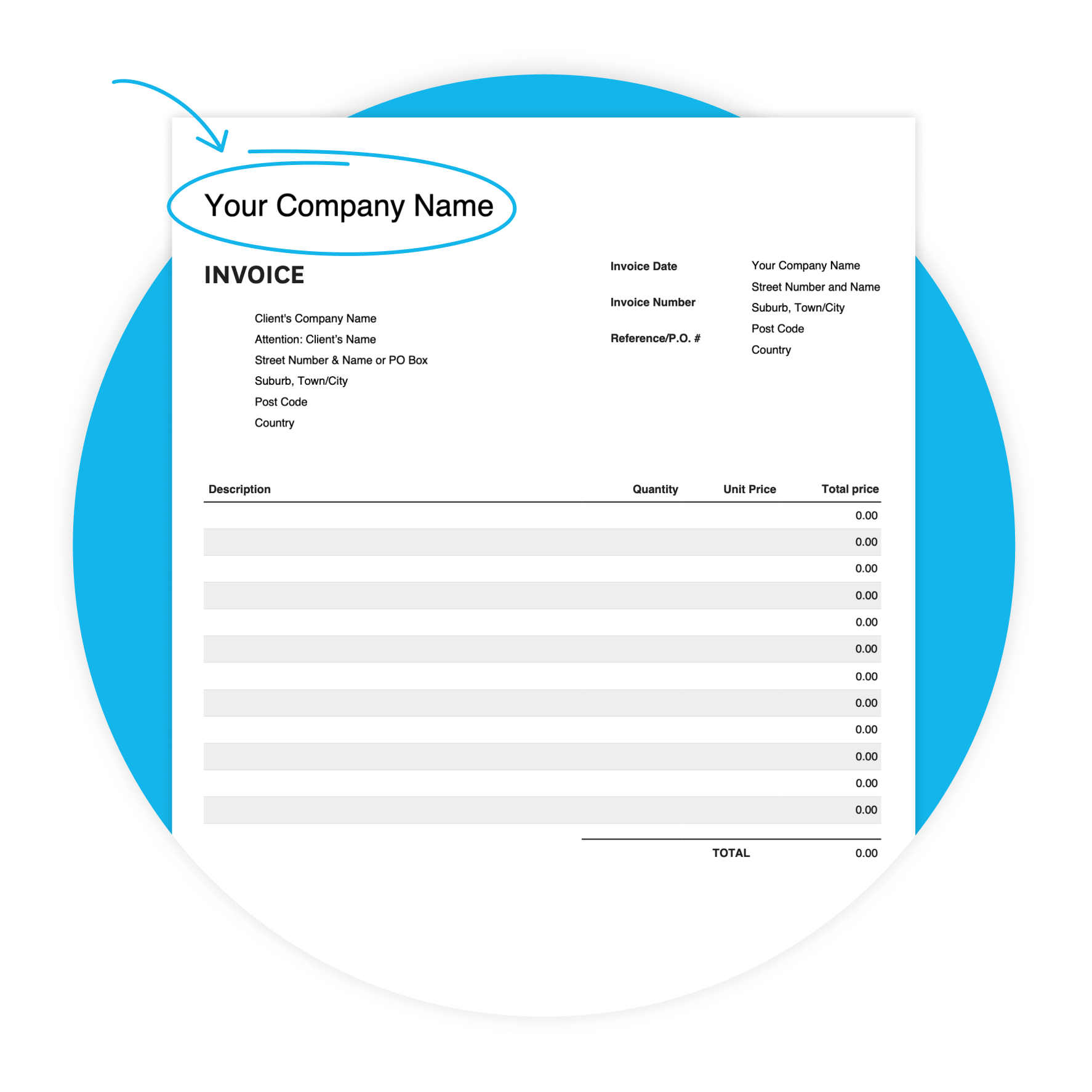
A professional PDF Sales Invoice you can fill in, customize with your restaurant's details, and send to catering clients or corporate accounts. Download it free — no software required. Part of Xero's free invoice template library.
Download the free invoice template
Fill in the form to get a blank invoice template as an editable PDF, with a how-to guide. You'll get a tax and non-tax version.
Get one month free
Sign up to any Xero plan and get started today. Try the invoicing tools that help restaurant owners get paid faster.
Why restaurants use this template
When you're billing corporate clients, catering events, or regular accounts, building an invoice from scratch every time costs you. This template gives you a professional starting point — ready to fill in after every event or delivery.
- Clear payment terms help clients know when payment is expected — and help you get paid sooner.

Features of this restaurant invoice template
Customizable design
Adapt the template to your preferences, to create a professional look.
Accessibility
Whether you prefer digital or printed invoices, our template offers flexibility in delivery methods.
User-friendly interface
Enjoy a hassle-free invoicing experience with our intuitive template, designed for restaurants of all skill.
What's in this restaurant invoice template
Here's exactly what you'll find in the template — ready for you to fill in. Every field maps to a real restaurant billing need, from your business details through to the due date and notes for your client.
- Your business details
- Invoice details
- Line-item billing
- Totals, due date, and notes
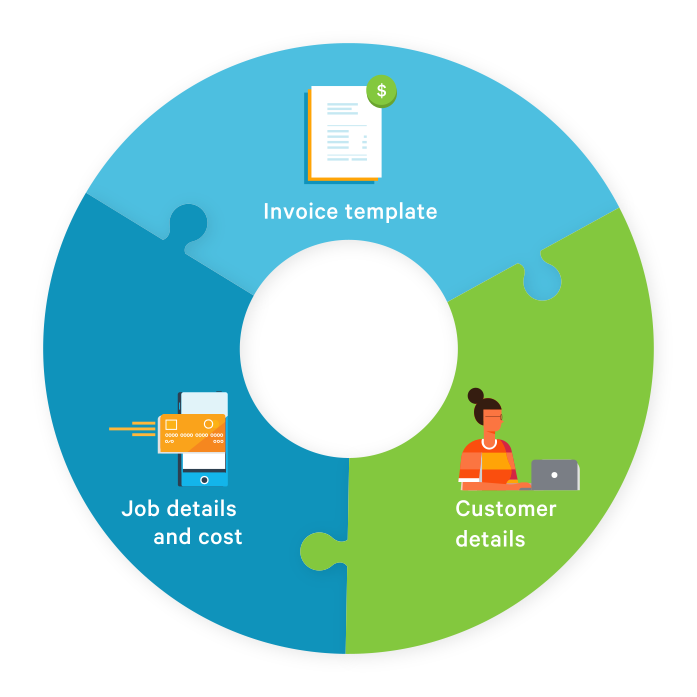
From download to paid in three steps
The sooner you send a complete, accurate invoice, the sooner you get paid. Here's how to get started.
Download and save
Fill in the form above, get the template by email, and save a master copy to your device.
Fill in your details
Add your restaurant's info, your client's details, the services provided, and your payment terms.
Send and follow up
Email the completed invoice as a PDF. Follow up before the due date to keep payment on track.
Get paid faster as a restaurant
Send your invoice the same day as the event or delivery. Use custom payment terms and always specify a due date. Add your terms and bank details to the Additional notes field. When chasing payment, quote the invoice number and due amount.
29.6 days
Shorter payment terms and convenient payment options can help you get paid faster.
9.5 days overdue
Overdue invoices are common. A polite reminder a few days before the due date often does the trick.
Ask for a PO number
Ask clients upfront if they need a PO number — some businesses can't process payment without one.
Invoicing for catering and events
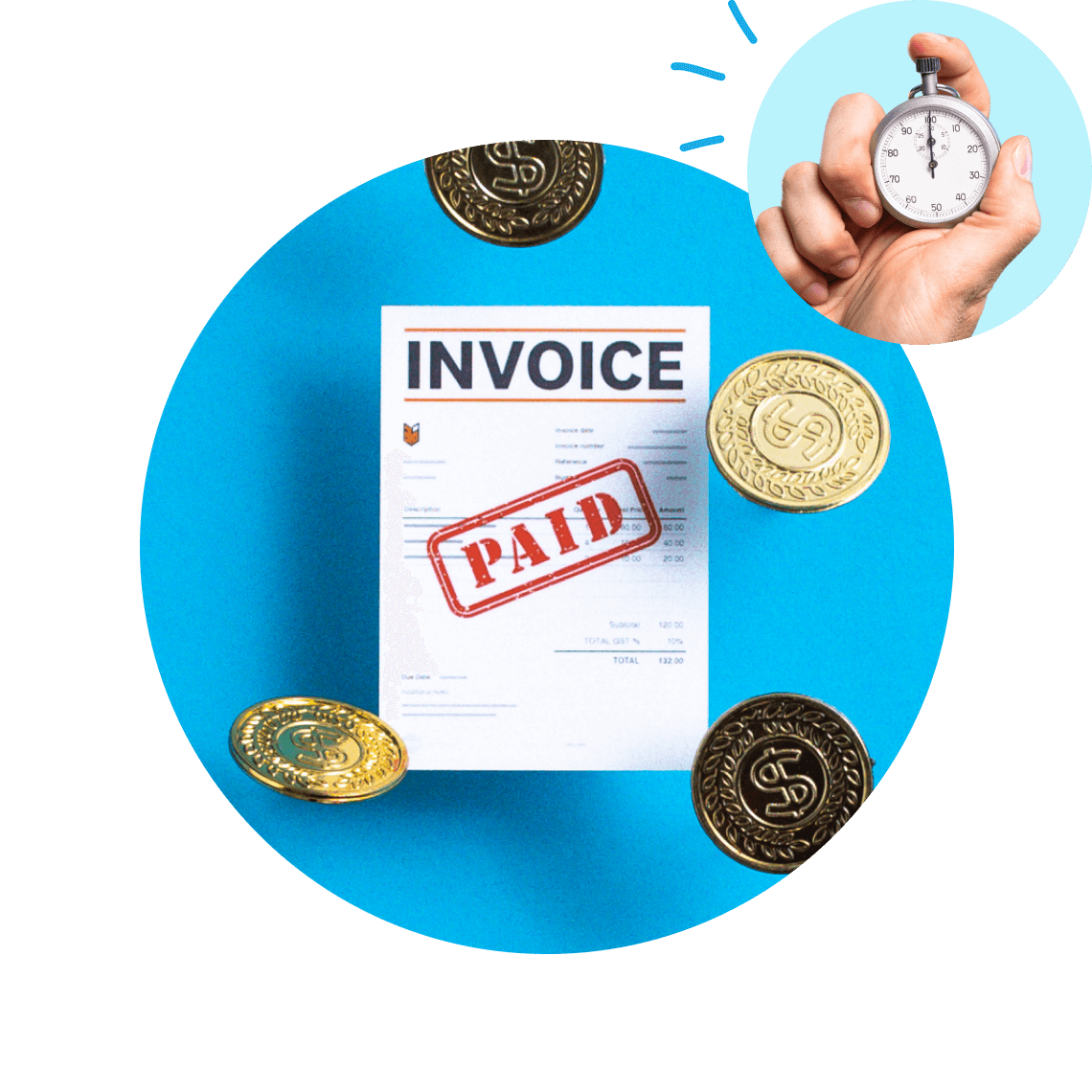
A POS receipt covers a dine-in customer. For catering or private dining, you need a formal invoice. Use line items for food, beverages, staffing, and delivery — enter a description, quantity, and unit price for each. Add event dates and deposit details in the Additional notes field.
- Add a separate line item for any service charge and note whether it's included or additional.

Ready to go beyond the template?
The template gets the job done. But if you're sending invoices regularly — for catering bookings, corporate accounts, or regular clients — doing it manually adds up. With Xero's invoicing software, you can send from any device, set up automated reminders, and see which invoices are paid or overdue.
See how Xero invoicing works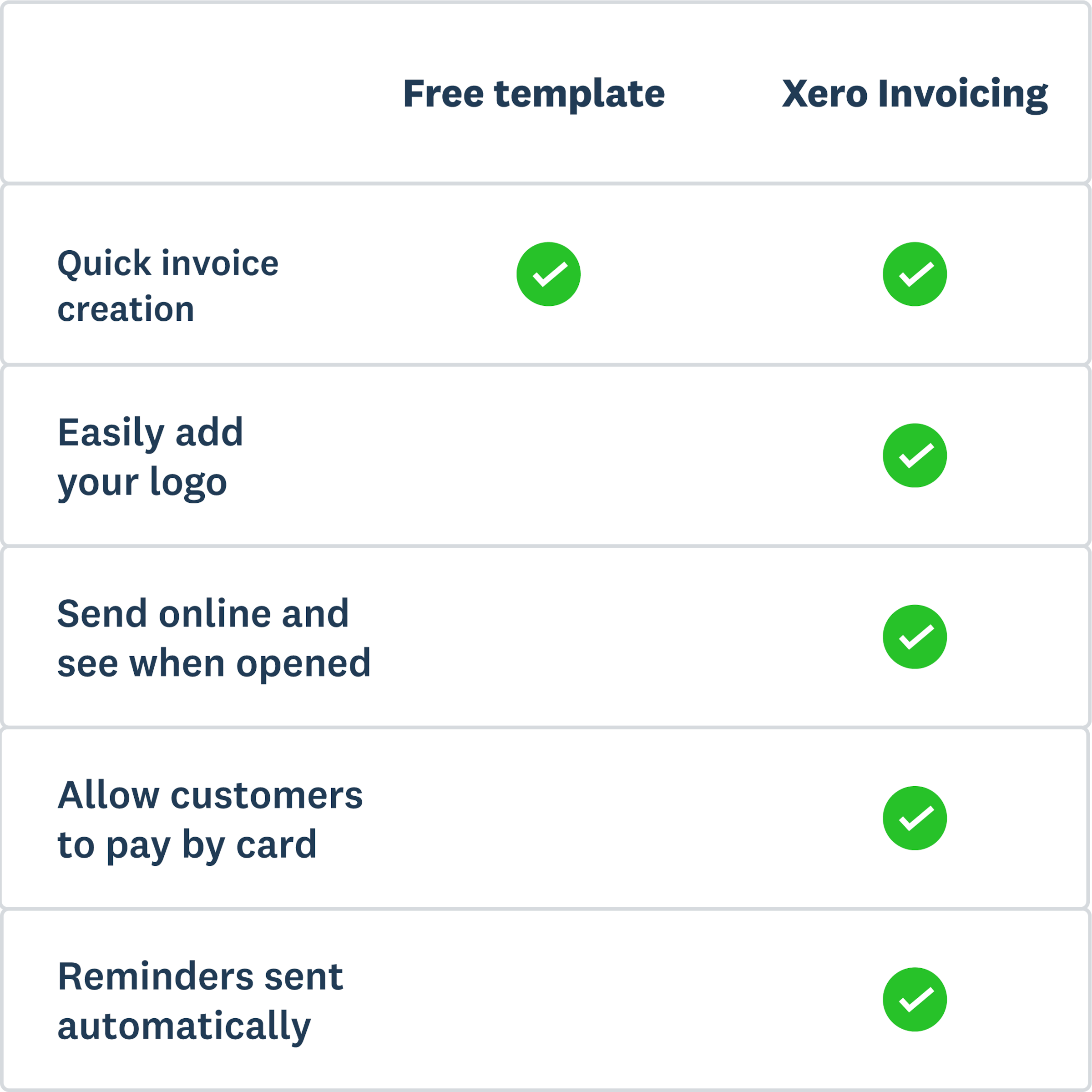
More templates for restaurants
Invoicing sorted? Here are a few more useful templates.
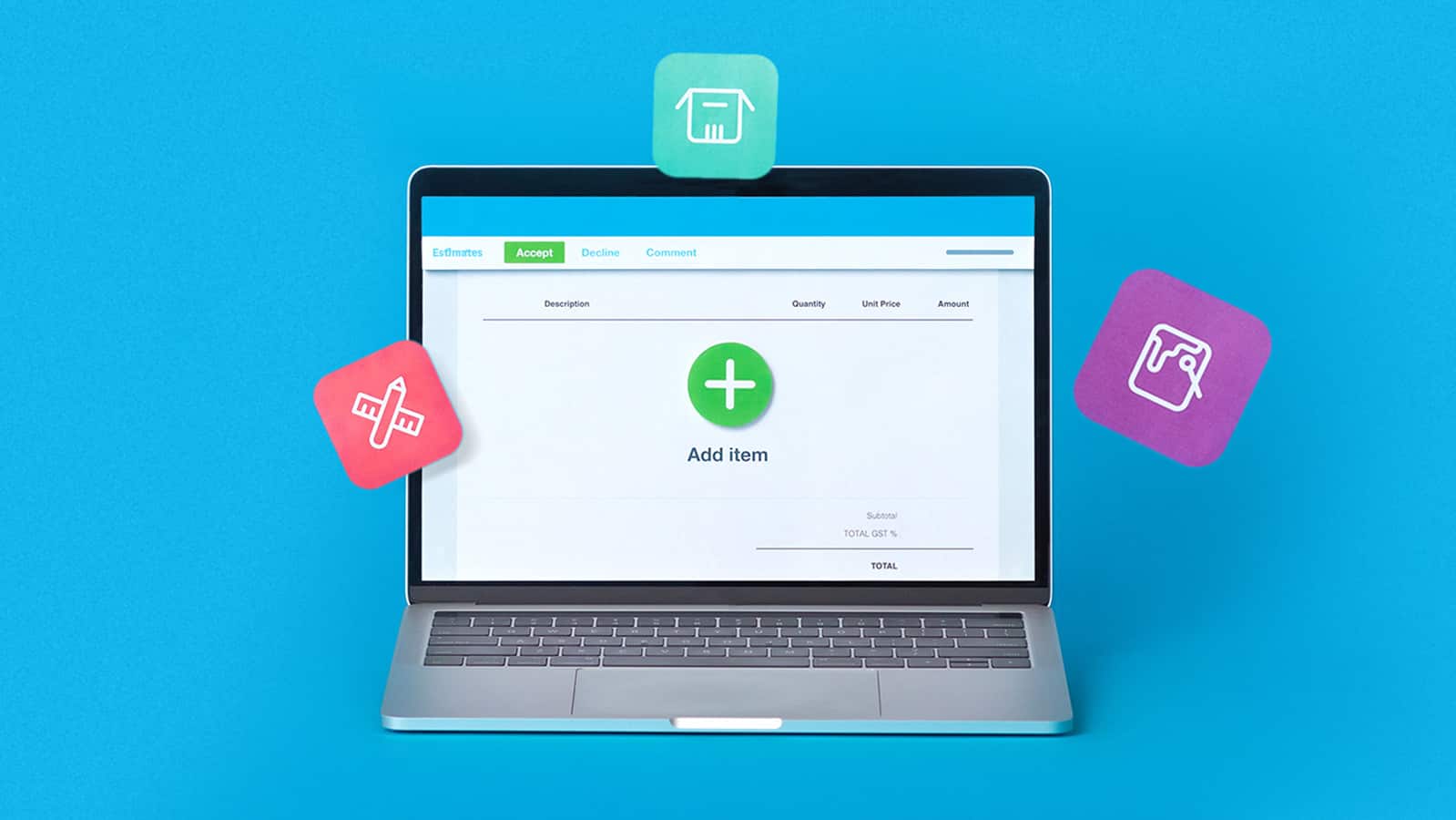
Free estimate template
Download an estimate template and pitch for that next job. And learn how quoting software can make everything easier.
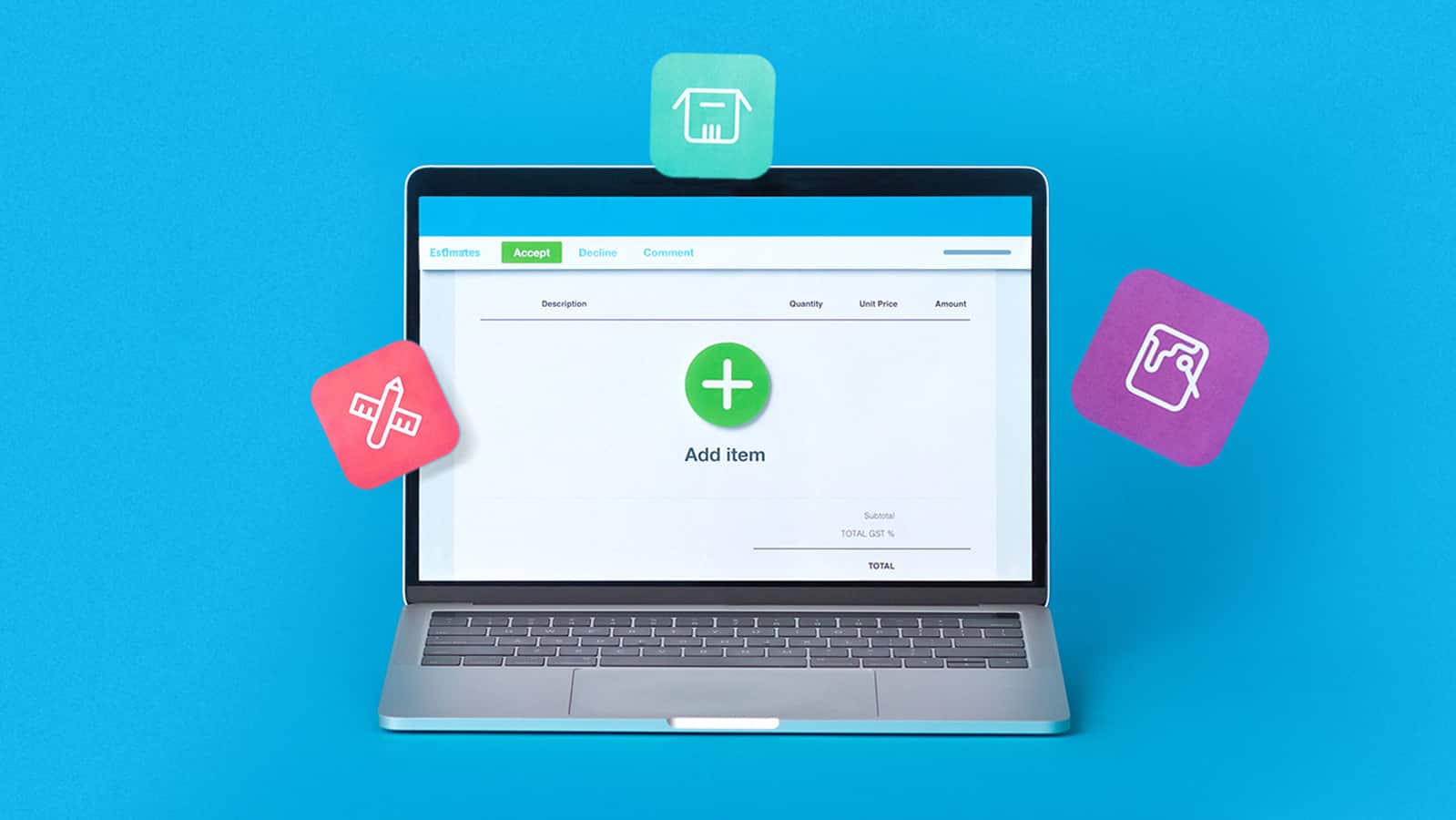
Free quote template
Download this free quote template and go land that next job. And learn how Xero speeds up quoting and invoicing.
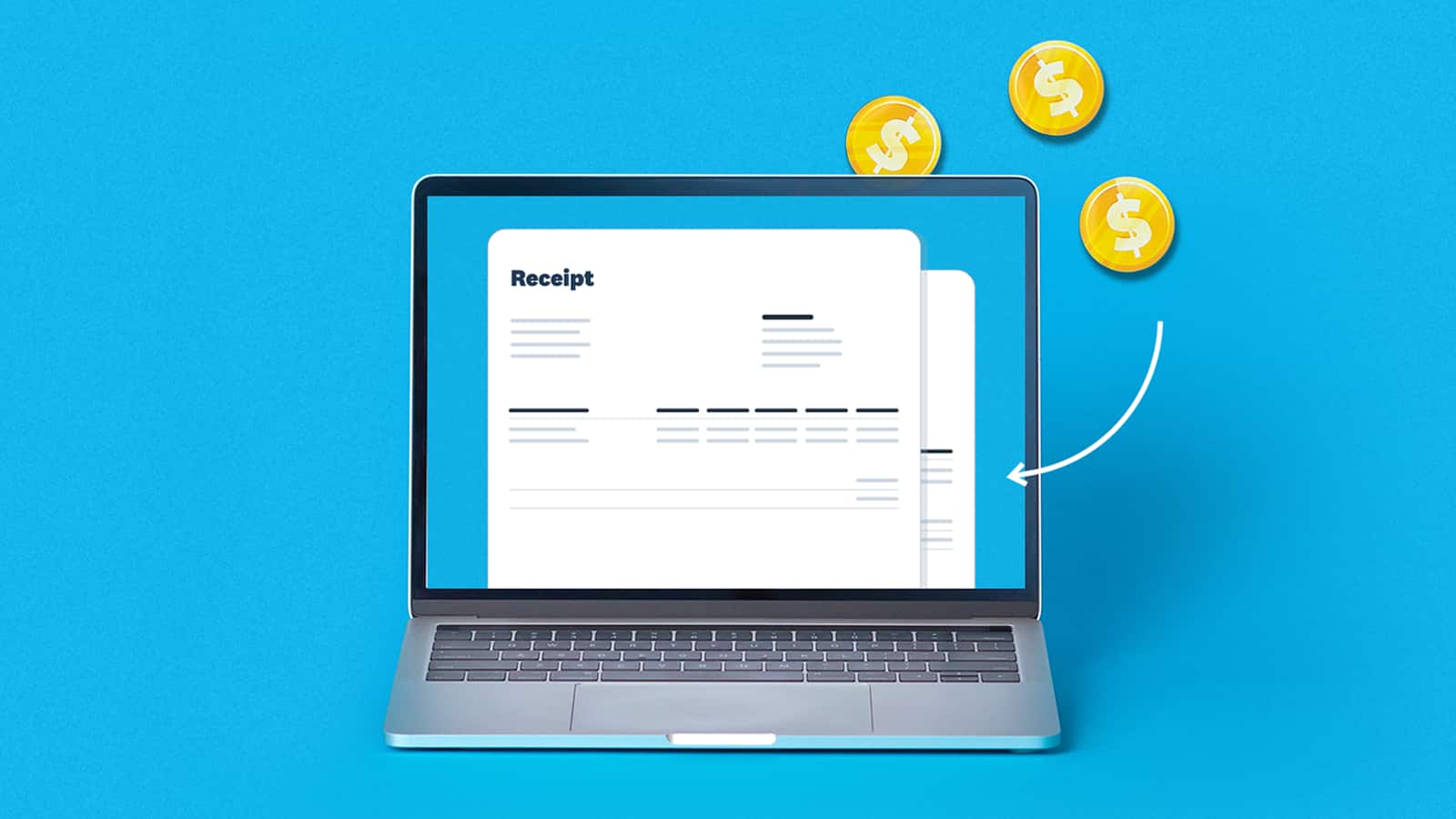
Free receipt template
Acknowledge payment for absolutely anything on this receipt template. Download it once, use it a thousand times.
Xero does not provide accounting, tax, business or legal advice. This template has been provided for information purposes only. You should consult your own professional advisors for advice directly relating to your business.