Free real estate invoice template
Whether you're billing for commission, management fees, or professional services, this free sales invoice template gives you a professional starting point. Download the editable PDF, add your details, and send it to your client — it's that simple.
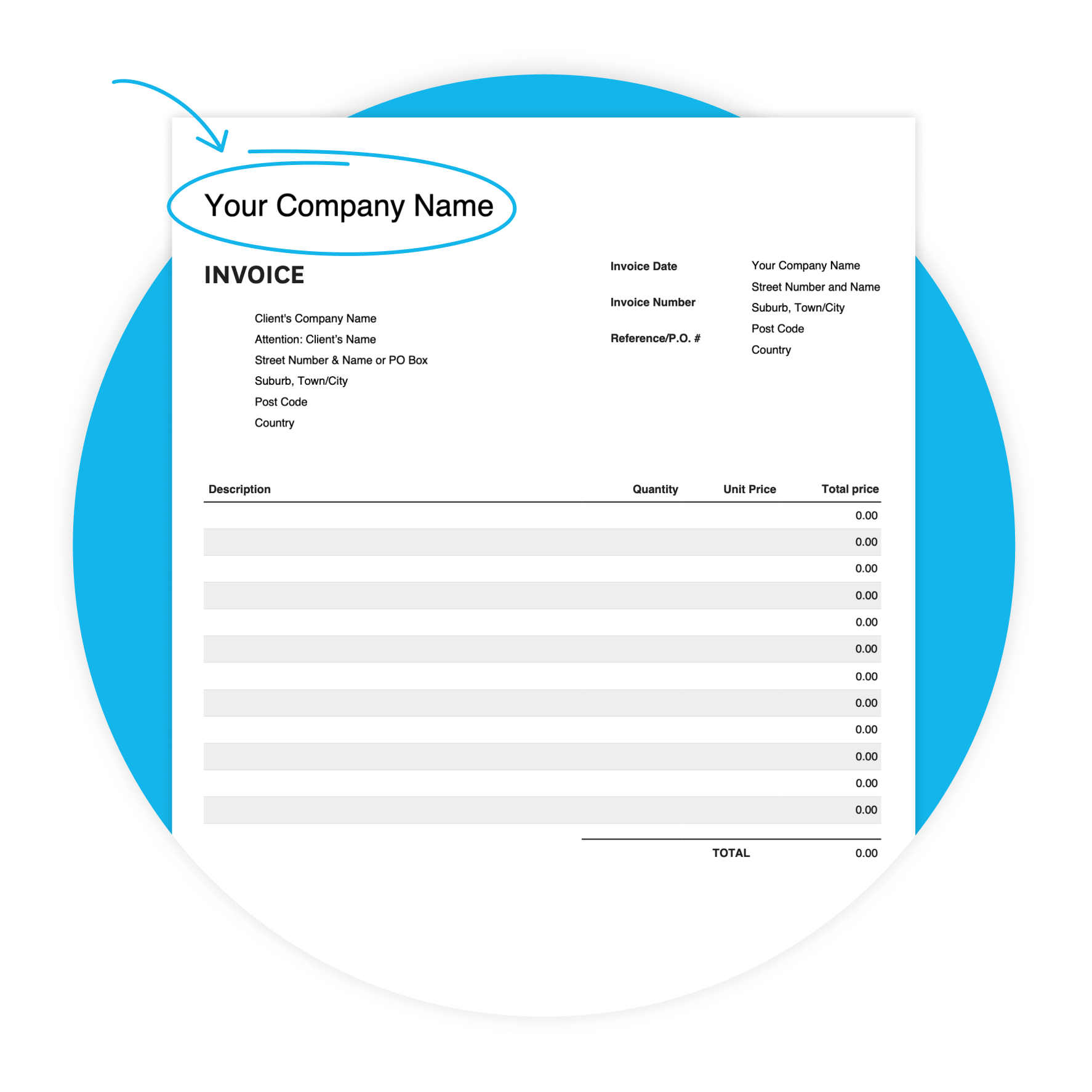
Download the free invoice template
Fill in the form to get a blank invoice template as an editable PDF, with a how-to guide. You'll get a tax and non-tax version.
Get one month free
Sign up to any Xero plan and get started today. Ditch the manual billing and let Xero handle the admin.
Why agents use this template
Real estate professionals often invoice for commission, management fees, or advisory services — sometimes with multiple clients on the go. A professional invoice sets clear payment terms, records what was agreed, and includes the details your client needs to process payment quickly.
- Clear payment terms help clients know when payment is expected — and can help you get paid sooner.

Features of this real estate invoice template
Customizable design
Adapt the template to your preferences, to create a professional look.
Accessibility
Whether you prefer digital or printed invoices, our template offers flexibility in delivery methods.
User-friendly interface
Enjoy a hassle-free invoicing experience with our intuitive template, designed for truckers of all skill.
What's in this real estate invoice template
Here's exactly what you'll find in the template — ready for you to fill in. Every field maps to a real estate billing need, from your business details through to the due date and notes for your client.
- Your business details
- Invoice details
- Line-item billing
- Totals, due date, and notes
How to fill out your real estate invoice
Step by step
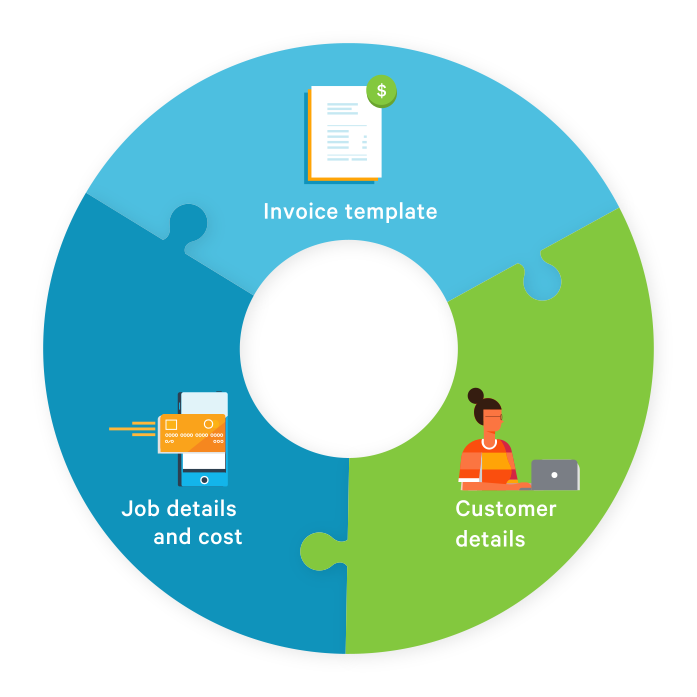
This sales invoice template has five simple sections to complete. Here's how to fill it out correctly for a real estate commission or service invoice — from your business details to payment terms.
- Add your business details
- Add your client's information
- Set your invoice date, number, and reference
- List your services in the Description column — e.g. "Commission on sale of 123 Main St"
- Fill in totals manually and add payment terms in the Additional Notes field
Get paid faster after the deal closes
The sooner you send your invoice after a deal closes, the sooner your client acts on it. You can help customers pay sooner by making it easier to pay and setting clear due dates. Set a due date, include instructions about how to pay, and send your invoice as soon as you're ready.
Invoice the same day
Send your invoice the moment the transaction closes — while the deal is fresh in your client's mind.
Set a 14-day due date
You don't have to give clients 30 days. Shorter terms signal that payment is expected promptly.
Include your payment details
Add your bank account details and preferred payment method to the Additional Notes field.

Ready to go beyond the template?
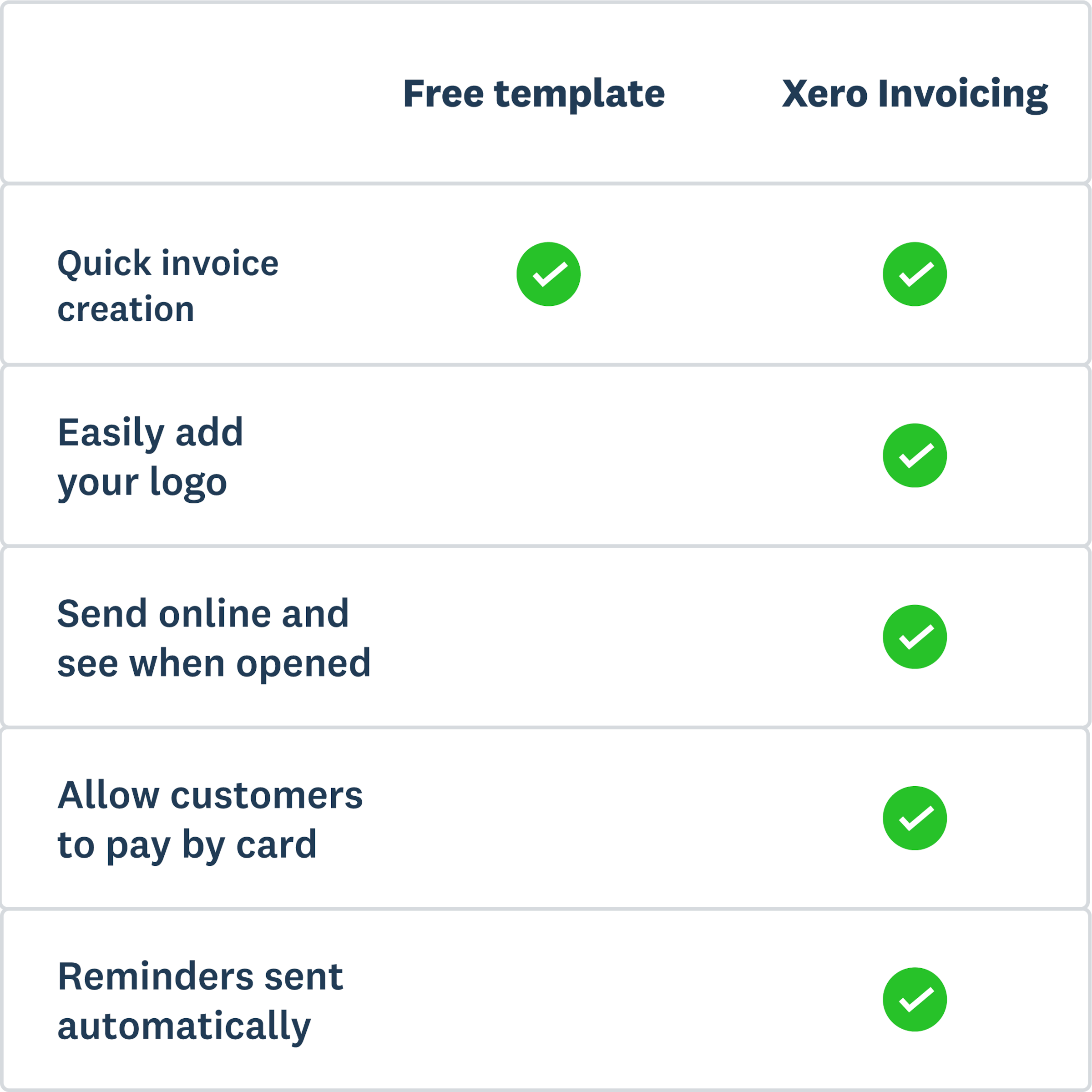
The template gets you started. But if you're managing multiple clients or want to spend less time on billing, Xero's invoicing software takes it further. Create and send from any device, offer multiple ways to pay — card, ACH, or Apple Pay — and set automated reminders so you're not chasing.
- Trusted by over 4.6 million subscribers globally.
More templates for real estate
Invoicing sorted? Here are a few more useful templates.
Free estimate template
Download an estimate template and pitch for that next job. And learn how quoting software can make everything easier.
Free quote template
Download this free quote template and go land that next job. And learn how Xero speeds up quoting and invoicing.
Free receipt template
Acknowledge payment for absolutely anything on this receipt template. Download it once, use it a thousand times.
Xero does not provide accounting, tax, business or legal advice. This template has been provided for information purposes only. You should consult your own professional advisors for advice directly relating to your business or before taking action in relation to any of the content provided.