Free lawn care invoice template
Download a free, editable PDF invoice for your lawn care business. Fill in your services, add tax, set a due date, and send it to your customer.
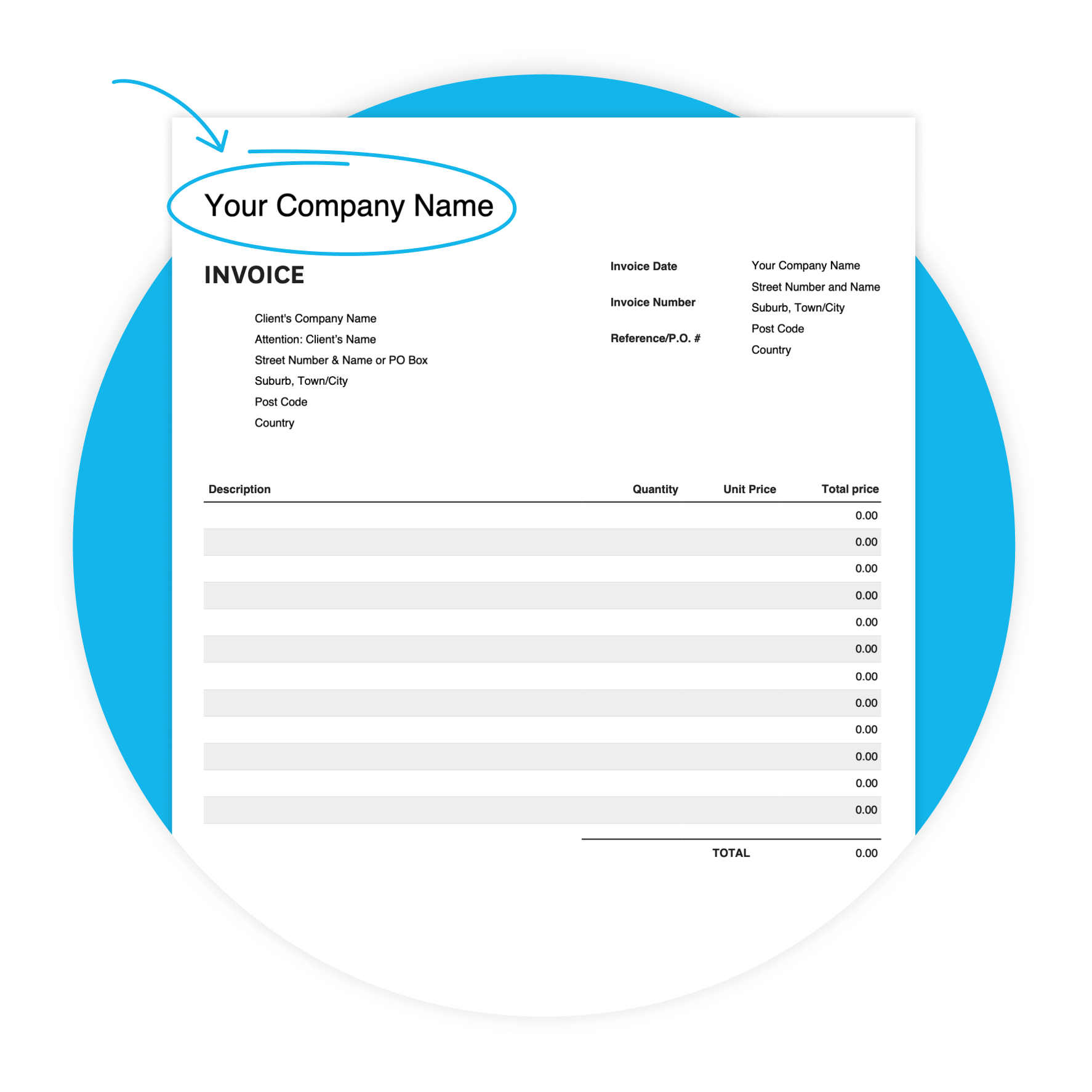
Download the free invoice template
Fill in the form to get a blank invoice template as an editable PDF, with a how-to guide. You'll get a tax and non-tax version.
Get one month free
Sign up to any Xero plan and get started today. Send invoices, track payments, and get paid faster — all in one place.
Why use a lawn care invoice template
Running a lawn care business means juggling jobs, clients, and payments. A well-structured invoice tells clients exactly what they're paying for — and gives you a clear record to follow up if a payment is late. Takes minutes to fill in and helps you get paid faster.
Check out Xero for Lawn Care
Features of this lawn care invoice template
Customizable design
Adapt the template to your preferences, to create a professional look.
Accessibility
Whether you prefer digital or printed invoices, our template offers flexibility in delivery methods.
User-friendly interface
Enjoy a hassle-free invoicing experience with our template, designed for lawn care operators of all skill.
What's in your lawn care invoice
A straightforward sales invoice covering everything your customer needs to pay you. List each service with description, quantity, unit price, and sales tax rate. Set a due date and include payment notes. Takes just minutes to fill in.
Your business details
Add your company name, address, phone number, and invoice number at the top — so every invoice is traceable back to you.
Line item table
List each service with a description, quantity, unit price, and sales tax rate (%). Fill in the subtotal and total sales tax manually.
Due date and payment notes
Set a clear due date and use the additional notes field to tell customers your preferred payment method and bank details.
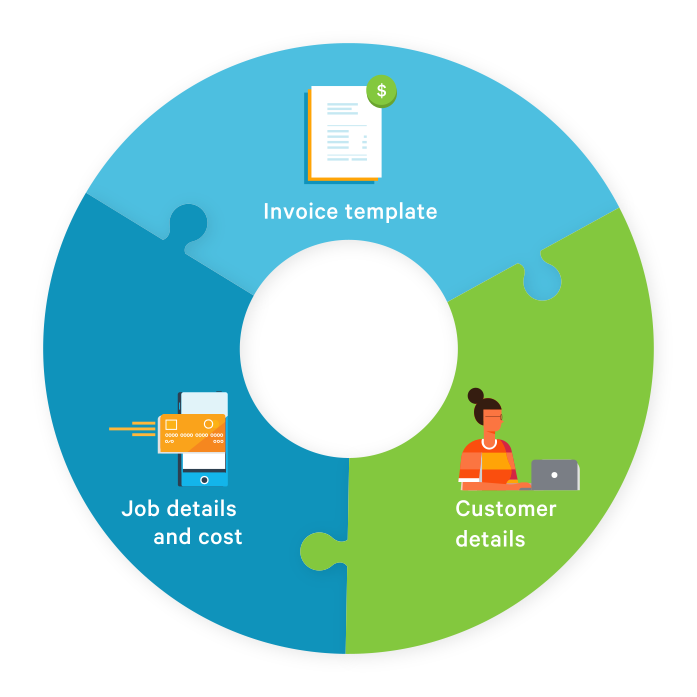
Your invoice, done in three steps
Getting paid starts with sending a clear, complete invoice. Here's how.
Download the template
Fill in the form to get your free PDF invoice template by email. Save it to your device.
Fill in your lawn care services
Add each service as a line item — description, quantity, unit price, and sales tax rate.
Send it and get paid
Email the completed PDF to your customer. The sooner you send it, the sooner the money arrives.
Tips to get paid faster on every job
Make it easier for customers to pay on time — and simpler to follow up when they don't. For lawn care businesses, that gap between finishing a job and getting paid can hurt cash flow. A few simple habits can help you close it.
Send the same day
Send your invoice the same day as the job — while the work is fresh in your customer's mind.
Shorten your payment terms
Set clear payment terms and a due date so customers know how long they have to pay.
Ask about PO numbers upfront
For commercial clients, ask if they need a PO number — your invoice may be rejected without one.
Tell customers how to pay
Include your payment method in the additional notes field — don't make customers guess.
What to write for lawn care services
The description column is where you tell your customer exactly what they're paying for. Be specific — it reduces disputes and speeds up payment. Here are a few examples to get you started.
Mowing and maintenance
"Lawn mowing – 4 visits, July" or "Weekly mowing service – 123 Maple Street" gives your customer a clear record of what was done.
Seasonal and one-off services
"Spring aeration – front and back yard" or "Fertilisation treatment – October" works well for services that don't recur every visit.
Commercial clients
If you service a business, add their PO number in the Reference/PO# field — it helps their accounts team process your invoice faster.

When your business outgrows the template
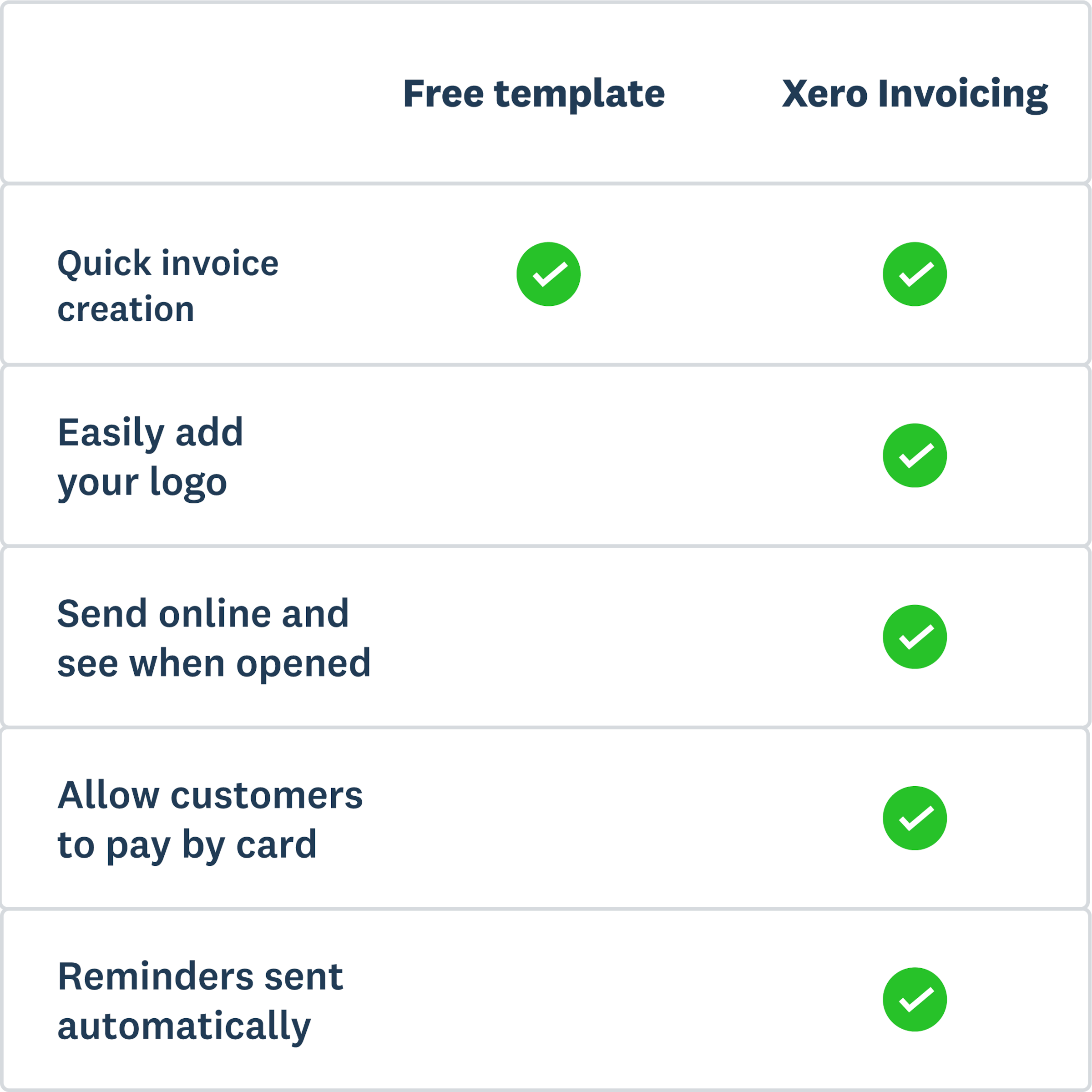
The free template is a great starting point. But if you're invoicing multiple clients or chasing late payments, Xero's invoicing software picks up where the PDF leaves off. Send invoices from your phone, set up automatic payment reminders, and let customers pay online.
Automated payment reminders
Set up reminders once and Xero nudges your customers automatically — so you don't have to make awkward calls.
Online payments
Add a Pay now button to your invoices. Customers can pay by credit card, ACH debit, or Apple Pay — fewer steps, faster payment.
Invoice from anywhere
Use the Xero Accounting app to create and send invoices from your phone — between jobs, on the road, or at the end of the day.
More templates for lawn care
More free templates to help you get paid and stay on top of your finances.
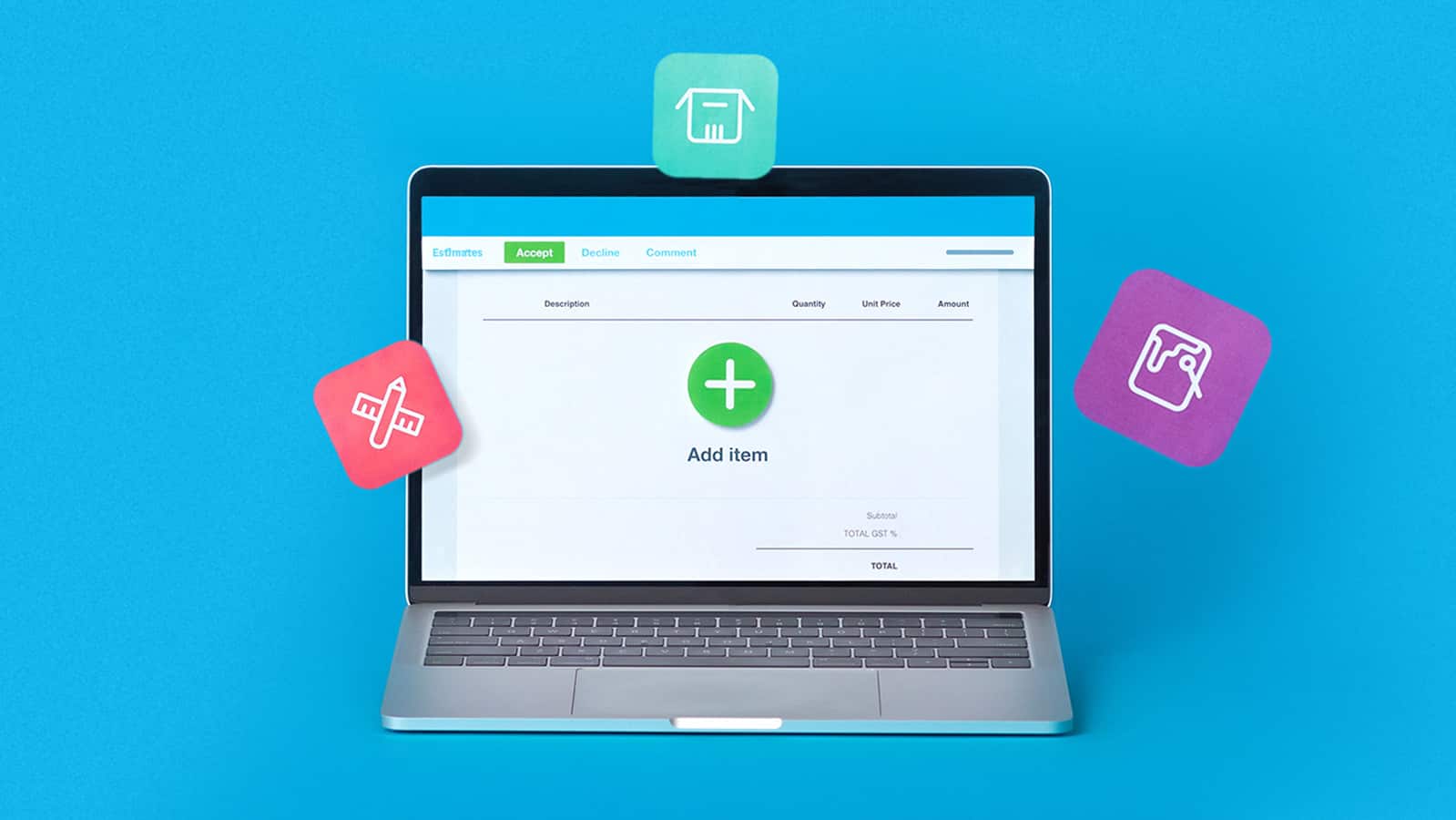
Free estimate template
Download an estimate template and pitch for that next job. And learn how quoting software can make everything easier.
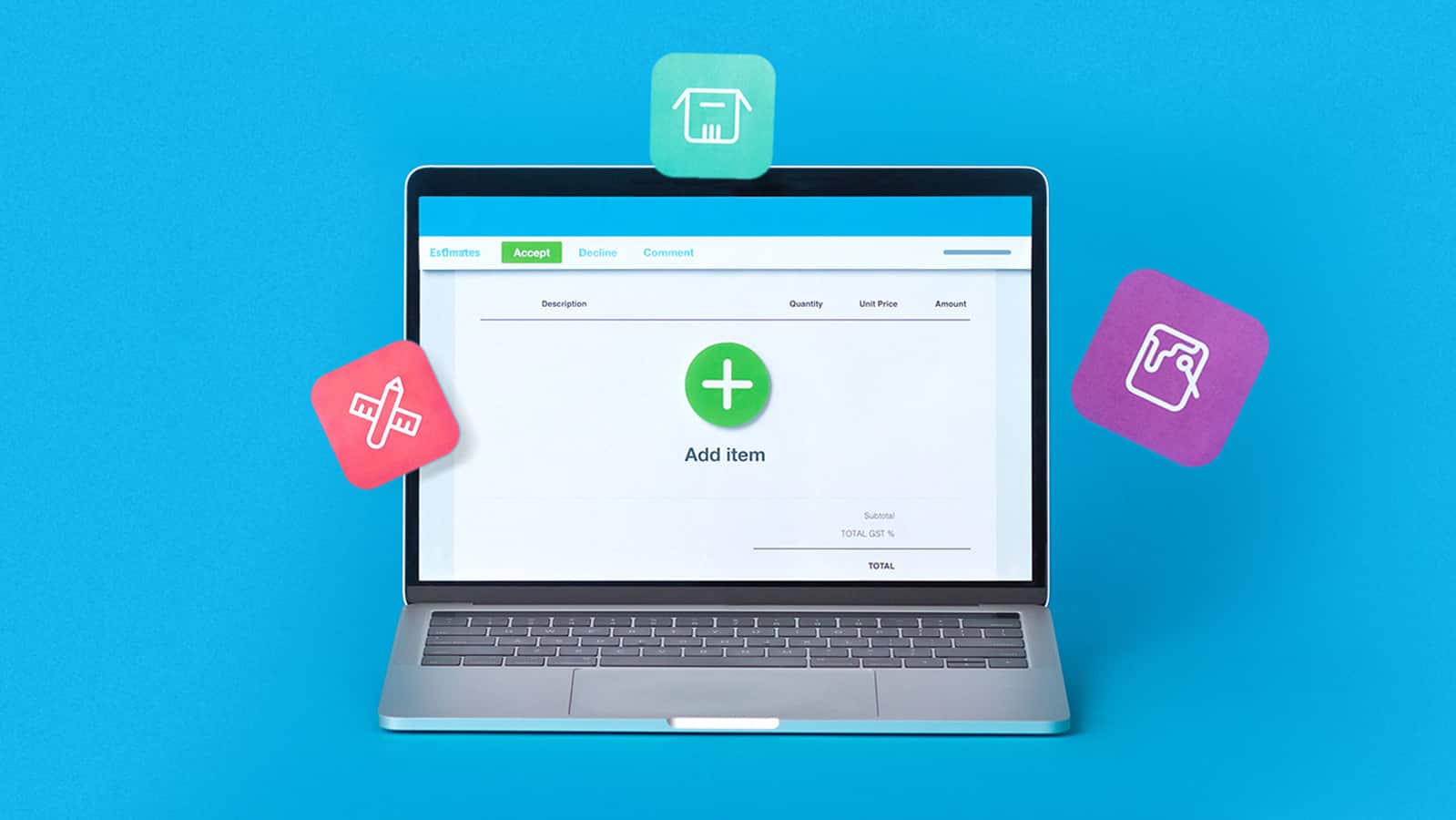
Free quote template
Download this free quote template and go land that next job. And learn how Xero speeds up quoting and invoicing.
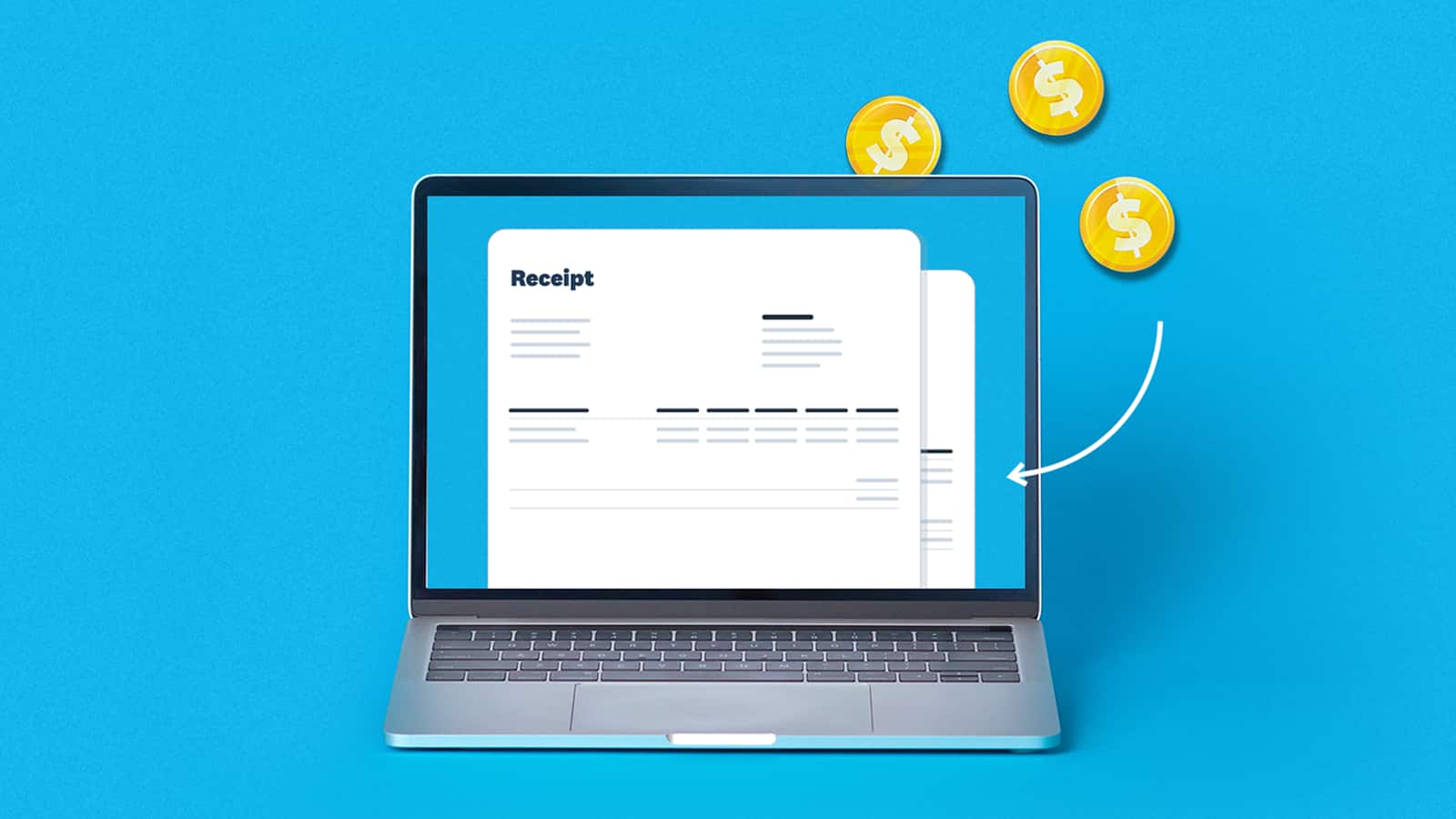
Free receipt template
Acknowledge payment for absolutely anything on this receipt template. Download it once, use it a thousand times.
This template is provided for informational purposes only and does not constitute legal, tax, or accounting advice. Xero recommends seeking independent advice where applicable.