The pocket-sized invoice app that gets you paid
Want to get paid without the desk work? Invoice from your phone the moment the job’s done. Customers pay straight from the invoice, and reminders do the chasing.
Turn finished work into paid invoices
Send invoices from the Xero Accounting app, then see when they're opened and paid.
Invoice and get paid anywhere
Create and send online invoices straight from your phone, so your records stay up to date.
More ways for customers to pay
Send customised quotes, invoices, and automated reminders, and let customers choose how they settle up.
Add a pay now button
Put one on your online invoices. Xero customers who use online invoice payments get paid up to twice as fast. *Source: [Xero data source name], [Date/date range].

Trustpilot
Monya
Trustpilot
Tom W
Trustpilot
Tina T
Invoice on the go with a mobile invoice app
Finished the job? Open the Xero Accounting app on your iPhone, Android phone, or tablet, add your items and send the invoice before you leave. Your customer can pay straight from it while the job's still fresh.
- Take payment on the spot with Tap to Pay
- Text an invoice link by SMS (needs a connected payment service)
- See when a customer opens or pays
Automated repeating invoices
Bill your customers the same amount each month? Let Xero's invoicing automation create and send the invoices for you.
Invoice groups of customers at once
If you charge a group of customers the same amount, ask Xero to send identical auto-invoices to the whole group in one go. Job done!
Smarter invoice management, less typing
Set up default details for each customer. Every invoice after that fills in automatically – fewer errors, faster turnaround.
Let customers pay the way they like
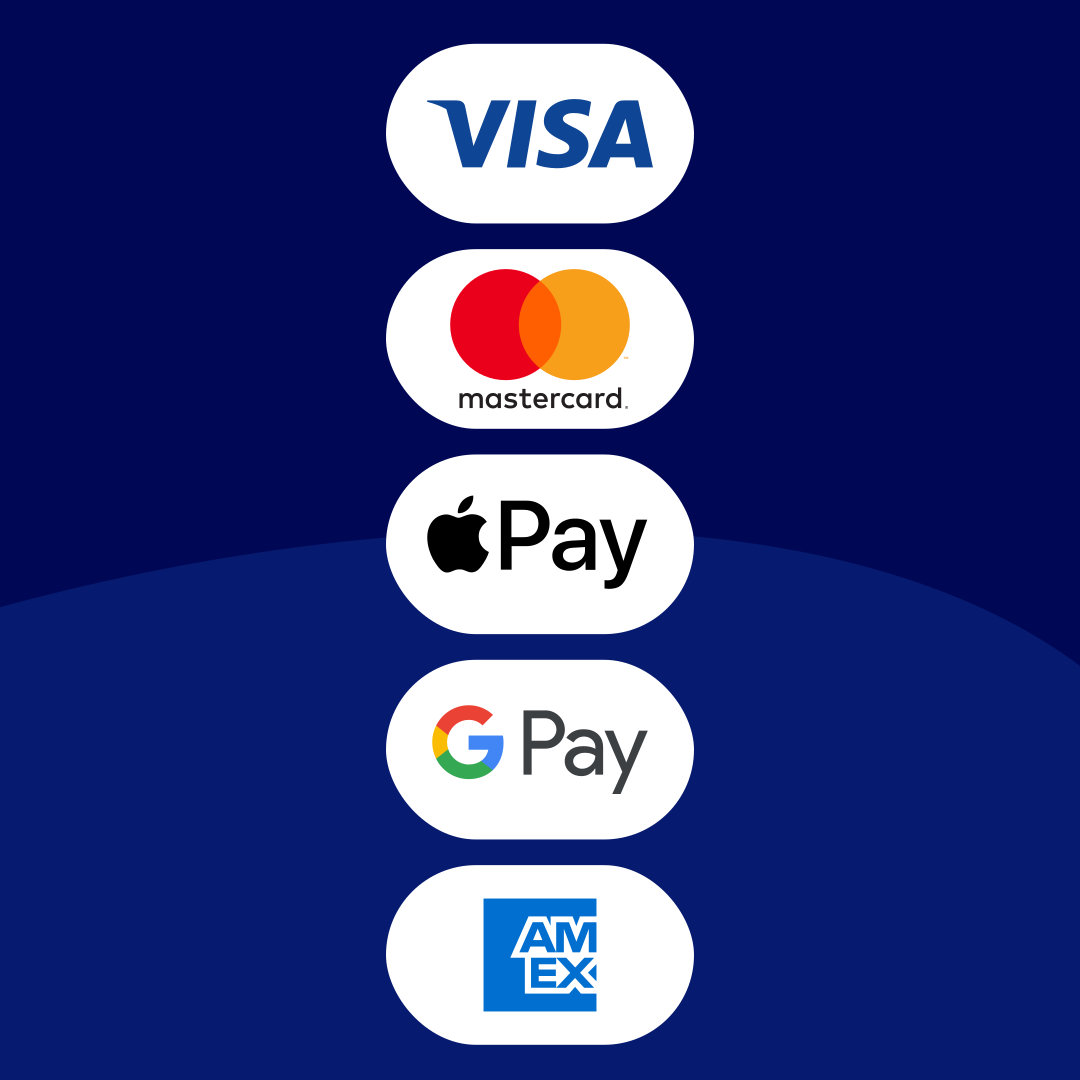
When customers can pay in a click, invoices are settled sooner. Xero adds a pay now button to your online invoices, so customers can pay by card or debit card through Stripe, or by direct debit through GoCardless. Xero customers who use online invoice payments get paid up to twice as fast. *Source: [Xero data source name], [Date/date range].
See how accepting online payments works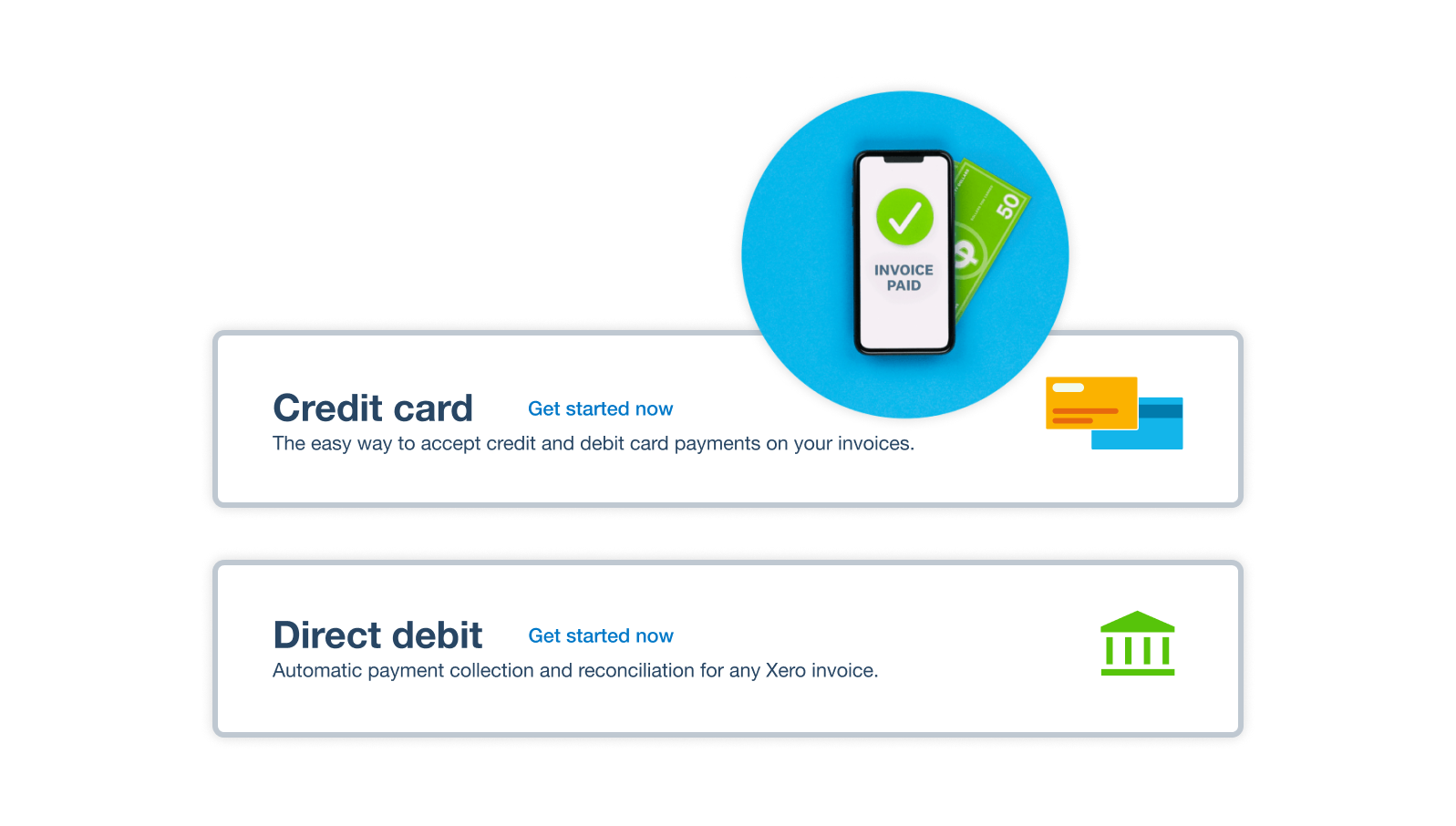
Ever wish invoices chased themselves?
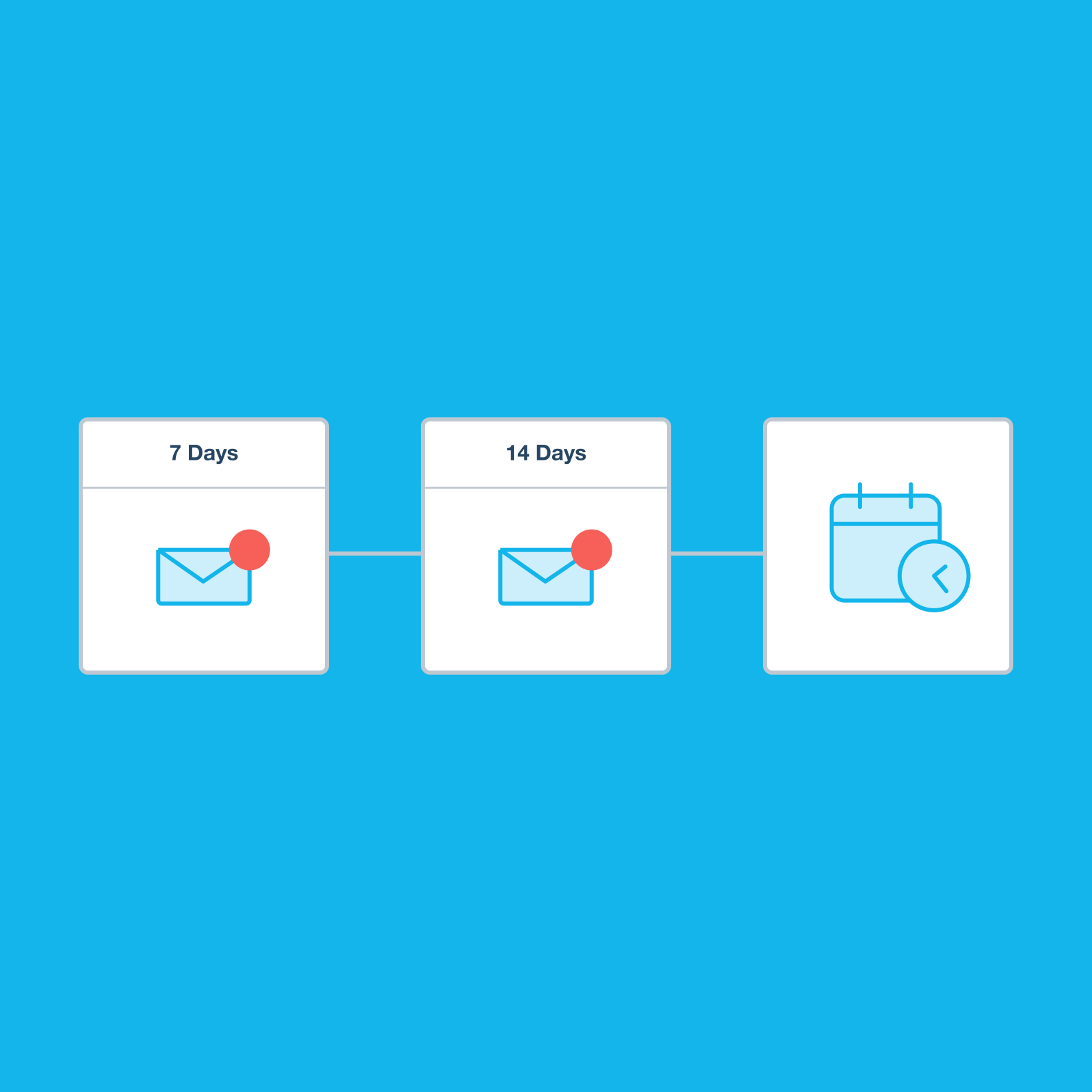
Now they can. Set automatic reminders to go out before or after the due date, and Xero checks your bank feeds so it only chases invoices that are still unpaid. You can see where each invoice is up to at a glance. That’s less chasing for you!
- Set reminders before or after the due date
- See which invoices are sent, opened, overdue, or paid
- Check what's owed with the aged receivables report
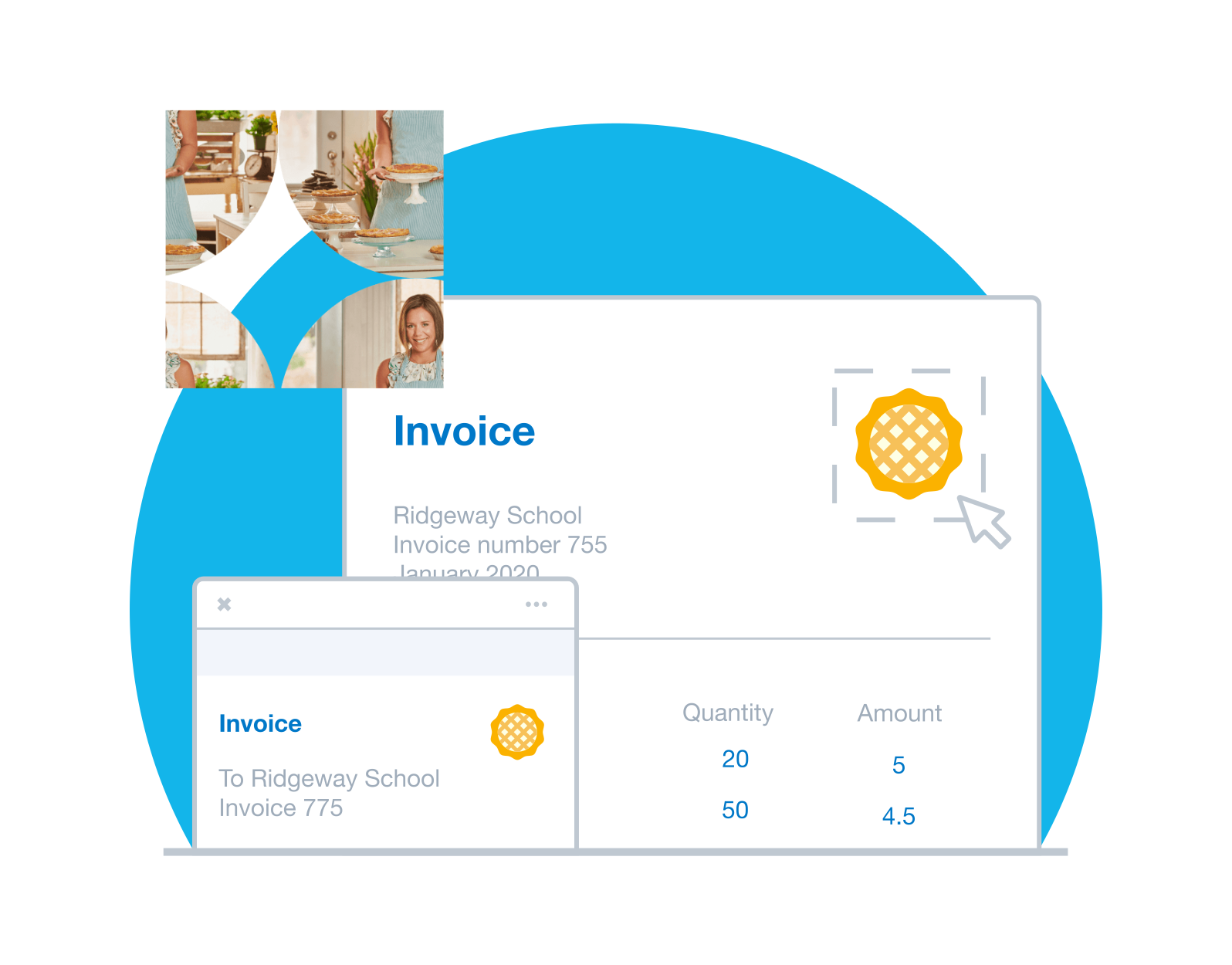
Quickly send invoices that look the part
Your logo, colours, and payment terms live in a branding theme, so every invoice looks like it came from you. Customer details fill in as you type. Accepted quotes become invoices straight away.
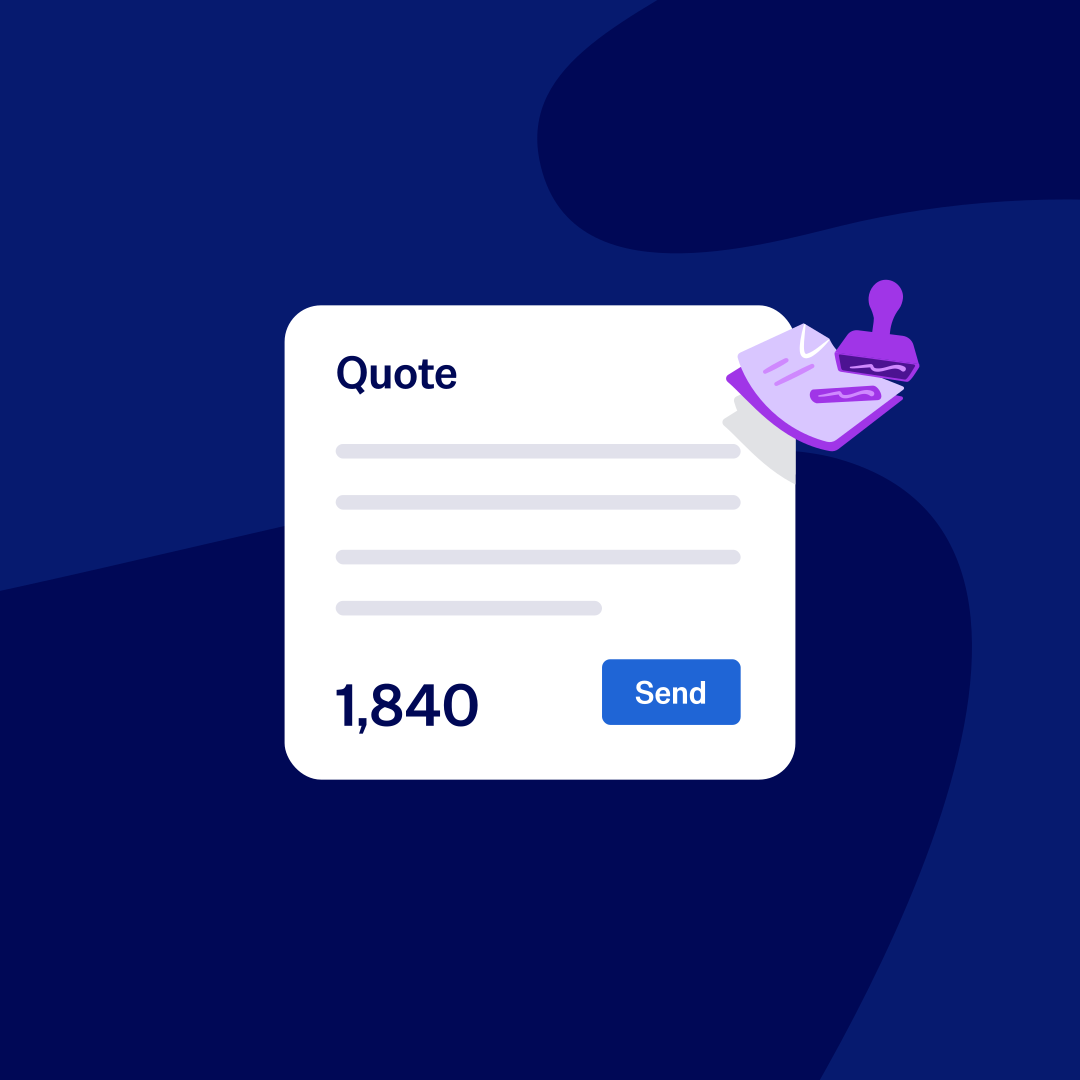
Create quotes and estimates online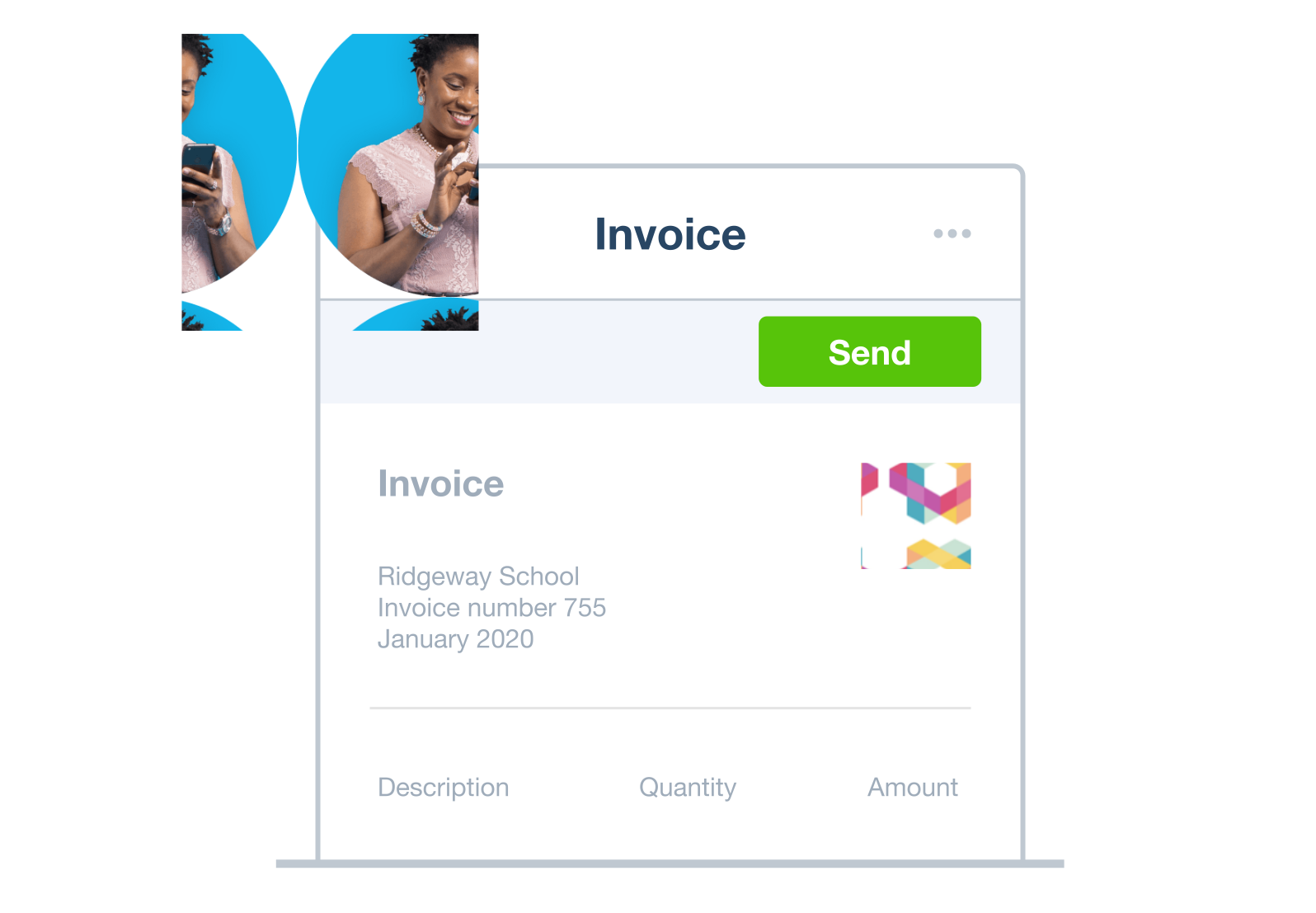
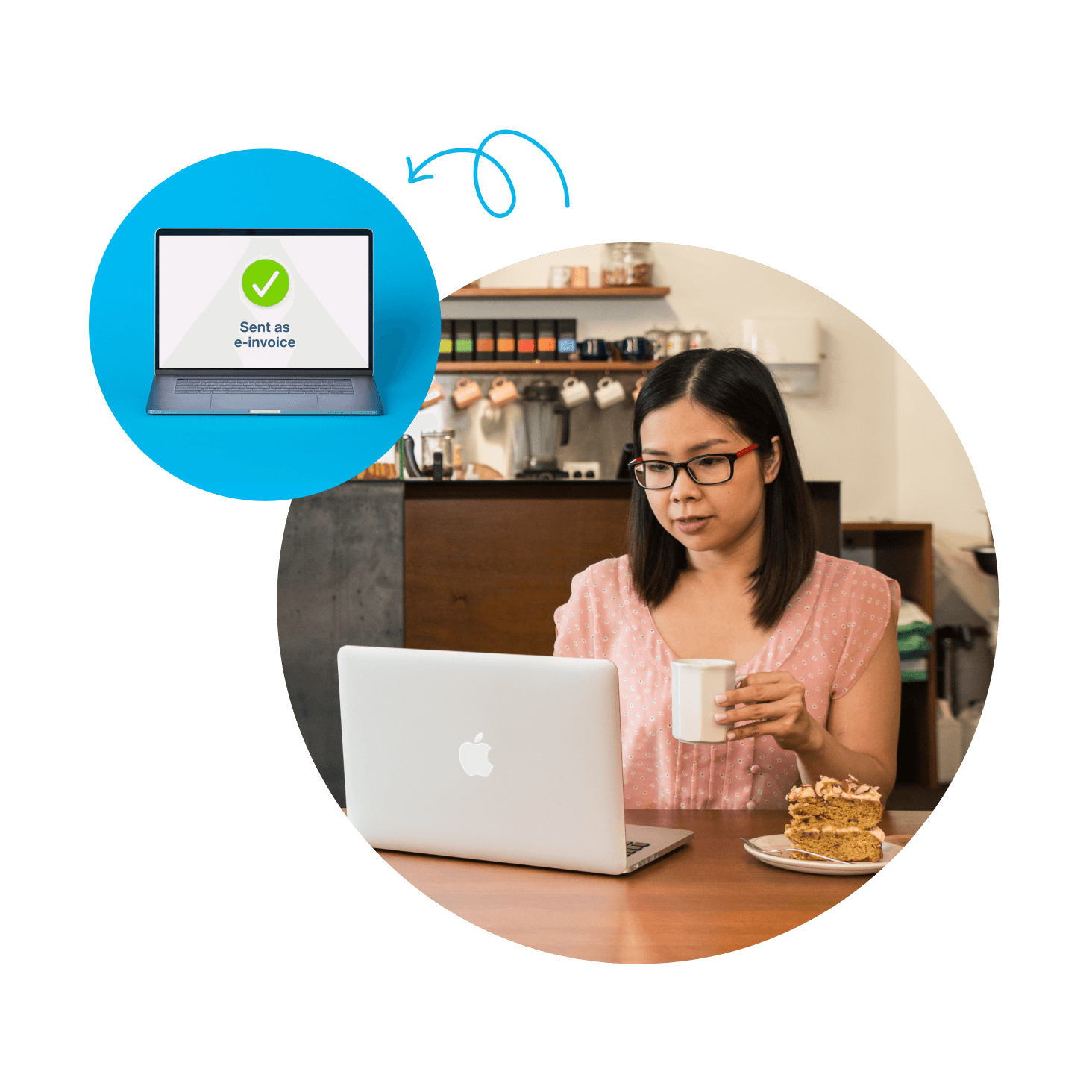
Go digital with eInvoicing
As a UK VAT-registered business, you can send eInvoices through the Peppol network. Each invoice lands in your customer's accounting software as a draft bill, ready to approve with no manual entry. That's your paperwork sorted.
- Skip PDFs and re-keying
- Cut errors with structured invoice data
FAQs on Xero’s invoice app
An invoice app lets you create, send, and track invoices from your phone or tablet. The Xero Accounting app links your invoices straight to your accounts in Xero, so it’s easier to stay on top of VAT and Making Tax Digital (MTD) for Income Tax.
An invoice app lets you create, send, and track invoices from your phone or tablet. The Xero Accounting app links your invoices straight to your accounts in Xero, so it’s easier to stay on top of VAT and Making Tax Digital (MTD) for Income Tax.
Yes, with the Xero Accounting app. Here’s how to create an invoice:
Tap +, then Invoice.
Add your items.
Save, approve, or send the invoice.
Yes, with the Xero Accounting app. Here’s how to create an invoice:
Tap +, then Invoice.
Add your items.
Save, approve, or send the invoice.
Absolutely. The Xero Accounting app is available on iOS and Android, and it syncs with Xero on your desktop, so you see the same invoices on your phone and your computer.
Absolutely. The Xero Accounting app is available on iOS and Android, and it syncs with Xero on your desktop, so you see the same invoices on your phone and your computer.
The Xero Accounting app is included with every Xero subscription. Download it from Google Play or the Apple App Store and sign in with your Xero login details. New customers get their first month of Xero free when they choose a plan.
The Xero Accounting app is included with every Xero subscription. Download it from Google Play or the Apple App Store and sign in with your Xero login details. New customers get their first month of Xero free when they choose a plan.
Definitely. Add a pay now button to your online invoices through Stripe or GoCardless, and customers can pay by card, debit card, or direct debit. Fees apply to these payments, so check the payment fees for Stripe before you switch it on.
Definitely. Add a pay now button to your online invoices through Stripe or GoCardless, and customers can pay by card, debit card, or direct debit. Fees apply to these payments, so check the payment fees for Stripe before you switch it on.
You can. Xero lets you send invoices by SMS once you’ve connected a payment service, and it’s free on paid plans. You can also share an invoice link with your customer.
You can. Xero lets you send invoices by SMS once you’ve connected a payment service, and it’s free on paid plans. You can also share an invoice link with your customer.
Certainly. Xero shows the current status of every invoice, so you can tell at a glance whether it’s draft, sent, opened, overdue, or paid. To stay on top of payments, you can:
get a notification when a customer pays
check the Paid column to see when an invoice was paid
run the aged receivables report to see who still owes you
Certainly. Xero shows the current status of every invoice, so you can tell at a glance whether it’s draft, sent, opened, overdue, or paid. To stay on top of payments, you can:
get a notification when a customer pays
check the Paid column to see when an invoice was paid
run the aged receivables report to see who still owes you
Of course. When a customer accepts your quote, you can turn it into an invoice straight away, with every detail carried across. You can do this in the Xero Accounting app too, so it’s one less job for later.
Of course. When a customer accepts your quote, you can turn it into an invoice straight away, with every detail carried across. You can do this in the Xero Accounting app too, so it’s one less job for later.
You bet. You can send branded invoices from the Xero Accounting app and set up repeating invoices for regular clients. Find out how Xero handles invoicing for freelancers.
You bet. You can send branded invoices from the Xero Accounting app and set up repeating invoices for regular clients. Find out how Xero handles invoicing for freelancers.
Plans for growing businesses
Ignite
for the first 6 months
Then £18 per month
An easy financial foundation - track cash flow with the essentials.
- Send quotes and 20 invoices†
- Accept online invoice payments^
- MTD for Income Tax ready
- Reconcile transactions
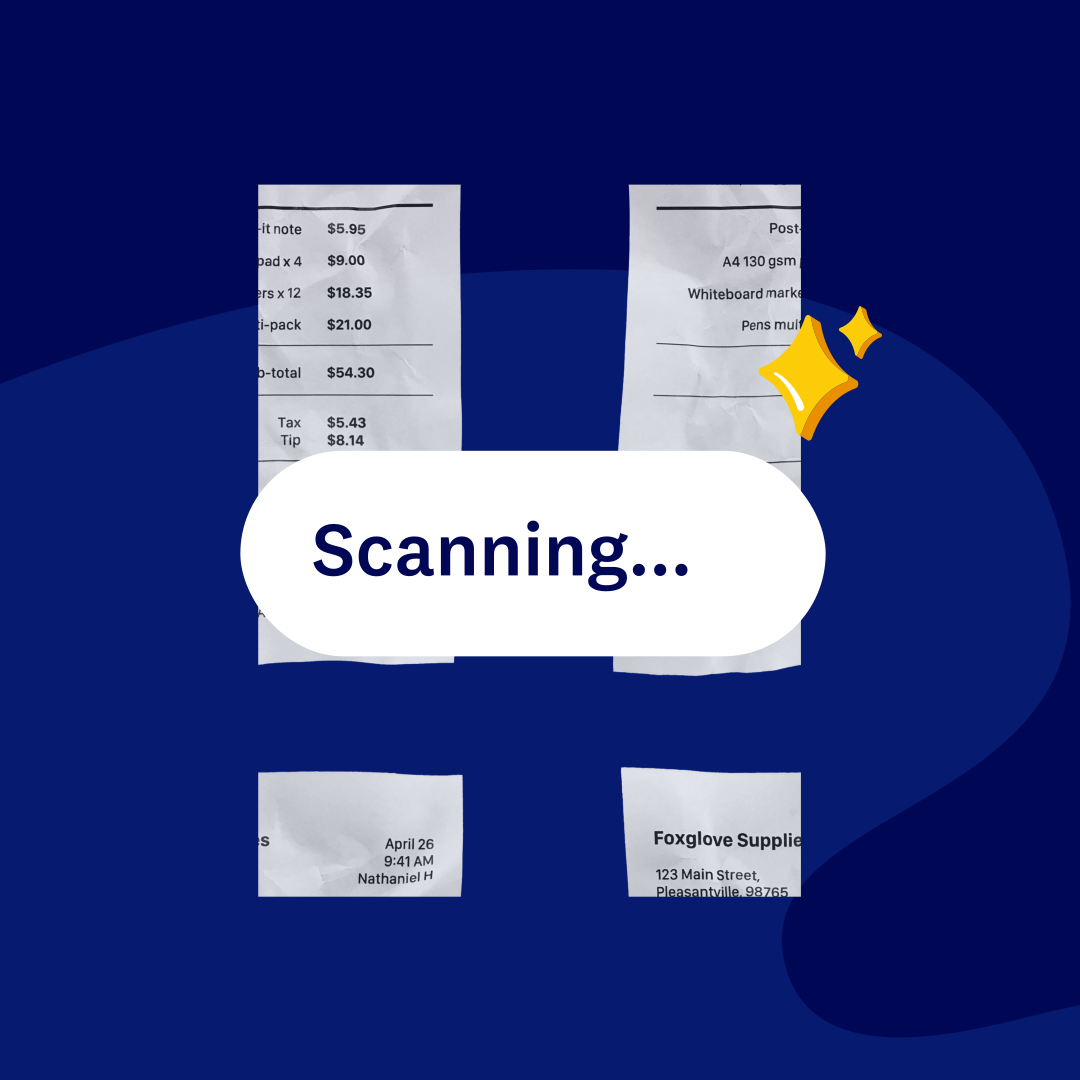
- Smart document capture
- View real-time reports
- Enter 10 bills
- Submit VAT returns to HMRC
- Automate subcontractor CIS calculations and reports
- Make online bill and payroll payments (domestic) for £0.20 per payment††
- Payroll for £1.50 per person
- 30 day cash flow forecast
- Visualise performance with basic graphs
- Company accounts and tax (optional £120 excl. Vat billed annually)

Grow
for the first 6 months
Then £39 per month
Go beyond the basics - automate tasks and access performance dashboards.
- Send invoices and quotes
- Accept online invoice payments^
- MTD for Income Tax ready
- Reconcile transactions
- Smart document capture
- View real-time reports
- Automate bill entry and track bills
- Submit VAT returns to HMRC
- Automate subcontractor CIS calculations and reports
- Make online bill and payroll payments (domestic) for up to 5 payments
- Payroll for 1 person
- 60 day cash flow forecast
- Visualise performance with graphs
- Customise performance dashboards
- Claim expenses and mileage for 1 user
- Company accounts and tax (optional £120 excl. Vat billed annually)
Comprehensive
for the first 6 months
Then £55 per month
Optimise profitability - tailor your insights for greater control.
- Send invoices and quotes
- Accept online invoice payments^
- MTD for Income Tax ready
- Reconcile transactions
- Smart document capture
- View real-time reports
- Automate bill entry and track bills
- Submit VAT returns to HMRC
- Automate subcontractor CIS calculations and reports
- Make online bill and payroll payments (domestic) for up to 10 payments
- Payroll for 5 people
- 90 day cash flow forecast
- Visualise performance with graphs
- Customise performance dashboards
- Claim expenses and mileage for 5 users
- Use multiple currencies
- Tailored financial health scorecards
- Make online bill payments (International) - Optional add-on
- Company accounts and tax (optional £120 excl. Vat billed annually)
- Budget with smart suggestions
Ultimate
for the first 6 months
Then £70 per month
Future proof your scaling business - with advanced tools and analytics.
- Send invoices and quotes
- Accept online invoice payments^
- MTD for Income Tax ready
- Reconcile transactions
- Smart document capture
- View real-time reports
- Automate bill entry and track bills
- Submit VAT returns to HMRC
- Automate subcontractor CIS calculations and reports
- Make online bill and payroll payments (domestic) for up to 15 payments
- Payroll for 10 people
- 180 day cash flow forecast
- Visualise performance with graphs
- Customise performance dashboards
- Claim expenses and mileage for 10 users
- Use multiple currencies
- Tailored financial health scorecards
- Make online bill payments (International) - Optional add-on
- Track time and costs for projects for 10 users
- Analyse KPIs and ratios
- Benchmark against the industry
- Company accounts and tax (optional £120 excl. Vat billed annually)
- Budget with smart suggestions
Not VAT registered? See plans for simpler business needs.View plans
Get one month free
Purchase any Xero plan, and we will give you the first month free.
Used by 5 million customers worldwide.
Built for the way UK businesses work.




See how invoicing online can simplify tasks
Probably the best invoicing video you’ll ever see.