Connect your bank feeds to Xero for fast bookkeeping
Xero users in the UK save 5.5 hours* a week using automatic bank feeds and transaction matching. Get your bank data into Xero from over 21,000 financial institutions.
A powerful way to sort your books
Xero’s bank feeds give you an efficient system for your small business.
Skip the manual work
Xero pulls in your bank transactions for you.
See your latest finances
Your records are updated every day, so you make informed decisions.
Keep your data safe
Xero’s advanced security gives you peace of mind.
Let your bank data flow into Xero
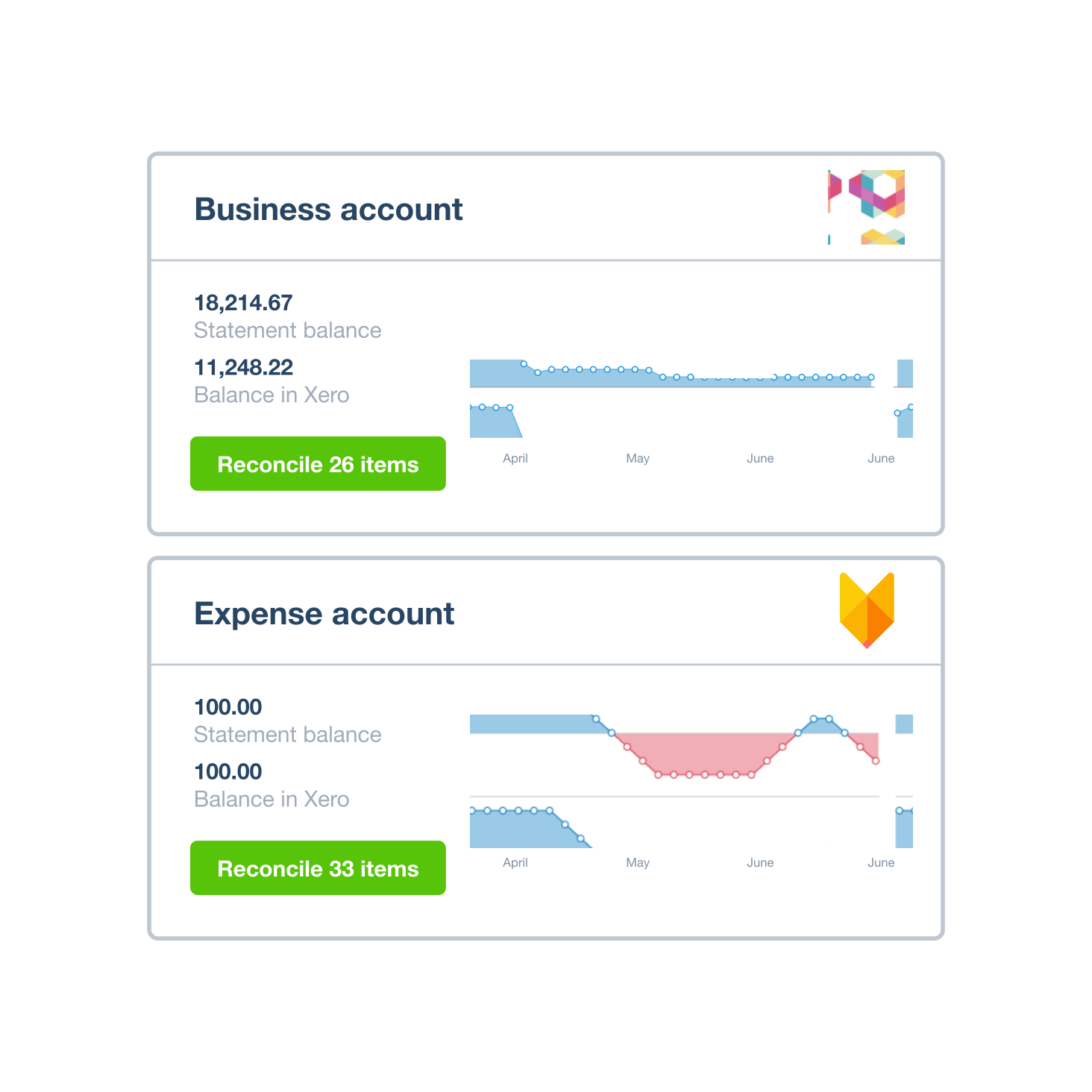
Xero connects with financial institutions around the world. Set up bank feeds from multiple banks and multiple accounts, without losing any of your old data.
- See all your bank transactions in one place – no hopping between screens
- Manage all your accounts from your Xero dashboard
- Start with your historical data automatically imported into Xero
Manually upload data if you need to
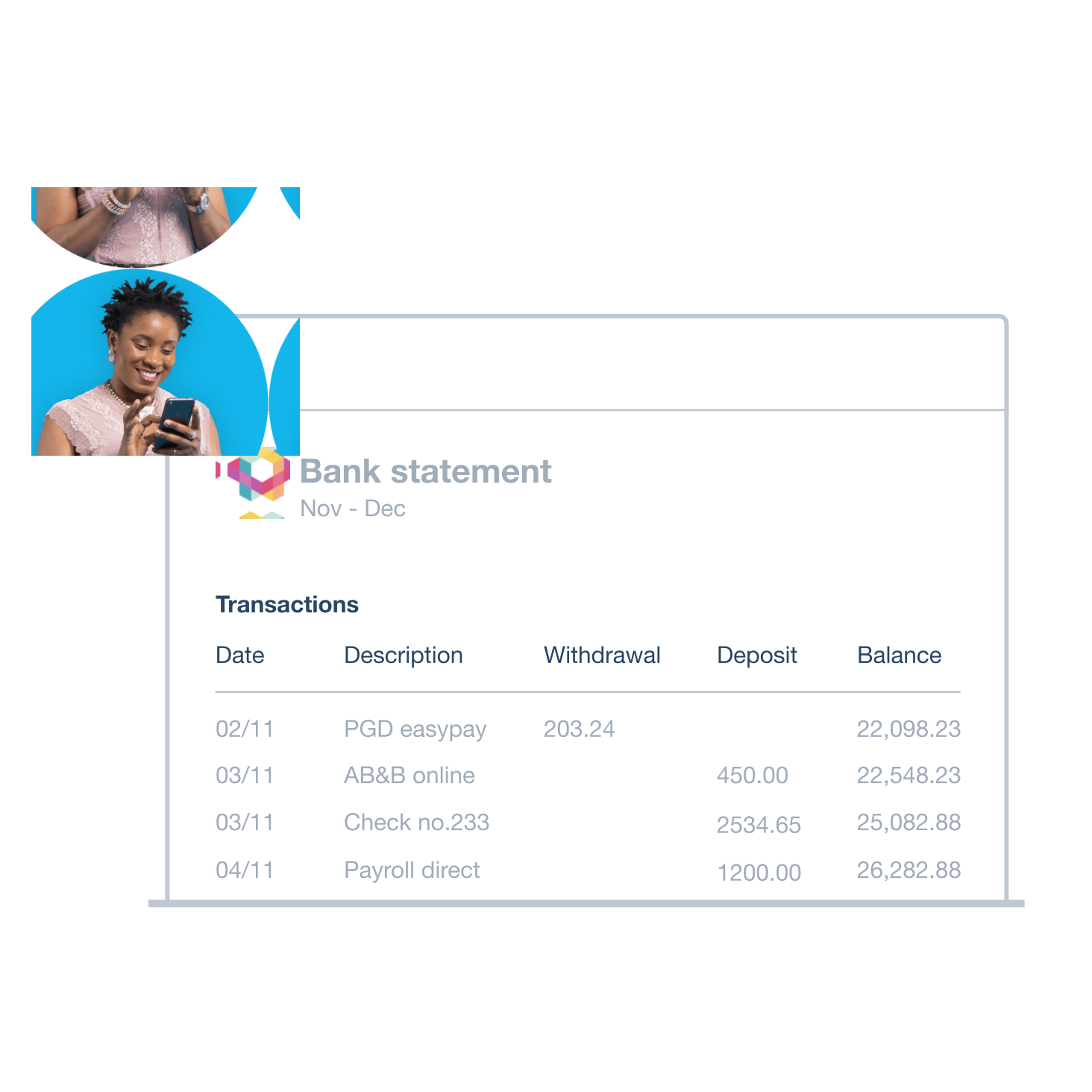
Can’t get direct bank feeds? Easily upload your bank statements into Xero yourself. Xero’s flexible system lets you handle financial admin your way.
- Export bank data from your online bank in a range of formats
- Adjust the data if you’re using a CSV file before finalising the import
- Xero’s bank account tracking software automatically excludes duplicate transactions
Reconcile your transactions in a flash
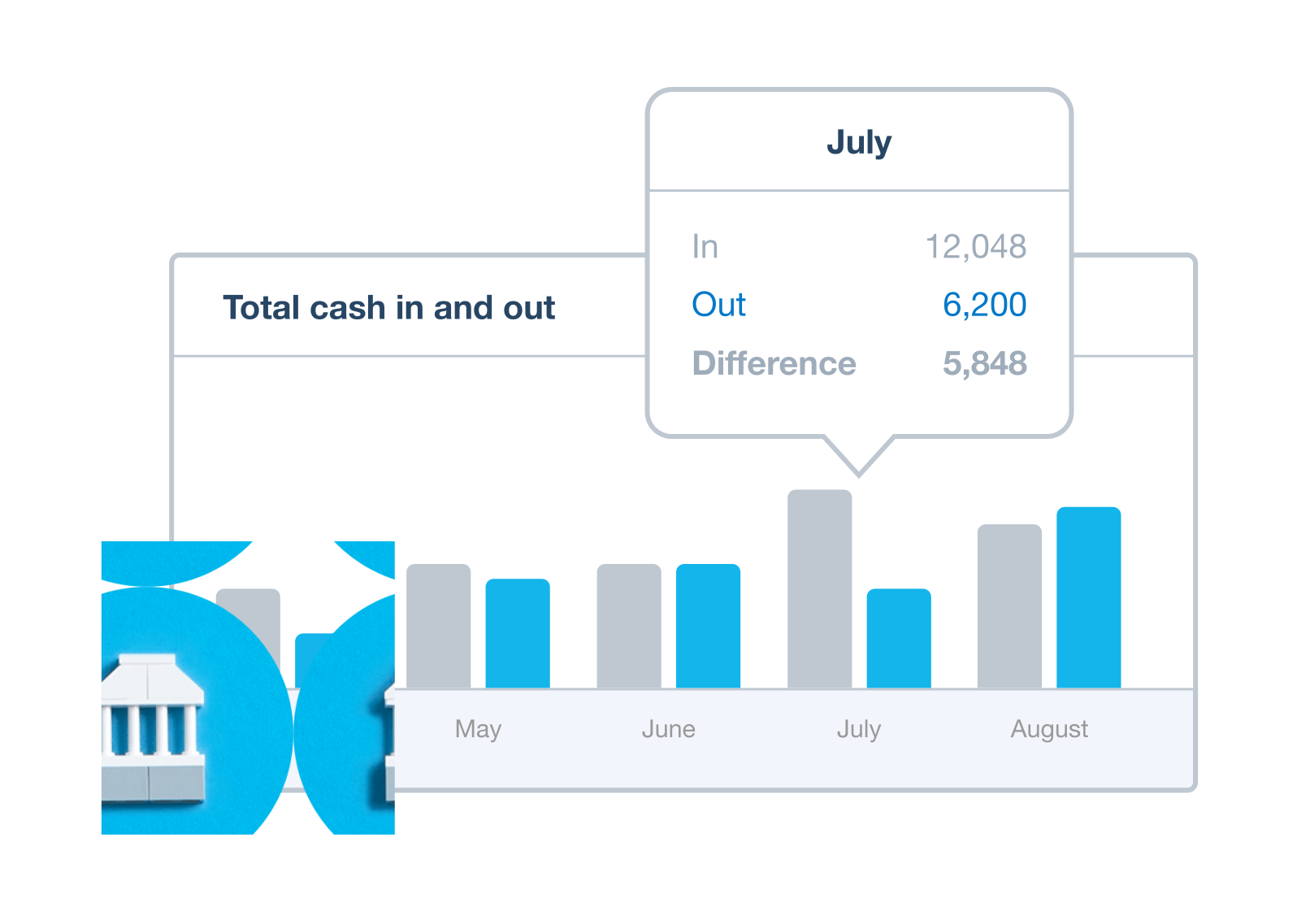
With a Xero bank feed, you get a speedy way to reconcile your transactions. Xero’s AI tools do the hard work, so you get all the accuracy and none of the hassle.
- See Xero’s suggested transaction matches and just click OK
- Set up bank rules for recurring transactions
- Reconcile daily transactions from anywhere in a few minutes on your mobile or tablet
Get bank feeds for multiple currencies
Xero helps your business operate globally by importing international bank feeds. Simplify your finances with one centralised system.
Use multiple currencies in Xero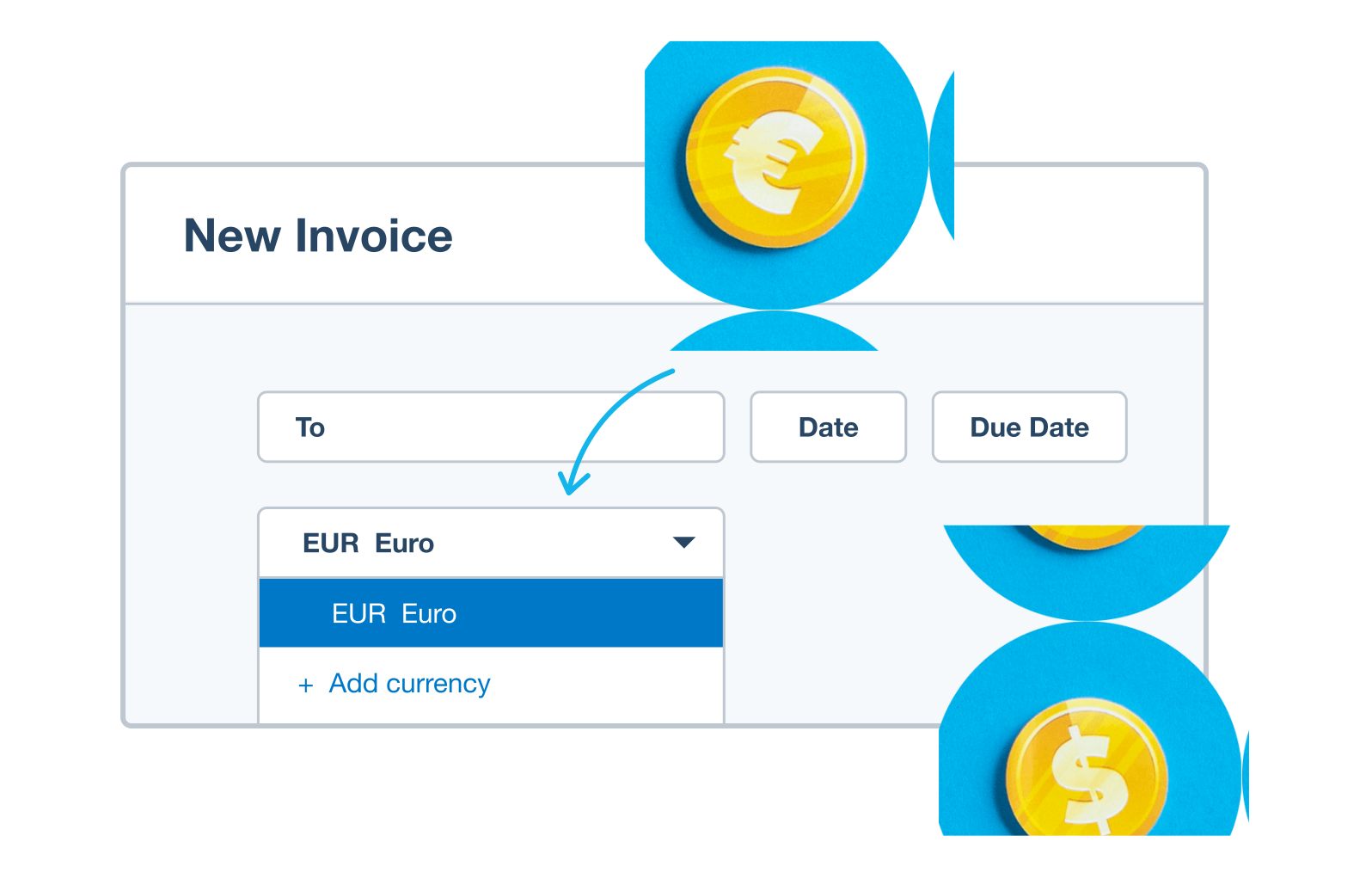
Keep your data safe
When connecting your bank account to Xero’s accounting software, you stay in full control.
- Bank feed data is shared only between the bank, Xero, and the people you choose
- Xero can’t make payments or move money through bank feeds
- You can give your team different levels of access to bank feed data

Trustpilot
Monya
Trustpilot
Tom W
Trustpilot
Tina T
Plans for growing businesses
Ignite
for the first 6 months
Then £18 per month
An easy financial foundation - track cash flow with the essentials.
- Send quotes and 20 invoices†
- Accept online invoice payments^
- MTD for Income Tax ready
- Reconcile transactions
- Smart document capture
- View real-time reports
- Enter 10 bills
- Submit VAT returns to HMRC
- Automate subcontractor CIS calculations and reports
- Make online bill and payroll payments (domestic) for £0.20 per payment††
- Payroll for £1.50 per person
- 30 day cash flow forecast
- Visualise performance with basic graphs
- Company accounts and tax (optional £120 excl. Vat billed annually)

Grow
for the first 6 months
Then £39 per month
Go beyond the basics - automate tasks and access performance dashboards.
- Send invoices and quotes
- Accept online invoice payments^
- MTD for Income Tax ready
- Reconcile transactions
- Smart document capture
- View real-time reports
- Automate bill entry and track bills
- Submit VAT returns to HMRC
- Automate subcontractor CIS calculations and reports
- Make online bill and payroll payments (domestic) for up to 5 payments
- Payroll for 1 person
- 60 day cash flow forecast
- Visualise performance with graphs
- Customise performance dashboards
- Claim expenses and mileage for 1 user
- Company accounts and tax (optional £120 excl. Vat billed annually)
Comprehensive
for the first 6 months
Then £55 per month
Optimise profitability - tailor your insights for greater control.
- Send invoices and quotes
- Accept online invoice payments^
- MTD for Income Tax ready
- Reconcile transactions
- Smart document capture
- View real-time reports
- Automate bill entry and track bills
- Submit VAT returns to HMRC
- Automate subcontractor CIS calculations and reports
- Make online bill and payroll payments (domestic) for up to 10 payments
- Payroll for 5 people
- 90 day cash flow forecast
- Visualise performance with graphs
- Customise performance dashboards
- Claim expenses and mileage for 5 users
- Use multiple currencies
- Tailored financial health scorecards
- Make online bill payments (International) - Optional add-on
- Company accounts and tax (optional £120 excl. Vat billed annually)
- Budget with smart suggestions
Ultimate
for the first 6 months
Then £70 per month
Future proof your scaling business - with advanced tools and analytics.
- Send invoices and quotes
- Accept online invoice payments^
- MTD for Income Tax ready
- Reconcile transactions
- Smart document capture
- View real-time reports
- Automate bill entry and track bills
- Submit VAT returns to HMRC
- Automate subcontractor CIS calculations and reports
- Make online bill and payroll payments (domestic) for up to 15 payments
- Payroll for 10 people
- 180 day cash flow forecast
- Visualise performance with graphs
- Customise performance dashboards
- Claim expenses and mileage for 10 users
- Use multiple currencies
- Tailored financial health scorecards
- Make online bill payments (International) - Optional add-on
- Track time and costs for projects for 10 users
- Analyse KPIs and ratios
- Benchmark against the industry
- Company accounts and tax (optional £120 excl. Vat billed annually)
- Budget with smart suggestions
Not VAT registered? See plans for simpler business needs.View plans
Need help with bank feeds as a Xero user?
Xero Central is our comprehensive knowledge base, filled with articles to help you get the best out of Xero.
Connect your bank
Connect bank accounts and get data into Xero automatically. Refresh the feed to load your latest transactions.
Set up bank feeds
Bank feeds automatically pull in transactions from a bank, or a payment provider like Stripe or PayPal.
Get help if your bank feeds are disrupted
If bank feeds aren’t working as they should, find a solution or workaround.
FAQs on Xero’s secure bank connections
Xero supports bank feeds from a wide range of UK banks and financial institutions. You can connect most major banks and many smaller providers, making it easy to bring transactions into Xero automatically.
Here’s a list of bank feeds available in XeroXero supports bank feeds from a wide range of UK banks and financial institutions. You can connect most major banks and many smaller providers, making it easy to bring transactions into Xero automatically.
Here’s a list of bank feeds available in XeroAbsolutely. Xero’s bank integrations mean you can connect multiple bank accounts to Xero at the same time, including accounts from different banks. This allows all your transactions to flow into Xero in one place for simpler bookkeeping.
Absolutely. Xero’s bank integrations mean you can connect multiple bank accounts to Xero at the same time, including accounts from different banks. This allows all your transactions to flow into Xero in one place for simpler bookkeeping.
Yes – connecting your bank account to Xero accounting software is secure, with encrypted connections and controlled access to your data. Xero cannot move money or make payments through bank feeds, and you stay in control of who can see your information.
Yes – connecting your bank account to Xero accounting software is secure, with encrypted connections and controlled access to your data. Xero cannot move money or make payments through bank feeds, and you stay in control of who can see your information.
It’s not a problem. If automated bank feeds aren’t available for your bank, you can still import transactions into Xero manually. This ensures you can keep your records up to date even if your bank doesn’t support a direct bank connection.
It’s not a problem. If automated bank feeds aren’t available for your bank, you can still import transactions into Xero manually. This ensures you can keep your records up to date even if your bank doesn’t support a direct bank connection.
Yes – most banks allow you to import historical transactions. This helps you start with accurate records and maintain continuity in your accounts.
Yes – most banks allow you to import historical transactions. This helps you start with accurate records and maintain continuity in your accounts.
Accounting software for your UK small business
Run your business accounting online with Xero. Easy-to-use accounting software, designed for your small business.
- Everything in one place
- Connect to your bank
- Collaborate in real time
- Customise to suit your needs
FAQs about Xero in the UK
Yes, you can connect your Xero account with HMRC to more easily prepare and submit your returns so you never miss a deadline. HMRC recognises Xero’s software, which is also compliant with Making Tax Digital (MTD).
Find out more on running a business at GOV.UKYes, you can connect your Xero account with HMRC to more easily prepare and submit your returns so you never miss a deadline. HMRC recognises Xero’s software, which is also compliant with Making Tax Digital (MTD).
Find out more on running a business at GOV.UKXero payroll offers a range of reports for internal use and helps you meet HMRC requirements each month. You can give your employees self-service access so they can view payslips, request leave, and submit timesheets directly from Xero.
See HMRC rules for running payrollXero payroll offers a range of reports for internal use and helps you meet HMRC requirements each month. You can give your employees self-service access so they can view payslips, request leave, and submit timesheets directly from Xero.
See HMRC rules for running payrollThe best accounting software depends on your needs. Xero’s accounting software has flexible plans so you can adjust your subscriptions to access the features you need as your business grows.
Check out Xero’s pricing plansThe best accounting software depends on your needs. Xero’s accounting software has flexible plans so you can adjust your subscriptions to access the features you need as your business grows.
Check out Xero’s pricing plansNo – Xero is based in the cloud, so all you need is an internet connection. But you need a multi-factor authentication (MFA) app to log in to Xero. MFA adds an extra layer of security by checking that it’s really you when you log in.
Learn about data protection with XeroNo – Xero is based in the cloud, so all you need is an internet connection. But you need a multi-factor authentication (MFA) app to log in to Xero. MFA adds an extra layer of security by checking that it’s really you when you log in.
Learn about data protection with XeroYes – the Xero App Store has hundreds of apps to help manage your business, including apps specifically designed for your industry and for doing business in the UK.
Check out the Xero App StoreYes – the Xero App Store has hundreds of apps to help manage your business, including apps specifically designed for your industry and for doing business in the UK.
Check out the Xero App Store
Get one month free
Purchase any Xero plan, and we will give you the first month free.
See how online bank feeds simplify admin
Press play. All will be revealed.