Free construction invoice template
Download a free editable PDF construction invoice template for US construction businesses. Includes a tax and non-tax version, plus a how-to guide.
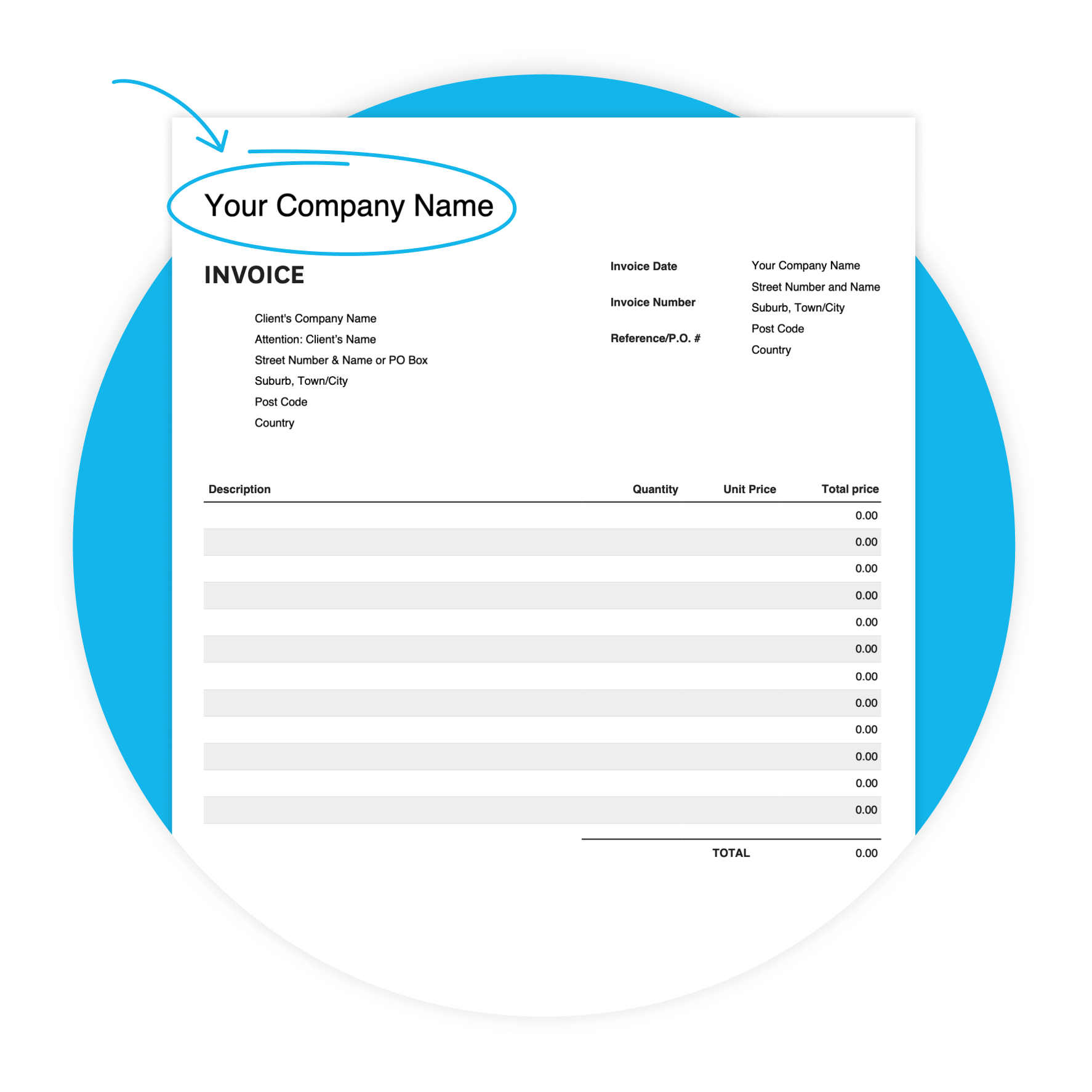
Professional invoices in minutes
Designed to help construction businesses bill clients clearly and consistently.
Stay organized across every job
A consistent layout for every invoice, whether you're running one project or ten.
Get paid faster
Send invoices the day you finish on site and set a clear due date.
Download the free construction invoice template
Fill in the form to get a blank construction invoice as an editable PDF, with a 'how-to' guide. You’ll get a tax and non-tax version.
Get paid faster with Xero invoicing
Xero’s invoicing software is designed to help you get paid sooner and boost your cash flow.
Make it easier to get paid
Include a “Pay Now” button on your online invoices and let customers pay immediately with credit or debit cards.
Stop chasing payments
Encourage prompt payment with automated invoice reminders.
Send invoices you’re proud of
Create and send polished, branded invoices in minutes.

Get one month free
Sign up to any Xero plan and get started today. Send professional invoices, get paid faster, and keep your finances in order.
Stay organized across every project
Construction businesses rarely run one job at a time. This template helps you create and send professional invoices with a clear, consistent layout. Fill in what's relevant, leave out what isn't.
Check out Xero for construction
Unique features of this Construction template
Customizable design
Adapt the template to your preferences, to create a professional look.
Accessibility
Whether you prefer digital or printed invoices, our template offers flexibility in delivery methods.
User-friendly interface
Enjoy a hassle-free invoicing experience with our intuitive template.
What's in the construction invoice template
This free editable PDF has the fields construction businesses need to bill clients clearly. Fill in your details, save it, and send it as a PDF for every job.
- Your business name and address
- Client's company name and address
- Invoice date and invoice number
- Reference / PO number
- Line-item table
- Subtotal and total sales tax summary
- Due date
- Additional notes
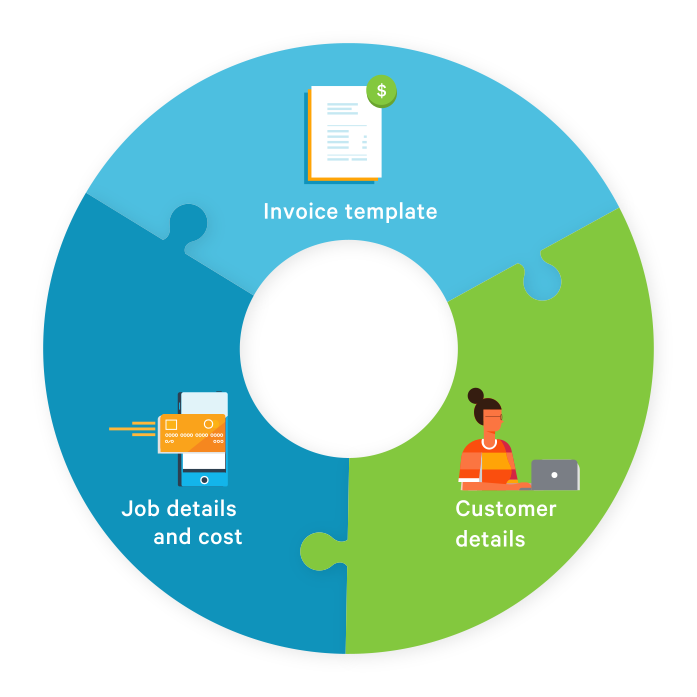
Tips for getting paid on construction jobs
Don't wait until a job is fully finished to invoice. On longer projects, invoice at agreed milestones to keep cash flowing. Use the reference field for your records. Write the due date clearly on every invoice.
- Ensure your invoices always specify a due date, so customers know how long they have to pay.

Leave the template behind
The free template is a great start. But if you're managing multiple projects and clients, Xero takes the admin off your plate. Create invoices in a few clicks, send automated payment reminders, and give clients a Pay Now button to pay by card instantly.
Check out Xero invoicing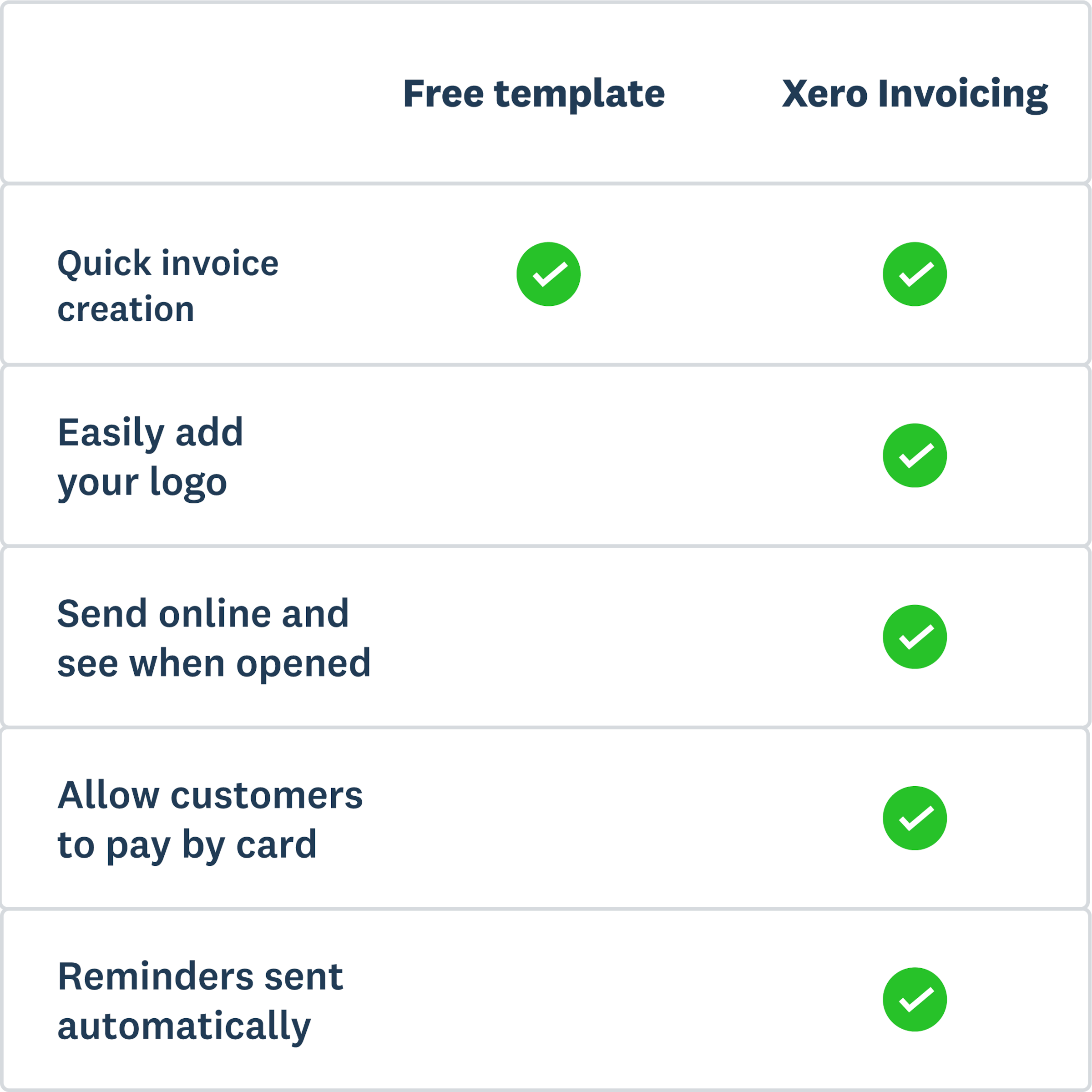
More templates for your construction business
Invoicing sorted? Here are a few more free templates to help run your construction business.
Free estimate template
Download an estimate template and pitch for that next job. And learn how quoting software can make everything easier.
Free quote template
Download this free quote template and go land that next job. And learn how Xero speeds up quoting and invoicing.
Free receipt template
Acknowledge payment for absolutely anything on this receipt template. Download it once, use it a thousand times.
Xero does not provide accounting, tax, business or legal advice. This template has been provided for information purposes only. You should consult your own professional advisors for advice directly relating to your business.