Making Tax Digital for accountants and bookkeepers
Your sole trader and landlord clients over £30,000 join MTD for Income Tax in April 2027. Plan the move, sign them up and support them through every quarter.

Which clients join MTD for Income Tax, and when
April 2027: over £30,000
Sole traders and landlords whose 2025–26 return shows qualifying income over £30,000.
April 2028: over £20,000
Clients whose 2026–27 return shows qualifying income over £20,000.
Since April 2026: over £50,000
These clients should already be sending quarterly updates.
General partnerships aren't in scope yet, and limited companies sit outside MTD for Income Tax. Some clients can apply for an exemption, for example if they're digitally excluded.
Check which clients can get an exemptionGet ready for your April 2027 clients
Your 2027 group is decided by the 2025–26 returns you file by 31 January 2027. Flag clients with qualifying income over £30,000 as you prepare those returns, then use February to April to sign them up and get them keeping digital records. Their first quarterly update is due by 7 August 2027.
- Segment clients by qualifying income as you prepare 2025–26 returns
- Check gross income, not profit, for clients near the threshold
- Sign clients up through your agent services account
- Set them up in software before the quarter starts
Move clients off bridging software
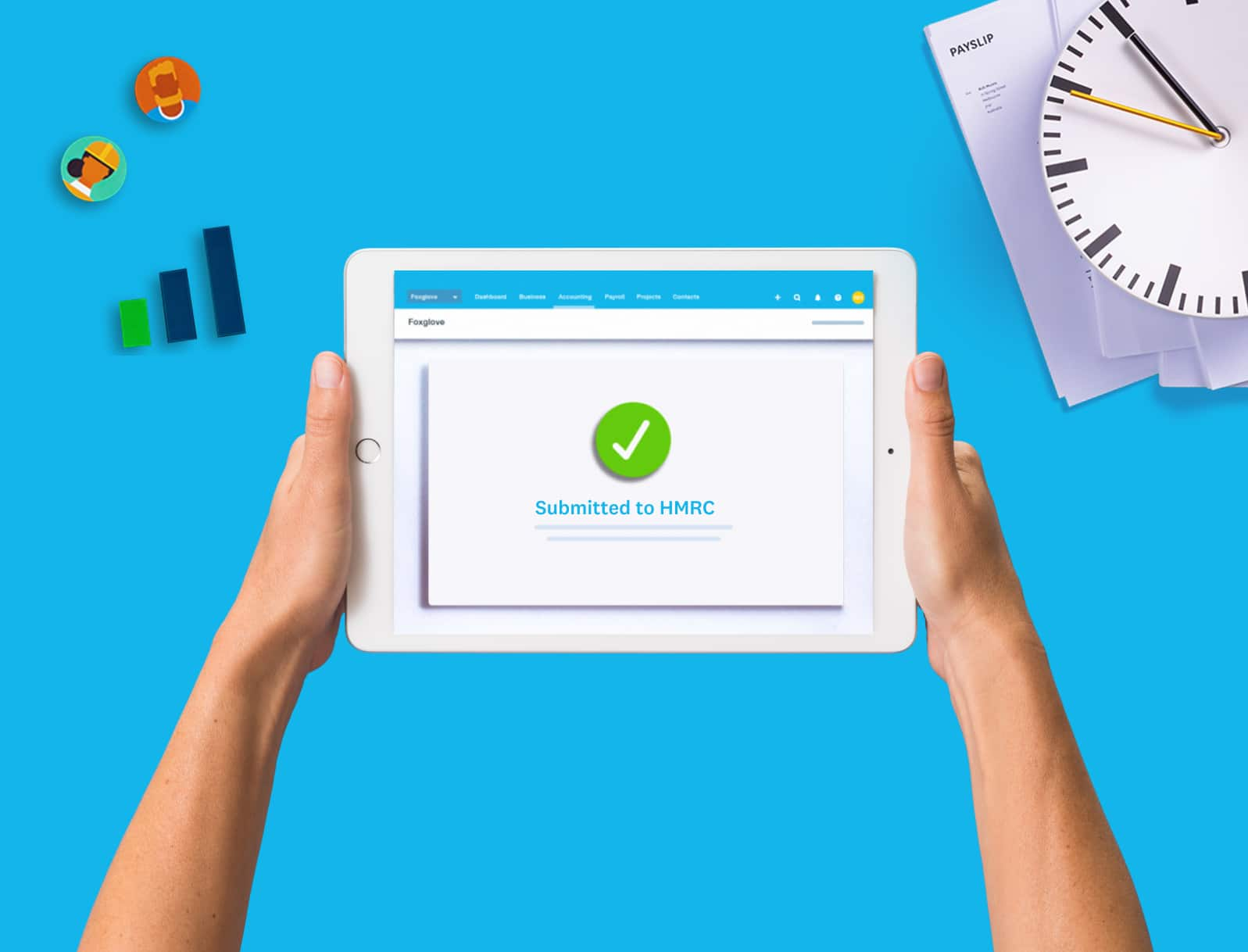
Bridging software got many clients through MTD for VAT and their first Income Tax quarters. But spreadsheets mean rekeying figures each quarter, and the final declaration needs more. Moving clients to Xero gives you bank feeds, live figures and every update in one place.
Pick the right moment
Switch at the start of a quarter, and bring across year-to-date figures, because updates build on each other.
Start with the hardest cases
Prioritise clients with several businesses, joint property or messy spreadsheets.
Use bank feeds from day one
Connect accounts first, so digital records build up while you finish the move.
MTD for Income Tax: core requirements
- Keep digital records of income and expenses
- Send quarterly updates through HMRC-recognised software
- Submit a final declaration by 31 January
- Use digital links between any systems you combine
Steps to prepare your practice
MTD for Income Tax changes your year from one deadline to five. These steps help you spread the work, set expectations with clients and get your team confident in the software.
- Learn the rules and train your team
- Agree how often clients will update their books
- Choose one software set-up for every MTD client
- Build quarterly workflows and reminders

Why MTD for IT can be great for your practice
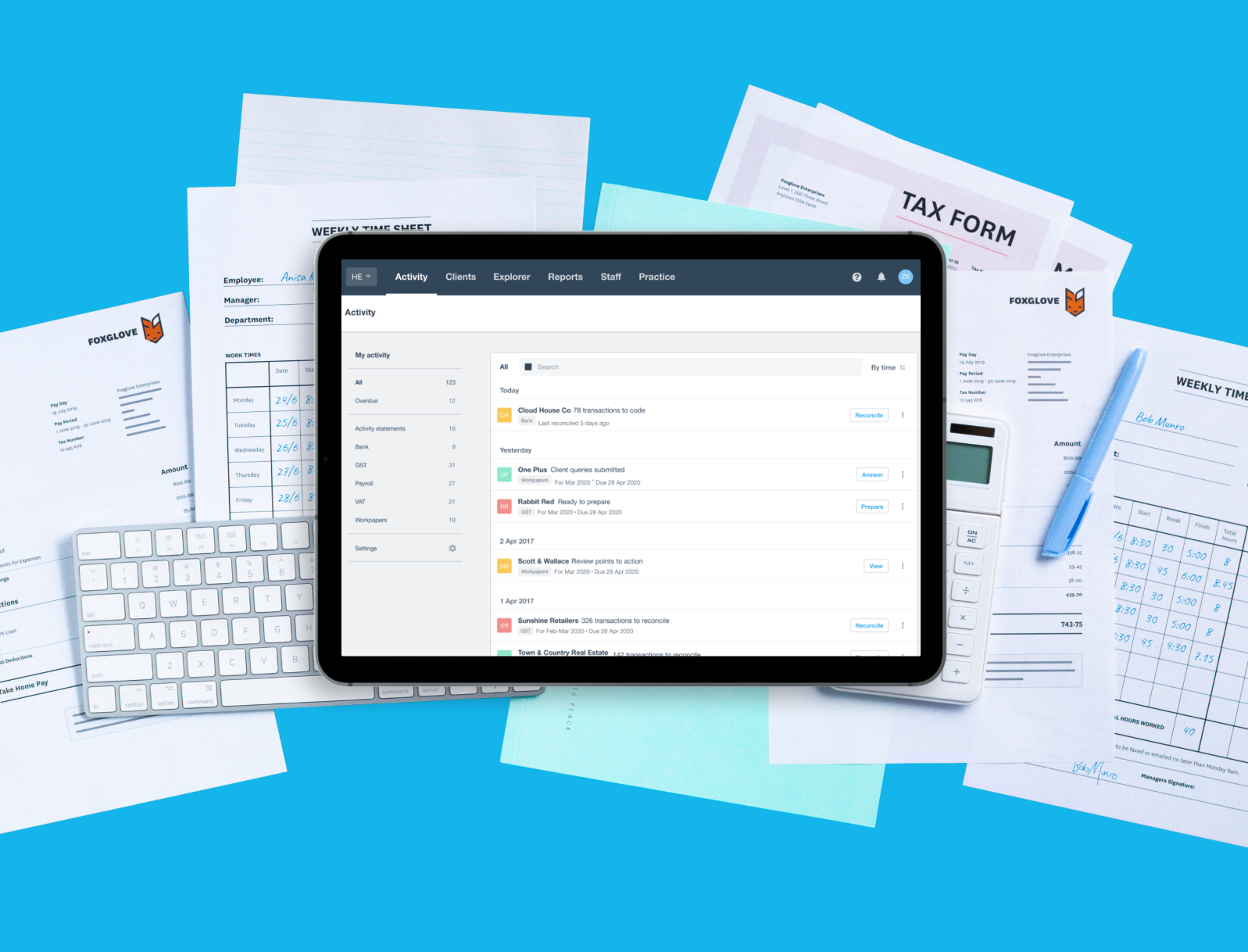
Xero brings client transactions in through bank feeds, fills in draft quarterly updates and shows real-time tax estimates. Work in each client's live file at no extra user cost, and manage every MTD client from one practice login.
See Xero's MTD for Income Tax software
Resources for your practice
Guides, training and tools to get your team ready for MTD for Income Tax.
Download the practice preparation pack
A practice handbook, an MTD training webinar and a segmentation workbook in one download.
Get the essential bookkeeper's handbook
What MTD for Income Tax means for bookkeepers and how to support clients.
Use the client segmentation tool
Sort clients by start date and estimate the workload for each phase.
Read the guide to managing the 2026/27 tax season
Running MTD and Self Assessment side by side in the first MTD year.
Get the MTD action plan
A practical plan for adopting MTD for Income Tax and training your team.
Client resources
Ready-made materials to explain MTD for Income Tax to your clients.
Download the email templates
Templates to tell clients what's changing and what you need from them.
Download the client guide
A plain-English guide to MTD for Income Tax to share with clients.
See how to register clients
Step-by-step help signing clients up through your agent services account.
FAQs on Making Tax Digital for accountants
HMRC counts income from self-employment and property towards the MTD for IT thresholds. This is known as ‘qualifying income’, and where clients have multiple businesses, all income is combined to work out whether they meet the threshold.
For example, if a plumber earning £42,000 through business also makes £10,000 in rental income, this takes them over the £50,000 threshold for MTD for IT. Other income, like savings interest and dividends, does not count towards this threshold.
HMRC counts income from self-employment and property towards the MTD for IT thresholds. This is known as ‘qualifying income’, and where clients have multiple businesses, all income is combined to work out whether they meet the threshold.
For example, if a plumber earning £42,000 through business also makes £10,000 in rental income, this takes them over the £50,000 threshold for MTD for IT. Other income, like savings interest and dividends, does not count towards this threshold.
Yes, but they’ll still need extra software to comply with MTD for IT rules. Spreadsheet data must be connected to HMRC via bridging software. This ensures there’s a digital link in place, which is a key MTD requirement. Using accounting software can be easier, because all compliance tasks can be taken care of with a single system, instead of switching between tools. Plus, modern accounting software comes with extra features that help growing businesses with their finances.
Yes, but they’ll still need extra software to comply with MTD for IT rules. Spreadsheet data must be connected to HMRC via bridging software. This ensures there’s a digital link in place, which is a key MTD requirement. Using accounting software can be easier, because all compliance tasks can be taken care of with a single system, instead of switching between tools. Plus, modern accounting software comes with extra features that help growing businesses with their finances.
Yes – you can manage multiple clients with cloud-based accounting software like Xero. So, whether you’re working with 10 clients or 1000 clients, you can use the same features and processes in Xero.
Yes – you can manage multiple clients with cloud-based accounting software like Xero. So, whether you’re working with 10 clients or 1000 clients, you can use the same features and processes in Xero.
There are no penalties for late quarterly updates in the 2026–27 tax year. From 2027–28, each missed deadline earns a penalty point, and a £200 penalty applies once a client reaches four points. Late payment penalties apply separately. GOV.UK sets out MTD for Income Tax penalties.
There are no penalties for late quarterly updates in the 2026–27 tax year. From 2027–28, each missed deadline earns a penalty point, and a £200 penalty applies once a client reaches four points. Late payment penalties apply separately. GOV.UK sets out MTD for Income Tax penalties.
Once their 2025–26 return confirms qualifying income over £30,000, you can sign them up through your agent services account. Doing it before 6 April 2027 gives them time to set up software and bank feeds before the first quarter. Use our client segmentation tool to see who's in.
Once their 2025–26 return confirms qualifying income over £30,000, you can sign them up through your agent services account. Doing it before 6 April 2027 gives them time to set up software and bank feeds before the first quarter. Use our client segmentation tool to see who's in.
Yes, Xero is compliant with Making Tax Digital for Income Tax. Xero is also HMRC-recognised, and trusted by millions.
Yes, Xero is compliant with Making Tax Digital for Income Tax. Xero is also HMRC-recognised, and trusted by millions.
Disclaimer
Xero does not provide accounting, tax, business or legal advice. This guide has been provided for information purposes only. You should consult your own professional advisors for advice directly relating to your business or before taking action in relation to any of the content provided.
Become a Xero partner
Join the Xero community of accountants and bookkeepers. Collaborate with your peers, support your clients and boost your practice.