Quotation software for UK businesses
Xero's quotation software lets you create professional quotes, send them online, and convert accepted quotes to invoices without you re-entering a single detail. Use it on your desktop or with the Xero Accounting app — and save an average of 7 minutes on every quote you send.*
*Source: Xero survey of 446 SBs globally, October 2025
Create a quotation in three easy steps
Xero's quoting software covers everything from generating a quote to collecting payment – no switching tools.
Generate an online quotation in minutes
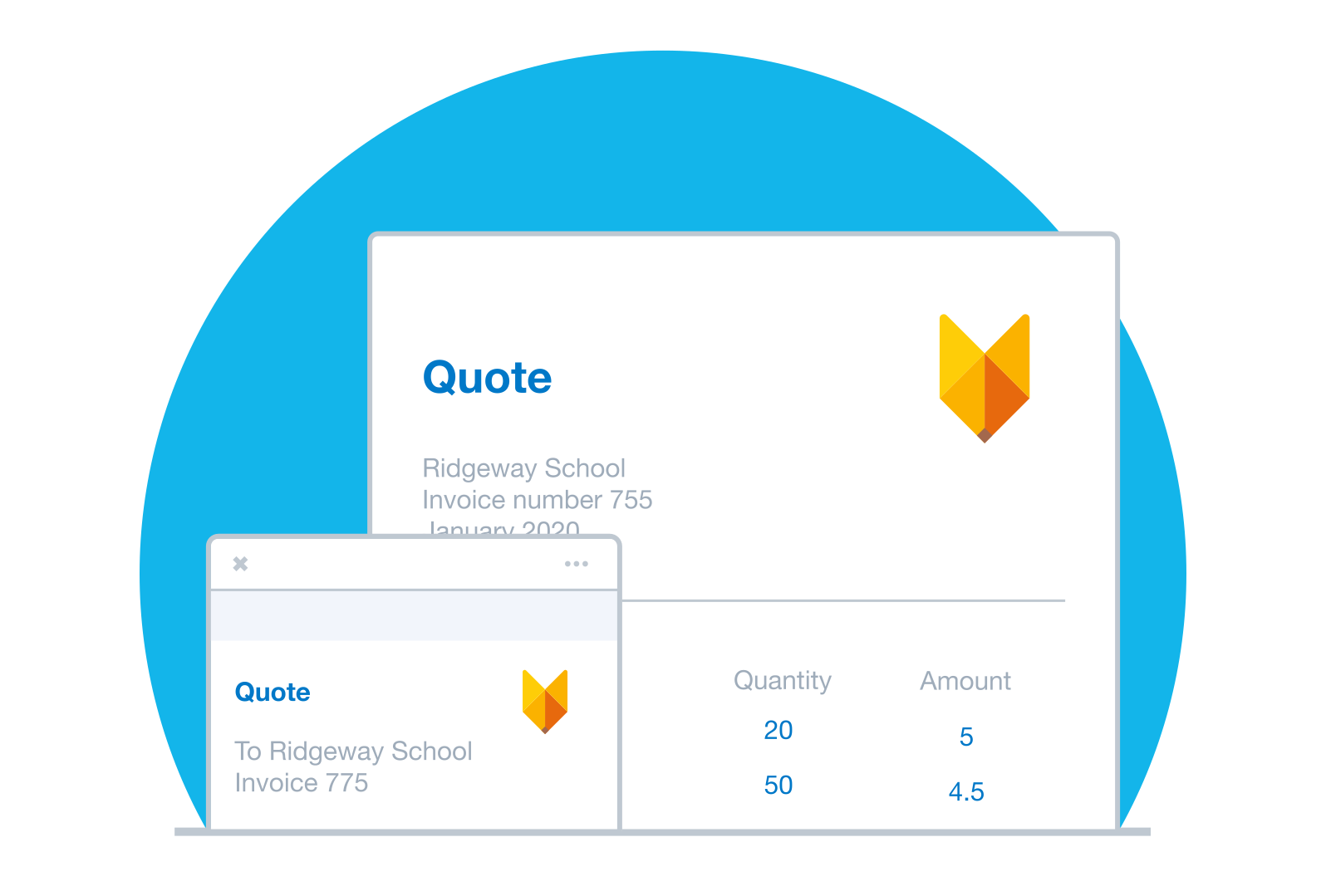
Use a professional quote template or copy a previous one. Pull your saved contact and inventory details straight in.
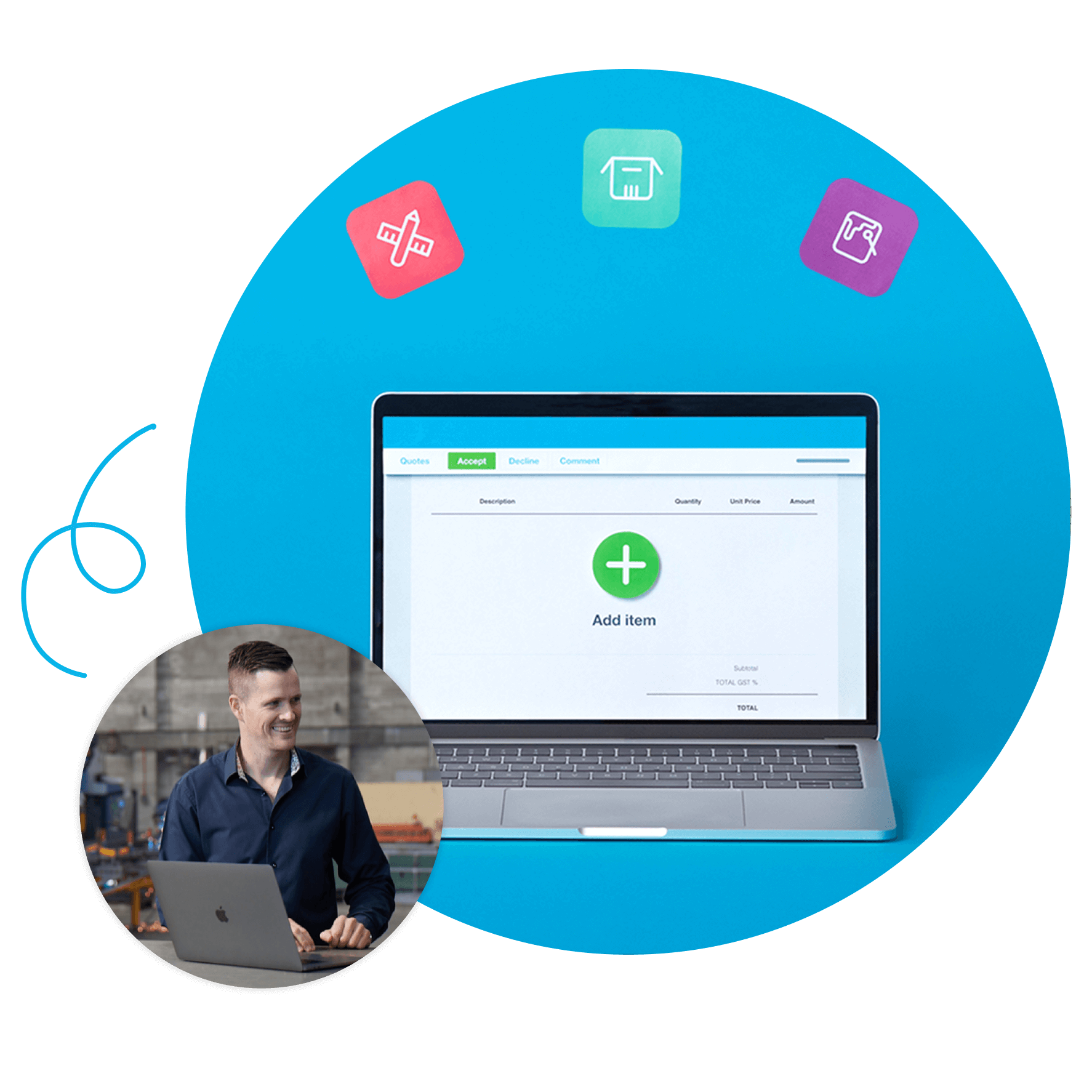
Let customers accept with a single click
Customers accept or decline online and can leave comments.
Turn quotes into invoices instantly
Don't create an invoice from scratch — just convert the accepted quote! Turn accepted quotes into invoices.
Create quotations online – your way
Xero’s estimating software makes your UK business look professional. The process is slick for you and your customers.
- Create quotes from the Xero Accounting app or your desktop
- Pull saved contact and inventory details into each new quote automatically
- Copy a previous quote and edit it instead of starting from scratch
- Send quotes as a PDF attachment or a link to the online quote
Customers can accept directly from your quotes
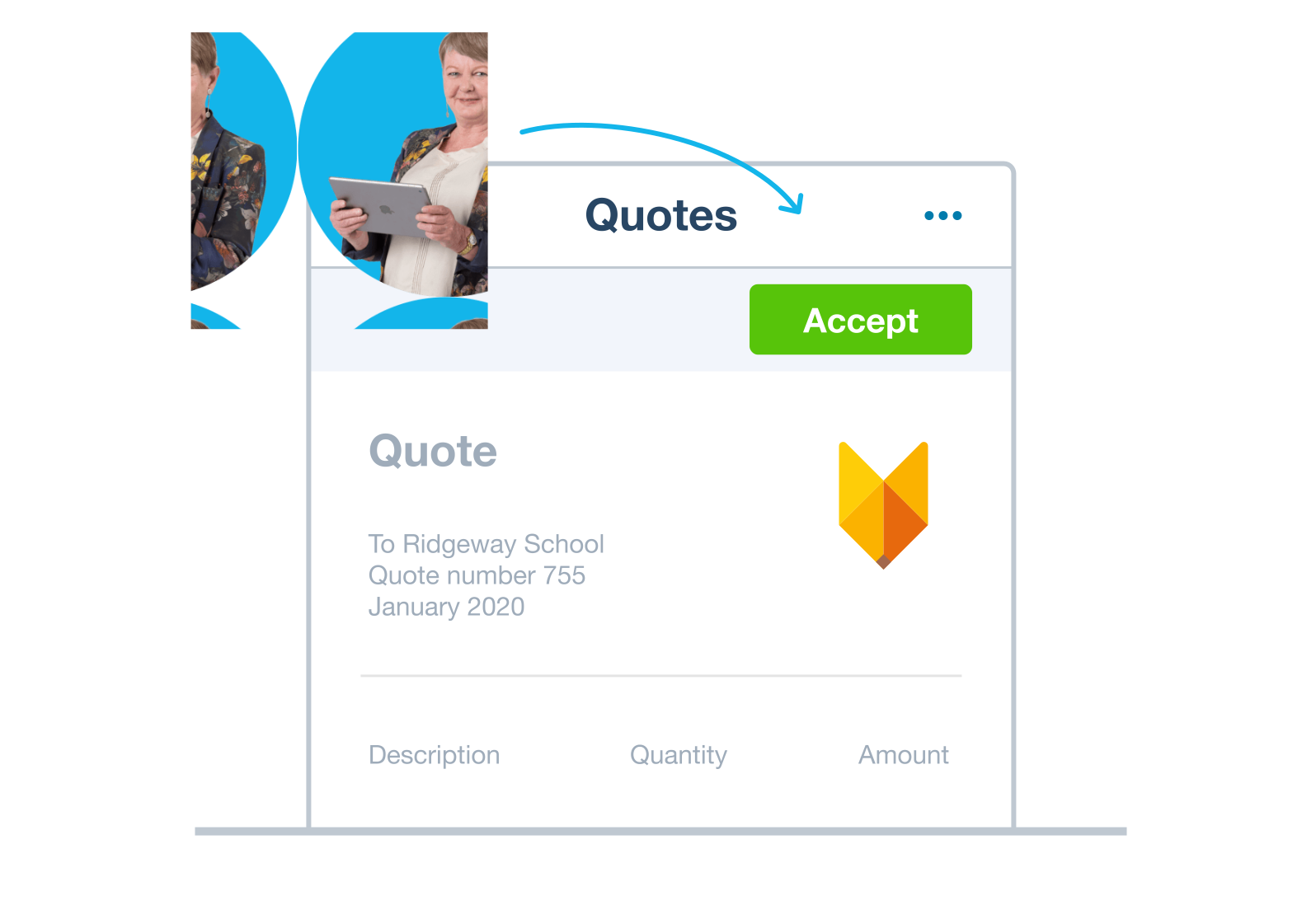
The faster a customer can say yes, the sooner you can get started. Xero's quotation management software tracks every quote from Draft to Invoiced, so you always know where things stand. Set an expiry date to nudge customers towards a decision, and get an email the moment they respond.
- Customers accept or decline with a single click and can comment on the quote
- Revise, update pricing, and resend without losing what you sent before
- Track every quote across five stages: Draft, Sent, Declined, Accepted, and Invoiced
- Your records stay up to date as quotes move through each stage
Turn an accepted quote into an invoice – fast
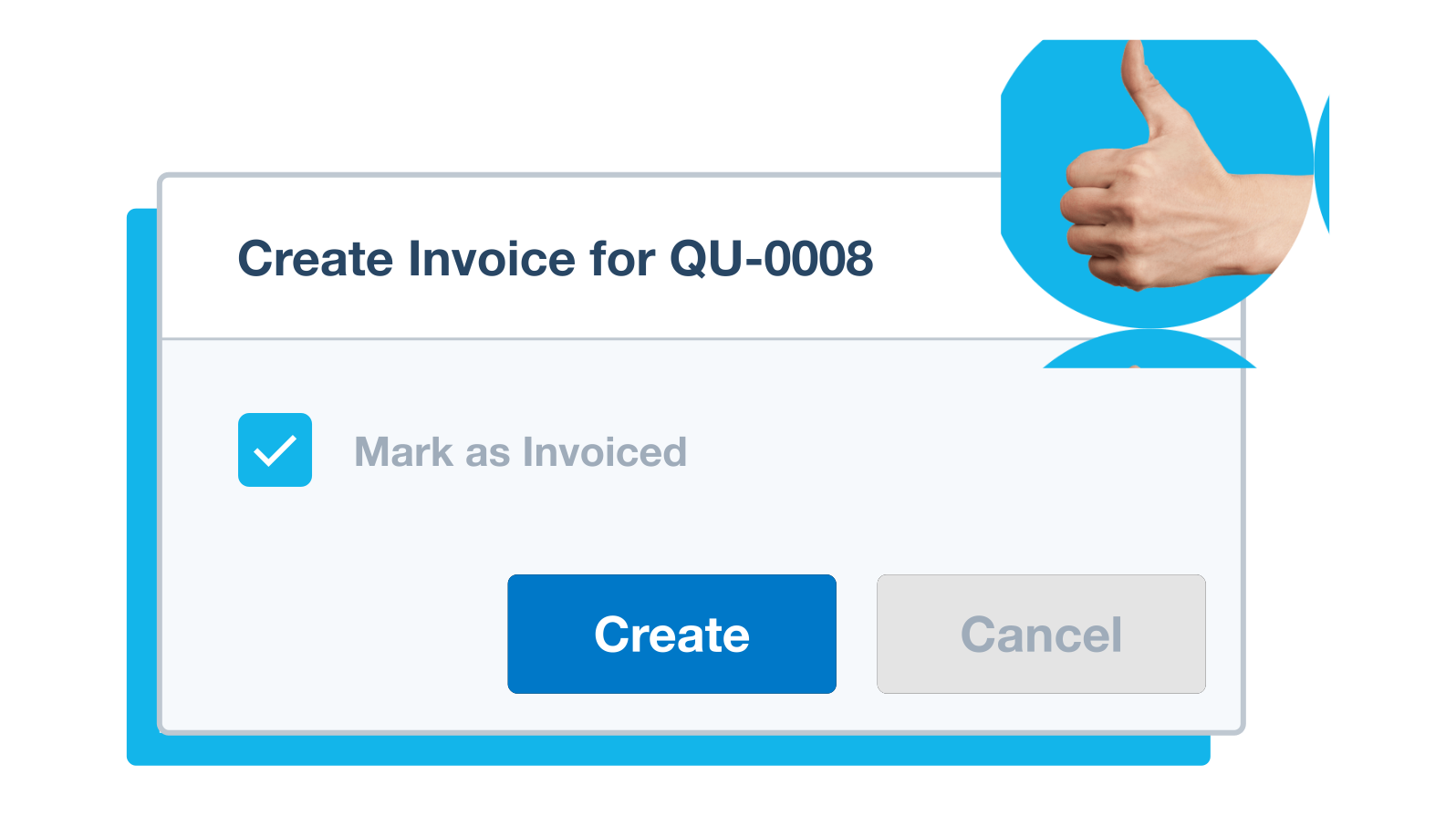
When a customer accepts your quote, there’s no need to create an invoice from scratch – just convert the quote into an invoice. But Xero's quotation and invoice software are integrated – convert an accepted quote into an invoice, then let customers pay directly from it.
- 1. Find the relevant estimate or quote
- 2. Click Create invoice
- 3. Add, edit, or remove items as needed
Accounting software for your UK small business
Xero connects your quoting to invoicing, payments, inventory, and bank feeds. Everything in one place, seamlessly connected. It's accounting software with quoting built in from the start.
- Everything in one place
- Connect to your bank
- Collaborate in real time
- Customise to suit your needs

Plans for growing businesses
Ignite
for the first 6 months
Then £18 per month
An easy financial foundation - track cash flow with the essentials.
- Send quotes and 20 invoices†
- Accept online invoice payments^
- MTD for Income Tax ready
- Reconcile transactions
- Smart document capture
- View real-time reports
- Enter 10 bills
- Submit VAT returns to HMRC
- Automate subcontractor CIS calculations and reports
- Make online bill and payroll payments (domestic) for £0.20 per payment††
- Payroll for £1.50 per person
- 30 day cash flow forecast
- Visualise performance with basic graphs
- Company accounts and tax (optional £120 excl. Vat billed annually)

Grow
for the first 6 months
Then £39 per month
Go beyond the basics - automate tasks and access performance dashboards.
- Send invoices and quotes
- Accept online invoice payments^
- MTD for Income Tax ready
- Reconcile transactions
- Smart document capture
- View real-time reports
- Automate bill entry and track bills
- Submit VAT returns to HMRC
- Automate subcontractor CIS calculations and reports
- Make online bill and payroll payments (domestic) for up to 5 payments
- Payroll for 1 person
- 60 day cash flow forecast
- Visualise performance with graphs
- Customise performance dashboards
- Claim expenses and mileage for 1 user
- Company accounts and tax (optional £120 excl. Vat billed annually)
Comprehensive
for the first 6 months
Then £55 per month
Optimise profitability - tailor your insights for greater control.
- Send invoices and quotes
- Accept online invoice payments^
- MTD for Income Tax ready
- Reconcile transactions
- Smart document capture
- View real-time reports
- Automate bill entry and track bills
- Submit VAT returns to HMRC
- Automate subcontractor CIS calculations and reports
- Make online bill and payroll payments (domestic) for up to 10 payments
- Payroll for 5 people
- 90 day cash flow forecast
- Visualise performance with graphs
- Customise performance dashboards
- Claim expenses and mileage for 5 users
- Use multiple currencies
- Tailored financial health scorecards
- Make online bill payments (International) - Optional add-on
- Company accounts and tax (optional £120 excl. Vat billed annually)
- Budget with smart suggestions
Ultimate
for the first 6 months
Then £70 per month
Future proof your scaling business - with advanced tools and analytics.
- Send invoices and quotes
- Accept online invoice payments^
- MTD for Income Tax ready
- Reconcile transactions
- Smart document capture
- View real-time reports
- Automate bill entry and track bills
- Submit VAT returns to HMRC
- Automate subcontractor CIS calculations and reports
- Make online bill and payroll payments (domestic) for up to 15 payments
- Payroll for 10 people
- 180 day cash flow forecast
- Visualise performance with graphs
- Customise performance dashboards
- Claim expenses and mileage for 10 users
- Use multiple currencies
- Tailored financial health scorecards
- Make online bill payments (International) - Optional add-on
- Track time and costs for projects for 10 users
- Analyse KPIs and ratios
- Benchmark against the industry
- Company accounts and tax (optional £120 excl. Vat billed annually)
- Budget with smart suggestions
Not VAT registered? See plans for simpler business needs.View plans
Quotation software for every industry
Every industry quotes differently. Xero's quotation software adapts to how your business works – with mobile access, inventory integration, and professional branding built in.
- Construction businesses: quote jobs with accurate materials and labour costs
- Contractors: create and send quotes on site from the Xero Accounting app
- Manufacturing companies: pull inventory pricing into quotes automatically
- Send professional, branded quotes and track acceptance in one place
‘Very good app, flows smooth, allows me to quote & invoice on the run’
– Sheldon M, App Store review
FAQs on quotation software FAQs
Quotation software lets you create, send, and track business quotes in one place. It helps you create online quotes and estimates faster with a more professional process.
Xero uses the terms quotes, estimates, quoting software, and estimating software across its content. Quotation software typically covers the full workflow: create a quote, let the customer accept it online, and convert it directly to an invoice.
With Xero, you can do all of that from one platform – you don’t need separate tools or to re-enter data.
Quotation software lets you create, send, and track business quotes in one place. It helps you create online quotes and estimates faster with a more professional process.
Xero uses the terms quotes, estimates, quoting software, and estimating software across its content. Quotation software typically covers the full workflow: create a quote, let the customer accept it online, and convert it directly to an invoice.
With Xero, you can do all of that from one platform – you don’t need separate tools or to re-enter data.
Tailor Xero's quote template by adding your logo and business info. If you need different types of quotes, you can save multiple customised versions (Xero calls these 'branding themes'). You can also create customised templates for emails you send with the quote.
Tailor Xero's quote template by adding your logo and business info. If you need different types of quotes, you can save multiple customised versions (Xero calls these 'branding themes'). You can also create customised templates for emails you send with the quote.
Certainly. With online quotes, you can read and respond to any comments or questions your customers leave for you, which keeps all your interactions in one place. You can then add, delete, or change the details or pricing and resend the quote.
Certainly. With online quotes, you can read and respond to any comments or questions your customers leave for you, which keeps all your interactions in one place. You can then add, delete, or change the details or pricing and resend the quote.
Yes. Once you've converted an accepted quote into an invoice, your customer can pay directly from it. You can offer payment options like credit or debit card, Apple Pay, Google Pay, or direct debit.
Everything flows through in one process: quote accepted, invoice created, and payment collected.
Yes. Once you've converted an accepted quote into an invoice, your customer can pay directly from it. You can offer payment options like credit or debit card, Apple Pay, Google Pay, or direct debit.
Everything flows through in one process: quote accepted, invoice created, and payment collected.
Yes – you and your customers can download and print quotes from a PDF to get a paper copy. Post a hard copy to customers, email them a PDF, or email them a link to a quote from the Xero Accounting app or desktop.
Yes – you and your customers can download and print quotes from a PDF to get a paper copy. Post a hard copy to customers, email them a PDF, or email them a link to a quote from the Xero Accounting app or desktop.
Xero’s quoting features are available within Xero, so you can create, send, and manage quotes alongside your accounting in one place. You can try Xero free for 30 days to see how it fits your business.
Xero replaces multiple tools with one piece of software, letting you create quotes, turn accepted quotes into invoices, and collect payments from invoices in one place.
Xero’s quoting features are available within Xero, so you can create, send, and manage quotes alongside your accounting in one place. You can try Xero free for 30 days to see how it fits your business.
Xero replaces multiple tools with one piece of software, letting you create quotes, turn accepted quotes into invoices, and collect payments from invoices in one place.
It depends on your business. Xero’s quoting software works with the details you’ve saved in Xero, including contact, inventory and pricing info, and lets you turn accepted quotes into invoices without creating them from scratch.
But if your UK business needs specific features, you can extend Xero with apps from the Xero App Store. These include
- CRM systems
- industry-specific apps.
- inventory management tools
- payment processing apps
It depends on your business. Xero’s quoting software works with the details you’ve saved in Xero, including contact, inventory and pricing info, and lets you turn accepted quotes into invoices without creating them from scratch.
But if your UK business needs specific features, you can extend Xero with apps from the Xero App Store. These include
- CRM systems
- industry-specific apps.
- inventory management tools
- payment processing apps
Quotation software saves time by replacing multiple tools with one piece of software, letting customers accept quotes online, and turning accepted quotes into invoices without creating them from scratch.
Xero quotation software helps speed up the quoting process. Small businesses save an average of 7 minutes on every quote or invoice with Xero. That's 2+ hours back for every 20 you send.* And Xero’s online acceptance, automatic status tracking, and one-click invoice conversion mean you spend less time on admin and more time on the work itself.
*Source: Xero survey of 446 SBs globally, October 2025
Quotation software saves time by replacing multiple tools with one piece of software, letting customers accept quotes online, and turning accepted quotes into invoices without creating them from scratch.
Xero quotation software helps speed up the quoting process. Small businesses save an average of 7 minutes on every quote or invoice with Xero. That's 2+ hours back for every 20 you send.* And Xero’s online acceptance, automatic status tracking, and one-click invoice conversion mean you spend less time on admin and more time on the work itself.
*Source: Xero survey of 446 SBs globally, October 2025
Yes. The Xero Accounting app (iOS and Android) lets you create, send, and track quotes from your mobile. If your contacts and inventory are in Xero, these will show as you create the quote, so you can put together an accurate quote on site before you head back to your desk.
Yes. The Xero Accounting app (iOS and Android) lets you create, send, and track quotes from your mobile. If your contacts and inventory are in Xero, these will show as you create the quote, so you can put together an accurate quote on site before you head back to your desk.
Your quotation software, working harder
Make a quotation, track its status, and convert it to an invoice – Xero handles the full process in one place.
Generate quotations faster
Create a quotation online in minutes and send it from your desktop or your mobile wherever you're working.
Fewer errors
Xero pulls saved pricing and contact details into every new quote – less manual typing means fewer mistakes.
Simpler admin
Track every quote by status: Draft, Sent, Declined, Accepted, Invoiced.
Get one month free
Purchase any Xero plan, and we will give you the first month free.

Trustpilot
Monya
Trustpilot
Tom W
Trustpilot
Tina T
FAQs about Xero in the UK
Yes, you can connect your Xero account with HMRC to more easily prepare and submit your returns so you never miss a deadline. HMRC recognises Xero’s software, which is also compliant with Making Tax Digital (MTD).
Find out more on running a business at GOV.UKYes, you can connect your Xero account with HMRC to more easily prepare and submit your returns so you never miss a deadline. HMRC recognises Xero’s software, which is also compliant with Making Tax Digital (MTD).
Find out more on running a business at GOV.UKXero payroll offers a range of reports for internal use and helps you meet HMRC requirements each month. You can give your employees self-service access so they can view payslips, request leave, and submit timesheets directly from Xero.
See HMRC rules for running payrollXero payroll offers a range of reports for internal use and helps you meet HMRC requirements each month. You can give your employees self-service access so they can view payslips, request leave, and submit timesheets directly from Xero.
See HMRC rules for running payrollThe best accounting software depends on your needs. Xero’s accounting software has flexible plans so you can adjust your subscriptions to access the features you need as your business grows.
Check out Xero’s pricing plansThe best accounting software depends on your needs. Xero’s accounting software has flexible plans so you can adjust your subscriptions to access the features you need as your business grows.
Check out Xero’s pricing plansNo – Xero is based in the cloud, so all you need is an internet connection. But you need a multi-factor authentication (MFA) app to log in to Xero. MFA adds an extra layer of security by checking that it’s really you when you log in.
Learn about data protection with XeroNo – Xero is based in the cloud, so all you need is an internet connection. But you need a multi-factor authentication (MFA) app to log in to Xero. MFA adds an extra layer of security by checking that it’s really you when you log in.
Learn about data protection with XeroYes – the Xero App Store has hundreds of apps to help manage your business, including apps specifically designed for your industry and for doing business in the UK.
Check out the Xero App StoreYes – the Xero App Store has hundreds of apps to help manage your business, including apps specifically designed for your industry and for doing business in the UK.
Check out the Xero App Store


See streamlined online quotes and estimates
Time to win some business.