Free invoice template for small businesses
Download a simple, free invoice template and reuse it again and again. Fill it in, send it as a PDF, and look professional from the first bill. You get an editable tax and non-tax version, plus a how-to guide and a completed invoice example.
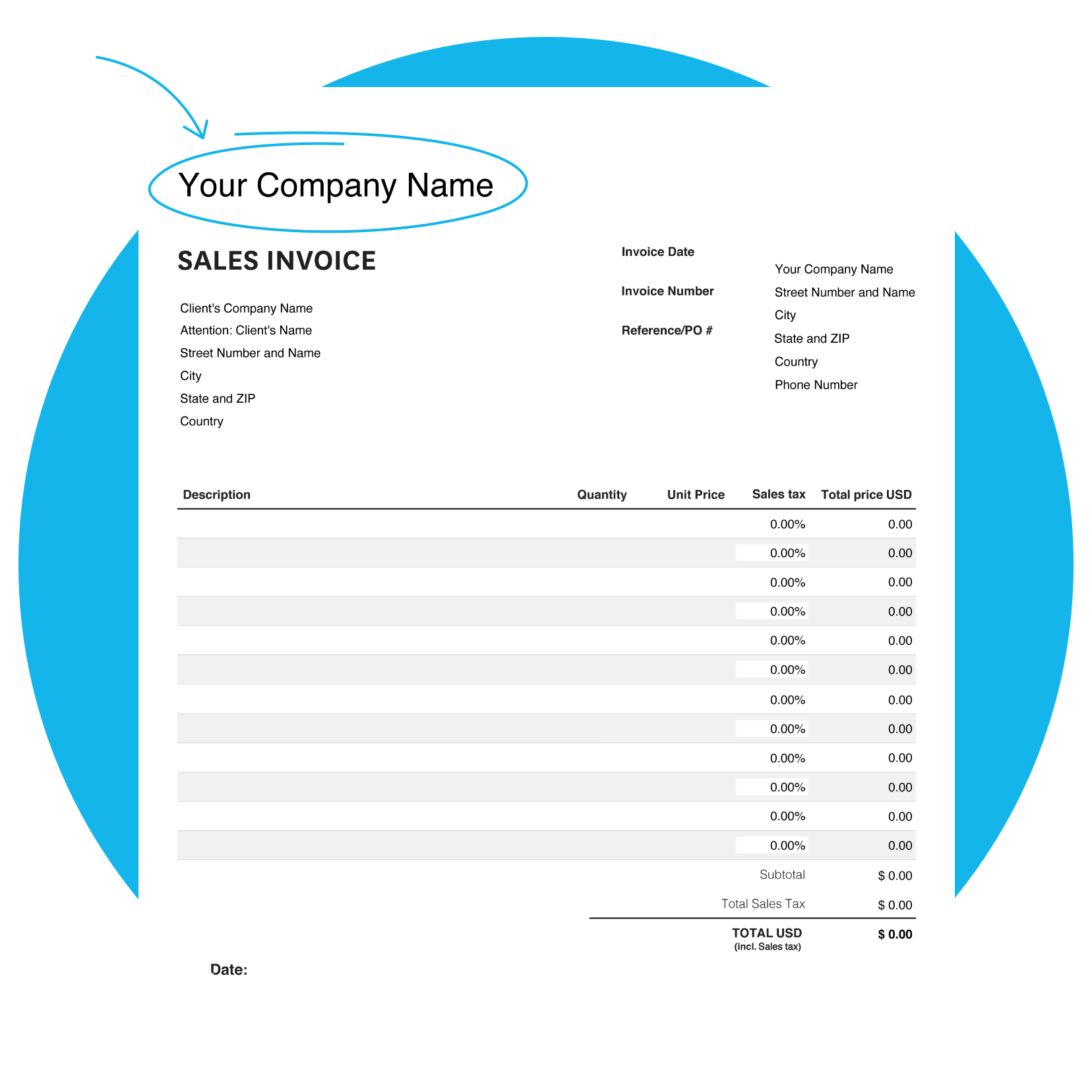
How the free invoice template works
Fill in your business and customer details, add an invoice number along with invoice date and payment due date, then list each product or service with quantities and rates. Enter your tax rate and the template updates the totals for you. Save it as a PDF to email or print.
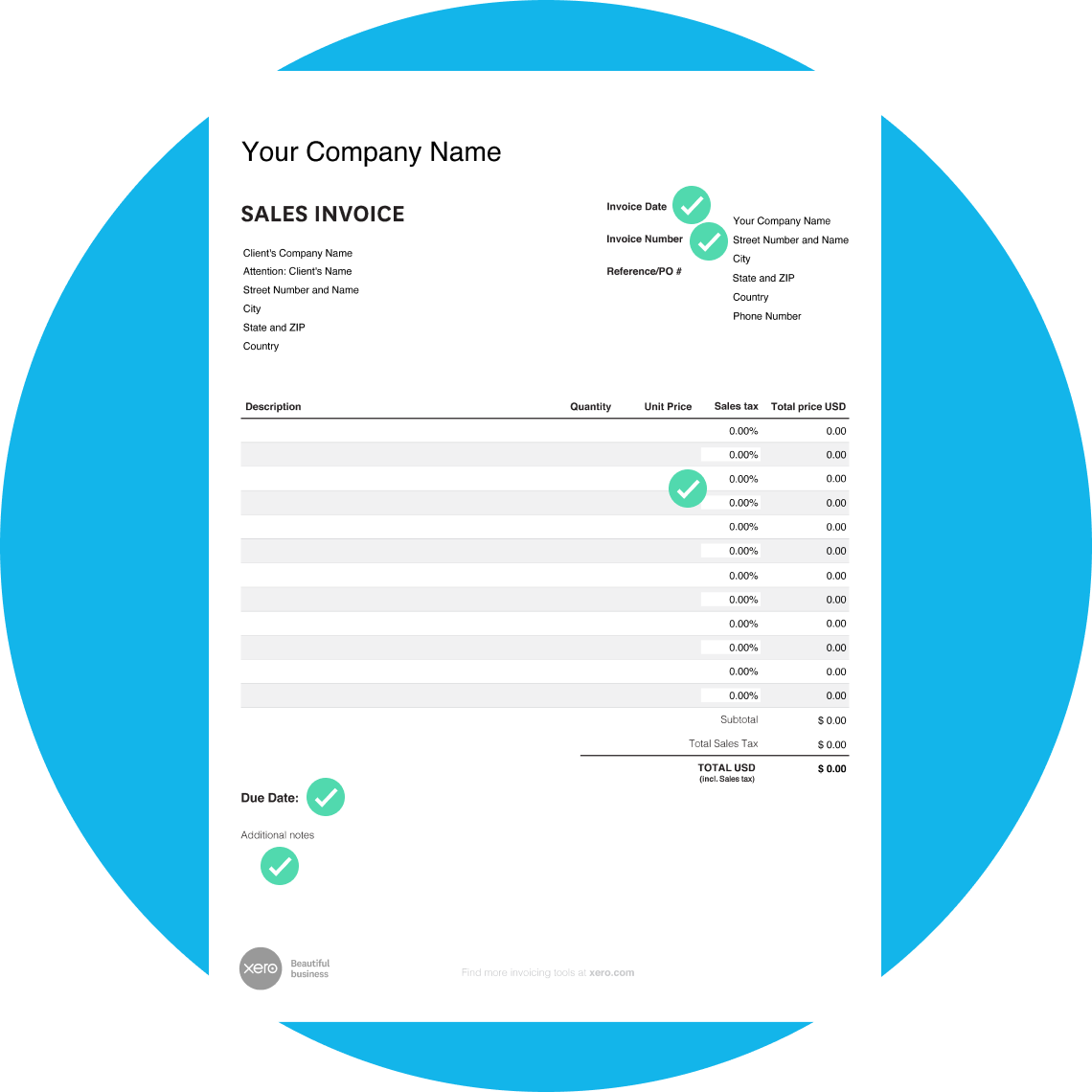
Professional
Created by US invoicing experts, so the layout and formatting are right for your business.
Simple
A clear layout your customers can follow, suitable for just about any type of business.
Smart
Add costs and quantities and the template does the math, updating your prices and totals.
When to use a free invoice
It's a good fit for freelancers, contractors, and small businesses across trades like construction, consulting, and photography. Sending a complete, accurate invoice promptly helps you get paid on schedule.
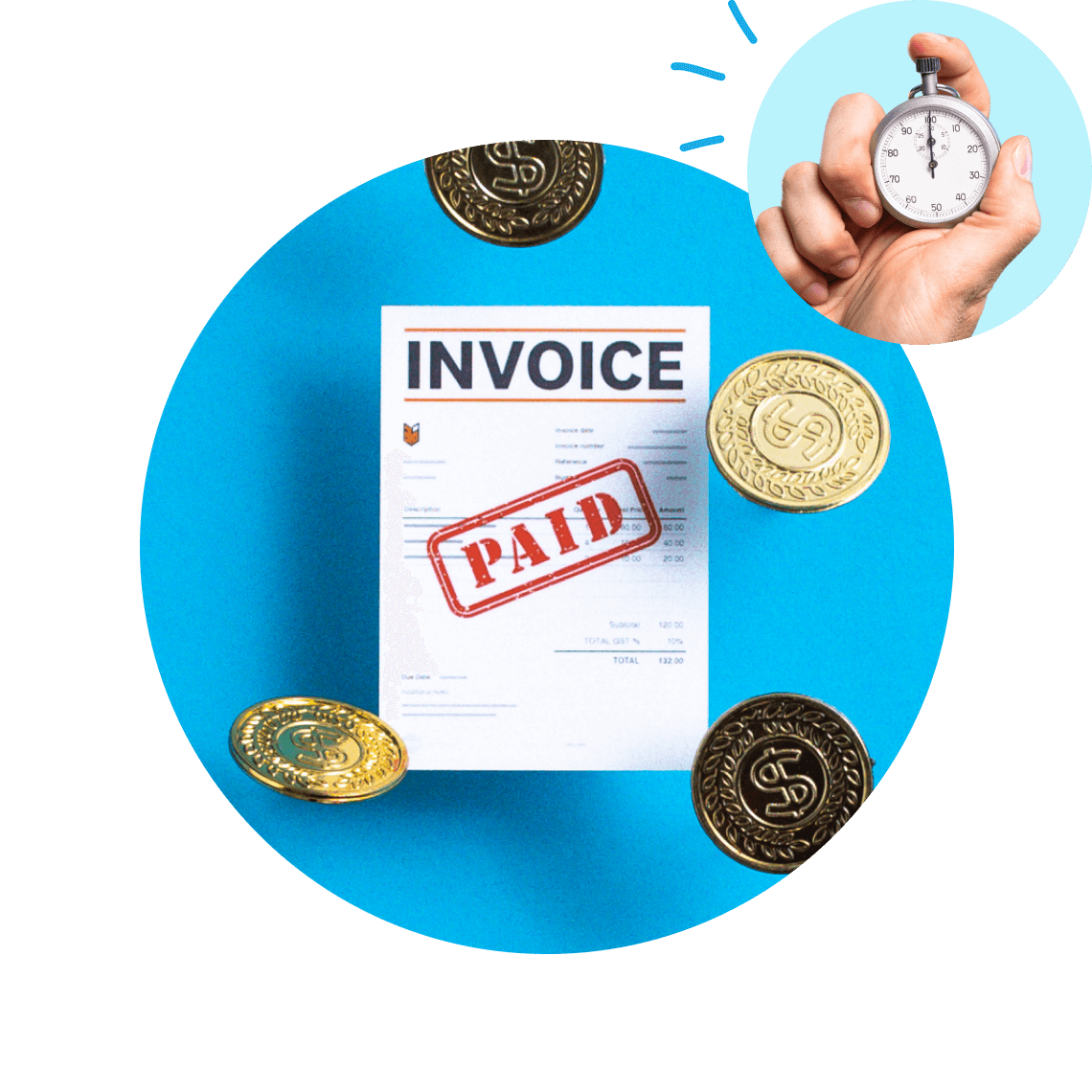
- According to Xero Small Business Insights, US invoices are paid in about 29.3 days.
Right for one-off jobs, new businesses, and quick billing
Use a free invoice template when you need to bill a client now, look professional, and keep a clean record, without paying for software yet.
Download the free invoice template
Fill in the form to get a blank invoice template as an editable PDF, with a how-to guide. You'll get a tax and non-tax version.
Do more with Xero invoicing software
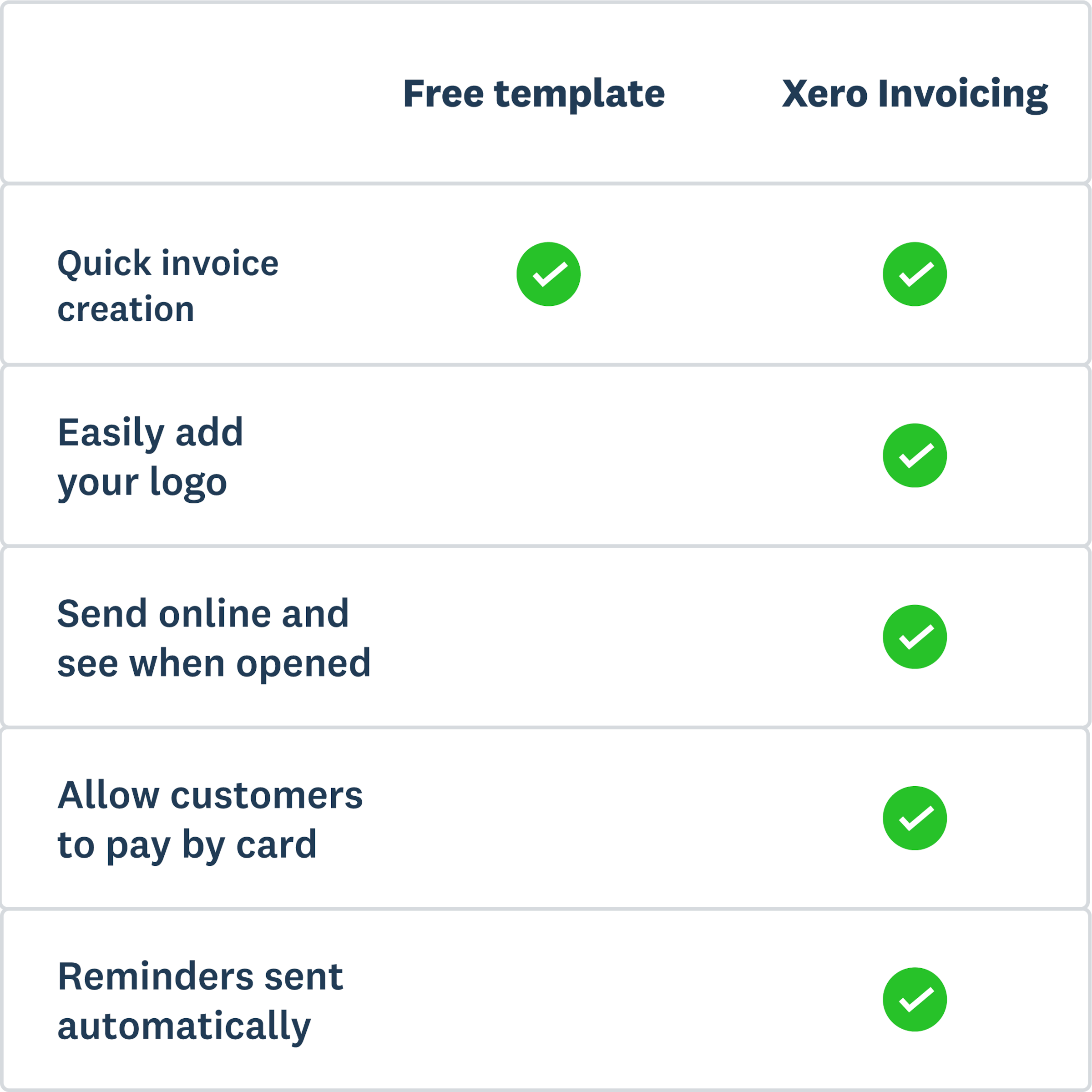
When you're ready to go beyond a template, Xero's invoicing software handles the whole billing process. Create branded invoices, send them from your phone or desktop, and keep every invoice in one place.
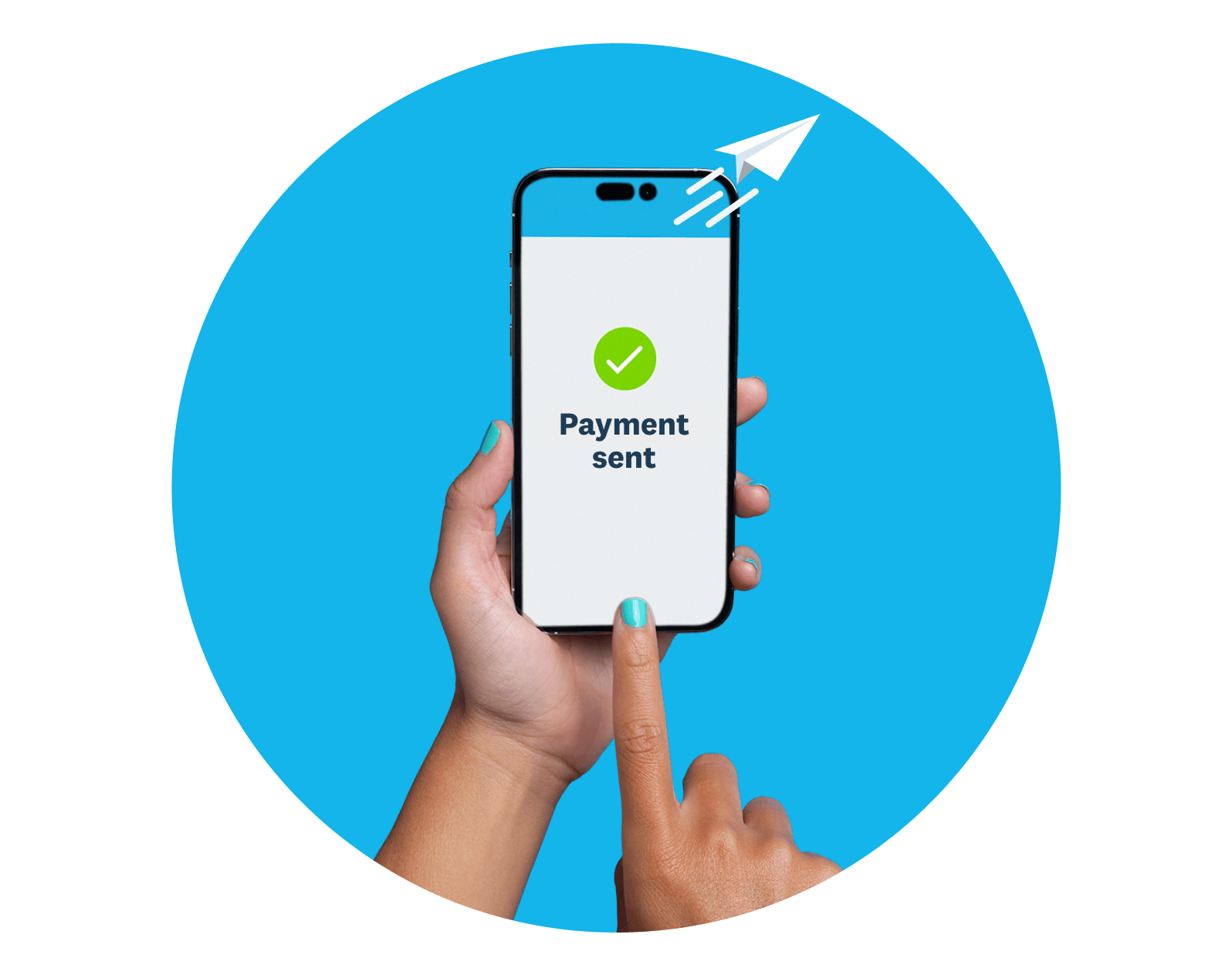
Send online invoices in minutes
Customize Xero's templates with your logo and terms, then send from your desktop or mobile app.
Offer more ways to pay
Add a Pay Now button so customers can pay by card or direct debit straight from the invoice.
Chase payments automatically
Set up automatic reminders so Xero nudges customers when an invoice is due or overdue.
Software solution for invoicing
Leave customer bill templates and messy paperwork in the past. With Xero invoicing software, the processes to get you paid are fast and simple. Automate tasks to save time and keep all your invoice information in one secure place.
- Invoice for partial payments like deposits
- Send smarter, automated invoice reminders
- Add previously invoiced items to your invoice with one click
- See the effects of payments on your cash flow with invoice tracking
- Set recurring invoices using pre-designed templates, including draft invoices
- Experience a simplified payment process with fewer steps for your customers
- Send professional invoices faster with new email tools and live preview features
FAQs on free invoices
Download the free template, fill in your business and customer details, add an invoice number, dates, line items, and tax, then save it as a PDF to send. The included how-to guide walks you through each field.
Download the free template, fill in your business and customer details, add an invoice number, dates, line items, and tax, then save it as a PDF to send. The included how-to guide walks you through each field.
You can download Xero's free invoice template on this page. Fill in the form and you'll get an editable PDF with tax and non-tax versions, plus a worked example.
You can download Xero's free invoice template on this page. Fill in the form and you'll get an editable PDF with tax and non-tax versions, plus a worked example.
This free downloadable template covers the basics. Paid invoicing software like Xero can help you more easily create, send, and track invoices online.
This free downloadable template covers the basics. Paid invoicing software like Xero can help you more easily create, send, and track invoices online.
A clear invoice label, a unique invoice number, your business and customer details, the issue and due dates, line items with quantities and rates, any tax, the total due, and payment instructions.
A clear invoice label, a unique invoice number, your business and customer details, the issue and due dates, line items with quantities and rates, any tax, the total due, and payment instructions.
No. An invoice requests payment before it's made; a receipt confirms payment after it's received.
No. An invoice requests payment before it's made; a receipt confirms payment after it's received.
Many small businesses use Net 14 or Net 30. Shorter terms, stated clearly up front, can help you get paid on schedule.
Many small businesses use Net 14 or Net 30. Shorter terms, stated clearly up front, can help you get paid on schedule.
More invoicing resources
Explore Xero tools and features that make billing and payments easier.
Got your template? Try Xero next
Xero brings invoicing, payments, and reporting together in one place, so you spend less time on admin and more on your business.
Disclaimer
Xero does not provide accounting, tax, business or legal advice. This template has been provided for information purposes only. You should consult your own professional advisors for advice directly relating to your business.