Pay bills on time using Xero accounts payable software
Automate bill entry and simplify your payments with Xero accounts payable software - helping save you time and giving you a clearer view of your UK business's cash flow.

All your bills, in one place
Automate bill entry, streamline approvals and never miss a due date, helping save you time and giving you a clearer view of your cash flow.
Capture bills effortlessly
Xero has smarter tools to automate bill entry for fast, accurate, paperless processing.
Take control of your bills
Assign roles, flag duplicates, and track due dates to help reduce errors, stay organised, and on top of payments.
Simplify payments
Pay multiple bills at once and automate reconciliation ensuring records are always up-to-date.
Capture bills effortlessly, your way
Help save time and reduce the risk of manual errors using Xero accounts payable software for your UK small business.
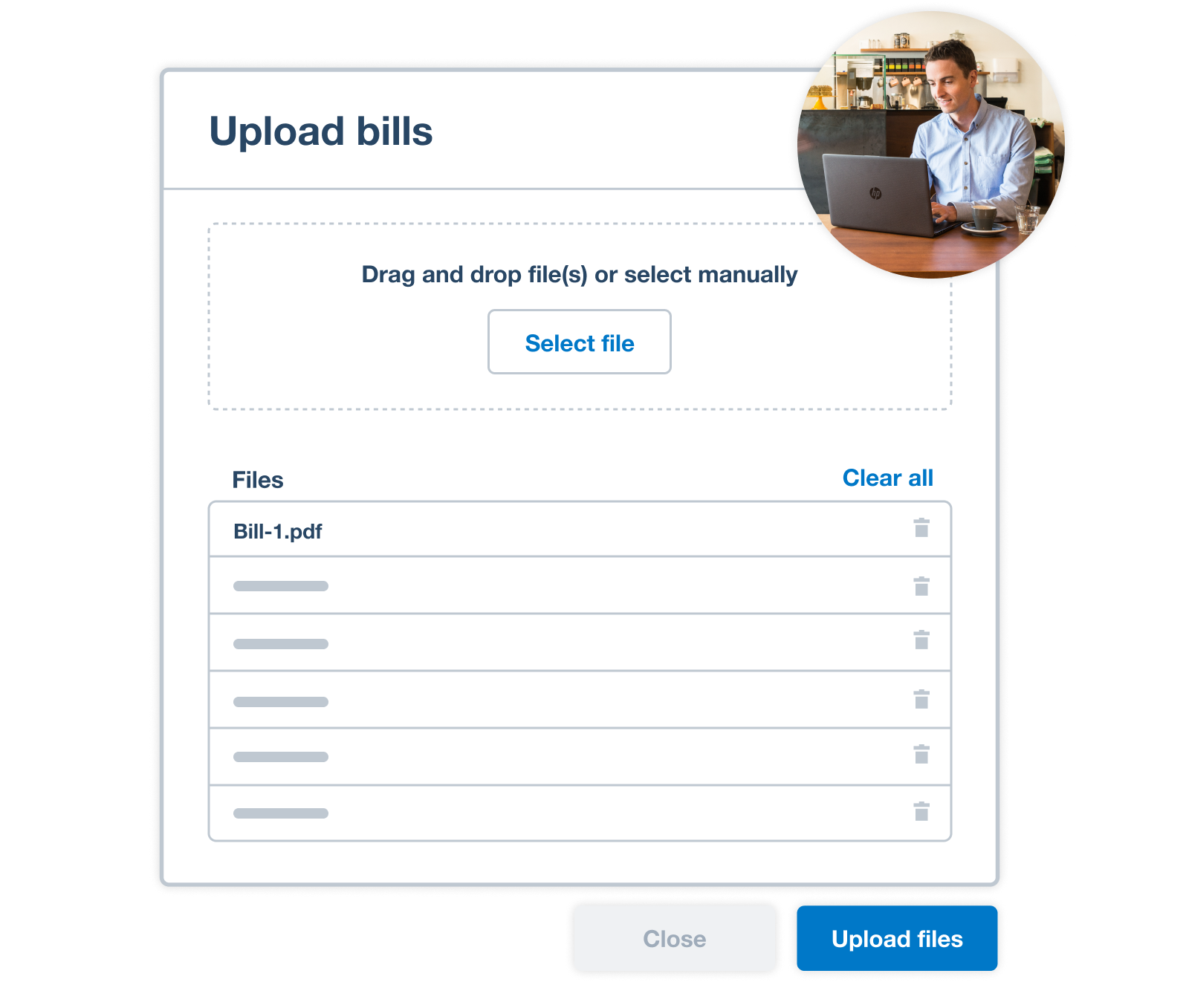
- Automate bill entry by uploading files directly to Xero or forwarding bills from your email. Xero's AI extracts the key details to create draft bills ready for approval
- se Hubdoc to photograph and upload your bills into Xero for paperless record-keeping
Take control of your bills
Assign roles and permissions to control who can create and approve bills, improving security and accuracy.
- Detect and flag duplicate bills automatically to minimise fraud and payment errors
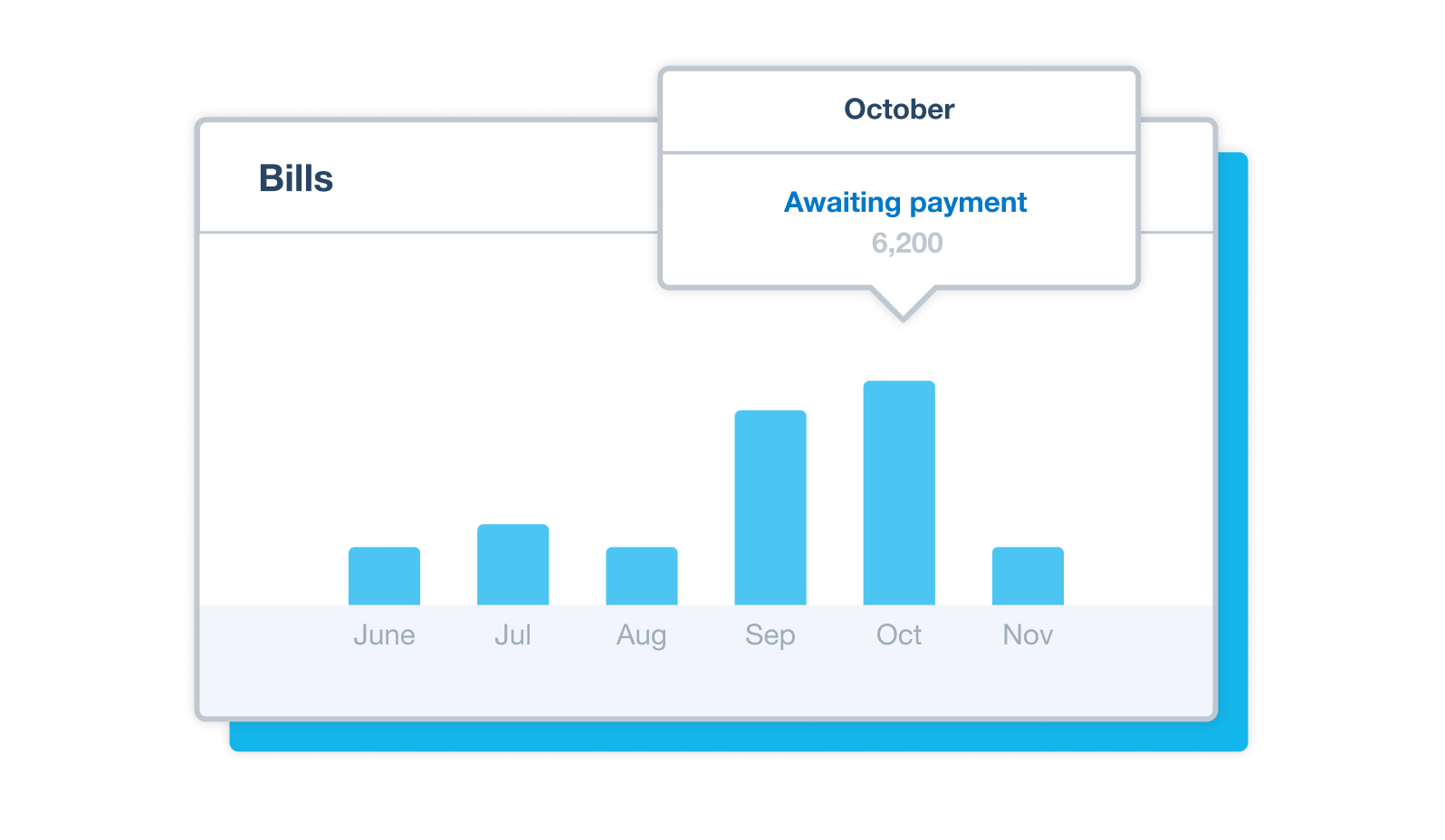
- Organise bills by status, add planned payment dates so your bills get paid on time, and set up repeating bills so you don't have to create them manually each time
- Maintain strong relationships with your suppliers and never miss a payment
Simplify payments
Help save time by combining seamless, secure bill payments and your accounting, all in one place.
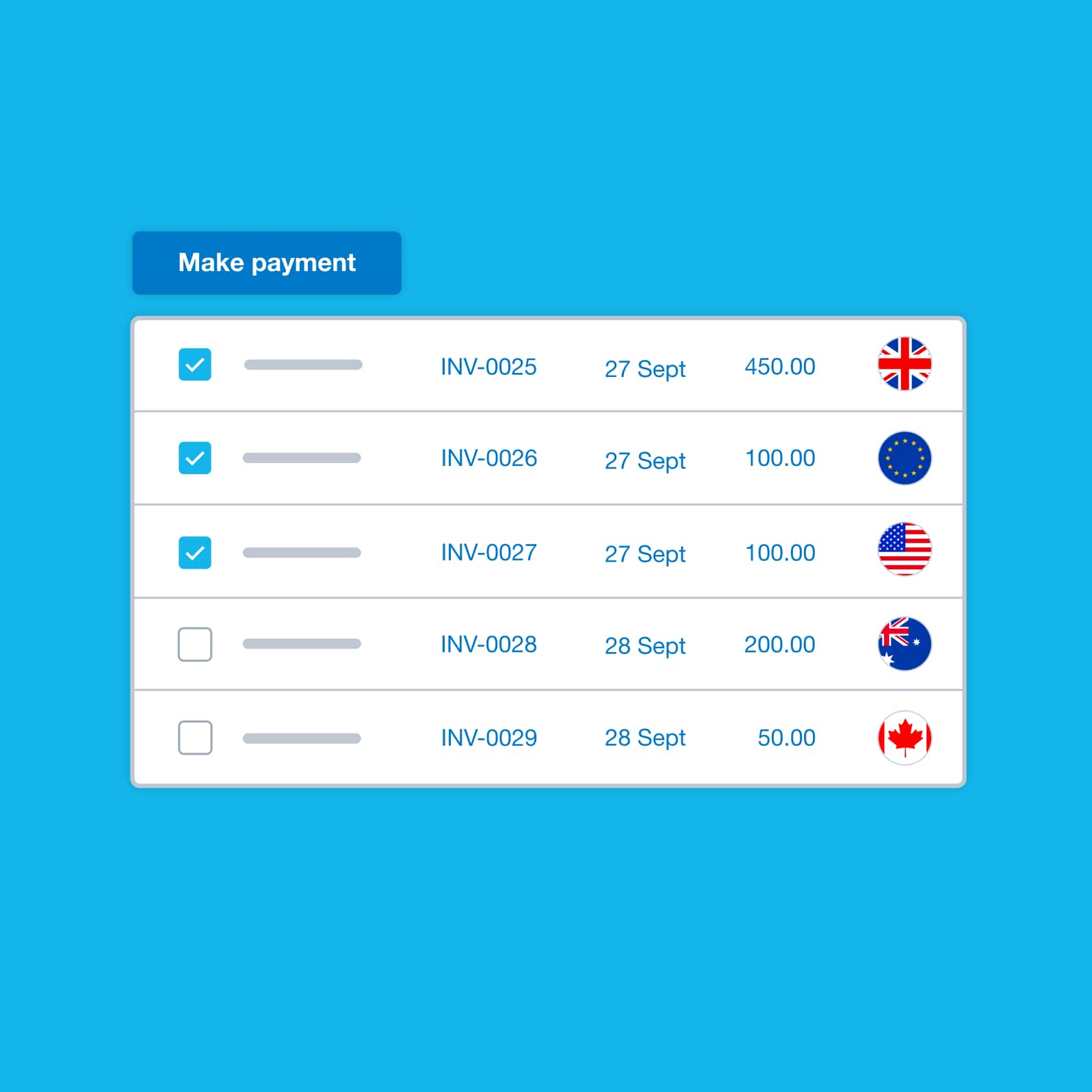
- Pay multiple bills at once with just a few clicks or schedule GBP payments for later.
- Send money 180+ countries including Europe (EUR), America (USD) and Australia (AUD) at competitive rates and avoid hidden fees.
- Delegate payment preparation with confidence while maintaining control through final review and authorisation.
- Reduce the risk of fraud with multi-factor authentication and if enabled by your bank, verify supplier details with 'Confirmation of Payee.'
Accounting software for your UK small business
Run your business accounting online with Xero. Easy-to-use accounting software, designed for your small business.
- Everything in one place
- Connect to your bank
- Collaborate in real time
- Customise to suit your needs

Plans to suit your business
Ignite
for the first 6 months
Then £18 per month
An easy financial foundation - track cash flow with the essentials.
- Send quotes and 20 invoices†
- Accept online invoice payments^
- MTD for Income Tax ready
- Reconcile transactions
- Smart document capture
- View real-time reports
- Enter 10 bills
- Submit VAT returns to HMRC
- Automate subcontractor CIS calculations and reports
- Make online bill and payroll payments (domestic) for £0.20 per payment††
- Payroll for £1.50 per person
- 30 day cash flow forecast
- Visualise performance with basic graphs
- Company accounts and tax (optional £120 excl. Vat billed annually)

Grow
for the first 6 months
Then £39 per month
Go beyond the basics - automate tasks and access performance dashboards.
- Send invoices and quotes
- Accept online invoice payments^
- MTD for Income Tax ready
- Reconcile transactions
- Smart document capture
- View real-time reports
- Automate bill entry and track bills
- Submit VAT returns to HMRC
- Automate subcontractor CIS calculations and reports
- Make online bill and payroll payments (domestic) for up to 5 payments
- Payroll for 1 person
- 60 day cash flow forecast
- Visualise performance with graphs
- Customise performance dashboards
- Claim expenses and mileage for 1 user
- Auto-reconcile transactions
- Company accounts and tax (optional £120 excl. Vat billed annually)
Comprehensive
for the first 6 months
Then £55 per month
Optimise profitability - tailor your insights for greater control.
- Send invoices and quotes
- Accept online invoice payments^
- MTD for Income Tax ready
- Reconcile transactions
- Smart document capture
- View real-time reports
- Automate bill entry and track bills
- Submit VAT returns to HMRC
- Automate subcontractor CIS calculations and reports
- Make online bill and payroll payments (domestic) for up to 10 payments
- Payroll for 5 people
- 90 day cash flow forecast
- Visualise performance with graphs
- Customise performance dashboards
- Claim expenses and mileage for 5 users
- Use multiple currencies
- Tailored financial health scorecards
- Make online bill payments (International) - Optional add-on
- Auto-reconcile transactions
- Company accounts and tax (optional £120 excl. Vat billed annually)
- Budget with smart suggestions
Ultimate
for the first 6 months
Then £70 per month
Future proof your scaling business - with advanced tools and analytics.
- Send invoices and quotes
- Accept online invoice payments^
- MTD for Income Tax ready
- Reconcile transactions
- Smart document capture
- View real-time reports
- Automate bill entry and track bills
- Submit VAT returns to HMRC
- Automate subcontractor CIS calculations and reports
- Make online bill and payroll payments (domestic) for up to 15 payments
- Payroll for 10 people
- 180 day cash flow forecast
- Visualise performance with graphs
- Customise performance dashboards
- Claim expenses and mileage for 10 users
- Use multiple currencies
- Tailored financial health scorecards
- Make online bill payments (International) - Optional add-on
- Track time and costs for projects for 10 users
- Analyse KPIs and ratios
- Benchmark against the industry
- Auto-reconcile transactions
- Company accounts and tax (optional £120 excl. Vat billed annually)
- Budget with smart suggestions

Trustpilot
Monya
Trustpilot
Tom W
Trustpilot
Tina T
Benefits of accounts payable software for small businesses
Accounts payable software simplifies managing business finances. Automated tools and improved workflows help save time and reduce errors.
Enhanced control
Assign user roles, flag duplicates, and organise bills by status to streamline your workflow.
Simplify payments
Pay multiple bills at once and automate reconciliation in Xero to help manage cash flow.
FAQs on paying bills
Use Xero AP software to pay multiple bills in one go. Select which bills you want to pay, create and export a payment file from Xero and upload it to your online banking.
Use Xero AP software to pay multiple bills in one go. Select which bills you want to pay, create and export a payment file from Xero and upload it to your online banking.
Sure, you can make copies of old bills in Xero to send as new bills. And you can set up repeating bills for specific suppliers – for as long as you need. Just add or amend the details as necessary.
See how to repeat and replicate billsSure, you can make copies of old bills in Xero to send as new bills. And you can set up repeating bills for specific suppliers – for as long as you need. Just add or amend the details as necessary.
See how to repeat and replicate billsAssign billable expenses to your suppliers when you enter a bill, a spend money transaction, or an invoice with Xero billing software. Choose the customer you want to assign the cost to, and get paid what you’re owed.
See how to add billable expensesAssign billable expenses to your suppliers when you enter a bill, a spend money transaction, or an invoice with Xero billing software. Choose the customer you want to assign the cost to, and get paid what you’re owed.
See how to add billable expensesOf course. Xero account payables software shows you all bills, credit notes, and overpayments owed with the Aged Payables Detail report. For an up-to-date view, run the report after entering purchases and reconciling your bank transactions.
See how to run the aged payables detail reportOf course. Xero account payables software shows you all bills, credit notes, and overpayments owed with the Aged Payables Detail report. For an up-to-date view, run the report after entering purchases and reconciling your bank transactions.
See how to run the aged payables detail reportWhen it comes to paying bills, software like Xero lets you easily track and manage all your bills. Xero puts all the information at your fingertips and helps you pay suppliers at the right time.
When it comes to paying bills, software like Xero lets you easily track and manage all your bills. Xero puts all the information at your fingertips and helps you pay suppliers at the right time.
Get one month free
Purchase any Xero plan, and we will give you the first month free.

See how to manage bills efficiently
A video about bills! It’s better than it sounds.