How to register clients for VAT: a guide for UK practices
Navigate VAT registration, choose the right scheme, and build a compliance framework for your practice.
Written by Jotika Teli—Certified Public Accountant with 24 years of experience. Read Jotika's full bio
Published Thursday 11 June 2026
Table of contents
Key takeaways
- The UK VAT registration threshold is £90,000, and clients must register within 30 days of the month-end when they exceed it. The deregistration threshold sits at £88,000.
- You can register clients for VAT through your HMRC Agent Services Account, with confirmation typically arriving within 10 working days
- Selecting the right VAT scheme, whether Standard, Flat Rate, Annual Accounting, or Cash Accounting, can reduce admin and improve cash flow for your clients
- Building a consistent compliance framework across your practice, supported by MTD-compatible software, helps you manage VAT obligations efficiently at scale
Understanding the UK VAT landscape
VAT registration sits at the centre of advisory work for most UK practices. With thresholds, rates, and regulatory requirements shifting periodically, staying current protects both your clients and your practice.
The current VAT registration threshold is £90,000 in taxable turnover over a rolling 12-month period. This figure has been unchanged since April 2024, when it rose from £85,000, and is confirmed to remain at £90,000 for 2025/26 and 2026/27. The deregistration threshold is £88,000.
Three VAT rates apply in the UK. The standard rate is 20% for most goods and services. A reduced rate of 5% covers items such as home energy and children's car seats. Zero-rated supplies, including most food and children's clothing, carry a 0% rate.
Some goods and services are VAT-exempt. If a client only sells exempt supplies, they cannot register for VAT. Where a client makes both exempt and taxable supplies, partial exemption rules apply, and input VAT recovery becomes more complex.
Since April 2022, Making Tax Digital (MTD) for VAT has been mandatory for all VAT-registered businesses. Any client you register for VAT is automatically enrolled in MTD, which means MTD-compatible software must be in place from day one.
When clients need to register for VAT
Knowing exactly when a client crosses the registration threshold, or when voluntary registration makes sense, is fundamental to the advisory relationship. Getting the timing right avoids penalties and can unlock genuine commercial advantages.
Mandatory registration triggers
A client must register for VAT when their taxable turnover exceeds £90,000 in any rolling 12-month period. They must also register if they expect turnover to exceed this threshold in the next 30 days alone. Registration must happen within 30 days of the end of the month in which the threshold was breached.
It is worth reviewing turnover regularly with clients, particularly those with seasonal peaks or one-off contracts that could push them over the threshold unexpectedly.
Voluntary registration
Clients below the £90,000 threshold can register voluntarily, and in many cases this is worth recommending. Voluntary registration allows them to reclaim VAT on business purchases, which benefits clients with significant input costs such as equipment, stock, or professional services.
It can also improve credibility with larger business customers who expect suppliers to be VAT-registered. The trade-off is additional record-keeping and compliance obligations, so the decision should be grounded in each client's specific circumstances.
Penalties for late registration
If a client fails to register on time, HMRC can charge VAT retrospectively from the date they should have registered. This means the client becomes liable for VAT on sales made during the period of late registration, which they may not have charged to their customers.
Penalties for late notification are calculated based on the VAT owed and the length of the delay. Proactively monitoring client turnover and flagging potential threshold breaches early is one of the most valuable things you can do as an advisor.
How to register a client for VAT
Registering a client for VAT through HMRC is straightforward once you have the right access and documentation in place. Here is how to handle the process from your end.
1. Set up your Agent Services Account
If you have not already, create an Agent Services Account (ASA) with HMRC. This is separate from your Government Gateway agent credentials and is required for MTD services. You will need your existing agent reference number to set it up.
2. Get client authorisation
Generate an authorisation request through your ASA. Your client then approves the request using their own Government Gateway credentials, giving you permission to act on their behalf for VAT.
3. Gather the required information
Before submitting, collect the following from your client:
- business name, trading name, and registered address
- National Insurance number or company registration number
- details of the business activity and SIC code
- bank account details for VAT repayments
- estimated taxable turnover for the next 12 months
- the date they exceeded, or expect to exceed, the threshold
4. Submit the registration
Complete the VAT registration application through your ASA. Double-check all figures and dates before submitting, particularly the effective date of registration, as this determines when the client must start charging VAT.
5. Confirm and set up
HMRC typically confirms registration within 10 working days. Once the VAT registration number arrives, update your client's invoicing and accounting systems to apply the correct VAT rates. Ensure MTD-compatible software is configured and connected to HMRC before the first return is due.
Navigating complex VAT scenarios
Not every VAT registration is straightforward. Certain client situations require extra attention to ensure compliance and protect against unexpected liabilities.
Partial exemptions
Clients who make both exempt and taxable supplies fall under partial exemption rules. This is common in financial services, property, and healthcare. Input VAT can only be reclaimed on costs that relate to taxable supplies, and attributing costs correctly between exempt and taxable activities requires careful analysis.
The standard method uses turnover ratios to calculate reclaimable VAT, but clients with unusual cost structures may benefit from agreeing a special method with HMRC.
Cross-border transactions
For clients who export goods outside the UK, most supplies can be zero-rated provided the client holds evidence of export. When importing goods, VAT-registered businesses can use postponed VAT accounting to account for import VAT on their VAT return rather than paying it at the border.
Services purchased from overseas suppliers are subject to the reverse charge. Your client must calculate the VAT in sterling, include it on their VAT return, and, where applicable, reclaim it as input VAT on the same return.
Domestic reverse charge
The domestic reverse charge for construction services shifts the responsibility for accounting for VAT from the supplier to the customer. If your clients operate in the construction sector, check whether they sit at the end of the supply chain, as end users charge VAT normally rather than applying the reverse charge.
Keeping pace with regulatory changes
VAT legislation continues to evolve. Recent changes include VAT applied to private school fees from 1 January 2025, and a government consultation on e-invoicing launched in February 2025 that could reshape how invoices are issued and processed across UK businesses.
Monitoring HMRC updates and signing up for email alerts helps your practice stay ahead of changes that affect your clients.
Choosing the right VAT scheme for clients
The VAT scheme a client uses can significantly affect their cash flow, admin burden, and the complexity of your compliance work. Recommending the right scheme is a practical way to add advisory value.
Standard VAT accounting
Under standard accounting, VAT is reported based on invoice dates. This suits most businesses, particularly those with consistent cash flow and straightforward transactions. Clients account for VAT when invoices are issued and received, regardless of when payment actually occurs.
Flat Rate Scheme
The Flat Rate Scheme simplifies VAT by applying a fixed percentage to gross turnover, rather than calculating VAT on every individual transaction. It is available to businesses with a VAT-exclusive turnover of £150,000 or less. The fixed percentage varies by industry, and while it reduces admin, it may not suit clients with significant input VAT to reclaim.
Annual Accounting Scheme
This scheme lets clients submit one VAT return per year instead of four, with interim payments based on estimated liability. It suits businesses that prefer predictable cash outflows and less frequent filing. Clients must have an estimated VAT liability of £1.35 million or less to qualify.
Cash Accounting Scheme
Cash accounting means VAT is only due when payment is received, rather than when an invoice is issued. This helps clients with long payment cycles, as they do not pay VAT to HMRC before their customers have paid them. It is available to businesses with a taxable turnover of £1.35 million or less.
Some schemes can be combined. For example, a client could use cash accounting alongside annual accounting. Reviewing each client's circumstances annually helps ensure they remain on the most suitable scheme as their business evolves.
Building a VAT compliance framework
A repeatable framework for managing VAT across your client base reduces the risk of missed deadlines and ensures consistency, regardless of which team member handles the work.
Digital record-keeping
MTD requires all VAT-registered businesses to maintain digital records of supplies made and received, along with the VAT applied. Spreadsheets linked to bridging software technically meet the rules, but they are fragile; formulas break, manual entry introduces errors, and version control is difficult to maintain.
Cloud accounting software that connects directly to HMRC is a more reliable approach. It stores records securely, reduces the risk of transcription errors, and gives both you and your clients visibility over VAT data in real time.
Choosing MTD-compatible software
The software you standardise on across your practice shapes how efficiently you manage VAT. Look for a platform that auto-populates returns from transaction data, supports digital links end to end, and allows you to submit returns directly to HMRC without switching tools.
Equally important is how easily your clients can feed data into the system. Bank feeds, receipt capture, and automated categorisation all reduce the back-and-forth that slows down the compliance process.
Deadline management
VAT return deadlines come around quarterly for most clients, and missing one triggers penalties under HMRC's points-based penalty regime. A shared calendar across your team, combined with automated reminders, helps keep submissions on track.
Early preparation makes a significant difference. When draft returns are populated automatically from up-to-date records, reviewing and submitting becomes a quick check rather than a last-minute scramble.
How Xero simplifies VAT management for practices
Once you have registered a client for VAT and chosen the right scheme, the ongoing compliance work is where software matters most. Xero is designed to handle the repetitive parts so you can focus on advising clients.
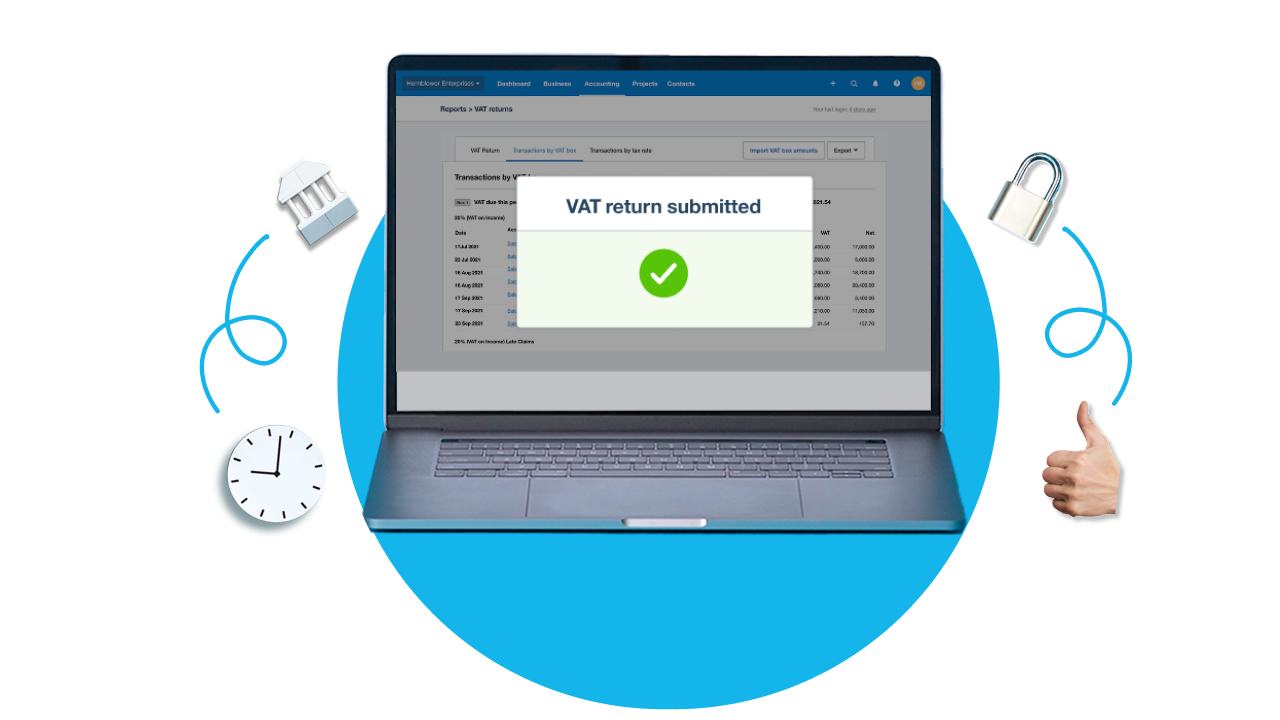
Xero automates VAT calculations on invoices and expenses, applying the correct rate based on how transactions are categorised. When it comes to filing, MTD for VAT returns are auto-populated from your client's records and can be submitted directly to HMRC from within Xero.
Because Xero is HMRC-recognised for MTD, digital links are maintained throughout the process, from transaction entry to return submission. There is no need to copy figures between systems or use bridging software.
For practices at silver tier and above in the Xero Partner Programme, Xero Tax provides a dedicated environment for preparing and filing client tax returns. Combined with Xero HQ for managing your entire client portfolio, you can oversee VAT compliance across all your clients from a single dashboard.
Xero also updates automatically when legislation changes, so your software stays compliant without manual intervention. The live testing feature lets you check MTD for VAT returns with HMRC before final submission, adding an extra layer of confidence.
Streamline VAT compliance with Xero
VAT registration and compliance should strengthen your client relationships, not drain your capacity. With the right tools and a consistent framework, you can turn VAT into an efficient, scalable service that supports your practice growth.
The Xero Partner Programme gives you free access to Xero for your own practice, along with tools to manage clients, file returns, and automate the work that slows you down. Join the partner programme to get started.
FAQs on registering clients for VAT
Here are answers to some frequently asked questions about registering clients for VAT.
What permissions does an Agent Services Account give you for VAT?
An Agent Services Account lets you submit VAT registrations, file MTD for VAT returns, and view your client's VAT obligations directly through HMRC's online services. If a client is already linked to another agent, you will need the client to deauthorise the existing agent before you can complete the handshake through your own ASA.
What should you do if a client has missed the VAT registration deadline?
Contact HMRC promptly through a voluntary disclosure, as this can reduce the severity of any penalties. You will need to calculate the VAT owed for the period of late registration and prepare amended records, since the client will be liable for output VAT they did not charge during that time.
Are there restrictions on combining VAT schemes?
The Flat Rate Scheme cannot be combined with the Cash Accounting Scheme, so clients using Flat Rate must account for VAT on invoice dates. Clients must also meet the turnover eligibility threshold for each individual scheme they apply for, not just for the primary one. If a client's turnover grows beyond a scheme's upper limit, they must leave that scheme within the timeframe set by HMRC.
How should you handle invoicing while waiting for a VAT registration number?
Your client should still issue invoices during the waiting period, but without charging VAT until the registration number arrives. Once HMRC confirms the number, you will need to reissue any invoices that fall on or after the effective date of registration with the correct VAT applied.
What happens if a client's turnover drops below the deregistration threshold?
If taxable turnover falls below £88,000, you can apply to deregister. However, deregistration is not always advisable; clients who expect turnover to recover, or who benefit from reclaiming input VAT, may be better off remaining registered. Review the position with your client before applying.
Become a Xero partner
Join the Xero community of accountants and bookkeepers. Collaborate with your peers, support your clients and boost your practice.
Disclaimer
Xero does not provide accounting, tax, business or legal advice. This guide has been provided for information purposes only. You should consult your own professional advisors for advice directly relating to your business or before taking action in relation to any of the content provided.