Streamline your billing with auto invoicing software
Make billing a breeze with Xero’s automated invoicing software. Track your business expenses, automate payment reminders, and manage your cash flow effortlessly – from one convenient platform. And take care of your invoicing on the go with Xero’s invoice app.
Simple billing with digital tools
Xero’s online invoice software gives you fast, accurate workflows for your billing.
Get paid up to twice as fast
Stop manual transfers, let customers pay instantly – because when it's easy, there's less reason not to.
Take payments your way
Businesses have different needs – skip one-size-fits-all and get a solution built for the way your business runs.
Stop chasing and win back your mornings
Xero cuts the admin of getting paid – automated reminders chase payments for you without lifting a finger.

Trustpilot
Monya
Trustpilot
Tom W
Trustpilot
Tina T
Professional automated invoicing – your way
Impress your customers with Xero’s professional invoicing software for small business owners. Customise your invoices with your branding and payment terms, then save your changes to speed up the process with every invoice.
Repeating invoices
Bill your customers the same amount every month? Let Xero’s invoicing automation create and send the invoices for you.
Invoicing groups of customers in one go
If you charge a group of customers the same amount, ask Xero to send these identical auto invoices to the whole group in one go. Job done!
Automated data entry
Once you’ve set up default info for each customer, each invoice fills with the customer’s info automatically.
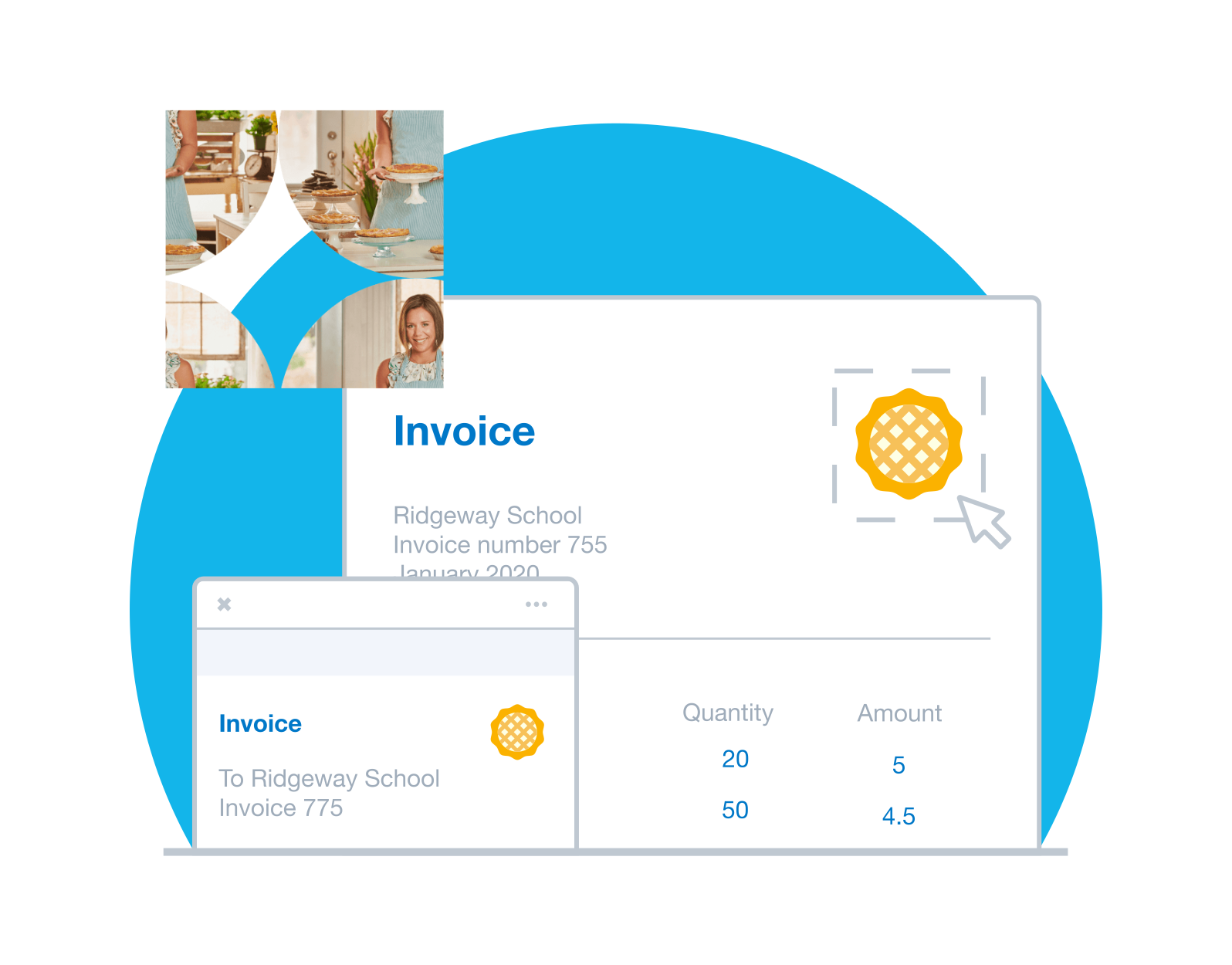
Give customers more ways to pay
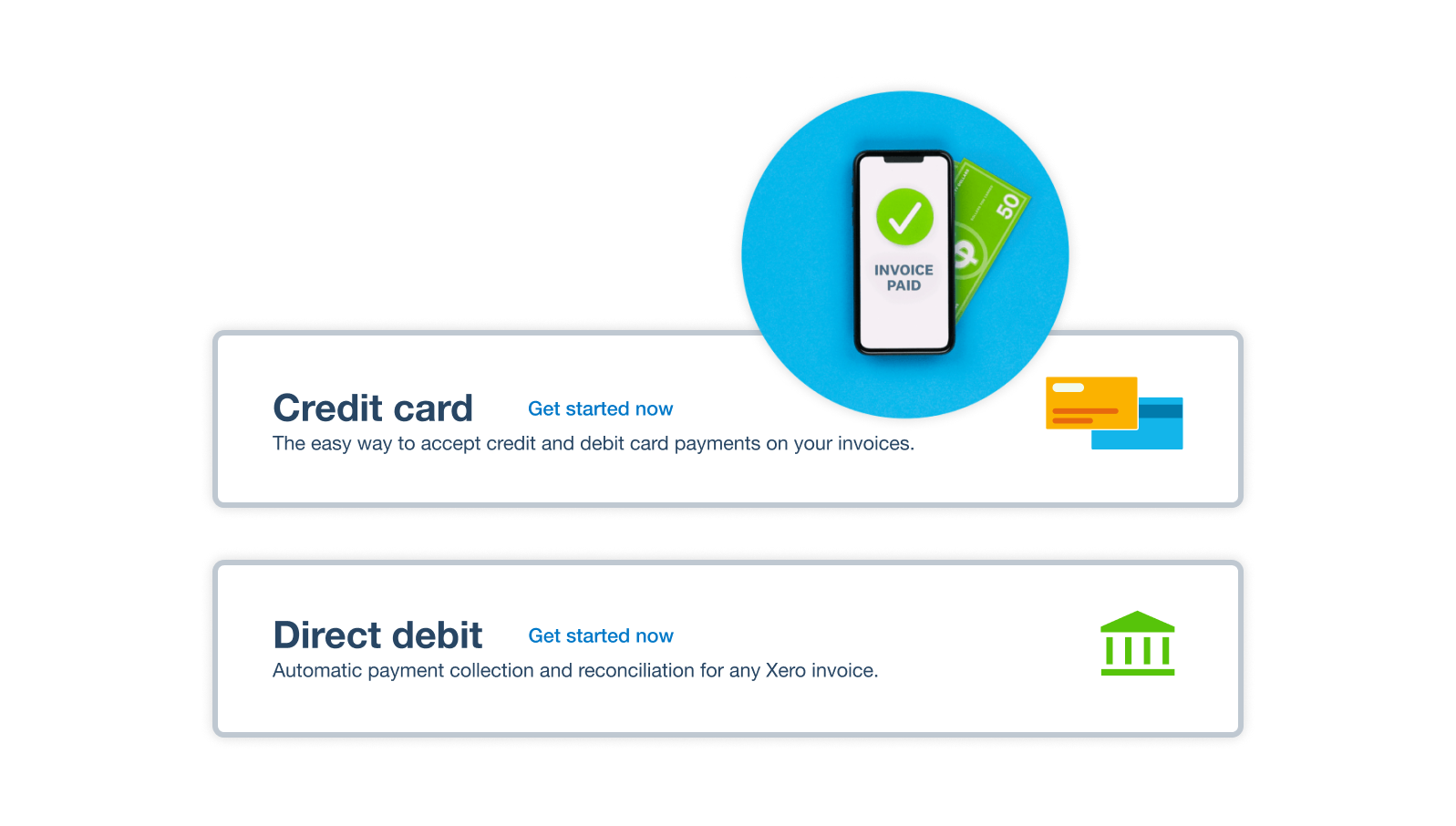
Xero integrates with online payment solutions like Stripe and GoCardless so your customers can pay more easily and are better protected against fraud. That’s a win – both for them and your business!
- Add a Pay now button to online invoices so your customers can pay directly from their invoice
- Let your customers pay you by credit- card and debit card
- Provide seamless direct debit options with automated recurring invoices
Add a Pay now button for happy customers
Make it super easy for your customers by adding a Pay now button to their invoices. After they click or tap it, Xero takes them straight to the payment page where they choose how to send the money. The result? They go through fewer steps and are more likely to pay you on time.
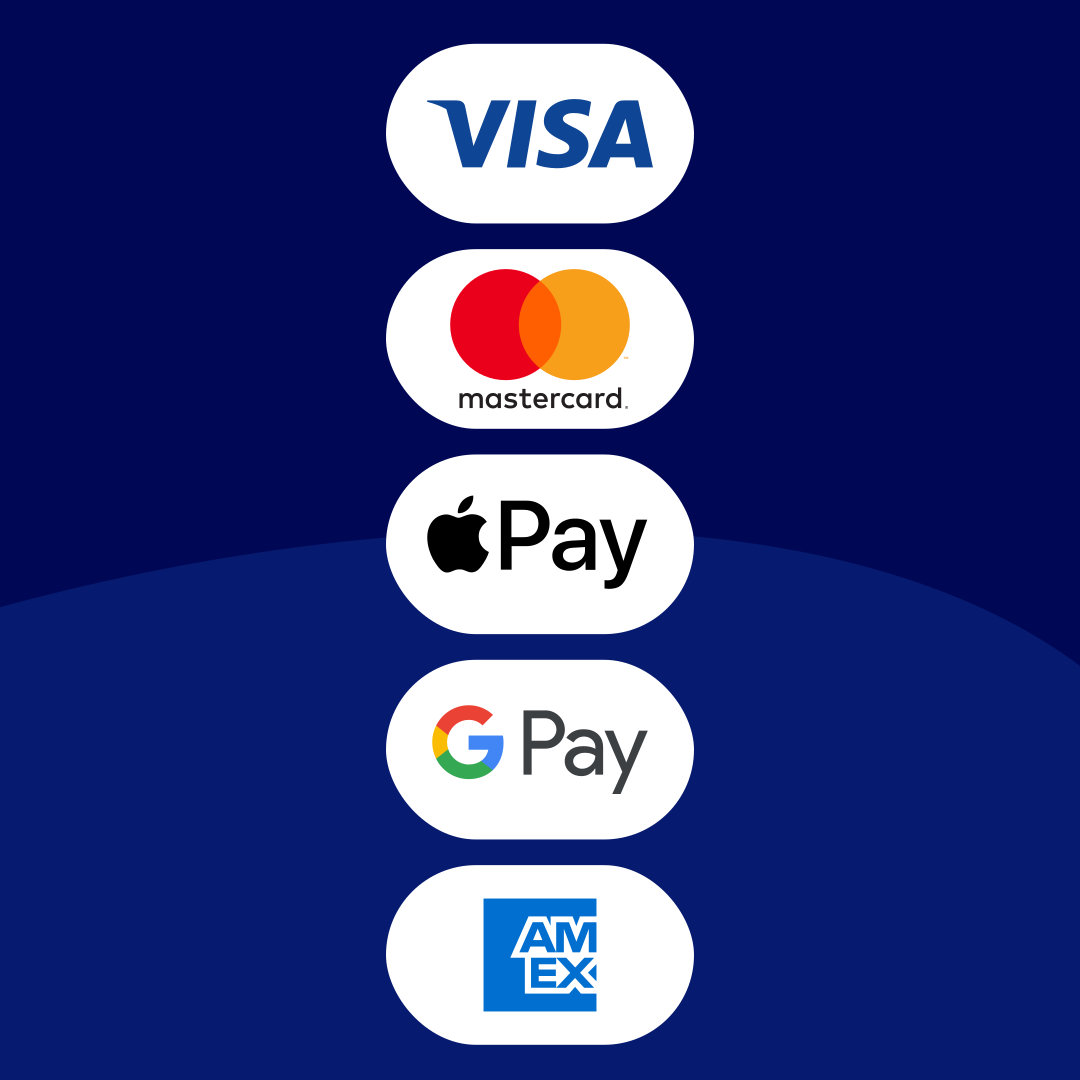
- Accept online payments including with credit card, debit card, ACH Debit, Apple Pay, and Google Pay
- Gain trust by using global payment providers like Stripe and GoCardless
- Only get charged a transaction fee when a customer pays you, not when you first set up online payments
Encourage faster payments with automated reminders
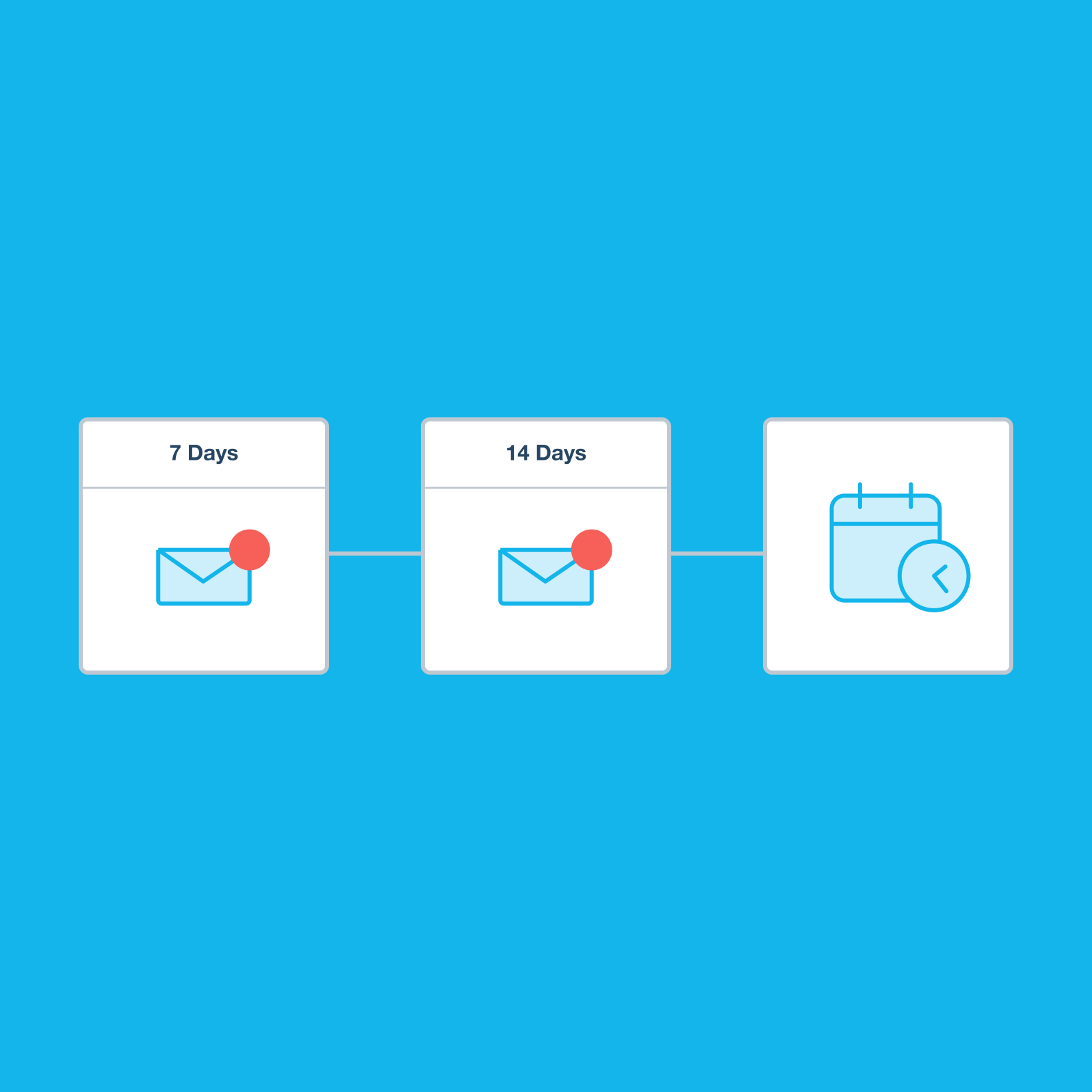
Let Xero auto invoicing software nudge customers for you. Xero watches your bank for payments so it knows which invoices are still outstanding, and can send reminder emails on your behalf.
- Remind customers before or after the payment due date – bring your invoice to the top of their inboxes before it’s too late
- Set weekly reminders for longer payment terms, like net 30, which gives your customer 30 days from invoice date to pay
- See when invoices were sent and opened, and whether they’ve been paid
- Generate an aged receivables report to see what’s overdue at any time
Plans to suit your business
All pricing plans cover the accounting essentials, with room to grow.
Create and send invoices on the go
If you freelance, look for online invoicing software that lets you bill clients from anywhere and get paid straight from the invoice. Use the Xero Accounting app to create and send invoices from your phone or tablet, with a Pay now button for card payments.
- Set up new customers easily and save their details so billing is super smooth next time
- See when your customer opens their online invoice so you know they’ve received it
- See when your customer opens their online invoice so you know they’ve received it Get notified the moment you’re paid stay up to date with your cash flow
- Check unpaid invoices at any time to see what customers owe you
- View the average days to payment for each customer so you know who your reliable customers are
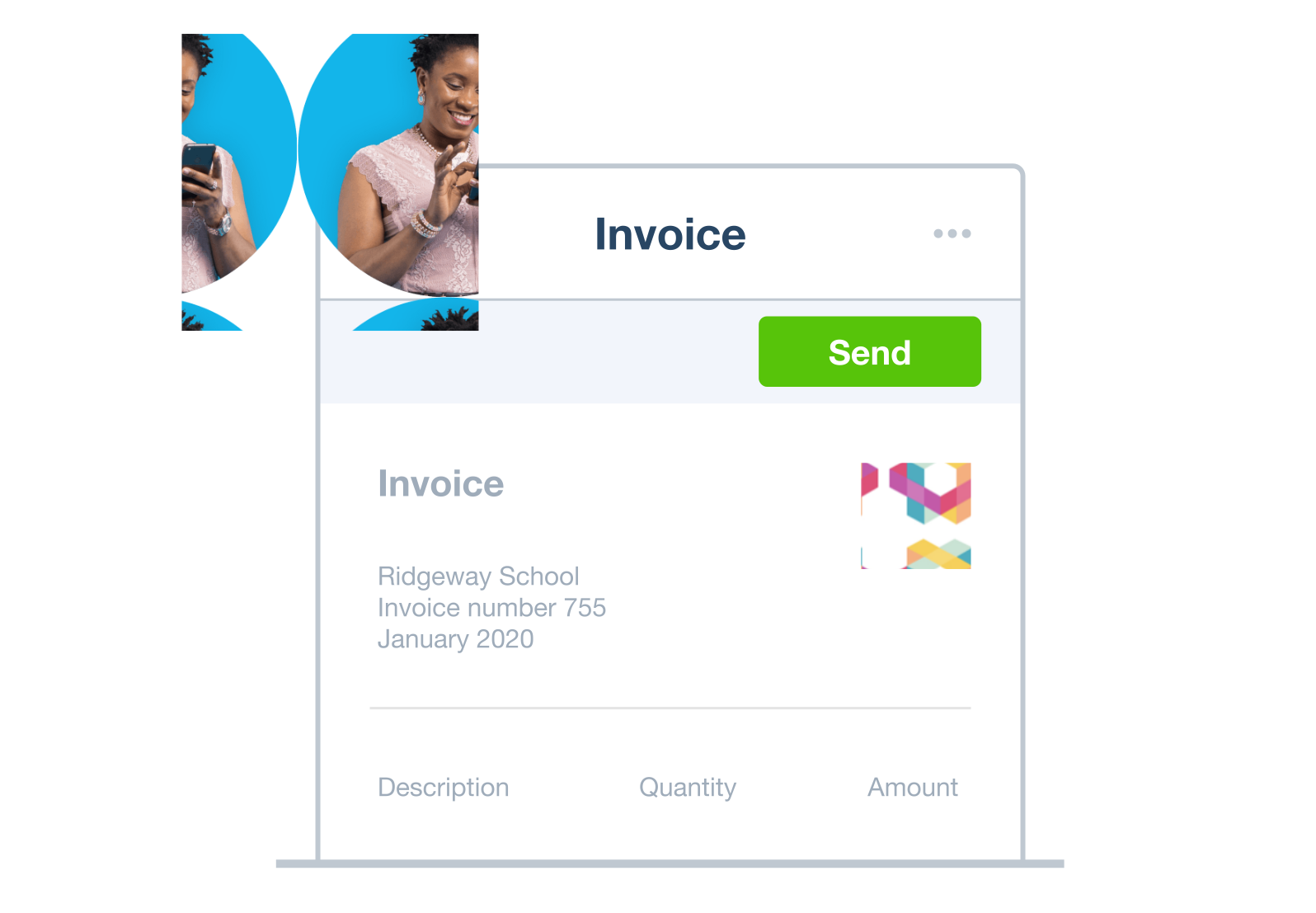
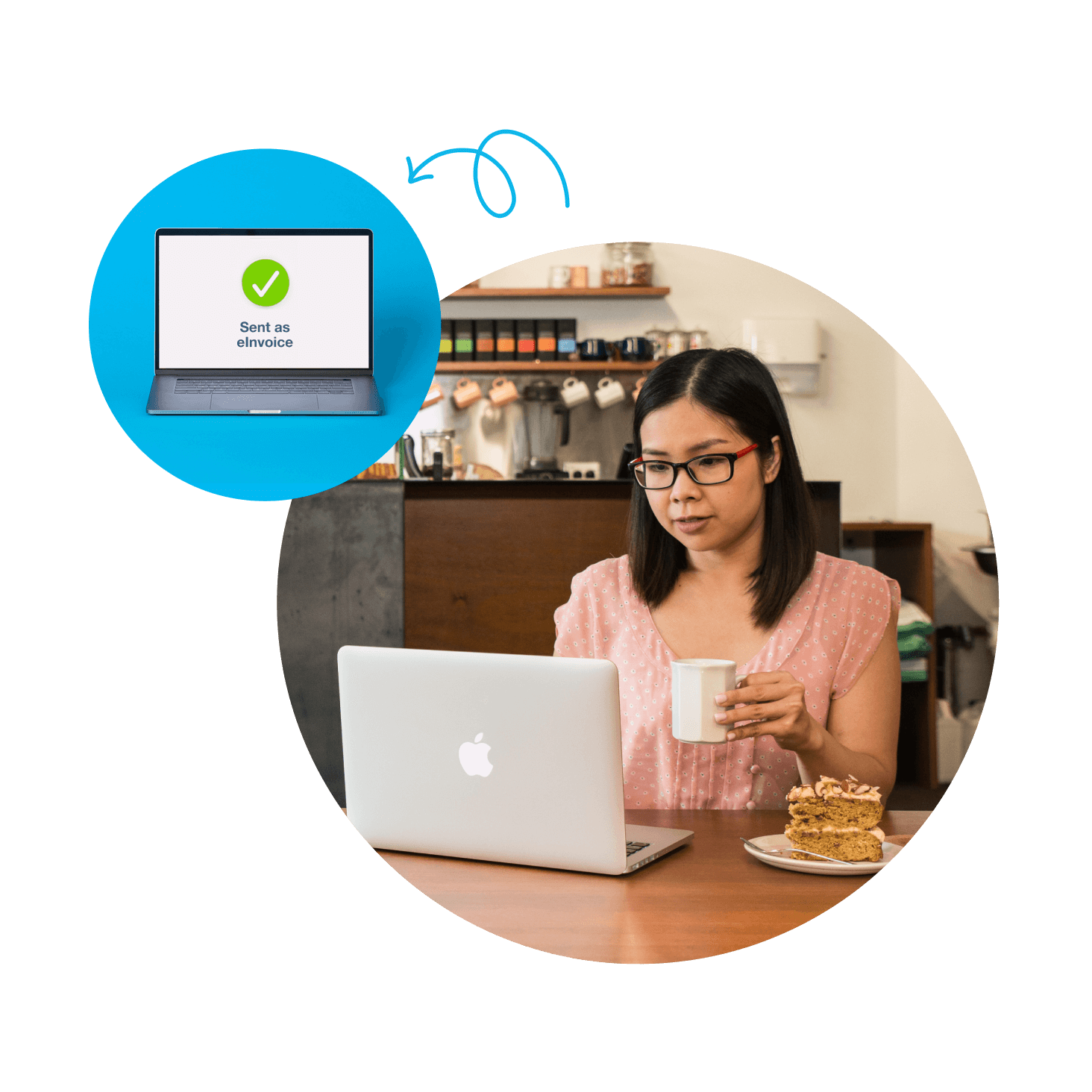
Let eInvoicing speed your customer payments
Send and receive eInvoices directly via the Peppol network. Your invoices pass directly from Xero to your customers’ accounting software for instant action. It’s a simple, fast, and accurate automated invoicing – it’s the future!
- Your invoices automatically appear as draft bills in your customers’ accounting software – they don’t have to download or transfer your invoices
- Automated invoicing cuts down on admin steps and mistakes, and prompts customers to pay you swiftly
FAQs on Xero automatic invoicing software
Templates can help you get invoices out the door faster. Set them up with your logo, payment terms, and sales items, then simply create and send a fresh version on billing day. And here’s a tip: offer direct debit through GoCardless so your recurring bill is automatically paid. It cuts out admin for them, and slashes the wait for you.
Templates can help you get invoices out the door faster. Set them up with your logo, payment terms, and sales items, then simply create and send a fresh version on billing day. And here’s a tip: offer direct debit through GoCardless so your recurring bill is automatically paid. It cuts out admin for them, and slashes the wait for you.
Yes! You can check the status of all pending invoices in Xero to see what’s due, and when. It can even show when a customer has viewed the invoice. And if you made a mistake, you can open and edit the online invoice without having to generate a new document. You’ll receive instant notifications on your invoice app when payments are received.
Yes! You can check the status of all pending invoices in Xero to see what’s due, and when. It can even show when a customer has viewed the invoice. And if you made a mistake, you can open and edit the online invoice without having to generate a new document. You’ll receive instant notifications on your invoice app when payments are received.
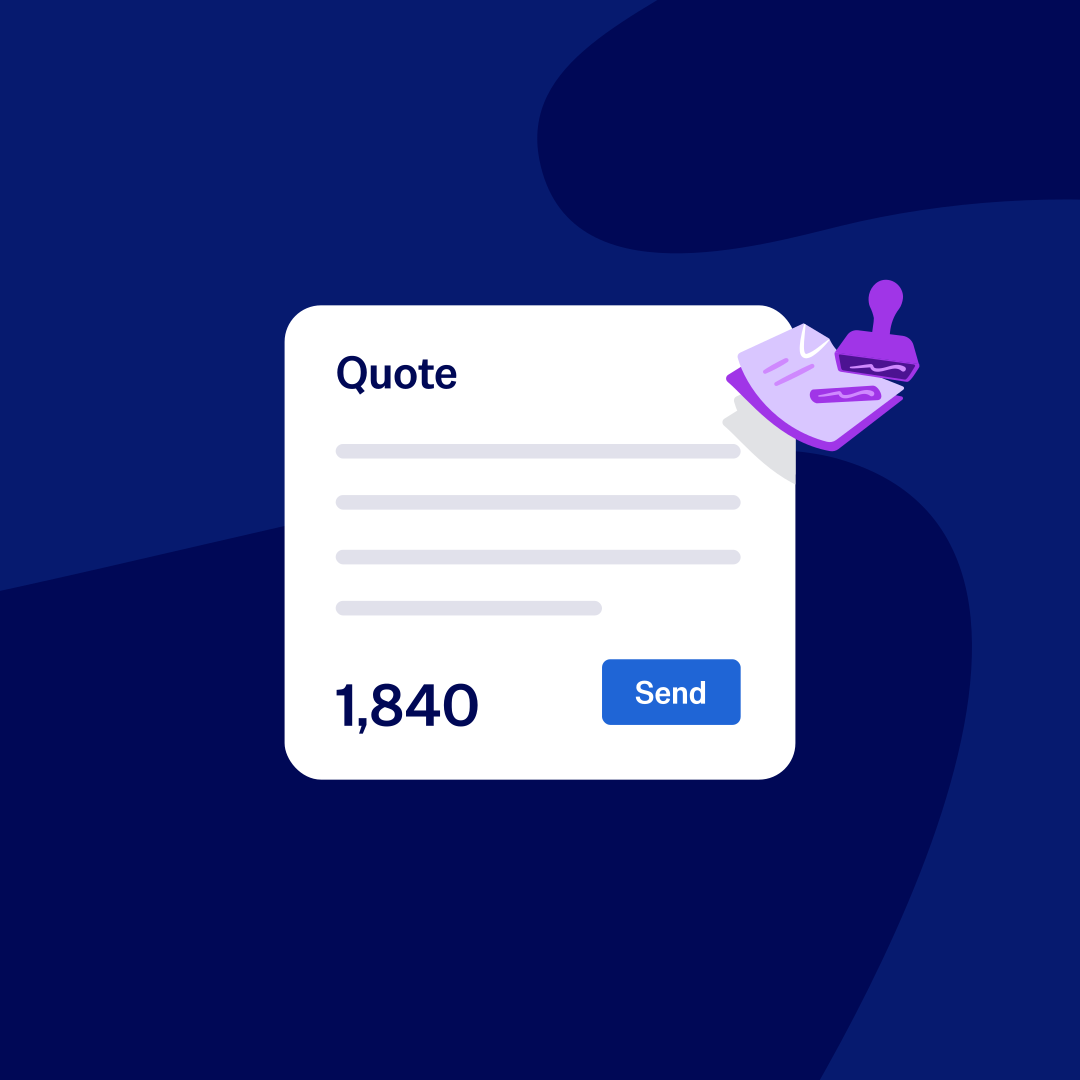
Absolutely. When a client accepts your quote, you can click ‘Create Invoice’ and it will pull all the information through to the bill. It’s easy to make adjustments if extra sales items need to be added as the job unfolds.
Absolutely. When a client accepts your quote, you can click ‘Create Invoice’ and it will pull all the information through to the bill. It’s easy to make adjustments if extra sales items need to be added as the job unfolds.
Yes – just select the invoices you want to send and click ‘Email’. You’ll need to separate different email addresses with a comma. You can also turn multiple invoices into a single PDF to ease the administrative burden for your clients, too.
Yes – just select the invoices you want to send and click ‘Email’. You’ll need to separate different email addresses with a comma. You can also turn multiple invoices into a single PDF to ease the administrative burden for your clients, too.
Yes, you can create as many as you like. Some businesses set up different templates for certain types of sales, or specific customers. Add your logo, payment terms, and a standardised message that goes out with every invoice. Copy, edit, and update online invoicing templates as you please.
Yes, you can create as many as you like. Some businesses set up different templates for certain types of sales, or specific customers. Add your logo, payment terms, and a standardised message that goes out with every invoice. Copy, edit, and update online invoicing templates as you please.
Xero invoicing software seamlessly integrates with online payment services to process cards and direct debit, job costing and project management tools, time and attendance apps, and invoice financing services.
Find apps for your businessXero invoicing software seamlessly integrates with online payment services to process cards and direct debit, job costing and project management tools, time and attendance apps, and invoice financing services.
Find apps for your businessAutomated invoicing uses artificial intelligence (AI) and machine learning to simplify your process of creating and sending invoices. It’s great for repeat and batch invoices – when you bill for the same amounts each time, just ask Xero’s software to send invoices for you on a set schedule.
Automated invoicing uses artificial intelligence (AI) and machine learning to simplify your process of creating and sending invoices. It’s great for repeat and batch invoices – when you bill for the same amounts each time, just ask Xero’s software to send invoices for you on a set schedule.
A lot – it massively speeds up the process of invoicing your customers while minimising errors. While you’ll have to set up automated invoicing, you’ll quickly win back that time and strike some admin from your to-do list!
A lot – it massively speeds up the process of invoicing your customers while minimising errors. While you’ll have to set up automated invoicing, you’ll quickly win back that time and strike some admin from your to-do list!
Invoice successfully with Xero
An invoice asks your customer to pay for goods or services, while a receipt confirms they've paid. Every business owner needs a process for getting their invoices drafted, sent, and – most importantly – paid. Read our guide to master invoicing for small businesses.
Learn how to send great invoices
Get one month free
Purchase any Xero plan, and we will give you the first month free.
Accounting software for your New Zealand small business
Run your business accounting online with Xero – easy-to-use accounting software with savvy features to save you time and champion accuracy. Just ask Xero’s auto invoicing software to automate your recurring invoices, cut down on data entry, and nudge late-paying customers for you.
- Set up automated invoicing for particular customers just once – then let Xero handle their billing
- Connect Xero to your bank and match transactions with Xero’s automated bank reconciliation tool
- Collaborate in real time with your accountant and your team for smoother communication on your latest numbers
- Customise Xero to suit your needs with hundreds of third-party apps from the Xero App Store
Streamline sales and inventory with invoicing software
When you use Xero invoicing software for billing and inventory, it’ll adjust stock levels with each sale. You won’t have to double-handle any info. Apart from giving you an instant view of inventory levels, the software can reorder when your stock levels get low.
Quick and easy inventory management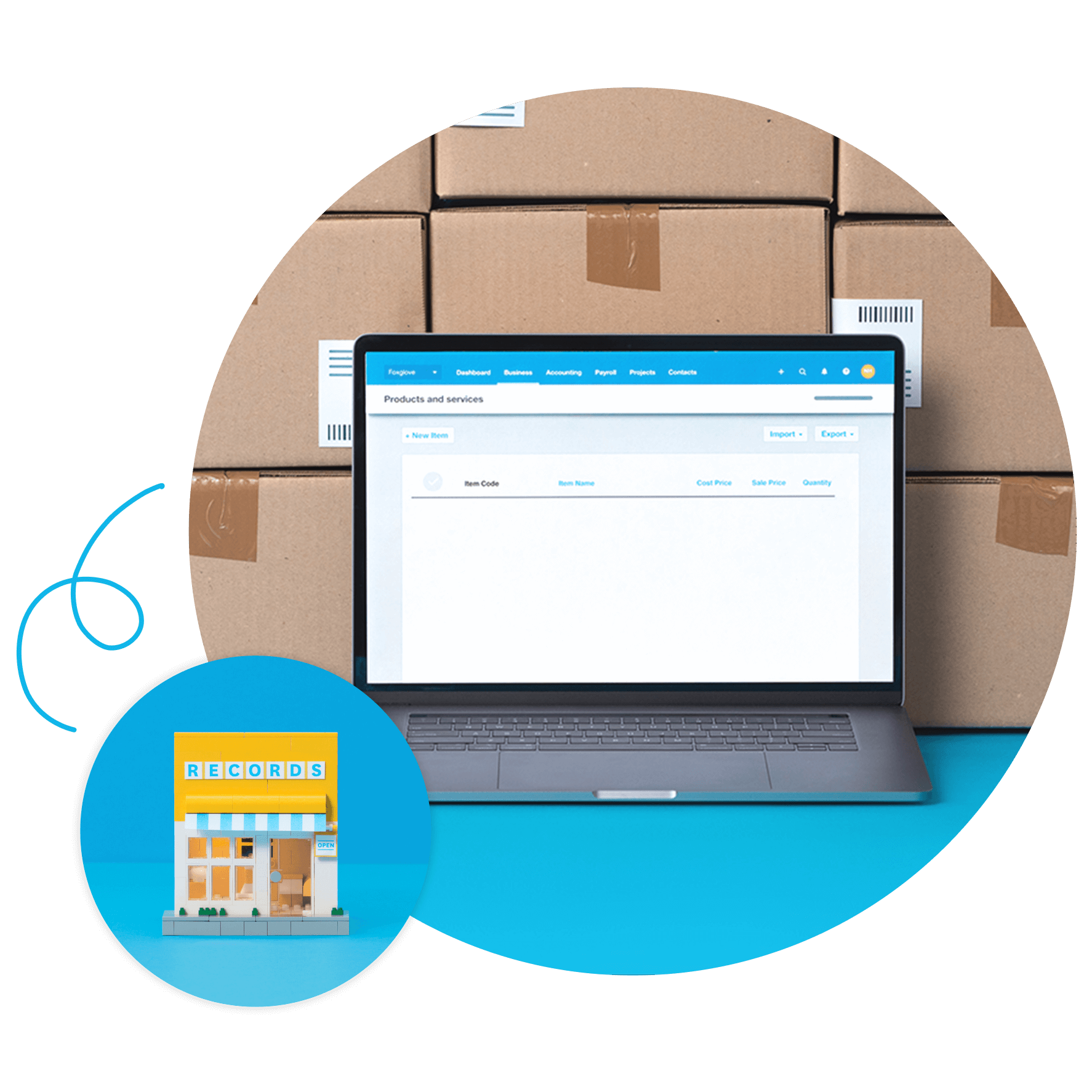
Invoicing and accounting software that fits your industry
The best small business accounting software should be customised to your business. That’s why Xero offers special features and integrations for every industry.
- Mobile quoting and invoicing tools, so you can send estimates and bills from the site
- Time and attendance integrations for keeping tabs on hours
- Project management features for tracking actual costs against budget
- Inventory tools for efficient stock management
- Ecommerce integrations for online sales

Used by 5 million customers worldwide.
Built for the way Kiwi businesses work.




Send invoices on the fly
Don’t wait until later to send invoices! Hop into Xero’s invoice app to quickly create and send them from your phone via email or SMS. The sooner you handle your billing, the sooner the cash hits your bank!
See when customers have viewed their invoices
Know for sure that your customer has opened an invoice. Manage your billing with confidence.
Get notifications when you’ve been paid
Don’t waste time worrying whether a customer has settled an invoice – get a message as soon as they pay.
Check for unpaid invoices
Easily spot unpaid invoices so you can follow up with customers.
Here’s more on Xero’s mobile invoicing softwareEnhance financial oversight by tracking actual costs against budget
The best invoicing software tracks costs, too. Xero allows you to record expenses and assign them to specific jobs or customers.
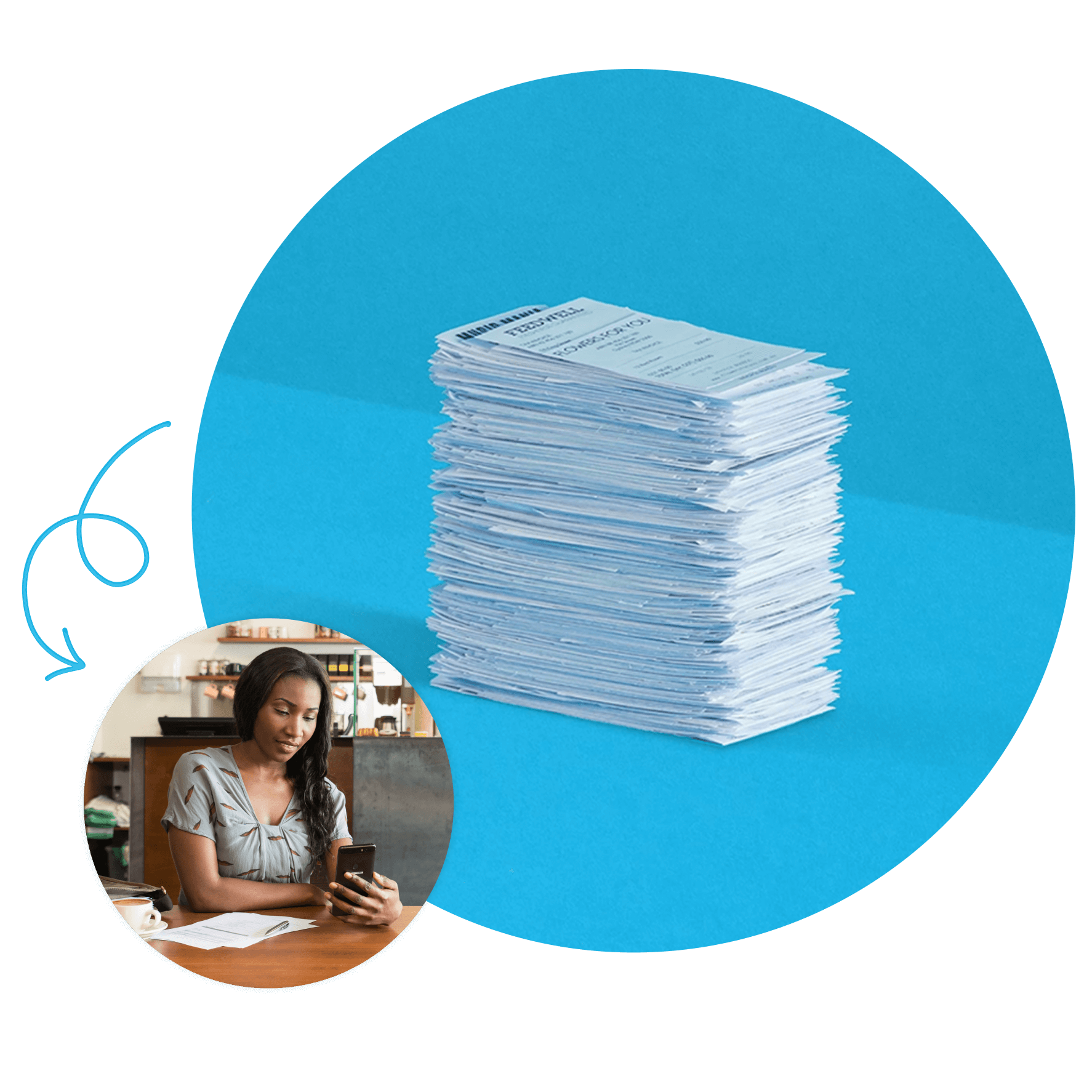
Looking for tips on a good invoicing process?
Accounts receivable is crucial to cash flow and business health. And Xero's got your back with tips from top accountants and bookkeepers.

See how invoicing online can simplify tasks
Probably the best invoicing video you’ll ever see.