Inventory management that keeps you selling
Running low on your best sellers, or tying up cash in stock that won't shift? See exactly what you've got as you buy and sell, reorder before you sell out, and spend less time counting things by hand.

3 ways stock tracking helps small businesses grow
Spend less time on stock admin and more on the work you love, with clear numbers you can trust.
Less time on spreadsheets, more on strategy
Track everything you buy and sell in one place, so managing stock is faster and you free up time to grow.
Always have what your customers want
Stock levels update as you buy and sell, so you see what's running low and avoid selling out or over-ordering.
Connect your inventory and accounting
Xero links the two, so tracking products takes less time and you get a clearer picture of your finances

Trustpilot
Monya
Trustpilot
Tom W
Trustpilot
Tina T
Sell with confidence, never run out
Know exactly what's on your shelves – stock levels update as you buy and sell. Manage up to 4,000 finished items natively in Xero, then scale further through the Xero App Store. With less cash tied up in slow stock, your cash flow stays healthier.
See how Xero stock control works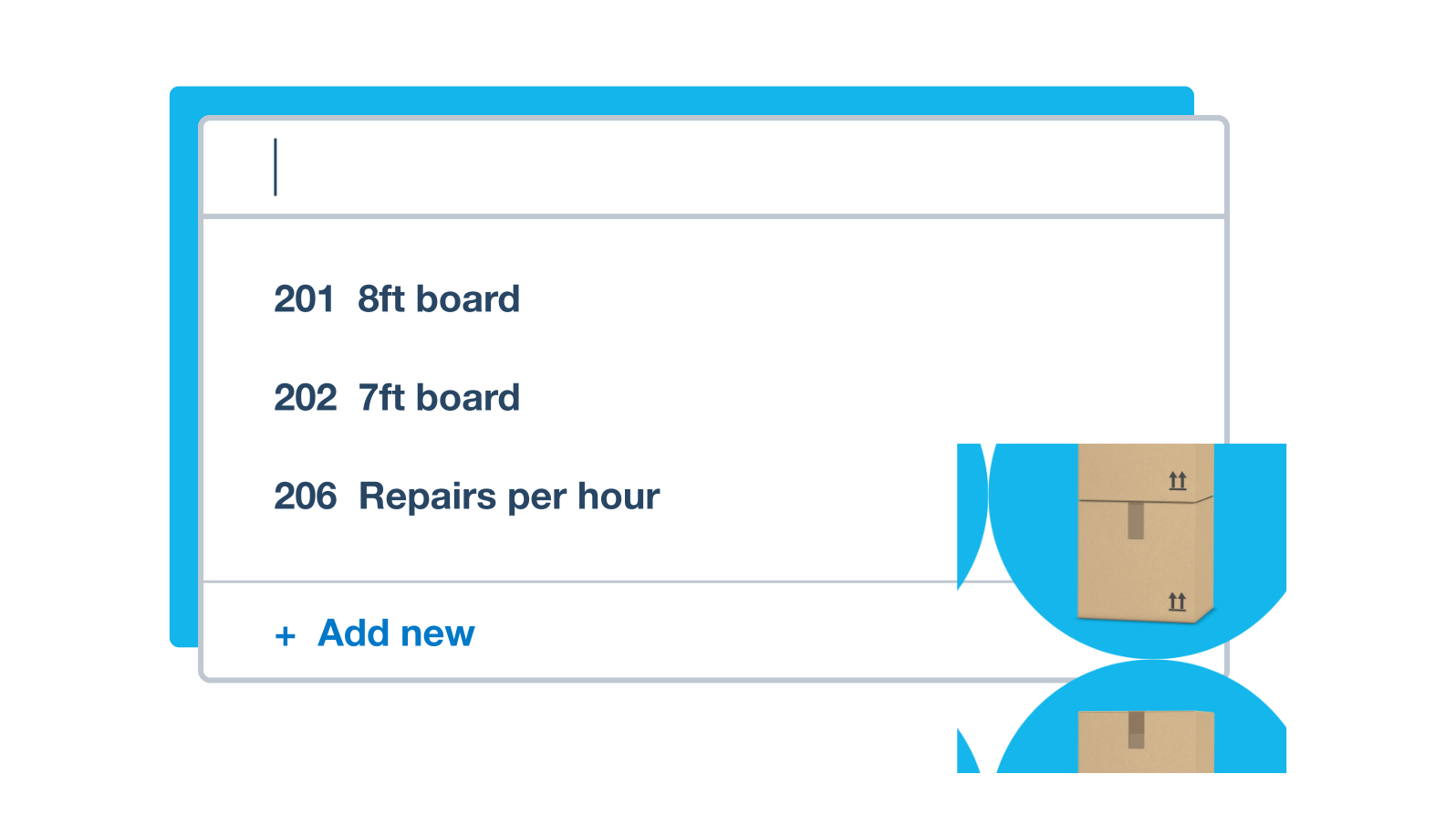
Spot your next opportunity in the numbers
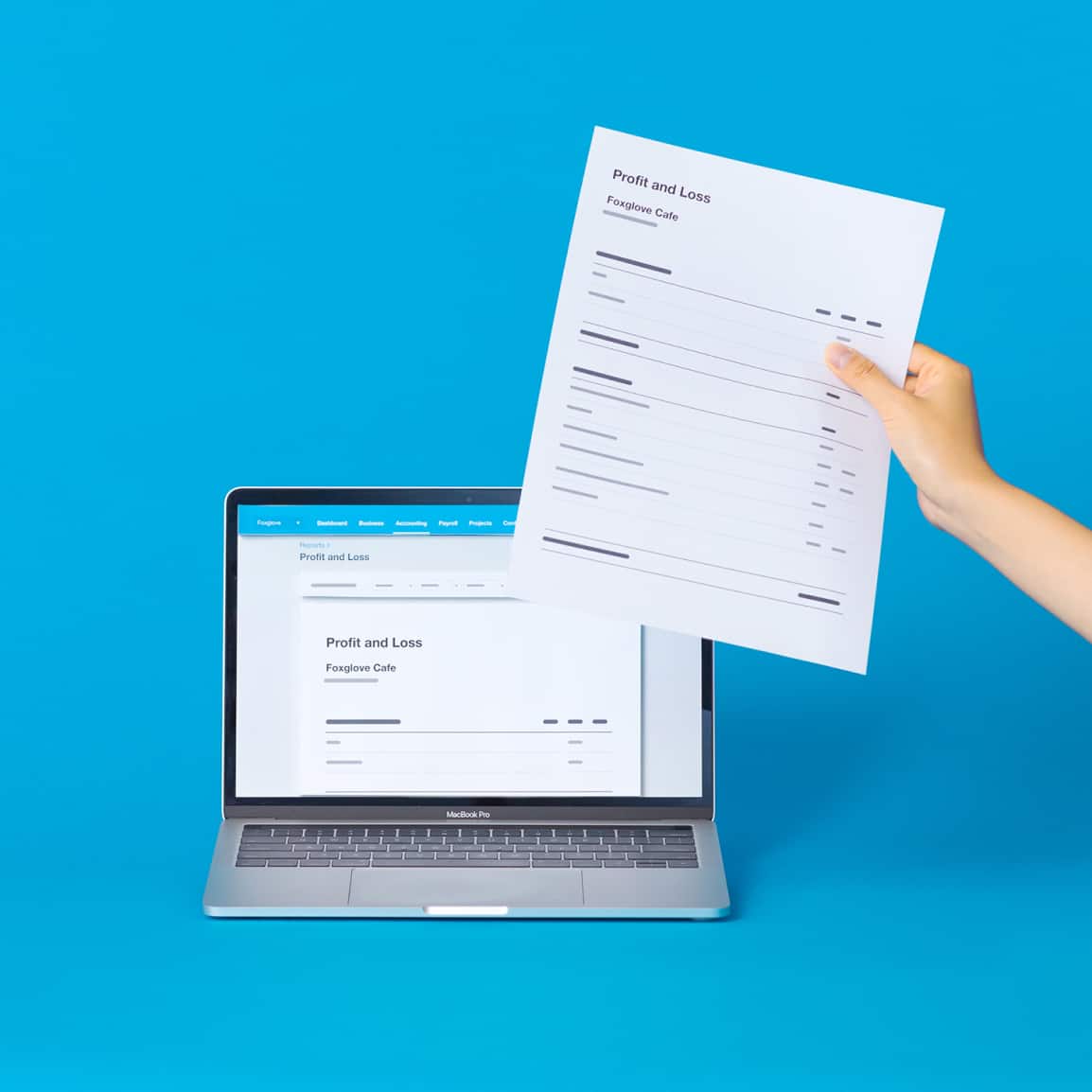
When you're unsure what to reorder, the answer is found in your own sales data. Which products fly off the shelves, and which sit for months? Reports reveal your top sellers and how your sales change over time, so you can plan your buying around busier and quieter periods.
Explore Xero's reporting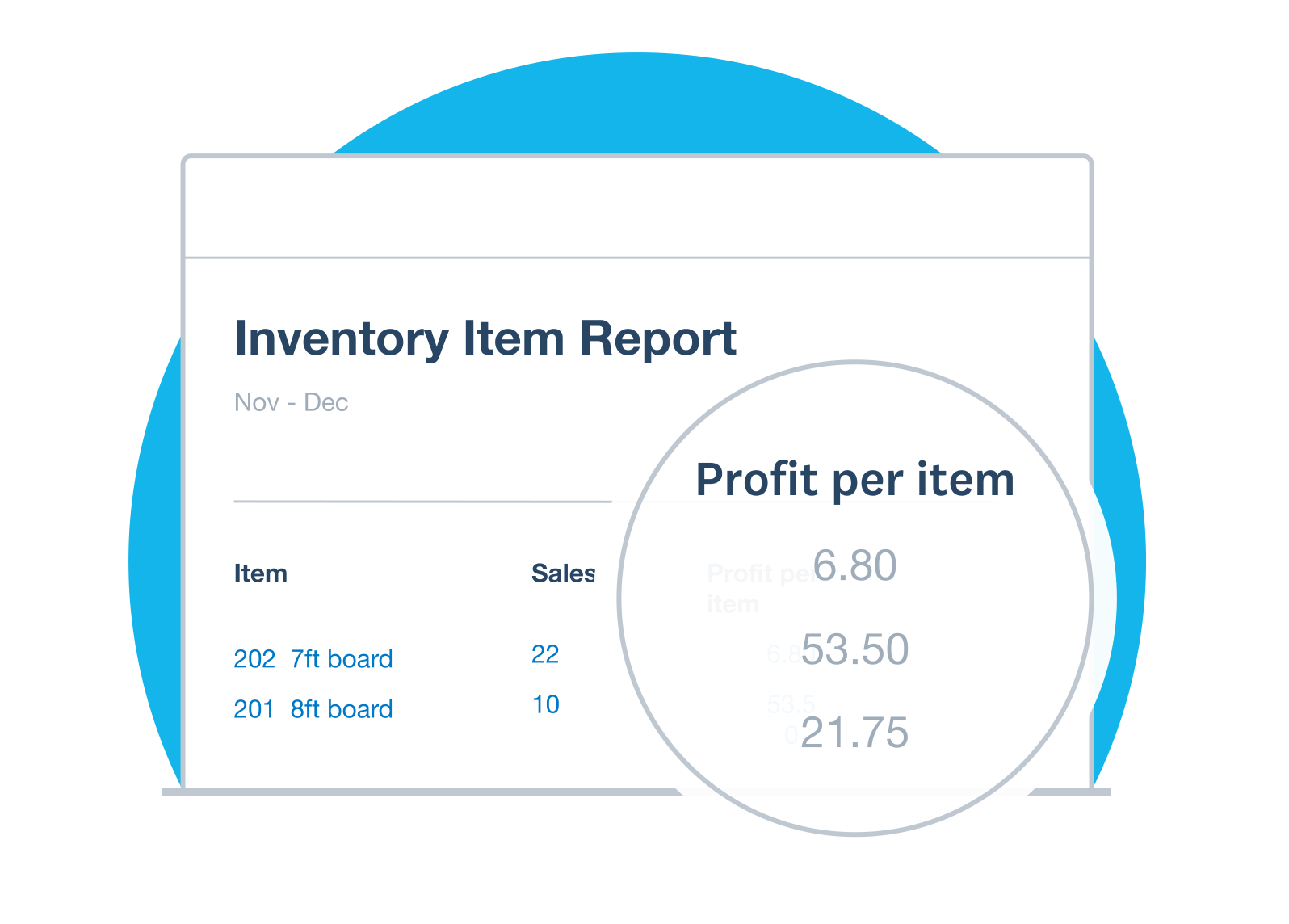
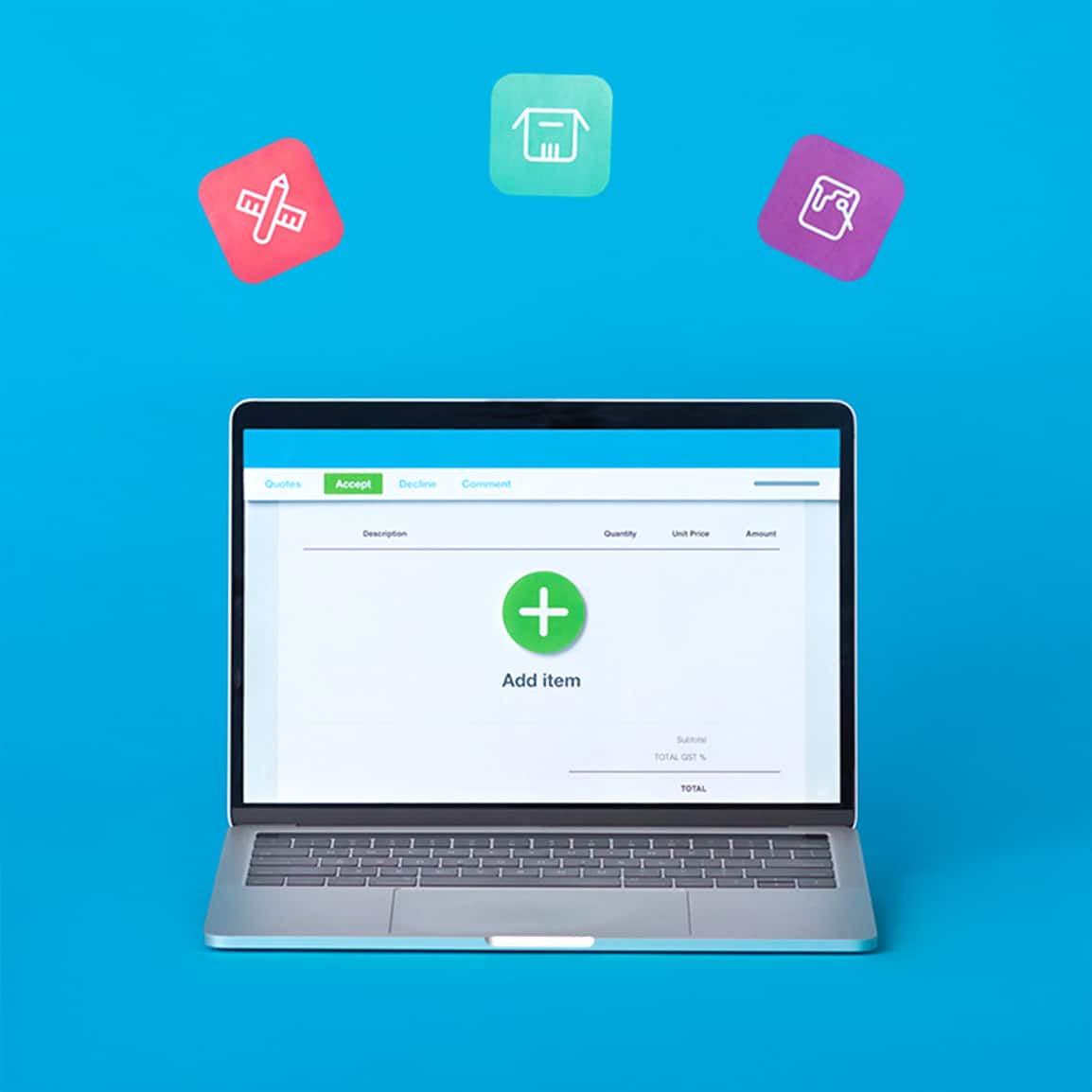
Drop items straight onto invoices and orders
Set up an item once and reuse it everywhere. Saved item details prepopulate your quotes, invoices and purchase orders with the correct price and description, so there's no retyping and far fewer errors. Billing that used to take ages now takes seconds.
See Xero online invoicing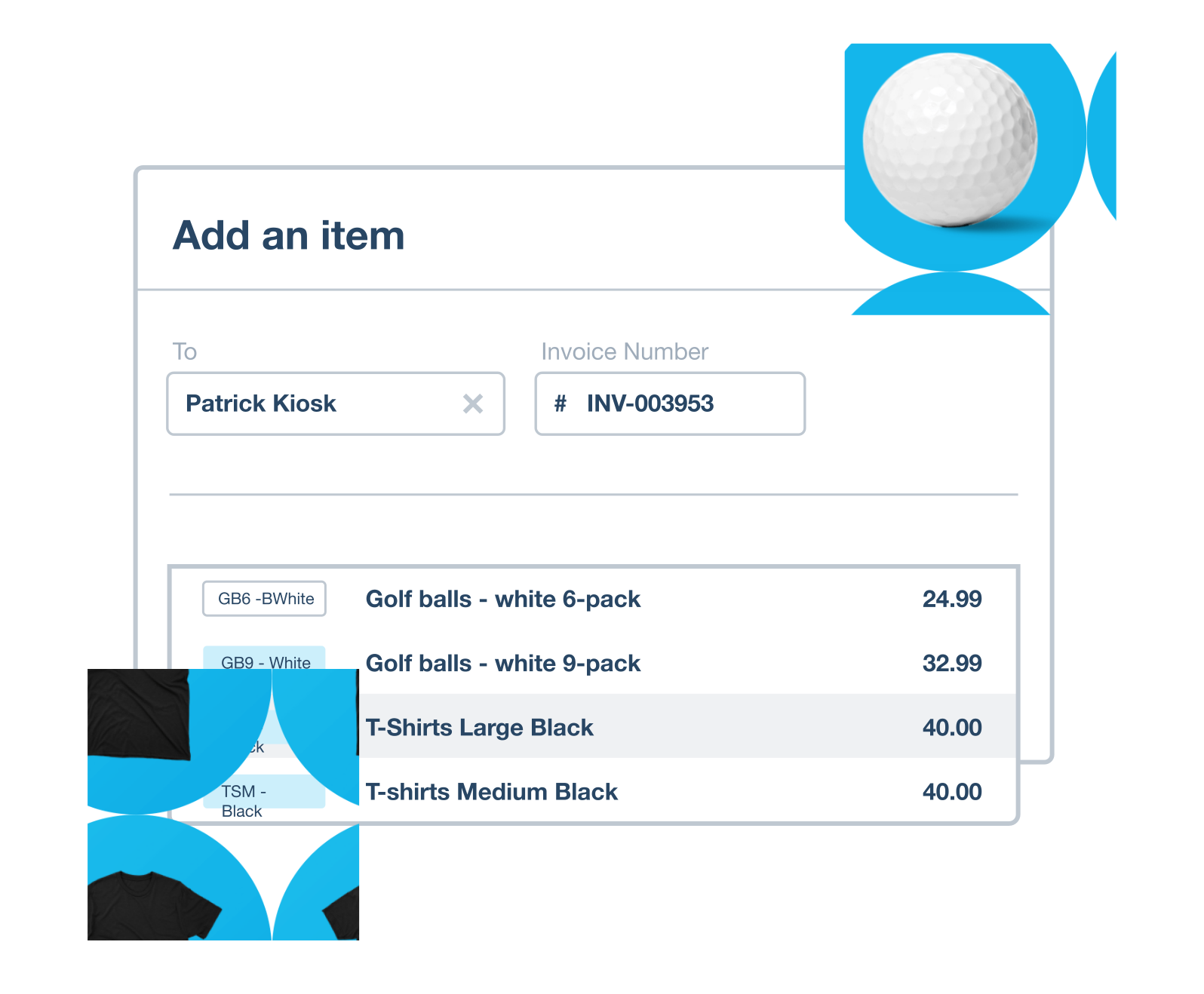
Link stock and books for clearer decisions
Every stock movement flows through to your accounts, so a sale or a bill shows up in your cash flow right away. You get one up-to-date picture of the business, cloud-based and ready whenever you need it. That's the confidence to price and reorder on real numbers.
Accounting software for your small business
FAQs on Xero's inventory management
Most stock falls into four categories:
- Raw materials are the inputs you buy to make your products.
- Work-in-progress covers goods that are part-made but not yet finished.
- Finished goods are completed products ready to sell.
- MRO and safety stock are the spare supplies and buffer you keep on hand for maintenance or unexpected demand.
Most stock falls into four categories:
- Raw materials are the inputs you buy to make your products.
- Work-in-progress covers goods that are part-made but not yet finished.
- Finished goods are completed products ready to sell.
- MRO and safety stock are the spare supplies and buffer you keep on hand for maintenance or unexpected demand.
Yes. Any small business that holds stock benefits, and it matters most for retail, wholesale and manufacturing, where products move quickly and money is tied up in inventory. For practical local guidance, see how to manage your inventory.
Yes. Any small business that holds stock benefits, and it matters most for retail, wholesale and manufacturing, where products move quickly and money is tied up in inventory. For practical local guidance, see how to manage your inventory.
Xero updates your stock levels automatically as you approve bills, invoices and credit notes, so the numbers stay current without extra data entry. You can also make manual adjustments for lost or damaged items, and saved items drop straight into your online quotes. Your stock is visible from anywhere, since it's all cloud-based.
Xero updates your stock levels automatically as you approve bills, invoices and credit notes, so the numbers stay current without extra data entry. You can also make manual adjustments for lost or damaged items, and saved items drop straight into your online quotes. Your stock is visible from anywhere, since it's all cloud-based.
Definitely. Xero is cloud-based, so you can check your stock from anywhere you sign in , and add saved items to transactions on the go in the Xero Accounting app.
Definitely. Xero is cloud-based, so you can check your stock from anywhere you sign in , and add saved items to transactions on the go in the Xero Accounting app.
For sure. You can import and export your item details as a CSV file, and export reports to PDF, which makes bulk updates and sharing straightforward.
For sure. You can import and export your item details as a CSV file, and export reports to PDF, which makes bulk updates and sharing straightforward.
Certainly. After a stocktake, or when goods are damaged, you can adjust the quantity, average cost and total value of an item so your records match reality. For record-keeping requirements, see the ATO's guidance for small businesses.
Certainly. After a stocktake, or when goods are damaged, you can adjust the quantity, average cost and total value of an item so your records match reality. For record-keeping requirements, see the ATO's guidance for small businesses.
Of course. Beyond the built-in tools, Xero connects with hundreds of apps, so you can add specialist stock features as you grow. Browse the inventory apps on the Xero App Store to find the right fit.
Of course. Beyond the built-in tools, Xero connects with hundreds of apps, so you can add specialist stock features as you grow. Browse the inventory apps on the Xero App Store to find the right fit.
Retail, wholesale, manufacturing and other product-based businesses get the most value, since they carry stock that needs tracking day to day. See how Xero accounting software brings it together with your books.
Retail, wholesale, manufacturing and other product-based businesses get the most value, since they carry stock that needs tracking day to day. See how Xero accounting software brings it together with your books.
It depends on how often you need accurate figures. A periodic system counts stock at set intervals, while a perpetual system updates continuously, and continuous tracking usually beats manual counts for accuracy. For a fuller comparison, read Xero's guide to inventory management systems.
It depends on how often you need accurate figures. A periodic system counts stock at set intervals, while a perpetual system updates continuously, and continuous tracking usually beats manual counts for accuracy. For a fuller comparison, read Xero's guide to inventory management systems.
Plans to suit your business
Get one month free
Purchase any Xero plan, and we will give you the first month free.