Project tracking software that knows your numbers
Xero's project tracking software for accounting connects your time, expenses, and costs to your accounting. You can track project profitability and can invoice directly from your projects – without switching between tools.

Project tracking tools that set up in minutes
Time tracking, project expense tracking, and profitability reporting – all connected to your Xero accounting.
Project time tracking software for small business
Use the timer or location tracking for time on jobs. Assign bills and expenses to each project, and compare costs.
Set up project tracking with accounting built in
Create a project in Xero, add tasks, and connect it all to your accounting – including job costing.
Check project profitability on your dashboard
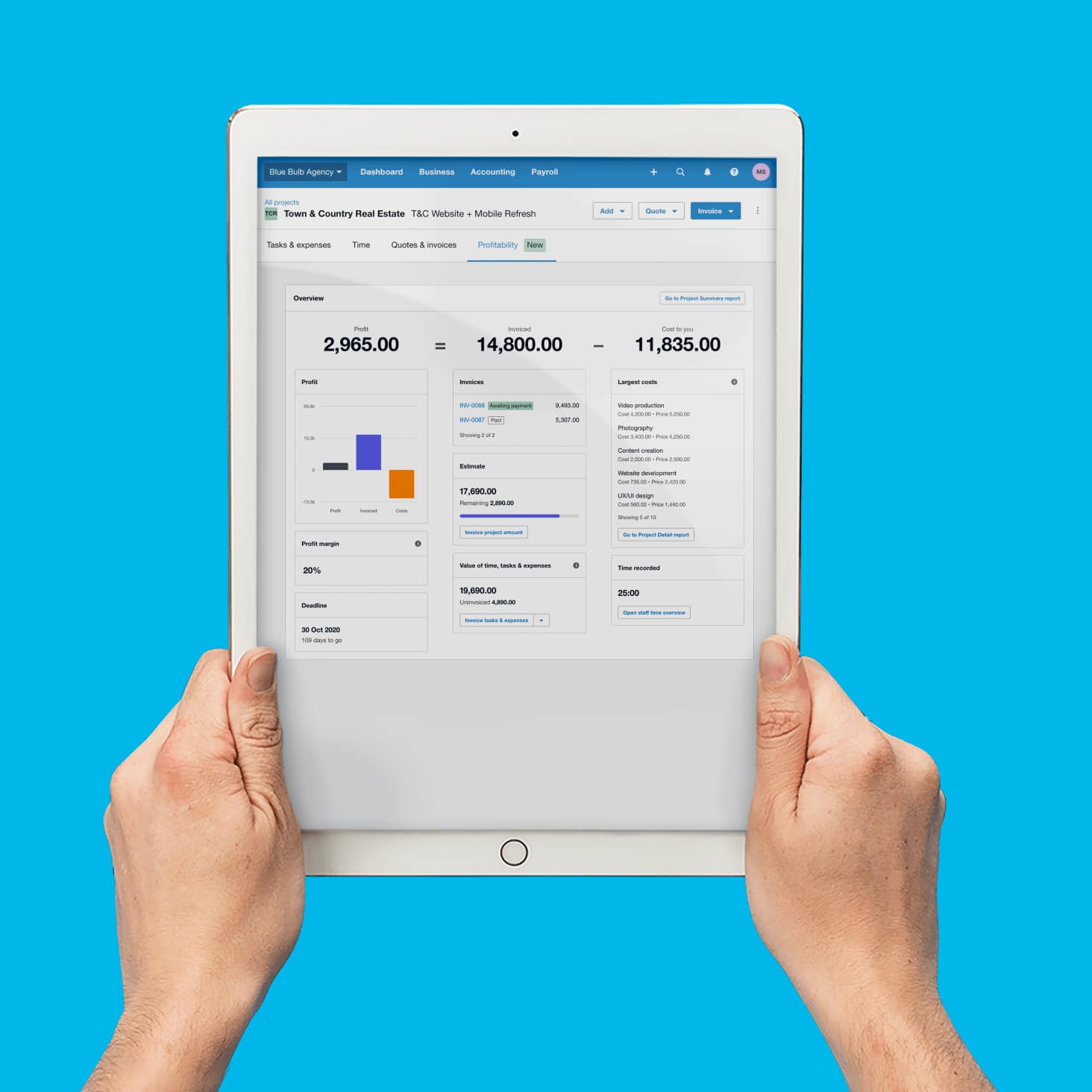
The profitability dashboard shows costs vs budget and gross profit – so you always know which projects need attention.

Trustpilot
Monya
Trustpilot
Tom W
Trustpilot
Tina T
Record project time and track costs
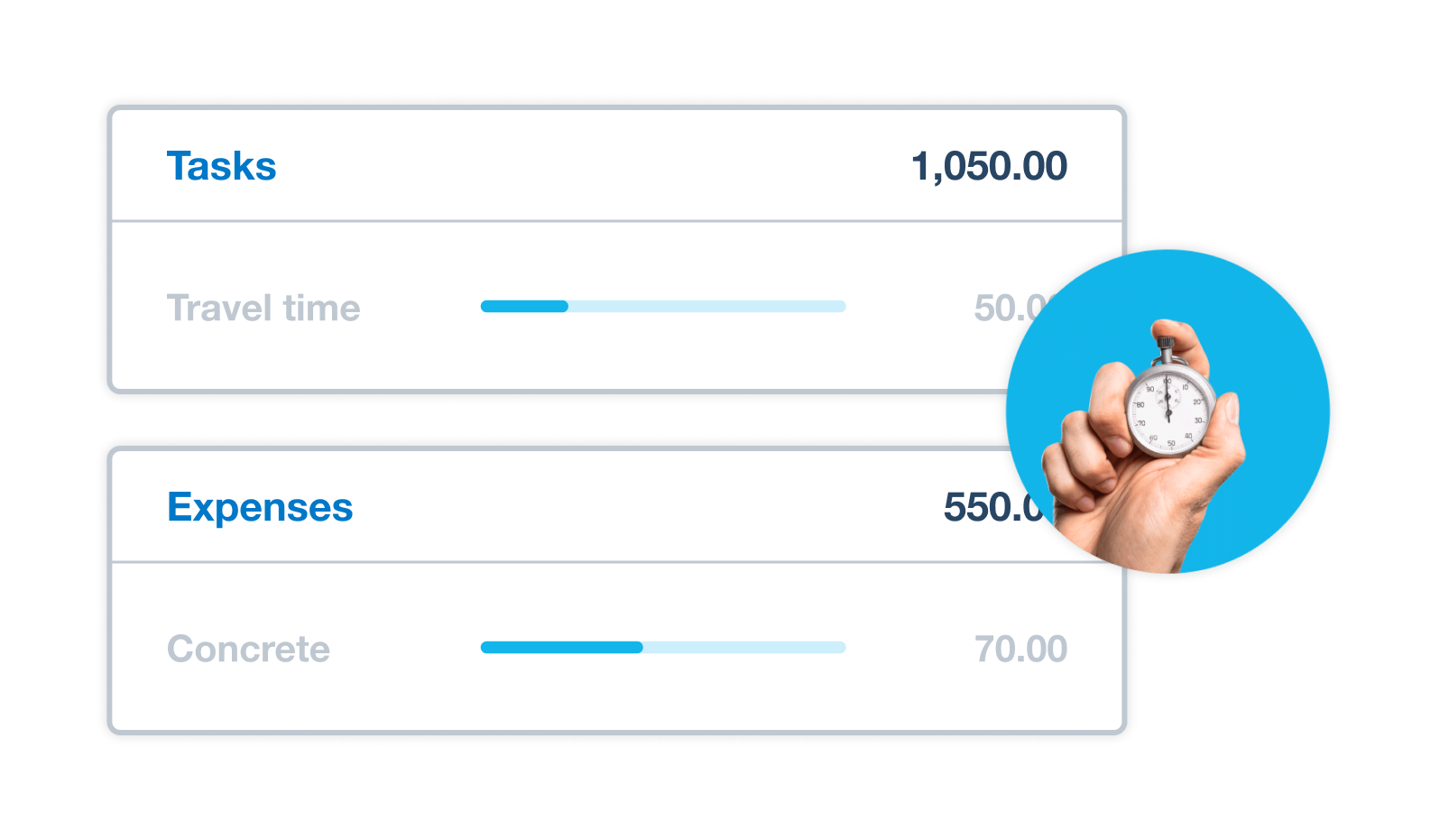
Whether you're on site or at your desk, Xero's project tracker software helps you record time spent on a project with its start–stop timer and location-based tracking on your device. Use the timer or location-based job tracker to monitor work and manage project budgets with precision.
- Record time on the job the moment work happens, so your billable hours are always spot on
- Assign bills, spend money, and expenses to each project for accurate cost allocation
- See exactly where each dollar goes – and whether the project will be profitable
Set up projects with invoicing built in
Your project management and time tracking software shouldn't need a separate integration. In Xero, project tracking is built into your accounting – so you can create a project, add tasks and costs, and create project quotes all in one place.
- Create a project as Draft, then capture actual time and expenses once the job is underway
- Add job information and allocate resources, tasks and expenses
- Tracked time and expenses feed directly into your project invoices – no manual data entry needed
Invoice project costs with time and materials
Billing customers should be the easy part. Xero's project tracking software creates fixed price or time-and-materials invoices straight from your tracked time and costs. Add deposits, progress payments, or a Pay now button to invoices – and check your job costing before you send.
- Create a project quote before work starts – and track costs against it as the job progresses
- Send invoices for deposits, lump sums, and progress payments as the job unfolds
- Add a Pay now button to online invoices so customers can settle up straight away
Monitor project profitability at a glance
Xero's project management tracking software compares actual costs against planned budgets across every project. The Project Summary report, Project Financials report, and profitability dashboard help you compare estimates, actuals, and project budget tracking in Xero Projects.
- View your project financials on the profitability dashboard
- See a financial summary of all your projects in the project summary report
- Get a cost breakdown by task – including what's been invoiced and what still needs to be billed
Plans to suit your business
Accounting software for your small business
Run your business accounting online with Xero. It's accounting software designed for your small business – and it has project tracking built in. From bank reconciliation to reporting, everything your business needs is in one place.
- Everything in one place
- Connect to your bank
- Collaborate in real time
- Customise to suit your needs

FAQs about project tracking software
Project tracking software is included in the Ultimate plan for up to 10 people. The Ultimate plan gives you access to project time tracking, project expense tracking, the profitability dashboard, and project invoicing, among other features.
And if you need more than 10 people on projects, you can add more for an additional charge per user.
Project tracking software is included in the Ultimate plan for up to 10 people. The Ultimate plan gives you access to project time tracking, project expense tracking, the profitability dashboard, and project invoicing, among other features.
And if you need more than 10 people on projects, you can add more for an additional charge per user.
Xero’s Project expense tracking works across three types of transactions: bills, spend money, and expense claims. Assign any of these to a project, and Xero adds them to your project costs automatically.
From there, the reporting tools show you how your actual costs compare to your estimates – and whether your project is on track for profitability.
Xero’s Project expense tracking works across three types of transactions: bills, spend money, and expense claims. Assign any of these to a project, and Xero adds them to your project costs automatically.
From there, the reporting tools show you how your actual costs compare to your estimates – and whether your project is on track for profitability.
It’s quite simple. Xero's project tracking software gives you a clear picture of how your team spends its time. You can see staff resource allocations, time entries, hours worked, and progress against billable hours targets. Xero’s resource management reports break down chargeable and non-chargeable hours so you can manage workloads and make the most of billable time.
It’s quite simple. Xero's project tracking software gives you a clear picture of how your team spends its time. You can see staff resource allocations, time entries, hours worked, and progress against billable hours targets. Xero’s resource management reports break down chargeable and non-chargeable hours so you can manage workloads and make the most of billable time.
Yes. If you use Trello for managing projects, workflows, and resources, you can log time entered against tasks in Trello directly in Xero Projects. The time entry details show that it came from Trello, and you can click through to the Trello card from within projects.
You can also find hundreds of other project management integrations in the Xero App Store.
Yes. If you use Trello for managing projects, workflows, and resources, you can log time entered against tasks in Trello directly in Xero Projects. The time entry details show that it came from Trello, and you can click through to the Trello card from within projects.
You can also find hundreds of other project management integrations in the Xero App Store.
Xero's project tracking software includes three key reports for financial reporting and profitability tracking.
- The project summary report gives you a financial overview of all projects with the same status. It compares estimated to actual costs.
- The project details report shows a full breakdown of activity on a specific project.
- The project financials report tracks how tasks and expenses sit against your budget. This makes it easy to spot budget variances before they become problems.
You’ll find all three under All projects in the Projects menu.
Xero's project tracking software includes three key reports for financial reporting and profitability tracking.
- The project summary report gives you a financial overview of all projects with the same status. It compares estimated to actual costs.
- The project details report shows a full breakdown of activity on a specific project.
- The project financials report tracks how tasks and expenses sit against your budget. This makes it easy to spot budget variances before they become problems.
You’ll find all three under All projects in the Projects menu.
Project tracking software monitors the financial and time-based progress of work. It tracks costs, hours, budgets, and profitability as a project moves forward.
Xero Projects helps you estimate and record time and costs, assign staff, and track the profitability of your jobs. It gives you a clear view of your project's progress against budget and profitability.
Xero's project tracking software integrates with project accounting tools for Australian small businesses. You get tools to set up tasks, allocate work, and monitor progress – combined with accounting integration to
- track expenses,
- monitor project profitability,
- create a quote directly from your project.
Xero shows you the difference between knowing a project is in progress and knowing whether it's actually making money.
Project tracking software monitors the financial and time-based progress of work. It tracks costs, hours, budgets, and profitability as a project moves forward.
Xero Projects helps you estimate and record time and costs, assign staff, and track the profitability of your jobs. It gives you a clear view of your project's progress against budget and profitability.
Xero's project tracking software integrates with project accounting tools for Australian small businesses. You get tools to set up tasks, allocate work, and monitor progress – combined with accounting integration to
- track expenses,
- monitor project profitability,
- create a quote directly from your project.
Xero shows you the difference between knowing a project is in progress and knowing whether it's actually making money.
Setting up a project budget in Xero is easy. You can add estimated tasks, expenses and time to a project, then track how tasks and expenses are performing against the project budget.
Once the job is underway, capture actual time and expenses against projects to compare actual resources with your estimates.
The profitability dashboard and project financials report make it easy to check how spending compares to your plan – so you can act before a job goes over.
Setting up a project budget in Xero is easy. You can add estimated tasks, expenses and time to a project, then track how tasks and expenses are performing against the project budget.
Once the job is underway, capture actual time and expenses against projects to compare actual resources with your estimates.
The profitability dashboard and project financials report make it easy to check how spending compares to your plan – so you can act before a job goes over.
Yes. Xero's project tracking software distinguishes between chargeable and non-chargeable hours across your team. Xero also links time entries to specific tasks and then records whether they're billable, so your resource management reports give you an accurate view of billable hours targets and how your team is tracking against them.
This makes it easier to see where non-billable time is going, with reports that show chargeable and non-chargeable hours.
Yes. Xero's project tracking software distinguishes between chargeable and non-chargeable hours across your team. Xero also links time entries to specific tasks and then records whether they're billable, so your resource management reports give you an accurate view of billable hours targets and how your team is tracking against them.
This makes it easier to see where non-billable time is going, with reports that show chargeable and non-chargeable hours.
Yes! It's one of the biggest advantages of having project tracking software built into your accounting.
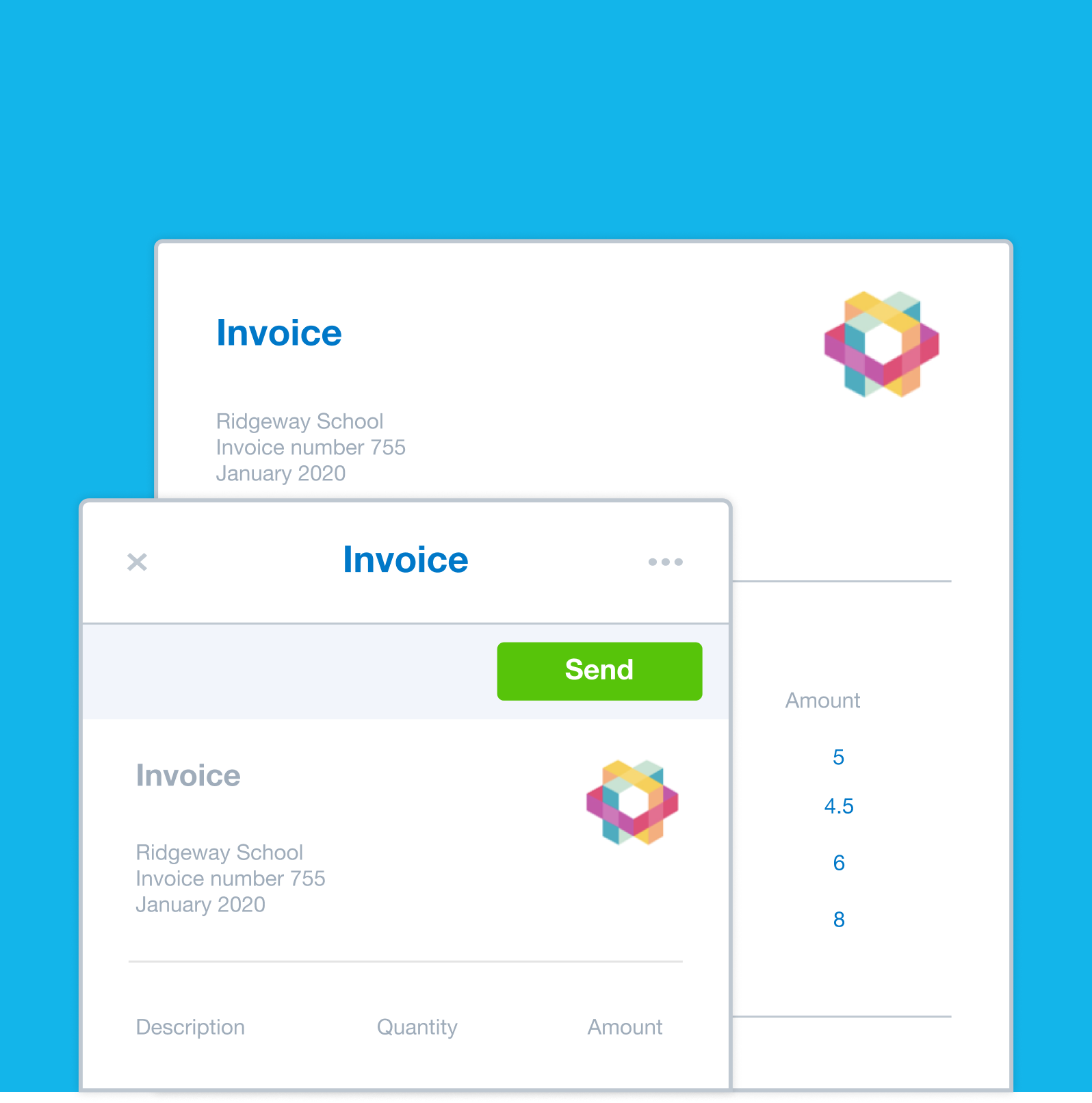
In Xero you can create a project invoice directly from your project, with tracked time and expenses already included on it. Choose between fixed price or time-and-materials billing formats, add a deposit or progress payment, and send it straight to your client from within the software.
Your project invoices can include the latest tracked project information, with tracking details added to Xero invoices automatically for simpler, faster invoicing.
Yes! It's one of the biggest advantages of having project tracking software built into your accounting.
In Xero you can create a project invoice directly from your project, with tracked time and expenses already included on it. Choose between fixed price or time-and-materials billing formats, add a deposit or progress payment, and send it straight to your client from within the software.
Your project invoices can include the latest tracked project information, with tracking details added to Xero invoices automatically for simpler, faster invoicing.
If your Australian small business needs more than a task list, project tracking software that integrates directly with your accounting can make it easier to track time, costs, invoices and project profitability. Project management software can help you organise work, while Xero’s project management tools and reports compare revenue and costs for your projects so you can track profitability.
Xero's online project tracking software is built for small businesses that need to track time, manage expenses, monitor profitability – and invoice without switching between tools. It's priced in AUD and the profitability dashboard and financial reporting features give you the visibility to make better project decisions.
If your Australian small business needs more than a task list, project tracking software that integrates directly with your accounting can make it easier to track time, costs, invoices and project profitability. Project management software can help you organise work, while Xero’s project management tools and reports compare revenue and costs for your projects so you can track profitability.
Xero's online project tracking software is built for small businesses that need to track time, manage expenses, monitor profitability – and invoice without switching between tools. It's priced in AUD and the profitability dashboard and financial reporting features give you the visibility to make better project decisions.
Project tracking software for your small business
Manage time, control project budgets, and understand your project finances – all in one project tracking tool.
Better project time management
Automated tracking cuts the time you spend logging hours – and the admin that comes with it.
Simpler project budgeting
Set estimates upfront and compare actual time and costs against your budget as the project progresses.
Clear financial insights and reporting
The profitability dashboard and project reports show you which jobs are making you money.
Time tracking
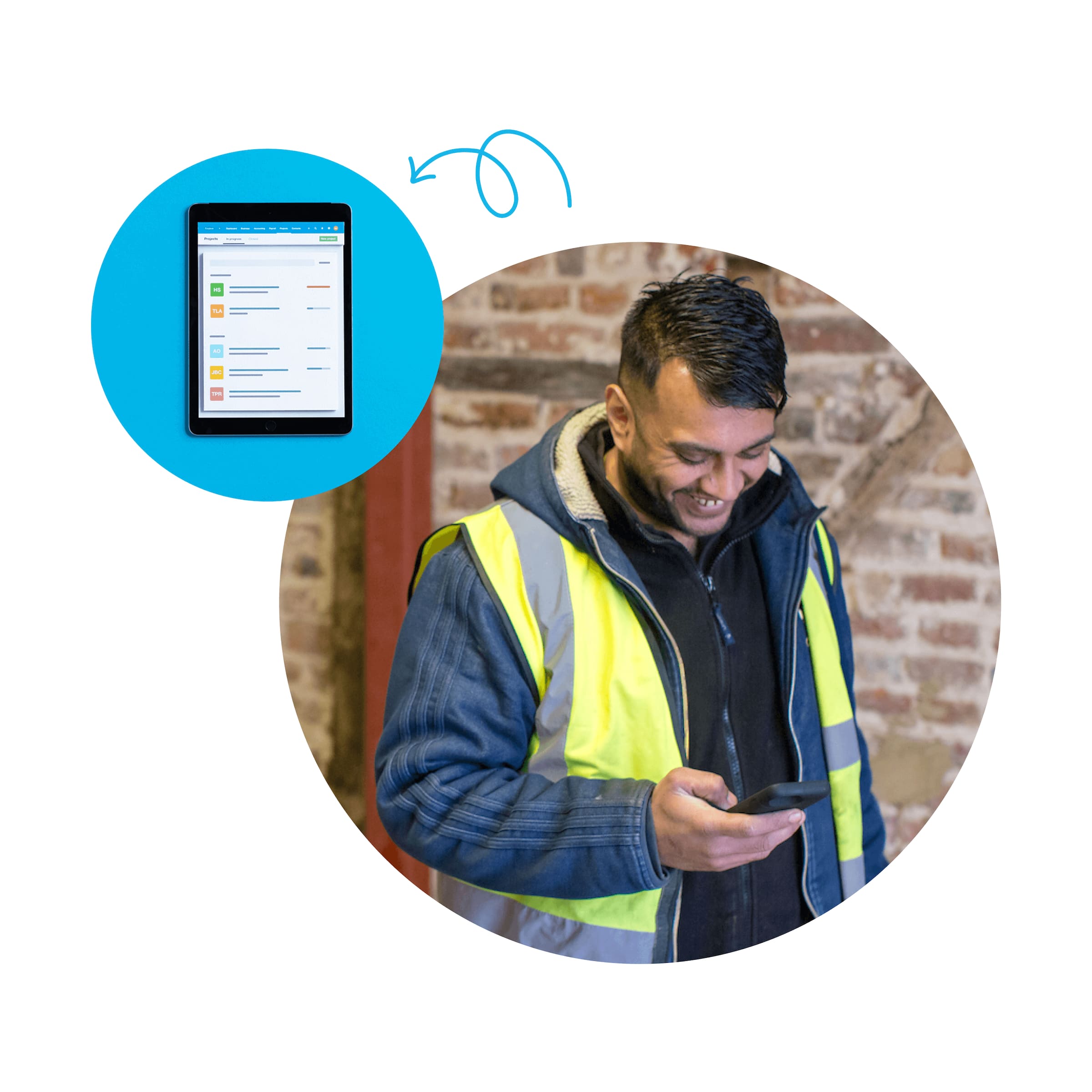
Track your project hours on your device anywhere, anytime, and precisely invoice the time spent on tasks.
Job costing
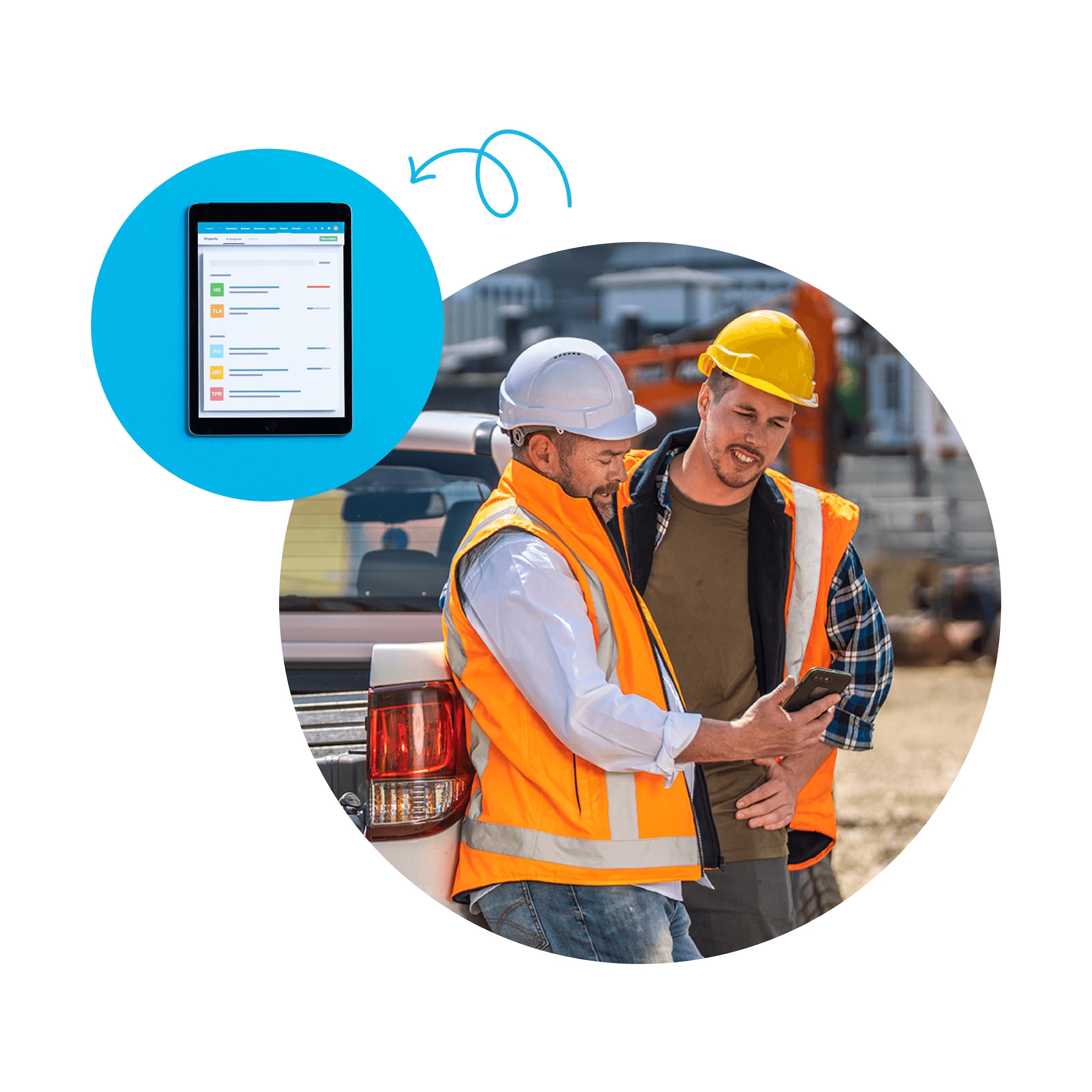
Use job costing software to plan and quote jobs, monitor costs, and check profitability.
Get one month free
Purchase any Xero plan, and we will give you the first month free.
See how to track project costs in one place
So much better than spreadsheets.