Budgeting tools and financial reports for your business
Track your finances with Xero's financial reporting software and built-in budgeting tools. See up-to-date accounting reports, build a budget from your actuals, and check how each month stacks up against it.
Financial reporting software for businesses on the move
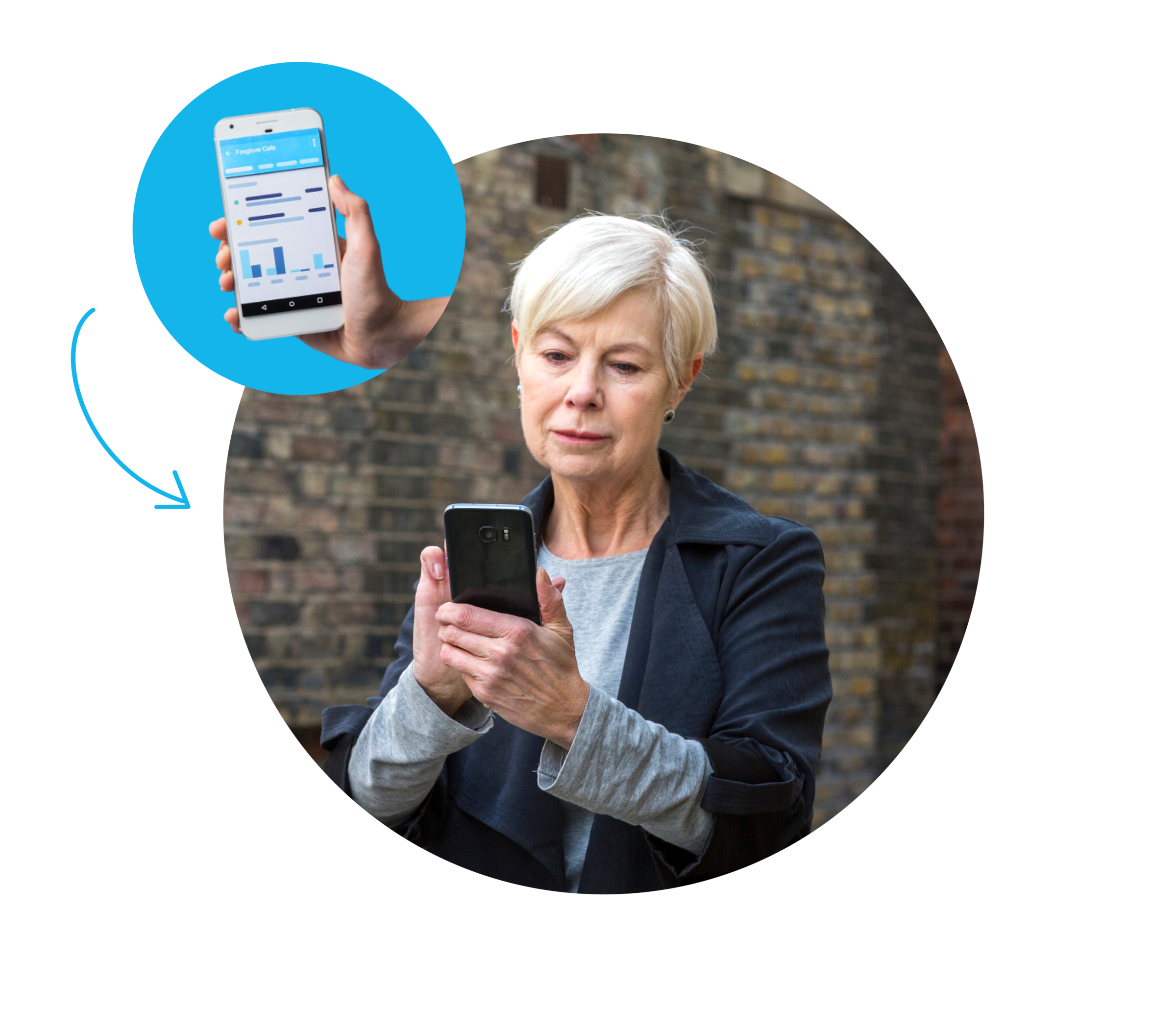
Xero financial reporting software gives you customisable, reliable data at your fingertips.
Get accurate reports anytime
In a meeting? Talking to your team? Create reports you can trust – on the spot, and whenever you need them.
Create reports yourself, your way
No accountant needed! Create reports with user-friendly tools like drag-and-drop editing and tracking categories.
Compare your budgets and forecasts
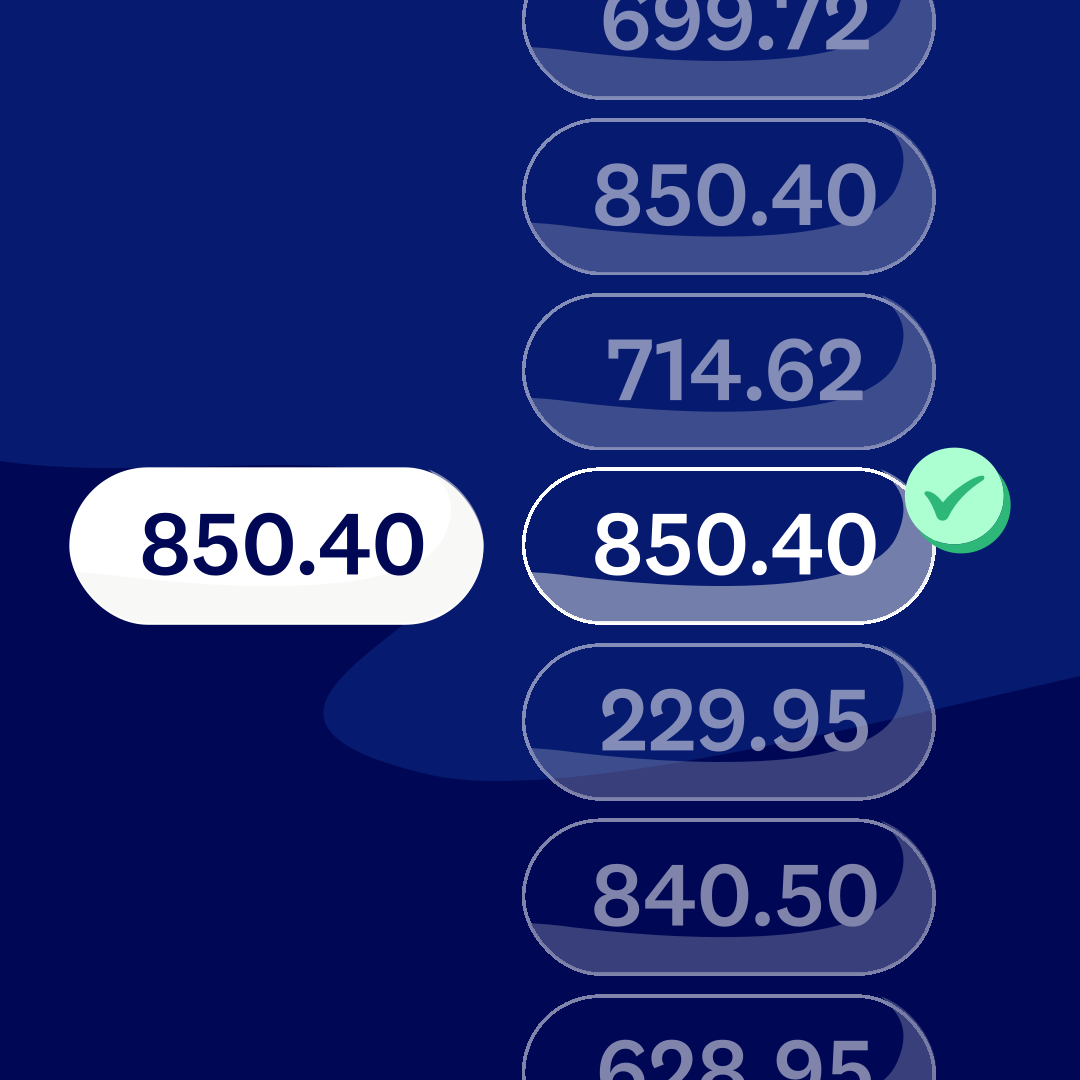
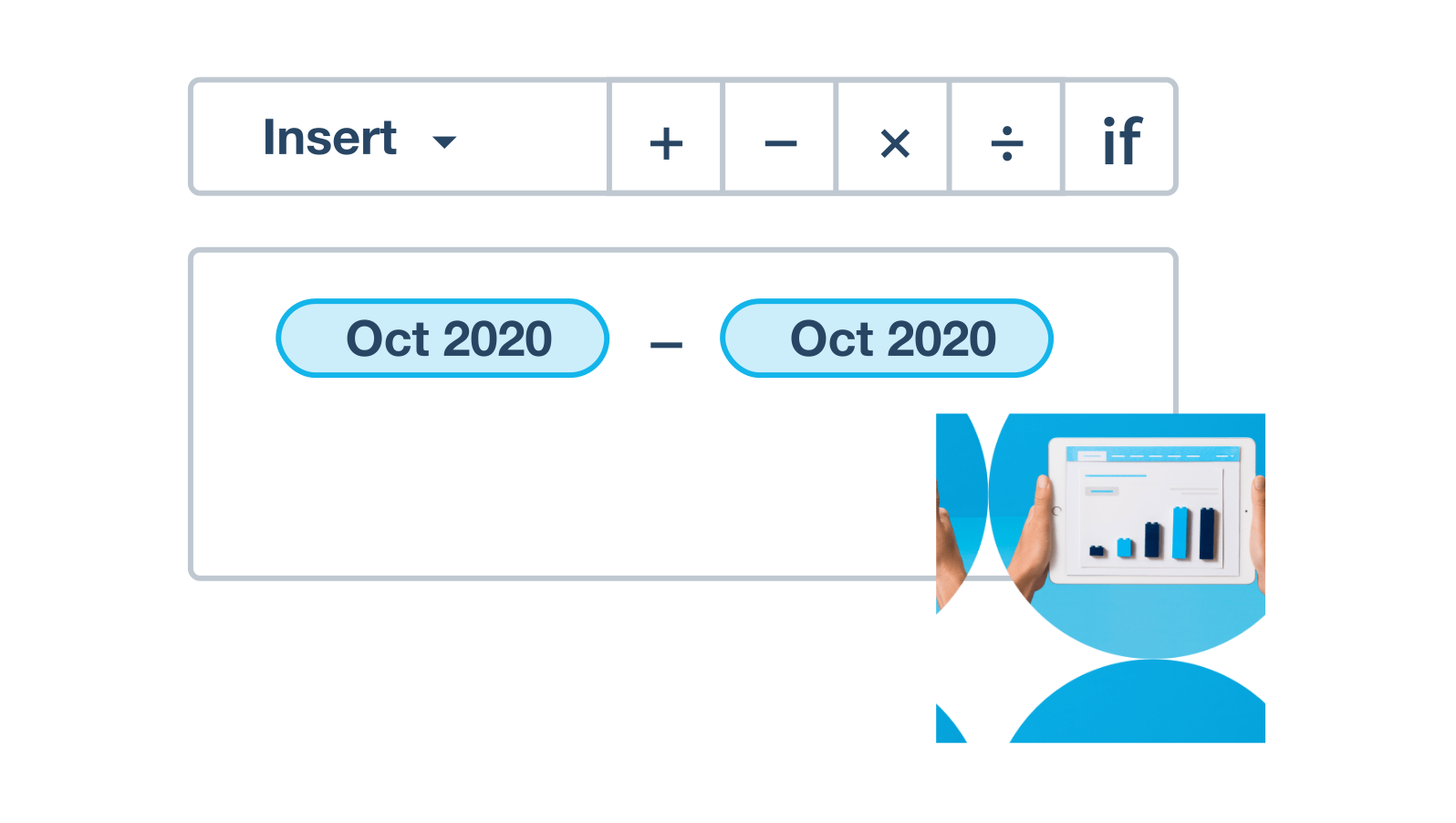
Apply formulas to compare your budgets with your actual spending. Then easily adjust your future quotes.

Trustpilot
Monya
Trustpilot
Tom W
Trustpilot
Tina T
Better info for your business decisions
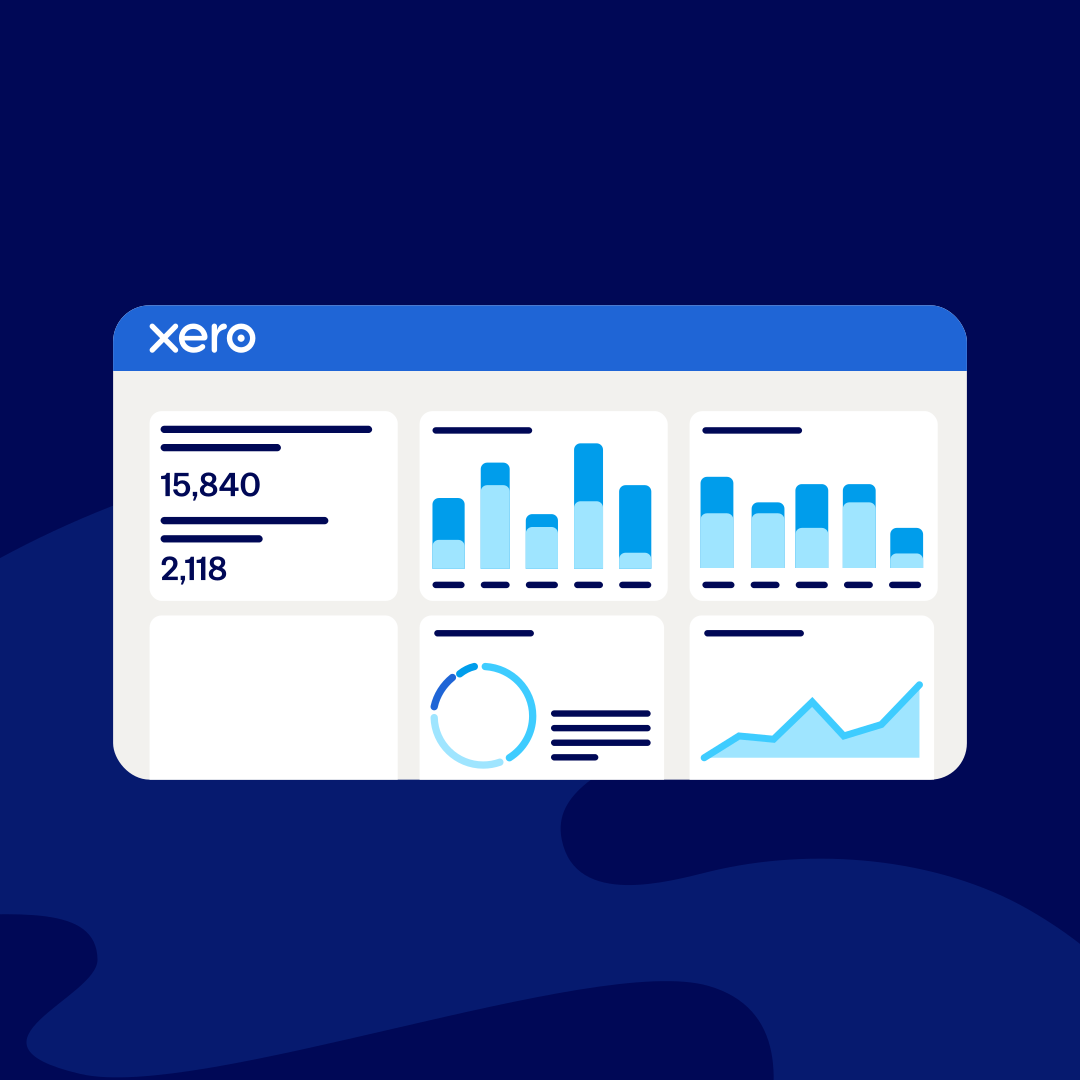
Xero’s financial reporting and analysis software means reliable data is only a few taps away. Anytime you’re planning for your business, hop into Xero or the Xero Accounting app for automatic bank feeds, up-to-date accounting reports, and real-time visual insights.
- View profit and loss, balance sheets, cash flow, and a range of other accounting reports and forecasts
- Drill into the detail to measure your performance against your KPIs with interactive reports
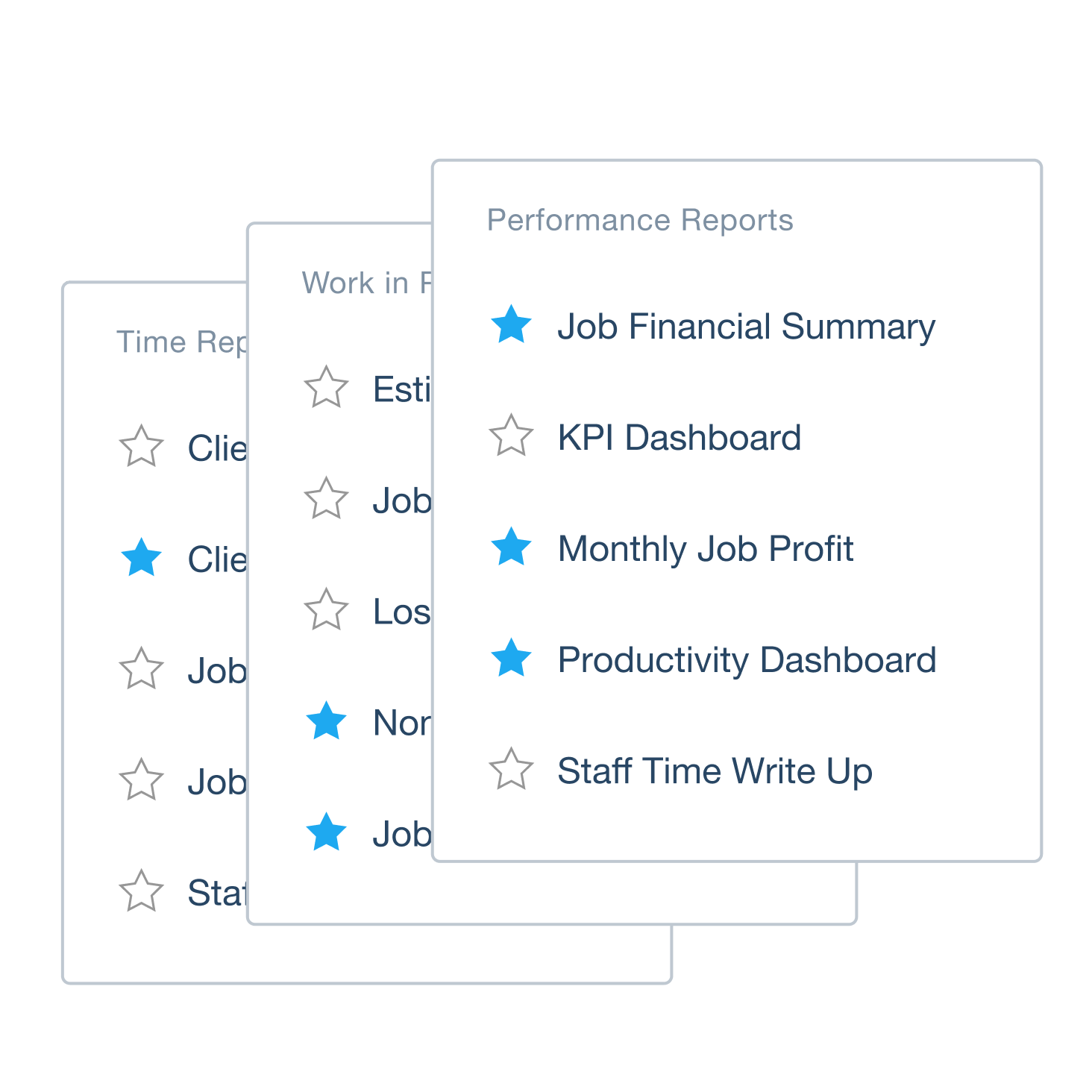
- Get to your key reports fast by marking them as favourites

Customise your reports without the fuss
It’s simple to create the reports you need with Xero. There’s no complicated interface or spreadsheets. Just intuitive tools so you get the info that matters for your business.
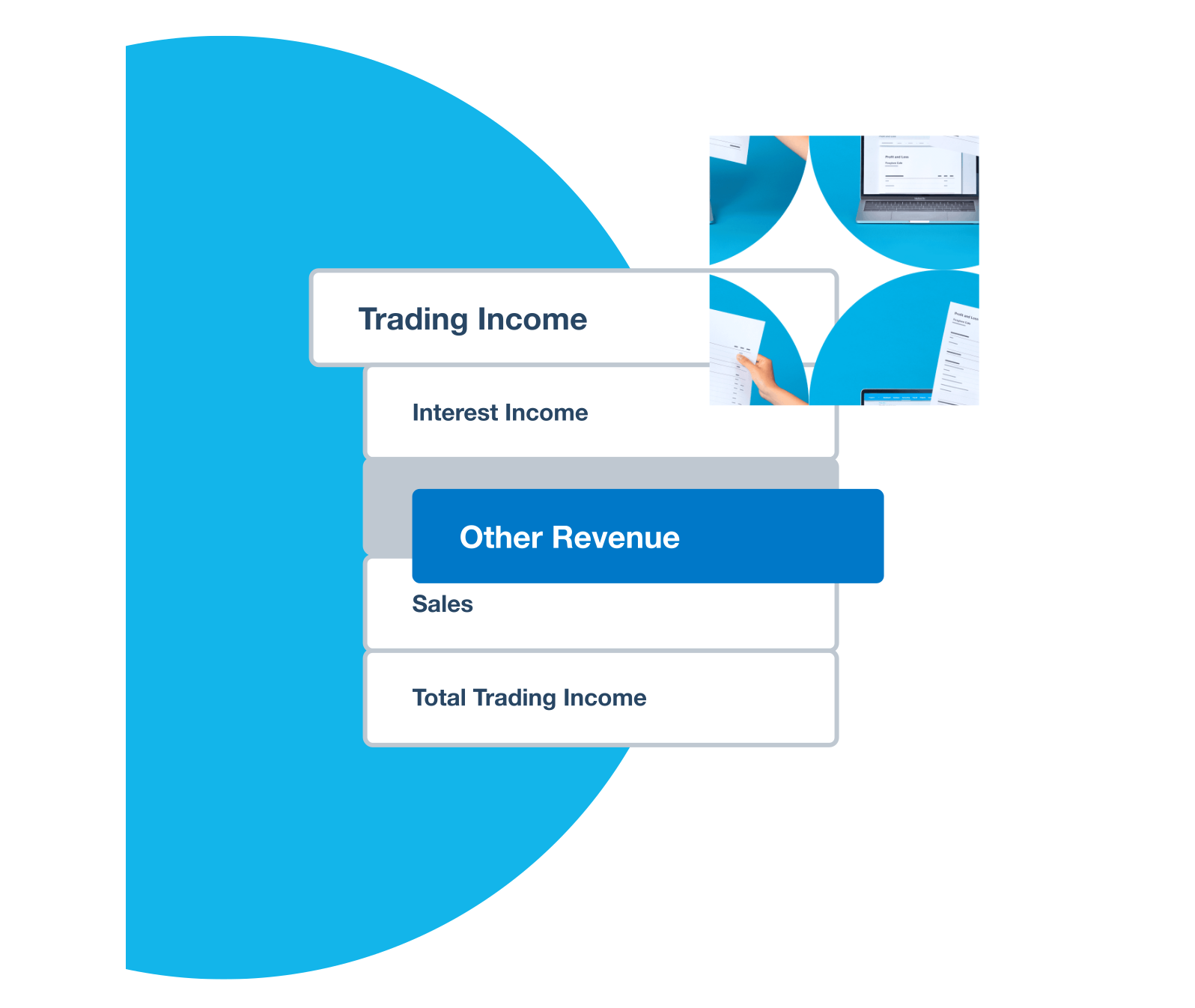
- Add, remove, and reorder rows and columns on your accounting reports – just drag and drop
- Use custom formulas and calculations, add notes, and link to report schedules – all in one place
- Set up tracking categories to compare your financial performance across locations or departments
Automatically calculate and compare
You’ve finished a project and want to compare your budget vs actual costs. Or to look at your profitability for different timeframes. Xero automates the calculations, then helps you spot patterns and predict what’s ahead.
- Compare budgeted spending to actual amounts – and review your profitability
- Work with existing formulas or create your own to reveal financial insights
- Give your team clear visuals – charts, percentages, or ratios – to help them plan the next move
Budget smarter with smart suggestions
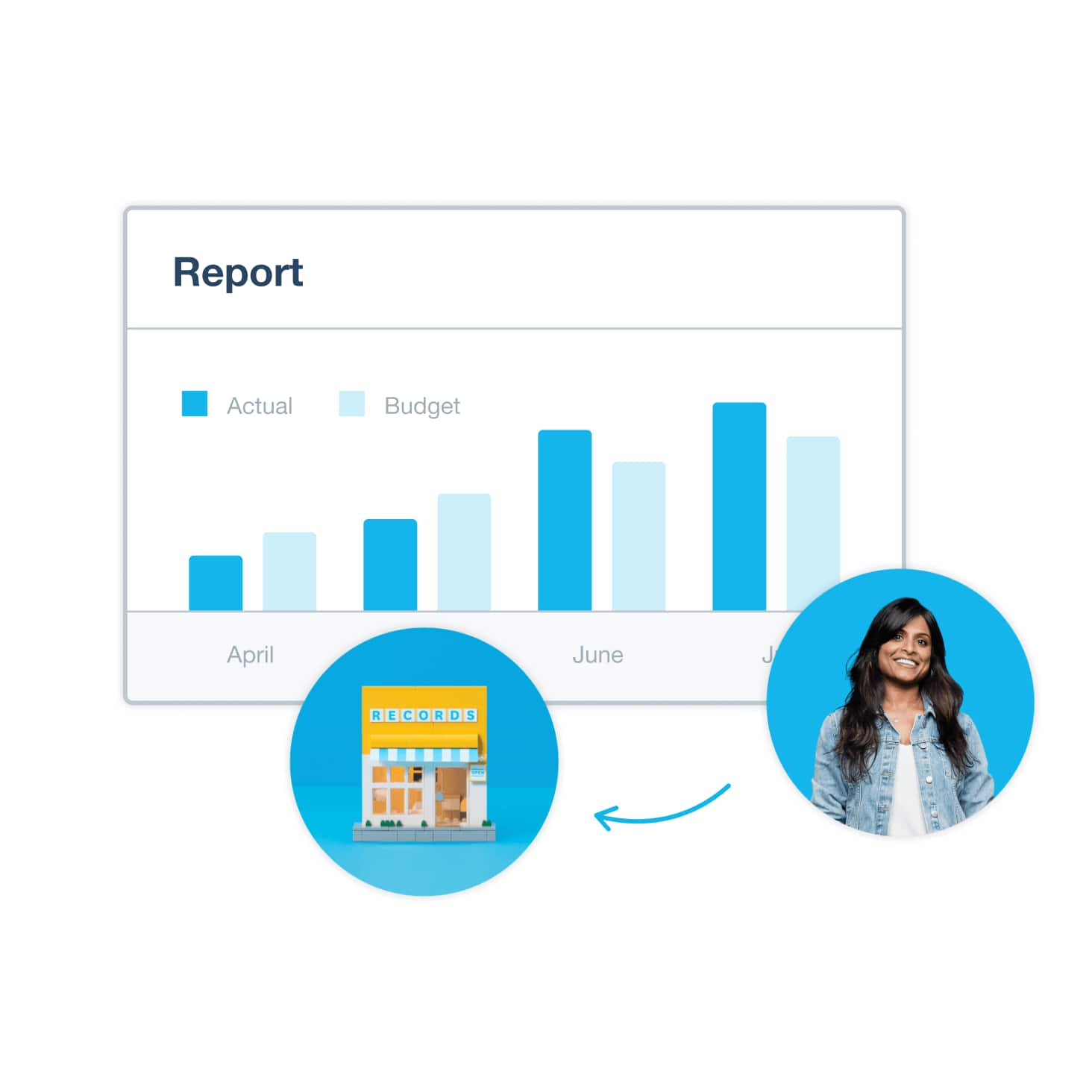
No more guesswork – start your budget from last month's or last year's actuals. Create a budget in Xero, then run the Budget Variance report to compare your actual figures against your budget each month.
Start your budget with real numbers
Create a budget using your existing financial data or start from scratch.
Plan for what's coming with smart suggestions
Planning for a slow month or a new hire? Use smart suggestions to plan common business scenarios.
Track budget vs actuals easily
Run budget vs actual reports to compare your plan against what came in, month by month.

Collaborate with your team in the cloud
Forget the long-winded email exchanges and waiting for documents. Xero’s cloud-based software lets you and your team log in at the same time. That way, everyone’s working off the same up-to-date numbers and can discuss reports together in real time.
- Assign each team member a suitable user permission so they can access the right tools and data
- Share live reports with your accountant or bookkeeper in Xero, so everyone is looking at the same live data together
- Share your report findings and visuals with your team to easily communicate your plans
Built for your next stage of growth
As your business gets more complex, Ultra gives you deeper reporting, smarter automation and fast-track support, without leaving Xero.
Ultra
$0
AUD for one month
Then $500 per month
- Accept online invoice payments^
- Payroll
- Visualise performance with graphs
- Customise performance dashboards
- Use multiple currencies
- Benchmark against the industry
- Multi-entity consolidations with Syft
- Advanced forecasting & budgeting with Syft
- Priority support
- Targeted data restore
Simplify your financial compliance
Follow your finances with Xero’s user-friendly financial reporting software. Automatically track GST and prepare accurate BAS returns, making tax time a little easier. And Xero replaces manual processes with automations to give you a fast, accurate way to report your numbers.
- Track GST automatically and lodge BAS online
- Use Xero’s report templates to create draft reports in client organisations and save admin time
- Let Xero’s Single Touch Payroll software streamline your ATO reporting for pay runs
- Organise all your financial data and expense records in one central place in the cloud
Compare your financial performance
Which project made the most profit? Did one business unit outperform the others for sales? Xero lets you compare the data with its interactive reports, so you get a clear picture of what’s working.
- Look at data across different time periods – this quarter vs the one before, for example
- Compare projects’ performance with the Project Summary report
- Spot patterns in your data and identify trends in your revenue and expenses over time
FAQs on Xero’s financial reporting software in Australia
Yes! It’s easy to create read-only reports to share with your stakeholders. You can also archive historical reports for future reference, and lock dates to prevent transaction changes during reporting periods (you need Xero’s advisor user role for this). You can create read-only versions of finalised reports and archive older reports for future reference.
Yes! It’s easy to create read-only reports to share with your stakeholders. You can also archive historical reports for future reference, and lock dates to prevent transaction changes during reporting periods (you need Xero’s advisor user role for this). You can create read-only versions of finalised reports and archive older reports for future reference.
It’s quite easy. Save the reports you use most often as favourites so you can access them fast from the Accounting menu. Browse all reports – whether draft, custom, published, or archived – using searchable filters like title, date, and author.
It’s quite easy. Save the reports you use most often as favourites so you can access them fast from the Accounting menu. Browse all reports – whether draft, custom, published, or archived – using searchable filters like title, date, and author.
Yes – you can set a lock date in Xero to stop changes being made to past transactions when reports are being prepared at the end of the year, or at the end of a sales tax period.
This helps make sure your reports are accurate and prevent accidental changes during critical reporting periods like EOFY or BAS lodgement.
You need Xero’s advisor user role to set, change, or remove lock dates.
Yes – you can set a lock date in Xero to stop changes being made to past transactions when reports are being prepared at the end of the year, or at the end of a sales tax period.
This helps make sure your reports are accurate and prevent accidental changes during critical reporting periods like EOFY or BAS lodgement.
You need Xero’s advisor user role to set, change, or remove lock dates.
For sure. Export your Xero reports as PDFs so you can print them, email them to your team, or present them to the board. Or export reports as Excel or CSV files for deeper analysis, custom calculations, or integration with your business systems.
You can export reports in different formats, including PDF for printing or sharing by email, or a spreadsheet for further analysis or manipulation.
For sure. Export your Xero reports as PDFs so you can print them, email them to your team, or present them to the board. Or export reports as Excel or CSV files for deeper analysis, custom calculations, or integration with your business systems.
You can export reports in different formats, including PDF for printing or sharing by email, or a spreadsheet for further analysis or manipulation.
Xero lets you view profit and loss (income statements), balance sheets, cash flow, cash summaries, budget variance, and aged receivables/payables reports, among others.
You can also customise your reports and use Xero’s Management Report or create custom report packs containing your own selection of reports.
Xero lets you view profit and loss (income statements), balance sheets, cash flow, cash summaries, budget variance, and aged receivables/payables reports, among others.
You can also customise your reports and use Xero’s Management Report or create custom report packs containing your own selection of reports.
Xero helps small businesses run more easily with an intuitive platform available across devices, data access from anywhere, and features that reduce manual data entry. Get started easily with user-friendly financial reporting software and view simple visual representations of your business performance.
Xero also adapts as your needs change. It connects with over 1,000 third-party apps, so you can add features and tools specific to your industry and requirements whenever you need to.
Xero helps small businesses run more easily with an intuitive platform available across devices, data access from anywhere, and features that reduce manual data entry. Get started easily with user-friendly financial reporting software and view simple visual representations of your business performance.
Xero also adapts as your needs change. It connects with over 1,000 third-party apps, so you can add features and tools specific to your industry and requirements whenever you need to.
Half of small businesses say they got set up with Xero and felt ready to go in less than four hours.*
How long it takes to get started depends on your business needs. It’s quick and easy to set up your business correctly in Xero, and complete five simple steps to get the most out of Xero from the start. While we’ve streamlined the migration process, it’s not fully automated. This means it takes us around five working days to convert and review each client. We’ve streamlined the migration process, but it’s not fully automated and can take around five working days to convert and review each client.
Xero Central has lots of guides to help you get started.
Half of small businesses say they got set up with Xero and felt ready to go in less than four hours.*
How long it takes to get started depends on your business needs. It’s quick and easy to set up your business correctly in Xero, and complete five simple steps to get the most out of Xero from the start. While we’ve streamlined the migration process, it’s not fully automated. This means it takes us around five working days to convert and review each client. We’ve streamlined the migration process, but it’s not fully automated and can take around five working days to convert and review each client.
Xero Central has lots of guides to help you get started.
Yes. Xero includes budgeting tools to help you budget for upcoming expenses and track your business performance. Create a budget in Xero, then compare it with your actual figures by running Xero’s Budget Variance report to help you spot where you may be overspending or not meeting your sales goals.
Yes. Xero includes budgeting tools to help you budget for upcoming expenses and track your business performance. Create a budget in Xero, then compare it with your actual figures by running Xero’s Budget Variance report to help you spot where you may be overspending or not meeting your sales goals.
Essential resources for financial reporting
Learn financial management skills that help you overcome cash flow challenges, plan for the future, and better understand your business.
What is financial reporting?
Financial reporting involves tracking, analysing, and reporting your income, expenses, and financial status.
Creating monthly financial reports
Review accounting reports often to help you spot issues early and stay on top of your finances.
Small business guides
Check out our guidance on all kinds of business and accounting topics, to keep things running smoothly.
Get one month free
Purchase any Xero plan, and we will give you the first month free.
Xero works for your type of business
Manage your finances, control cash flow, and add apps for more features – whatever business you’re in. See how Xero can help your business.

Expand with Xero: business and financial reporting software apps
Stay in control as your business expands – tailor Xero to your needs with financial reporting apps from the Xero App Store.
Get clear on your business finances
Xero’s financial accounting and reporting software gives you a complete view of your numbers and all the tools you need to run a healthy business. Xero accounting reports use your latest data to give you current, accurate insights every time.
Accounting software for your small business
Need help setting up financial reports in Xero?
Xero Central is full of resources to help you get the best out of Xero’s financial reporting software.
Reporting and tracking
Generate standard and custom reports, view dashboards, and track key financial metrics for your business.
Create and publish a report
Make a draft report and save your proposed layout changes that aren’t yet finalised.
Access and browse reports
Easily find reports in our searchable business reporting software.