Auto-invoicing software for Australian businesses
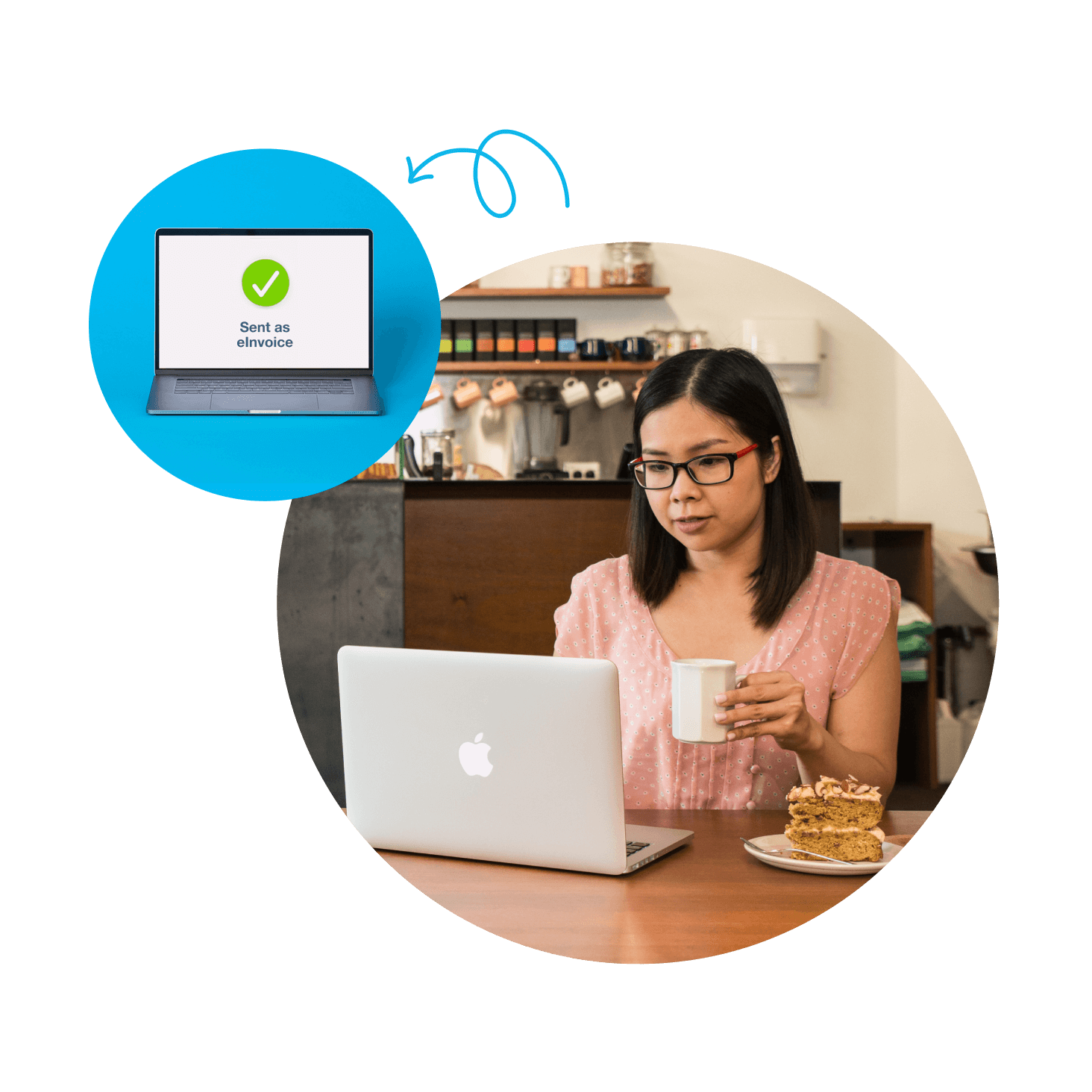
No more chasing invoices! Xero's automated invoicing software handles the routine – sending invoices, tracking payments, and nudging late payers. GST is handled automatically, and trusted by millions. There are more than 1.4 billion invoices sent through Xero every year.

Online invoicing built for Australian small businesses
Xero has 4.4M+ subscribers globally and offers accounting software for your Australian small business.
Create invoices from your own template
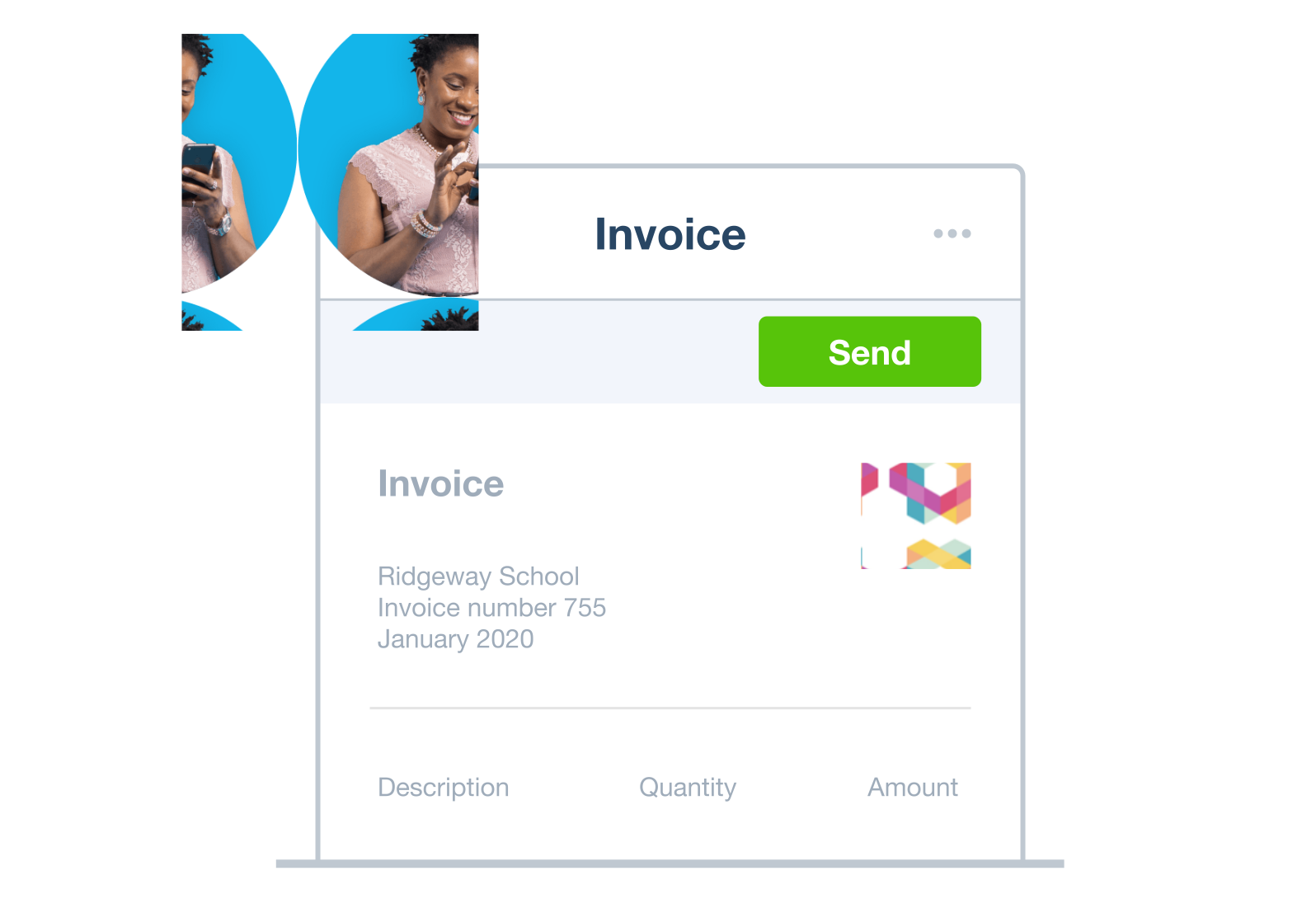
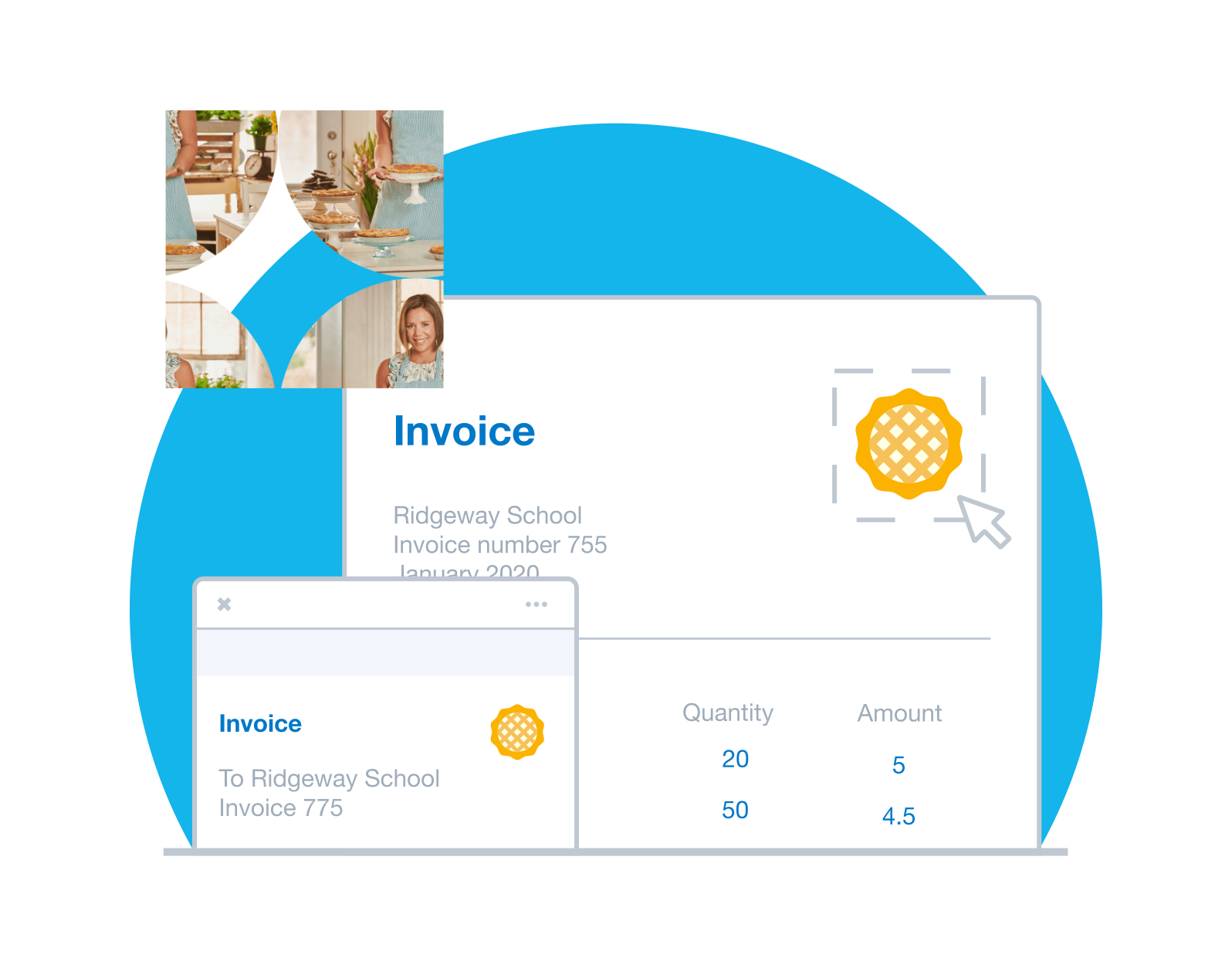
Set up invoice templates with your logo and payment terms. Then just pop in your charges and hit send.
Automated invoice reminders
Forgot to nudge a client? Don't panic. Xero's billing software monitors your bank and sends reminder emails for you.
More ways for customers to pay you
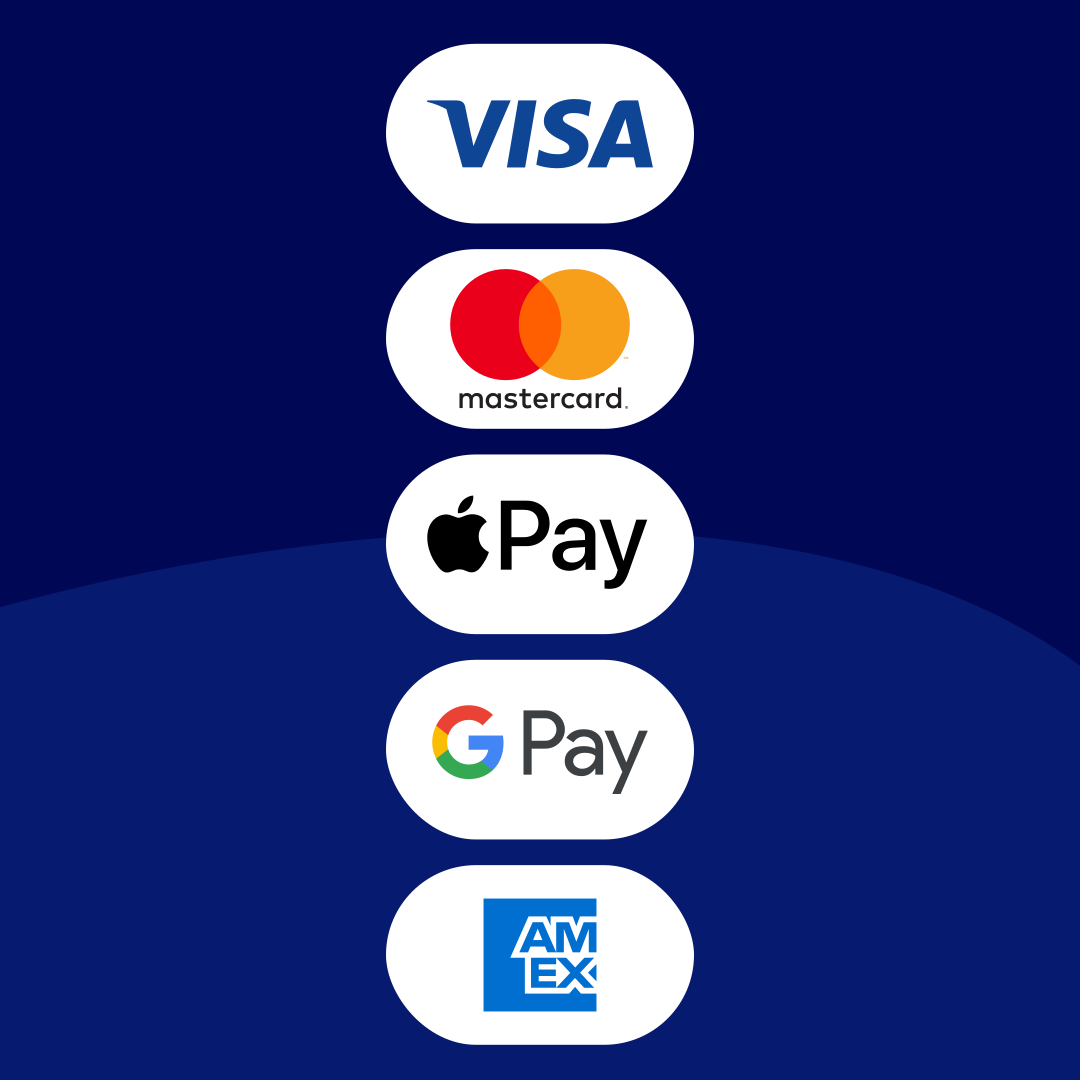
Accept online payments easily. Customers can pay by card or through payment services like Stripe or GoCardless.
It’s made a really big difference in keeping my finances organised
Nubian Skin use Xero to manage their business finances

Professional automated invoicing – your way
Impress your customers with Xero’s professional invoicing software for small business owners. Customise your invoices with your branding and payment terms, then save your changes to speed up the process with every invoice.
Automatic repeating invoices
Bill your customers the same amount every month? Let Xero's invoicing automation create and send the invoices for you.
Invoice groups of customers in one go
Do you charge a group of customers the same amount? Ask Xero to send these identical auto invoices to the whole group in one go. Job done!
Automated data entry
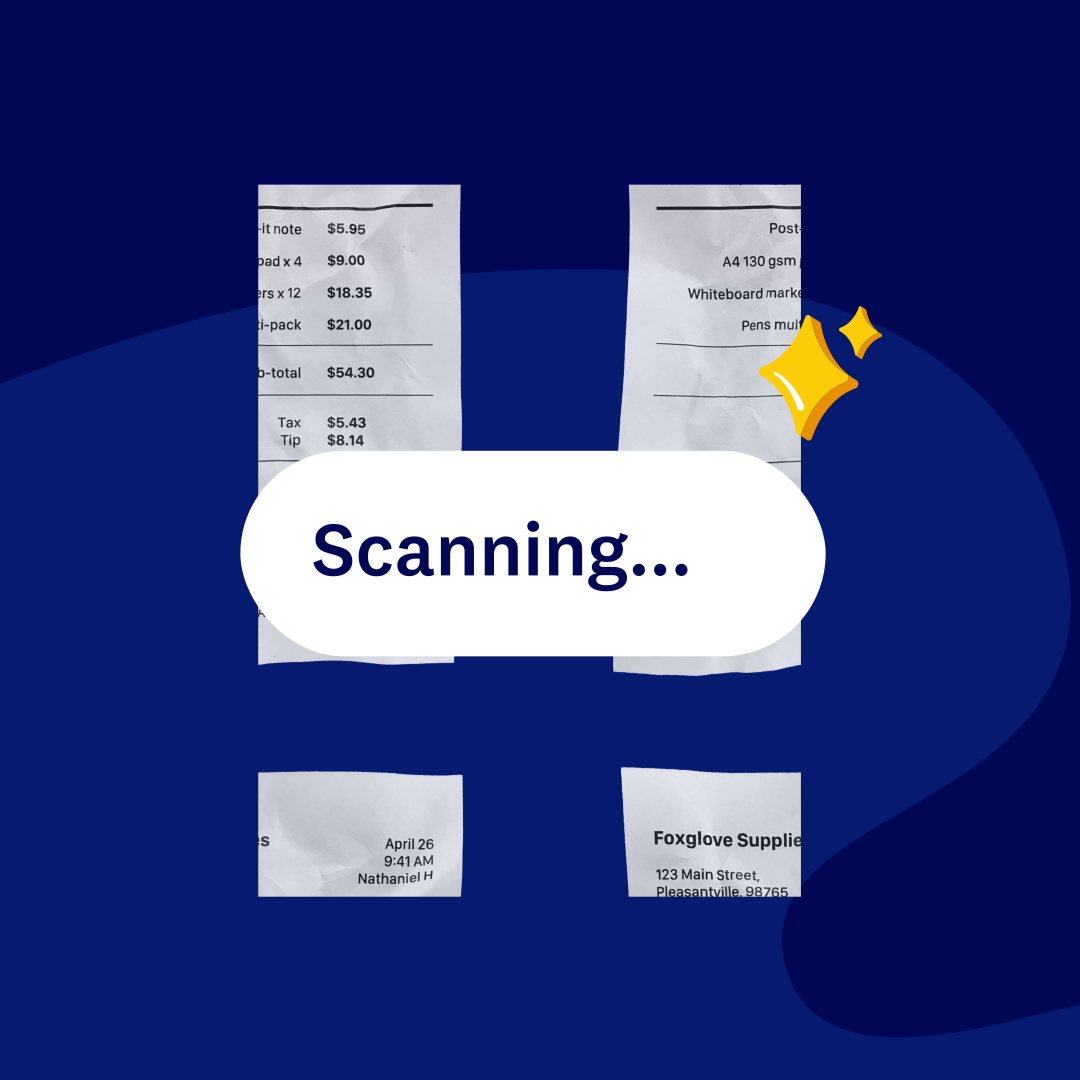
Once you've set up default info for each customer, each invoice fills with the customer's info automatically.
More ways to pay – straight from the invoice
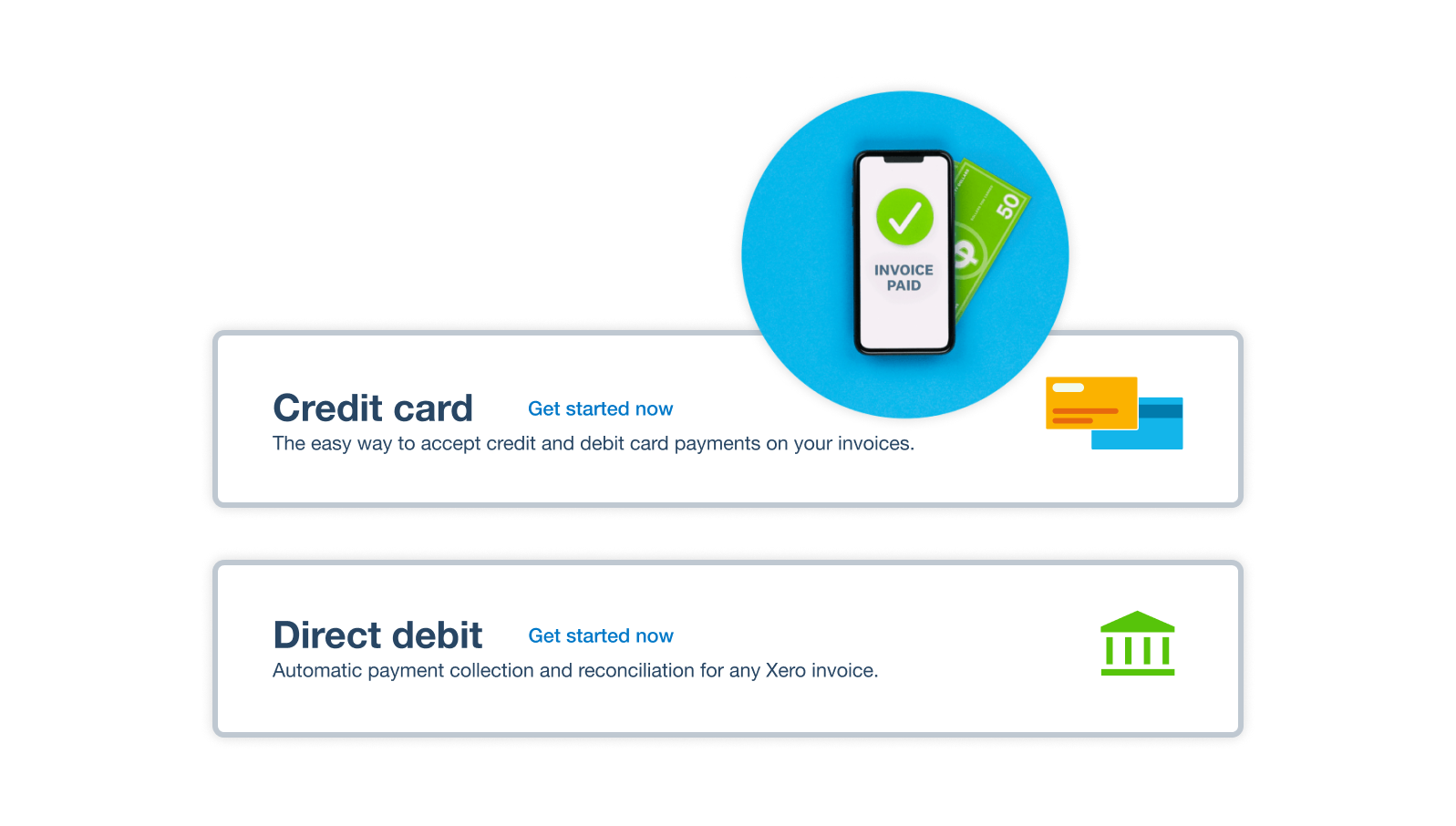
Add a Pay now button to any online invoice, and your customers can pay directly from it – by card, direct debit, PayTo, or Zip. Take Tap to Pay payments in person on iOS and Android, and even send invoices by SMS. The easier you make it to pay, the sooner the money arrives.
- Add a Pay now button to online invoices – customers pay in one click and you get paid up to twice as fast
- Let customers pay by credit card, debit card, or direct debit – whatever works for them
- Set up direct debit with GoCardless so recurring invoices are paid automatically on the due date

Chase less – let Xero send reminders for you
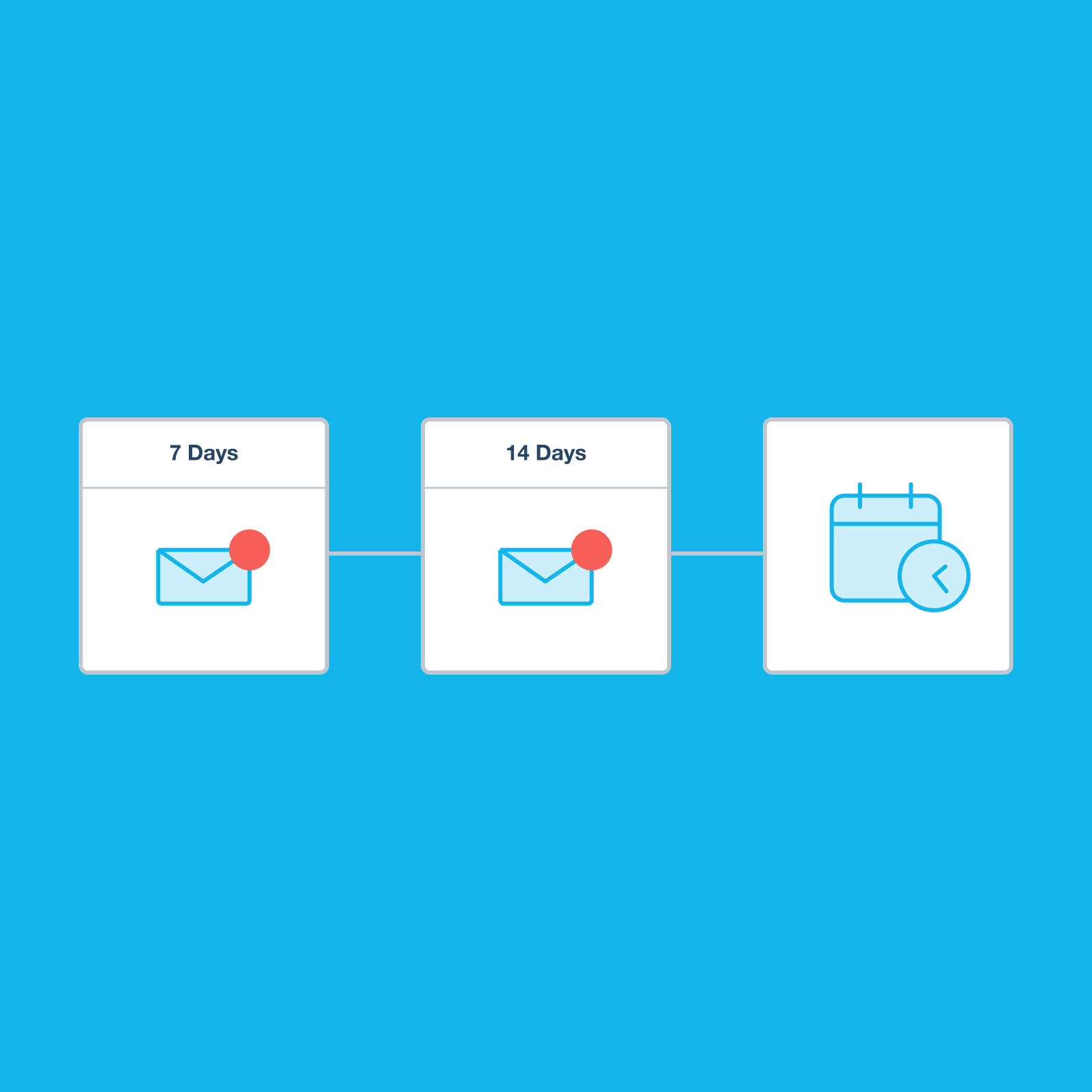
ero's auto invoicing software watches your bank for payments. It knows which invoices are outstanding and sends reminder emails on your behalf – before or after the due date. Xero customers report they spend 50% less time chasing payments.*
- Remind customers before or after the payment due date – bring your invoice to the top of their inboxes before it's too late
- Set weekly reminders if you have longer payment terms
- See when invoices were sent and opened, and whether they've been paid
- Generate an aged receivables report at any time to see what's overdue
*Xero survey of 172 small business customers in Australia, May 2024
Create and send invoices on the go
Raise an invoice the moment you finish the job. The Xero Accounting app lets you create and send invoices from your phone or tablet. JAX – Xero's AI companion – can even draft an invoice for you via WhatsApp.
- Set up new customers easily and save their details so billing is super smooth next time
- See when your customer opens their online invoice so you know they've received it
- Get notified the moment you're paid – stay up to date with your cash flow
- Check unpaid invoices at any time to see what customers owe you
- View the average days to payment for each customer so you know who your reliable customers are
Plans to suit your business
Let eInvoicing speed your customer payments
Send and receive eInvoices directly via the Peppol network. Your invoices pass straight to your customers' accounting software – no downloading, no manual transfer, no re-keying. Send and receive eInvoices directly via the Peppol network with Xero.
- Your invoices automatically appear as draft bills in your customers' accounting software – ready to be paid
- Automated invoicing cuts down on admin steps and mistakes, and prompts customers to pay you swiftly

Invoicing software FAQs on invoicing software for Australian businesses
Xero’s templates help you get invoices out the door faster. Just add your logo, payment terms, and sales items to the template, then create and send a fresh version of the invoice on billing day.
And for subscription or retainer clients, set up automated repeating invoices – Xero creates and sends them for you on schedule. Pair that with direct debit through GoCardless so your recurring bill is automatically paid.
Xero’s templates help you get invoices out the door faster. Just add your logo, payment terms, and sales items to the template, then create and send a fresh version of the invoice on billing day.
And for subscription or retainer clients, set up automated repeating invoices – Xero creates and sends them for you on schedule. Pair that with direct debit through GoCardless so your recurring bill is automatically paid.
Yes. Xero's invoice tracking software lets you check the status of every invoice – what's been sent, viewed, and paid, and what's overdue.
If you spot an error, open and edit the online invoice without generating a new document. You'll get a notification on your invoice app the moment a payment comes in.
Yes. Xero's invoice tracking software lets you check the status of every invoice – what's been sent, viewed, and paid, and what's overdue.
If you spot an error, open and edit the online invoice without generating a new document. You'll get a notification on your invoice app the moment a payment comes in.
Invoicing software lets you create, send, track, and manage invoices digitally. It helps reduce manual work by capturing and organising documents in Xero, and exchanging bills and invoices automatically instead of emailing and manually uploading documents.
At its most basic, invoicing software generates a professional invoice and emails it to your customer. But Xero does much more: it automates recurring invoices, tracks which ones have been paid, sends reminder emails for you, and connects your invoicing to your accounting, bank feeds, and GST reporting.
Xero's invoicing software is part of an accounting platform. Xero helps you track GST as you go, ready for your BAS, and gives you cash flow insights from one platform.
Invoicing software lets you create, send, track, and manage invoices digitally. It helps reduce manual work by capturing and organising documents in Xero, and exchanging bills and invoices automatically instead of emailing and manually uploading documents.
At its most basic, invoicing software generates a professional invoice and emails it to your customer. But Xero does much more: it automates recurring invoices, tracks which ones have been paid, sends reminder emails for you, and connects your invoicing to your accounting, bank feeds, and GST reporting.
Xero's invoicing software is part of an accounting platform. Xero helps you track GST as you go, ready for your BAS, and gives you cash flow insights from one platform.
Yes – and you can create as many as you need. Some businesses set up different templates for different types of work or specific customers. Add your logo, payment terms, and a standardised message that goes out with every invoice. You can copy, edit, or update these online invoicing templates anytime.
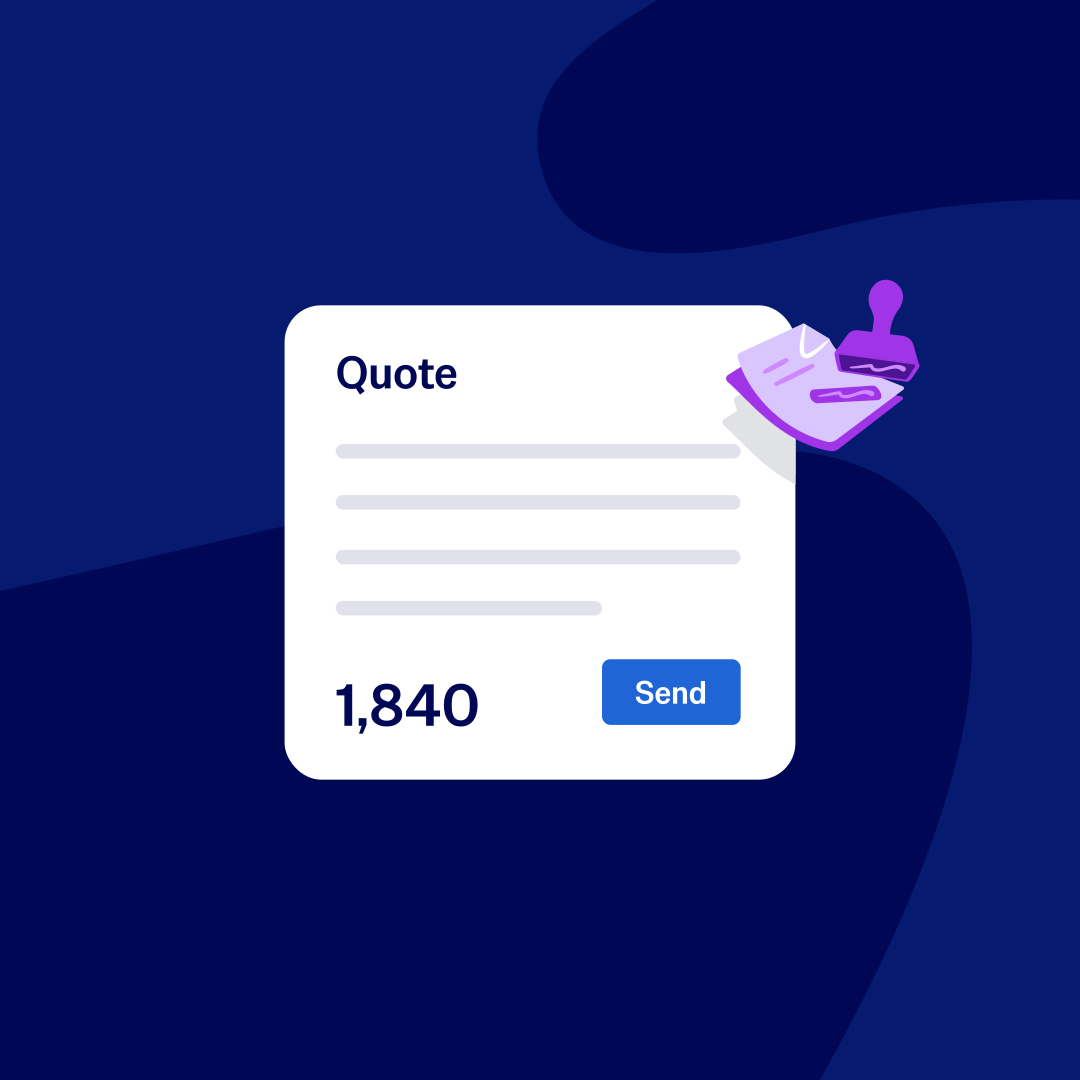
Yes. When a client accepts your online quote, click Create Invoice and all the details carry through automatically. No retyping, no starting from scratch. And if the job evolves, just add or remove line items as needed.
Xero integrates with payment providers so customers can pay you directly from the invoices. You can offer your customers many payment options: credit and debit card via Stripe, direct debit via GoCardless, and PayTo and Zip.
You can also take in-person payments with Tap to Pay on iOS and Android, or send invoices by SMS so customers can pay on their phone. Add a Pay now button to any online invoice to make paying as easy as one click.
Xero integrates with payment providers so customers can pay you directly from the invoices. You can offer your customers many payment options: credit and debit card via Stripe, direct debit via GoCardless, and PayTo and Zip.
You can also take in-person payments with Tap to Pay on iOS and Android, or send invoices by SMS so customers can pay on their phone. Add a Pay now button to any online invoice to make paying as easy as one click.
Xero connects to over 1000 apps through the Xero App Store. These include payment services, job costing and project management tools, time and attendance apps, and invoice financing services. Whether you need a time-tracking tool that feeds into your invoices or a CRM that syncs your client details, there's likely an app for it.
Xero offers invoicing as part of its broader accounting software, with features to create, send, and track invoices online.
Invoicing features are included in Xero business plans, with invoice limits depending on your plan. You can try Xero free for 30 days to see if it works for your business.
Xero offers invoicing as part of its broader accounting software, with features to create, send, and track invoices online.
Invoicing features are included in Xero business plans, with invoice limits depending on your plan. You can try Xero free for 30 days to see if it works for your business.
That depends on what tools your business needs
Xero's invoicing software includes:
- automated repeating invoices
- batch invoicing
- Invoice templates
- online payment acceptance
- automated payment reminders
- Peppol eInvoicing
- mobile invoicing
- Tap to Pay.
It's part of a complete accounting platform – not a standalone tool – which means your invoicing connects directly to your bank reconciliation, BAS preparation, and cash flow reporting.
Xero was named Most Recommended Business Accounting Software and Easiest to Use Business Accounting Software at the Finder Awards 2025 (based on a survey of over 60,000 Australians).
That depends on what tools your business needs
Xero's invoicing software includes:
- automated repeating invoices
- batch invoicing
- Invoice templates
- online payment acceptance
- automated payment reminders
- Peppol eInvoicing
- mobile invoicing
- Tap to Pay.
It's part of a complete accounting platform – not a standalone tool – which means your invoicing connects directly to your bank reconciliation, BAS preparation, and cash flow reporting.
Xero was named Most Recommended Business Accounting Software and Easiest to Use Business Accounting Software at the Finder Awards 2025 (based on a survey of over 60,000 Australians).
Accounting software for your small business
Run your business accounting online with Xero – easy-to-use accounting software with features built for accuracy and speed. It automates your recurring invoices, cuts down on data entry, and nudges late-paying customers for you. 91% of customers agree Xero is easy to use.*
- Set up automated invoicing for a customer just once – then let Xero handle their billing
- Connect Xero to your bank and match transactions with Xero's automated bank reconciliation tool
- Collaborate in real time with your accountant and your team for smoother communication on your latest numbers
- Customise Xero to suit your needs with hundreds of third-party apps from the Xero App Store
*Xero survey of 2,634 small businesses in the UK, AU, and US, May–June 2024.

Streamline sales and inventory with invoicing software
When you use Xero invoicing software for billing and inventory, it'll adjust stock levels with each sale. You won't have to double-handle any info. Xero gives you an instant view of inventory levels, and can reorder when your stock levels get low.
Quick and easy inventory management
Invoicing and accounting software that fits your industry
The best small business accounting software should be customised to your business. That’s why Xero offers special features and integrations for every industry.
- Mobile quoting and invoicing tools, so you can send estimates and bills from the site
- Time and attendance integrations for keeping tabs on hours
- Project management features for tracking actual costs against budget
- Inventory tools for efficient stock management
- Ecommerce integrations for online sales

Start using Xero for free
Access Xero features for 30 days, then decide which plan best suits your business.
Enhance financial oversight by tracking actual costs against budget
The best invoicing software tracks costs, too. Xero lets you record expenses and assign them to specific jobs or customers.

Looking for tips on a good invoicing process?
Accounts receivable is crucial to cash flow and business health. And Xero's got your back with tips from top accountants and bookkeepers.

FAQs about Xero in Australia
Yes. You can connect your Xero account with the ATO (Australian Taxation Office) to help you easily prepare and submit your returns, so you never miss a deadline.
Here’s more info on tax and super from the ATO.Yes. You can connect your Xero account with the ATO (Australian Taxation Office) to help you easily prepare and submit your returns, so you never miss a deadline.
Here’s more info on tax and super from the ATO.Yes. Xero complies fully with STP. You can send reports to ATO each payday without any hassle so you have more time for the rest of your business.
Yes. Xero complies fully with STP. You can send reports to ATO each payday without any hassle so you have more time for the rest of your business.
The best accounting software depends on your needs. Xero’s accounting software has flexible plans so you can adjust your subscriptions to access the features you need as your business grows.
Check out Xero’s pricing plans.The best accounting software depends on your needs. Xero’s accounting software has flexible plans so you can adjust your subscriptions to access the features you need as your business grows.
Check out Xero’s pricing plans.No – Xero is based in the cloud, so all you need is an internet connection. But you need a multi-factor authentication (MFA) app to log in to Xero. MFA adds an extra layer of security by checking that it’s really you when you log in.
Learn about data protection with Xero.No – Xero is based in the cloud, so all you need is an internet connection. But you need a multi-factor authentication (MFA) app to log in to Xero. MFA adds an extra layer of security by checking that it’s really you when you log in.
Learn about data protection with Xero.Yes – the Xero App Store has hundreds of apps to help manage your business, including apps specifically designed for your industry and for doing business in Australia.
Check out the Xero App Store.Yes – the Xero App Store has hundreds of apps to help manage your business, including apps specifically designed for your industry and for doing business in Australia.
Check out the Xero App Store.
Are you a Xero user trying to set up online invoicing?
Just head to Xero Central for guides, articles, and FAQs to get you on your way.
Invoices and quotes
Learn how to create invoices and quotes, and to create templates, offer online payment, and track payments.
Send invoices
Get instructions to send an invoice with Xero – via our cloud-based software or mobile invoice app.
Import past invoices
Find out how to use Conversion Toolbox to import invoices and bills from a previous accounting system.
See how invoicing online can simplify tasks
Probably the best invoicing video you’ll ever see.