Purchase order software built into your accounting
Ditch the spreadsheets and disconnected systems. Xero's purchase order management software lets you create, approve, and track POs – then convert them into bills in one click. No double-entry, no missed orders. Fast, accurate procurement that flows straight into your books.

From purchase order to payment – all in one system
Replace disconnected systems. With Xero, create accurate purchase orders that flow into your books, convert them into bills, and cut admin. Follow our step-by-step guide.
Create purchase orders in minutes
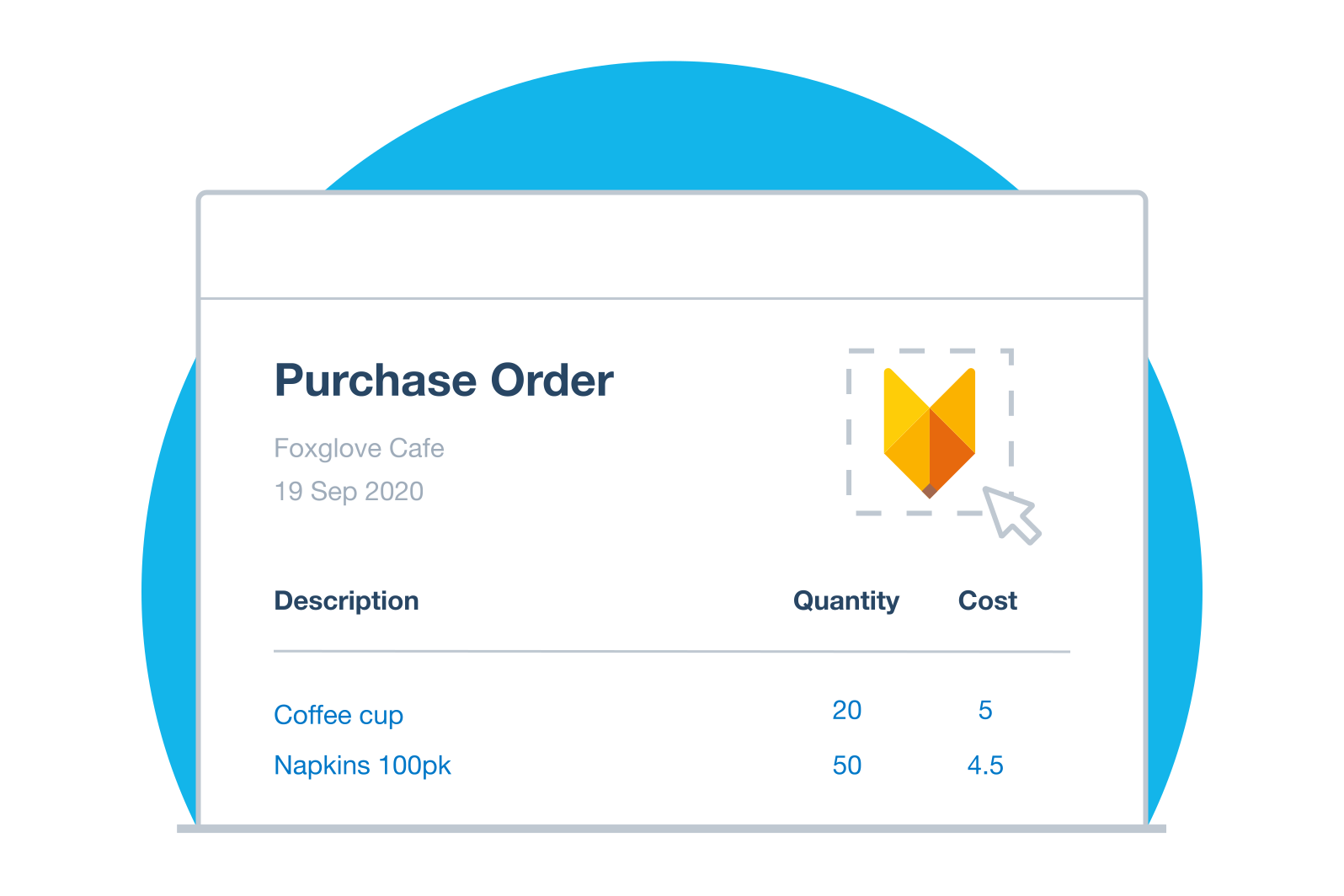
Use branded templates to create POs with your logo and layout. Copy previous orders or start from scratch.
Get approvals and send orders faster
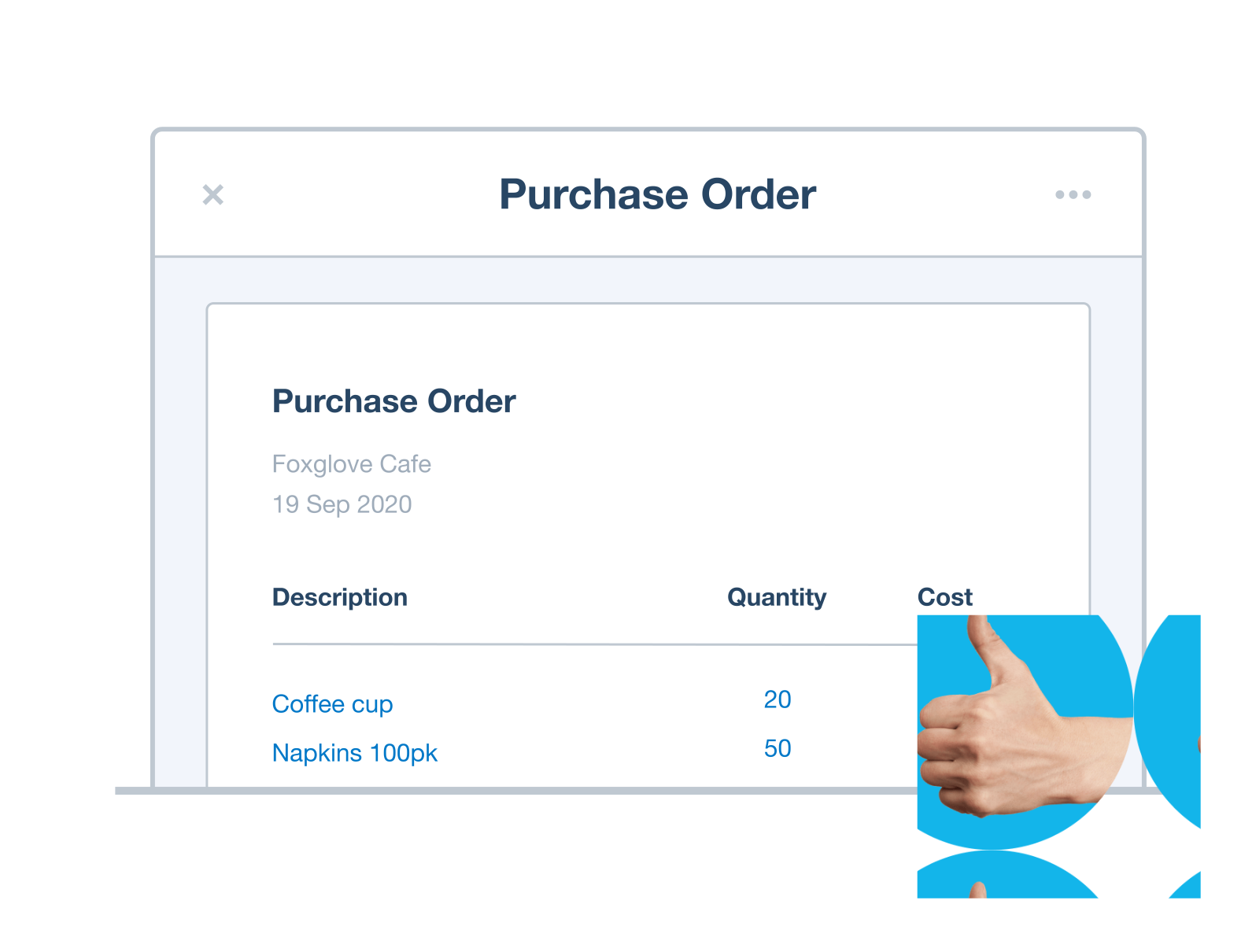
Submit POs for approval, then email suppliers professional PDFs or print. See the status of every order in one place.
Easily convert purchase orders into bills
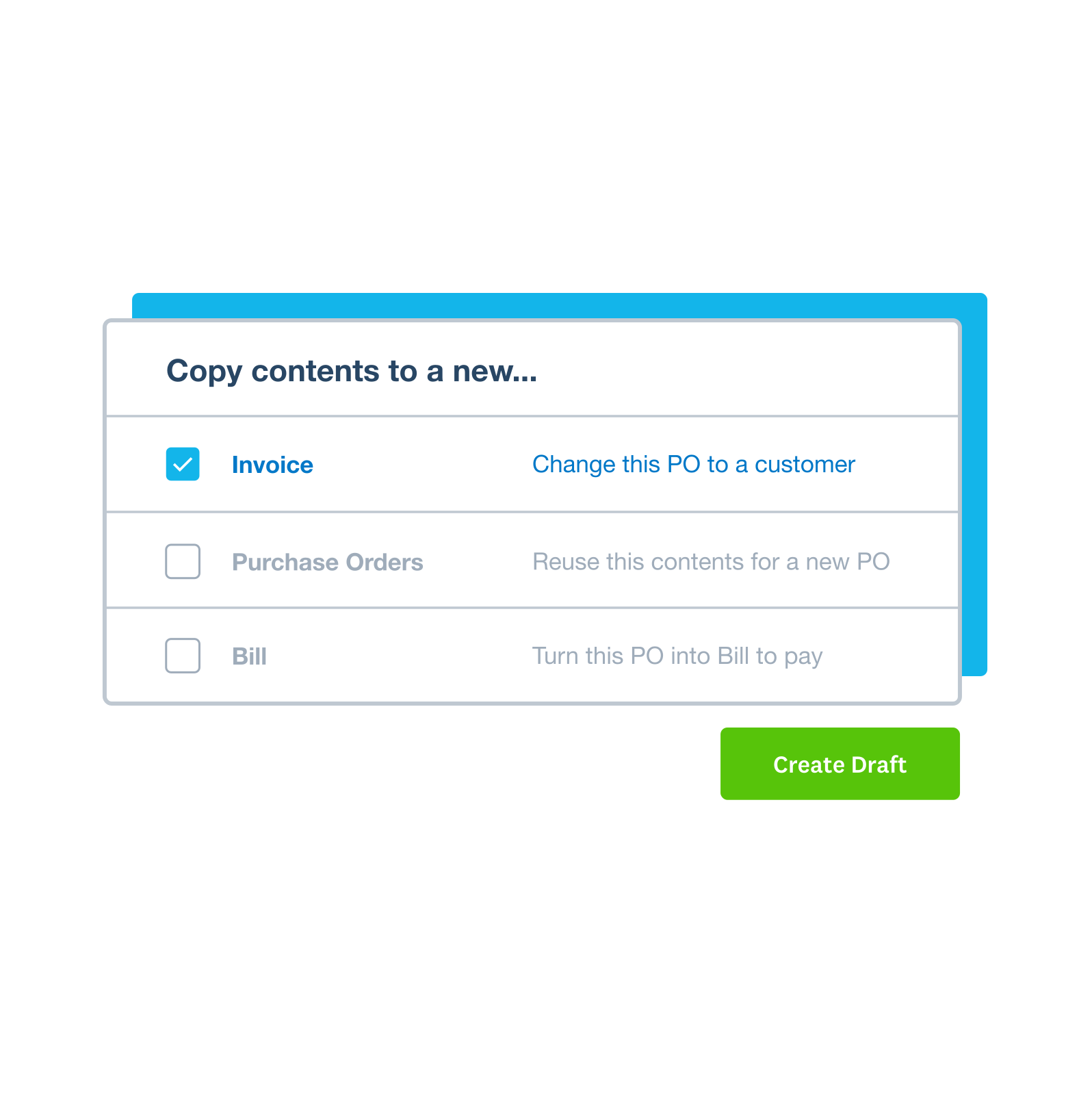
Convert POs into bills in one click. Xero matches your order to the invoice so you only pay for what you received.
Xero was the piece in the puzzle that solved going paperless
Dan uses Xero to stay on top of the books at Old Hall Inn

Create professional purchase orders that match your brand
Design purchase orders that promote your business identity. Customise your POs with your preferences to show professionalism while keeping your procurement documents consistent.
- Use Xero’s template to customise layout, fonts, and logo to match your brand
- Include the info you need, and set up your order numbering and reference systems
- Add a delivery address to an invoice
- Include GST details and Australian business information
- Tailor templates for different business types
Track your orders and deliveries, then convert purchase orders into bills or invoices
Xero brings your purchase orders, goods receipts, and supplier invoices together into one system to smooth all your purchase admin.
- Convert approved POs into bills easily – turn the purchase order into a trackable bill in Xero
- Match supplier invoices against POs to confirm pricing and quantities
- Update inventory levels automatically when goods are received
- Track GST on purchases for accurate tax reporting and to help prepare your BASs
- Raise invoices from POs for onselling or to recover costs
- Code purchases to tracking categories for departmental tracking
Control spending with purchase order approval software
Set spending controls and compare budgeted figures against actuals to keep your finances on track. Create and approve POs, assign who can raise and approve bills, track due dates, and keep tabs on every transaction. Your team gets what they need while you stay in control of every purchase.
- Submit and approve purchase orders
- Email approved purchase orders as PDF files, or print and post them
- Approve or decline expense claims using a web browser or the Xero Me mobile app
- Control who can create or approve POs with user permissions
- View a document's audit trail in Hubdoc
How PO software saves time and money
Purchase order software helps you cut down on errors and track and manage every step of your procurement process in the cloud. Here's how Xero's integrated PO system helps Australian small businesses work smarter.
- Submit and approve purchase orders
- Email approved POs as professional PDFs, or print and post them
- Approve or decline expense claims via browser or the Xero Me mobile app
- Track committed spend against departmental budgets
- Control user permissions -- who can create, approve, or delete POs
- Set spending limits to prevent budget overruns
- View a document's audit trail in Hubdoc

Plans to suit your business
FAQs about purchase order software
Purchase order software like Xero digitises the process of creating, sending, and tracking purchase orders. Create and send digital purchase orders in minutes with a purchase order system that helps you track orders and deliveries, and connects purchase orders, bills, and invoices in Xero. Xero helps speed up your procurement by letting you create purchase orders from templates, submit them for approval, send them to suppliers, track orders and deliveries, and convert purchase orders into bills for payment.
Purchase order software helps small businesses save time and strengthen procurement. For instance, PO software helps once you’re ordering from multiple suppliers, need approval controls on spending, or losing track of what you’ve ordered versus what's been delivered.
If you're spending hours a month managing purchases in spreadsheets, or if you've ever paid for something you didn't receive – it's time to consider dedicated PO software.
Purchase order software helps small businesses save time and strengthen procurement. For instance, PO software helps once you’re ordering from multiple suppliers, need approval controls on spending, or losing track of what you’ve ordered versus what's been delivered.
If you're spending hours a month managing purchases in spreadsheets, or if you've ever paid for something you didn't receive – it's time to consider dedicated PO software.
A purchase order is a document you send to a supplier to order goods or services. In Xero, you can create and send digital purchase orders, add a delivery date, and convert them into bills when it's time to pay suppliers.
Create an invoice from a quote once you've supplied goods or services to your customer. In Xero, you can convert purchase orders into bills and track your bills before you pay suppliers.
A purchase order is a document you send to a supplier to order goods or services. In Xero, you can create and send digital purchase orders, add a delivery date, and convert them into bills when it's time to pay suppliers.
Create an invoice from a quote once you've supplied goods or services to your customer. In Xero, you can convert purchase orders into bills and track your bills before you pay suppliers.
Create, send, and manage purchase orders online with Xero’s purchase order software. Xero also supports inventory and multicurrency features on eligible business pricing plans. Check out Xero’s plans & pricing!
Purchase orders, bills, and invoices are connected in Xero, so your procurement process flows smoothly from one task to the next. Xero’s purchase order features, on the other hand, already integrate seamlessly with the Xero accounting platform in one system.
Create, send, and manage purchase orders online with Xero’s purchase order software. Xero also supports inventory and multicurrency features on eligible business pricing plans. Check out Xero’s plans & pricing!
Purchase orders, bills, and invoices are connected in Xero, so your procurement process flows smoothly from one task to the next. Xero’s purchase order features, on the other hand, already integrate seamlessly with the Xero accounting platform in one system.
Your small business will benefit from features like:
- customisable templates with your branding
- Create a purchase order, then approve or save it
- Convert purchase orders into bills
- inventory integration for stock tracking
- GST handling for BAS compliance
- mobile access for approvals on the go
You should also look for native integration with your accounting software so data flows seamlessly from purchase to payment.
Your small business will benefit from features like:
- customisable templates with your branding
- Create a purchase order, then approve or save it
- Convert purchase orders into bills
- inventory integration for stock tracking
- GST handling for BAS compliance
- mobile access for approvals on the go
You should also look for native integration with your accounting software so data flows seamlessly from purchase to payment.
Submit purchase orders for approval before sending them to suppliers. In Xero, you can set up user permissions so that a team member can create a PO but must submit them for approval before sending. If you need to send for approval, click the arrow next to Save, then select Save & submit for approval. This helps you implement spending controls and track and manage every step of your procurement process in the cloud.
Purchase orders, bills, and invoices are connected in Xero, so your procurement process flows smoothly from one task to the next. Track your orders and deliveries, and easily convert purchase orders into bills for payment. It helps identify duplicate bills before you pay to reduce fraud and payment errors.
It doesn’t need to – Xero has purchase order software built in . Purchase orders, bills, and invoices are connected in Xero, so your procurement process flows smoothly from one task to the next.
If your business needs advanced procurement features, Xero also connects with 1,000+ apps in the Xero App Store, including dedicated purchase order and inventory software.
It doesn’t need to – Xero has purchase order software built in . Purchase orders, bills, and invoices are connected in Xero, so your procurement process flows smoothly from one task to the next.
If your business needs advanced procurement features, Xero also connects with 1,000+ apps in the Xero App Store, including dedicated purchase order and inventory software.
With Xero's purchase order software, you can create and send digital purchase orders in minutes. Customise templates, set up supplier details, and create online purchase orders with Xero. With Xero, purchase orders, bills, and invoices are connected, so your procurement process flows smoothly from one task to the next.
Purchase orders, bills, and invoices are connected in Xero, so your procurement process flows smoothly from one task to the next. This can lead to differences between records and manual updates to keep information consistent.
Purchase orders, bills, and invoices are connected in Xero, so your procurement process flows smoothly from one task to the next. Easily turn purchase orders into trackable bills in Xero and pay your suppliers.
Purchase orders, bills, and invoices are connected in Xero, so your procurement process flows smoothly from one task to the next. This can lead to differences between records and manual updates to keep information consistent.
Purchase orders, bills, and invoices are connected in Xero, so your procurement process flows smoothly from one task to the next. Easily turn purchase orders into trackable bills in Xero and pay your suppliers.
It’s simple. Open the purchase order you want to convert, click Copy to and select Bill. Easily convert purchase orders into bills in Xero when it’s time to pay suppliers.
You then review the bill, change any details (like quantities say), and save it. The bill is now ready for payment and linked to the original PO for reference.
It’s simple. Open the purchase order you want to convert, click Copy to and select Bill. Easily convert purchase orders into bills in Xero when it’s time to pay suppliers.
You then review the bill, change any details (like quantities say), and save it. The bill is now ready for payment and linked to the original PO for reference.
How PO software saves time and money
Purchase order software helps you create, send, and track orders with fewer errors. Here's how Xero helps small businesses work smarter.
Create and send purchase orders in minutes
Use templates and inventory items to create POs faster, cut admin, and focus on growing your business.
Cut down on errors and reduce manual work
PO data flows automatically into bills - no re-entering information. Cut duplicate bills and reconcile faster.
See all your purchase orders in one place
See all PO statuses in one place, compare budget against actuals, and track supplier activity.
Try Xero's purchase order software free
Access Xero features for 30 days, then decide which plan best suits your business.
FAQs about Xero in Australia
Yes. You can connect your Xero account with the ATO (Australian Taxation Office) to help you easily prepare and submit your returns, so you never miss a deadline.
Here’s more info on tax and super from the ATO.Yes. You can connect your Xero account with the ATO (Australian Taxation Office) to help you easily prepare and submit your returns, so you never miss a deadline.
Here’s more info on tax and super from the ATO.Yes. Xero complies fully with STP. You can send reports to ATO each payday without any hassle so you have more time for the rest of your business.
Yes. Xero complies fully with STP. You can send reports to ATO each payday without any hassle so you have more time for the rest of your business.
The best accounting software depends on your needs. Xero’s accounting software has flexible plans so you can adjust your subscriptions to access the features you need as your business grows.
Check out Xero’s pricing plans.The best accounting software depends on your needs. Xero’s accounting software has flexible plans so you can adjust your subscriptions to access the features you need as your business grows.
Check out Xero’s pricing plans.No – Xero is based in the cloud, so all you need is an internet connection. But you need a multi-factor authentication (MFA) app to log in to Xero. MFA adds an extra layer of security by checking that it’s really you when you log in.
Learn about data protection with Xero.No – Xero is based in the cloud, so all you need is an internet connection. But you need a multi-factor authentication (MFA) app to log in to Xero. MFA adds an extra layer of security by checking that it’s really you when you log in.
Learn about data protection with Xero.Yes – the Xero App Store has hundreds of apps to help manage your business, including apps specifically designed for your industry and for doing business in Australia.
Check out the Xero App Store.Yes – the Xero App Store has hundreds of apps to help manage your business, including apps specifically designed for your industry and for doing business in Australia.
Check out the Xero App Store.