Invoicing software built for architecture businesses
Work smarter, not harder with Xero’s intuitive invoicing software. You can handle your financial admin whenever it works for you and your architecture business.

Automated admin
You can automate tasks like invoicing and reporting to save time and reduce manual error.
Industry-specific solutions
Xero adapts to the needs of your industry with customisable reports and tools, including third party apps.
Compliance and tax support
Tax time is less stressful with a system that’s easy for your whole team to use.
Cloud-based accessibility
Access your Xero account on any device with an internet connection, wherever you are in the world.
Why Xero makes sense for architecture businesses
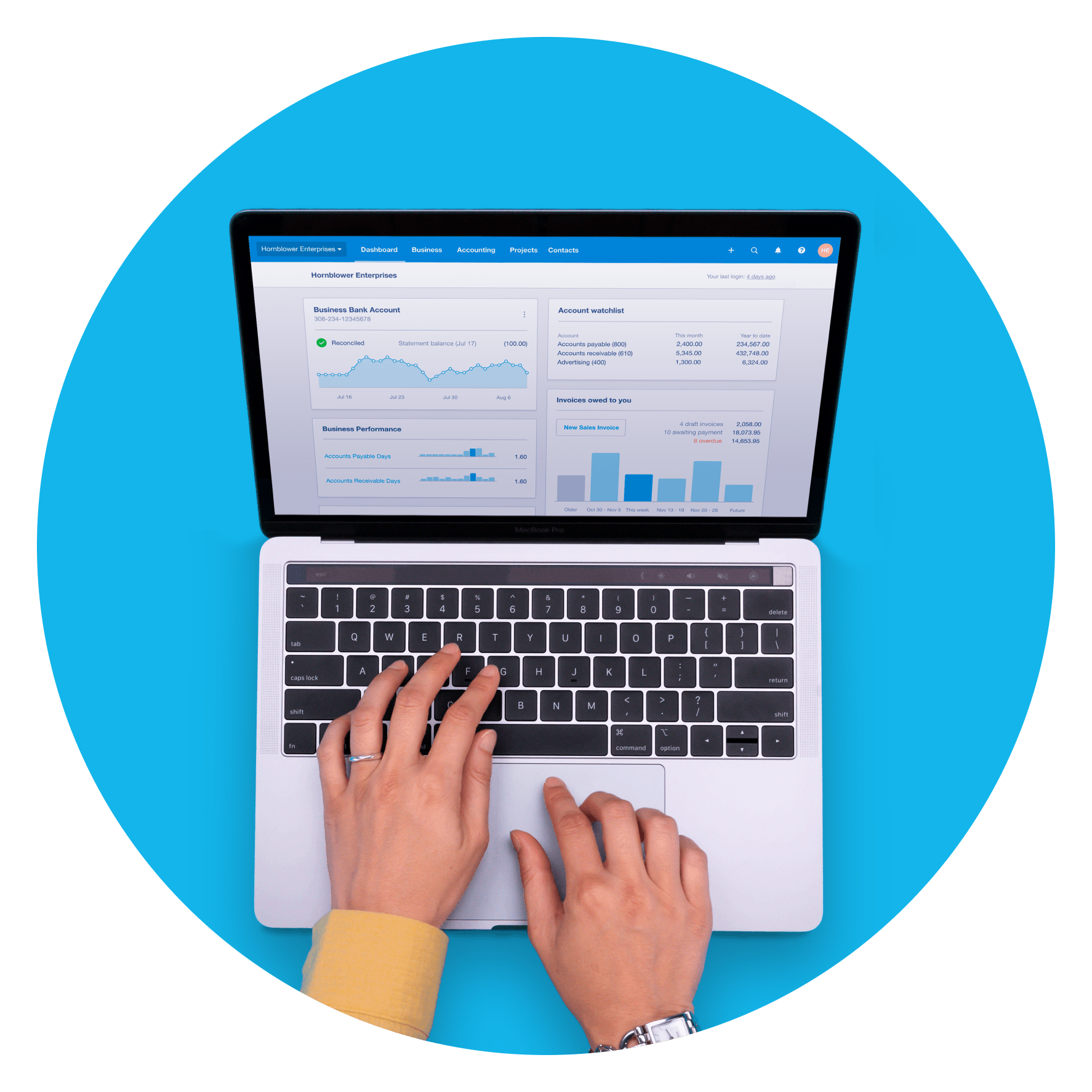
With Xero’s invoicing software for architecture businesses, you can customise your online invoices, give customers more ways to pay, set automatic reminders and create invoices directly from the app.
Learn more about Xero’s software for other industries
Small business accounting software
Learn more about how Xero accounting software works for your small business
Architecture accounting software
Accounting software built for architecture businesses
Architecture time tracking software
Time tracking software built for architecture businesses
Apps that work with your architecture business
The Xero App Store has hundreds of apps to help you run your architecture business with Xero’s invoicing software.
- Choose the apps that work for you
- Smooth integration with Xero invoicing software
- Work smarter and do more with apps

FAQs about Xero in New Zealand
New Zealand’s financial year ends on 31 March. After this, businesses need to submit an end of year tax return to Inland Revenue. The deadline is 7 July if you're filing yourself, or 31 March the following year if you're registered with a tax agent.
New Zealand’s financial year ends on 31 March. After this, businesses need to submit an end of year tax return to Inland Revenue. The deadline is 7 July if you're filing yourself, or 31 March the following year if you're registered with a tax agent.
Yes, you can connect your Xero account with the IRD (Inland Revenue Department) to more easily prepare and submit your returns, so you never miss a deadline.
Find out more from the IRD on running a business.Yes, you can connect your Xero account with the IRD (Inland Revenue Department) to more easily prepare and submit your returns, so you never miss a deadline.
Find out more from the IRD on running a business.Yes, Xero complies fully with payday filing. Your payroll administrator only needs to connect to the IRD once, and then employee pay details are filed with the IRD each pay run.
Yes, Xero complies fully with payday filing. Your payroll administrator only needs to connect to the IRD once, and then employee pay details are filed with the IRD each pay run.
The best accounting software depends on your needs. Xero’s accounting software has flexible plans so you can adjust your subscriptions to access the features you need as your business grows.
Check out Xero’s pricing plans.The best accounting software depends on your needs. Xero’s accounting software has flexible plans so you can adjust your subscriptions to access the features you need as your business grows.
Check out Xero’s pricing plans.Yes, the Xero App Store has hundreds of apps to help manage your business, including apps specifically designed for your industry and for doing business in New Zealand.
Check out the Xero App Store.Yes, the Xero App Store has hundreds of apps to help manage your business, including apps specifically designed for your industry and for doing business in New Zealand.
Check out the Xero App Store.At the end of the financial year, it’s important to make sure your books are up to date. Start with reconciling all bank accounts and ensuring transactions are up to date. Review bills and invoices and chase any outstanding payments. If you hold inventory, conduct a stocktake. Run profit and loss statements and balance sheets to ensure everything is up to date. Finally, prepare and lodge your income tax by the deadline.
At the end of the financial year, it’s important to make sure your books are up to date. Start with reconciling all bank accounts and ensuring transactions are up to date. Review bills and invoices and chase any outstanding payments. If you hold inventory, conduct a stocktake. Run profit and loss statements and balance sheets to ensure everything is up to date. Finally, prepare and lodge your income tax by the deadline.
There’s no real difference between the financial year and tax year. Generally, they mean the same thing for most businesses in New Zealand – both refer to the 12 month period you use for your business accounting and tax. For most businesses, this runs from 1 April to 31 March.
There’s no real difference between the financial year and tax year. Generally, they mean the same thing for most businesses in New Zealand – both refer to the 12 month period you use for your business accounting and tax. For most businesses, this runs from 1 April to 31 March.
Plans to suit your business
All pricing plans cover the accounting essentials, with room to grow.
Get one month free
Purchase any Xero plan, and we will give you the first month free.
Discover Xero’s software for architecture businesses
Run your accounting online with Xero. Our beautiful cloud-based software is designed for your small business.