Time tracking and invoicing software for your team
Record the exact hours your team spends on each job with Xero's time tracking app and desktop software. Keep an eye on project budgets and expected profits, then create accurate client invoices directly from tracked hours – all in one accounting system.
From time tracking to invoicing in three steps
Xero's time tracking and invoicing tools work together in one system, so your invoices are automatically populated with the right figures.
Log your team's time from anywhere
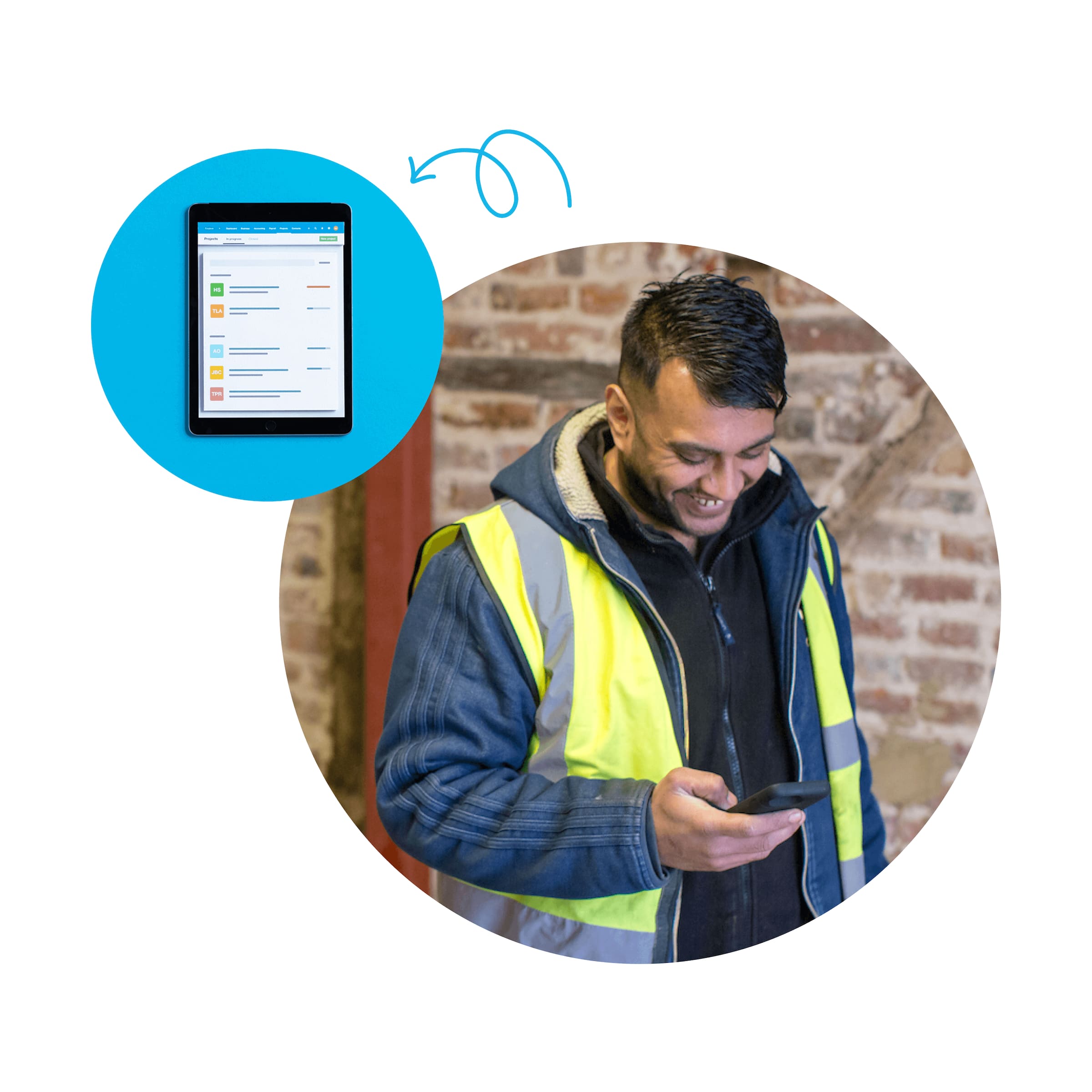
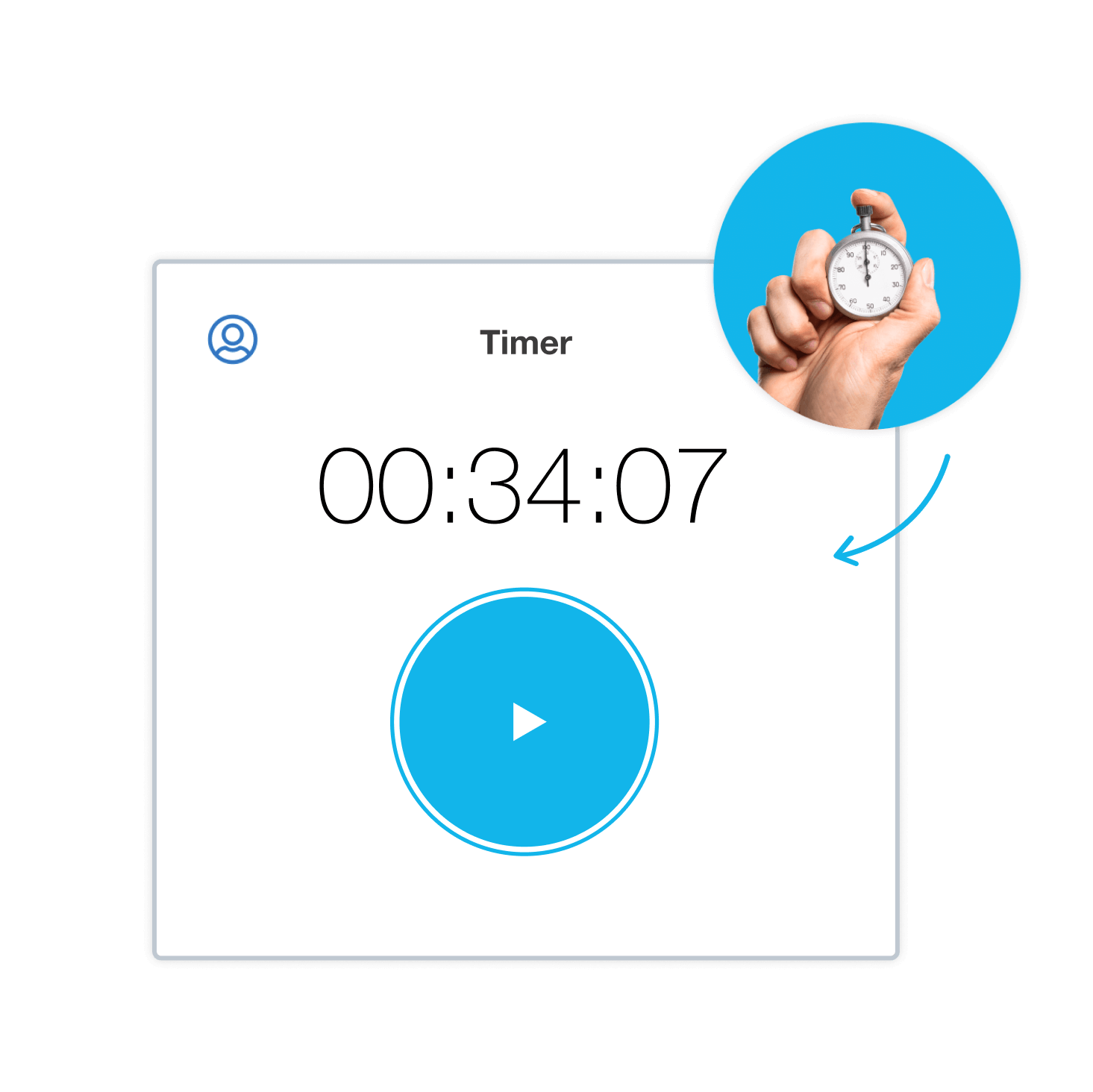
You and your team record time on each job with the start-stop timer or manual entry – on site or back at the desk.
Turn recorded hours into accurate invoices
Recorded hours automatically populate your invoices with the right figures, helping you avoid manual errors.
Monitor project budgets and profitability
Your project reports show billable hours and give you insights into project profitability.
What used to take me days, and cause lots of stress and annoyance, now only takes a few minutes.
Monique Malcolm, Take Tiny Action

Track employee time without the guesswork
Xero's online employee time tracking software records every minute your team works. Use the start-stop timer or manual entry, and check project costs, budgets, and profitability whenever you need to.
- Employees record hours with the start-stop timer or manually – in the time tracking app or on desktop
- Review detailed time reports for each project and see how employees split their time across tasks
- Accurate time data flows into invoices and payroll. Log hours from your mobile, no manual transfer needed.
From tracked hours to accurate invoices
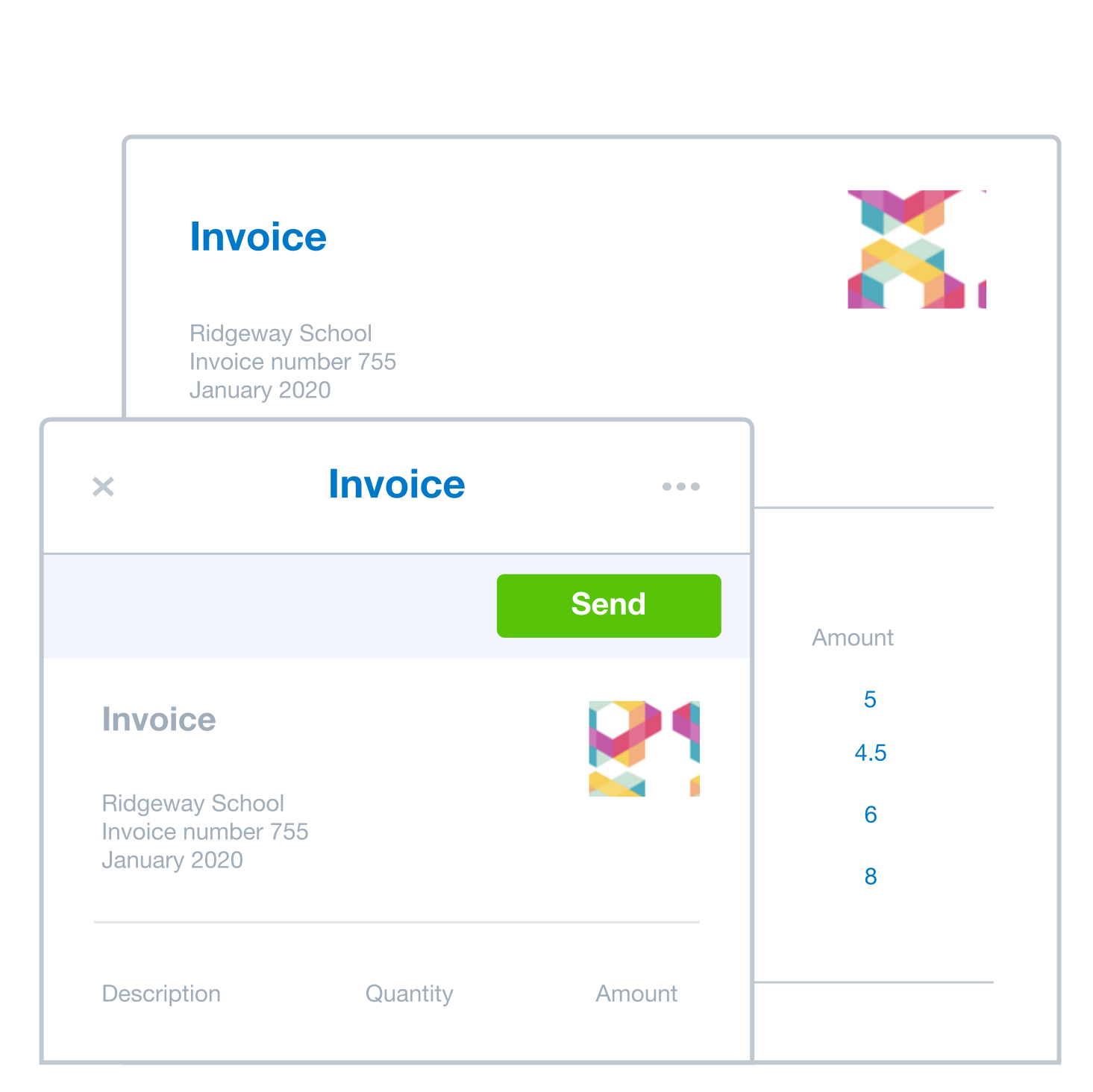
Xero's time tracking and invoicing software completes your invoices with accurate hours automatically – fixed price or hourly. Track time, review hours, create an online invoice, and send it to your client. Reduce manual work and save time with automatic calculations and streamlined invoicing.
- Bill hourly or fixed price, mark hours billable or non-billable, and set different rates per employee
- Xero automatically populates your online invoices with the right figures
- Create and send online invoices in Xero, with time data recorded for end-of-financial-year reporting
Track project costs and profitability
Got multiple projects and employees on different jobs? Xero's project time-tracking software helps you keep up. Review time reports to see hours spent and costs incurred, then check profit margins to know what to charge next time. And track time on mobile with the Xero Projects app.
- Staff utilisation reports show how each employee allocates time and whether timelines are on track
- Track labour, materials, and overhead against project budgets to prevent overruns and sharpen job costing
- Profitability reports compare actual costs to estimates, so you can price future work with confidence
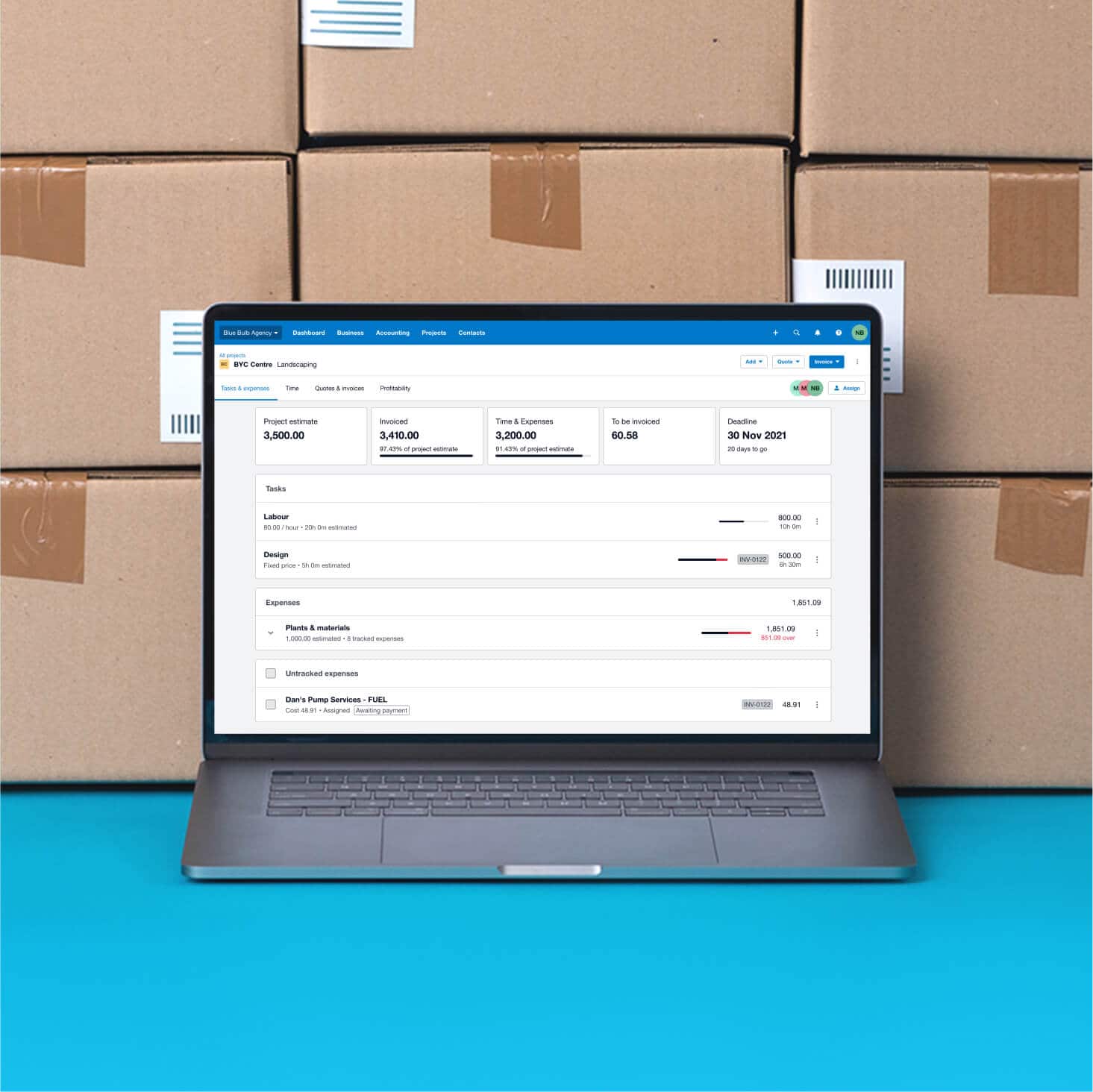
Time tracking built into Xero accounting
Xero's time tracking tools are part of Xero Projects within Xero's accounting software, with hours logged ready to populate invoices and, if you use Xero Payroll, time from employee timesheets can be added. Xero uses hours you log to populate invoices automatically.
Explore Xero Projects features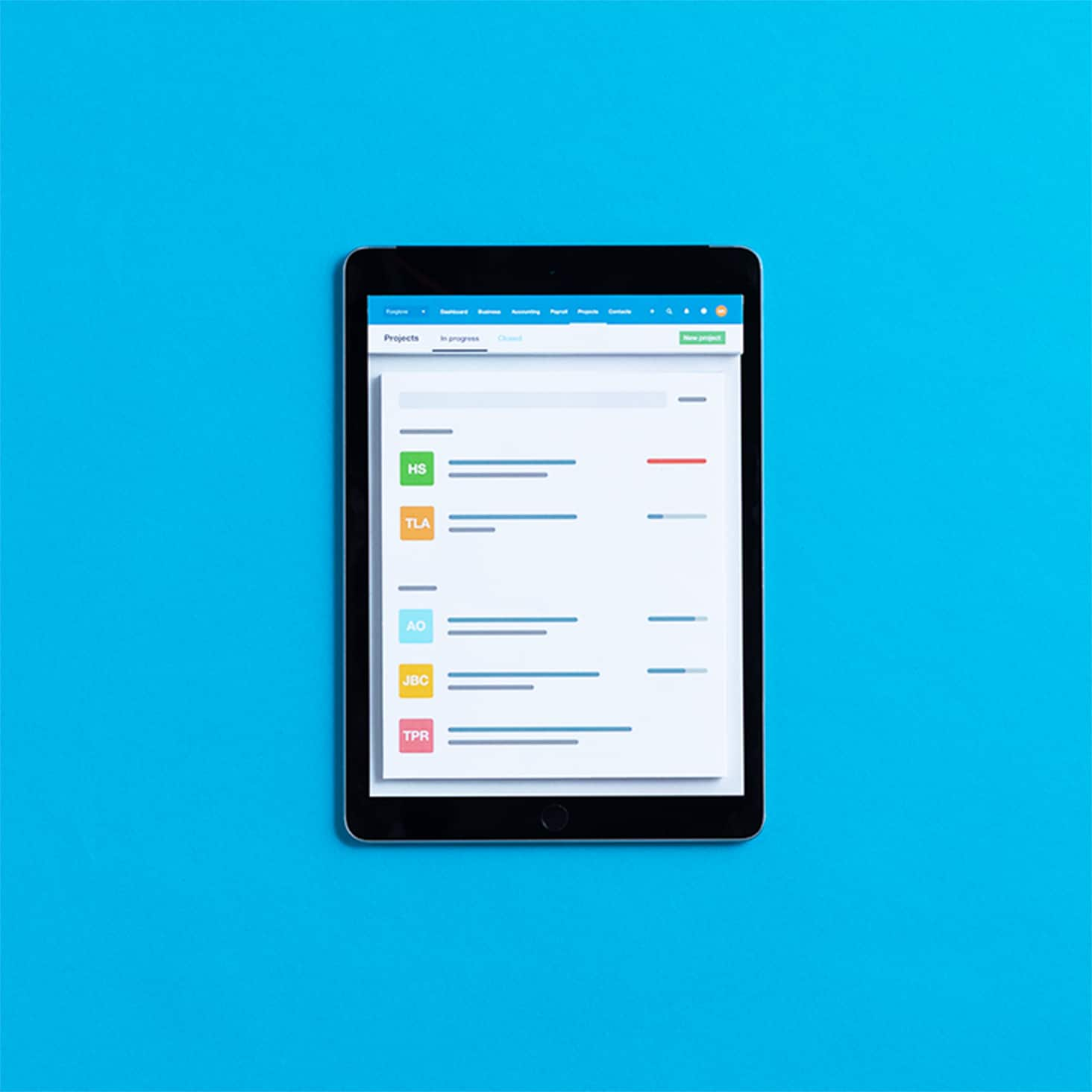
Plans to suit your business
Extend Xero with certified time-tracking apps
When you need specialist features, connect a certified time-tracking app to Xero. Popular apps for Australian businesses include Deputy for scheduling, ServiceM8 for field service, and LiveCosts for construction. Time syncs across Xero, automatically populating your invoices with the right figures.
- Time tracked in certified apps syncs automatically with Xero for your invoicing and reporting
- Xero-certified apps integrate with Xero and include user reviews and ratings to help you choose
- Choose from 50+ time-tracking apps, including Deputy, LiveCosts, and ServiceM8, for every industry

FAQs on Xero’s time tracking software for Australian businesses
Time tracking software is a digital tool that records hours you spend on projects and tasks. For Australian small businesses, it replaces manual processes with automated tools to record time, track project costs, and create invoices from tracked hours – all in one system.
Xero's time tracking software keeps all your business information in one place, making it easy to review time, check project costs, and invoice customers accurately. Your recorded hours feed directly into invoices and Xero Payroll – so you're only ever entering information once.
Time tracking software is a digital tool that records hours you spend on projects and tasks. For Australian small businesses, it replaces manual processes with automated tools to record time, track project costs, and create invoices from tracked hours – all in one system.
Xero's time tracking software keeps all your business information in one place, making it easy to review time, check project costs, and invoice customers accurately. Your recorded hours feed directly into invoices and Xero Payroll – so you're only ever entering information once.
You can track your business costs and employee time with Xero Projects, a feature of Xero's accounting software. Record labour, materials, and overheads, and assign them to specific projects to manage budgets and check profitability.
Employees can track time using the mobile time tracking app or desktop timer, and can also enter time manually or copy previous entries. And to check your projects’ billable hours and profitability, run project detailed time reports – or use data from previous work to set rates for future jobs.
You can track your business costs and employee time with Xero Projects, a feature of Xero's accounting software. Record labour, materials, and overheads, and assign them to specific projects to manage budgets and check profitability.
Employees can track time using the mobile time tracking app or desktop timer, and can also enter time manually or copy previous entries. And to check your projects’ billable hours and profitability, run project detailed time reports – or use data from previous work to set rates for future jobs.
First, you need to be on a pricing plan that includes Xero Projects. Then download the Xero Projects mobile time-tracking app on your iOS or Android device.
From there, it’s easy to use. Record time in three ways: by adding a time entry manually, using the built-in start-stop timer, or copying an existing time entry for recurring work. You can also use location-based auto-tracking – once you’ve enabled auto time-tracking, the Xero Projects app can suggest time entries for you when you enter a 100 m radius of the location you’ve chosen.
First, you need to be on a pricing plan that includes Xero Projects. Then download the Xero Projects mobile time-tracking app on your iOS or Android device.
From there, it’s easy to use. Record time in three ways: by adding a time entry manually, using the built-in start-stop timer, or copying an existing time entry for recurring work. You can also use location-based auto-tracking – once you’ve enabled auto time-tracking, the Xero Projects app can suggest time entries for you when you enter a 100 m radius of the location you’ve chosen.
Yes. Once you've enabled auto time tracking in the Xero Projects app, it suggests time entries when you’re within 100 m of a saved location. This works well for Australian construction and trade businesses, and mobile workers who need accurate job-site tracking with suggested time entries based on location.
As with any employee monitoring, you should communicate your time-tracking policy clearly to your team and get employee consent before enabling location-based features.
Yes. Once you've enabled auto time tracking in the Xero Projects app, it suggests time entries when you’re within 100 m of a saved location. This works well for Australian construction and trade businesses, and mobile workers who need accurate job-site tracking with suggested time entries based on location.
As with any employee monitoring, you should communicate your time-tracking policy clearly to your team and get employee consent before enabling location-based features.
Xero includes three key time reports.
- The project detailed time report shows hours spent by project, broken down by team member and billable status.
- The project staff report summarises what’s happening across all projects over a chosen date range – including billable hours targets, total invoiced amounts, and project estimates.
- Review the profitability of your projects so you know what to charge for future work.
Xero includes three key time reports.
- The project detailed time report shows hours spent by project, broken down by team member and billable status.
- The project staff report summarises what’s happening across all projects over a chosen date range – including billable hours targets, total invoiced amounts, and project estimates.
- Review the profitability of your projects so you know what to charge for future work.
Project staff reports summarise activity across all your projects over a chosen date range. At a glance, you can see whether employees have completed their time entries and whether they're meeting billable hours targets.
Reports also show financial detail: total invoiced amounts, time and expense costs, and project estimates versus actuals. Use these to:
- identify capacity issues
- spot where time is being lost
- keep your timesheet management accurate and up to date.
Project staff reports summarise activity across all your projects over a chosen date range. At a glance, you can see whether employees have completed their time entries and whether they're meeting billable hours targets.
Reports also show financial detail: total invoiced amounts, time and expense costs, and project estimates versus actuals. Use these to:
- identify capacity issues
- spot where time is being lost
- keep your timesheet management accurate and up to date.
Unlike standalone software, Xero's time tracking is built directly into the accounting software, so tracked hours automatically flow into your invoices, payroll, and financial reports. When you mark time as billable, Xero populates invoice line items with accurate amounts. This integrated approach means:
- your time invoicing uses the right figures
- everything is connected in one place
- Create and send online invoices in a single system so everything is safely recorded, and avoid manual errors with automatic calculations.
Unlike standalone software, Xero's time tracking is built directly into the accounting software, so tracked hours automatically flow into your invoices, payroll, and financial reports. When you mark time as billable, Xero populates invoice line items with accurate amounts. This integrated approach means:
- your time invoicing uses the right figures
- everything is connected in one place
- Create and send online invoices in a single system so everything is safely recorded, and avoid manual errors with automatic calculations.
With Xero, hours you log for projects are recorded across your Xero organisation, ready to populate invoices, and Xero Projects integrates with invoices, payroll, expenses and reporting so your data syncs across features.
Xero combines accounting software with time tracking in one platform. This means tracked hours automatically populate invoices, flow into payroll for accurate employee payments, and help you track project profitability. You can keep everything working together in one place with Xero, with connected tools and data that flows smoothly between systems.
With Xero, hours you log for projects are recorded across your Xero organisation, ready to populate invoices, and Xero Projects integrates with invoices, payroll, expenses and reporting so your data syncs across features.
Xero combines accounting software with time tracking in one platform. This means tracked hours automatically populate invoices, flow into payroll for accurate employee payments, and help you track project profitability. You can keep everything working together in one place with Xero, with connected tools and data that flows smoothly between systems.
Use Xero Payroll to track your employees’ leave and timesheets, and record their wage or salary to automatically calculate your pay runs.
Use Xero Payroll to track your employees’ leave and timesheets, and record their wage or salary to automatically calculate your pay runs. It’s best practice to:
- communicate your time-tracking policy clearly to employees
- get their consent before enabling monitoring
- Use time data for payroll, project costs, budgets, and profitability tracking.
Xero's time tracking software helps Australian businesses create accurate records, while Xero stores business information safely in the cloud.
Use Xero Payroll to track your employees’ leave and timesheets, and record their wage or salary to automatically calculate your pay runs.
Use Xero Payroll to track your employees’ leave and timesheets, and record their wage or salary to automatically calculate your pay runs. It’s best practice to:
- communicate your time-tracking policy clearly to employees
- get their consent before enabling monitoring
- Use time data for payroll, project costs, budgets, and profitability tracking.
Xero's time tracking software helps Australian businesses create accurate records, while Xero stores business information safely in the cloud.
Consistent adoption comes down to clear communication, easy-to-use tools, and accountability.
Start by explaining why tracking time matters: accurate client billing, fair payroll, better project profitability.
Then make it easy for your field workers with:
- a mobile time-tracking app for on-the-go logging
- automatic timers to reduce manual entry
- location-based suggestions for field workers.
Finally, set clear expectations and invite your staff to Xero Me so they can submit their timesheets from their mobile device. Xero is easy to use and quick to set up.
Consistent adoption comes down to clear communication, easy-to-use tools, and accountability.
Start by explaining why tracking time matters: accurate client billing, fair payroll, better project profitability.
Then make it easy for your field workers with:
- a mobile time-tracking app for on-the-go logging
- automatic timers to reduce manual entry
- location-based suggestions for field workers.
Finally, set clear expectations and invite your staff to Xero Me so they can submit their timesheets from their mobile device. Xero is easy to use and quick to set up.
Accounting for Australian small businesses
Xero combines time tracking, invoicing, payroll, and financial reporting in one cloud-based platform designed for Australian small businesses. One system that keeps your tracked time and accounting connected.
- Time tracking, invoicing, payroll, and accounting integrated in a single system
- Tracked hours automatically populate invoices and employee payroll
- Team members can track time from anywhere with the Xero Projects app – and managers approve timesheets in Xero
- Extend your setup with more than 50 certified time-tracking app integrations on the Xero App Store

Time tracking for your industry
Australian small businesses can use Xero to track time, manage projects, and invoice customers – all within Xero’s accounting software.
Time tracking in manufacturing
Track labour hours per job and allocate costs to projects across your Australian manufacturing business.
Explore time-tracking features for your manufacturing business
Time tracking in architecture
Track billable hours for each project, and generate accurate client invoices for your architecture practice.
Check out the software's features for your architecture practice
Time tracking in professional services
Track billable hours and invoice customers accurately for your Australian professional services practice.
Get one month free
Purchase any Xero plan, and we will give you the first month free.
Technical help for Xero users
Want to do more with your Xero software? Here’s information on tools and features to supercharge the way you manage your projects.
Project detailed time reports
How does your team spend its time? Learn how to get crucial insights from these detailed reports.
Auto time-tracking by location
Find out how to automatically track your time when you’re a certain distance from your worksite.
Project management
Get technical help on setting up your projects in Xero, including assigning staff and permission levels.