Invoice software that makes getting paid a breeze
Want more time for the work you love? Send polished invoices in a few simple steps. Customers pay their way, and automated reminders handle the follow-ups for you.
Simple ways online invoice software keeps your cash flowing
Spend less time on invoicing admin with customised invoices and automated reminders that send follow-ups for you.
Professional invoices in a few simple steps
Customisable templates let you quickly create and send branded invoices and quotes, so you spend less time on paperwork.
More ways to get paid
Customers pay with a click, using their preferred method, such as credit cards, Apple Pay, PayTo, or Zip.
Let Xero handle the follow-ups
Xero customers say automated reminders mean 50% less time chasing payments. (Xero survey, May 2024)

Trustpilot
Monya
Trustpilot
Tom W
Trustpilot
Tina T
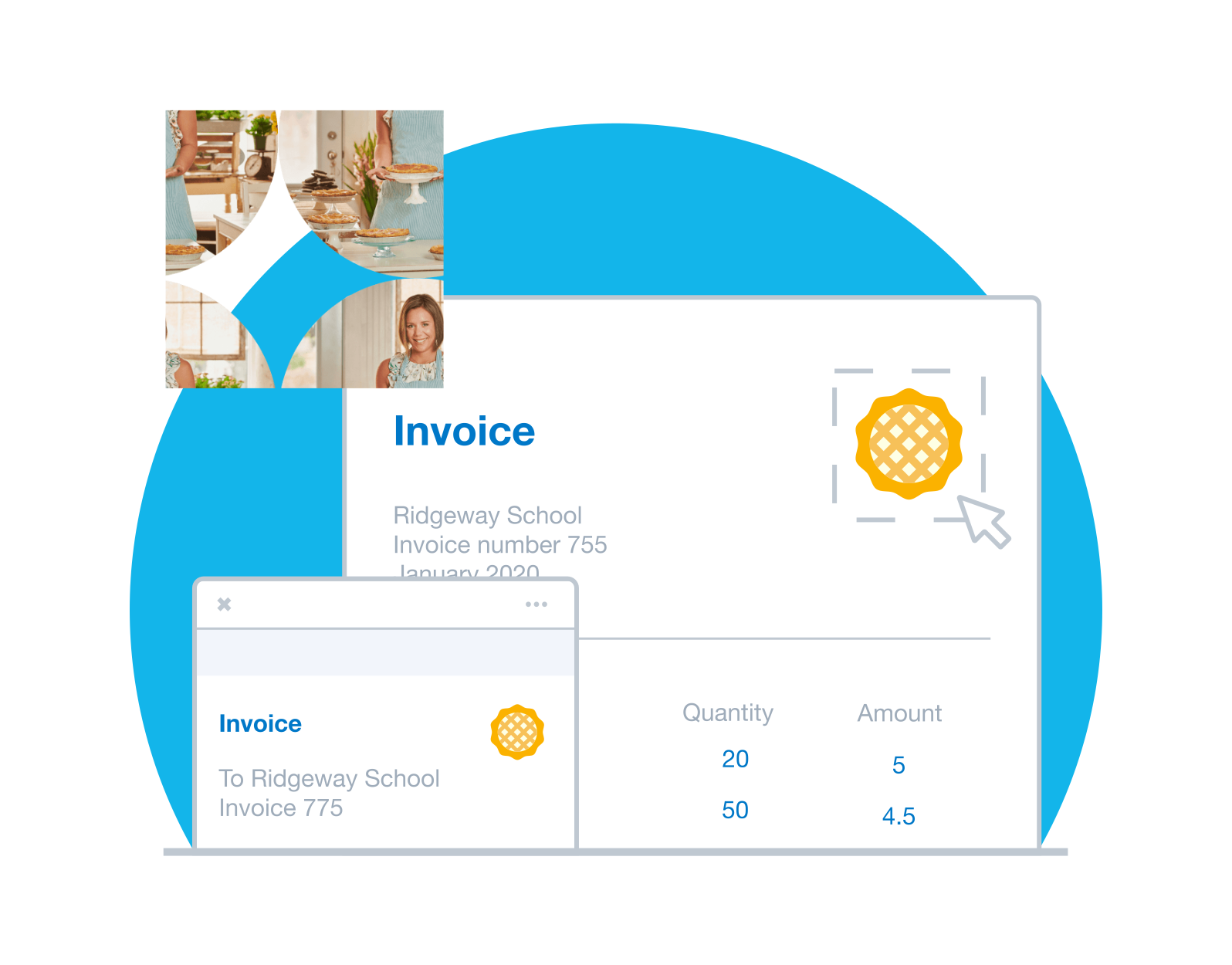
Look polished with Xero's invoice software
Add your logo, payment terms, and a standard message to a branding theme to reuse on every invoice. Xero fills in customer and item details and suggests a unique invoice number. Show your ABN, and Xero tracks GST as you go, ready for your business activity statement (BAS).
- Set up repeating invoices for regular customers
- Send invoices to a group in one go
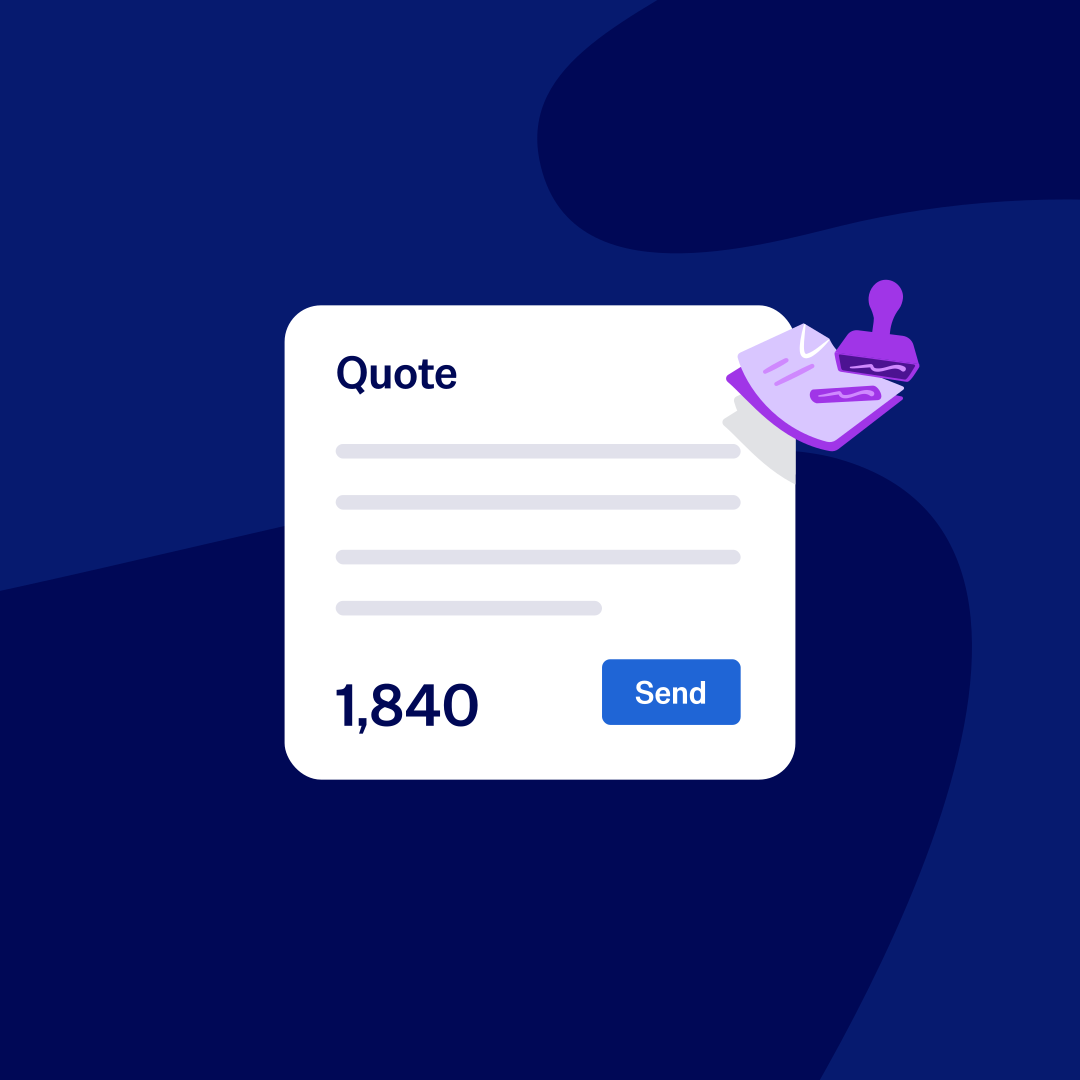
- Turn a quote into an invoice in a click
Automatic repeating invoices
Bill your customers the same amount every month? Let Xero's invoicing automation create and send the invoices for you.
Invoice groups of customers in one go
Do you charge a group of customers the same amount? Ask Xero to send these identical auto-invoices to the whole group in one go. Job done!
Automated data entry
Once you've set up default info for each customer, each invoice fills with the customer's info automatically.
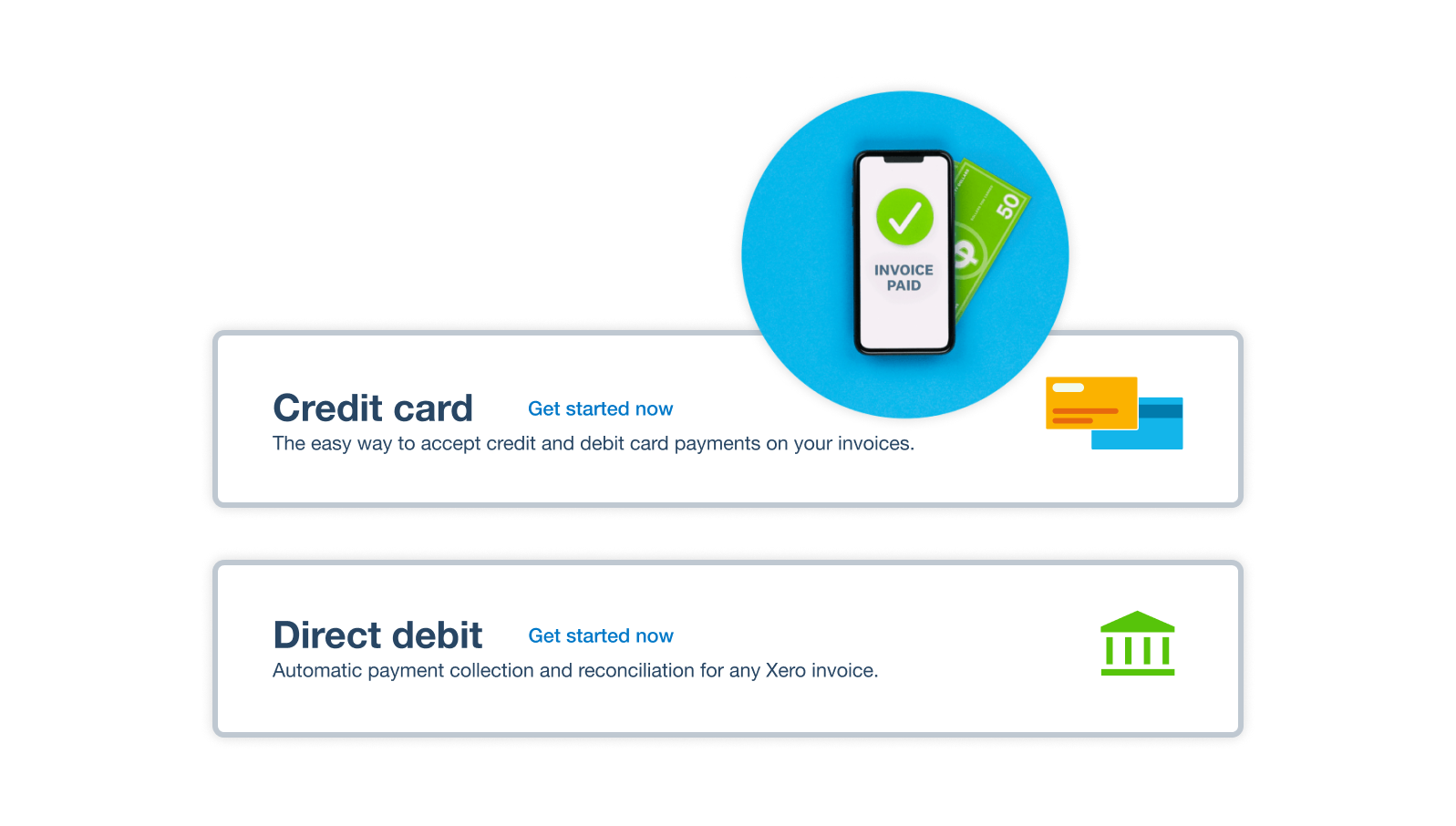
Make getting paid as easy as one click
Connect a payment service and customers can pay straight from your online invoice by card through Stripe, including Apple Pay and Google Pay, or with GoCardless direct debit, PayTo, or Zip. Xero customers who use online invoice payments get paid up to twice as fast.
- Pay online: customers pick their preferred method straight from your online invoice.
- Pay in person: take contactless payments with Tap to Pay on iOS and Android.
- Pay from a text: send the invoice by SMS once a payment service is connected.
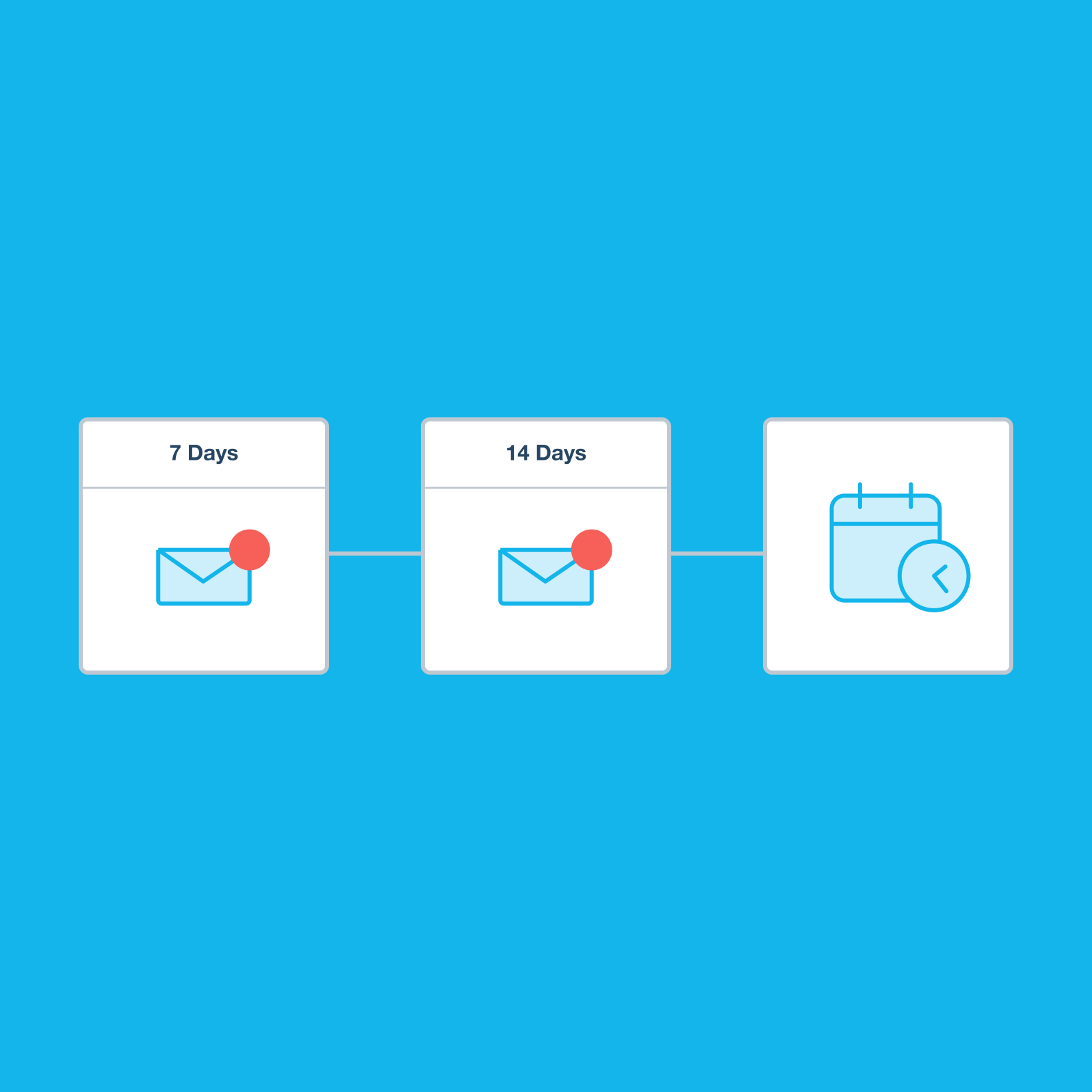
Want customers to pay on time?
Reminders are sent for you before and after the due date, so no follow-up slips through. Track whether each invoice is sent, viewed, paid, or overdue, and see who owes what in the aged receivables report. Xero customers spend 50% less time chasing payments (Xero survey, May 2024).
- Pick reminder timing that suits your business
- See when a customer views your invoice
- Check outstanding amounts in the aged receivables report
- See average days to payment for each customer
*Xero survey of 172 small business customers in Australia, May 2024
Invoice on the spot from your phone
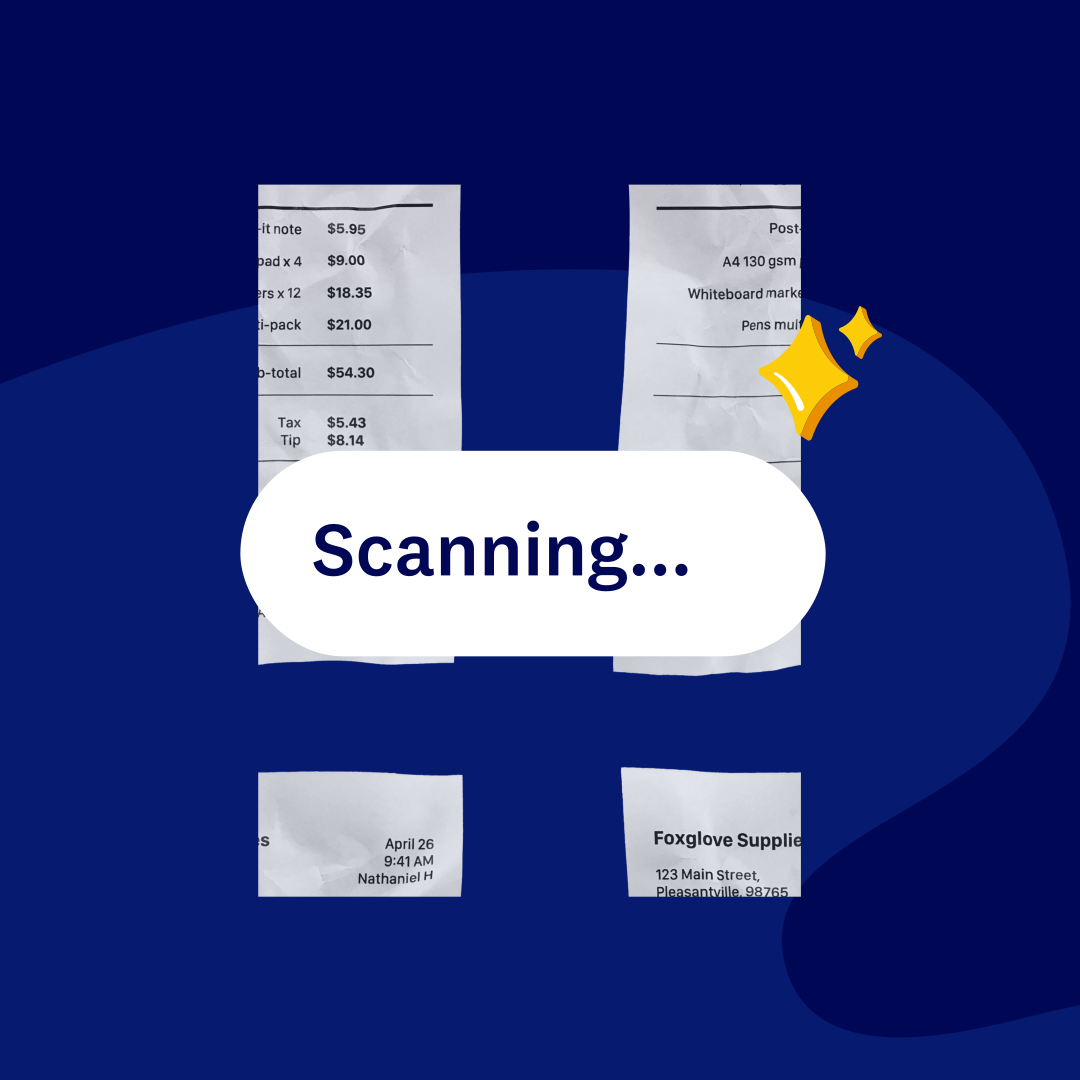
Finished the job? Raise and send the invoice before you pack up, right from the Xero Accounting app on your phone. JAX, Xero's AI companion, can draft one for you via WhatsApp or SMS, and you'll get a notification when you're paid.
- Invoice on site
- Add the customer and items, then send from your phone.
- Let JAX draft it Message JAX via WhatsApp or SMS and it drafts the invoice for you.
- Know when you're paid
- Check each invoice's payment status in Xero.
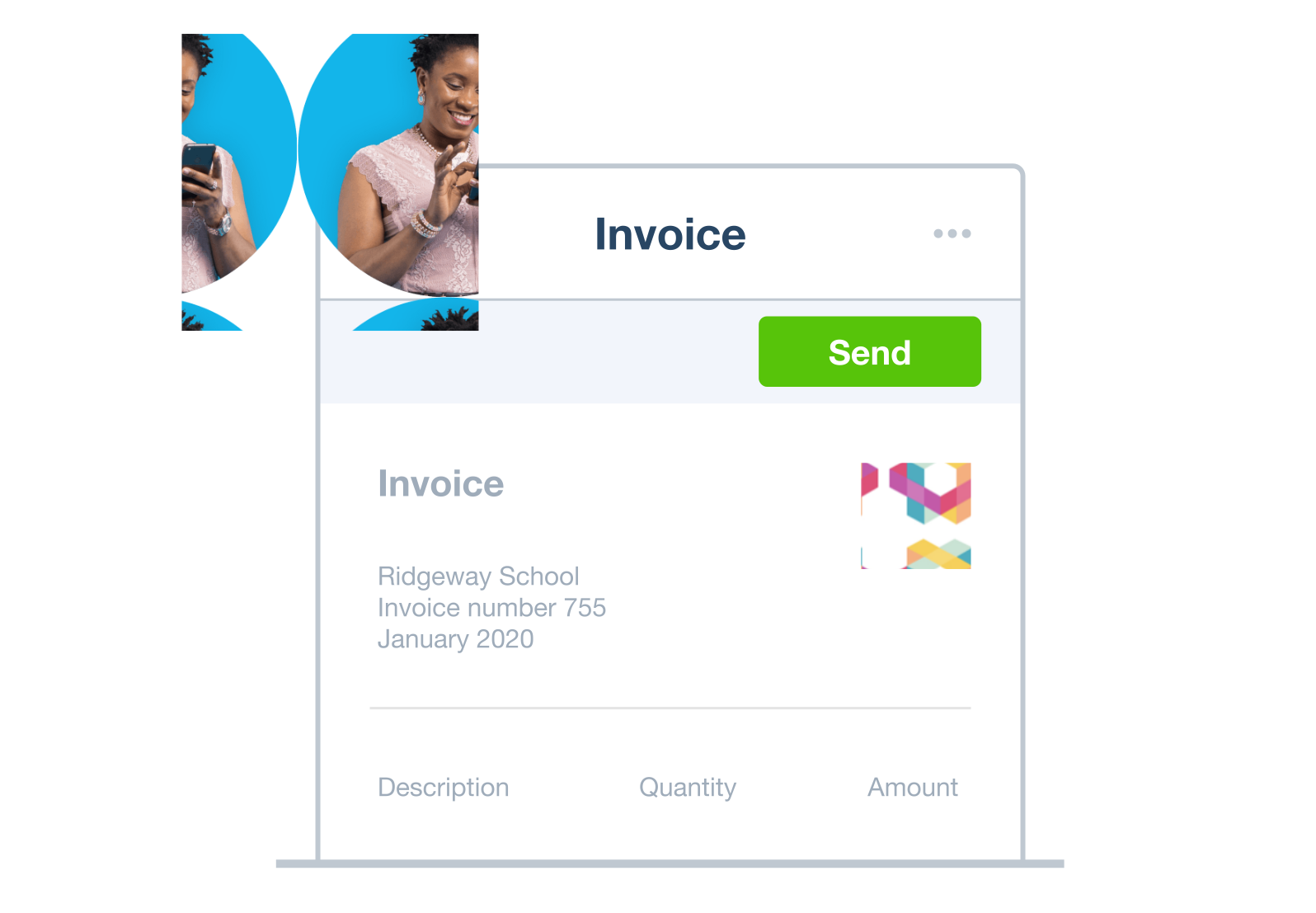
Send Invoices straight to your customers
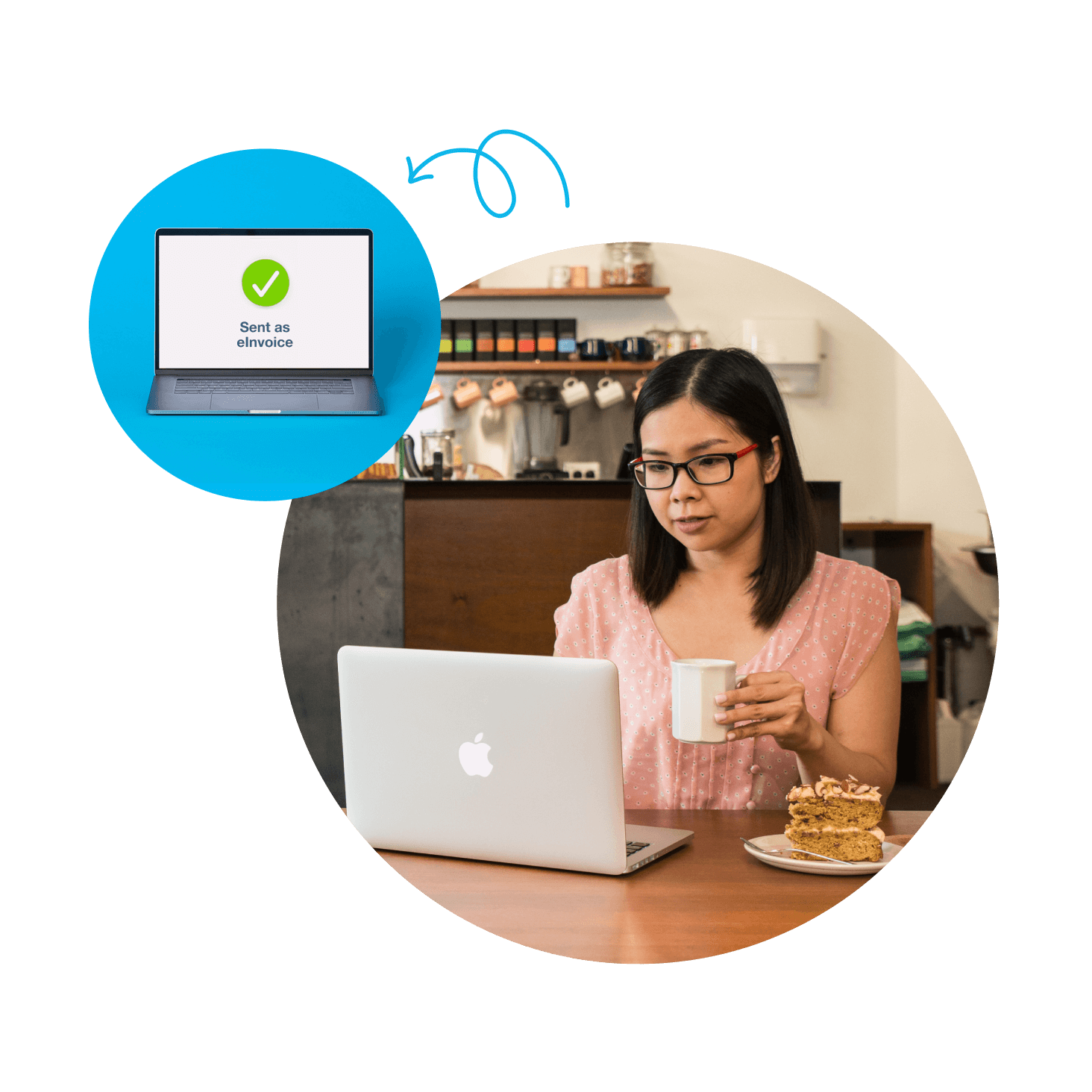
Send invoices over the Peppol network with Xero's electronic invoice software. They go straight into your customer's accounting software as draft bills, ready to review. Less admin for both of you.
- Deliver invoices as draft bills in your customer's software
- Skip re-keying and cut manual entry errors
- Use the eInvoicing standard adopted by the Australian government
FAQs on Xero's invoice software
Invoice software helps you create, send, and track invoices online. With Xero, you can add your branding, give customers ways to pay, send automated reminders, and track GST as you invoice, ready for your BAS.
Invoice software helps you create, send, and track invoices online. With Xero, you can add your branding, give customers ways to pay, send automated reminders, and track GST as you invoice, ready for your BAS.
Add your customer and items in Xero, then choose payment options. Approve and email, share a payment link, download a PDF, or send by SMS once a payment service is connected. Here's how invoice payments work in Xero.
Add your customer and items in Xero, then choose payment options. Approve and email, share a payment link, download a PDF, or send by SMS once a payment service is connected. Here's how invoice payments work in Xero.
Yes. Xero lets you create branding themes with your logo, payment terms, and a standard message. Apply a theme to any invoice or quote, and every document you send looks consistent and professional.
Yes. Xero lets you create branding themes with your logo, payment terms, and a standard message. Apply a theme to any invoice or quote, and every document you send looks consistent and professional.
Absolutely. Your Xero branding theme can show your ABN, and Xero tracks GST as you invoice so the figures are ready for your BAS. To make sure each invoice meets the ATO's tax invoice requirements, check the ATO's list of what to include.
Absolutely. Your Xero branding theme can show your ABN, and Xero tracks GST as you invoice so the figures are ready for your BAS. To make sure each invoice meets the ATO's tax invoice requirements, check the ATO's list of what to include.
Definitely. You'll get a notification when a customer pays, and the aged receivables report in Xero shows who owes what.
Definitely. You'll get a notification when a customer pays, and the aged receivables report in Xero shows who owes what.
For sure. Add a Pay now button and customers can settle the invoice on the spot, using the payment method that suits them. Explore more ways to accept payments with Xero.
For sure. Add a Pay now button and customers can settle the invoice on the spot, using the payment method that suits them. Explore more ways to accept payments with Xero.
Certainly. When your customer is happy with a quote in Xero, select Create invoice and the quote's details carry across. There's no retyping, so you can send the invoice straight away.
Certainly. When your customer is happy with a quote in Xero, select Create invoice and the quote's details carry across. There's no retyping, so you can send the invoice straight away.
Of course. Create and send invoices from your phone with the Xero Accounting app, send them by SMS once a payment service is connected, or ask JAX to draft one via WhatsApp.
Of course. Create and send invoices from your phone with the Xero Accounting app, send them by SMS once a payment service is connected, or ask JAX to draft one via WhatsApp.
eInvoicing sends invoices from your software straight into your customer's software through Peppol, the eInvoicing standard adopted by the Australian government. With Xero, your eInvoice arrives as a draft bill, so nobody re-keys it.
eInvoicing sends invoices from your software straight into your customer's software through Peppol, the eInvoicing standard adopted by the Australian government. With Xero, your eInvoice arrives as a draft bill, so nobody re-keys it.
Without a doubt. In Xero, you can set repeating invoices for regular customers to go out on the schedule you choose, and send invoices to a group in one go.
Without a doubt. In Xero, you can set repeating invoices for regular customers to go out on the schedule you choose, and send invoices to a group in one go.
Plans to suit your business
Grow
Usually $78
Now $7.80
AUD per month
Save $210.60 over 3 months
Go beyond the basics - automate tasks and access performance dashboards.
- Send invoices and quotes
- Accept online invoice payments^
- Automate bill entry and track bills
- Reconcile bank transactions
- Track GST and lodge BAS
- Smart document capture basic extraction
- View real-time reports
- Automate superannuation
- Payroll for 2 people
- 60 day cashflow forecast
- Visualise performance with graphs
- Customise performance dashboards
- Claim expenses and mileage for 1 user
- Make online bill payments
- JAX automatically categorises and matches high-confidence bank transactions, giving you a reliable, up-to-date view of your finances.
Comprehensive
Usually $107
Now $10.70
AUD per month
Save $288.90 over 3 months
Optimise profitability - tailor your insights for greater control.
- Send invoices and quotes
- Accept online invoice payments^
- Automate bill entry and track bills
- Reconcile bank transactions
- Track GST and lodge BAS
- Smart document capture
- View real-time reports
- Automate superannuation
- Payroll for 5 people
- 90 day cashflow forecast
- Visualise performance with graphs
- Customise performance dashboards
- Claim expenses and mileage for 5 users
- Use multiple currencies
- Tailored financial health scorecards
- Make online bill payments
- Auto-reconcile transactions
- Budget with smart suggestions

Usually $143
Now $14.30
AUD per month
Save $386.10 over 3 months
Future proof your scaling business - with advanced tools and analytics.
- Send invoices and quotes
- Accept online invoice payments^
- Automate bill entry and track bills
- Reconcile bank transactions
- Track GST and lodge BAS
- Smart document capture
- View real-time reports
- Automate superannuation
- Payroll for 10 people
- 180 day cashflow forecast
- Visualise performance with graphs
- Customise performance dashboards
- Claim expenses and mileage for 10 users
- Use multiple currencies
- Tailored financial health scorecards
- Analyse KPIs and ratios
- Track projects for 10 users
- Benchmark against the industry
- Make online bill payments
- Auto-reconcile transactions
- Budget with smart suggestions
Get one month free
Purchase any Xero plan, and we will give you the first month free.
Used by 5 million customers worldwide.
Built for the way Aussie businesses work.






See how invoicing online can simplify tasks
Probably the best invoicing video you’ll ever see.