Making Tax Digital for Income Tax: The plan for 2026
Making Tax Digital changes the way sole traders and landlords report Income Tax. The rules came into place starting April 2026. You need to keep digital records and make submissions to HMRC using MTD-compatible software – like Xero.
Timeline – April 2026 onwards
Sole traders and landlords with qualifying income over £50,000 must now join the MTD for IT system.
Three MTD for Income Tax thresholds
Those earning above £30,000 need to follow MTD rules from April 2027. The threshold lowers to £20,000 in 2028.
Big changes – digital records and submissions
The rules require that you keep digital records and submit quarterly updates and a Final Declaration.
What is Making Tax Digital for Income Tax?
MTD for IT is a new system for managing and reporting Income Tax to HMRC. It applies to sole traders and landlords, replacing the single annual assessment with four quarterly updates and a Final Declaration. The rules also mean HMRC-recognised Making Tax Digital software is mandatory.

Making Tax Digital for Income Tax: How to prepare
Sole traders and landlords must keep digital records of income and expenses for quarterly updates. Other income, allowances, and adjustments are reported with a Final Declaration, due by 31 January. If you have multiple businesses, combine the income to see if you meet the threshold.
- Use HMRC-recognised accounting software
- Keep digital records and submit returns online
- Now in effect for those with qualifying income above £50,000
- First quarterly update due by 7 August 2026
The benefits of MTD for IT for your business
Those already using digital tax systems for VAT report measurable improvements in efficiency and financial control. Making Tax Digital software doesn’t just help with compliance. It can speed up day to day financial admin, and give you more time to focus on your business. Other benefits include:
- Improved accuracy and fewer chances for human error, since software automates data entry
- Visibility of tax liability with every quarterly update you submit, giving you a clearer view on the total tax due
- More manageable bookkeeping, since each quarterly update contains less information than an annual return
- Better cash flow visibility, with more frequent updates allowing you to budget and plan more effectively throughout the year
MTD for IT compliance: Simple, with Xero
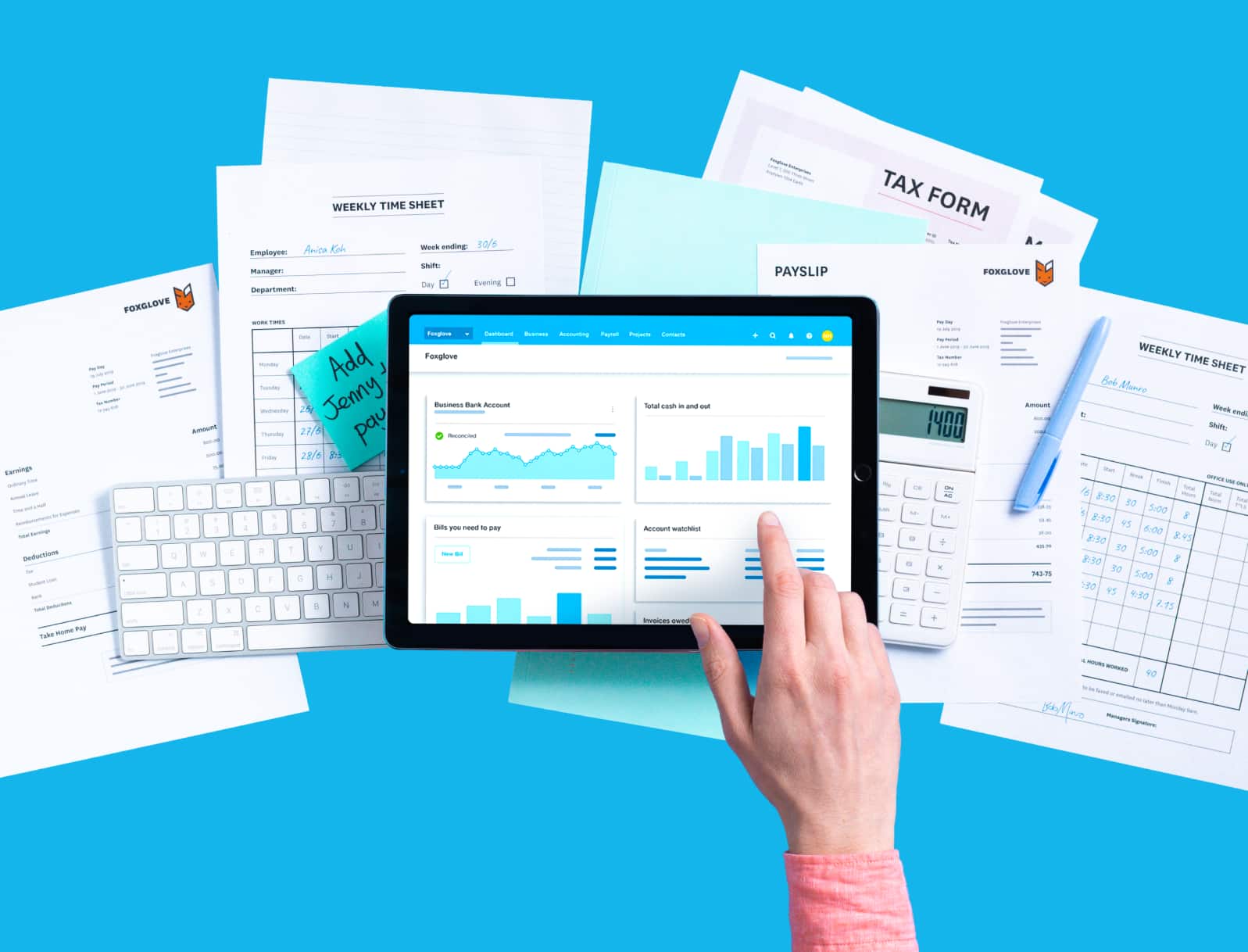
All the tools you need for MTD compliance are inside Xero. From importing transactions to filing MTD returns, you can take care of all compliance tasks with Xero. And with extra features like online invoicing and digital payments, you can run more of your business on a single piece of software.
- Submit MTD returns for Income Tax online
- Keep digital records, ensuring compliance with HMRC
- Gain confidence in your numbers with Xero reports, forecasts, and dashboards
MTD for IT timeline: 2026 onwards
MTD for Income Tax rolls out in phases. Your MTD for IT start date depends on your total combined qualified income from your businesses and properties. Qualified income includes total business income before expenses and rental income from property.
- April 2026: qualified income above £50,000
- April 2027: qualified income above £30,000
- April 2028: qualified income above £20,000
- Those earning below £20,000 can continue using the current Self Assessment system

Get up to speed with MTD for IT
The rollout of MTD for IT is here. Read our guides to make sure you’re clear on what the legislation means for you.
Making Tax Digital for IT resources
Visit our resource hub for guides on MTD for IT fundamentals, legislation specifics, and how to prepare.
The ultimate guide to self employed tax
Take a deep dive into self employed tax, including which rules apply to your business, and how to pay HMRC.
Making Tax Digital webinar
Join Xero’s free MTD webinar for a clear overview of MTD for IT and see how Xero makes compliance a breeze.
FAQs on Making Tax Digital for Income Tax
Qualifying income is the total amount of income you get from self employment and property within a tax year. It doesn’t include other income sources such as wages from employment (PAYE), or dividends. If your qualifying income is above one of the MTD thresholds – £50,000 in April 2026, £30,000 in April 2027, £20,000 in April 2028 – this means you need to join MTD for IT.
Work out your qualifying incomeQualifying income is the total amount of income you get from self employment and property within a tax year. It doesn’t include other income sources such as wages from employment (PAYE), or dividends. If your qualifying income is above one of the MTD thresholds – £50,000 in April 2026, £30,000 in April 2027, £20,000 in April 2028 – this means you need to join MTD for IT.
Work out your qualifying incomeIf you have multiple businesses, or are a sole trader and a landlord, the combined income of those businesses counts towards your qualifying income. For each business, you will need to submit separate quarterly updates. But, you’ll only need to submit a single Final Declaration. So, in reality, a self-employed plumber who also owns and rents out rental property could need to submit eight quarterly updates per year, and a single Final Declaration.
If you have multiple businesses, or are a sole trader and a landlord, the combined income of those businesses counts towards your qualifying income. For each business, you will need to submit separate quarterly updates. But, you’ll only need to submit a single Final Declaration. So, in reality, a self-employed plumber who also owns and rents out rental property could need to submit eight quarterly updates per year, and a single Final Declaration.
Yes, but not on their own. You need to use bridging software to create a digital link between the spreadsheet and HMRC, in order to submit your updates. This means you’ll need to switch between multiple programs to get compliance tasks done. Instead, using a single piece of software for MTD for IT, like Xero, can streamline compliance while also giving you visibility into your business finances.
Learn more about bridging software and MTDYes, but not on their own. You need to use bridging software to create a digital link between the spreadsheet and HMRC, in order to submit your updates. This means you’ll need to switch between multiple programs to get compliance tasks done. Instead, using a single piece of software for MTD for IT, like Xero, can streamline compliance while also giving you visibility into your business finances.
Learn more about bridging software and MTDIf your income is above the threshold, you must comply with MTD for IT. If your income drops below the threshold for three successive years, you may be able to claim exemption. But, since the thresholds are gradually lowering over the next few years, more and more businesses will meet the qualifying income level. Your best bet is to get MTD software in place now, and begin familiarising yourself with the processes for compliance, so you’re confident in following MTD rules.
HMRC guidance on exemptionsIf your income is above the threshold, you must comply with MTD for IT. If your income drops below the threshold for three successive years, you may be able to claim exemption. But, since the thresholds are gradually lowering over the next few years, more and more businesses will meet the qualifying income level. Your best bet is to get MTD software in place now, and begin familiarising yourself with the processes for compliance, so you’re confident in following MTD rules.
HMRC guidance on exemptionsYes, Xero is compliant with Making Tax Digital for Income Tax. It’s also HMRC-recognised, and trusted by millions. You can keep digital records safely and securely, use these records to draft quarterly updates, and submit them directly to HMRC using Xero software. You can also view which updates have been submitted, what’s due, and your total tax liability for the year so far.
Try Xero MTD for IT software for freeYes, Xero is compliant with Making Tax Digital for Income Tax. It’s also HMRC-recognised, and trusted by millions. You can keep digital records safely and securely, use these records to draft quarterly updates, and submit them directly to HMRC using Xero software. You can also view which updates have been submitted, what’s due, and your total tax liability for the year so far.
Try Xero MTD for IT software for free
Disclaimer
Xero does not provide accounting, tax, business or legal advice. This guide has been provided for information purposes only. You should consult your own professional advisors for advice directly relating to your business or before taking action in relation to any of the content provided.
Get one month free
Purchase any Xero plan, and we will give you the first month free.