Free payslip template
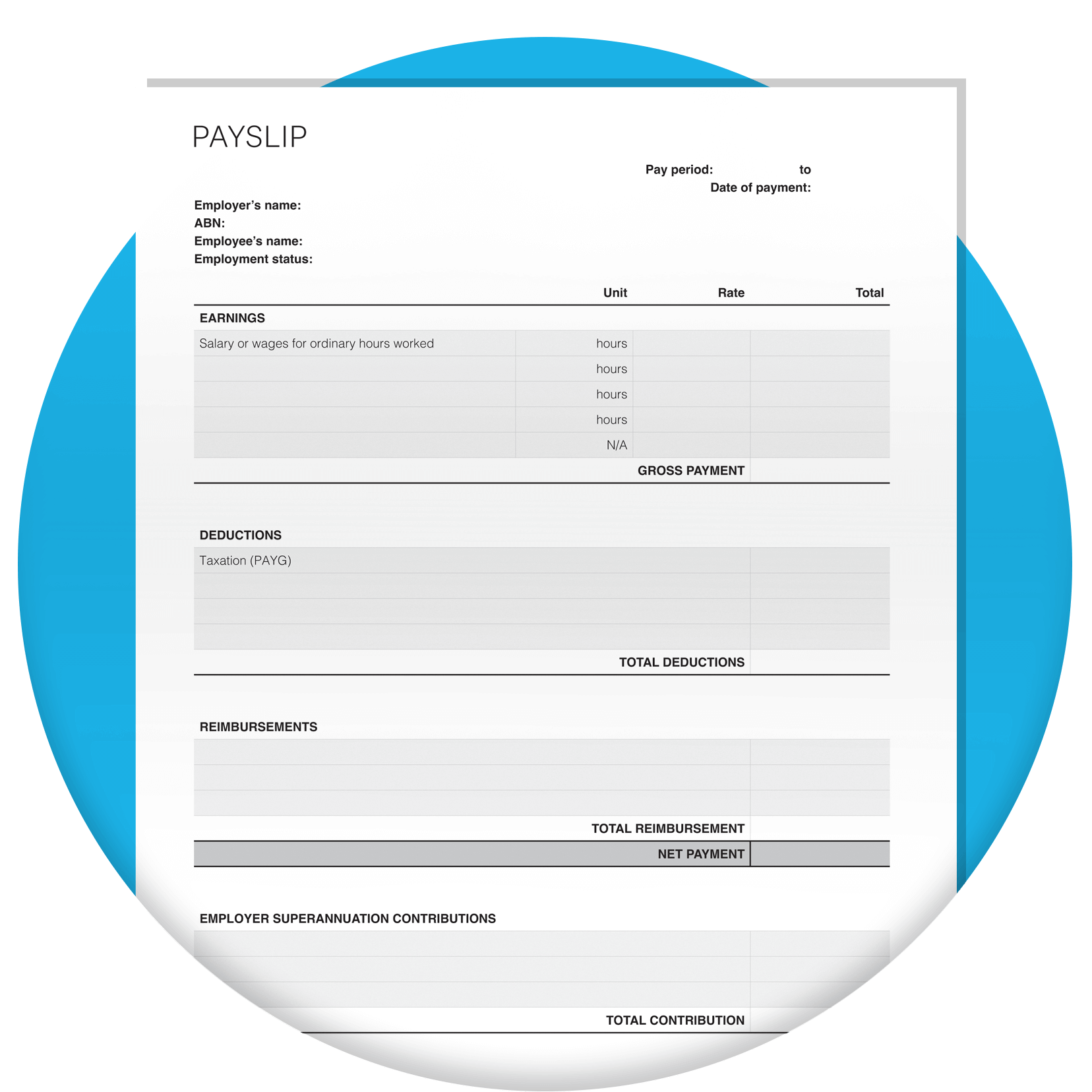
Create a Fair Work compliant payslip for your employees in minutes with this free, easy-to-use template built for Australian businesses.
Last updated: October, 2026
Download the payslip template
Fill in the form to get a free payslip template as an editable PDF. We’ll throw in a guide to help you use it.
How this free payslip template works
Download the editable PDF, fill in each field, then save and send it. This template captures everything a compliant Australian payslip needs:
- Employer and employee details
- The pay period
- Gross and net pay
- Tax deducted
- Superannuation
- A field for reimbursements

When you must give a payslip
Under the Fair Work Act, you have to give each employee a payslip within one working day of payday, even if they're on leave. You can issue it electronically or on paper. An electronic payslip has to carry the same information as a paper one and be easy for the employee to open and keep.

What an Australian payslip must show
Every payslip needs a core set of details, with a few extras depending on how someone is paid.
- Employer and employee names, plus the employer ABN where one applies
- The pay period and the date of payment
- Gross pay and net pay for the period
- For hourly staff, the ordinary hourly rate, hours worked at that rate and total paid at that rate
- For salaried staff, the annual salary rate as at the last day of the pay period
- Loadings, casual loading, allowances, bonuses, incentive payments and penalty rates, itemised separately
- Each deduction, with its amount and the name or number of the fund or account it was paid into
- Leave balances are best practice rather than mandatory, but you must provide them on request.

Superannuation on the payslip
Your payslip has to show the super you paid or owe for the pay period, along with the name or number of the fund. The super guarantee rate is 12%, and its legislated increases have finished.
Payday Super rules (applied from 1 July 2026)
Super contributions must reach your employee's fund within seven business days of payday, so the old quarterly due dates no longer apply.
Learn moreSuper is worked out on qualifying earnings
The maximum contribution base is now set annually and the Small Business Superannuation Clearing House has closed.

Digital or paper payslips
Both are fine under Fair Work rules. An electronic payslip just has to hold the same information as a paper one and be easy for your employee to open and keep.

Common payslip mistakes to avoid
A few errors show up again and again on manual payslips.
- Getting tax calculations wrong
- Leaving penalty rates without a clear breakdown
- Skipping year-to-date totals
One template for every employment type
The same template works for full-time, part-time, casual and contractor staff. You change which fields you complete: casual loading for casuals, the ordinary rate and hours for part-time and casual staff, the annual salary rate for salaried staff, and the agreed rate plus any GST for contractors.

How long to keep payslip records
Fair Work requires you to keep time and wage records for seven years. The Australian Taxation Office (ATO) requires you to keep business records for five years.
Fill in the form to get a free payslip template as an editable PDF. We'll throw in a guide to help you use it.
Get the template
Let Xero run the whole pay run
Filling in a template by hand works for a few staff. When it starts eating your time, Xero Payroll can run the whole pay cycle for you on a paid plan.
Pay, tax and super sorted
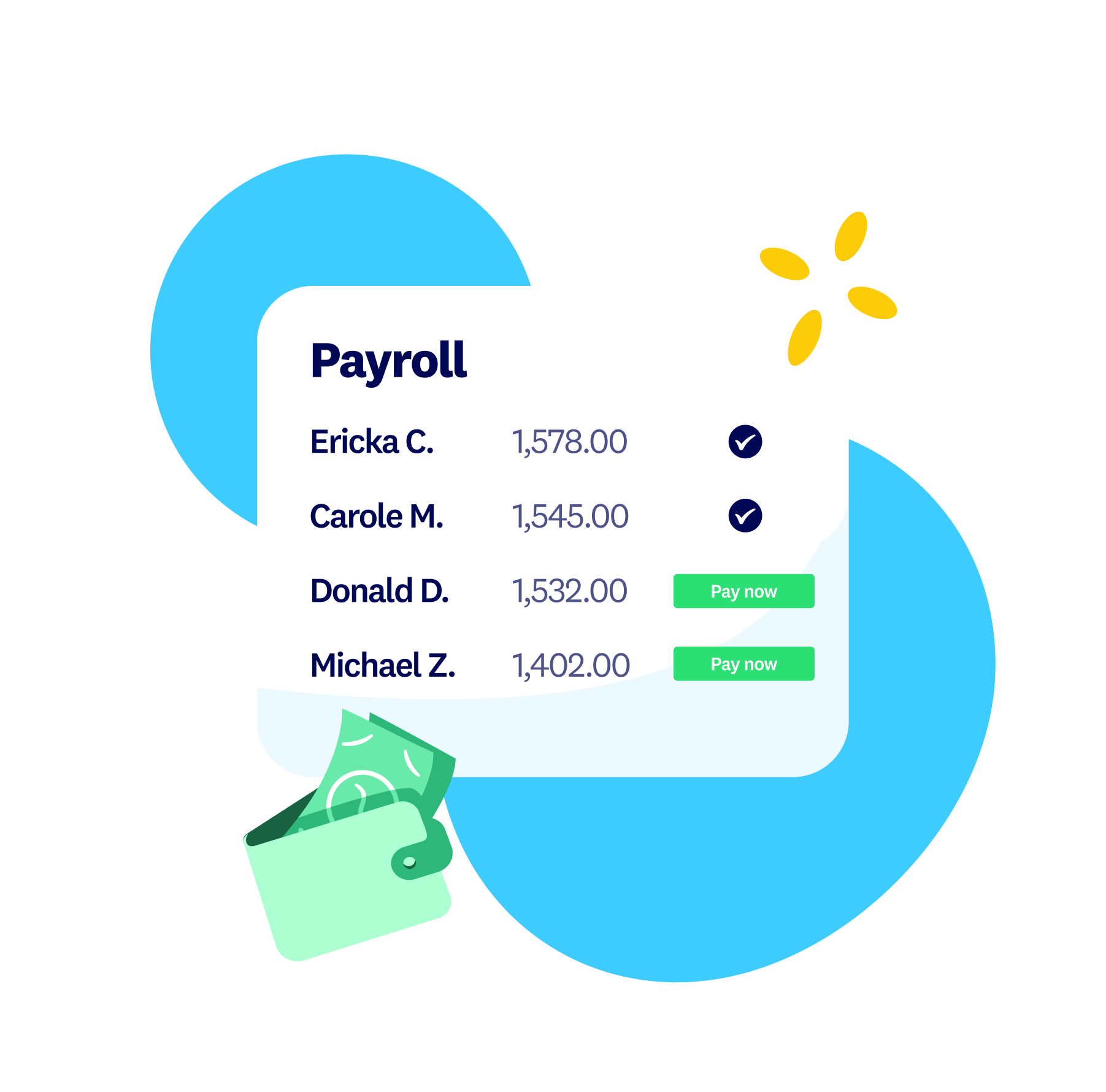
Xero works out pay, tax and super for every employee, so your numbers are right each payday.
Payslips created for you
Payslips are created automatically each payday and shared with staff in the Xero Me app.
Reporting to the ATO
Single Touch Payroll reports go to the ATO each payday, so reporting stays on track.
Payslip template FAQs
Download this free template, then add your business and employee details, the pay period, gross and net pay, tax and super. Save it as a PDF and give it to your employee within one working day of payday.
Download this free template, then add your business and employee details, the pay period, gross and net pay, tax and super. Save it as a PDF and give it to your employee within one working day of payday.
A simple payslip template is a ready-made layout with every required field already set out, so you just fill in the numbers. This free Australian template works that way and downloads as an editable PDF.
A simple payslip template is a ready-made layout with every required field already set out, so you just fill in the numbers. This free Australian template works that way and downloads as an editable PDF.
Start from the template, enter each amount carefully, itemise any loadings or allowances, and check the super and tax figures before you send it. The template keeps these fields in order so nothing gets missed.
Start from the template, enter each amount carefully, itemise any loadings or allowances, and check the super and tax figures before you send it. The template keeps these fields in order so nothing gets missed.
Excel offers basic spreadsheet templates, and you can build a payslip in one, but you set up the formulas and compliance fields yourself. This free Australian template gives you a ready-to-use PDF instead.
Excel offers basic spreadsheet templates, and you can build a payslip in one, but you set up the formulas and compliance fields yourself. This free Australian template gives you a ready-to-use PDF instead.
Take payroll off your plate with Xero
Start with the free template, then let Xero Payroll run pay, tax and super for you and set your pay runs on autopilot.
Disclaimer
Xero does not provide accounting, tax, business or legal advice. This template has been provided for information purposes only. You should consult your own professional advisors for advice directly relating to your business.