Spend less time on activity statements and BAS
Tired of wrestling with spreadsheets at BAS time? Xero tracks GST as you go, prefills your activity statement for a quick review, then lets you lodge with the ATO in a few clicks.
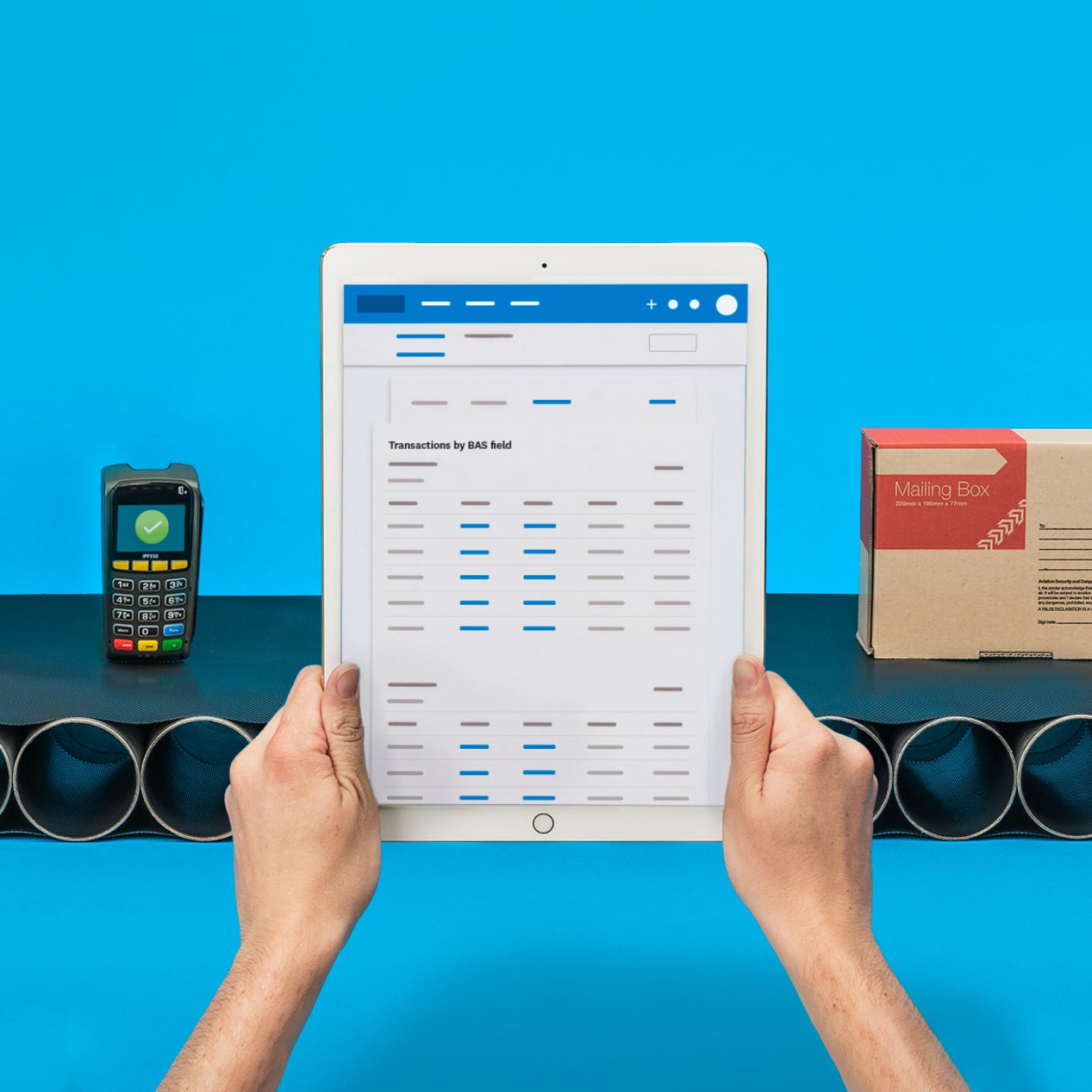
3 ways Xero takes the work out of your BAS
Swap manual data entry for an automated workflow that keeps your GST accurate and your BAS ready to lodge. Here’s a guide to GST and how it works.
Xero handles GST automatically
Xero tracks GST on every sale and purchase, so your BAS figures are ready without the manual sums.
Check your GST before you lodge
Run the GST reconciliation report to review the figures and fix any transactions, so your BAS is right first time.
Lodge with the ATO in a few clicks
Connect your organisation to the ATO, then submit your BAS securely, straight from Xero.

Trustpilot
Monya
Trustpilot
Tom W
Trustpilot
Tina T
Automatically calculate GST every time
Every time you make a sale or purchase, Xero works out the GST and lets you record amounts as GST-inclusive or GST-exclusive. Fewer manual sums mean fewer errors and more confidence when BAS time rolls around.
The ATO's guide to how GST works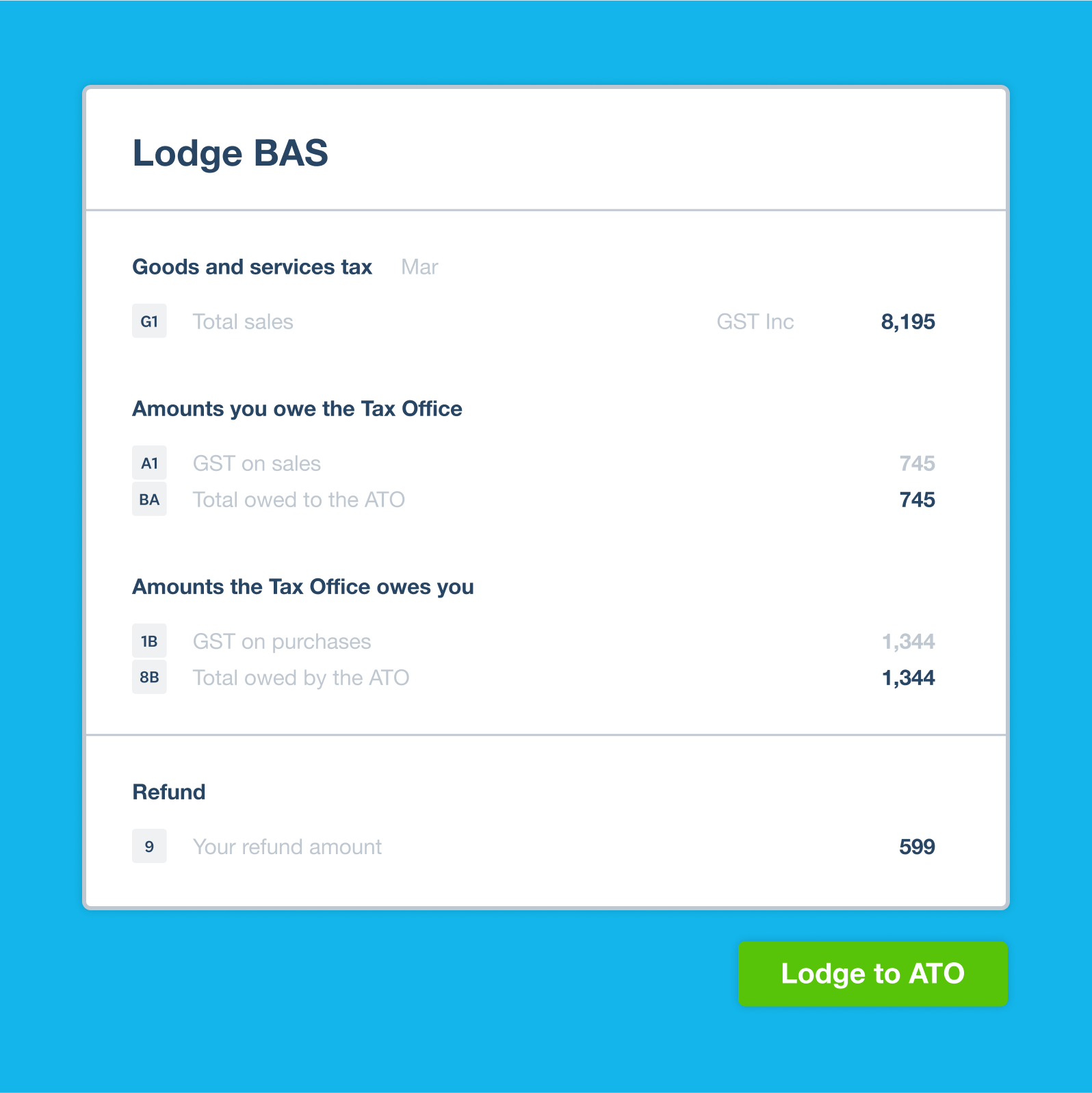
See and manage your GST before you lodge
Want to be sure everything's spot on before you lodge? Run the GST reconciliation report to check your filed GST against the GST collected and paid across your sales and purchases. Then fine-tune individual transactions until the numbers are ready to go.
How the GST reconciliation report works in Xero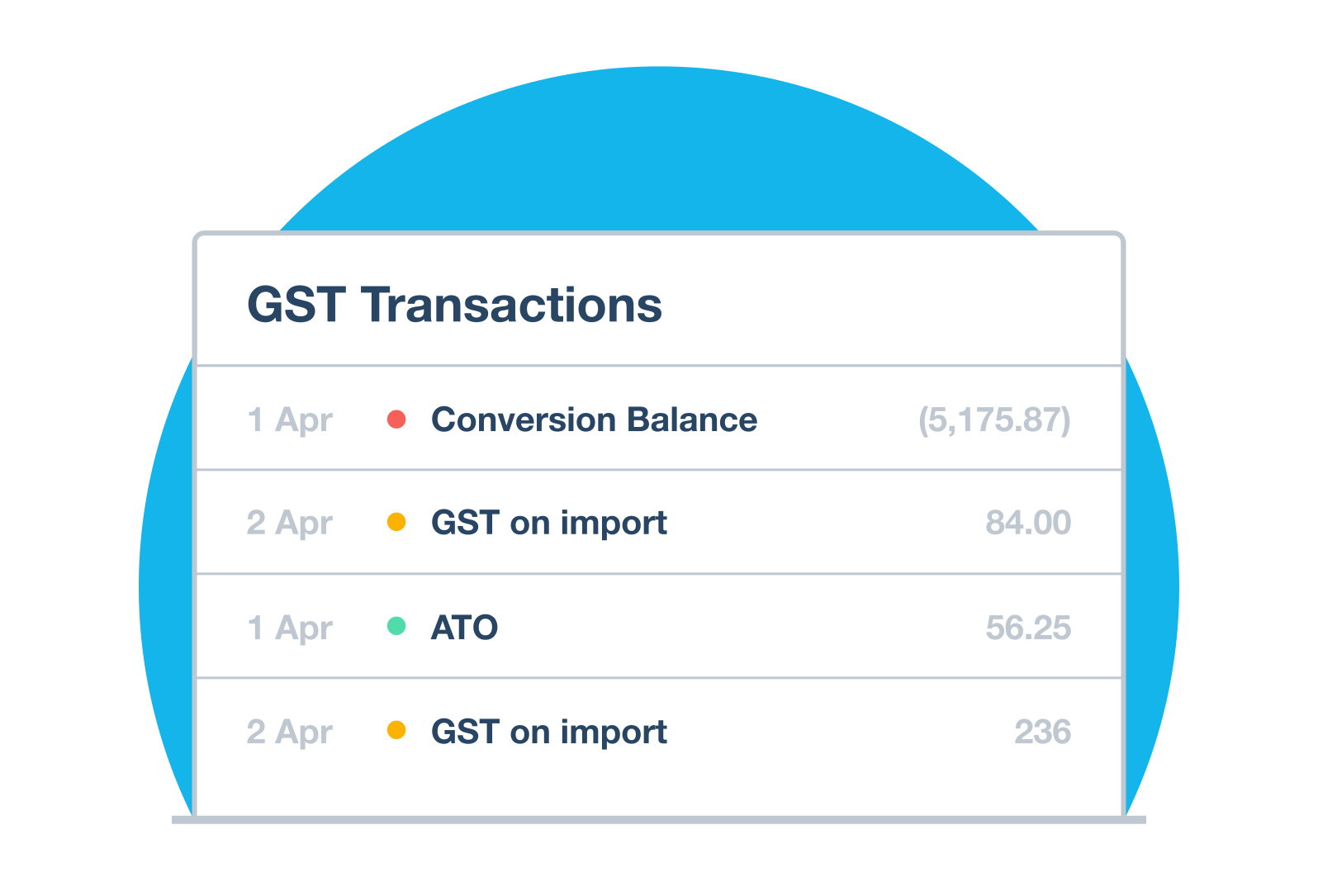
Lodge your activity statement with the ATO
Your books are connected to the ATO in just a few steps. From there you can lodge your activity statement and BAS securely, straight from Xero, which cuts double handling and speeds things up. Afterwards, check the status of each activity statement for real peace of mind.
How to connect Xero to the ATO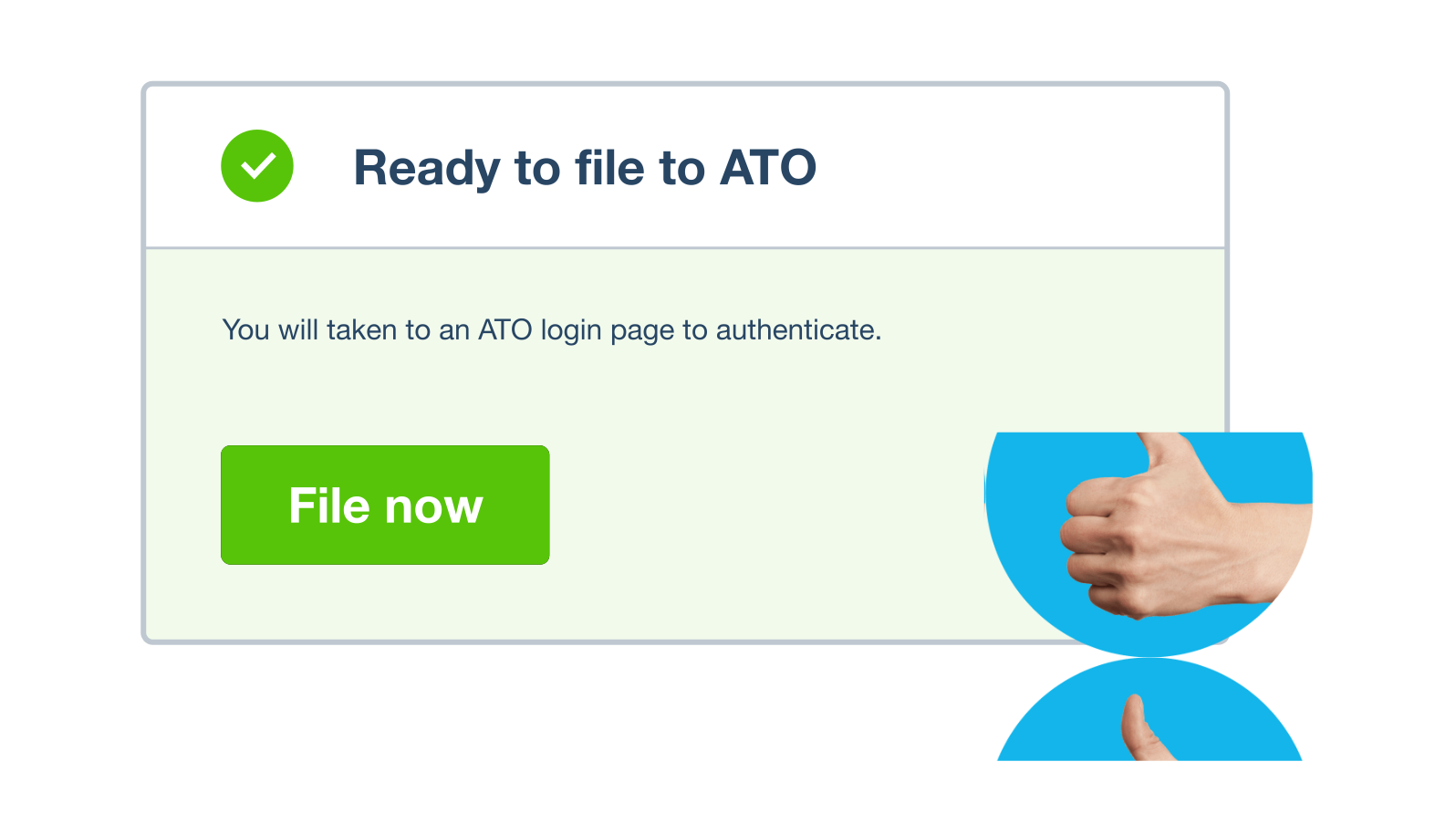
Choose how often you lodge your BAS
Lodge monthly, quarterly or annually, depending on your turnover. Xero calculates GST as you go and prefills your BAS whichever schedule you're on.
The ATO's BAS due dates and lodgement cycles
FAQs on Xero's activity statements and BAS?
An activity statement, often called a business activity statement (BAS), is the form GST-registered businesses use to report and pay tax to the ATO. It covers GST, PAYG withholding and PAYG instalments. Xero tracks your GST as you go and prefills the activity statement, so it's ready to review before you lodge. New to GST? Take a look at the Xero GST cheat sheet for a plain-English rundown.
An activity statement, often called a business activity statement (BAS), is the form GST-registered businesses use to report and pay tax to the ATO. It covers GST, PAYG withholding and PAYG instalments. Xero tracks your GST as you go and prefills the activity statement, so it's ready to review before you lodge. New to GST? Take a look at the Xero GST cheat sheet for a plain-English rundown.
If your business is registered for GST, you need to lodge a BAS with the ATO. Not sure whether you need to register? The ATO sets out the rules on its registering for GST page.
If your business is registered for GST, you need to lodge a BAS with the ATO. Not sure whether you need to register? The ATO sets out the rules on its registering for GST page.
A BAS reports GST plus obligations like PAYG, while an instalment activity statement (IAS) is a simpler form for PAYG when you're not registered for GST. Xero handles both, so you lodge the right amounts either way.
A BAS reports GST plus obligations like PAYG, while an instalment activity statement (IAS) is a simpler form for PAYG when you're not registered for GST. Xero handles both, so you lodge the right amounts either way.
It comes down to your GST turnover: you may lodge monthly, quarterly or annually. Xero prefills your BAS and lets you submit it to the ATO on whichever cycle applies to you. See the ATO's BAS due dates page for the turnover thresholds that set your cycle.
It comes down to your GST turnover: you may lodge monthly, quarterly or annually. Xero prefills your BAS and lets you submit it to the ATO on whichever cycle applies to you. See the ATO's BAS due dates page for the turnover thresholds that set your cycle.
Xero calculates GST as you go and prefills your BAS, so you can review the numbers and lodge them with the ATO yourself. Prefer to hand it over? A registered tax or BAS agent can lodge on your behalf from the same Xero organisation.
Xero calculates GST as you go and prefills your BAS, so you can review the numbers and lodge them with the ATO yourself. Prefer to hand it over? A registered tax or BAS agent can lodge on your behalf from the same Xero organisation.
Once you connect your Xero organisation to the ATO, you can lodge your activity statement and BAS securely, straight from Xero. Xero tracks your GST, prefills the form and confirms when your BAS has been filed. Xero Central has a step-by-step guide if you'd like to see how the connection works.
Once you connect your Xero organisation to the ATO, you can lodge your activity statement and BAS securely, straight from Xero. Xero tracks your GST, prefills the form and confirms when your BAS has been filed. Xero Central has a step-by-step guide if you'd like to see how the connection works.
Absolutely. Xero's cloud-based software supports multiple users, so your bookkeeper or registered agent can log in from anywhere to review your BAS. You set the permission level for each person, keeping you in control of who sees what.
Absolutely. Xero's cloud-based software supports multiple users, so your bookkeeper or registered agent can log in from anywhere to review your BAS. You set the permission level for each person, keeping you in control of who sees what.
Yes you can. Xero lets you drill into individual transactions and their GST amounts, then make any adjustments before you lodge. Your BAS reflects the corrected figures, so what you send the ATO is accurate.
Yes you can. Xero lets you drill into individual transactions and their GST amounts, then make any adjustments before you lodge. Your BAS reflects the corrected figures, so what you send the ATO is accurate.
Xero turns a manual chore into a few clicks. It automates the GST calculations, prefills your BAS and lodges it with the ATO in one connected flow, so you skip the data entry and double handling. See what's included on the Xero pricing plans.
Xero turns a manual chore into a few clicks. It automates the GST calculations, prefills your BAS and lodges it with the ATO in one connected flow, so you skip the data entry and double handling. See what's included on the Xero pricing plans.
Plans to suit your business
Get one month free
Purchase any Xero plan, and we will give you the first month free.