Automatic invoicing software for your small business
Save time and get paid sooner with Xero’s invoicing software for Canadian small businesses. Create, customize, send professional invoices, whether you’re at your desk or using the Xero Accounting app on your phone.
Simple billing with digital tools
Xero’s online invoice software gives you fast, accurate workflows for your billing.
Get paid up to twice as fast
Stop manual transfers, let customers pay instantly – because when it's easy, there's less reason not to.
Take payments your way
Businesses have different needs – skip one-size-fits-all and get a solution built for the way your business runs.
Stop chasing and win back your mornings
Xero cuts the admin of getting paid – automated reminders chase payments for you without lifting a finger.
Used by 5 million customers worldwide.
Built for the way Canadian businesses work.




Send invoices on the fly
Don’t wait until later to send invoices! Hop into Xero’s invoice app to quickly create and send them from your phone via email or SMS. The sooner you handle your billing, the sooner the cash hits your bank!
See when customers have viewed their invoices
Know for sure that your customer has opened an invoice. Manage your billing with confidence.
Get notifications when you’ve been paid
Don’t waste time worrying whether a customer has settled an invoice – get a message as soon as they pay.
Check for unpaid invoices
Easily spot unpaid invoices so you can follow up with customers.
Here’s more on Xero’s mobile invoicing software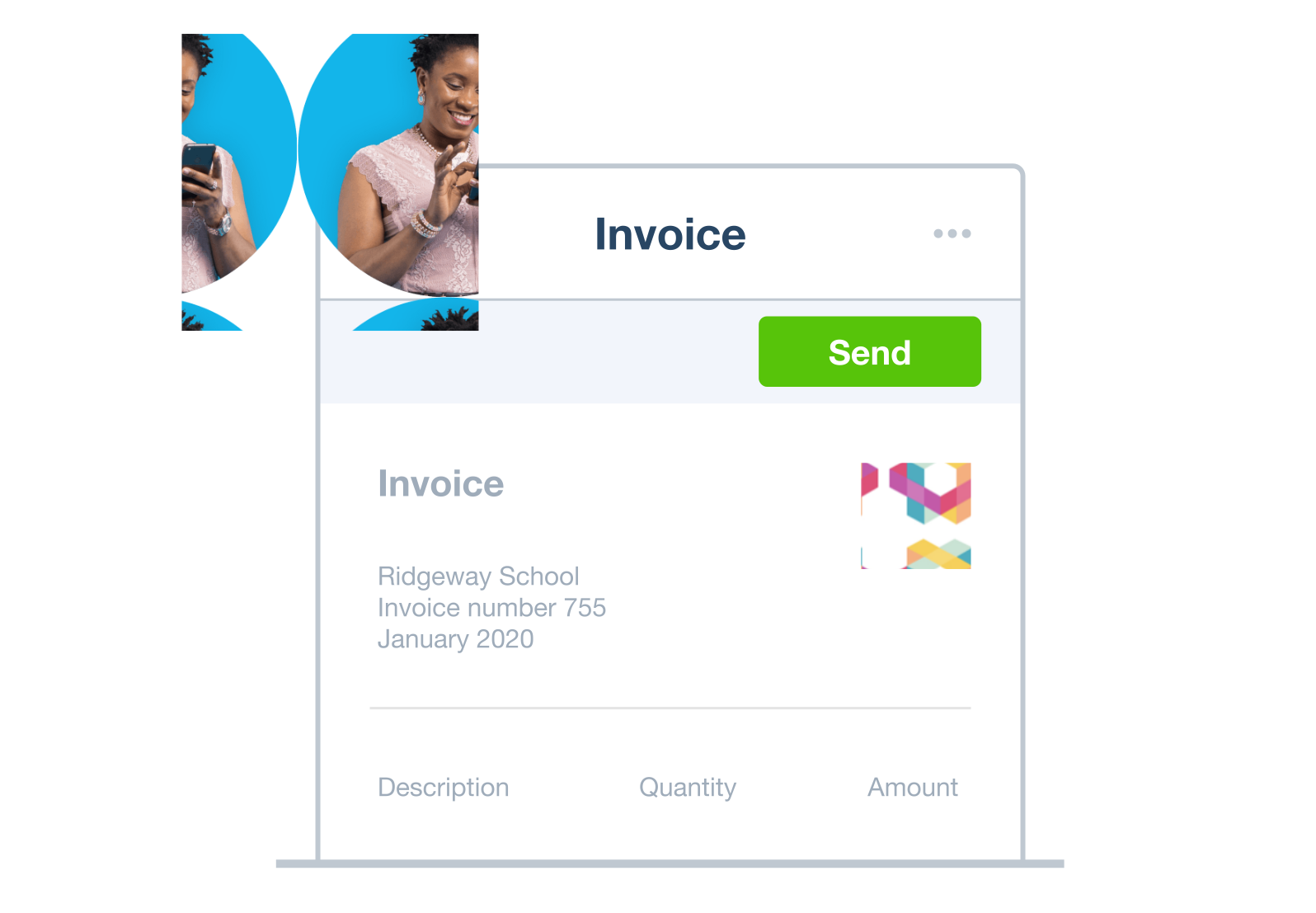
Professional invoicing software for your Canadian business
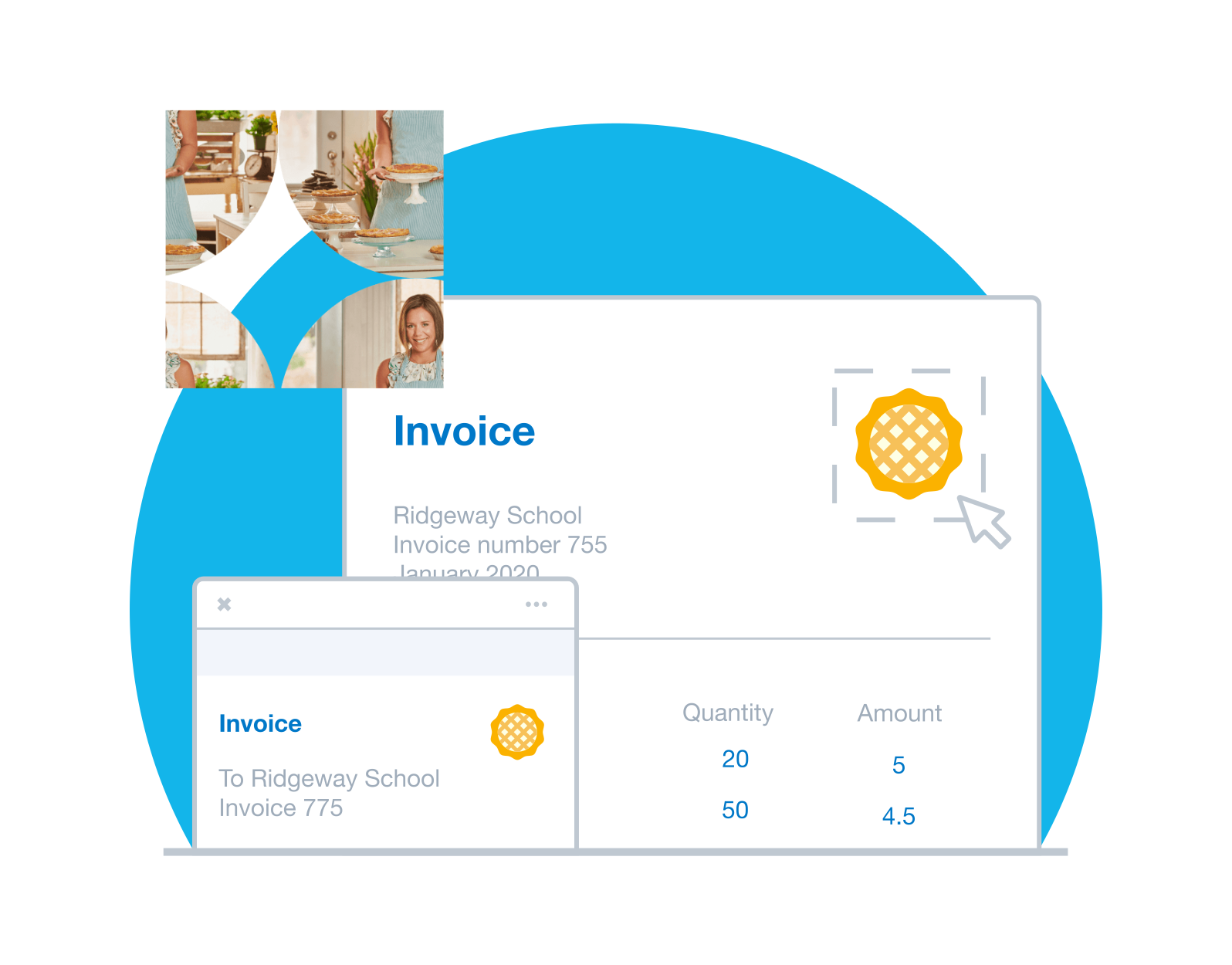
Create polished, customized invoices that promote your brand with Xero’s invoicing software. Build trust with customers and streamline your invoicing process with billing software that stays up to date with Canadian tax laws.
- Customize your invoices to target particular customer groups – or individual customers – with that personal touch
- Add GST and HST automatically so you’re compliant with CRA tax rules
- Attach notes and schedule payment reminders to prompt customers to pay you on time
G2
Connery J
G2
Katherine
G2
Verified user
Get paid sooner: let your customers pay you online
Xero accepts online payments and uses payment providers recognized in Canada to make it easier and faster for customers to pay you. With Xero’s online invoicing, you’ll earn your customers’ trust and get paid sooner – a win for them and for your business.
Pay securely with Interac e-Transfer
Give your customers a fast, secure way to pay using Interac e-Transfer – trusted by millions across Canada.
Use Interac e-Transfer with XeroGet paid directly from your invoices
Add a pay now button to your online invoices so customers can pay you right away – that means less follow-up and no more chasing payments or
Learn more about online paymentsGive customers online payment options
Let customers pay online using credit and debit cards with Stripe, or by using GoCardless for secure direct debits and bank transfers.
Accept customer payments using Stripe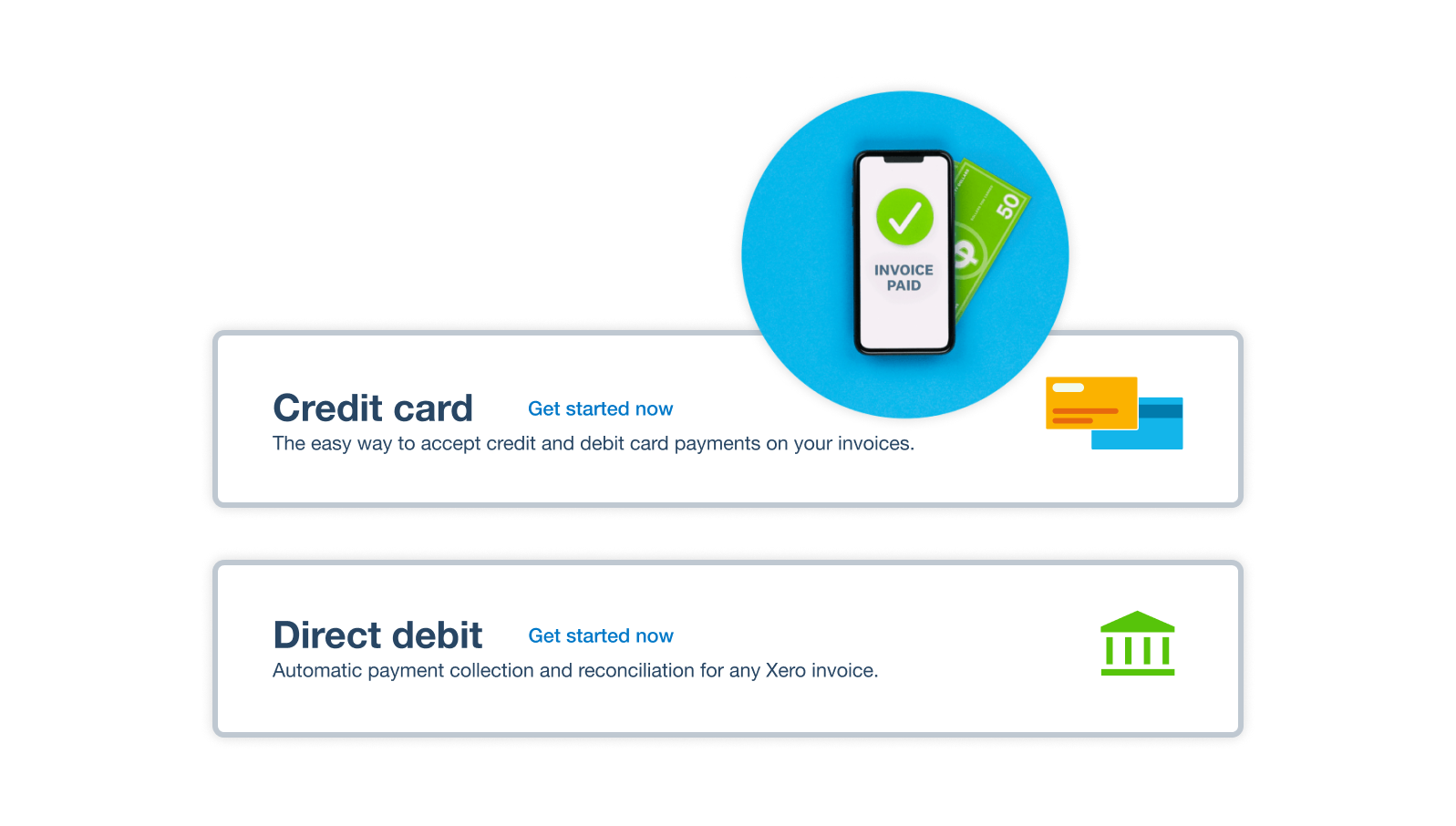
Send automatic payment reminders
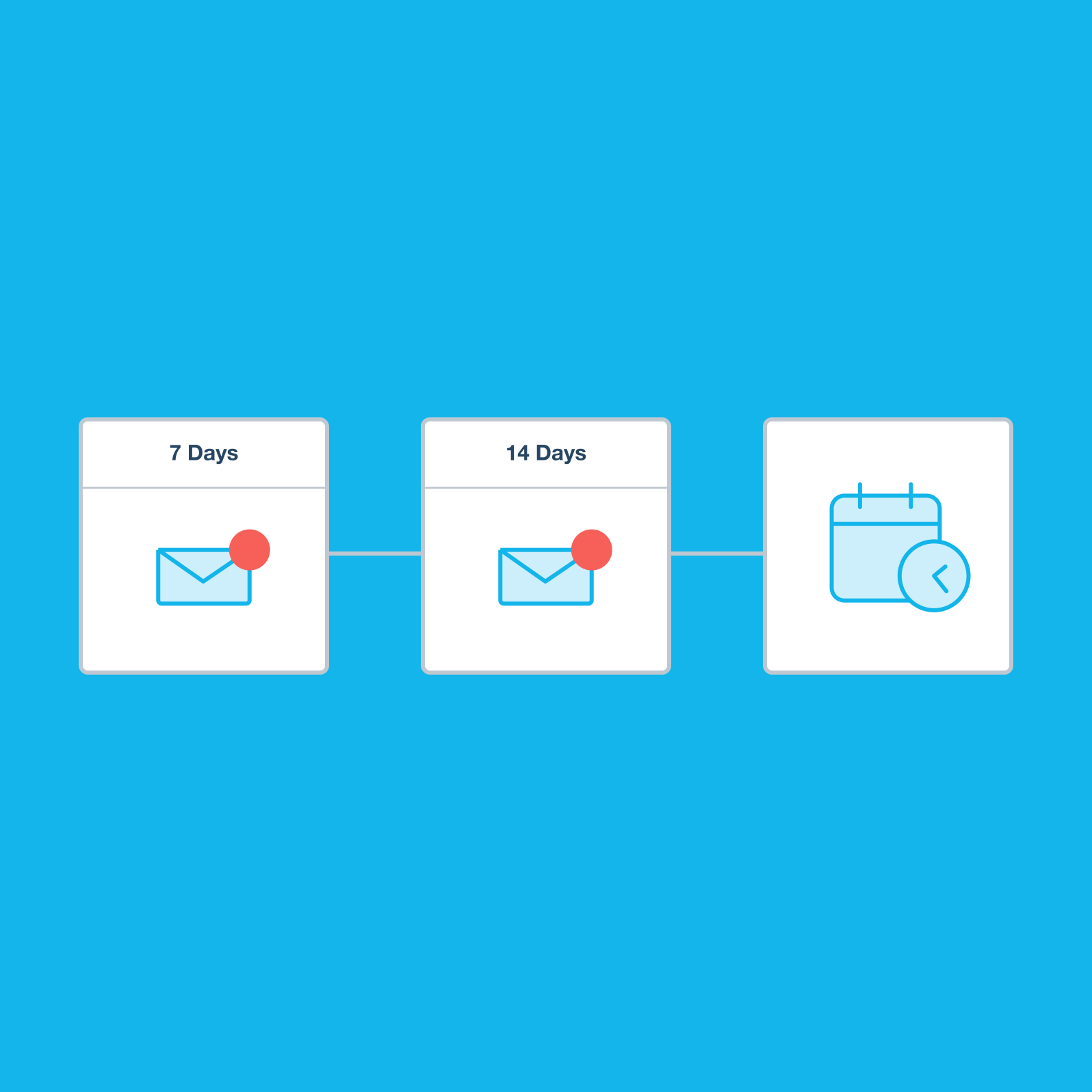
Chasing payments doesn’t have to be awkward. With Xero’s online billing software lets you remind customers automatically – saving you the follow-up time and helping you track overdue payments.
- Choose how many reminders go out and when – including before the due date – to keep customers on track
- Customize each message to your communication style so customers know it’s from you
- Get notified the moment the customers view their auto-reminders – so you know who needs another nudge
Simplify your GST and HST invoicing
Xero’s online invoicing software helps you streamline your GST and HST obligations with automatic tax calculations and up to date, organized records and comply with the CRA rules. That means less labour, less stress at tax time, and more time to run your business.
Automate GST and HST calculations
Say goodbye to manual errors. As you create invoices, Xero applies the correct GST and HST rates automatically.
Generate summaries for tax time
Quickly pull invoice data into summaries to simplify your GST and HST reporting, and to help you prepare your tax returns.
Stay compliant with CRA rules
Keep your invoice records organized, securely stored, and accessible, to meet CRA record-keeping requirements.
Plans to suit your business
All pricing plans cover the accounting essentials, with room to grow.
I was spending 10 hours a week between bookkeeping and data entry, with Xero it’s more like 10 hours a month.
Brad Dodds, Dodds Building and Construction,

FAQs on Xero automatic invoicing software
Yes. Xero’s invoice templates help you create identical invoices again and again, saving you from having to laboriously recreate them. Just review and approve them, or you can even ask Xero to send recurring invoices automatically – saving you even more admin time.
Yes. Xero’s invoice templates help you create identical invoices again and again, saving you from having to laboriously recreate them. Just review and approve them, or you can even ask Xero to send recurring invoices automatically – saving you even more admin time.
You sure can! With the Xero Accounting app you can create and send invoices from any mobile device. Add new customers, check the status of your invoices, and send payment reminders directly from the app. You’ll even get notified when customers view and pay your invoices, giving you a great view of your cash flow wherever you are.
Check out the Xero Accounting appYou sure can! With the Xero Accounting app you can create and send invoices from any mobile device. Add new customers, check the status of your invoices, and send payment reminders directly from the app. You’ll even get notified when customers view and pay your invoices, giving you a great view of your cash flow wherever you are.
Check out the Xero Accounting appCertainly. Xero’s invoicing software shows you the status of all your pending and paid invoices at a glance. You can also see how much is owed to you in total so you have a good idea of your cash flow. Xero’s billing software helps you to track payments, see where money is owed and follow up quickly so you get paid faster.
Certainly. Xero’s invoicing software shows you the status of all your pending and paid invoices at a glance. You can also see how much is owed to you in total so you have a good idea of your cash flow. Xero’s billing software helps you to track payments, see where money is owed and follow up quickly so you get paid faster.
Yes you can. Once your customer has accepted your quote, just create an invoice by selecting the quote and clicking a button in Xero. Simple! You can even choose which items from the quote to include on your invoice if you don’t want to charge your customer the entire quote.
Yes you can. Once your customer has accepted your quote, just create an invoice by selecting the quote and clicking a button in Xero. Simple! You can even choose which items from the quote to include on your invoice if you don’t want to charge your customer the entire quote.
Yes – Xero’s invoicing software lets you select and email multiple invoices in one go, saving you time and hassle. You can also combine multiple invoices into a single PDF and email it.
Yes – Xero’s invoicing software lets you select and email multiple invoices in one go, saving you time and hassle. You can also combine multiple invoices into a single PDF and email it.
Yes! Xero’s online invoicing software for small businesses lets you set up templates to quickly create invoices you send regularly, create a new invoice by copying an existing one, or just quickly update an existing invoice before sending it. That’s a lot of time saved.
Yes! Xero’s online invoicing software for small businesses lets you set up templates to quickly create invoices you send regularly, create a new invoice by copying an existing one, or just quickly update an existing invoice before sending it. That’s a lot of time saved.
Yes. You can easily transfer invoices from other accounting software or systems into Xero using a standard CSV (spreadsheet) layout. Import as little or as much info from each invoice as you like.
Yes. You can easily transfer invoices from other accounting software or systems into Xero using a standard CSV (spreadsheet) layout. Import as little or as much info from each invoice as you like.
Automated invoicing uses artificial intelligence (AI) and machine learning to simplify your process of creating and sending invoices. It’s great for repeat and batch invoices – when you bill for the same amounts each time, just ask Xero’s software to send invoices for you on a set schedule.
Automated invoicing uses artificial intelligence (AI) and machine learning to simplify your process of creating and sending invoices. It’s great for repeat and batch invoices – when you bill for the same amounts each time, just ask Xero’s software to send invoices for you on a set schedule.
A lot – it massively speeds up the process of invoicing your customers while minimizing errors. While you’ll have to set up automated invoicing, you’ll quickly win back that time and strike some admin from your to-do list!
A lot – it massively speeds up the process of invoicing your customers while minimizing errors. While you’ll have to set up automated invoicing, you’ll quickly win back that time and strike some admin from your to-do list!
Bill accurately with effortless time tracking
Maximize time with Xero invoicing software’s time-tracking features. Xero populates invoices with timesheets to capture all your hard work.
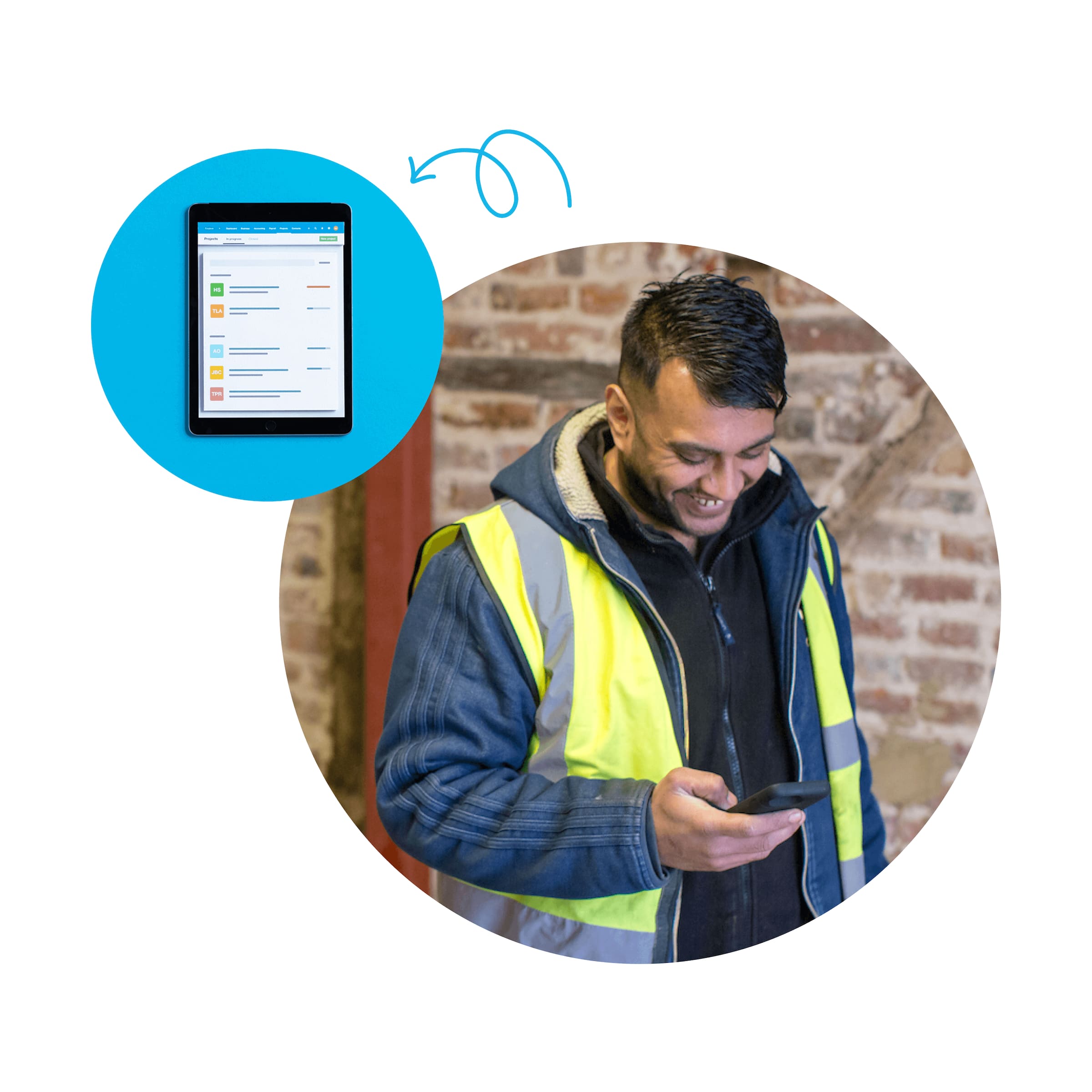
Smoothly manage your expenses for better financial planning
Xero’s billing software for small businesses lets you track expenses and categorize transactions for a clearer view of your finances.
Tailored to fit your industry
Xero gives you the tools you need and integrates with apps for your specific industry’s needs.

Do more with invoicing as you grow with Xero app integrations
Xero grows with you. Enhance your invoicing by integrating third-party apps with your Xero billing software to streamline workflows.
Invoice successfully with Xero
Every business owner needs a process for getting their invoices drafted, sent, and – most importantly – paid. Read our guide to master invoicing for small businesses.
Learn how to send great invoices
Accounting software for your small business
Businesses across the US choose Xero’s invoice and accounting software for its intuitive features and automations. You can zip through your financial admin, from sending invoices from your phone to organizing your expenses and numbers for the financial year-end.
- Work from anywhere with an internet connection and handle your admin where and when you want
- Collaborate with your accountant and team members in the cloud-based software
- Get up-to-date financial information in a few clicks, including business reports and data visualizations
Start using Xero for free
Access Xero features for 30 days, then decide which plan best suits your business.
See how invoicing online can simplify tasks
Probably the best invoicing video you’ll ever see.