Bank feeds that save you hours every week
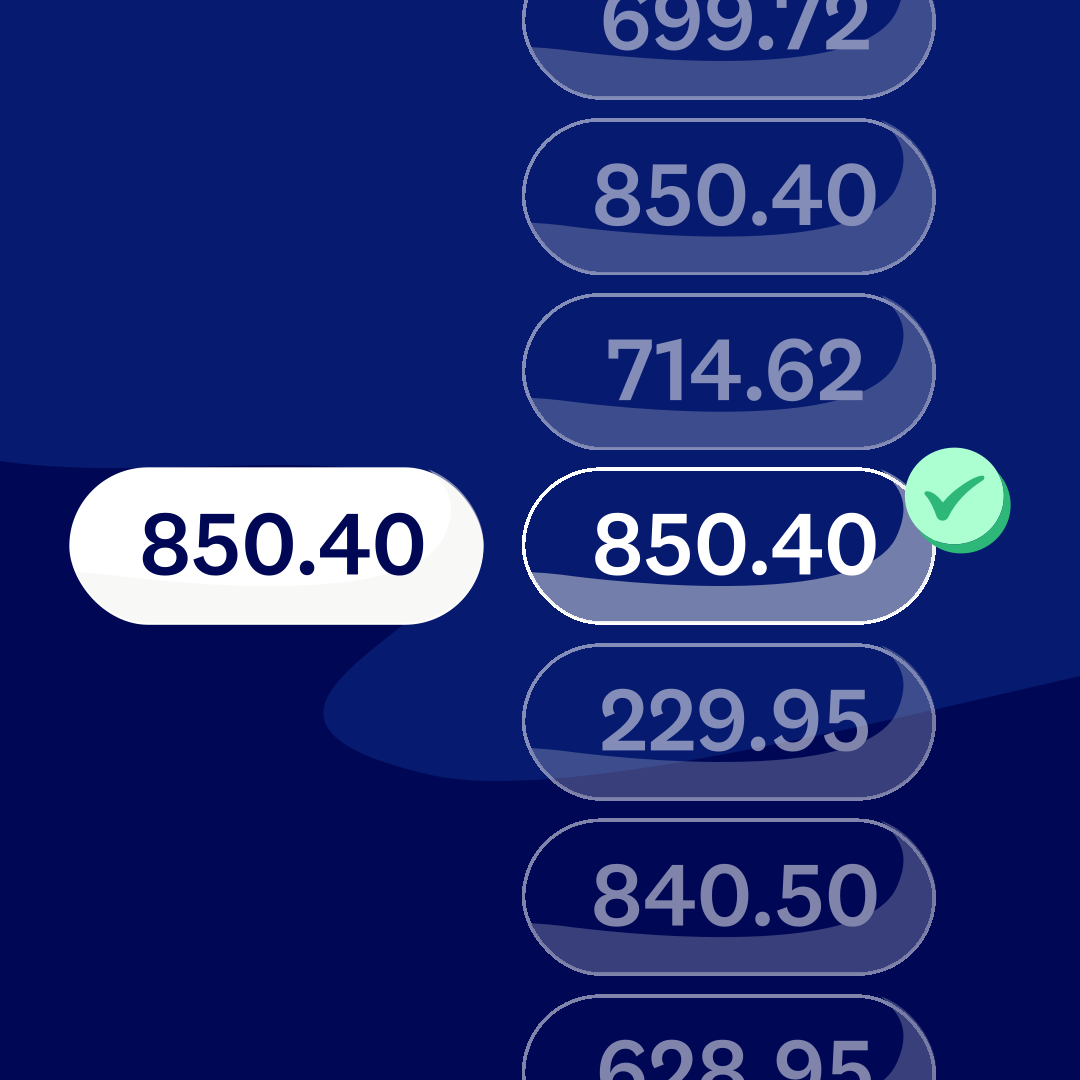
Connect your bank account to Xero and watch transactions flow into Xero automatically from over 21,000 financial institutions around the world. Match them against your accounts using AI and memorised patterns so bank reconciliation becomes a quick daily check, not a monthly slog.
All your transactions in Xero – no manual work
Automatic bank feeds pull transactions into Xero. You skip statement uploads, manual entry, and bank reconciliation marathons!
Connect your bank and let it run
Simply set up your bank account in Xero, then connect the Xero account to your bank to automatically import transactions
Reconcile in just minutes a day
AI-powered transaction matching and bank rules handle the admin so your bank reconciliation is just review, and click OK
Your data stays safe
Your data is protected every step of the way – bank transactions feed into Xero via a secure, encrypted connection.

Trustpilot
Monya
Trustpilot
Tom W
Trustpilot
Tina T
Get your bank data into Xero with bank feeds
Connect your bank to Xero and transactions flow in automatically. Xero gets bank data from over 21,000 financial institutions around the world. Under the Consumer Data Right framework, your data is secure and you can review or revoke access at any time from your bank's portal.
- Set up bank feeds from multiple banks
- Get bank feeds from any number of bank accounts
- Import up to 12 months of history when you first connect – and up to 2 years with some banks
Export bank data manually and upload to Xero
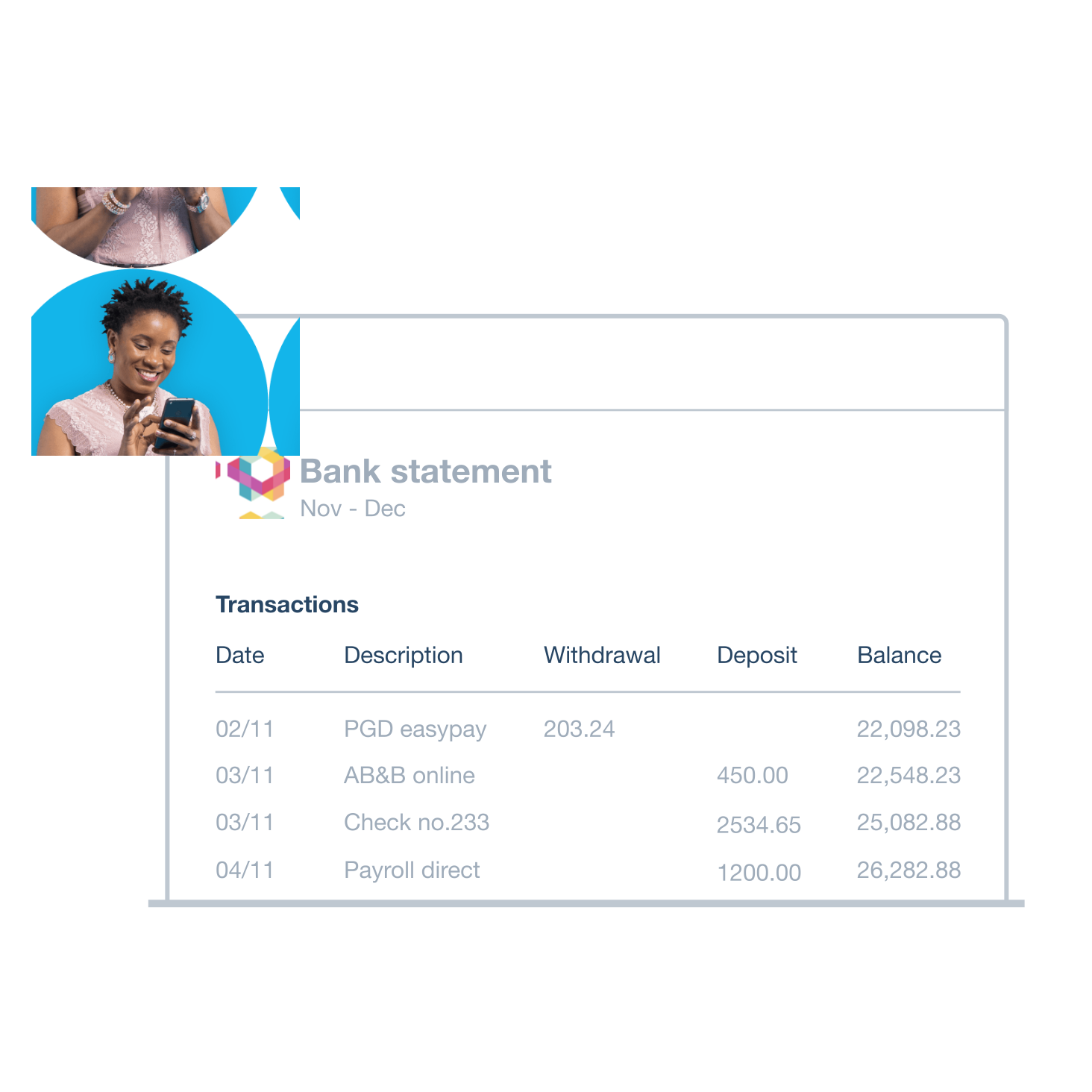
Your bank doesn't support automatic bank feeds? No problem: get transactions into Xero quickly by exporting files from your online banking. Just upload to Xero and it's ready to reconcile.
- Export bank data from your online banking in OFX, QIF, QBO, QFX, or CSV formats
- Upload the exported file into Xero to import bank data
- Review your transactions – Xero automatically excludes any duplicates
- If you’re importing transactions with a CSV file, check the data and correct it if necessary before you import it.
Get bank data into Xero with bank feeds
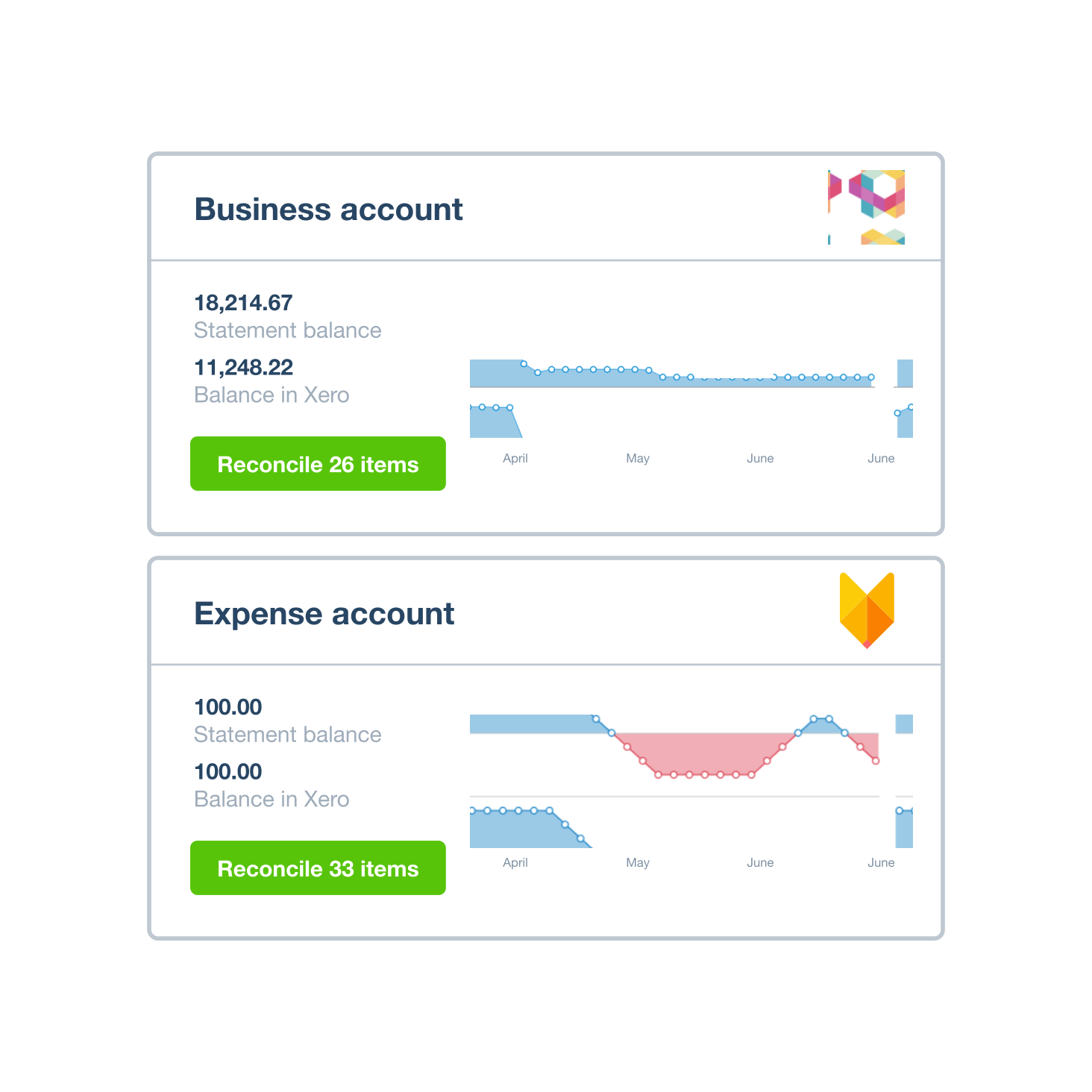
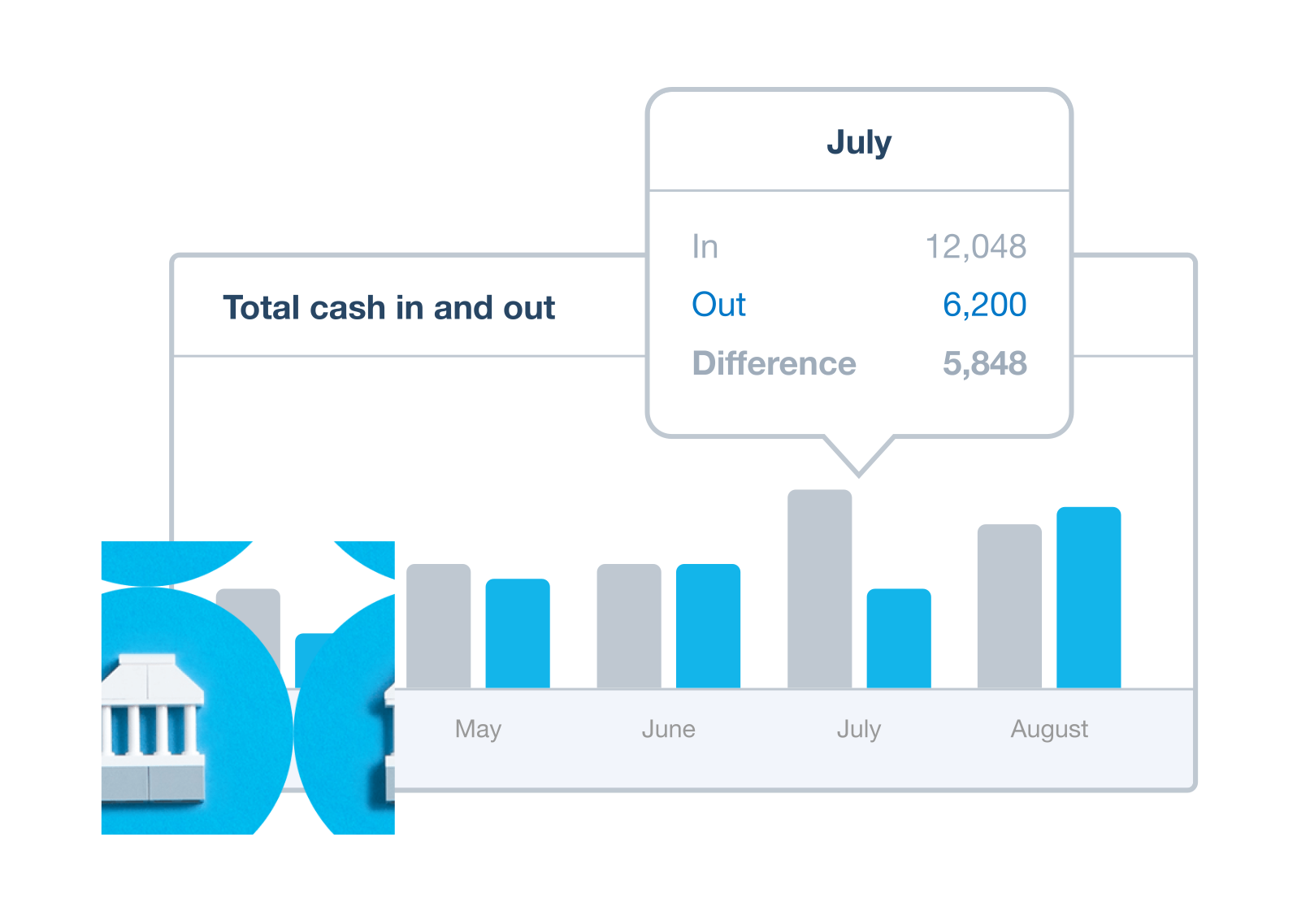
Your bank transactions flow into Xero regularly, so you can reconcile transactions in just a few minutes each day. That's 5.5 hours weekly back in your pocket. Automatically track GST and prepare accurate BAS returns, with bank feeds that import transactions automatically.
- Whiz through your reconciliations faster – Xero’s AI matching and memorisation features suggest matches for you
- Set up bank rules for recurring transactions so Xero categorises them for you – just click OK to approve
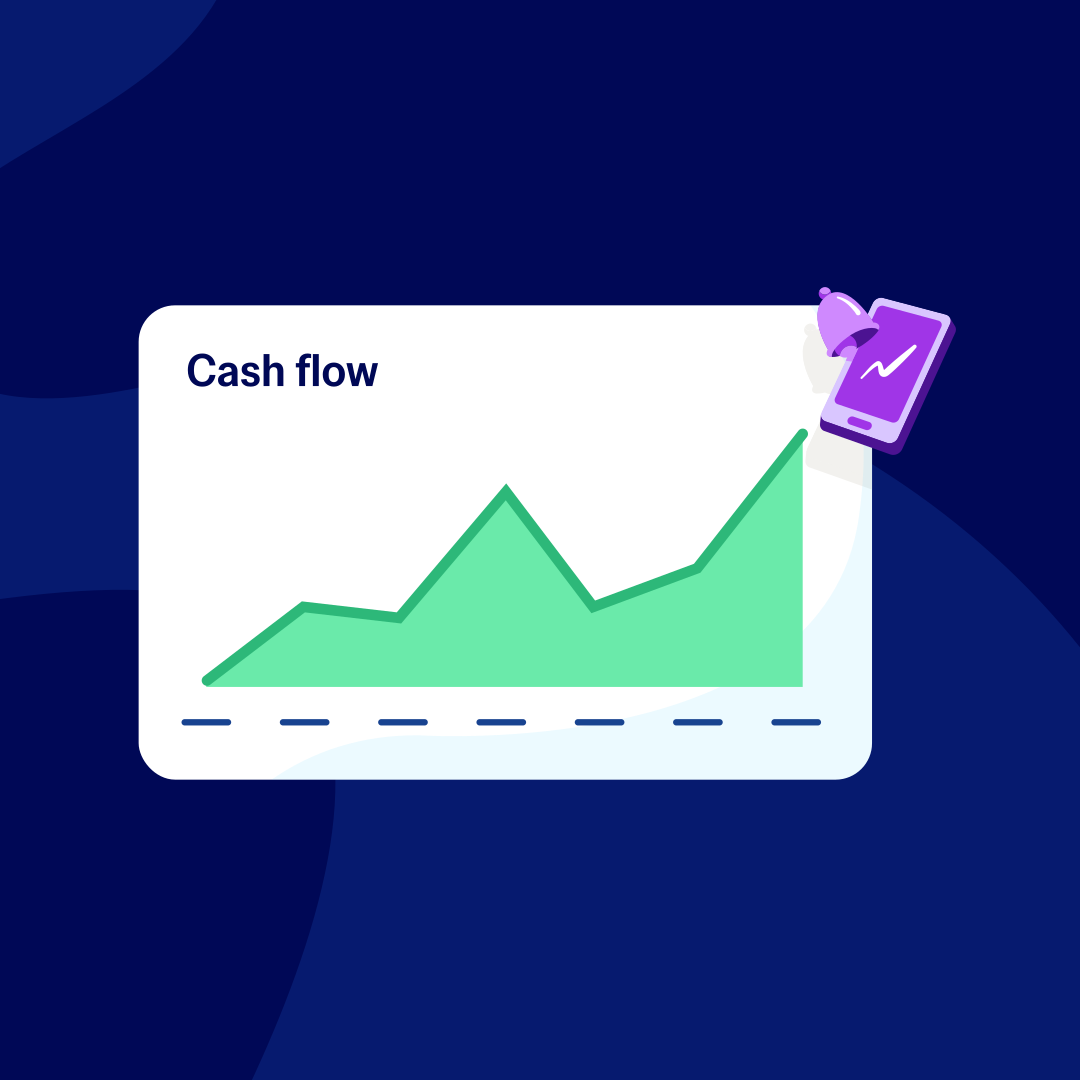
- See an up-to-date view of your finances on The Xero dashboard
Xero keeps your data safe
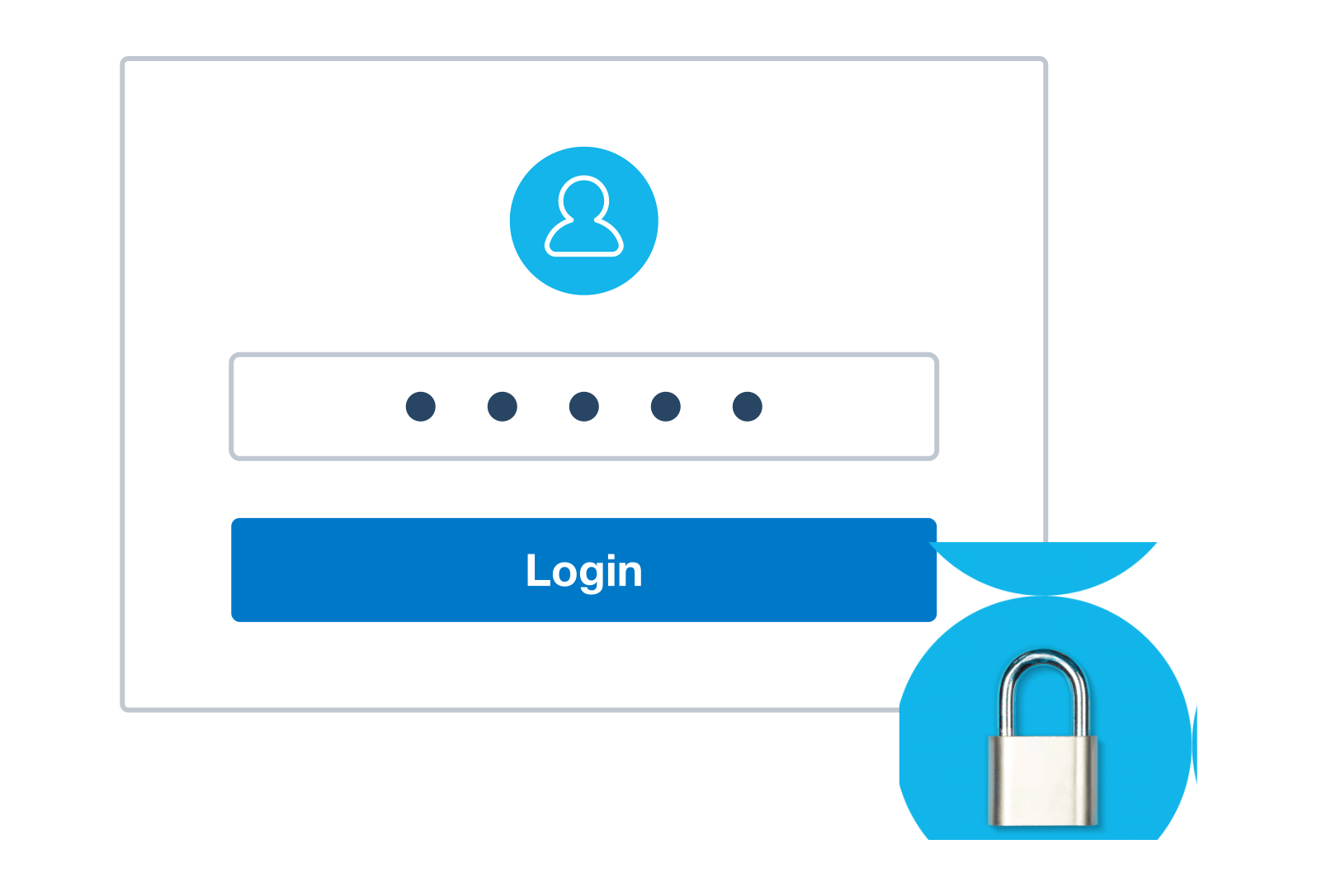
Connecting your bank to Xero is secure and simple. Your bank transactions flow into Xero automatically. Your data is protected every step of the way, and only people you give access to can see your bank feed data in Xero.
- Only people you give access to can see your bank feed data in Xero. Data is shared only between your bank, Xero, and anyone else you explicitly authorise.
- Xero can't make payments or move money from your accounts. Read-only access means you stay in full control.
- Only people you give permission to can see your bank feed data in Xero. You decide who has access.
Plans to suit your business
Grow
Usually $78
Now $7.80
AUD per month
Save $210.60 over 3 months
Go beyond the basics - automate tasks and access performance dashboards.
- Send invoices and quotes
- Accept online invoice payments^
- Automate bill entry and track bills
- Reconcile bank transactions
- Track GST and lodge BAS
- Smart document capture basic extraction
- View real-time reports
- Automate superannuation
- Payroll for 2 people
- 60 day cashflow forecast
- Visualise performance with graphs
- Customise performance dashboards
- Claim expenses and mileage for 1 user
- Make online bill payments
- JAX automatically categorises and matches high-confidence bank transactions, giving you a reliable, up-to-date view of your finances.
Comprehensive
Usually $107
Now $10.70
AUD per month
Save $288.90 over 3 months
Optimise profitability - tailor your insights for greater control.
- Send invoices and quotes
- Accept online invoice payments^
- Automate bill entry and track bills
- Reconcile bank transactions
- Track GST and lodge BAS
- Smart document capture
- View real-time reports
- Automate superannuation
- Payroll for 5 people
- 90 day cashflow forecast
- Visualise performance with graphs
- Customise performance dashboards
- Claim expenses and mileage for 5 users
- Use multiple currencies
- Tailored financial health scorecards
- Make online bill payments
- Auto-reconcile transactions
- Budget with smart suggestions

Usually $143
Now $14.30
AUD per month
Save $386.10 over 3 months
Future proof your scaling business - with advanced tools and analytics.
- Send invoices and quotes
- Accept online invoice payments^
- Automate bill entry and track bills
- Reconcile bank transactions
- Track GST and lodge BAS
- Smart document capture
- View real-time reports
- Automate superannuation
- Payroll for 10 people
- 180 day cashflow forecast
- Visualise performance with graphs
- Customise performance dashboards
- Claim expenses and mileage for 10 users
- Use multiple currencies
- Tailored financial health scorecards
- Analyse KPIs and ratios
- Track projects for 10 users
- Benchmark against the industry
- Make online bill payments
- Auto-reconcile transactions
- Budget with smart suggestions
Accounting software for your Australian small business
Run your business accounting online with Xero. Bank feeds connect to your accounting so you can reconcile every transaction, track your GST, and keep your BAS ready.
- Everything in one place
- Connect to your bank
- Collaborate in real time
- Customise to suit your needs

FAQs about bank feeds
Bank feeds are a secure, automatic way to get transaction data from your bank into Xero without you having to manually enter it.. Once you’ve connected your bank account to your Xero organisation, transactions flow into Xero automatically, ready for you to review and reconcile them.
In Australia, bank feeds operate under the Consumer Data Right framework, which governs how financial data is shared between banks and software providers. It ensures your data is protected.
Bank feeds are a secure, automatic way to get transaction data from your bank into Xero without you having to manually enter it.. Once you’ve connected your bank account to your Xero organisation, transactions flow into Xero automatically, ready for you to review and reconcile them.
In Australia, bank feeds operate under the Consumer Data Right framework, which governs how financial data is shared between banks and software providers. It ensures your data is protected.
Bank feeds save Xero customers an average of 5.5 hours a week by importing transactions automatically instead of requiring you to enter them manually. Because transactions come directly from your bank, you can be sure they’re accurate, which makes bank reconciliation faster.
And because bank feeds let you reconcile transactions in just a few minutes each day, you get an accurate, up-to-date view of your finances. This means your accounts are ready when you need them – no more rushing at the end of each quarter.
Bank feeds save Xero customers an average of 5.5 hours a week by importing transactions automatically instead of requiring you to enter them manually. Because transactions come directly from your bank, you can be sure they’re accurate, which makes bank reconciliation faster.
And because bank feeds let you reconcile transactions in just a few minutes each day, you get an accurate, up-to-date view of your finances. This means your accounts are ready when you need them – no more rushing at the end of each quarter.
Xero lets you connect your bank accounts and get transaction data into Xero automatically with bank feeds. To see if an automated bank feed exists for your bank, sign up for a 30-day free trial of Xero and select Accounting > Bank accounts > Add bank account. Xero supports over 21,000 financial institutions worldwide.
To check whether your bank offers automated bank feeds, sign up for a 30-day free trial and go to Accounting > Bank accounts > Add bank account.
Xero lets you connect your bank accounts and get transaction data into Xero automatically with bank feeds. To see if an automated bank feed exists for your bank, sign up for a 30-day free trial of Xero and select Accounting > Bank accounts > Add bank account. Xero supports over 21,000 financial institutions worldwide.
To check whether your bank offers automated bank feeds, sign up for a 30-day free trial and go to Accounting > Bank accounts > Add bank account.
If your bank or financial institution doesn't yet offer Xero bank feeds, don't worry. It's quick and easy to upload a file of your most recent bank transactions instead.
Just export them from your online banking in OFX, QIF, QBO, QFX or CSV format, or download a PDF. Then upload the file into Xero – it should only take half a minute or so.
If your bank or financial institution doesn't yet offer Xero bank feeds, don't worry. It's quick and easy to upload a file of your most recent bank transactions instead.
Just export them from your online banking in OFX, QIF, QBO, QFX or CSV format, or download a PDF. Then upload the file into Xero – it should only take half a minute or so.
Setting up bank feeds in Xero takes just a few steps.
Once you’re registered for online banking with your institution:
1. Go to Accounting > Bank accounts > Add bank account.
2. Search for your bank and select it.
3. Follow your bank's authorisation process, where you'll be redirected to grant Xero read-only access under the Consumer Data Right framework.
4. Choose how much historical data to import – import up to 12 months of historical data when you first connect.
5. Transactions will start flowing into Xero automatically from that point.
If your bank isn't listed, use manual import instead. For detailed help, visit Xero Central.
Setting up bank feeds in Xero takes just a few steps.
Once you’re registered for online banking with your institution:
1. Go to Accounting > Bank accounts > Add bank account.
2. Search for your bank and select it.
3. Follow your bank's authorisation process, where you'll be redirected to grant Xero read-only access under the Consumer Data Right framework.
4. Choose how much historical data to import – import up to 12 months of historical data when you first connect.
5. Transactions will start flowing into Xero automatically from that point.
If your bank isn't listed, use manual import instead. For detailed help, visit Xero Central.
Bank feeds automatically import transactions into Xero on a regular basis, so you can get an up-to-date view of your finances. The frequency depends on your bank and the type of connection.
If you need your latest transactions immediately, you can refresh Xero at any time via Accounting > Bank accounts. This pulls in any transactions that have cleared since the last automatic update.
If you're regularly noticing delays, check the Xero Status page or Xero Central for any bank feed disruptions affecting your institution.
Bank feeds automatically import transactions into Xero on a regular basis, so you can get an up-to-date view of your finances. The frequency depends on your bank and the type of connection.
If you need your latest transactions immediately, you can refresh Xero at any time via Accounting > Bank accounts. This pulls in any transactions that have cleared since the last automatic update.
If you're regularly noticing delays, check the Xero Status page or Xero Central for any bank feed disruptions affecting your institution.
Yes – there's no limit on the number of bank account connections. Set up as many bank accounts in Xero as you need, and feed in the transactions from any number of banks or financial institutions.
No matter how many business accounts you have or institutions you bank with, Xero bank feeds bring all your transactions together in one place to make managing them easier.
Yes – there's no limit on the number of bank account connections. Set up as many bank accounts in Xero as you need, and feed in the transactions from any number of banks or financial institutions.
No matter how many business accounts you have or institutions you bank with, Xero bank feeds bring all your transactions together in one place to make managing them easier.
When you set up bank feeds in Xero, you can import historical transaction data, typically up to 12 months for most Australian banks and up to 2 years for some institutions, depending on what they support.
By importing historical data you get a complete financial picture from day one, which makes it easier to reconcile past transactions and produce accurate reports straight away.
When you set up bank feeds in Xero, you can import historical transaction data, typically up to 12 months for most Australian banks and up to 2 years for some institutions, depending on what they support.
By importing historical data you get a complete financial picture from day one, which makes it easier to reconcile past transactions and produce accurate reports straight away.
If your bank feeds stop updating, work through these steps.
- Check the Xero Status page for any known disruptions
- Verify your online banking credentials are up to date and refresh your bank feed's multi-factor authentication (MFA) if needed.
- Try a manual refresh via Accounting > Bank accounts
- If bank feeds aren't working as they should, find a solution or workaround.
- Check whether your bank has updated its authentication requirements
If none of those steps resolve it, contact Xero Support or visit the bank feed disruptions article on Xero Central for specific guidance for your bank.
In the meantime, you can still keep your Xero records updated by using your online banking to import transactions manually to keep your accounts current.
If your bank feeds stop updating, work through these steps.
- Check the Xero Status page for any known disruptions
- Verify your online banking credentials are up to date and refresh your bank feed's multi-factor authentication (MFA) if needed.
- Try a manual refresh via Accounting > Bank accounts
- If bank feeds aren't working as they should, find a solution or workaround.
- Check whether your bank has updated its authentication requirements
If none of those steps resolve it, contact Xero Support or visit the bank feed disruptions article on Xero Central for specific guidance for your bank.
In the meantime, you can still keep your Xero records updated by using your online banking to import transactions manually to keep your accounts current.
When your transactions flow into Xero via bank feeds, you apply the correct GST rate to each transaction as you reconcile. Xero tracks GST as you go, ready for your BAS, reducing manual work and helping keep your records accurate.
Instead of tallying GST from bank statements each quarter, Xero tracks GST as you go, ready for your BAS. When lodgement time comes, you're already prepared. No last-minute rush.
When your transactions flow into Xero via bank feeds, you apply the correct GST rate to each transaction as you reconcile. Xero tracks GST as you go, ready for your BAS, reducing manual work and helping keep your records accurate.
Instead of tallying GST from bank statements each quarter, Xero tracks GST as you go, ready for your BAS. When lodgement time comes, you're already prepared. No last-minute rush.
Need help with bank feeds as a Xero user?
Xero Central is our comprehensive knowledge base, filled with easy-to-follow articles to help you get the best out of Xero.
Connect your bank
Connect bank accounts and get data into Xero automatically. Refresh the feed to load your latest transactions.
Set up bank feeds
Bank feeds automatically pull in transactions from a bank, or a payment provider like Stripe or PayPal.
Get help if your bank feeds are disrupted
If bank feeds aren’t working as they should, find a solution or workaround.
FAQs about Xero in Australia
Yes. You can connect your Xero account with the ATO (Australian Taxation Office) to help you easily prepare and submit your returns, so you never miss a deadline.
Here’s more info on tax and super from the ATO.Yes. You can connect your Xero account with the ATO (Australian Taxation Office) to help you easily prepare and submit your returns, so you never miss a deadline.
Here’s more info on tax and super from the ATO.Yes. Xero complies fully with STP. You can send reports to ATO each payday without any hassle so you have more time for the rest of your business.
Yes. Xero complies fully with STP. You can send reports to ATO each payday without any hassle so you have more time for the rest of your business.
The best accounting software depends on your needs. Xero’s accounting software has flexible plans so you can adjust your subscriptions to access the features you need as your business grows.
Check out Xero’s pricing plans.The best accounting software depends on your needs. Xero’s accounting software has flexible plans so you can adjust your subscriptions to access the features you need as your business grows.
Check out Xero’s pricing plans.No – Xero is based in the cloud, so all you need is an internet connection. But you need a multi-factor authentication (MFA) app to log in to Xero. MFA adds an extra layer of security by checking that it’s really you when you log in.
Learn about data protection with Xero.No – Xero is based in the cloud, so all you need is an internet connection. But you need a multi-factor authentication (MFA) app to log in to Xero. MFA adds an extra layer of security by checking that it’s really you when you log in.
Learn about data protection with Xero.Yes – the Xero App Store has hundreds of apps to help manage your business, including apps specifically designed for your industry and for doing business in Australia.
Check out the Xero App Store.Yes – the Xero App Store has hundreds of apps to help manage your business, including apps specifically designed for your industry and for doing business in Australia.
Check out the Xero App Store.
Start using Xero for free
Access Xero features for 30 days, then decide which plan best suits your business.
See how online bank feeds simplify admin
Press play. All will be revealed.