Your invitation to easy business accounting
Bluevine and Xero integrate seamlessly for your business needs. Bluevine customers can try Xero FREE for 3 months. No promo code is needed to redeem the offer, simply sign up today.

Reconcile in seconds
Xero imports and categorizes your latest Bluevine bank transactions for you.
Keep on top of your cash flow
Xero helps you track expenses, accept payments online, and see up-to-date financial data.
Automated admin
Speed up your financial processes, from paying bills to chasing invoices, with smart automation.
This offer is only available to new customers purchasing their first organisation on Xero using this sign-up page. The offer is available until 11:59pm on 30 September 2027. The discount applies to Xero's then-current regular price for its base Ignite, Grow, Comprehensive and Ultimate plan subscriptions only and does not apply to additional charges for add-ons, usage or payment fees. The offer cannot be used in conjunction with any other Xero plan offer and cannot be exchanged for any other Xero offer. At the end of the offer period, your subscription will be charged at Xero’s standard rates and will auto-renew monthly until cancelled. You’ll receive the offer when you sign up via the link on this page using your referrer’s unique identifier and your eligibility has been verified. You must sign up on this page only and your offer will be applied automatically.
Xero reserves the right to share the information you submit on this page with its referral partners for the purposes of promotion attribution, fulfilment and reconciliation, in accordance with Xero's privacy notice.
Stay connected to your business anywhere
Use our mobile app to reconcile, send invoices, create expense claims and view reports - from anywhere.

Everything you need to run your business
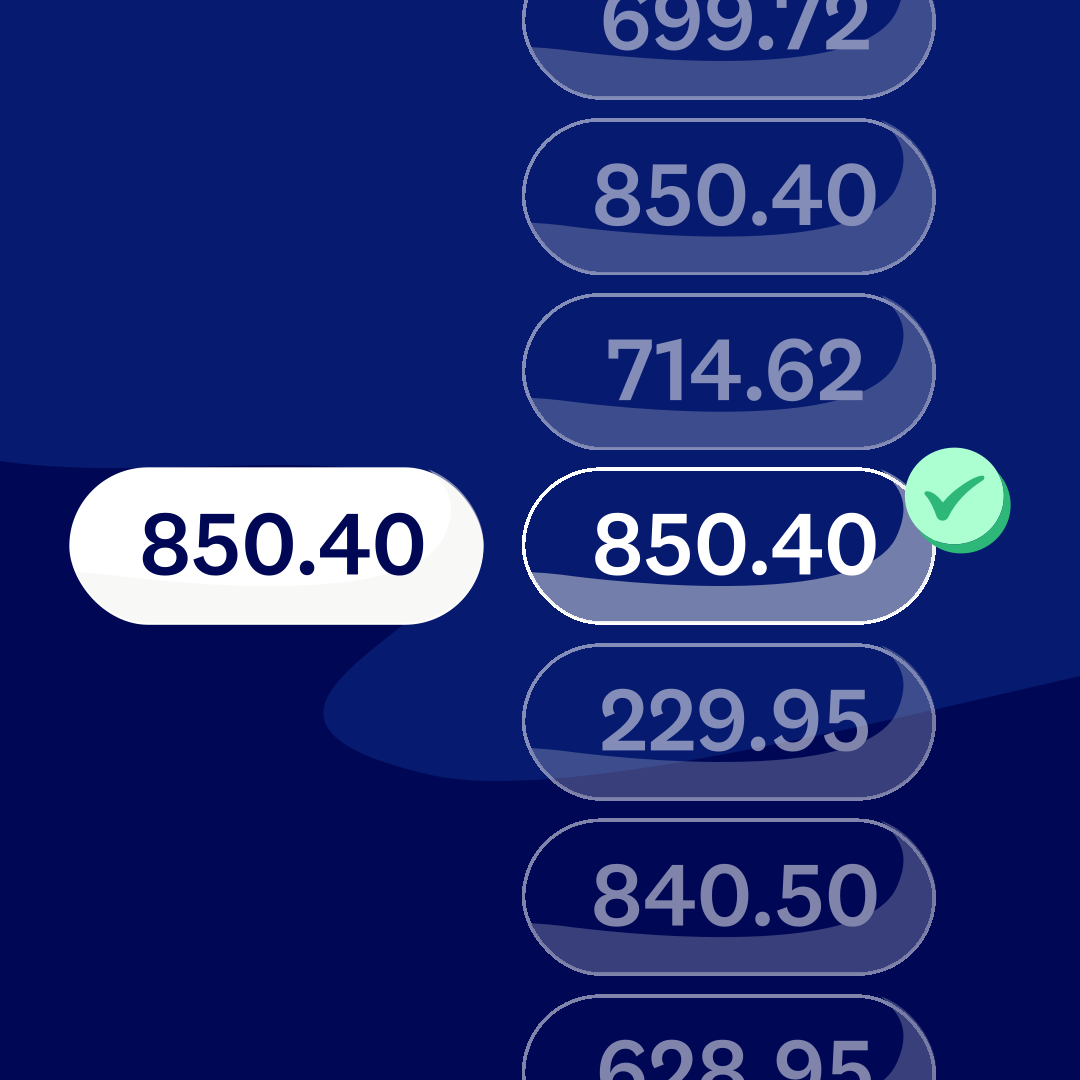
Bank reconciliation
Keep your account balances and financials up to date. Easily confirm that the transactions in your bank accounts are recorded in your business financial records with Xero’s bank reconciliation software.
Connect with your accountant
Collaborate with your accountant by inviting them as a user on both Xero and Bluevine.

How to connect Bluevine’s bank feed to Xero
Xero’s automatic bank feeds mean less admin for you. Xero pulls in your transaction data so you don’t need to upload bank statements.
Log in to Xero
Go to the ‘Accounting’ menu and select ‘Bank Accounts’. Click ‘Add Bank Account’ and search for Bluevine.
Authenticate with Bluevine
Log in to your online banking. This securely authorises Bluevine to share your transaction data with Xero.
Start syncing
Select accounts to connect. Transactions will automatically appear in Xero, usually starting the next business day.